TD
TD
Key Takeaways
- "Matching" is vaguer than it sounds - your resume is parsed into structured data and compared against the posting.
- Automatic matching starts by reading the posting and extracting its hard skills, tools, certifications and emphasised phrases.
- It then scores how many of those requirements your resume already carries, and which are missing.
- Scoring tells you the gap; the rewrite closes it, under the guardrail that it may only re-express what is already true.
- Automatic does not mean unread - check the rewrite is true and sounds like you before submitting.
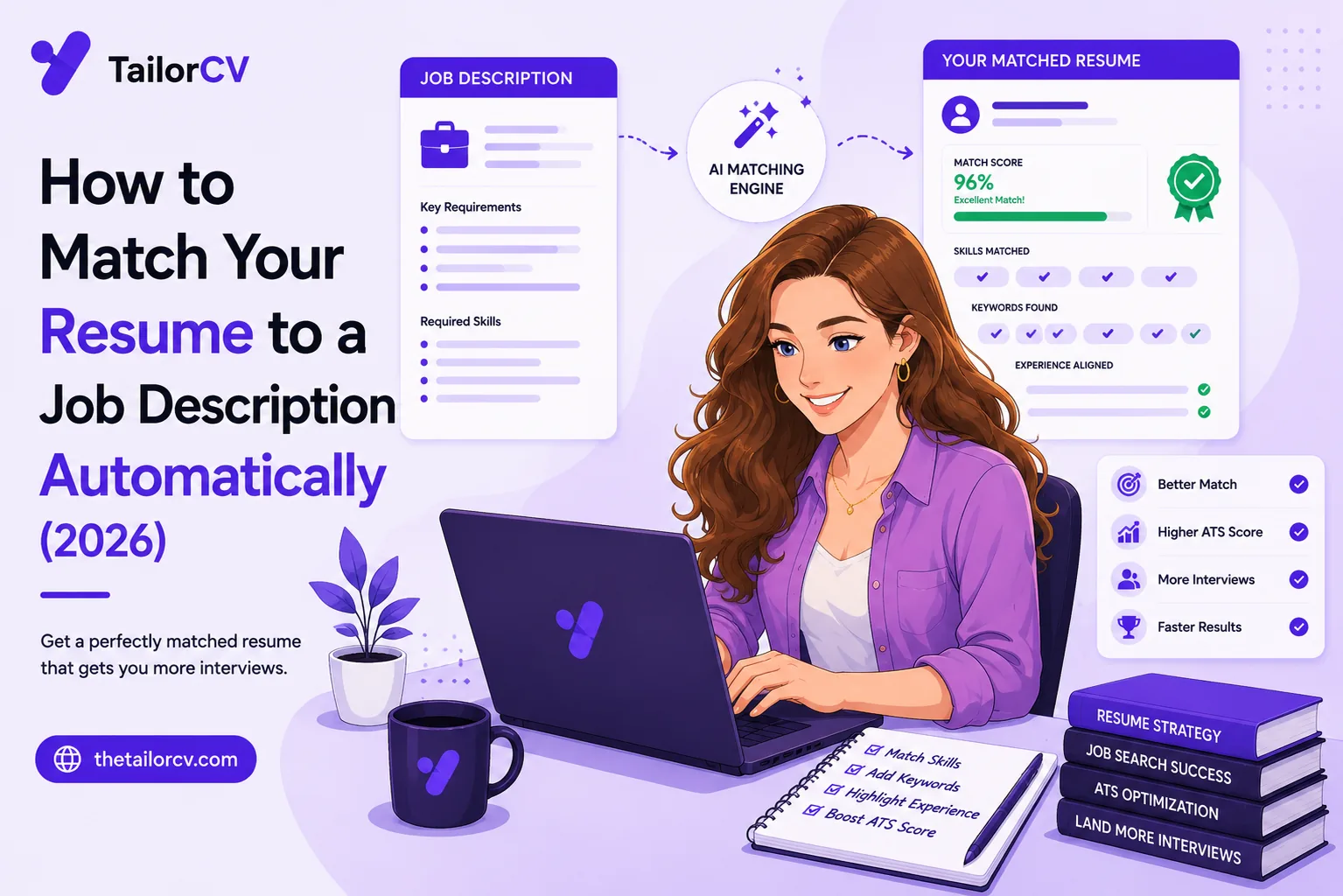
"Match your resume to the job description" is the most repeated advice in job hunting, and the least followed — because doing it by hand for every posting is slow and fiddly. Automatic matching removes that friction. This guide explains what automatic resume-to-JD matching actually does under the hood, how to read what it tells you, and how to do it in one click on any posting.
What "Matching" Actually Means
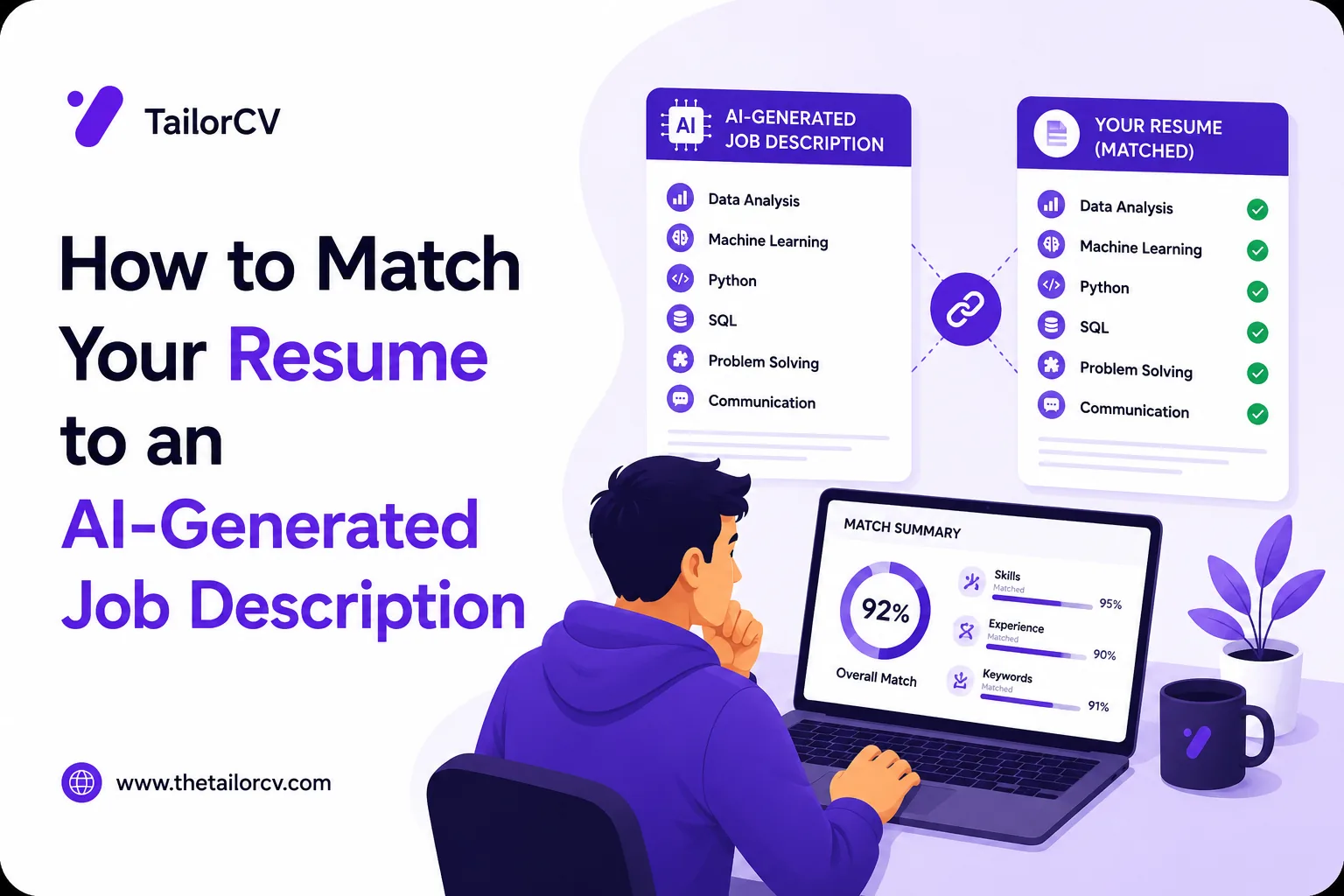
Start with the mechanism, because "matching" is vaguer than it sounds. When you apply, your resume is parsed into structured data and compared against the job description. The system checks how many of the skills, tools, titles and phrases the posting requires actually appear in your resume — and crucially, it checks by exact language, not meaning.
That last point is the whole game. If the posting says "stakeholder management" and your resume says "worked with clients and teams", a human matches them instantly; the system does not. So "matching your resume to the job description" concretely means: making sure your resume carries the specific terms the posting uses, where your real experience supports them. Automatic matching does this identification and rewriting for you — the same thing you would do by hand in how to tailor your resume for every job, just instantly.
Step 1: Reading the Job Description
Automatic matching starts by reading the posting and extracting its requirements — the hard skills, tools, certifications and phrases it emphasises, separating the genuine requirements from the boilerplate. A good on-page tool like TailorCV's extension does this straight from the page you are viewing, using several methods so it works even on sites it has not seen before.
This is the step that is tedious by hand. Reading a long JD carefully, spotting the buried requirements, and not missing the ones in the "nice to have" section takes real attention — and you have to do it for every posting. Automating it turns a careful read into an instant extraction, which is where most of the manual time goes.
Step 2: Scoring the Match
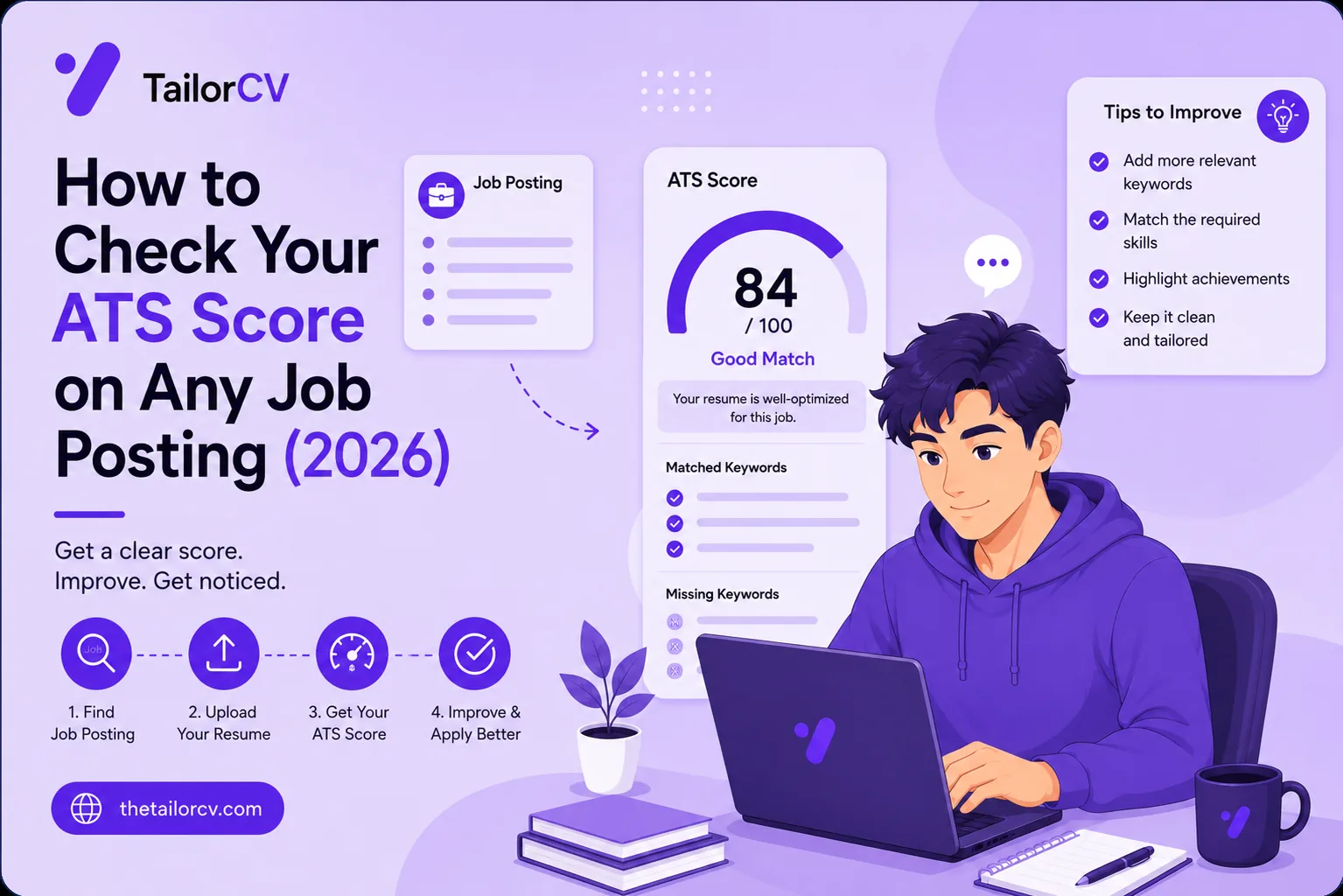
Next it compares those extracted requirements against your resume and produces a match score — how many the resume already carries, and which are missing. This is the diagnosis, and the missing-keywords list underneath the number is the real information.
Read the number as a signal, not a verdict. Against a specific posting, 80%+ is well matched, 55–75% is the losing middle, and below 55% you are likely filtered out. And remember the honest limit: no tool perfectly replicates a specific employer's ATS, so treat the score as a strong relative signal — this version versus that one — rather than a precise prediction. Our ATS score guide is clear about this.
Step 3: The Automatic Rewrite
Scoring tells you the gap; matching closes it. The tool rewrites your bullets to carry the missing terms — under the guardrail that it may only re-express what is genuinely on your resume. It works "stakeholder management" into a bullet if your experience supports it; it does not invent it. It avoids keyword-stuffing and generic phrasing, keeps the result parseable and ATS-friendly, and where it can, keeps your achievements quantified.
Your resume after optimization
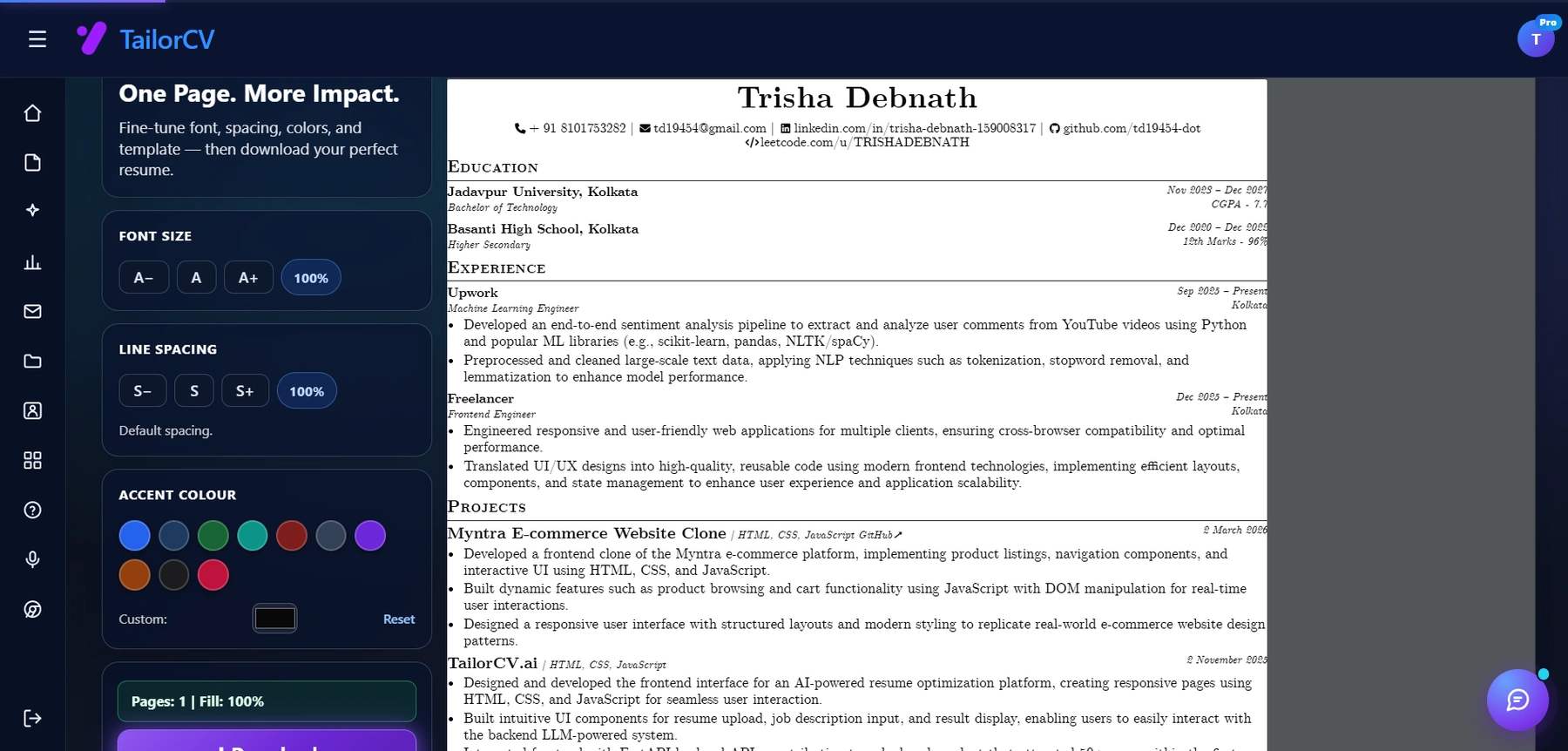
This is the resume after tailoring - the content is already matched, and these controls are how you fit it onto one page.
The output is not a new resume — it is your resume, re-expressed to match this posting. That honesty guardrail is what separates automatic matching worth using from a tool that keyword-stuffs you into a rejection at the human stage.
Step 4: Read and Submit
Automatic does not mean unread. Glance over the rewrite — is it true, does it sound like you — then download the parseable PDF and submit. The tool handled the slow mechanical matching; you keep the final judgement. Each version saves to your library with its score and job.
Why Automatic Beats Manual Over a Search
By hand, matching degrades. You do it well early and skip it late, because the friction is real and willpower runs out — by application fifteen you are sending the generic version. Automatic matching does application fifteen exactly as well as application one, which is the real win: not the minutes saved per job, but the consistency across the whole search. A resume matched to every posting, every time, beats one matched occasionally and generic the rest — which is what manual matching becomes in practice. The fast manual method and tailoring in 5 minutes help, but the tool removes the willpower cost entirely.
What It Looks Like in Practice
An example makes the abstract concrete. Say you are applying to a "Business Analyst" role, and the posting emphasises "stakeholder management", "SQL", "requirements gathering", and "data-driven decision-making".
Your current resume has a bullet: "Worked with different teams to figure out what they needed and pulled reports to help decisions." A human recognises that this covers three of the four requirements — but the ATS does not, because none of the exact phrases appear. Your match score comes back low, and you are filtered out despite genuinely fitting.
Automatic matching rewrites that bullet to: "Partnered with cross-functional stakeholders on requirements gathering, and built SQL reports that drove data-driven decisions." Same underlying truth — you are not inventing anything — but now it carries "stakeholder", "requirements gathering", "SQL" and "data-driven", so the parser registers the match and your score jumps. That is the entire mechanism, applied honestly: your real experience, re-expressed in the language the posting and its filter are looking for. It is the difference a tailored resume makes, and it is what quantifying and matching achieves on every bullet.
The key thing the example shows: automatic matching is not adding fake skills. It is fixing a translation problem — you had the experience, you just described it in words the machine could not match. That is the most common reason qualified people get filtered out, and it is precisely what matching solves.
This translation gap is worth dwelling on, because it explains a frustration a lot of good candidates feel: "I am clearly qualified, so why am I getting rejected before anyone talks to me?" The answer is usually not that you are unqualified — it is that your resume described your qualifications in your own words rather than the posting's, and a machine did the first screening. You were rejected in translation, not on merit. Matching fixes the translation without touching the merit, which is why it can lift a genuinely strong candidate from filtered-out to shortlisted without a single false claim. It is the same principle whether you are early-career leaning on projects or experienced with a gap to explain: describe real experience in the language being searched for.
Matching Across Boards and Borders
The same automatic matching works everywhere, because every board runs the same kind of filter — LinkedIn, Indeed, Naukri, and the ATS boards behind company career pages. For remote roles matching is even more decisive and a remote cover letter helps; conventions differ for the USA and Canada, including resume vs CV. Note the startup vs enterprise difference, and watch for job scams.
After You Match
A matched resume gets you seen; the search continues from there. Add a cover letter with a strong opening line. Send a follow-up after applying and after the interview. Before the interview, research the company, rehearse behavioural questions and tell me about yourself, and run a mock interview; the full interview prep guide covers more. When one does not land, handle the rejection.
Freshers: your ATS score as a fresher, projects that get interviews, your first tech job, a job with no experience, a portfolio site, and the right template.
Frequently Asked Questions
How do I match my resume to a job description automatically? Use a tool that reads the posting, extracts its required skills and phrases, scores how many your resume already carries, and rewrites your bullets to work in the missing ones from your real experience. An on-page extension does this in one click straight from the job posting, so you skip the copy-paste on every application.
Is automatic matching just keyword stuffing? A bad tool might stuff. A good one works keywords into real, visible bullets only where your experience supports them, keeps your voice, and produces a clean PDF. Stuffing gets you rejected at the human stage, so a well-built matcher is specifically designed to avoid it.
How accurate is a resume match score? It is an accurate relative signal, not a perfect prediction, because no tool replicates a specific employer's exact ATS. Use it to compare versions and see what you are missing, not as a guarantee — the missing-keywords list matters more than the number.
Do I still need to read the result? Yes. Automatic matching produces a strong draft, but glance over it to confirm the bullets are true and sound like you. The tool removes the slow mechanical work; the final judgement stays yours.
Putting It All Together
Matching your resume to the job description is advice everyone gives because it works — and everyone skips because doing it by hand is slow. Automatic matching removes that friction: it reads the posting, scores your resume, and rewrites it to carry the terms you genuinely support, in one click, keeping the honesty and formatting that make it worth submitting.
The real benefit is consistency. A tool matches application fifteen as well as application one, so your whole search stays tailored instead of degrading to generic by week three. That is what changes results — not any single matched resume, but every one of them.
Pick a job you actually want and check your match against it. If it is low, you have found why your applications vanish — and automatic matching is how you close that gap on every job without the ten-minute grind that made you stop.
What is your resume scoring right now?
Scan it against a job description and get your ATS match score in about a minute.
Drop your resume here or choose a file
PDF only. Max 2 MB.
We never share your data or use it to train AI models.

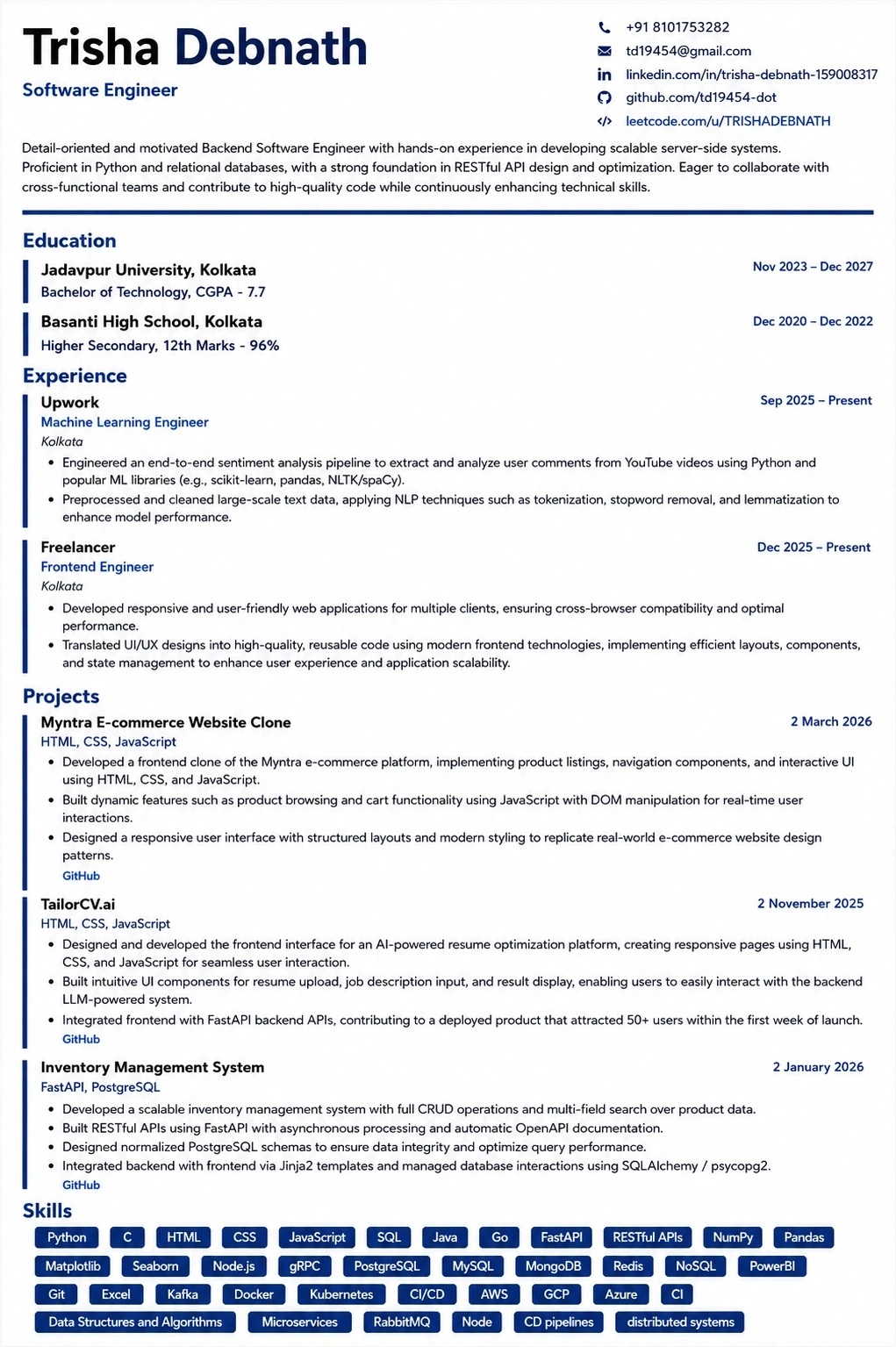
Templates that keep this structure intact
This template is ATS-tested — start from it and the formatting rules in this guide are already handled.
Was this guide useful?
Be the first to rate it.