 TD
TD
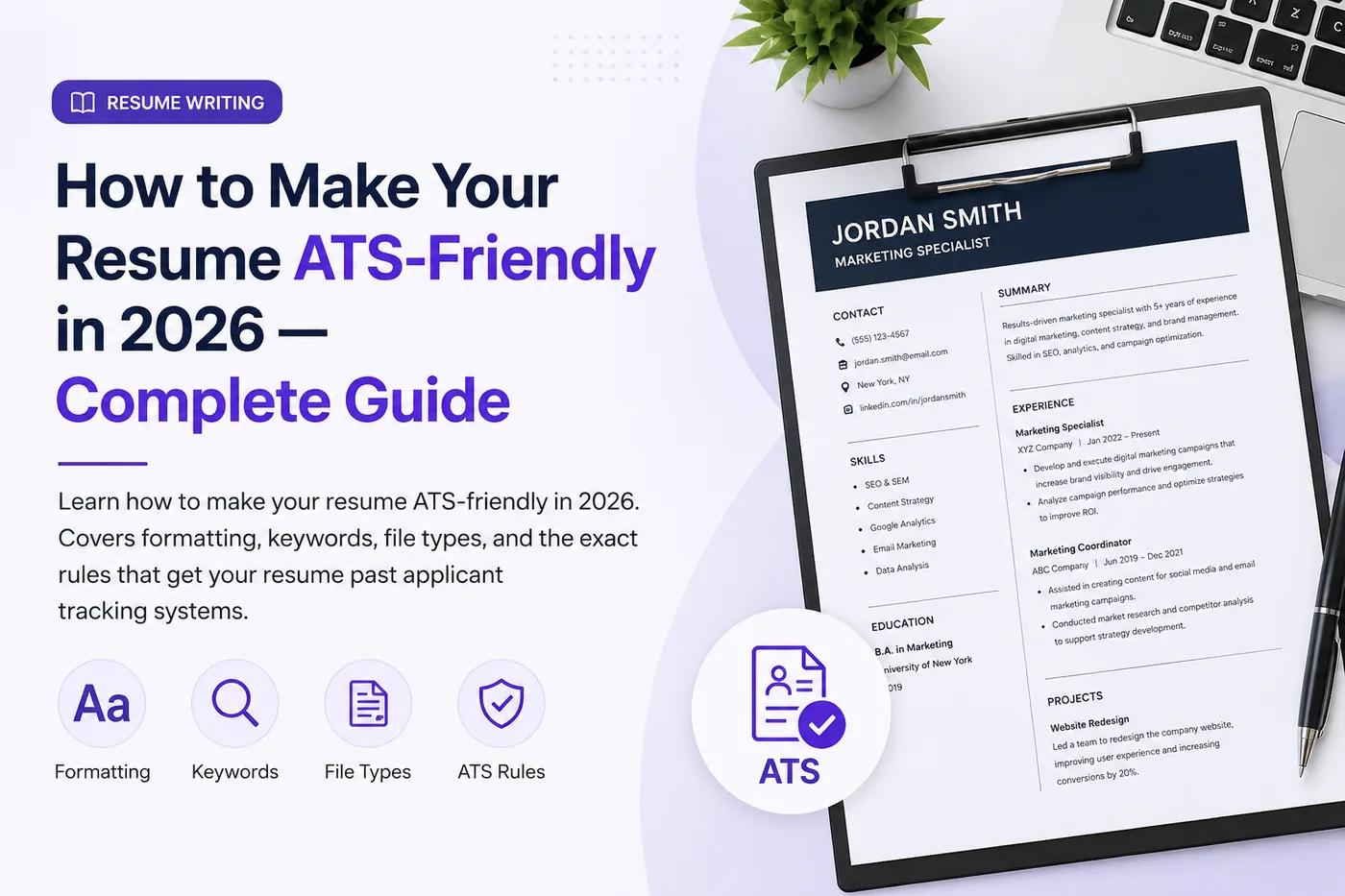
Key Takeaways
- Use a single-column layout to avoid parsing errors caused by two-column formats.
- Avoid tables, text boxes, and graphics, as they can lead to content being missed by the ATS.
- Include important information like your name and contact details in the main body, not in headers or footers.
- Stick to standard section headings and fonts to ensure the ATS can accurately read your resume.
- Save your resume in a compatible file type, such as PDF, to maintain formatting integrity.
An ATS (Applicant Tracking System) is the software companies use to collect, parse, filter, and rank job applications. Before a human ever reads your resume, the ATS reads it first - and if your resume is not formatted correctly, the ATS may misread it, lose content, or rank it low for keyword mismatches. Studies suggest a large share of qualified candidates are filtered out at this stage simply because of formatting problems, not lack of qualification.
This guide gives you the exact rules to make your resume ATS-friendly in 2026.
The fastest way to check whether your resume is ATS-ready is to run it through the TailorCV ATS score checker against a specific job description. To start with a clean foundation, use ATS-friendly resume templates. To understand the scoring system, read the ATS score guide.
How an ATS Reads Your Resume
When you submit your resume, the ATS:
- Parses the document, extracting text into structured fields (name, contact, experience, skills, education)
- Stores this data in a database
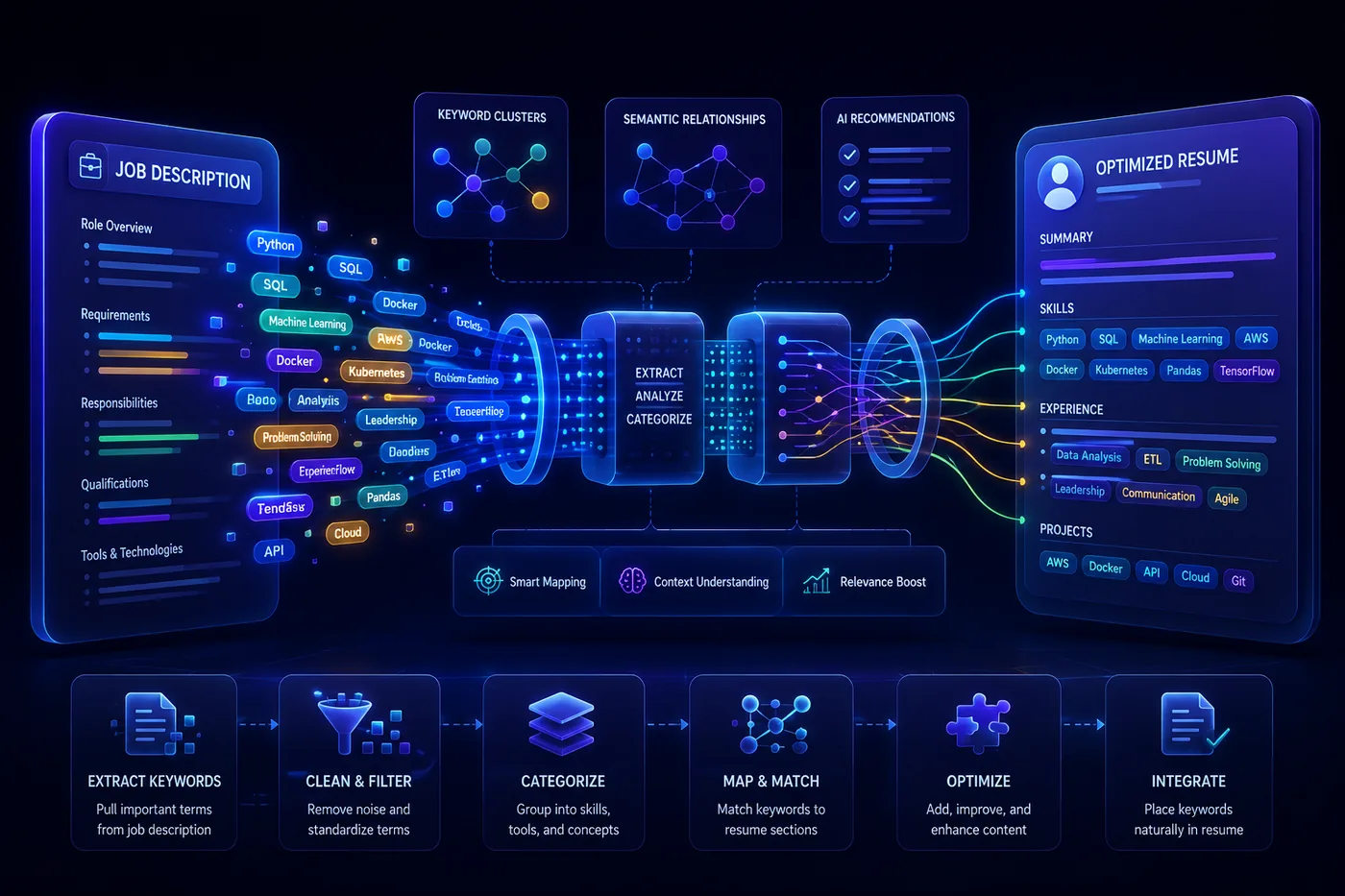
- Matches your resume keywords against the job description requirements
- Ranks or scores applicants based on keyword match and other criteria
- Surfaces top matches to recruiters
If your formatting prevents accurate parsing, your information ends up in the wrong fields or disappears entirely. If your keywords do not match the job description, you rank low even if you are qualified.
ATS-Friendly Formatting Rules
1. Use a single-column layout
Two-column layouts are the #1 cause of ATS parsing errors. Some ATS systems read left-to-right across columns, jumbling your content. Use a single-column, top-to-bottom layout.
2. Avoid tables and text boxes
Content inside tables and text boxes is often not extracted. Your skills in a fancy table might simply vanish. Use plain text with standard bullet points instead.
3. Skip headers and footers for important info
Text in the document header or footer (in Word) is frequently missed by parsers. Put your name, phone, and email in the main body of the document.
4. Use standard section headings
ATS systems look for expected headings: "Work Experience," "Education," "Skills," "Certifications." Creative headings like "Where I've Made an Impact" confuse parsers. Use conventional names.
5. Use standard fonts
Arial, Calibri, Garamond, Georgia, Times New Roman, Helvetica. Avoid decorative or custom fonts that may not render or parse correctly. Use 10-12pt for body text.
6. No graphics, icons, charts, or images
Skill bar charts, rating circles, profile photos, icons next to contact info - none of these are readable by ATS. Represent everything in text. "JavaScript: Expert" instead of a 90% progress bar.
7. Use standard bullet points
Use simple round or square bullets. Avoid custom symbols, emojis, or special characters as bullets.
8. Save as the right file type
PDF is generally safe with modern ATS systems and preserves formatting. However, some older systems prefer .docx. If the application specifies a format, follow it. When unsure, PDF created from a text-based document (not a scanned image) is the safest choice.
ATS Keyword Optimization
Formatting gets you parsed correctly. Keywords get you ranked highly.
How to find the right keywords
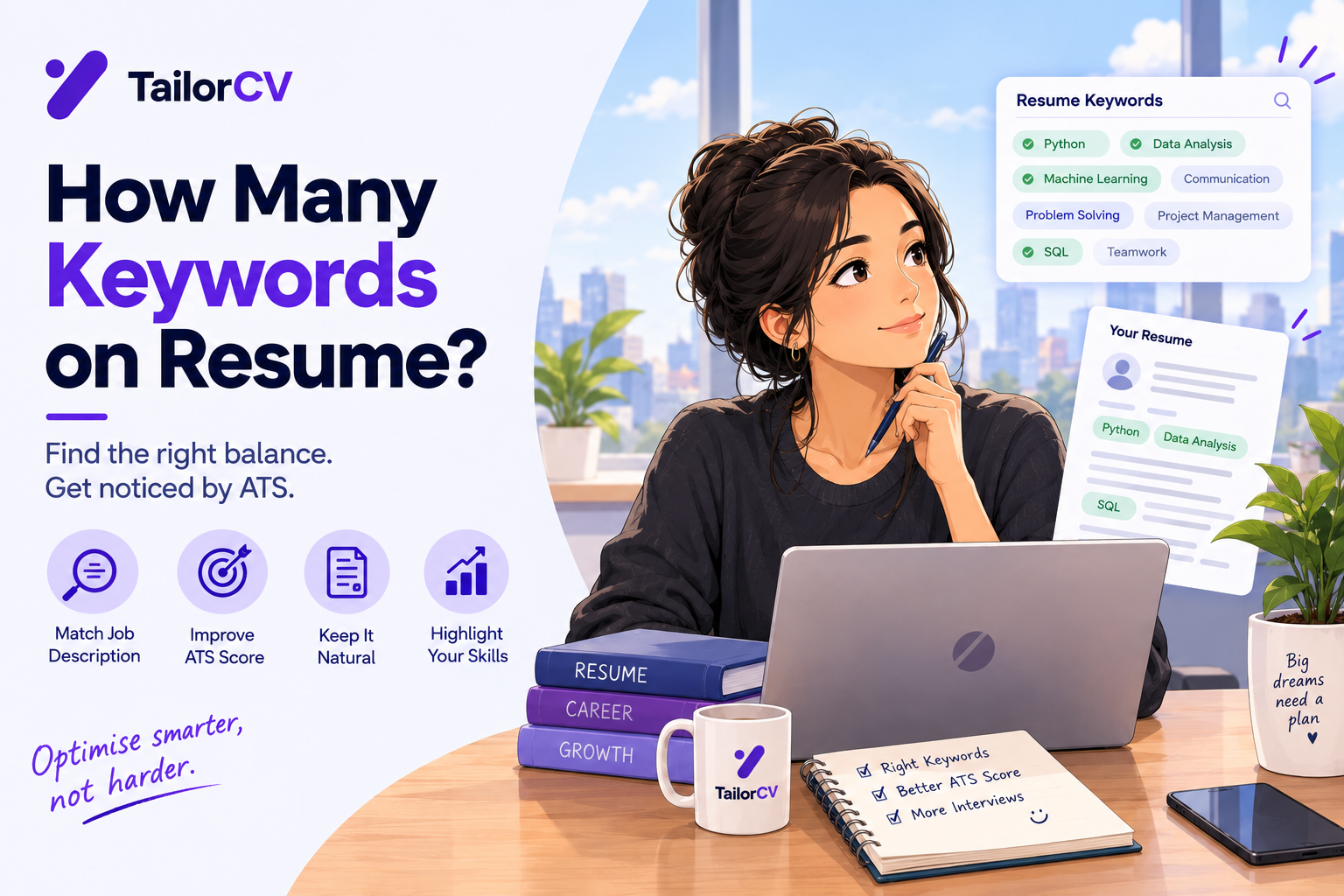
- Read the job description carefully
- Identify the hard skills, tools, certifications, and qualifications mentioned
- Note the exact terminology used (if they say "JavaScript" use "JavaScript," not just "JS")
- Include these keywords naturally in your resume where they genuinely apply
Where to place keywords
- skills section (most important for hard skills)
- Work experience bullets (provides context and proof)
- Summary (top keywords for your role)
Match the exact phrasing
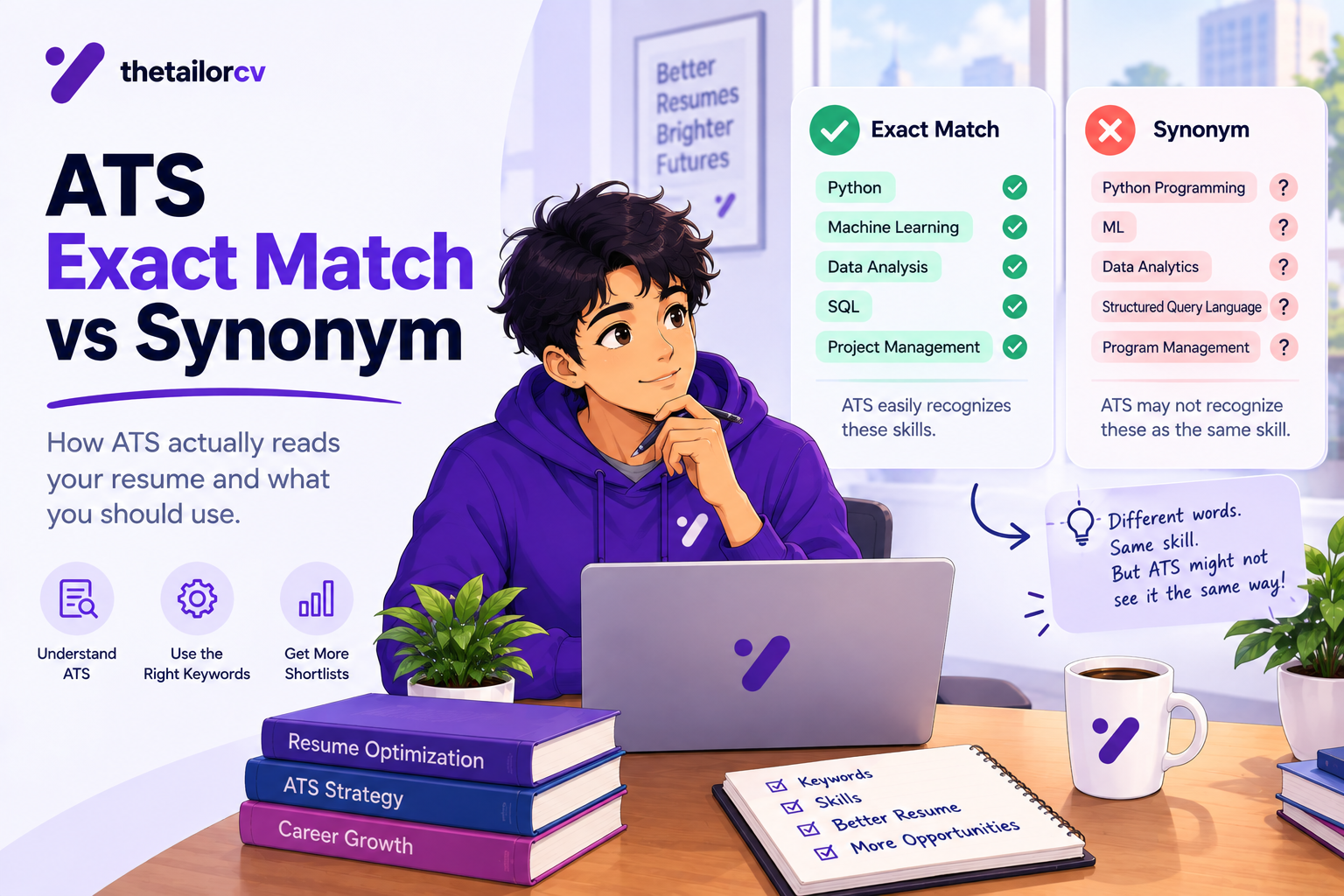
ATS keyword matching is often literal. If the job says:
- "customer relationship management (CRM)" - use both the full phrase and acronym
- "search engine optimization (SEO)" - use both
- "project management" - use this exact phrase, not just "managed projects"
Do not keyword stuff
Cramming keywords unnaturally (e.g., a hidden white-text keyword block) can get you rejected by modern ATS systems and definitely by human reviewers. Use keywords genuinely and in context.
The TailorCV ATS score checker shows you exactly which keywords from the job description are missing from your resume - making this process precise instead of guesswork.
ATS-Friendly Resume Structure
Use this order:
- Contact information (name, phone, email, city, LinkedIn - in the body, not header)
- Summary (3-4 lines, keyword-rich, role-specific)
- Skills (categorized, keyword-matched to the job)
- Work Experience (reverse chronological, with quantified bullets)
- education
- certifications
Common ATS Mistakes That Get You Rejected
Mistake 1: Two-column resume template
Beautiful on screen, broken in the ATS. The single most common ATS killer.
Mistake 2: Submitting a scanned or image-based PDF
If your PDF is an image (e.g., scanned or exported as an image), the ATS cannot read any text. Always use a text-based PDF.
Mistake 3: Keyword mismatch
Your resume says "developed software" but the job wants "software development." Your resume says "people management" but the job wants "team leadership." Match their terminology.
Mistake 4: Creative section headings
"My Journey" instead of "Work Experience" confuses the parser. Use standard headings.
Mistake 5: Important info in graphics
A skills infographic looks great but is invisible to the ATS. Everything important must be in plain text.
How to Test Your Resume's ATS Compatibility
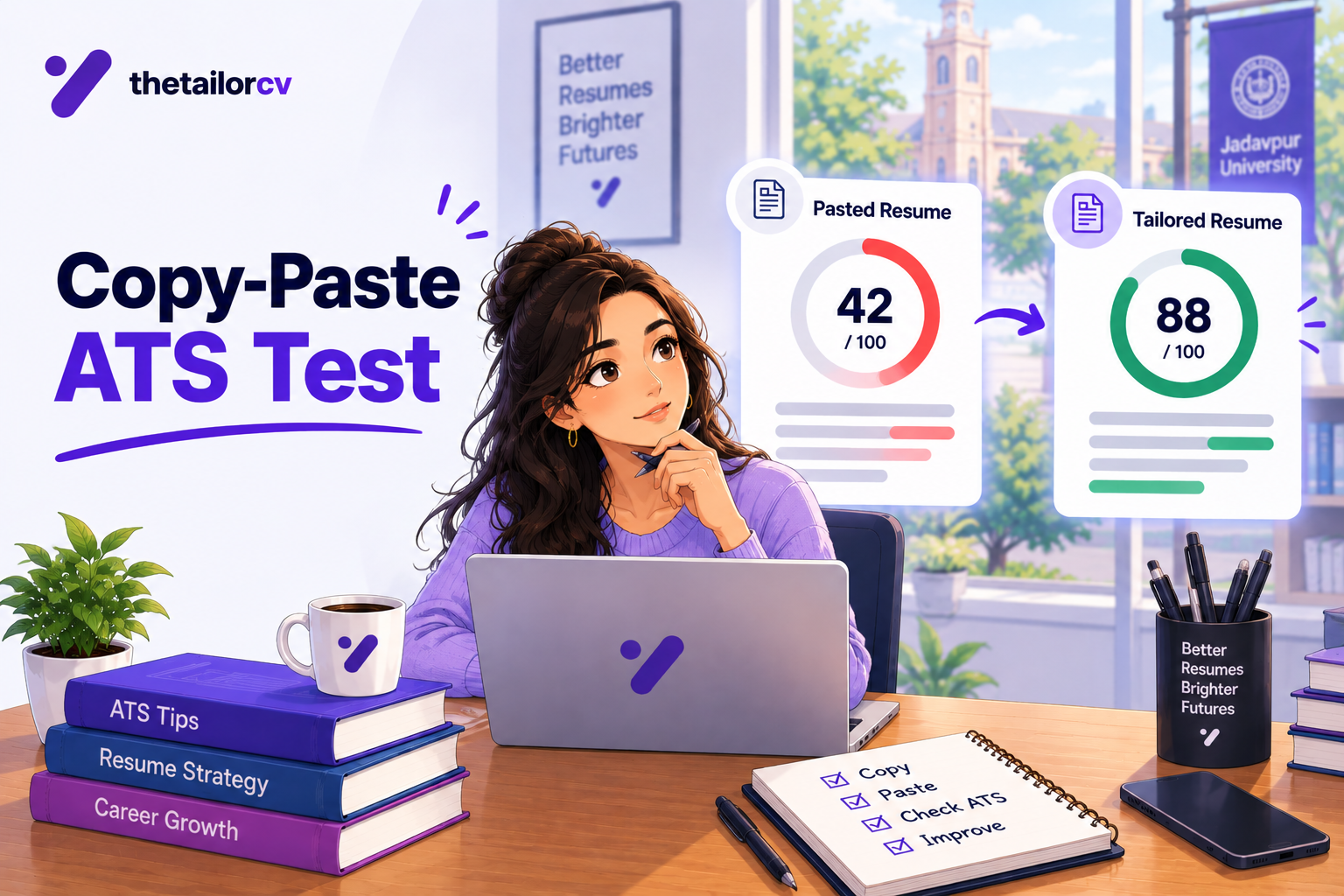
- Copy-paste test: Open your resume PDF, select all, copy, and paste into a plain text editor. If the text comes out jumbled, out of order, or missing - the ATS will struggle too.
What an ATS score report actually shows you

A score on its own is not actionable. The per-check list beside it - missing LinkedIn, skills gap, formatting the parser cannot read - is what you work through.
-
ATS score checker: Run your resume through the TailorCV ATS score checker against the actual job description. It will show your match score and missing keywords.
-
Read it as plain text: If the plain text version makes sense in order and contains all your information, your resume is parseable.
Conclusion
Making your resume ATS-friendly is not about gaming the system - it is about ensuring the software can read your real qualifications and match them to the job. Use a single-column layout, standard headings, no graphics, and keywords matched to each job description.
Test every application with the TailorCV ATS score checker, start from an ATS-friendly template, and read the resume optimization guide for the complete strategy. For what to remove from your resume, see what not to put on a resume.
Related Guides
- 10 Powerful Resume Templates for Beginners With No Experience That Actually Get Interviews
- Chronological vs Functional Resume
- How to List Certifications on a Resume
- How to List Education on a Resume
- How to Add Projects in Resume for Freshers: 10 Smart Tips to Impress Recruiters
- First Time Resume With No Experience: Complete Guide for Freshers & College Students
- 35 Powerful Technical Skills in Resume for Freshers With No Experience (2026 Guide)
- What is an ATS Score and Why Does It Decide Your Job Application Before Any Human Reads It
- 200 Best Action Verbs for Resume
- How to Quantify Resume Achievements
- How to Write a Resume Headline
- How to Write a Resume Summary
- 10 ATS Resume Formatting Mistakes That Get You Rejected Before a Human Reads Your Resume
- Business Analyst Resume 2026 - Complete Guide with Examples
Make This Practical
Do not guess whether the resume is ready. Upload it to the free ATS score checker, compare the result with the ATS Score Guide, and fix formatting issues using ATS Resume Formatting Mistakes and ATS Resume Parser Friendly Format.
After the technical cleanup, improve relevance. Use Resume Matching With Job Description, strengthen keyword coverage with the Resume Keywords Guide, and avoid overdoing it by checking ATS Keyword Mistakes. If the layout itself is weak, rebuild with an ATS-friendly resume template.
Comparison of ATS-Friendly vs. ATS-Unfriendly Resume Elements
Understanding the differences in resume elements can help you create a document that passes ATS checks effectively.
| Element | ATS-Friendly Example | ATS-Unfriendly Example |
|---|---|---|
| Formatting | Simple, clean layout with standard fonts | Complex designs with images and graphics |
| Headings | Clear section headings (e.g., "Experience") | Unlabeled sections or creative headings |
| Keywords | Uses specific keywords from the job description | Generic terms not aligned with the job |
| Bullet Points | Standard bullet points (•) | Decorative symbols or images as bullets |
| File Type | Submitted as a .docx or .pdf | Submitted as .jpg or .png |
| Contact Information | Clearly listed at the top | Hidden in a header or footer |
Frequently Asked Questions
What are the common formatting mistakes to avoid for ATS compatibility?
Many applicants unknowingly make formatting mistakes that can lead to their resumes being rejected by an ATS. Common issues include using non-standard fonts, excessive graphics, and complex layouts. To ensure your resume is ATS-friendly, refer to our guide on 10 ATS Resume Formatting Mistakes That Get You Rejected Before a Human Reads Your Resume.
How can I effectively use keywords in my resume?
Using the right keywords is crucial for getting your resume noticed by an ATS. Start by analyzing the job description and identify key terms related to skills and experiences required for the position. You can create a tailored resume with the help of our Resume Keyword Map Template - Match Your Resume to Any Job Description.
What should the order of sections be in an ATS-friendly resume?
The order of sections in your resume can impact how the ATS reads your information. Typically, you should start with your contact information, followed by a summary, skills, work experience, and education. For detailed guidance, check out our Resume Section Order Guide - What Comes First on a Modern Resume.
Which file types are best for submitting my resume to an ATS?
When submitting your resume, it's essential to use the right file type to ensure compatibility with ATS software. The most commonly accepted formats are .docx and PDF, but it's best to check the job posting for specific requirements. For more tips on formatting, see our guide on how to Choose the Right Resume Template for Your Job Search in 2026.
How can I quickly assess if my resume is ATS-friendly?
To quickly determine if your resume meets ATS standards, you can use our Free ATS score checker. This tool allows you to compare your resume against a specific job description, helping you identify areas for improvement and ensuring your application stands out.
What is your resume scoring right now?
Scan it against a job description and get your ATS match score in about a minute.
Drop your resume here or choose a file
PDF only. Max 2 MB.
We never share your data or use it to train AI models.
Templates that keep this structure intact
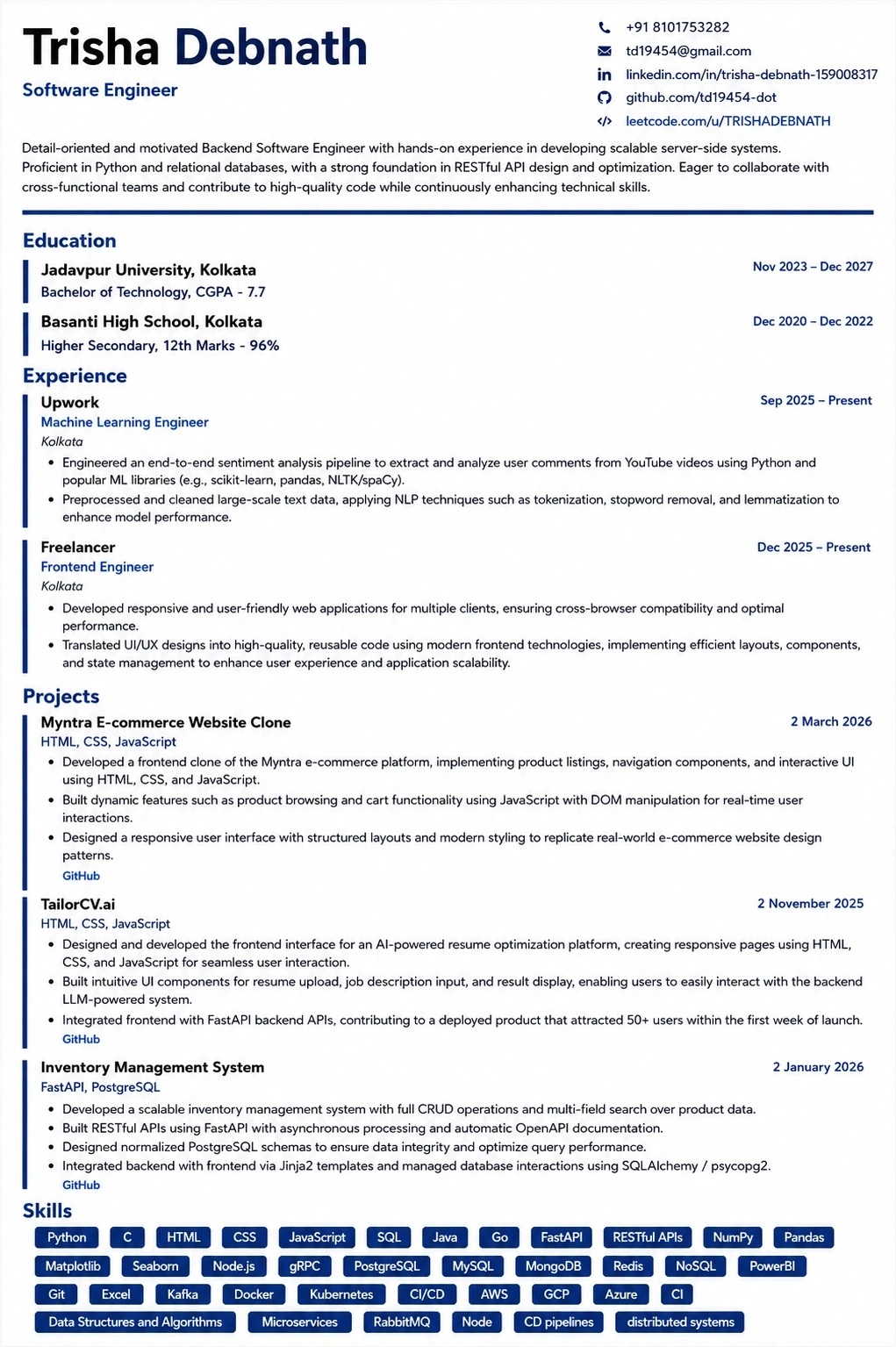
This template is ATS-tested — start from it and the formatting rules in this guide are already handled.
Was this guide useful?
Be the first to rate it.