TD
TD
Key Takeaways
- You do not beat an ATS by tricking it - the old tricks like white keyword text get you rejected.
- A genuinely useful ATS extension covers some or all of four jobs, and not all of them do the same thing.
- "Free" has several meanings and only some of them are good for you, so read what the free tier actually includes.
- Match the tool to your actual gap, which you can identify in about sixty seconds.
- Beating the filter gets you seen; the cover letter, follow-up, and interview still decide the outcome.
If you are searching for a free Chrome extension to beat the ATS, you already understand the core problem: your resume is being read by software before any human sees it, and you want a tool that lives right on the job page to help you get past it. This guide covers what "beating the ATS" actually means, what a genuinely useful extension does, what to watch out for in the "free" ones, and how to choose.
What "Beating the ATS" Really Means
First, a reframe, because the phrase is slightly misleading. You do not beat an applicant tracking system by tricking it — the old tricks (white keyword text, stuffing) get you rejected by the human on the other side, and modern systems flag them. You beat it by genuinely matching the job.
Here is the mechanism. Your resume is parsed into structured data and matched, by exact language, against the job description. If the posting asks for "stakeholder management" and your resume says "worked with teams", the filter does not connect them — it matches language, not meaning — and you are dropped. So "beating the ATS" means two honest things: your resume must parse cleanly, and it must carry the posting's actual language where your real experience supports it. That is it. A good extension helps with exactly those two, and our ATS score guide covers the fundamentals.
What a Genuinely Useful Extension Does
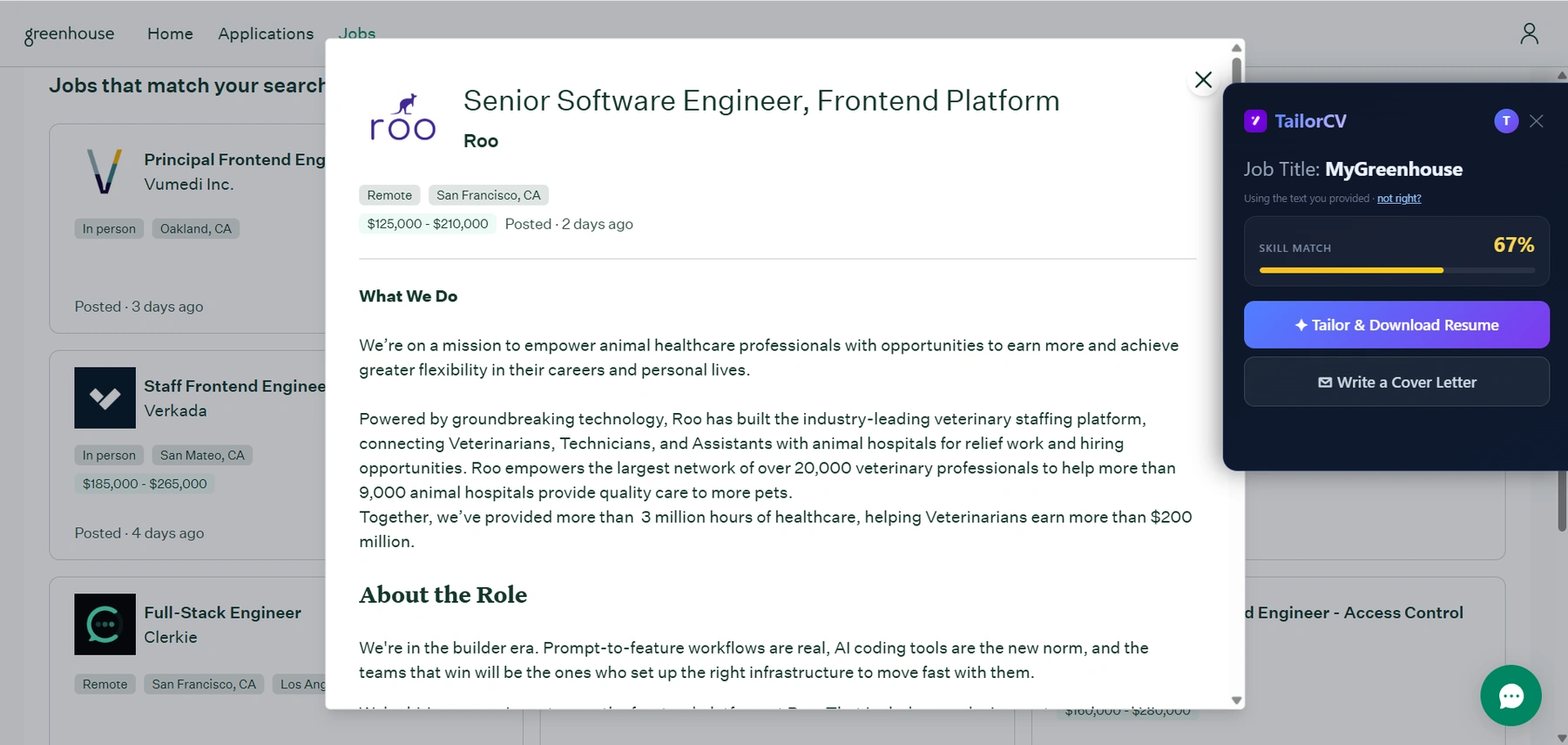
Not all "ATS extensions" do the same thing. The useful ones cover some or all of four jobs.
What it looks like on a LinkedIn job post
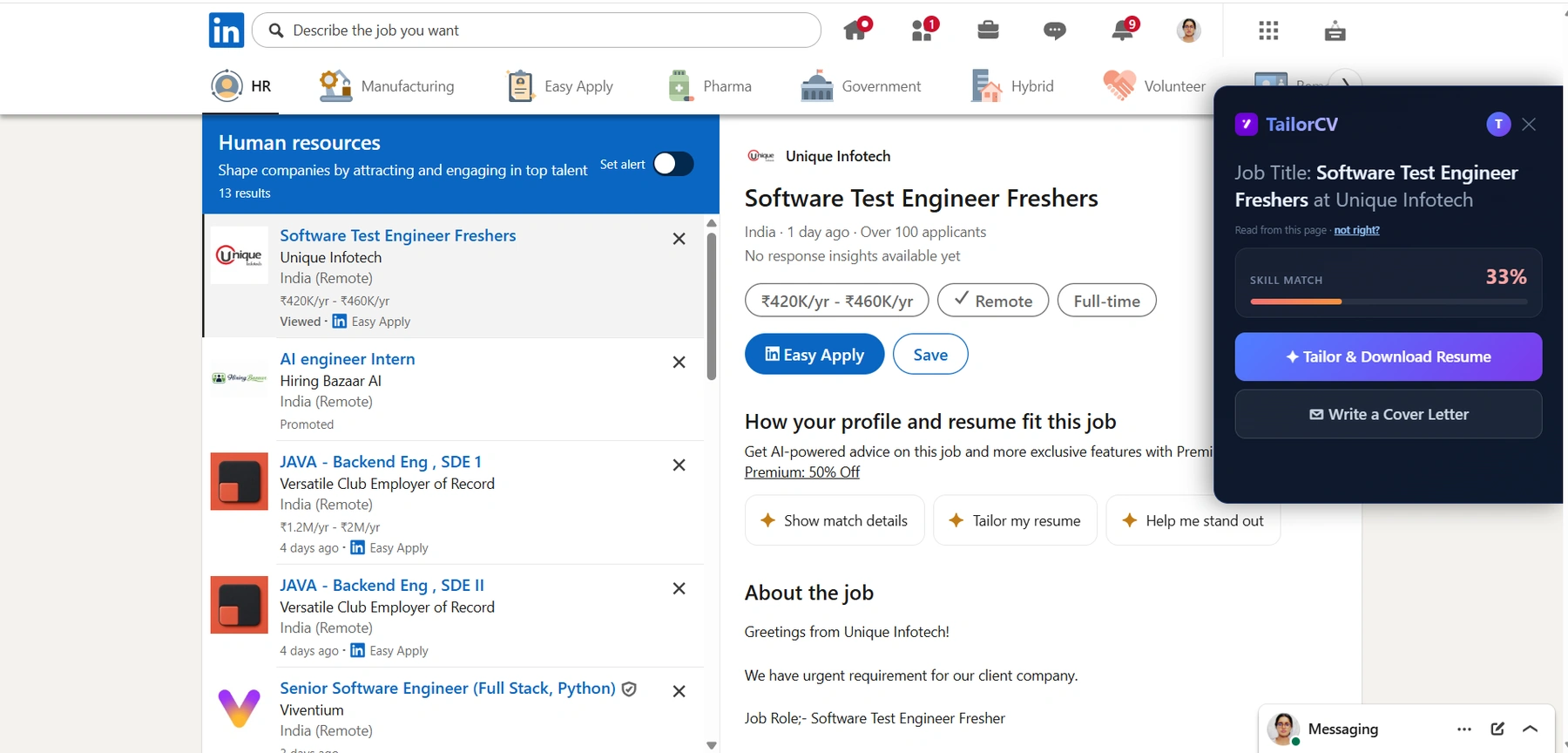
And the same on LinkedIn: the extension reads the posting off the page you are already on, so the match score arrives before you hit Easy Apply.
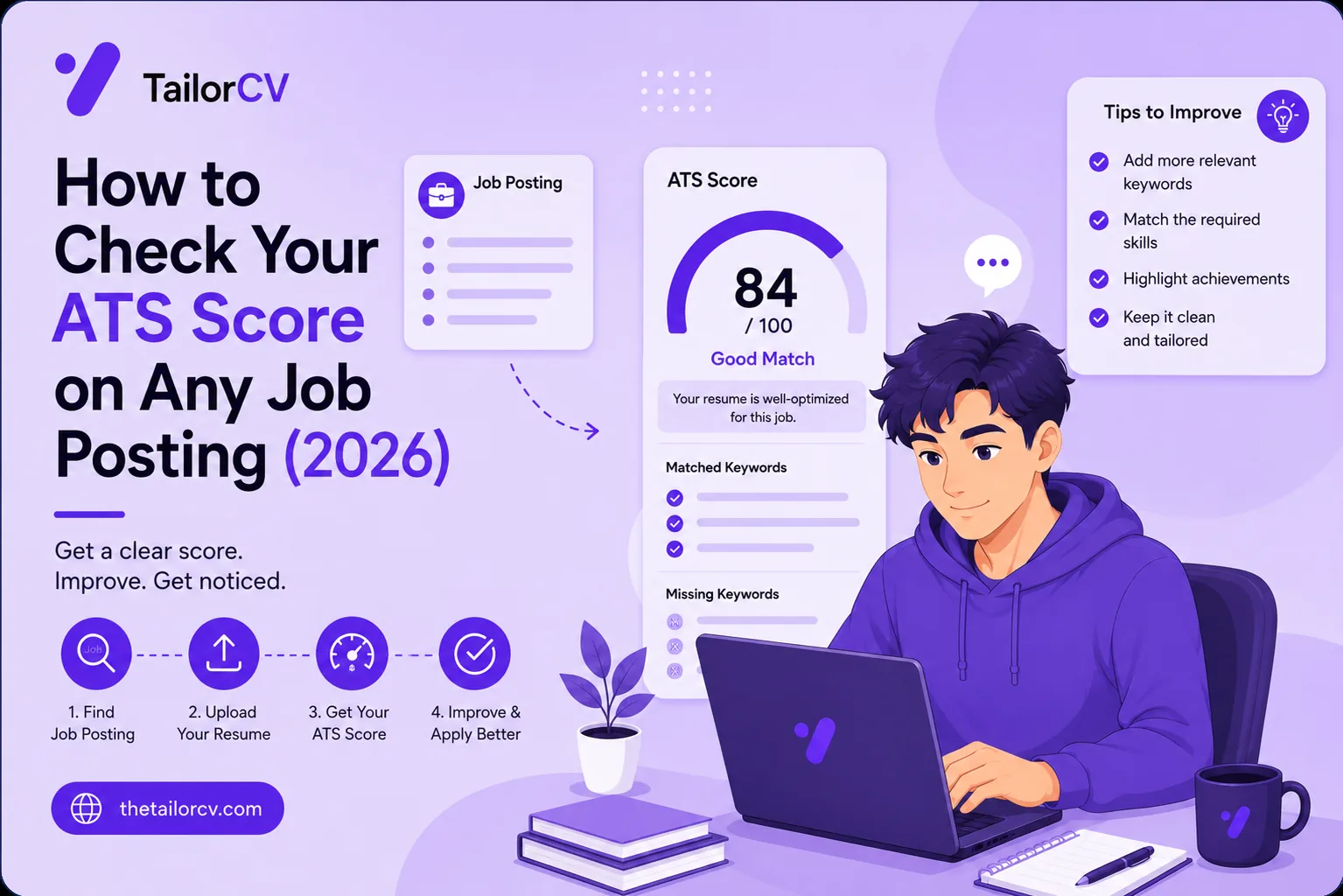
1. Scores your match against the posting. It reads the job description off the page and shows how well your resume matches — a skill-match score — plus the keywords you are missing. This is the diagnosis, and it should be free and unlimited, because a tool that rations the diagnostic trains you out of checking.
2. Tailors the resume to close the gap. The score tells you what is wrong; tailoring fixes it. The best tools rewrite your bullets to carry the missing language — honestly, from your real experience — rather than leaving you to do it by hand. This is the difference between a checker and a solution.
3. Keeps it honest and parseable. It should avoid keyword-stuffing and generic phrasing, keep your voice, and output a format that parses. Beating the ATS is worthless if you then fail the human, or if the file scrambles.
4. Works where you apply. LinkedIn, Indeed, Naukri, and the ATS boards behind company career pages — ideally with a fallback for any site.
The Catch With "Free"
"Free Chrome extension" deserves the same scrutiny as any "free" tool, because free has several meanings and only some of them are good for you.
Watch for the pattern where the checking is free but the fixing is not — you get a score and a list of problems, then a paywall to do anything about it. That is better than nothing, but it leaves you with the hard part. Watch too for tools that gate the score itself behind a limited number of free uses; five checks a month runs out fast in a real search. And watch the data question hardest of all: an extension can see the pages you open, so a genuinely free tool should be clear about what it reads and sends. If a tool is free and also harvesting your browsing, you are the product.
Our own honest position: TailorCV's extension gives you the ATS match score for free and unlimited — the diagnosis is never paywalled — while the AI tailoring that rewrites the resume is part of a paid plan. We think the score, the thing that tells you whether you have a problem, should always be free; charging to fix the resume, after you have seen exactly what is wrong, is the honest place to charge.
How to Choose
Match the tool to your actual gap, which you can find in sixty seconds.
Run your current resume against a posting you want with a free score and read the result. If you land at 80%+, your resume is well matched and you do not urgently need a tailoring tool — spend your effort elsewhere. If you land in the 55–75% middle, you are losing to better-matched candidates and a tailoring extension is the highest-leverage install. Below 55%, you are being filtered out, and the resume has to change per job — exactly what an on-page tailor is for. The full method behind the fix is in how to increase your ATS score, the best keywords to beat the ATS, and tailoring for every job.
Then judge the output. Install the tool, tailor against a real job, and read what it produced. Does it read like you, sharper and matched — or like a keyword-stuffed machine? The formatting mistakes it avoids and the honesty it keeps are what separate a tool worth its toolbar slot from one that will get you rejected at the human stage.
Beating the ATS Everywhere You Apply
The same approach holds across boards and borders, because they all run the same kind of filter. For remote roles the competition is global so matching matters more, and a remote cover letter helps. Conventions shift for the USA and Canada, including whether you lead with a resume or a CV. And pace yourself — fewer, matched applications beat volume.
The Myths That Get People Rejected
Search "beat the ATS" and you will find a lot of bad advice that actively hurts you. It is worth clearing out, because a free extension built on these myths does damage.
Myth: hide keywords in white text. Old trick, now a fast track to rejection. Modern systems and the humans reviewing flag invisible or off-context text, and it reads as dishonest. A good tool never does this — it works keywords into visible, real bullets. See the keyword mistakes to avoid.
Myth: cram every keyword from the posting. Stuffing terms you cannot back up gets you past the filter and then destroyed in the interview, because you cannot speak to skills you do not have. Tailoring is about the keywords your real experience supports, not all of them.
Myth: a fancy template beats the ATS. The opposite — design-heavy templates with columns, graphics and text boxes are exactly what break parsers. Plain and parseable beats beautiful-and-scrambled every time.
Myth: one great resume beats the ATS everywhere. No single resume matches every posting, because postings ask for different things. The thing that beats the ATS is a resume matched to the specific job, which means tailoring per application — the whole reason on-page tools exist.
A genuinely useful free extension is built to avoid all four myths: it helps you match honestly, keep the format clean, and tailor per job. If a tool encourages any of these tricks, uninstall it.
After You Get Past the Filter
Beating the ATS gets you seen; the rest of the search still decides the outcome. Add a tailored cover letter with a strong opening line. Send a follow-up after applying and after the interview. Before the interview, research the company, rehearse behavioural questions and tell me about yourself, and run a mock interview. When one does not land, handle the rejection.
Freshers: your ATS score as a fresher leans on projects that get interviews; see your first tech job, a job with no experience, a portfolio site, and preparing for campus placement.
Frequently Asked Questions
What is the best free Chrome extension to beat the ATS? Look for one that scores your resume against the posting for free and unlimited, tailors it to close the gap honestly, keeps the output parseable, and is transparent about your data. Prioritise tools where the diagnosis (the score) is free — charging to see whether you have a problem is a red flag; charging to fix it is fair.
Can a Chrome extension actually get me past the ATS? It can help you genuinely match the job, which is the only real way past. It cannot trick a modern ATS, and you should not want it to — the old tricks get you rejected by the human. What a good extension does is show your match gap and help you close it with your real experience.
Are free ATS extensions safe? The reputable ones are, but check permissions and data practices. An extension can see the pages you open, so a genuinely free tool should be clear that it only reads the job page when you invoke it and does not track your browsing. Install from the Chrome Web Store and skim the permissions.
Is beating the ATS the whole job search? No — it gets your resume in front of a human, which is necessary but not sufficient. After the filter, the resume still has to impress a person, and then you have interviews to prepare for. Beating the ATS is the first gate, not the finish line.
Putting It All Together
"Beat the ATS" sounds adversarial, but the honest version is simpler than the tricks people chase: match the job genuinely, and format so the machine can read you. A good free extension helps with exactly those — it shows your match gap on the page and helps you close it with your real experience, keeping the result honest and parseable.
When you evaluate one, ask two questions: is the diagnosis free, and does the output read like a real person who happens to match the role? A tool that paywalls the score or produces robotic keyword-soup is not helping you beat the ATS — it is helping you fail at the next stage.
Start by finding your gap: check your match score against a job you actually want. If it is low, you have found why your applications vanish — and the right extension is the one that helps you close that gap, honestly, on every job you apply to.
Check your match before you install anything
Same score the extension shows on a job page - run it here on any resume and job description.
Drop your resume here or choose a file
PDF only. Max 2 MB.
We never share your data or use it to train AI models.

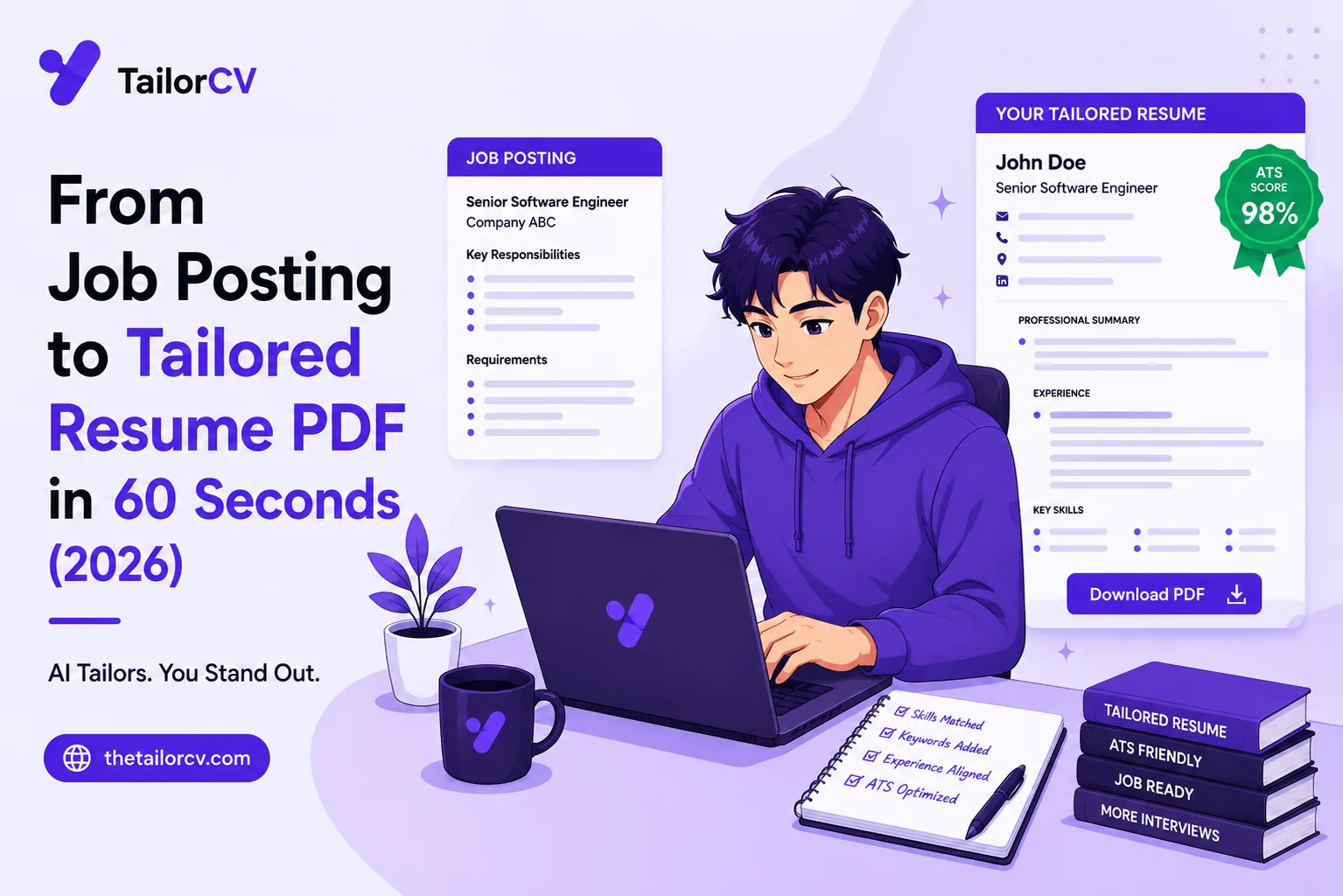
What the tailored resume looks like
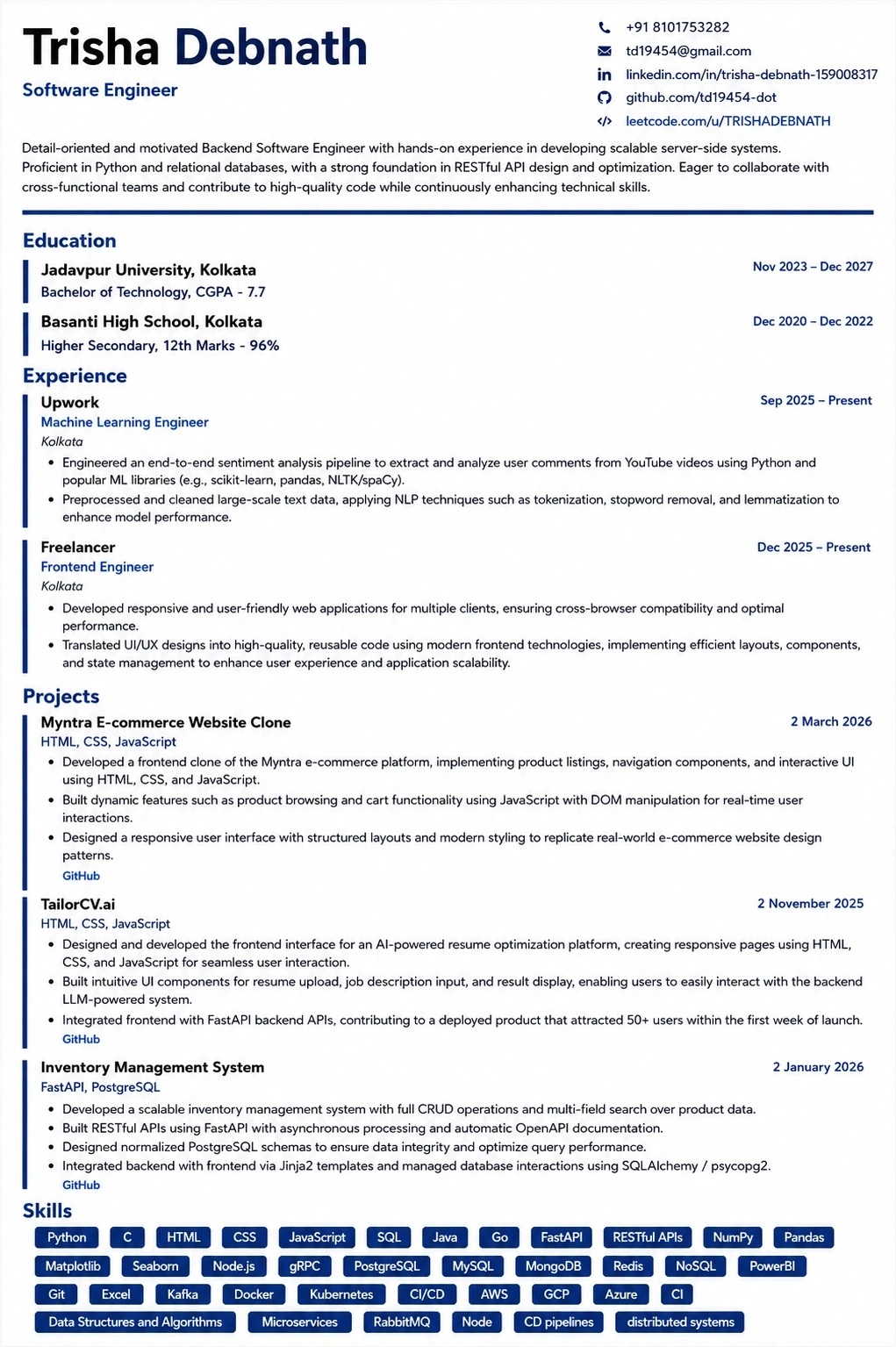
This is the format the extension exports to — ATS-tested, so the match score you saw survives the parser.
Was this guide useful?
Be the first to rate it.