TD
TD
Key Takeaways
- An ATS match score estimates how well your resume lines up with a job description once it has been parsed into structured data.
- The number matters less than the missing-keywords list underneath it - that list is the actual information.
- You can check a match by hand, but you pay the copy-paste cost on every single job.
- A low score is not bad news; it is the most actionable information you will get all day.
- The check works the same wherever you apply, because every board feeds the same kind of filter.
Most people find out their resume failed the same way every time: silence. No rejection reason, no feedback, just an application that vanished. The single most useful thing you can do to break that pattern is to see, before you apply, how well your resume actually matches the posting — a number, plus the specific words you are missing.
This guide explains what an ATS match score really is, how to read it, and how to check it against any job posting in one click without copying anything into a separate site.
What an ATS Match Score Actually Is
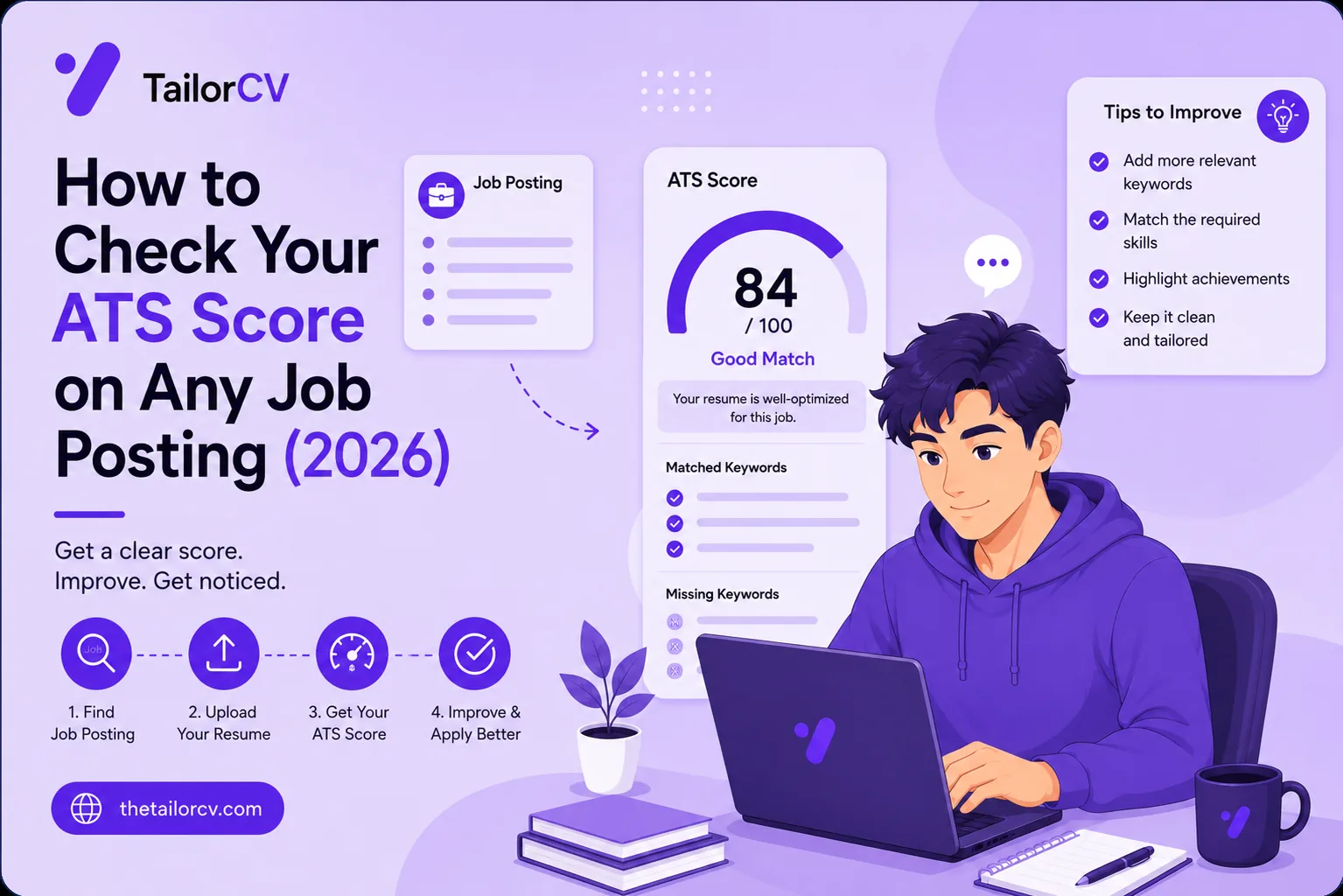
When you apply through a portal, your resume is parsed into structured data and compared against the job description. An ATS match score estimates how well those two line up — how many of the skills, tools and phrases the posting asks for actually appear in your resume.
It is important to be precise about what this is and is not. A match score is not a grade of how "good" your resume is in the abstract — that is a different thing, and the distinction between an ATS score and a general resume score trips a lot of people up. A match score is specific to one posting. The same resume can score 82% against one job and 54% against another, because the two jobs ask for different things. That is not a bug; it is the entire point. You are not trying to have a good resume in general — you are trying to match the job in front of you.
One honest caveat: no third-party tool can perfectly replicate a specific employer's ATS, because Workday, Greenhouse, Taleo and others parse differently and every company configures them differently. A match score is a strong relative signal — is this version better than that one, and what am I obviously missing — not a precise prediction. Used that way, it is one of the most useful numbers in a job search. Our ATS score guide is honest about the limits.
How to Read the Score
The number matters less than what sits underneath it: the missing-keywords list. That list is the actual information.
Here is how to interpret where you land against a posting:
- 80% or above — well matched. Your resume genuinely speaks to this role; apply with confidence and put your energy elsewhere.
- 55–75% — the dangerous middle, and where most people sit. Your resume is fine and losing anyway, because "fine" does not rank against a specific posting. This is exactly the gap tailoring closes.
- Below 55% — you are almost certainly being filtered before a human reads you. The resume has to change for this job.
Then read the missing keywords. Some you genuinely have and simply did not phrase the way the posting does — those are quick, honest fixes, and they are the core of matching your resume's keywords to the job. Others you do not have at all — those tell you, truthfully, whether you are a fit for the role. Both are useful. The best keywords to beat the ATS and the common keyword mistakes are worth knowing before you start editing.
The Slow Way to Check
You can check a match by hand, roughly. Copy the job description. Copy your resume text. Read them side by side and highlight the skills and phrases the posting repeats. Check which appear in your resume and which do not. Note the gaps.
It works, but it is imprecise and slow, and word-boundary details trip you up — is "R" the language or just a letter, does "Go" mean the language or the verb. You also have to do it for every posting, which means in practice you do it for none. There are free web tools that automate the comparison — you can check your ATS score for free by pasting both in — and that is a genuine step up from eyeballing it.
The One-Click Way, On the Posting
The friction with any separate tool is the copy-paste, and you pay it on every job. That is why we built the check into TailorCV's Chrome extension, so it happens on the page.
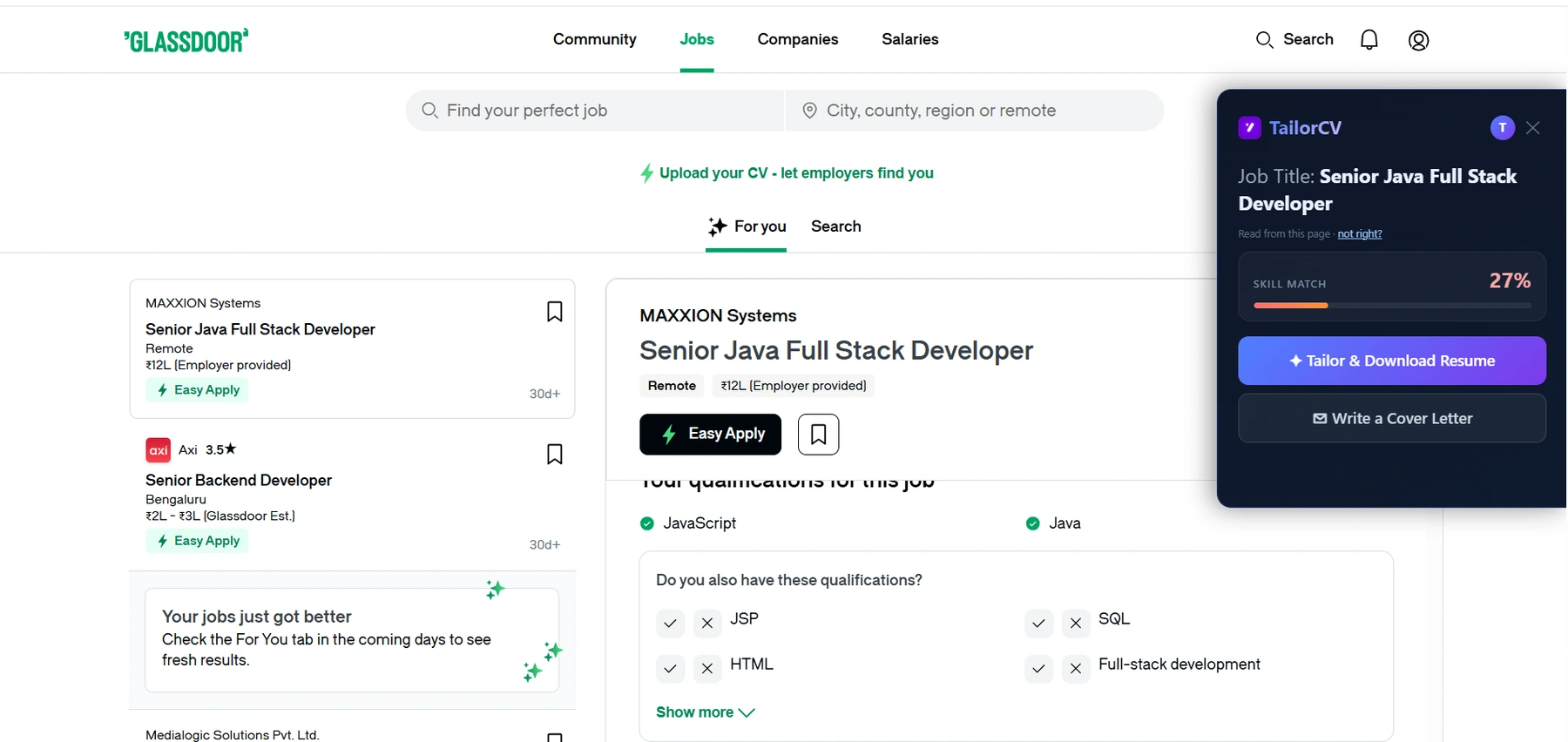
Open any job posting — LinkedIn, Indeed, Naukri, Greenhouse, Lever, Workday, Ashby, Glassdoor and more, or any site from the toolbar. A panel opens beside it, reads the description off the page, and shows your skill-match score against that role immediately. No copying, no separate tab. You see the number and the missing keywords before you decide whether and how to apply. If the score is low, one more click tailors the resume to close the gap and shows you the score again, so you are never guessing whether the fix worked.
That last part matters. Checking a score is only half useful if you then have to go fix the resume by hand elsewhere. Seeing the score, closing the gap, and re-checking — all on the posting — is what turns a diagnostic into an outcome. Our tailored vs generic resume piece shows why the gap is worth closing every time.
What to Do With a Low Score
A low score is not bad news — it is the most actionable information you will get all day. Here is the sequence.
First, close the honest keyword gaps: work in the terms you genuinely have, in the posting's wording, quantifying where you can and keeping your own voice rather than generic filler. Second, check the resume still parses — a great match score means nothing if formatting breaks the ATS; keep it ATS-friendly and parser-safe. Third, re-check the score to confirm the rewrite helped. The full method is in how to increase your ATS score, tailoring in 5 minutes, and tailoring for every job.
If the score stays low even after honest tailoring, that is real information too: you may be reaching for roles a step beyond your current experience, which is worth knowing before you spend a week applying to them.
Checking Scores Across Boards
The check works the same wherever you apply, because every board feeds the same kind of filter — LinkedIn, Indeed, Naukri, and the ATS boards behind company career pages. For remote roles the competition is global so the score matters even more, and a remote cover letter helps. Applying abroad shifts conventions — a job in the USA, in Canada, and whether you need a resume or a CV. Mind the startup vs enterprise difference, and if you have wondered how many jobs to apply to per day, the answer is fewer, matched.
What an ATS score report actually shows you

The score itself matters less than the breakdown beside it: each check names what passed, what failed, and why it matters - which is the list you actually work through.
After the Score: The Rest of the Search
A good match score gets you seen; it does not finish the job. Add a tailored cover letter with a strong opening line, avoiding the usual mistakes. Send a follow-up after applying and after the interview. Before the interview, research the company, rehearse behavioural questions and tell me about yourself, and run a mock interview; the full interview prep guide covers the rest. When one does not land, handle the rejection.
Freshers: your ATS score as a fresher leans on projects that get interviews; see your first tech job, a job with no experience, campus placement, a portfolio site, the right template, and explaining an employment gap if you have one.
Why Checking Before You Apply Changes Everything
The ordinary job search runs blind. You write a resume, send it out, and wait — and the only feedback you ever get is whether someone replies. If they do not, you learn nothing about why, so you cannot improve. You just send the same resume to the next job and hope.
Checking a match score before you apply breaks that loop. Instead of finding out you were unmatched after you have been ghosted, you find out before you apply, while you can still do something about it. That single change — moving the feedback from after the application to before it — is what turns a job search from guesswork into something you can actually steer.
It also changes your emotional experience of the search, which matters more than people admit. A stack of silent rejections with no explanation is demoralising, and demoralised people apply worse and give up sooner. A match score replaces "I have no idea why this isn't working" with "I was at 58% and I can see exactly what to add." One of those keeps you going; the other grinds you down. The search is a marathon, and knowing why an application will or will not land is what lets you keep running it well — which ties directly into pacing yourself and how many jobs to apply to per day rather than burning out on volume.
Frequently Asked Questions
How do I check my resume's ATS score for a specific job? Compare your resume against that job's description — a match score counts how many of the posting's required skills and phrases appear in your resume. You can paste both into a free ATS score checker, or check it on the posting itself with an extension that reads the job description off the page.
What is a good ATS score? Against a specific posting, 80%+ is strong, 55–75% means you are losing to better-matched candidates, and below 55% means you are likely filtered out. But the missing-keywords list matters more than the number — it tells you exactly what to fix.
Is the ATS score accurate? It is an accurate relative signal, not a perfect prediction, because no third-party tool can replicate a specific employer's exact ATS configuration. Use it to compare versions and catch obvious gaps, not as a guarantee.
Can I check my ATS score without copy-pasting? Yes. An on-page extension reads the job description directly from the posting and scores your saved resume against it, so you skip the copy-paste on every application.
Putting It All Together
The reason job searches feel like guesswork is that the most important feedback — did my resume match the job — normally arrives as silence. A match score replaces that silence with a number and a list of exactly what to fix, before you apply rather than after you are ghosted.
Read it right: the number tells you roughly where you stand, and the missing keywords tell you what to do. Close the honest gaps, keep the resume parseable, and re-check. Do it on the page and it costs one click, which means you actually do it every time — which is the whole point.
Pick a job you genuinely want and check your score against it right now. If it comes back at 85%, apply with confidence. If it comes back at 55%, you have just learned why your applications have been vanishing — and exactly what to change.
What is your resume scoring right now?
Scan it against a job description and get your ATS match score in about a minute.
Drop your resume here or choose a file
PDF only. Max 2 MB.
We never share your data or use it to train AI models.
Templates that keep this structure intact
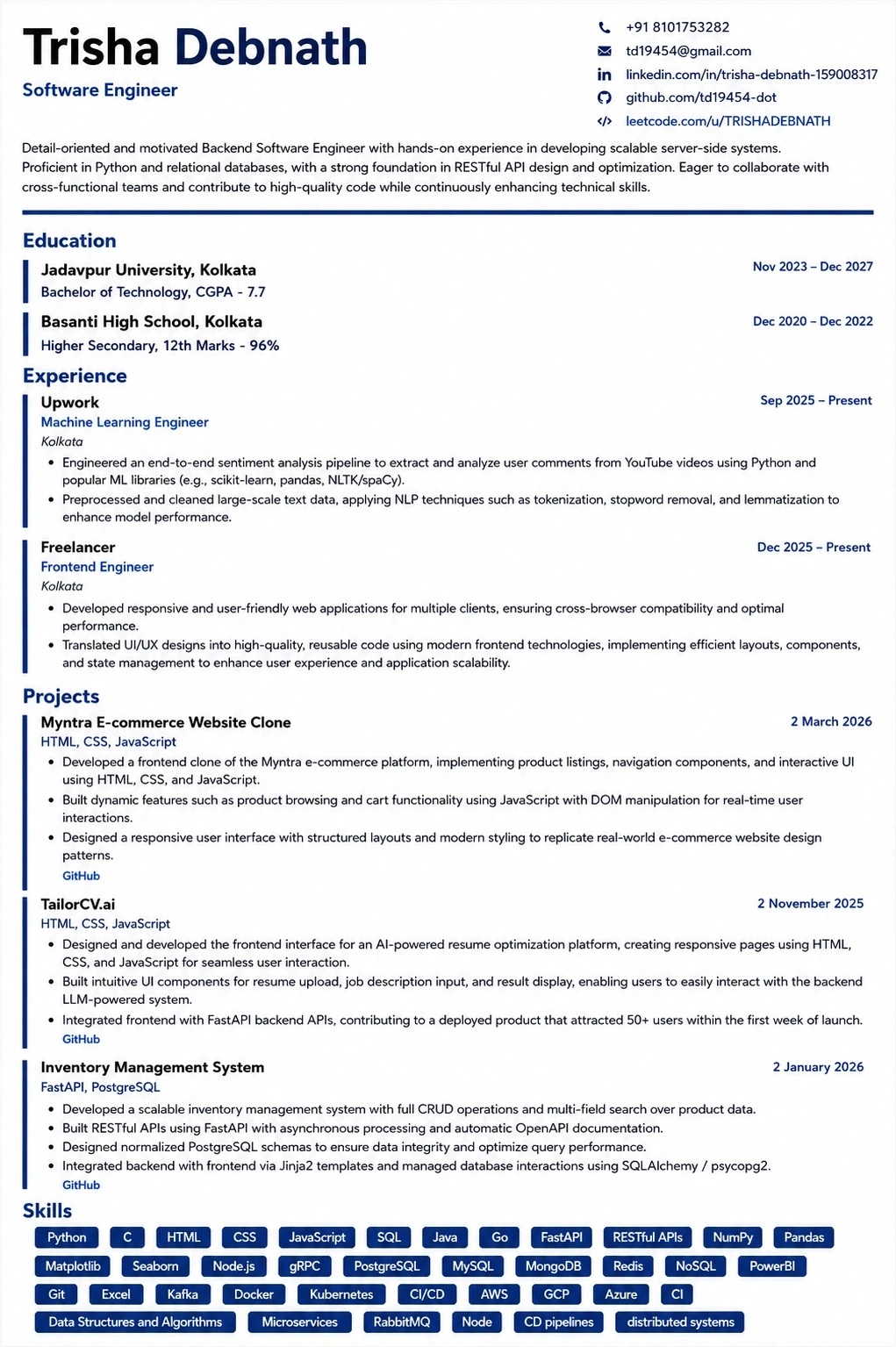
This template is ATS-tested — start from it and the formatting rules in this guide are already handled.
Was this guide useful?
Be the first to rate it.