SS
SS
Key Takeaways
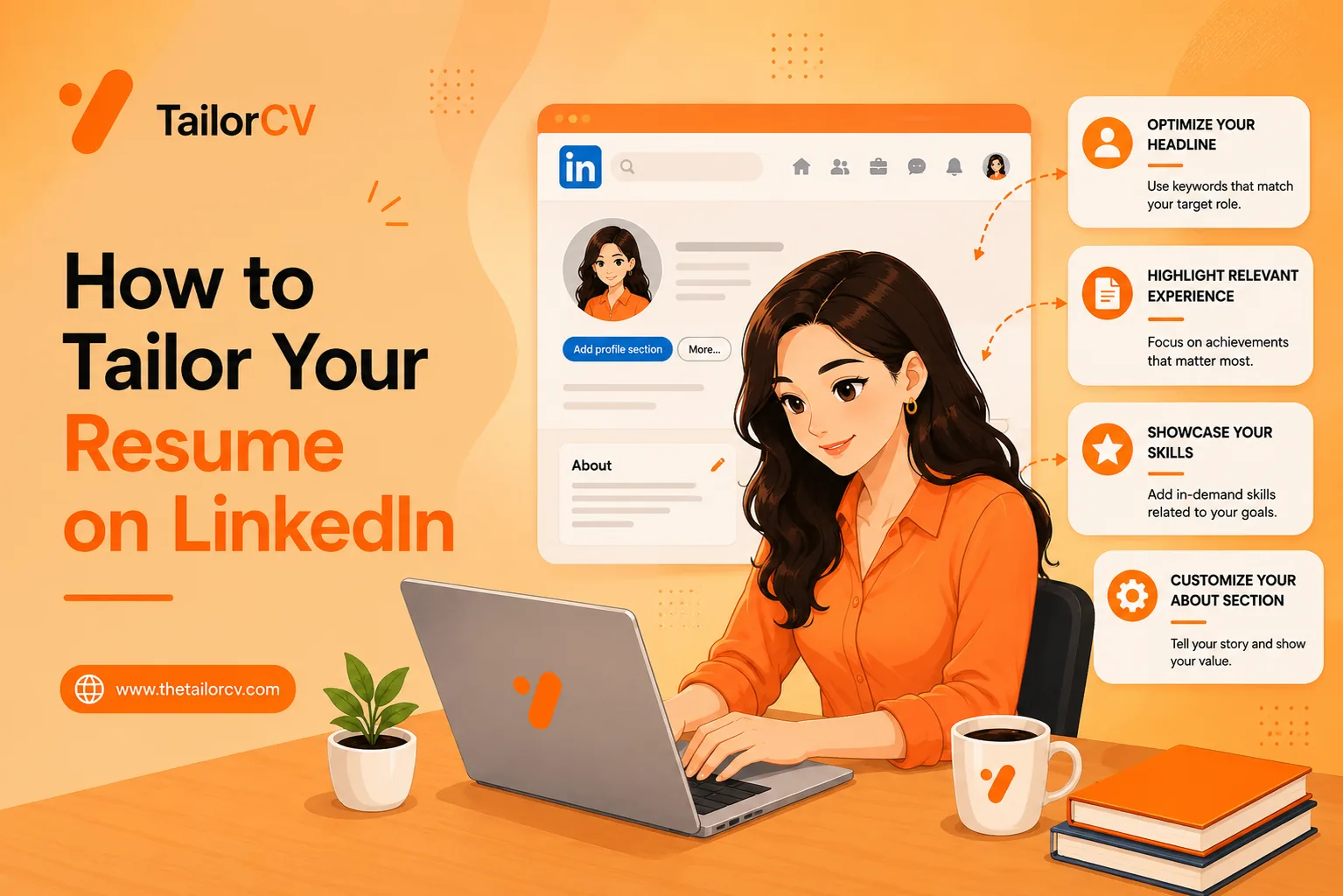
- LinkedIn made applying frictionless, and that is exactly the problem - Easy Apply trains you to send the same generic resume everywhere.
- Tailoring is not rewriting from scratch for every job; it is a focused set of changes nobody would quit halfway through.
- It is worth understanding the manual flow so you know what a tool actually saves you.
- Tailoring will not trip LinkedIn or the ATS - it is exactly what recruiters want you to do.
- Your search will not live on one board, so the habit has to travel with you.
Most people apply to LinkedIn jobs the same way: find a role, hit Easy Apply, upload the one resume they always use, done. It feels productive — you can fire off ten applications in twenty minutes. And it is almost completely useless, because that one resume was not written for any of those ten jobs.
This guide is about doing it properly without losing the speed. You will learn what to actually change when you tailor a resume to a LinkedIn posting, how to match the language that gets you past the filter, and how to compress the whole thing from ten minutes down to about one — right on the job page, without a single copy-paste.
Why the Default LinkedIn Flow Fails
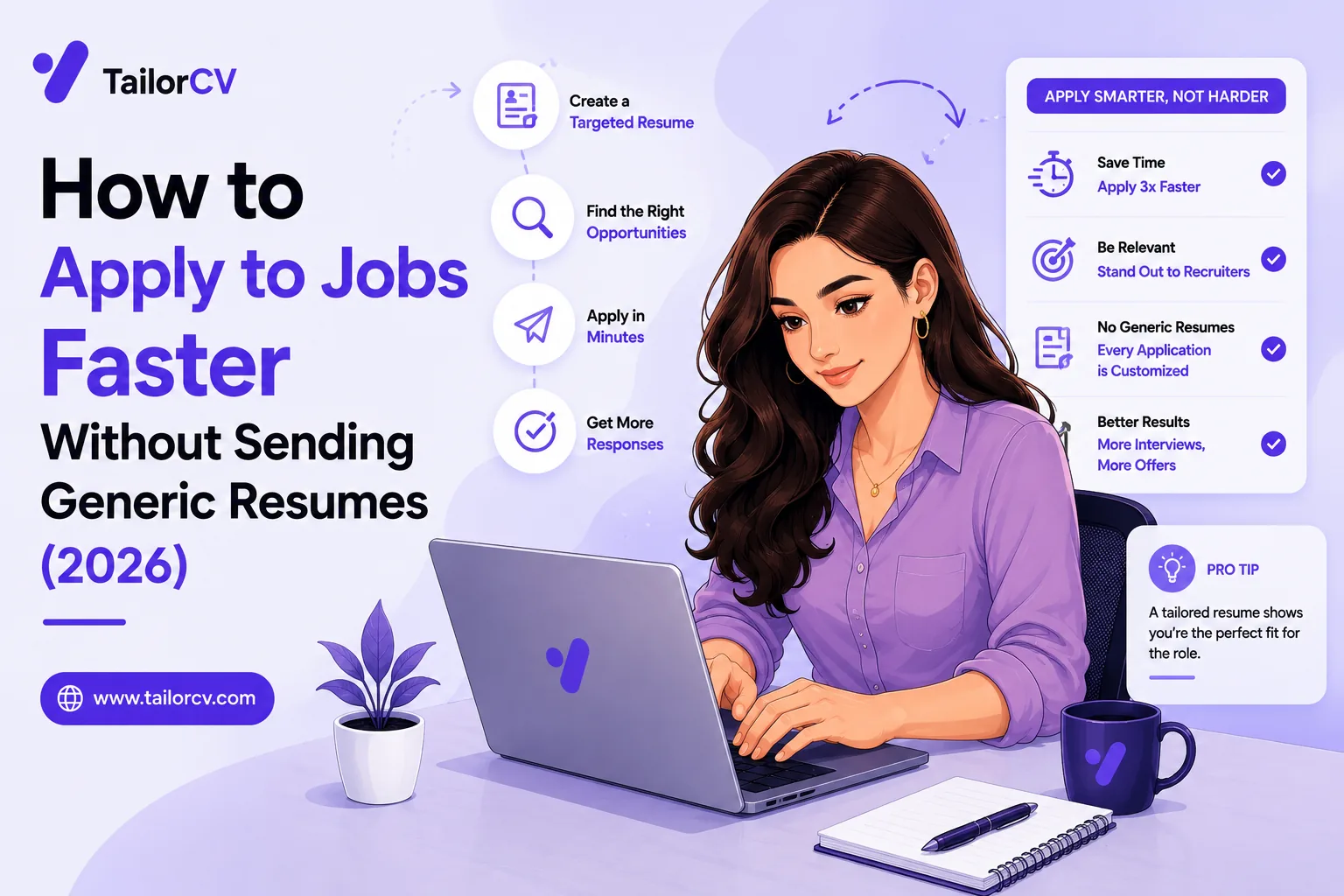
LinkedIn made applying frictionless, and that is exactly the problem. Easy Apply is so smooth that it trains you to send the same generic resume to everything, which is the single most reliable way to hear nothing back.
Here is what happens after you hit submit. Your resume is not read by a person first — it is parsed by software into structured fields and then matched, by exact language, against the job description. Understanding how to pass the ATS in 2026 is really about understanding this one step. If the posting asks for "stakeholder management" and your resume says "worked with clients and teams", a human would call those the same thing, but the filter matches language, not meaning. Your genuinely relevant experience simply does not register. Our tailored vs generic resume breakdown shows how large that gap is in practice.
So the LinkedIn volume game — apply to everything, quickly — works against you twice: you send more applications and each one is less likely to land. The fix is not to apply to fewer jobs; it is to make each application actually match. If you have wondered how many jobs you should apply to per day, the honest answer is fewer, tailored, beats many, generic.
What "Tailoring" Actually Means
Tailoring is not rewriting your resume from scratch for every job. That would be insane, and nobody sustains it. It is a focused set of changes, and understanding them is what lets you do it fast.
1. Match the keywords. The posting names specific skills, tools and phrases. Your resume needs to carry the ones you genuinely have, in the same words the posting uses. This is the highest-leverage change and the one the ATS cares about most — our guide on ATS keywords that boost your score and the best resume keywords to beat the ATS cover which terms matter. Just do not stuff them in blindly; keyword-cramming is one of the most common ATS keyword mistakes and it reads as robotic to the human who eventually sees it.
2. Reorder for relevance. The most relevant experience and skills should be near the top. A backend role and a data role might use the same underlying experience, described in a different order, with different bullets emphasised. This is also where quantifying your achievements pays off — a number near the top of a relevant bullet does more than a paragraph lower down.
3. Rewrite the top bullets. Your first two or three bullets under each role should speak to this job. Keep them quantified and specific, and keep them in your own voice rather than generic filler — the difference between "responsible for social media" and "grew Instagram to 12K followers in six months" is the difference between getting read and getting skipped.
4. Do not fabricate. Tailoring means re-emphasising what is genuinely on your resume, never inventing it. A resume that lies gets you caught in the interview, which is worse than not getting the interview. Learning how to stop sounding generic is about sharpening real experience, not making things up.
That is the whole job. Four moves, repeated per posting.
The Manual Way (and Why People Quit)
You can absolutely do this by hand, and it is worth understanding the manual flow so you know what a tool is actually saving you.
Open the LinkedIn posting in one tab. Open your resume in Word or Docs in another. Read the job description and note the skills and phrases it repeats. Duplicate your resume file so you keep the original. Work the missing keywords into your bullets honestly. Reorder your skills section. Check it still passes the ATS formatting rules — no tables or text boxes that break the parser. Export to PDF with a sensible filename. Go back to LinkedIn. Upload. Apply.
Done well, that is about ten minutes. Our tailor your resume in 5 minutes guide trims it, and how to tailor your resume for every job covers the full method. But ten minutes times twenty-five applications a month is over four hours of fiddly, draining work, and it always lands hardest late at night on the eleventh application — which is exactly when people give up and go back to the generic PDF. The method is not the problem. The friction is.
The One-Click Way, On the LinkedIn Page
This is where a browser tool earns its place, and it is the reason we built TailorCV's Chrome extension.
Open any job on LinkedIn. A panel opens beside the posting. It reads the job description straight off the page — no copy-paste — and shows your skill-match score against that specific role before you do anything, so you can see the gap immediately. One click rewrites your resume to match, honestly, using only what is already on it, and downloads the ATS-ready PDF. A second click writes a matching cover letter. Then you upload and apply, still inside LinkedIn.
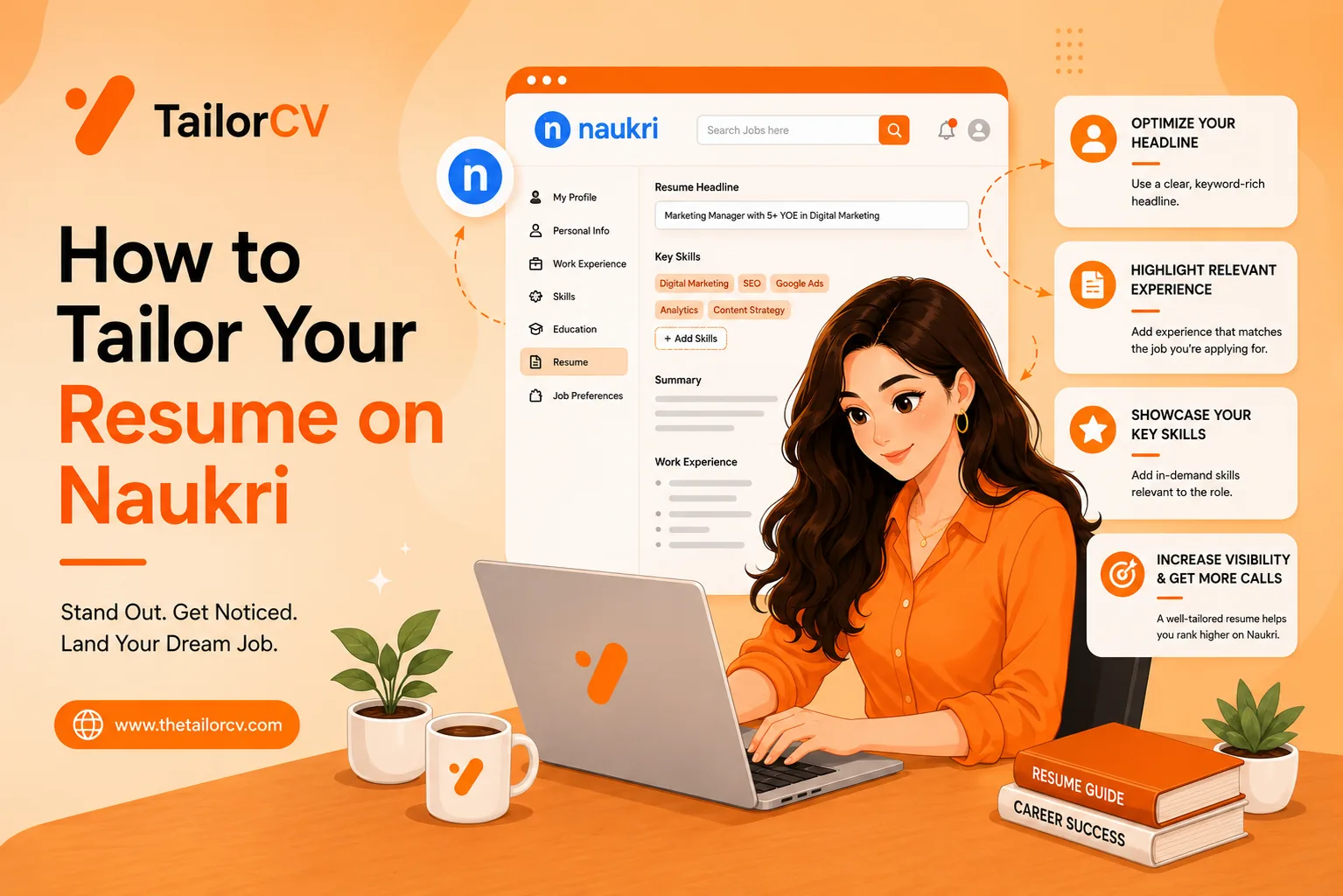
The whole loop is about a minute instead of ten. And because it lives on the page, it survives the length of a real search — you are not deciding whether tailoring is "worth it" for each job at 11pm, because it costs you one click either way. It also works well beyond LinkedIn: the same panel opens on Indeed, Naukri, Greenhouse, Lever, Workday, Ashby, Glassdoor and more, and on any other site from the toolbar.
Step by Step: Tailoring a LinkedIn Job
Here is the full flow, start to finish, the fast way.
Step 1 — Set your base resume once. Upload the resume you normally send. This is the starting point the tool rewrites from every time, so you only do it once. If you are unsure your base resume is even in good shape, run it through a free ATS score first to find the obvious gaps.
Step 2 — Open the LinkedIn job. Find a role you actually want. Not a stretch, not a safety — one you would accept. Open the full posting so the whole description is on the page.
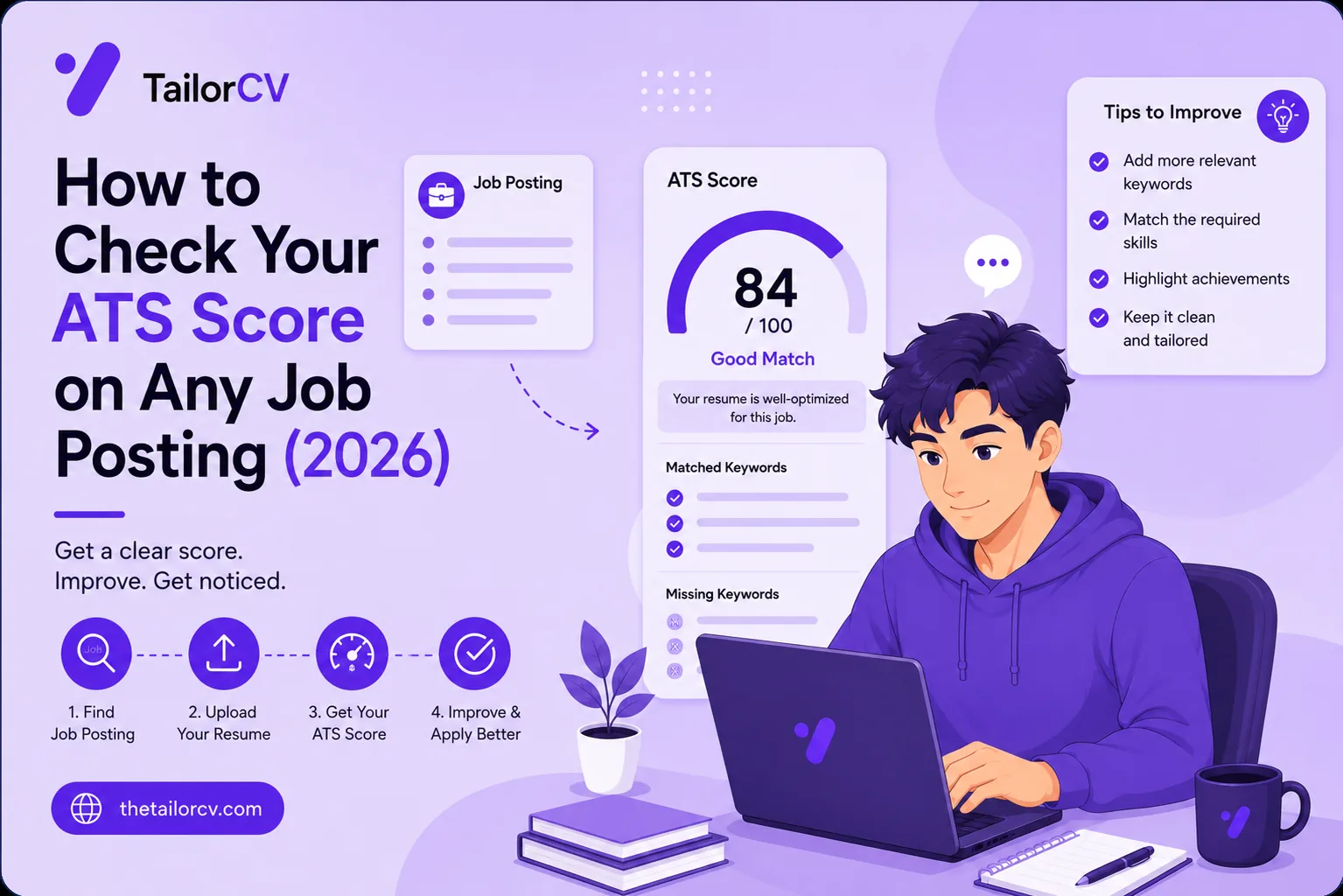
Step 3 — Read your match score. The panel shows how well your current resume matches this posting and which keywords you are missing. This number tells you whether the resume is even your problem for this role — if it is already 85%, you are well matched; if it is 55%, you have just found why you have been getting filtered.
Step 4 — Tailor. One click rewrites the bullets to carry the posting's language, keeping everything grounded in your real experience. Download the PDF.
Step 5 — Add the cover letter (optional but worth it). LinkedIn lets you attach one, and most people do not bother. A strong opening line on a genuinely tailored letter stands out precisely because so few applicants send one — just avoid the usual cover letter mistakes that get them binned.
Step 6 — Apply. Upload the tailored PDF, submit, move to the next role. Because each version is saved automatically with its score and the job, you always know what you sent where.
A Common Question: Will Tailoring Trip LinkedIn or the ATS?
No. Tailoring your resume to a posting is exactly what recruiters want you to do — it is not gaming the system, it is answering the question the job asked. The ATS is designed to reward relevance; a tailored resume scores higher because it genuinely is a better match. The thing that trips filters is the opposite: formatting the ATS cannot parse, and keyword-stuffing that a human then sees through. Honest tailoring avoids both.
Your resume after optimization
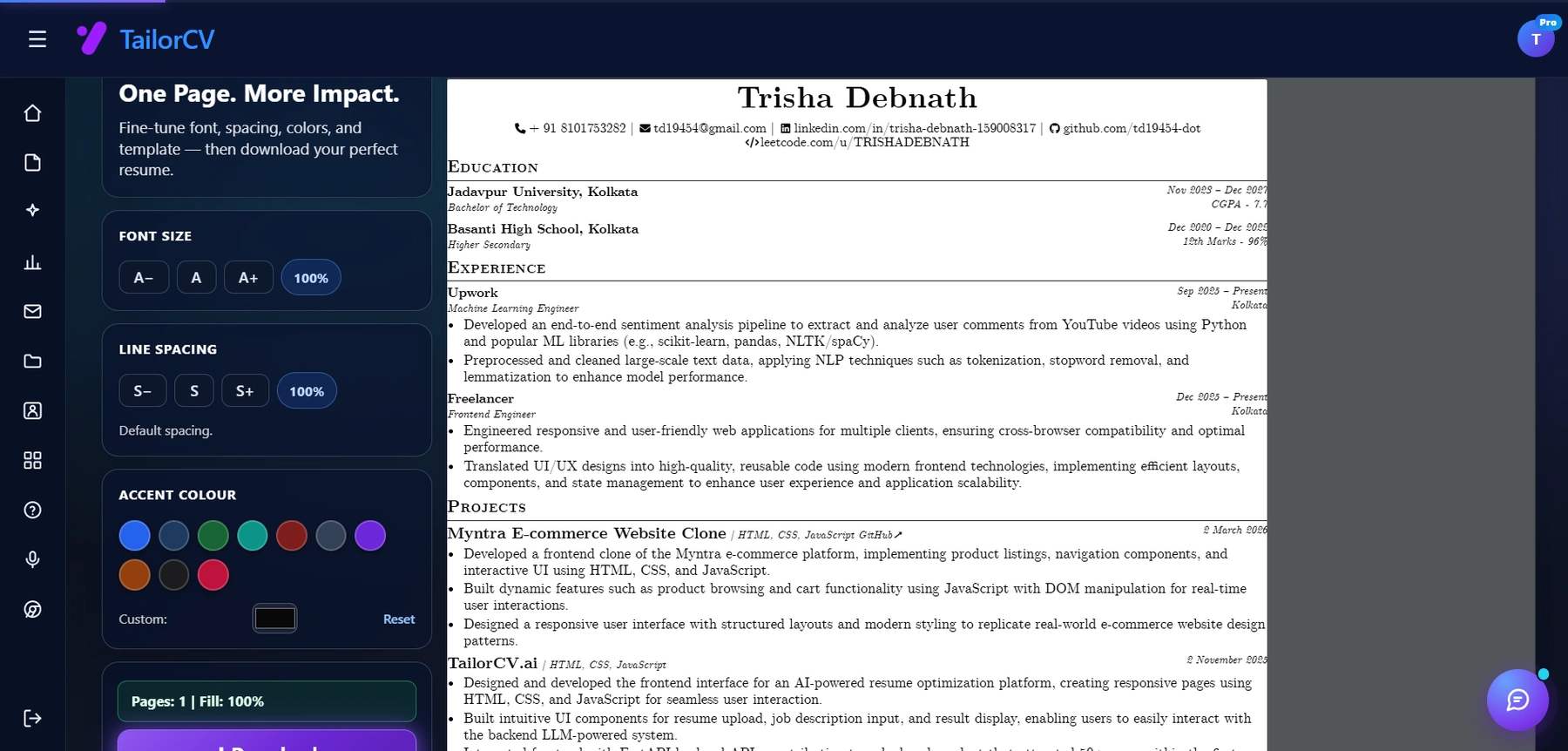
The optimized resume renders live beside the controls, so you see the page count change as you adjust.
It is worth knowing the difference between an ATS score and a resume score here too — a general "resume grade" tells you if the document is well written, but only a match score against the specific posting tells you if it will get past this job's filter.
Beyond LinkedIn: The Same Habit Everywhere
LinkedIn is where most people start, but your search is not going to live on one board — and the tailoring habit has to travel with you, because every board feeds the same kind of ATS.
The mechanics are identical on Indeed, Naukri, Greenhouse, Lever, Workday and the rest: the posting names specific requirements, the parser matches your resume against them, and a generic resume loses. If you are applying to remote roles, the competition is global and the filter is even harsher, so a remote-focused cover letter helps. Targeting a specific country changes the resume conventions too — getting a job in the USA and in Canada each have norms worth knowing, starting with whether you even need a resume or a CV. And because remote listings attract more fraud, know how to spot a job scam before you send documents anywhere.
A quick note on startups versus big companies: the tailoring emphasis shifts. Tailoring for a startup versus an enterprise is worth a read, because a fifty-person startup often has no ATS at all while a large company filters hard — same resume, different risk.
After You Apply
Tailoring gets you seen; it does not finish the job. Once applications start converting, put your energy into the next stage.
Send a short follow-up after the application, and a proper follow-up after the interview — both are things almost nobody does, which is exactly why they work. Before the interview itself, research the company and rehearse the behavioural questions you can see coming — starting with how to answer "tell me about yourself" — ideally with a mock interview. The full interview preparation guide ties it together. And when one does not land — and some will not — handle the rejection and move on. Volume with tailoring, not volume alone.
If you are a fresher, a few extra reads help: your ATS score as a fresher leans on projects, so fresher projects that get interviews, landing your first tech job, getting a job with no experience and preparing for campus placement are worth your time — as is a portfolio site to show work a short resume cannot. If you have a gap to explain, how to explain an employment gap covers it, and picking the right resume template keeps the whole thing ATS-safe.
Frequently Asked Questions
How do I tailor my resume for a LinkedIn job specifically? Read the posting, identify the skills and phrases it repeats, and work the ones you genuinely have into your resume's bullets and skills section using the posting's own wording. Reorder so the most relevant experience is near the top. You can do this by hand in about ten minutes, or in one click on the page with an extension.
Does LinkedIn Easy Apply let me use a different resume each time? Yes. Easy Apply lets you upload a resume per application — most people just reuse one, which is the mistake. Uploading a version tailored to each posting is the whole point, and it is what separates the applications that get replies from the ones that vanish.
Will recruiters know I tailored my resume? They hope you did. A resume that clearly matches the role reads as a candidate who understands the job, not as someone gaming anything. What recruiters notice negatively is the opposite — an obviously generic resume, or keyword-stuffing with no substance behind it.
How long should tailoring take? By hand, about ten minutes per job done properly. With an on-page tool, about a minute. The goal is to make it fast enough that you actually do it every time, because tailoring only works if it is a habit, not an occasional effort.
Do I need to tailor for every single LinkedIn job? For any job you genuinely want, yes. A generic resume scores poorly against a specific posting because the posting asks for specific things. Tailoring is the highest-leverage habit in a job search, and on-page tools exist specifically to make it sustainable at volume.
Putting It All Together
LinkedIn's Easy Apply made it effortless to apply and, in doing so, made it effortless to apply badly. The volume feels like progress, but a stack of generic applications is just a stack of near-certain rejections that took you all evening to send.
The fix is not to slow down — it is to make each application actually match the job, which means tailoring the four things that matter: keywords, order, top bullets, and honesty. Done by hand it is ten minutes; done on the page it is one. Either way, a tailored resume sent to five jobs will out-perform a generic one sent to fifty.
Start with a single role you actually want. Check your match score against it, tailor the resume to close the gap, attach a real cover letter, and apply. Then do it again for the next one — fast, on the page, every time. That habit, more than any other single thing, is what turns a quiet inbox into interviews.
See what tailoring is worth on your resume
Score your current resume against a real job description before you change a word.
Drop your resume here or choose a file
PDF only. Max 2 MB.
We never share your data or use it to train AI models.

Was this guide useful?
Be the first to rate it.