TD
TD
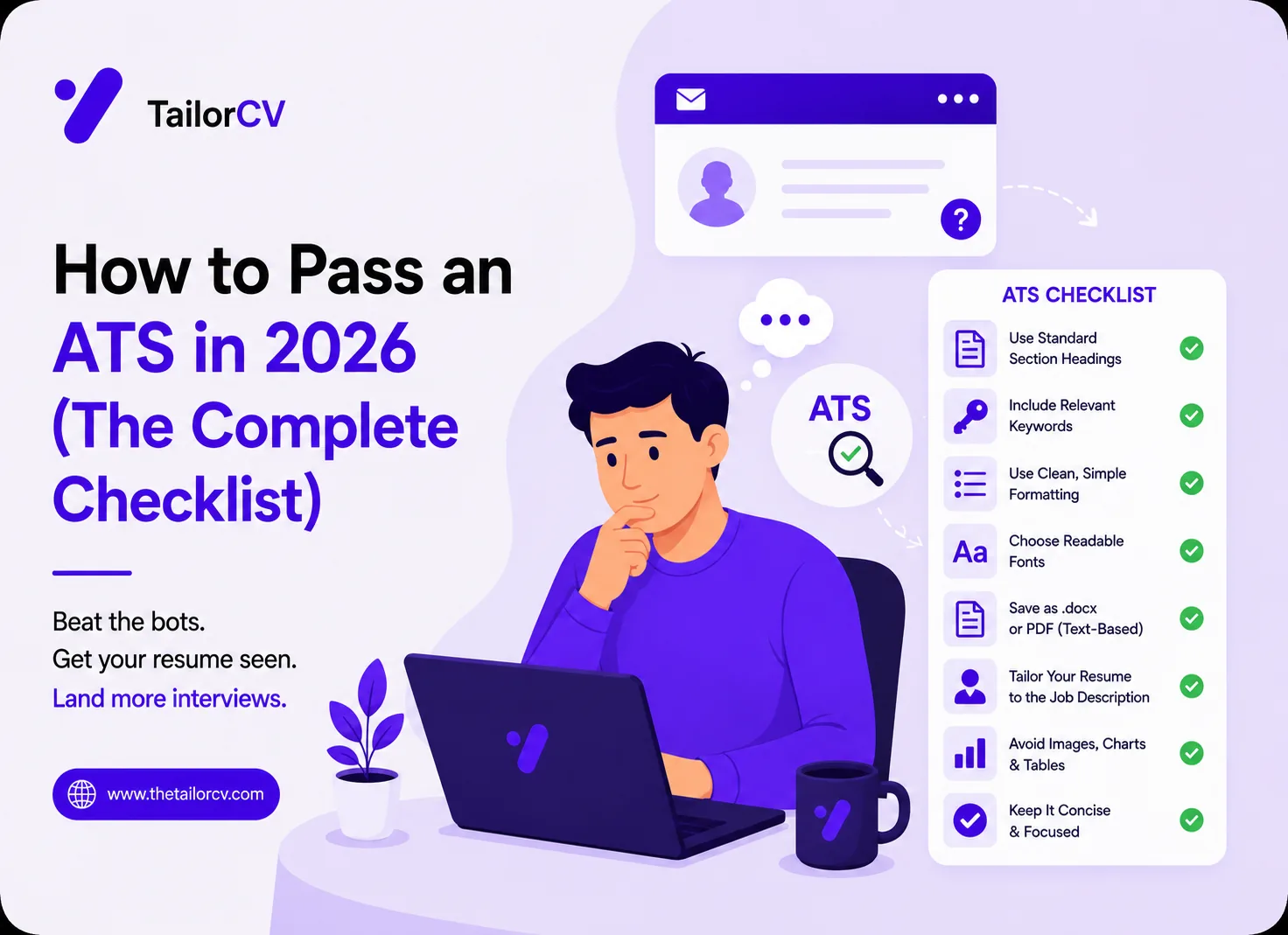
Key Takeaways
- Most ATS rejections come from formatting and missing keywords, not secret tricks.
- Use a single-column layout, standard headings, and a normal font.
- Match the job description's exact keywords, in context, in your bullets.
- White-text keyword stuffing is detected and will get you rejected — do not do it.
What an ATS Actually Does
An applicant tracking system parses your resume into structured fields (name, experience, skills, education), then scores it against the job description's requirements. If it cannot parse your layout, or your resume lacks the terms the posting asks for, you never reach a human. Passing the ATS is about being readable and relevant.
The Formatting Checklist
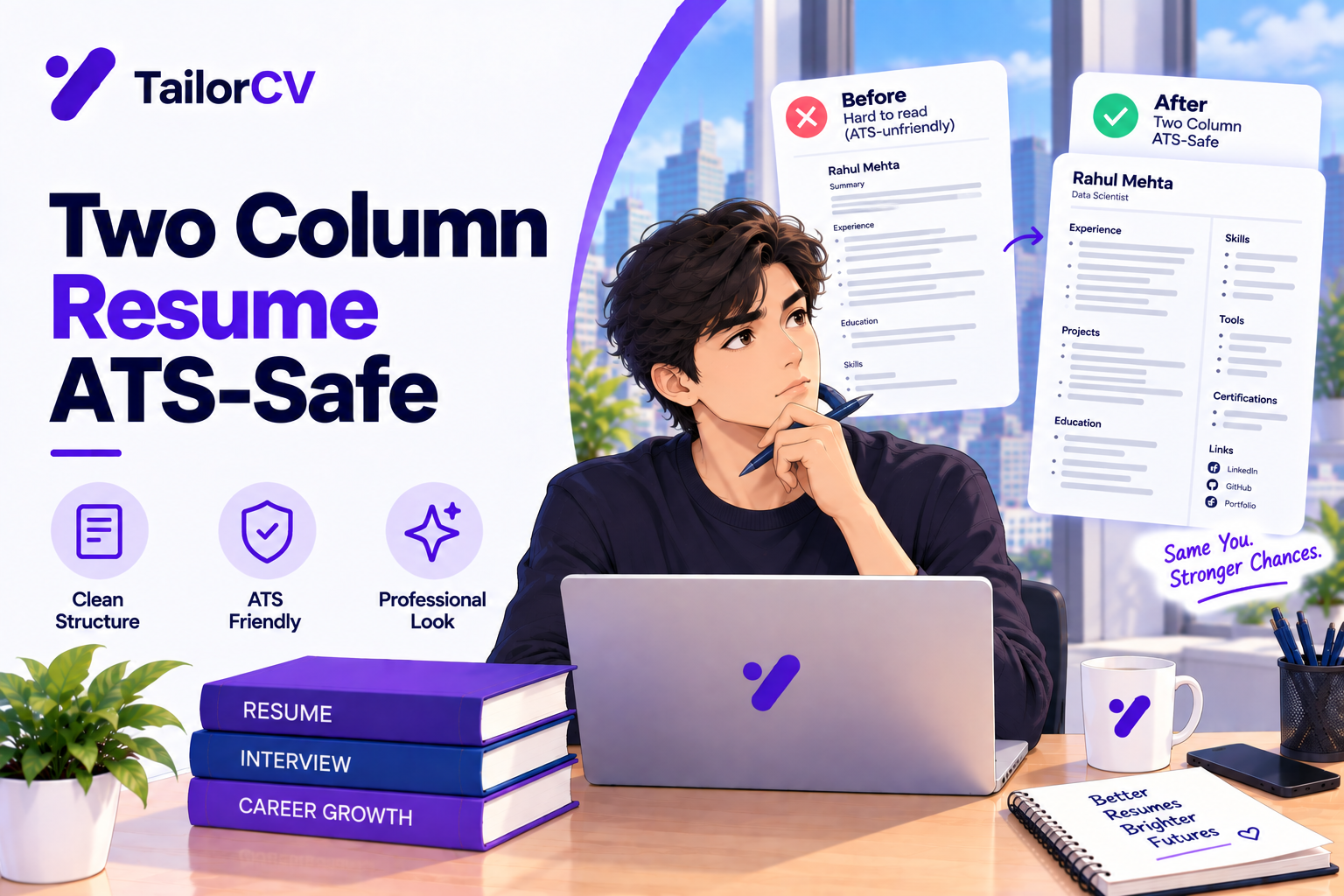
- One column. Two-column layouts often scramble when parsed. Formatting mistakes are the top cause of parse failures.
- Standard headings. "Work Experience," "Education," "Skills" — not "Where I've Made Magic."
- No text in images, headers, or footers. Many parsers ignore them.
- A common font. Arial, Calibri, Georgia. Skip decorative fonts.
- A
.pdfor.docxexported from a text-based tool, never a scanned image. - Real bullet characters, not tables or text boxes to fake columns.
What an ATS score report actually shows you

Passed and failed checks are listed individually, so you can see exactly which part of the resume is costing you points.
The Keyword Checklist
- Pull the hard skills and tools straight from the job description.
- Use the posting's exact phrasing ("REST APIs," not "web services").
- Place keywords in context inside real bullets, not in a hidden block.
- Include the job title itself somewhere if it matches your target.
What Does Not Work in 2026
- White-text stuffing. Hidden keywords are flagged by modern parsers and recruiters who paste your resume into plain text.
- Keyword walls. A dense list of every skill imaginable reads as spam and lowers your relevance score.
- Cramming every synonym. Natural, contextual usage beats repetition.
Tailor for Each Role
The same resume rarely passes two different ATS screens well, because each posting weights different keywords. Tailoring — adjusting your skills and bullets to each specific job — is the highest-leverage thing you can do. A tool like TailorCV reads the posting, scores your match, and shows you exactly which keywords you are missing before you apply.
The 60-Second ATS Self-Check
Before you submit, run your resume through this quick test. If it fails any of these, fix it first.
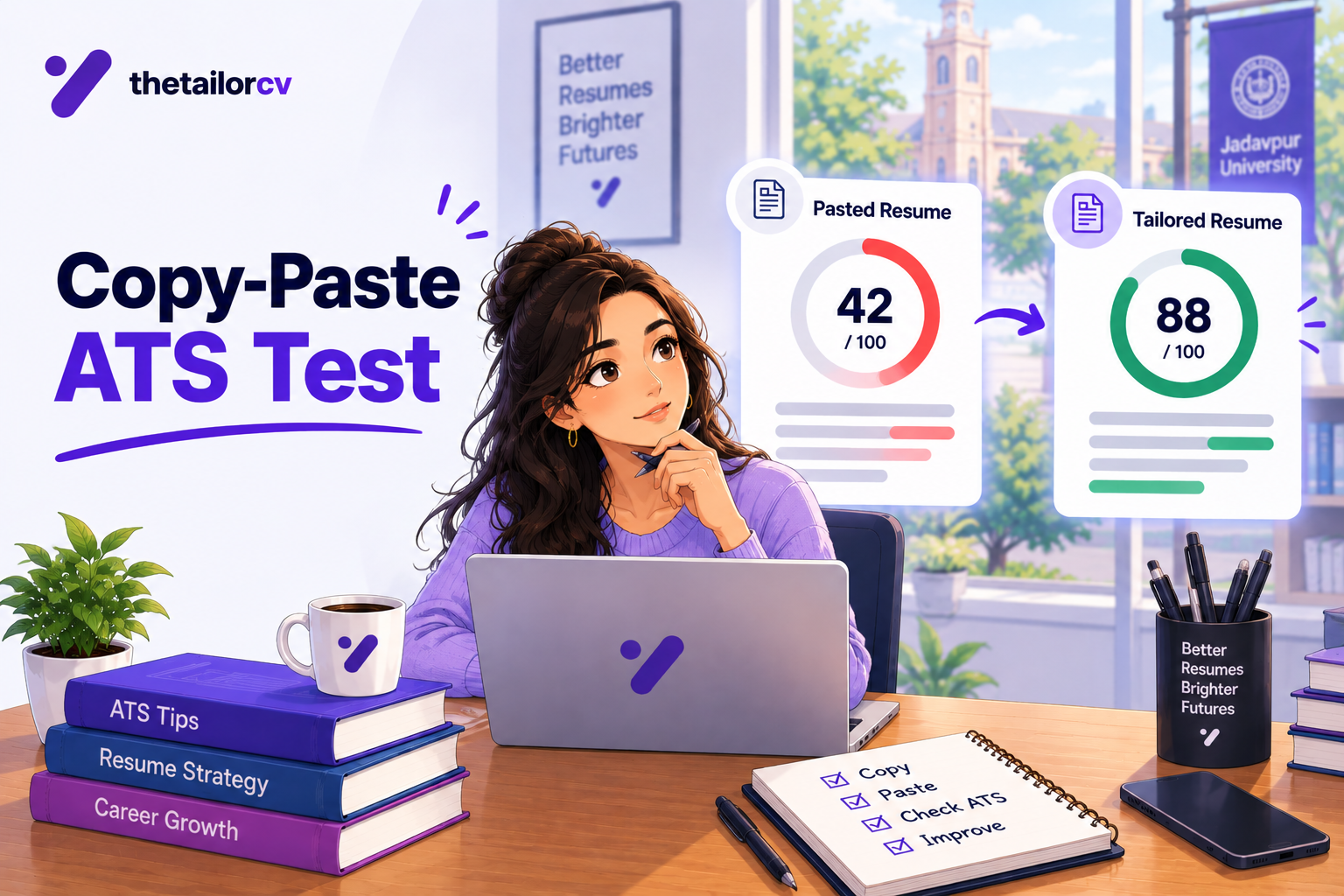
- Copy-paste test. Select all the text in your resume and paste it into a plain text document. If the order scrambles, columns collapse into nonsense, or whole sections vanish, the ATS will see the same mess. A clean paste is the single best signal your layout will parse.
- Keyword overlap. Put your resume next to the job description. Are the posting's key hard skills and the exact job-title language present in your resume, in context? If not, add what you genuinely have.
- Heading check. Are your sections labeled with standard names the parser recognizes — Experience, Education, Skills?
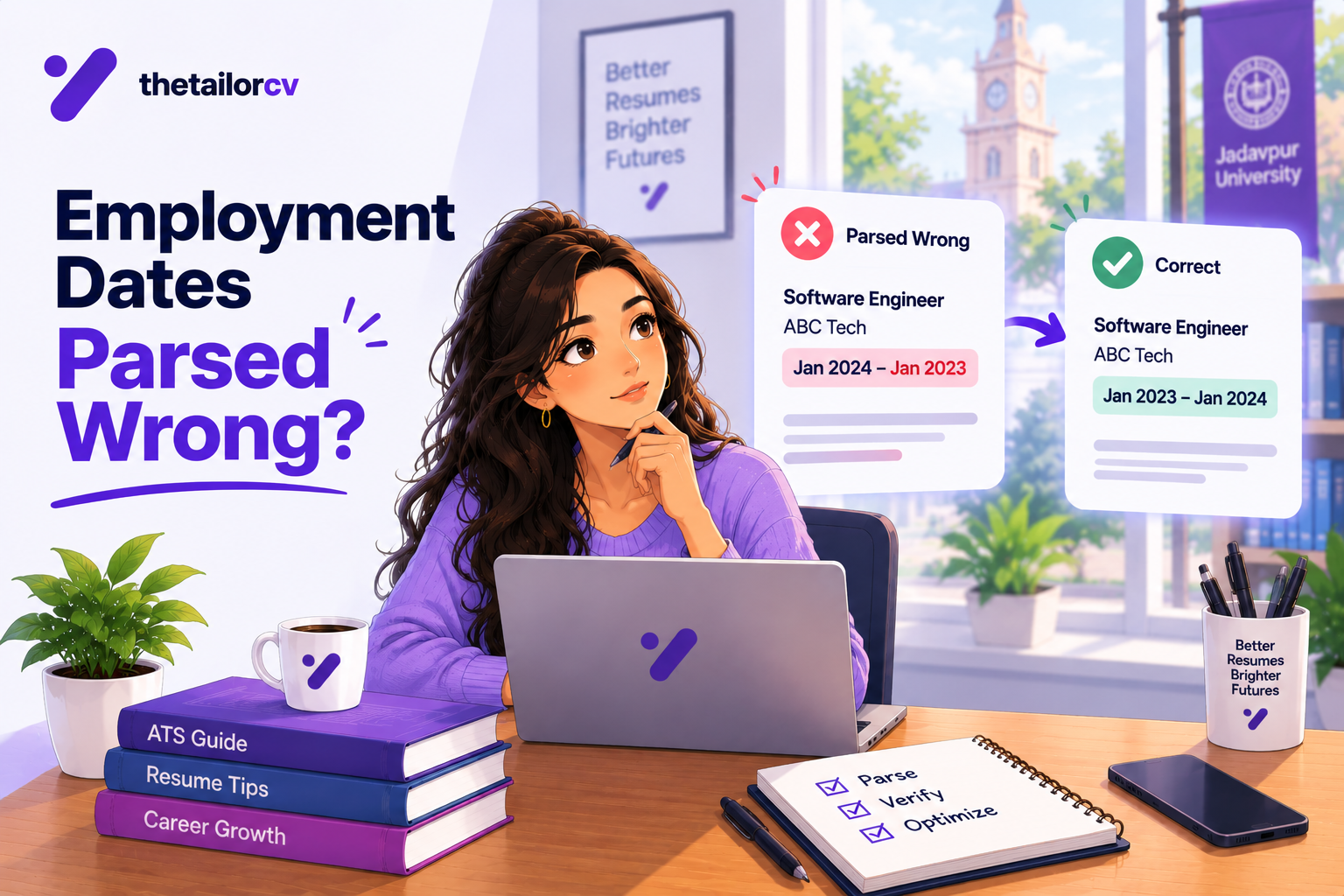
- Contact parse. Is your name, email, and phone in the body of the document, not tucked into a header or footer that parsers often skip?
- File check. Is it a text-based PDF or DOCX, not a scanned image or a design-tool export that flattens text into a picture?
The Real Reasons Resumes Get Filtered
Candidates imagine the ATS as a ruthless gatekeeper rejecting people for sport. In reality, most filtering comes down to three fixable causes:
- Unparseable layout. Multi-column templates, tables, text boxes, and graphics look great to humans and confuse the parser. When the software cannot tell where your job titles end and your skills begin, it scores you low or drops content entirely.
- Missing keywords. If the posting wants "Kubernetes" and your resume says "container orchestration," a keyword-matching system may not connect them. Mirror the exact terms.
- Irrelevance. Sometimes the resume parses fine and simply is not a close enough match. This is not an ATS problem — it is a tailoring problem, and it is solved by adjusting each application to the specific role.
Formatting Do's and Don'ts at a Glance
| Do | Don't |
|---|---|
| Single-column layout | Two- or three-column designs |
| Standard section headings | Creative headings ("My Journey") |
| Text-based PDF or DOCX | Scanned images or flattened exports |
| Common fonts (Arial, Calibri) | Decorative or script fonts |
| Real bullet points | Tables or text boxes for layout |
| Contact info in the body | Contact info only in the header/footer |
| Exact keywords from the posting | Hidden white-text keyword blocks |
Why Tailoring Beats Every Other Trick
There is no format hack that substitutes for relevance. The same resume submitted to two different postings will score differently, because each job weights different keywords and requirements. This is why tailoring — adjusting your skills and bullets to each specific posting — is the highest-leverage move in the entire process. A tool like TailorCV reads the job description, compares it against your resume, and shows you the exact keywords you are missing before you hit submit — turning "hope it passes" into "know it matches."
Myths About the ATS That Waste Your Time
A lot of resume advice is built on outdated fears. Clearing these up saves you effort:
- Myth: "The ATS auto-rejects resumes below a score." Most systems rank and surface candidates for a human recruiter; they rarely hard-reject on a score alone. Your real goal is to rank well and be readable, not to beat a mythical cutoff.
- Myth: "Keyword stuffing tricks the system." Modern parsers weight context and flag unnatural repetition. Stuffing lowers your quality signal and looks terrible to the human who reads next.
- Myth: "You need a plain, ugly text resume." You need a clean, single-column resume — it can still look professional. Ugly is not the requirement; parseable is.
- Myth: "PDFs don't work with ATS." Text-based PDFs parse fine in modern systems. Only scanned-image PDFs fail.
- Myth: "More keywords is always better." Relevance beats volume. Ten well-placed, genuinely relevant keywords outperform forty crammed ones.
Keyword Matching, Done Right
The heart of passing an ATS is matching the posting's language — but there is a craft to doing it naturally. Pull the hard skills, tools, and the job title from the job description, then place them where they belong:
- In your skills section for the named technologies you genuinely have.
- Inside real experience bullets, showing the skill in action: "Built REST APIs in Python backed by PostgreSQL," not a bare keyword list.
- In your summary, mirroring the exact role title where it fits.
Use the posting's exact terms, not near-synonyms — "REST APIs" if that is what it says, not "web services." And never claim a skill in a bullet that you do not actually have; list it in skills for matching if you must, but keep your experience honest.
The Human on the Other Side
It is easy to obsess over the software and forget that the software's whole job is to hand a shortlist to a person. Once you pass the parse and rank well on relevance, a human recruiter reads your resume — and now formatting-for-machines and writing-for-humans have to coexist. This is why the winning resume is both cleanly parseable and genuinely compelling: strong action verbs, quantified results, and clear structure. Optimizing only for the ATS gets you read by a human who is then unimpressed; writing only for the human gets you filtered before they ever see it. You need both, and a good resume optimizer helps you hit both at once by matching keywords while keeping your bullets readable.
Test Before Every Submission
Before you hit apply, run the free ATS score or the 60-second copy-paste test on your tailored resume against the specific posting. It takes a minute and it converts "I hope this passes" into "I know this matches." Given how much effort goes into finding and applying to roles, skipping this final check is a false economy — it is the cheapest insurance in your entire job search.
Frequently Asked Questions
Do all companies use an ATS?
Most mid-size and large employers do, and many small ones use one through their job board. Assume your resume will be parsed by software first.
Is a PDF or Word document better for ATS?
Both work with modern systems if they are text-based. Follow the posting's instruction; if none is given, a text-based PDF is safe.
Does a fancy template hurt my chances?
Often yes. Graphics, columns, and text boxes look good to humans but confuse parsers. Choose a clean, single-column, ATS-friendly template.
Can an ATS read a two-column resume at all?
Some modern ones handle simple two-column layouts, but many still read across the page and scramble the content. Since you cannot know which system a company uses, a single column is the safe default that always parses.
Should I include a skills section just for the ATS?
Yes — a clear, relevant skills section helps keyword matching. Just keep it to genuine hard skills and mirror the posting's exact terms rather than stuffing it with everything imaginable.
Do keywords in white text still work?
No, and they can get you rejected. Parsers read hidden text, and any recruiter who pastes your resume into plain text sees the block instantly. It reads as dishonest. Never do it.
How many keywords should I include?
Enough to cover the posting's core hard skills and title, used naturally in context. There is no magic count — relevance and natural placement matter far more than volume, and stuffing lowers your quality signal.
Does the file name of my resume matter?
It is a small touch, but a clean, professional file name like "Firstname-Lastname-Resume.pdf" looks more polished than "resume-final-v3.pdf" and is easier for a recruiter to file. It does not affect parsing, but it affects the human impression.
Will using a template from a design tool hurt my ATS chances?
It can, if the template uses columns, tables, text boxes, or graphics to look striking — those often scramble when parsed. Choose a clean, single-column template exported as a text-based file, and you keep the polish without the parsing risk.
How Different ATS Platforms Behave
Not all applicant tracking systems are equal, and you rarely know which one a company uses — which is exactly why you build for the strictest common denominator. Some platforms are sophisticated, handling modern layouts and understanding related terms; others are older and more literal, matching keywords narrowly and choking on anything but a plain single-column structure. A few power the "easy apply" flows on major job boards and parse your resume into their own fields, where any formatting cleverness is stripped away entirely. Because you cannot detect which one stands between you and the recruiter, the safe strategy is universal: a clean single-column layout, standard headings, a text-based file, and exact-match keywords in real sentences. Build for the least capable parser and you pass all of them; build for the most capable and you gamble on which one you drew.
The Balance Between ATS and Human Readers
The trap many candidates fall into is optimizing so hard for the software that they forget a person reads next. A resume stuffed with keywords and stripped of personality clears the parse and then bores or annoys the recruiter it reaches. The opposite trap — a beautiful, design-forward resume with no keyword discipline — never reaches a human at all. The resume that wins does both at once: it is cleanly parseable and genuinely compelling, with exact-match keywords living inside strong, quantified bullets that a person actually enjoys reading. "Rebuilt the checkout API in Python, cutting p95 latency 40%" carries the keyword for the machine and the achievement for the human in a single line. Aim for every important bullet to serve both audiences, and you stop choosing between passing the filter and impressing the reader — you do both. A resume optimizer is built around exactly this balance, matching the posting's language while keeping your bullets human.
Putting It All Together
Passing an ATS in 2026 is not about tricks; it is about being readable and relevant. Use a single-column layout with standard headings, export a text-based file, and mirror the posting's exact keywords inside real, results-driven bullets. Run the 60-second copy-paste test before every submission, and tailor each application to the specific role. Do that and you clear the software filter reliably — and reach the human who actually makes the decision.
What is your resume scoring right now?
Scan it against a job description and get your ATS match score in about a minute.
Drop your resume here or choose a file
PDF only. Max 2 MB.
We never share your data or use it to train AI models.
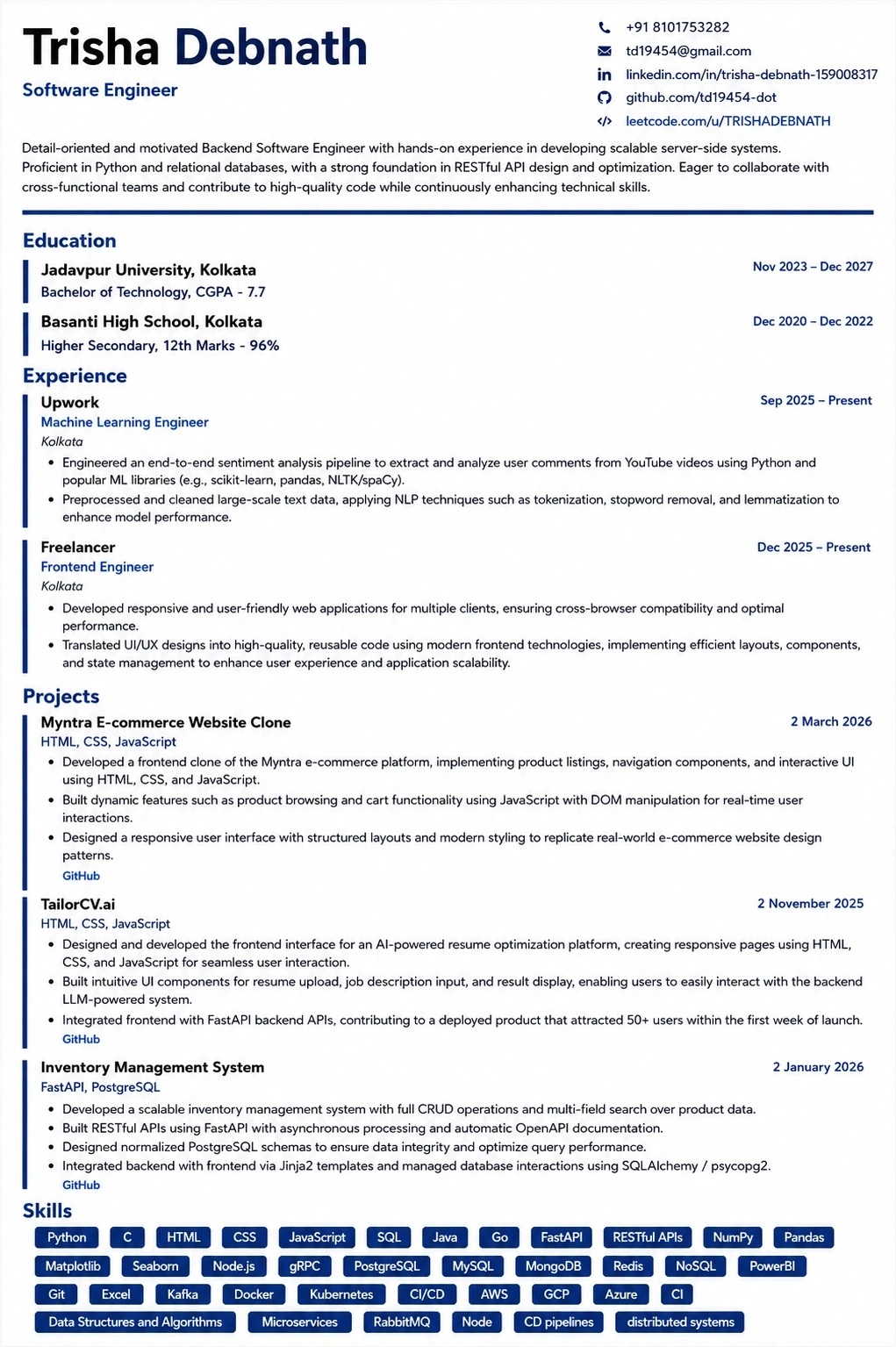
Templates that keep this structure intact
This template is ATS-tested — start from it and the formatting rules in this guide are already handled.
Was this guide useful?
Be the first to rate it.