 TD
TD
Key Takeaways
- An ATS score checker evaluates your resume's compatibility with Applicant Tracking Systems, scoring it out of 100 based on structure, formatting, and keyword matching.
- A low ATS score may indicate issues with contact information readability, missing keywords, problematic layout, or unclear section labeling.
- To check your ATS score for free, paste your resume and target job description into an ATS score checker, which will provide a detailed breakdown of your resume's performance.
- A good ATS score ranges from 80-100, indicating a well-matched and parseable resume, while scores below 60 suggest significant revisions are needed.
If you have been applying to jobs and hearing nothing back, the problem may not be your experience - it may be that a machine rejected your resume before a human ever saw it. That machine is called an Applicant Tracking System (ATS), and the fastest way to find out how your resume performs is to run it through a free ATS score checker.
In this guide you will learn what an ATS score is, why it decides your job application, how to check your ATS score for free in about 30 seconds, what a good score looks like, and exactly how to improve it.
What Is an ATS Score Checker?
An ATS score checker is a tool that scans your resume the same way a real applicant tracking system does, then gives you a score out of 100 based on how well your resume is structured, formatted, and matched to a job description.
A good free ATS score checker does not just hand you a number. It tells you why you got that score - which sections passed, which failed, whether your contact details are readable, whether your skills match the job, and whether your formatting will survive being parsed by software.
This matters because most companies - including the majority of large employers - use an ATS to filter resumes before recruiters read them. If your resume confuses the software, it can be ranked low or filtered out completely, no matter how qualified you are.
Why Your ATS Score Matters in 2026
Recruiters receive hundreds of applications per role. To cope, they rely on ATS software to sort, rank, and surface the strongest candidates. Your resume ATS score is essentially your ticket past that first automated gate.
A low score usually means one of these things is happening:
- The ATS cannot cleanly read your contact information.
- Your resume is missing keywords from the job description.
- The layout (columns, tables, graphics) breaks when parsed.
- Important sections like Skills, Experience, or education are not clearly labeled.
When you check your ATS score before applying, you stop guessing and start fixing the exact issues that are quietly costing you interviews.
How to Check Your ATS Score for Free (Step by Step)
You do not need expensive software to test your resume. Here is the simple process:
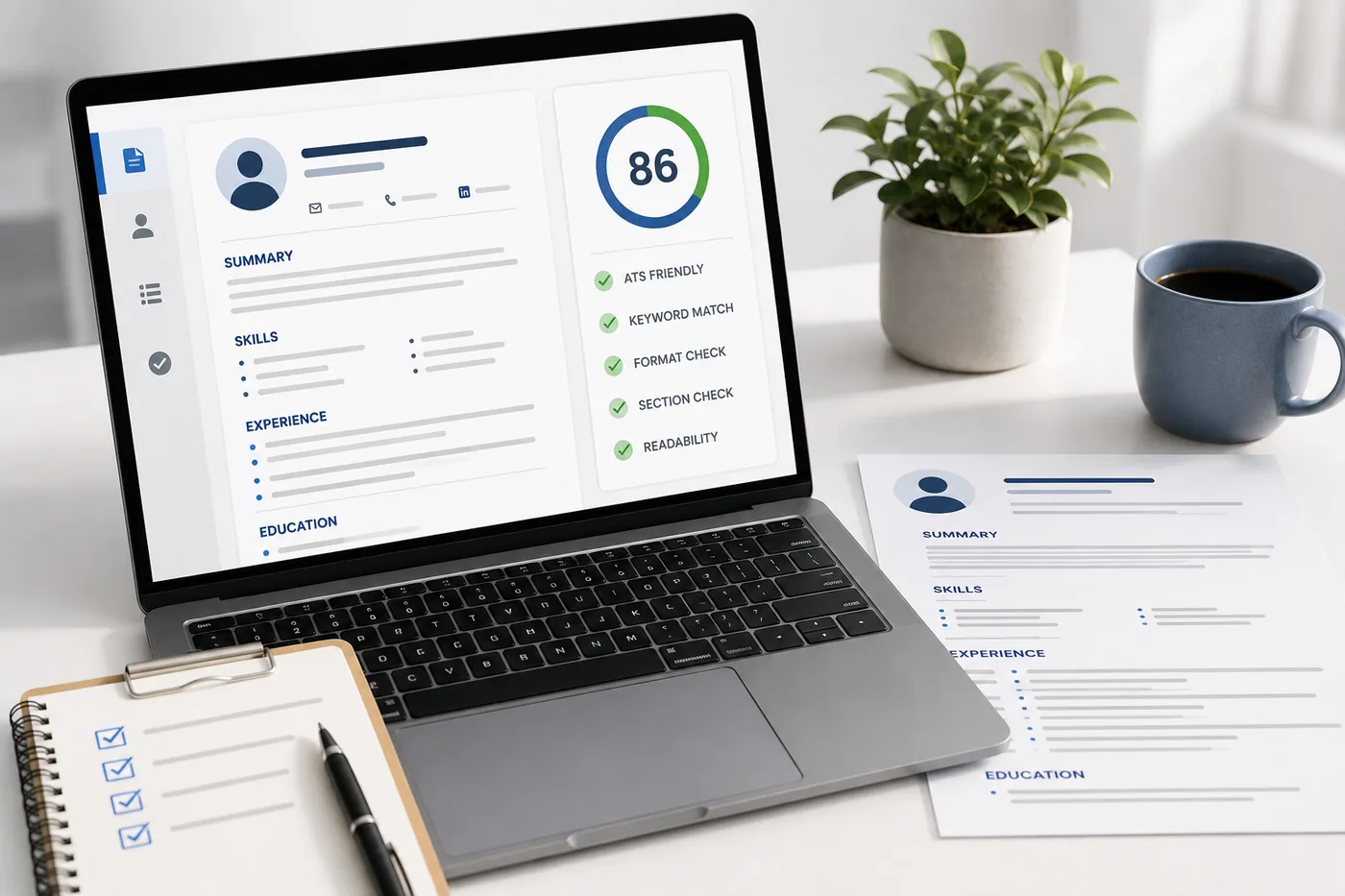
What an ATS score report actually shows you

The score itself matters less than the breakdown beside it: each check names what passed, what failed, and why it matters - which is the list you actually work through.
- Open a free ATS score checker. You can check your ATS score on TailorCV in seconds.
- Paste your resume (or upload it) and add the job description you are targeting.
- Run the scan. The tool parses your resume just like an ATS would.
- Read the detailed breakdown. TailorCV runs 25 separate checks and shows you what passed and what failed - contact info, skills match, formatting, action verbs, quantified impact, and more.
- Fix and re-scan. Make the suggested changes and run it again to watch your score climb.
Because the report is itemized, you are never left wondering what to do next. Each failed check is something specific you can correct.
What Is a Good ATS Score?
A common question is: what is a good ATS score? As a general rule:
- 80-100 - Excellent. Your resume is well matched and cleanly parseable.
- 60-79 - Decent, but you are likely missing keywords or have formatting gaps.
- Below 60 - Your resume needs real work before applying; it may be filtered out.
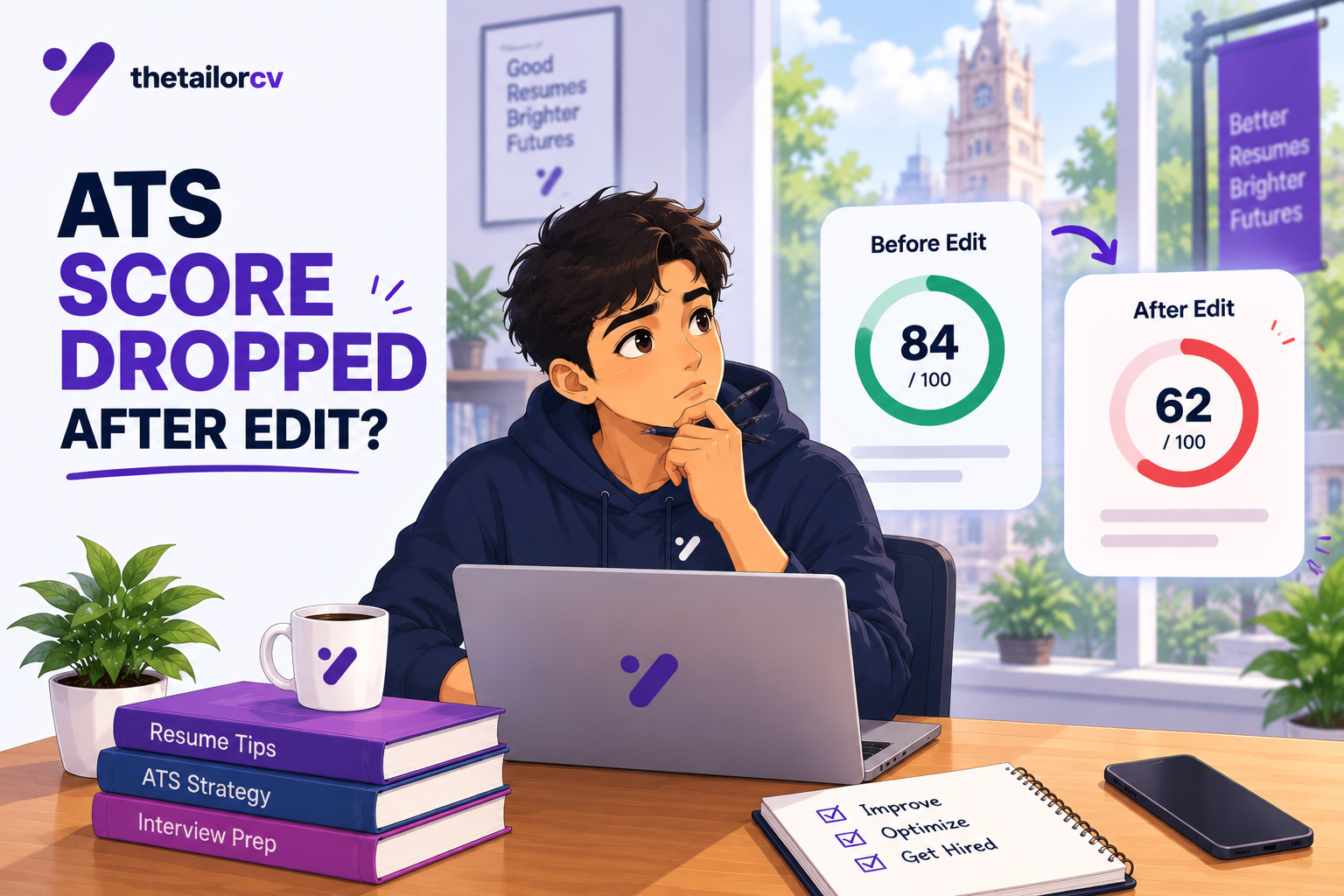
Keep in mind that your score is partly relative to the specific job description. A resume that scores 90 for one role may score 65 for another, which is exactly why you should tailor and re-check your resume for each application.
How to Improve Your ATS Score
Once you know your score, improving it is straightforward when you focus on the right things:
- Match keywords to the job description. Mirror the exact skills and terms the posting uses. A tool that tailors your resume to each job makes this fast.
- Use a clean, single-column layout. Fancy multi-column designs and text boxes often break ATS parsing. Start from free ATS friendly resume templates instead of building from scratch.
- Label your sections clearly. Use standard headings like Experience, Education, Skills, and projects.
- Quantify your impact. Numbers (percentages, dollar amounts, user counts) strengthen both ATS scoring and recruiter appeal.
- Lead bullets with action verbs. "Built," "Led," "Improved," and "Launched" read better to both software and humans.
- Keep contact details simple. Plain text email and phone, no images or headers that the parser may skip.
After each change, run the free ATS score checker again. Optimization is a loop: scan, fix, re-scan.
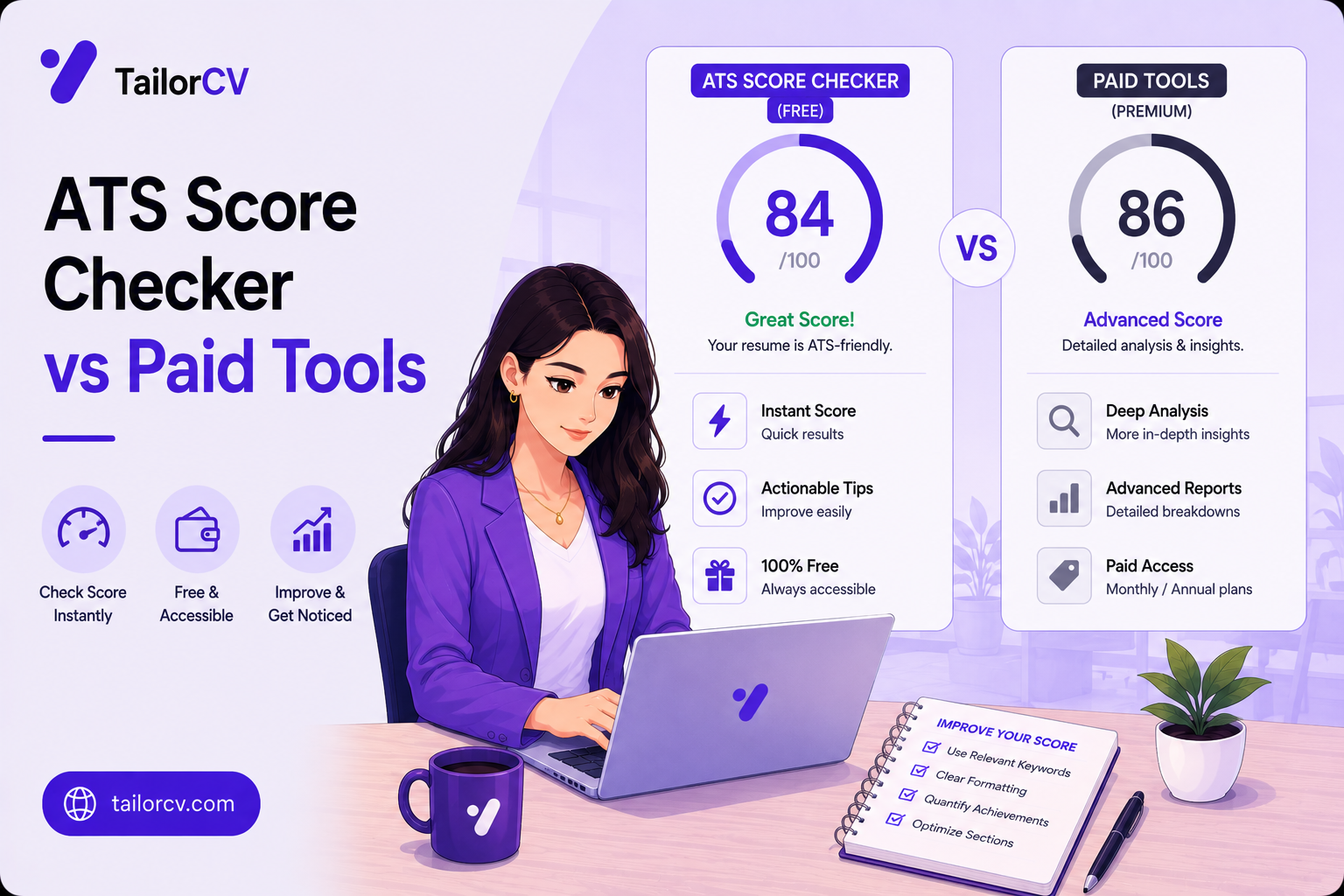
Free ATS Score Checker vs Paid Tools
Many paid services lock the most useful feedback behind a subscription. The good news is that a quality free ATS score checker gives you everything you need to start: a real score, a full breakdown of passed and failed checks, and clear guidance.
With TailorCV, you can check your score, tailor your resume to a job, build from ATS-friendly templates, and even practice mock interviews that ask questions based on your actual resume - all in one place, free to start. That last step matters: a great resume gets you the interview, and resume-based interview practice helps you win it.
Make This Practical
Do not guess whether the resume is ready. Upload it to the free ATS score checker, compare the result with the ATS Score Guide, and fix formatting issues using ATS Resume Formatting Mistakes and ATS Resume Parser Friendly Format.
After the technical cleanup, improve relevance. Use Resume Matching With Job Description, strengthen keyword coverage with the Resume Keywords Guide, and avoid overdoing it by checking ATS Keyword Mistakes. If the layout itself is weak, rebuild with an ATS-friendly resume template.
Final Thoughts
You should never apply to a job blind. A free ATS score checker turns your resume from a guess into a measurable, improvable document. Check your ATS score, fix what fails, tailor it to the role, and apply with confidence.
Start by checking your ATS score for free, grab an ATS friendly template if your formatting needs help, and then practice a mock interview so you are ready when the callback comes.
Frequently Asked Questions
Is the ATS score checker really free?
Yes. You can check your ATS score and see a full breakdown of what passed and failed for free - you only need to sign in.
How accurate is a free ATS score checker?
A good checker parses your resume the same way real ATS software does and scores it against your target job description, so the results closely reflect how employers' systems read your resume.
What ATS score should I aim for?
Aim for 80 or above for the specific job you are applying to. Scores below 60 usually mean your resume needs formatting or keyword fixes before you apply.
Does a higher ATS score guarantee an interview?
No tool can guarantee an interview, but a higher ATS score significantly improves the odds that your resume gets past automated filters and in front of a human recruiter.
How often should I check my ATS score?
Check it every time you apply to a new role. Because scoring depends on the job description, you should tailor and re-check your resume for each application.
What is your resume scoring right now?
Scan it against a job description and get your ATS match score in about a minute.
Drop your resume here or choose a file
PDF only. Max 2 MB.
We never share your data or use it to train AI models.
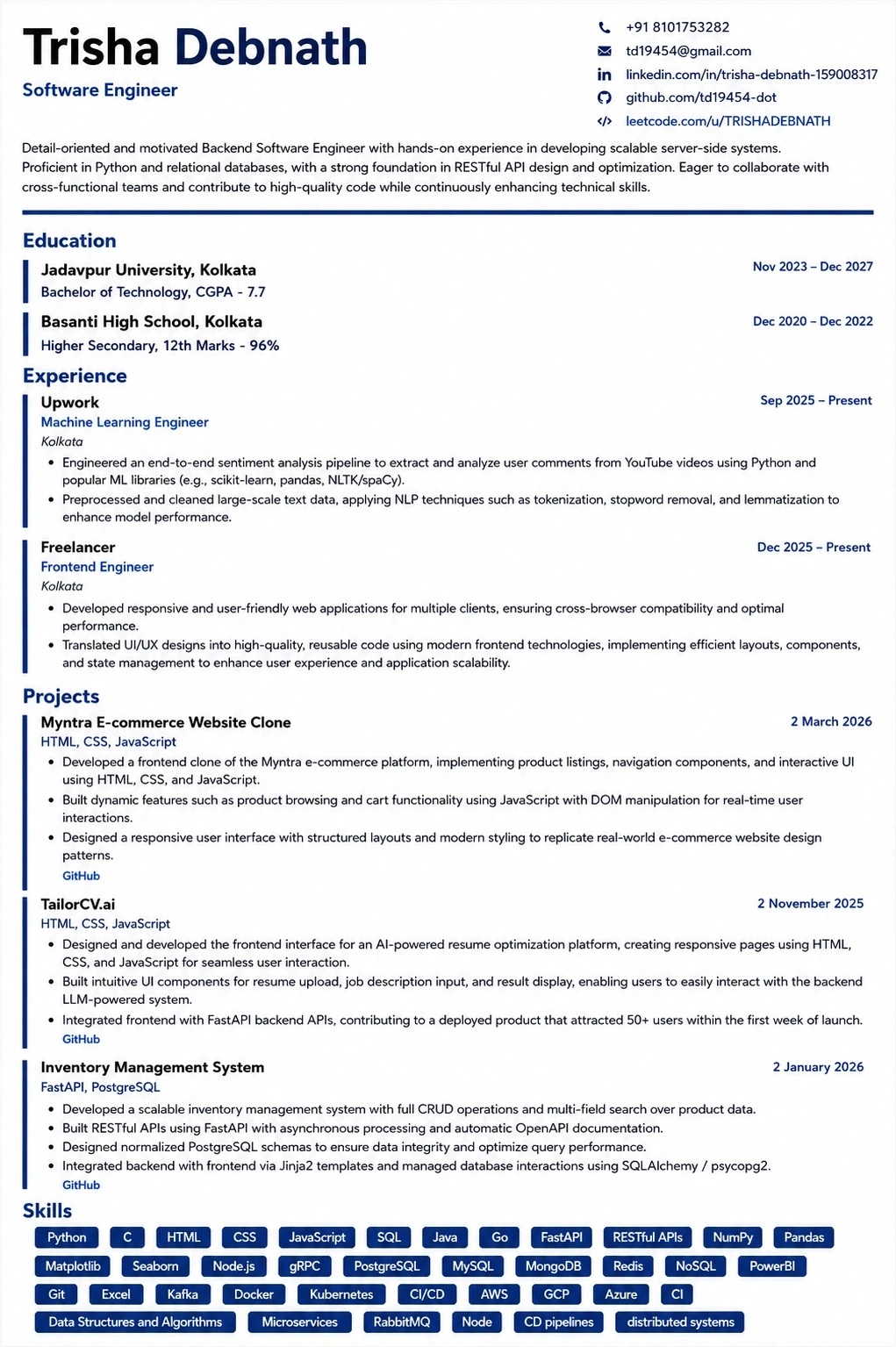
Templates that keep this structure intact
This template is ATS-tested — start from it and the formatting rules in this guide are already handled.
Was this guide useful?
Be the first to rate it.