 SS
SS
Key Takeaways
- Choosing the wrong resume template can lead to rejection by ATS systems, preventing human review of your application.
- A good resume template should be ATS-compatible, using a single-column layout and avoiding tables, text boxes, and graphics.
- Tailor your template choice based on your experience level, with specific structures for freshers, early career, mid to senior professionals, and career changers.
- Ensure the length of the resume matches your content, with one page for under 10 years of experience and two pages for senior professionals.
- Select a template style that aligns with your industry to effectively communicate your fit to potential employers.
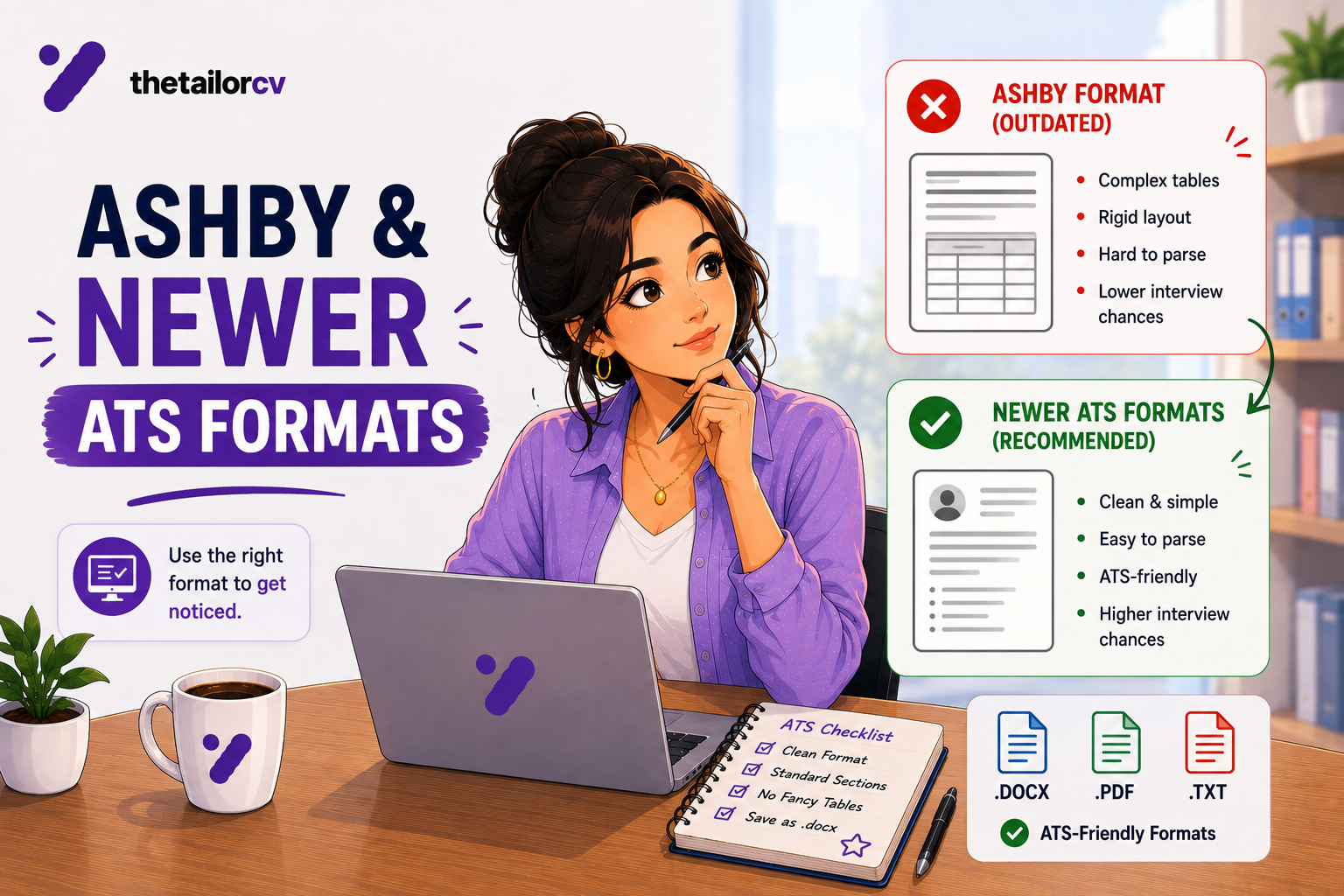
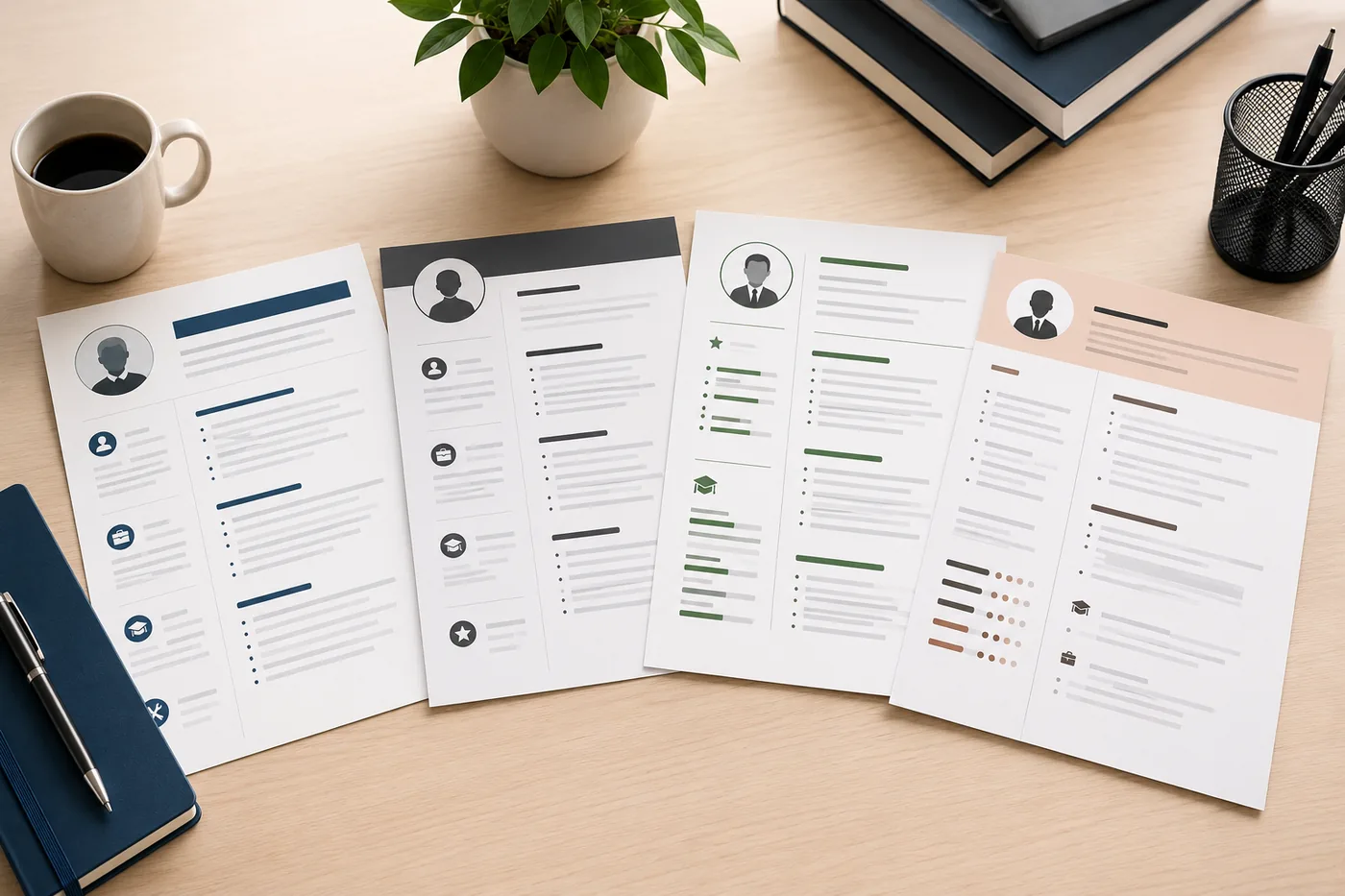
Choosing the wrong resume template can silently kill your applications. A template that looks professional might use tables, text boxes, or two-column layouts that ATS systems cannot parse - meaning your resume gets filtered out before any human reads it. A template that is ATS-safe might look outdated or underpowered for your industry.
This guide helps you choose a template that is both ATS-compatible and right for your specific career situation.
Browse and start with TailorCV's ATS-friendly templates - built specifically for the modern hiring process. Test any template you use with the TailorCV ATS checker.
Why Template Choice Matters More Than You Think
A bad template is not just an aesthetic problem - it is a functional one.
Many popular resume templates on design sites (Canva, Behance, Etsy) use:
- Two-column layouts that confuse ATS
- Tables for structure that collapse in ATS
- Text boxes that ATS cannot read
- Graphics and icons that are invisible to ATS
- Unusual fonts that may not embed correctly in PDF
When an ATS system cannot parse your resume, your experience, skills, and keywords are lost or scrambled. A 10-year veteran can score a 0 on ATS because their template was built for aesthetics, not function.
Read ATS resume formatting mistakes for the full list of template-related errors.
5 Criteria for a Good Resume Template
1. ATS Compatibility (Most Important)
The template must:
- Use a single-column layout (or a combination format where the second column is only for contact/skills, not work experience)
- Avoid tables, text boxes, and graphics for core content
- Use standard section names: Experience, Education, Skills, projects
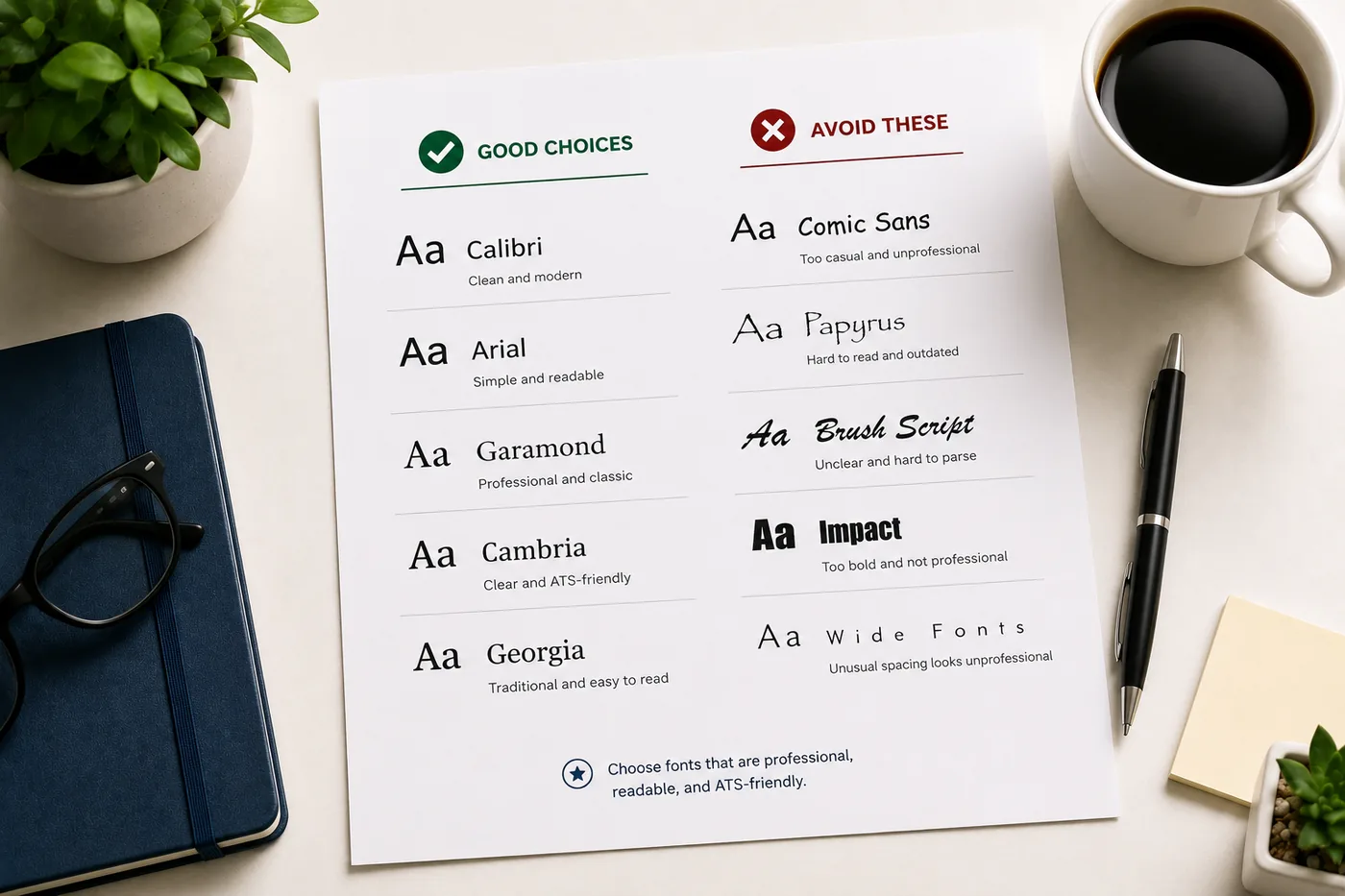
- Use standard fonts: Calibri, Arial, Georgia, Garamond, Cambria
- Export cleanly to PDF without scrambling the text
Test any template you use by running the exported PDF through the TailorCV ATS checker.
2. Correct Structure for Your Experience Level
| Section | What goes in it |
|---|---|
| No experience / fresher | Template should lead with Education and Projects, not experience. Read resume templates for beginners |
| Early career (1-5 years) | Experience prominent, education brief, skills section |
| Mid to senior (5+ years) | Experience drives the resume; education minimal; skills strategic |
| Career changer | Combination template with skills section before experience |
3. Right Length for Your Content
- One page for under 10 years of experience
- Two pages for senior professionals (read ideal resume length guide)
A template designed for one page that you stretch to two looks weak. A template designed for two pages that is half empty looks sparse. Match template length to your content.
4. Industry Alignment
Some template styles communicate industry fit:
- Finance/Law/Consulting: Clean, traditional, minimal color
- Tech/Engineering: Clean, modern, slightly bold - no excessive flair
- Marketing/Design: Can tolerate more design - but still needs to be ATS-compatible
- Healthcare/Government: Conservative, plain
See the resume design and color guide for industry-by-industry guidance.
5. Readability
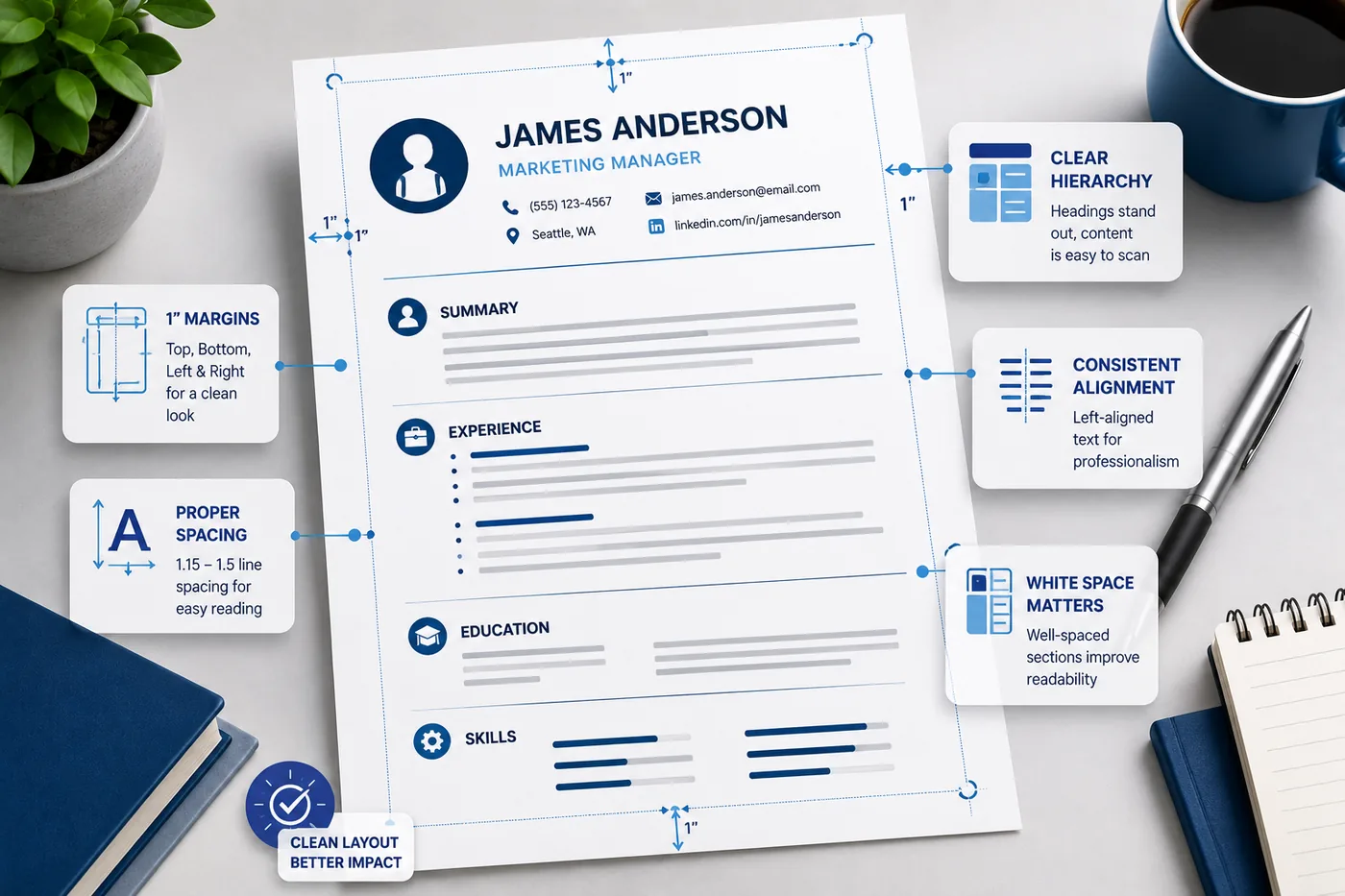
Can a recruiter scan your name, current role, last company, and one key accomplishment in 6 seconds? If not, the template has a hierarchy or layout problem. Read how recruiters read resumes in under 10 seconds.
Types of Resume Templates: Pros and Cons
Classic/Traditional (Black and White, Serif or Sans-serif)
Best for: Finance, law, government, conservative industries, senior professionals
Pros: ATS-safe, universally professional, trusted by all industries
Cons: May look bland for creative or modern roles
Modern Clean (Minimal Color Accent, Clean Layout)
Best for: Tech, marketing, product, operations
Pros: Professional, readable, ATS-friendly, contemporary feel
Cons: May be too casual for traditional industries
Creative/Designed (Heavy Color, Two Columns, Infographics)
Best for: Graphic design portfolio submissions, some creative marketing roles
Pros: Can demonstrate design sensibility
Cons: High ATS failure risk; avoid for most corporate applications
Two-Column
Best for: Very few use cases
Pros: Visually compact for some content types
Cons: Major ATS risk; recruiter scan issues; widely not recommended
What to Look for When Evaluating Any Template
Run through this checklist before using a template:
- unchecked: Is it single-column (or does the two-column version separate contact/skills only, keeping experience in one column)?
- unchecked: Does it use standard section names?
- unchecked: Does it avoid tables for core content areas?
- unchecked: Does it avoid text boxes for key information?
- unchecked: Does it use standard fonts?
- unchecked: Does the exported PDF parse correctly in the ATS checker?
- unchecked: Is the information hierarchy clear? (Name prominent, experience easy to find)
- unchecked: Is there enough space for your content at readable font sizes?
Where to Get Good Resume Templates
TailorCV Templates (Recommended)
The TailorCV template library offers templates built specifically for ATS compatibility and modern hiring practices. Every template is tested to parse correctly.
Microsoft Word/Google Docs Built-in Templates
The built-in templates are generally ATS-safe and professionally designed for most use cases. Start here if you don't have a strong preference.
What to Avoid
- Canva resume templates - often use non-parseable design elements
- Graphic design portfolio sites - templates built for visual impact, not function
- Etsy templates - quality varies widely; always ATS-test before using
Don't Over-Invest in Template Selection
Spending hours comparing templates is procrastination. The template matters - but it matters far less than the quality of your content. A mediocre template with excellent, tailored, quantified content beats a beautiful template with generic, duty-based bullets every single time.
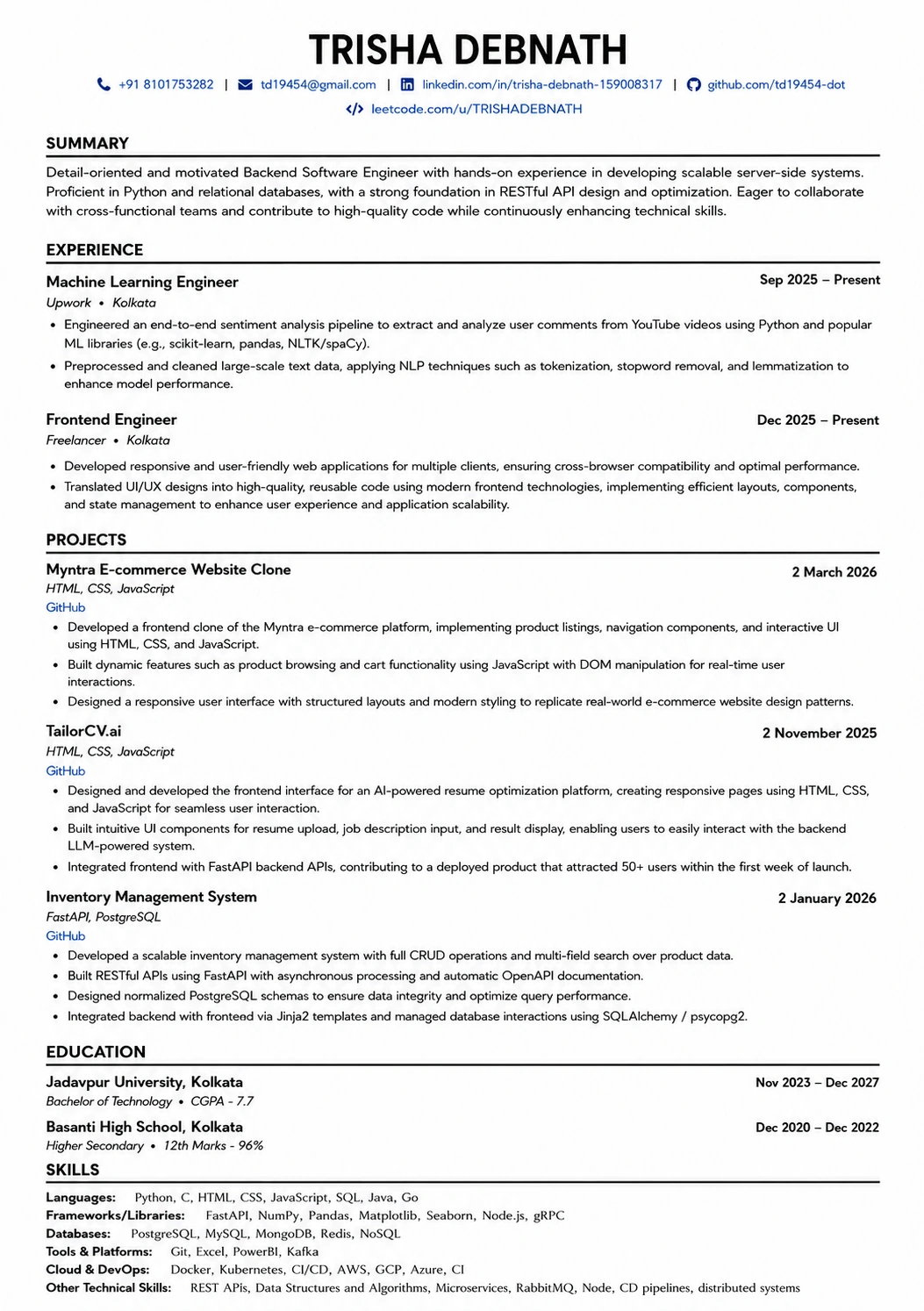
Your resume after optimization
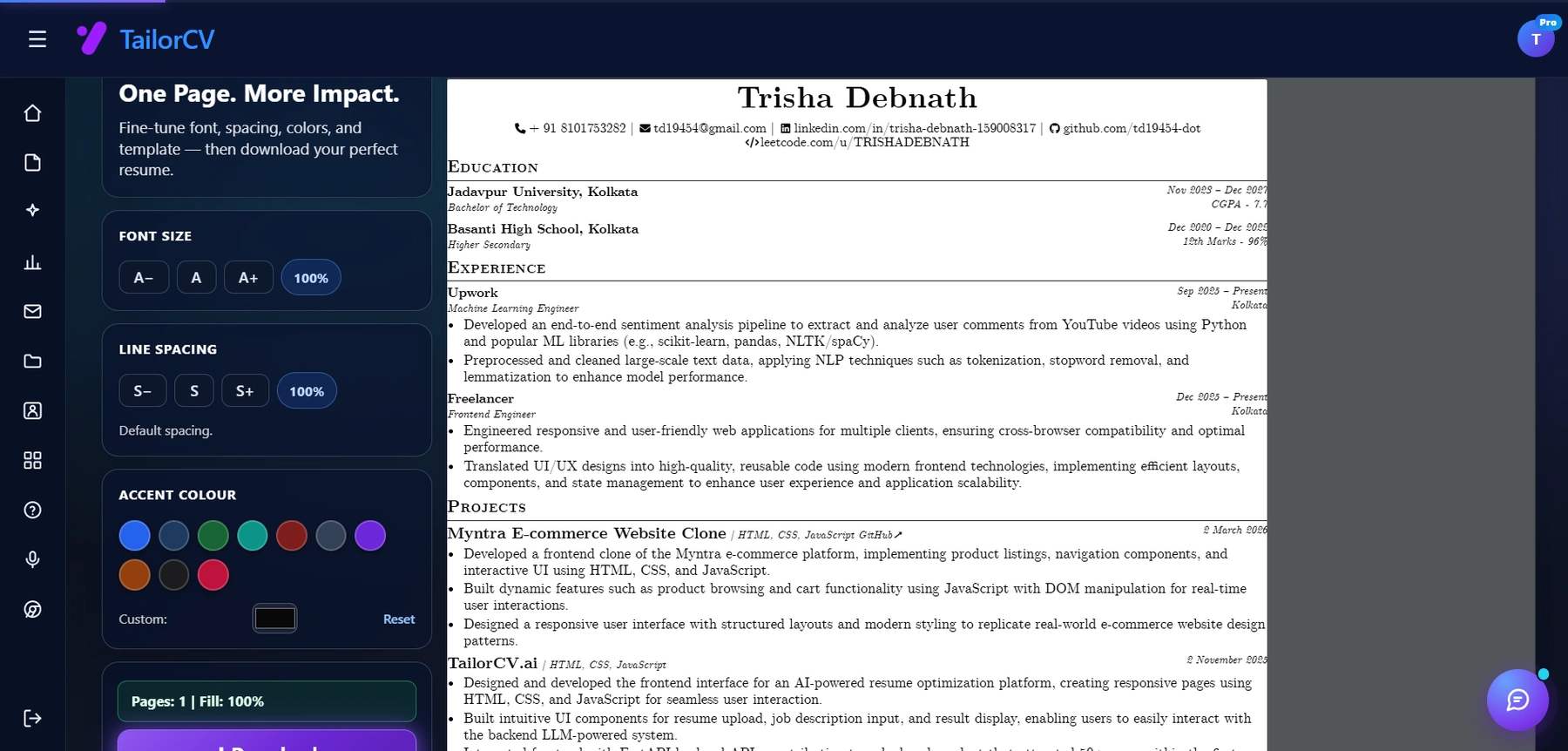
Font size, spacing, accent colour and template are all adjustable, with a live page counter.
Choose a professional, ATS-compatible template, then put 90% of your effort into writing strong content.
Read how to write a resume from scratch for the complete content-writing guide.
Related Guides
- Resume Templates for Beginners
- ATS Resume Formatting Mistakes
- Resume Design and Color Guide
- Best Resume Fonts for 2026
- Resume Margins, Spacing and Layout
- How to Make Your Resume ATS-Friendly
- Ideal Resume Length Guide
- How Recruiters Read Resumes in Under 10 Seconds
- How to Write a Resume from Scratch
Make This Practical
Turn the career advice into a stronger application system. Start by checking your resume with the free ATS score checker, align it with the role using How to Tailor Your Resume for Every Job, and keep your profile consistent with LinkedIn Resume Tailoring Sync.
When you are ready to apply, build the supporting pieces around the resume. Use the AI cover letter generator for targeted outreach, practice with the AI mock interview tool, and review Why Your Resume Gets No Responses if applications are not converting.
Conclusion
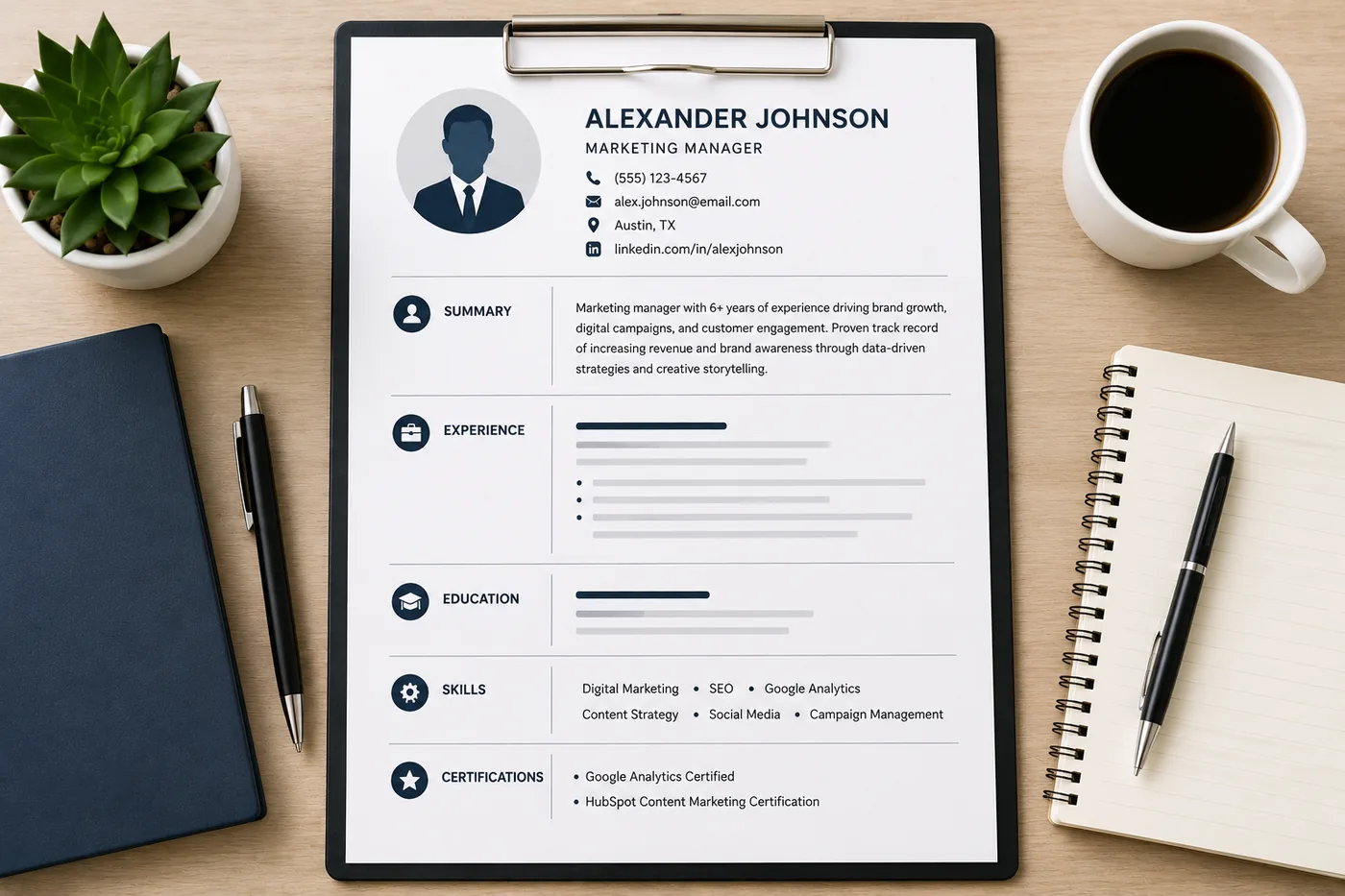
The best resume template is one that is ATS-compatible, appropriate for your industry, structured for your experience level, and readable in under 10 seconds. Skip design-heavy templates that sacrifice function for aesthetics.
Use TailorCV's ATS-friendly templates as your starting point, verify with the ATS checker, then focus your energy on the content that wins interviews.
Frequently Asked Questions
Why is it important to choose an ATS-compatible resume template?
Choosing an ATS-compatible resume template is crucial because it ensures that your resume can be properly read and parsed by Applicant Tracking Systems. Many visually appealing templates may include elements like tables or text boxes that confuse ATS, resulting in your resume being filtered out before a human sees it. To avoid this, consider using TailorCV's ATS-friendly templates that are designed specifically for modern hiring processes.
How can I test if my resume template is ATS-friendly?
You can test your resume template for ATS compatibility using an ATS score checker. This tool evaluates how well your resume will perform in an ATS environment, helping you identify any potential issues before you submit your applications. Make sure to adjust any problematic elements based on the feedback you receive.
What should I consider when selecting a resume template for my industry?
Different industries have varying expectations regarding resume formats and styles. For example, creative fields might allow for more design elements, while corporate roles typically favor clean and straightforward layouts. Researching industry standards and using resources like The Anatomy of a Perfect Resume can help you choose a template that aligns with your career goals.
Are there specific fonts I should use for my resume in 2026?
Yes, font choice plays a significant role in the overall readability and professionalism of your resume. In 2026, it's recommended to stick with fonts that are easy to read both digitally and in print. Resources like the Best Resume Fonts for 2026 can provide guidance on which fonts to use and which ones to avoid.
How can I ensure my resume stands out while remaining ATS-friendly?
To make your resume stand out, focus on using a clean layout and professional design elements that do not hinder ATS readability. Incorporate strategic keywords from the job description to enhance your chances of being noticed. Using tools like the Job Description Analysis Checklist can help you identify the most relevant keywords to include in your resume.
Does your formatting survive the parser?
Upload your resume and see what an ATS actually reads back.
Drop your resume here or choose a file
PDF only. Max 2 MB.
We never share your data or use it to train AI models.

Templates that keep this structure intact
This template is ATS-tested — start from it and the formatting rules in this guide are already handled.
Was this guide useful?
Be the first to rate it.