SS
SS
Key Takeaways
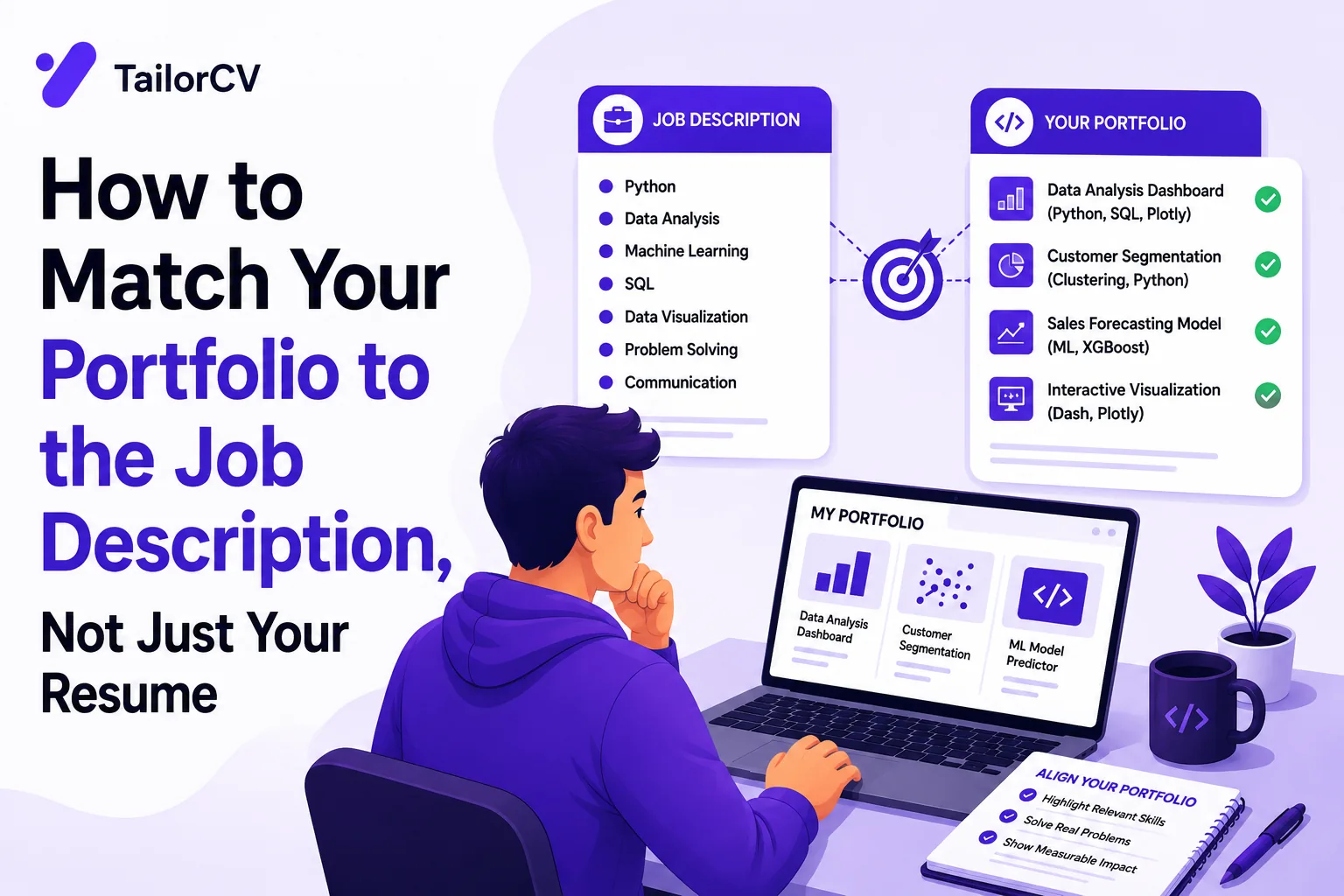
- Tailor your portfolio for each job application by showcasing the most relevant projects instead of maintaining a static collection.
- Analyze the job description to identify key skills, work types, and desired outcomes to guide your project selection.
- Feature 3-5 projects that closely align with the job requirements, prioritizing relevance over impressiveness.
- Reorder your portfolio to present the most pertinent projects first and rewrite descriptions using the job's language for better alignment.
- Consider adding a detailed case study for your strongest match to provide deeper insights into your relevant work.
Most job seekers tailor their resume for every application and never think twice about their portfolio. It sits static, the same set of projects, the same order, the same descriptions, no matter which job they are applying to. That is a missed opportunity, because a portfolio that is matched to the job description can reinforce your fit far more convincingly than a resume bullet ever could.
If a resume tells an employer what you did, a portfolio shows them. But only if you show them the right things, in the right order, described in the right language.
Build or update your portfolio in minutes with TailorCV's Portfolio Builder, then read on for how to tailor it project by project.
Why a Static Portfolio Undersells You
A portfolio with ten projects in chronological order forces a hiring manager to do the matching work themselves, hunting for the two or three projects most relevant to the role they are hiring for. Most will not bother. A portfolio that leads with the most relevant work for each specific application removes that friction entirely.
This is the same principle behind resume matching with job description, applied to a different medium.
Step 1: Extract What the Job Description Actually Values
Before touching your portfolio, read the job description closely and identify:
- The core skills or technologies it names explicitly
- The type of work it describes (greenfield builds, optimization, collaboration across teams, client-facing work)
- Any specific outcomes it emphasizes (performance, growth metrics, design quality, scale)
This is the same extraction process used for resume keyword matching, just applied to selecting and framing your project work.
Step 2: Choose Which Projects to Feature
- Lead with your most relevant project, not your most impressive one if it does not relate. A smaller project that maps closely to the job's actual work often outperforms a flashier but irrelevant one.
- Limit your featured projects to 3-5 for any single application context, rather than showing everything you have ever built.
- Cut or de-prioritize projects that pull focus away from the skills the role actually needs.
Read developer portfolio project ideas or data analyst portfolio guide for guidance on what strong, relevant projects look like in specific fields.
Step 3: Reorder Your Portfolio by Relevance
Most portfolio builders let you control project order. Move your most relevant project to the top for each application context, the same way you would move your most relevant resume bullets to the top of each role.
If you maintain multiple versions of your portfolio for different types of roles, treat this the same way you would manage multiple resume versions.
Step 4: Rewrite Project Descriptions to Mirror the Job's Language
Your project descriptions should not just describe what you built. They should use the same terminology the job description uses, wherever it is accurate.
Weak: "Built a web app that helps users track their spending."
Better, matched to a JD emphasizing scale and performance: "Built and optimized a full-stack expense-tracking web app handling 10,000+ monthly active users, reducing page load time by 40% through backend query optimization."
This mirrors the same before-and-after principle used in resume matching examples, applied to your project write-ups.
Step 5: Add a Case Study for Your Strongest Match
If your portfolio platform supports it, expand your most relevant project into a full case study: problem, approach, tools used, outcome. This gives hiring managers the deepest possible look at your most relevant work. Read how to write a portfolio case study for a full structure.
Common Mistakes When Matching a Portfolio to a Job Description
Treating the Portfolio as a Static Asset
A portfolio that never changes forces every hiring manager to do the relevance-matching themselves. Update project order and framing for each serious application, the same way you would your resume.
Featuring Every Project With Equal Weight
Not every project deserves the same prominence. Feature what is relevant; archive or de-prioritize what is not, for this specific application.
Ignoring the Job Description's Specific Language
If the job description repeatedly emphasizes "scalability" or "cross-functional collaboration," and your project descriptions never mention either, you are leaving an easy match on the table.
Forgetting to Link the Portfolio From Your Resume
A well-matched portfolio only helps if the hiring manager finds it. Read how to add a portfolio link to your resume to make sure it is visible.
How TailorCV Helps You Build a Matched Portfolio Fast
TailorCV's Portfolio Builder turns your resume into a live, shareable portfolio site in minutes, with multiple design templates to choose from. Pair it with the resume optimizer to make sure your resume and portfolio tell a consistent, job-matched story, and generate a tailored cover letter that ties both together for the specific role.
Creating a Portfolio Matching Checklist
To streamline the process of tailoring your portfolio, consider creating a checklist that aligns with the job description. This checklist should focus on specific elements that the employer values. Here’s how to build it:
Turning a resume into a portfolio site

The three steps are template, details, publish. Uploading an existing CV fills in the details step for you, which is why this takes minutes rather than a weekend.
- Identify Key Requirements: From the job description, list out the essential skills and experiences required for the role.
- Match Your Projects: For each requirement, identify which projects from your portfolio demonstrate that skill or experience.
- Visual Appeal: Note any visual or design preferences mentioned in the job description. This could include color schemes, layout styles, or specific formats.
- Technical Proficiencies: If the job lists specific tools or technologies, ensure you highlight projects that utilized these tools.
- Soft Skills: Identify any soft skills mentioned and ensure your projects reflect these qualities in your descriptions.
Using this checklist ensures that you don’t miss any critical elements when customizing your portfolio.
Example Scenario: Tailoring for a UX Design Role
Imagine you're applying for a UX Designer position. The job description emphasizes user research, prototyping, and collaboration with cross-functional teams. Here’s how to tailor your portfolio:
- Select Relevant Projects: Choose projects where you conducted user interviews or usability testing.
- Highlight Your Process: For each project, include a section that discusses your research methods, findings, and how you integrated feedback into your designs.
- Visuals Matter: Use wireframes and prototypes from these projects to visually demonstrate your skills.
- Teamwork Focus: If a project involved collaboration, highlight your role within the team, emphasizing communication and teamwork.
By strategically selecting and presenting your work, you can create a compelling narrative that aligns with the job description.
Do's and Don'ts of Portfolio Tailoring
Do's:
- Do Use Active Language: When describing your projects, use action verbs that convey impact (e.g., "designed," "developed," "collaborated").
- Do Include Metrics: Quantify your results where possible (e.g., "increased user engagement by 30%").
- Do Keep It Updated: Regularly refresh your portfolio to include new projects and remove outdated ones.
Don'ts:
- Don't Overlook Format: Ensure your portfolio is easy to navigate. Cluttered designs can distract from your work.
- Don't Use Generic Descriptions: Tailor each project description to reflect how it relates to the job you’re applying for.
- Don't Ignore Feedback: Seek input from peers or mentors on your portfolio before submitting it.
Mini Checklist for Portfolio Tailoring
Before submitting your portfolio, run through this quick checklist:
- unchecked: Have I reviewed the job description thoroughly?
- unchecked: Have I selected projects that align with the key requirements?
- unchecked: Are my project descriptions tailored to reflect the language and skills mentioned in the job description?
- unchecked: Is my portfolio visually appealing and easy to navigate?
- unchecked: Have I included quantitative results where applicable?
- unchecked: Did I check for grammatical errors and formatting consistency?
This checklist can help ensure that your portfolio is not only relevant but also polished and professional.
Common Mistakes to Avoid
- Neglecting the Audience: Always remember who will review your portfolio. Tailor your content to resonate with their values and expectations.
- Presenting Irrelevant Work: Avoid cluttering your portfolio with projects that do not align with the job description. Focus on quality over quantity.
- Ignoring Design Trends: Ensure your portfolio reflects current design trends relevant to your field. Outdated designs can make you seem out of touch.
- Failure to Follow Up: After submitting your portfolio, don’t hesitate to follow up with the employer to express your continued interest. This shows initiative and professionalism.
By avoiding these pitfalls, you can enhance the effectiveness of your tailored portfolio.
Leveraging Tools for Portfolio Optimization
Using the right tools can significantly enhance your portfolio tailoring process. Consider utilizing:
- ATS checker to ensure your portfolio aligns with applicant tracking systems.
- Portfolio templates to create a visually appealing layout.
- Mock interview sessions to practice discussing your portfolio and projects effectively.
These resources can provide additional support in optimizing your portfolio to meet job requirements efficiently.
Hybrid roles such as design engineer or growth engineer need both halves visible; tailoring for a hybrid role covers the resume side.
Agencies want range while in-house teams want depth - agency vs in-house tailoring explains how that changes what you feature.
Frequently Asked Questions
Do I need a different portfolio for every job application?
Not entirely different, but you should adjust project order, featured work, and descriptions for each serious application, the same way you would tailor a resume.
How many projects should I feature for a specific application?
Three to five well-matched projects usually outperform a longer, unfiltered list. Depth and relevance beat volume.
Should I remove projects that don't relate to a specific job?
You do not need to delete them permanently, but de-prioritize or hide them for that specific application context if your portfolio platform allows it.
Does a matched portfolio really make a difference alongside a matched resume?
Yes, especially for design, engineering, product, and marketing roles where the portfolio provides direct evidence a resume bullet cannot fully convey.
How do I quickly build or update a portfolio for a specific job application?
Use TailorCV's Portfolio Builder to create or update a live portfolio site in minutes, without any coding required.
Related Guides
- Resume Matching with Job Description - Complete Guide
- How to Write a Portfolio Case Study
- Developer Portfolio Project Ideas
- Data Analyst Portfolio Guide
- Add Portfolio Link to Resume
- Portfolio Checklist Before Applying
- Managing Multiple Resume Versions
- How to Match Your 30-Second Video Pitch to the Job Description
- Job Description Keyword Extraction Guide
- Portfolio Examples That Landed Interviews
Conclusion
Your portfolio deserves the same tailoring effort as your resume. Choose the right projects, reorder by relevance, and rewrite descriptions to mirror the job description's language, and your portfolio becomes proof, not just a static gallery.
Build or update your job-matched portfolio in minutes with TailorCV's Portfolio Builder.
What is your resume scoring right now?
Scan it against a job description and get your ATS match score in about a minute.
Drop your resume here or choose a file
PDF only. Max 2 MB.
We never share your data or use it to train AI models.

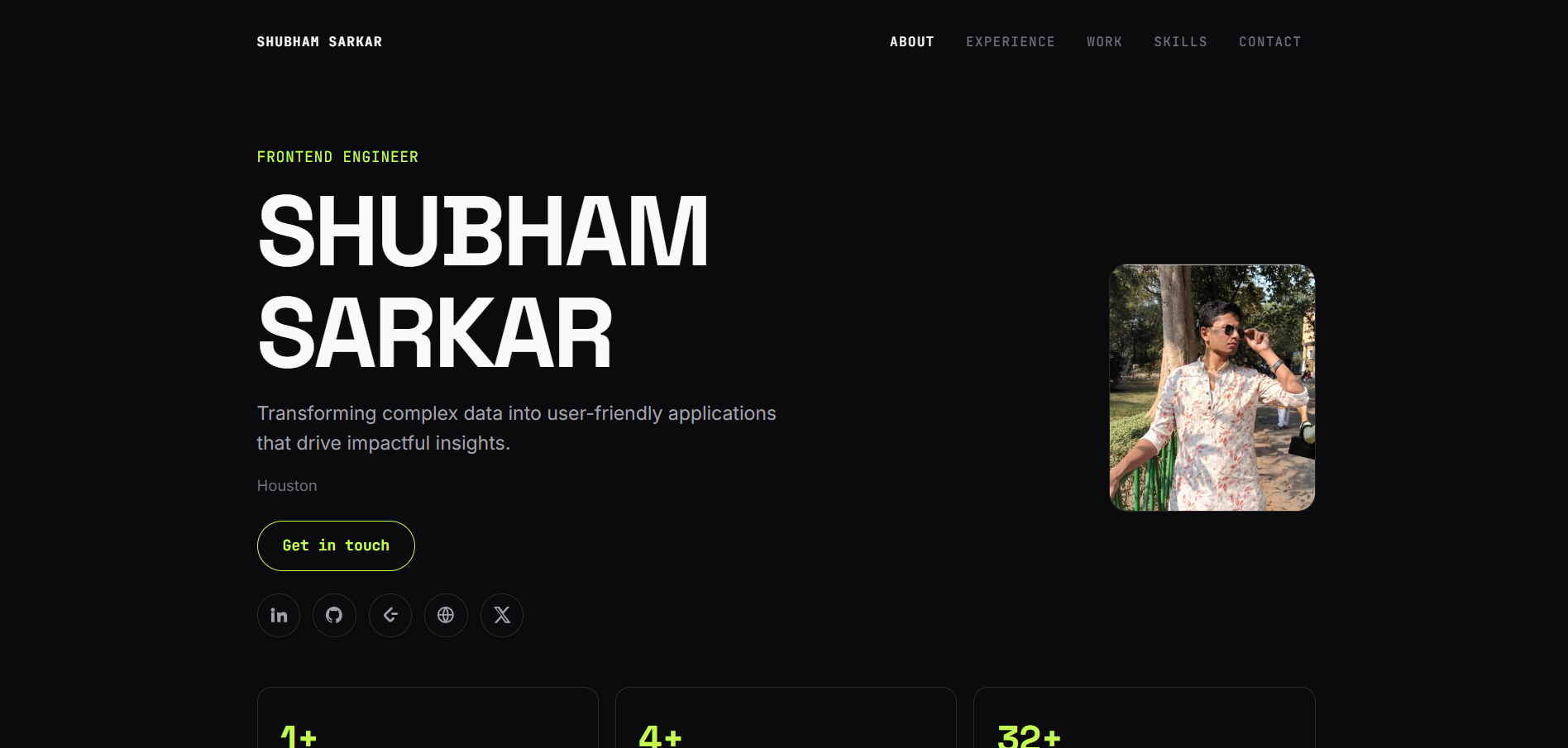
See what your portfolio could look like
This theme is built straight from your resume — pick one and your portfolio is live in minutes.
Was this guide useful?
Be the first to rate it.