SS
SS
Key Takeaways
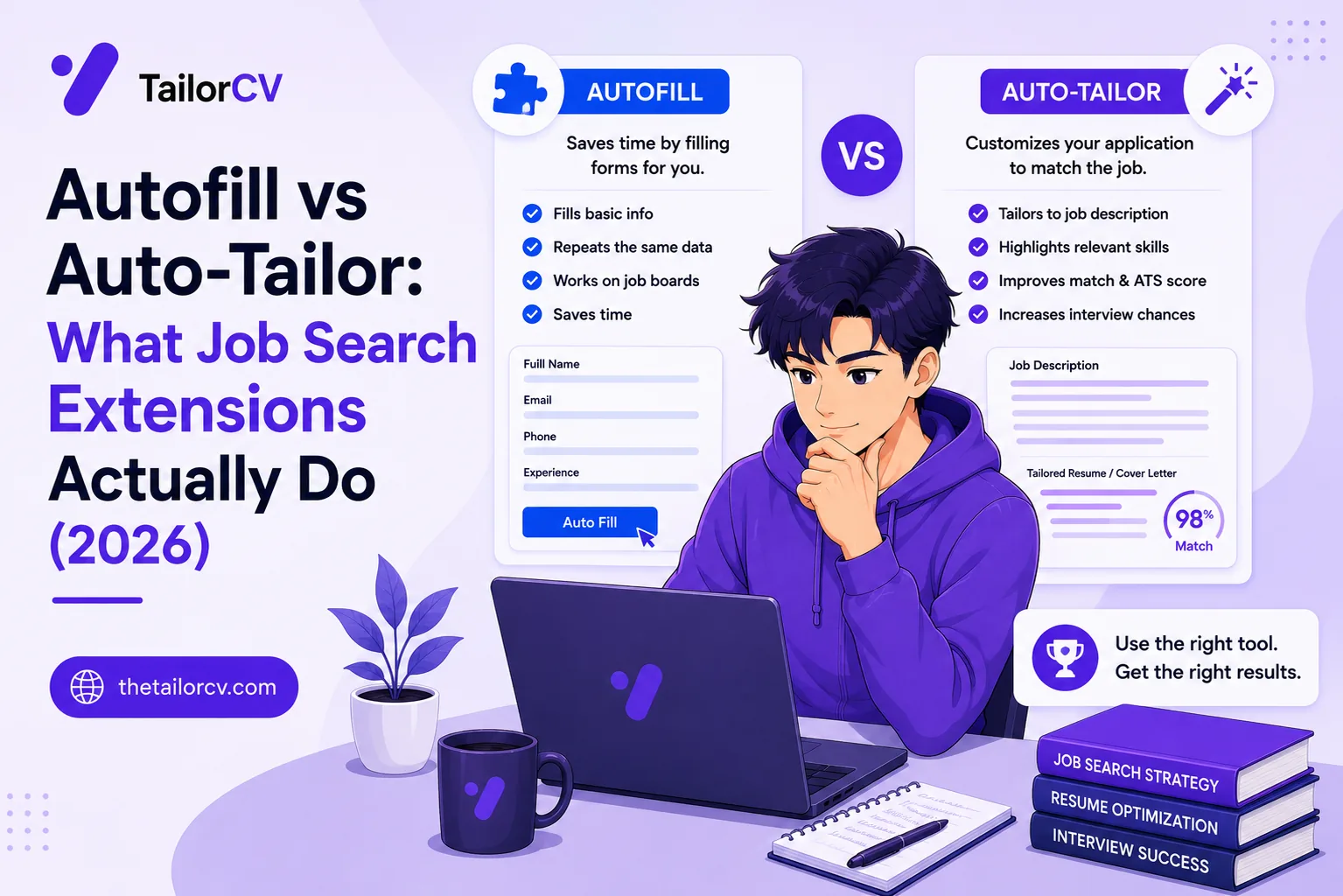
- Autofill saves you typing; auto-tailor changes whether you get the interview.
- Autofill reads your saved profile and populates the fields on an application form.
- Auto-tailoring reads the job description off the posting and rewrites your resume to match it, using your real experience.
- The common mistake is reaching for the tool that makes applying feel faster rather than the one that changes the outcome.
- The two are complementary, not competing - autofill matters most on long ATS forms, auto-tailoring matters everywhere.
Job-search extensions fall into two camps that sound similar and do completely different things: autofill fills out application forms for you, and auto-tailor rewrites your resume to match the job. People install one thinking they got the other, then wonder why their results did not change. This guide draws the line clearly, so you install the tool that fixes your actual problem.
The One-Sentence Difference
Autofill saves you typing. Auto-tailor changes whether you get the interview.
That is the whole thing, and it is worth sitting with, because it tells you which to prioritise. Autofill makes a task faster. Auto-tailor makes an application better. Both are useful, but only one of them affects the outcome you actually care about.
What Autofill Does
Application autofill reads your saved profile — name, email, work history, education — and populates the fields on an application form. On a long Workday form that makes you re-enter your entire history, this is a genuine relief. It is pure time-saving on a genuinely tedious task.
What autofill does not do is change what you are submitting. It puts the same information, from the same generic resume, into the form faster. If that resume was not matched to the job, autofill just helped you get filtered out more efficiently. It is a productivity tool, not a results tool — and that distinction is the entire point of this article.
Autofill is worth having if form-filling is genuinely eating your time, especially if you apply to a lot of enterprise roles with long forms. We are honest that our own tool does not do this — TailorCV's extension is an auto-tailor, not an autofill, and if forms are your main pain a dedicated autofill extension is the right install.
What Auto-Tailor Does
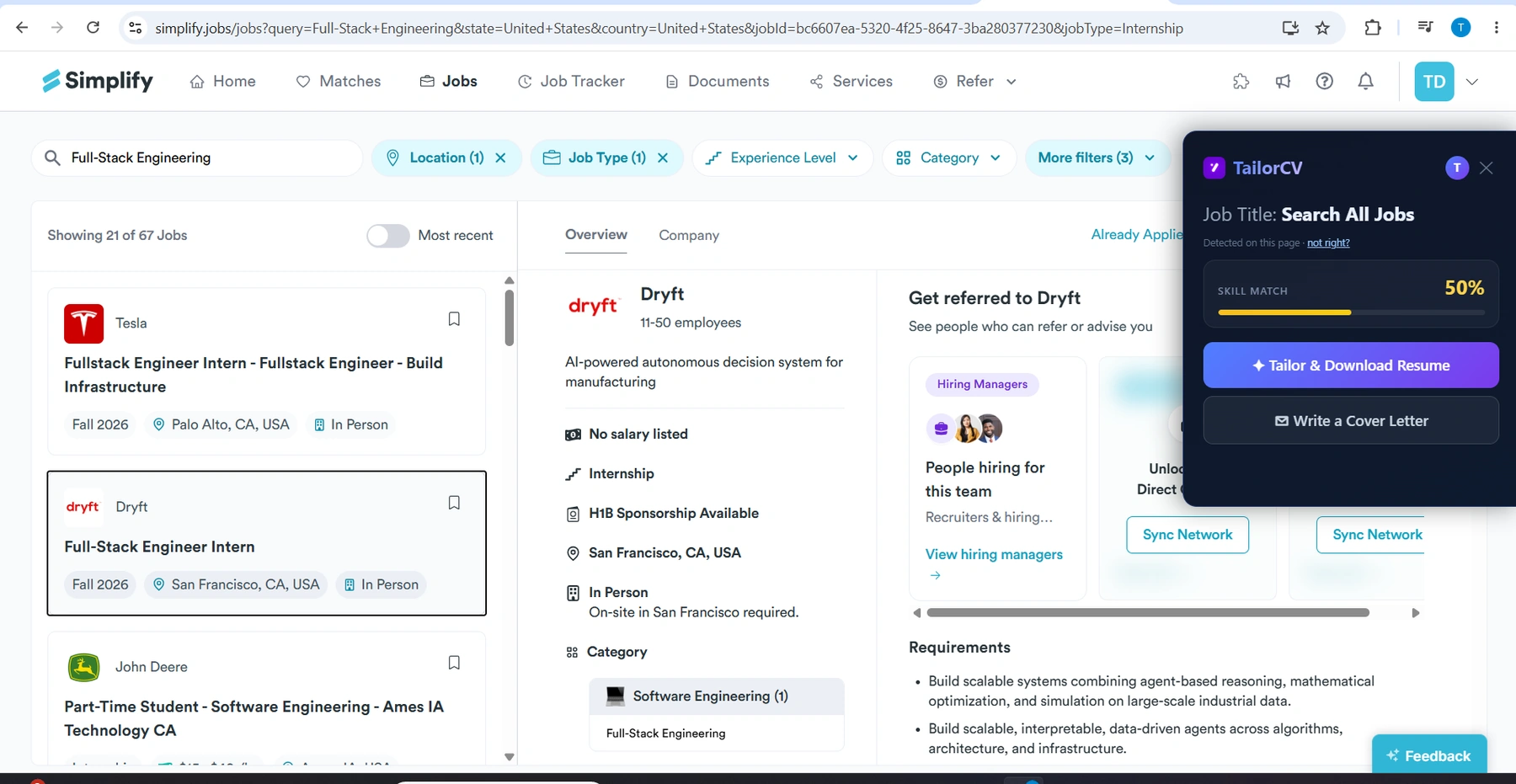
Auto-tailoring reads the job description off the posting and rewrites your resume to match it — working in the keywords the posting asks for, from your real experience, so your resume carries the language the ATS matches on.
What it looks like on a LinkedIn job post
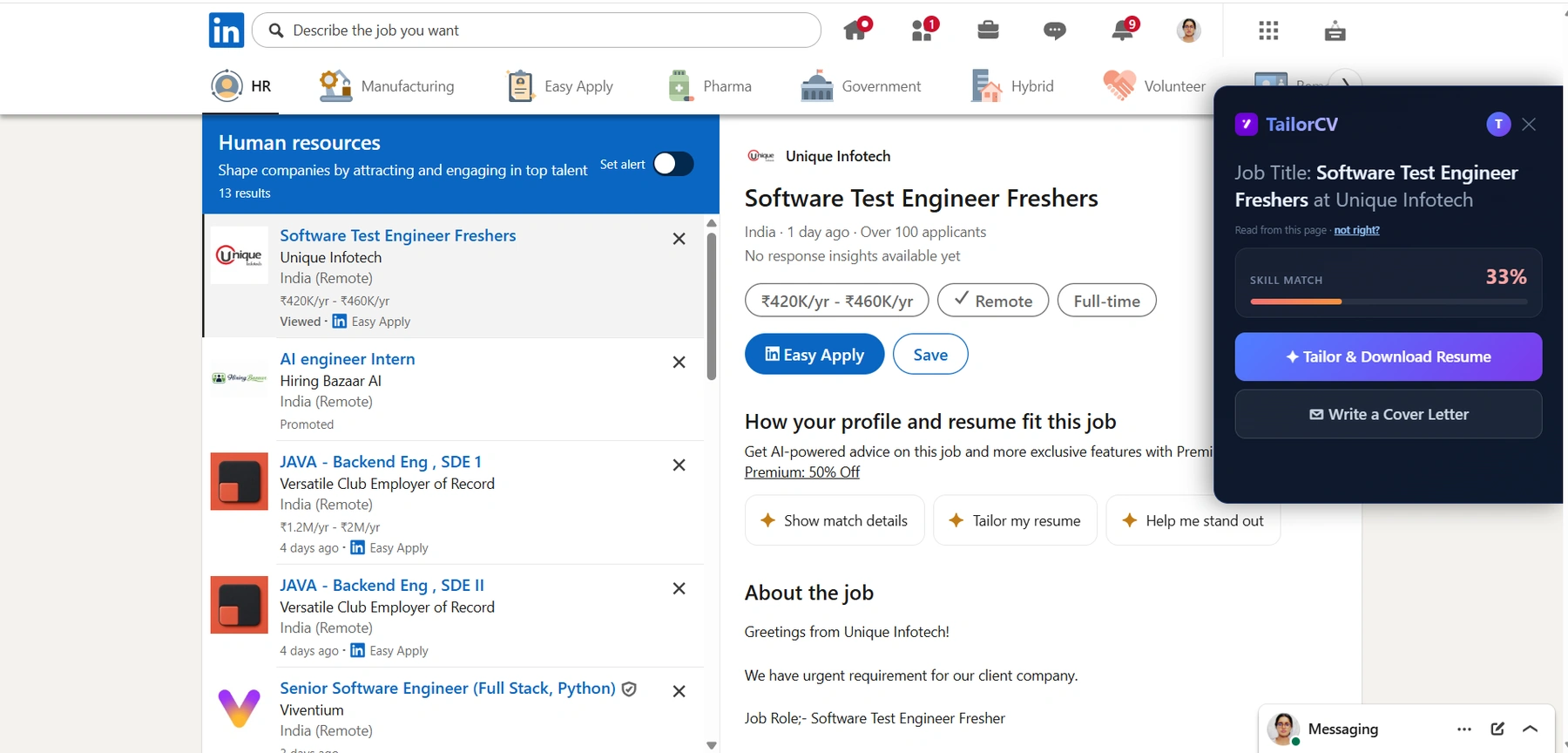
And the same on LinkedIn: the extension reads the posting off the page you are already on, so the match score arrives before you hit Easy Apply.
This attacks the actual reason applications fail. Your resume is parsed and matched by exact language against the posting, and a generic resume that does not carry the right terms gets filtered out before a human looks. Auto-tailoring closes that gap. It is not about speed — it is about whether your application clears the filter at all.
The good auto-tailors do it honestly: they keep your voice, avoid keyword-stuffing, never fabricate experience, and output a parseable format. That honesty is what separates a tool that helps from one that gets you caught in the interview.
Why the Difference Matters So Much
Here is the mistake people make. Applying feels slow and tedious, so they reach for the tool that makes it feel faster — autofill. They blast through fifty applications, feel productive, and hear nothing. Then they conclude the market is brutal.
But the problem was never the speed of applying. It was that all fifty applications used a generic resume that did not match. Autofill made the wrong thing faster. What would have changed the outcome is auto-tailoring — making each of those fifty (or better, a focused ten) actually match the job. Our piece on how many jobs to apply to per day makes the same point: fewer, matched beats many, generic.
So if you can only install one, and your inbox is quiet after lots of applications, install the auto-tailor. Speeding up form-filling on applications that were always going to fail is optimising the wrong number.
Do You Want Both?
Sometimes, yes — they are complementary, not competing, because they solve different problems.
The ideal workflow uses both in sequence: auto-tailor first, autofill second. On each job, tailor your resume to the posting so the application is actually competitive, then use autofill to blow through the form quickly. That way you are fast and matched — the form-filling is quick, and the resume going into it is right. The order matters: tailor to fix quality, autofill to save time, never autofill-only to save time on a losing application.
Most people, though, do not need both. If forms are not your bottleneck — many applications on LinkedIn, Indeed and Naukri have short or one-click apply flows — then autofill saves you little, and the auto-tailor is the only one earning its toolbar slot.
How to Tell Which You Need
Sixty-second diagnosis. Ask two questions.
"Am I spending real time filling long forms?" If yes — lots of Workday and enterprise applications — autofill will save you meaningful time. If most of your applying is quick-apply, autofill barely helps.
"Am I applying a lot and hearing nothing?" If yes, that is a matching problem, not a speed problem, and auto-tailoring is what fixes it. Confirm it: run your resume against a job you want with a free match score. If you are in the 55–75% middle or below, your resume is not matching, and no amount of autofill changes that — you need to tailor, fast, on every job.
Most people answer "a little" to the first and "yes" to the second — which points squarely at auto-tailoring as the priority, with autofill as an optional add-on.
Across Boards and Situations
Both tools travel across boards, but the value shifts. Autofill matters most on long-form ATS boards; auto-tailoring matters everywhere, because every board runs the same filter. For remote roles matching is even more decisive and a remote cover letter helps; conventions differ for the USA and Canada, including resume vs CV. Watch for job scams — some fake "autofill" tools are just data harvesters. And note the startup vs enterprise difference: startups rarely have the long forms autofill is for.
After the Application
Whichever tool you use, the application is the start. Add a tailored cover letter, send a follow-up after applying and after the interview. Before the interview, research the company, rehearse behavioural questions and tell me about yourself, and run a mock interview; the full interview prep guide covers more. When one does not land, handle the rejection.
Freshers: your ATS score as a fresher, projects that get interviews, your first tech job, a job with no experience, campus placement, a portfolio site, the right template, and explaining an employment gap all help. Keep every tailored version in your saved library so you never lose track.
A Worked Example
Concrete numbers make the difference obvious. Say you apply to twenty jobs in a week.
Autofill only. Each application: form-fill drops from four minutes to one, so you save three minutes each — sixty minutes across twenty jobs. But every resume is generic, so your match scores sit in the 55% range, most get filtered out, and you hear back on maybe one. You saved an hour and got one reply.
Auto-tailor only. Each application: tailoring drops from ten minutes to one, saving nine minutes each — three hours across twenty jobs. And every resume now matches, so your scores climb, more clear the filter, and you hear back on several. You saved three hours and got more replies, because you fixed the slow step and the quality step at once. The best keywords are now in each resume, honestly, in a parseable format.
Both. You tailor (one minute) then autofill (one minute): every application is matched and the forms are fast. Best of both, if forms are a real cost for you.
The example shows why, forced to choose, auto-tailoring wins on every axis — it saves more time and changes the outcome. Autofill only saves time, and only on the slice of applications with long forms. The full method behind the tailoring half is in how to increase your ATS score and matching your resume fast.
Frequently Asked Questions
What is the difference between autofill and auto-tailor extensions? Autofill populates application form fields with your saved details, saving typing. Auto-tailor rewrites your resume to match the specific job posting, changing whether you get past the ATS. Autofill saves time; auto-tailor changes outcomes.
Which one should I install first? If you are applying a lot and hearing nothing, install the auto-tailor — that is a matching problem, and speeding up form-filling will not fix it. Install autofill in addition if you spend real time on long enterprise application forms.
Can I use both together? Yes, and it is the best setup: auto-tailor the resume first so the application is competitive, then use autofill to speed through the form. Order matters — tailor for quality, autofill for speed, never autofill a generic resume just to save time.
Does TailorCV do autofill? No — it is an auto-tailor. It reads the posting and rewrites your resume to match, plus writes a cover letter, on the page. If your main pain is filling long forms, pair it with a dedicated autofill extension.
Putting It All Together
Autofill and auto-tailor are the two halves of a job-search extension, and confusing them costs people months. Autofill makes applying faster; auto-tailor makes applying work. Both are legitimate, but if your applications are vanishing, the tool that fixes it is the one that makes your resume match — not the one that fills forms quicker.
The clean rule: use auto-tailoring to fix whether you get seen, and autofill, if you need it, to fix how long applying takes. In that order. Speed on a matched application is a real win; speed on a generic one is just faster failure.
Find your bottleneck: check your match score against a job you want. If it is low, no autofill on earth will help — you need to tailor. That is the difference, and it is the one that decides your search.
Check your match before you install anything
Same score the extension shows on a job page - run it here on any resume and job description.
Drop your resume here or choose a file
PDF only. Max 2 MB.
We never share your data or use it to train AI models.

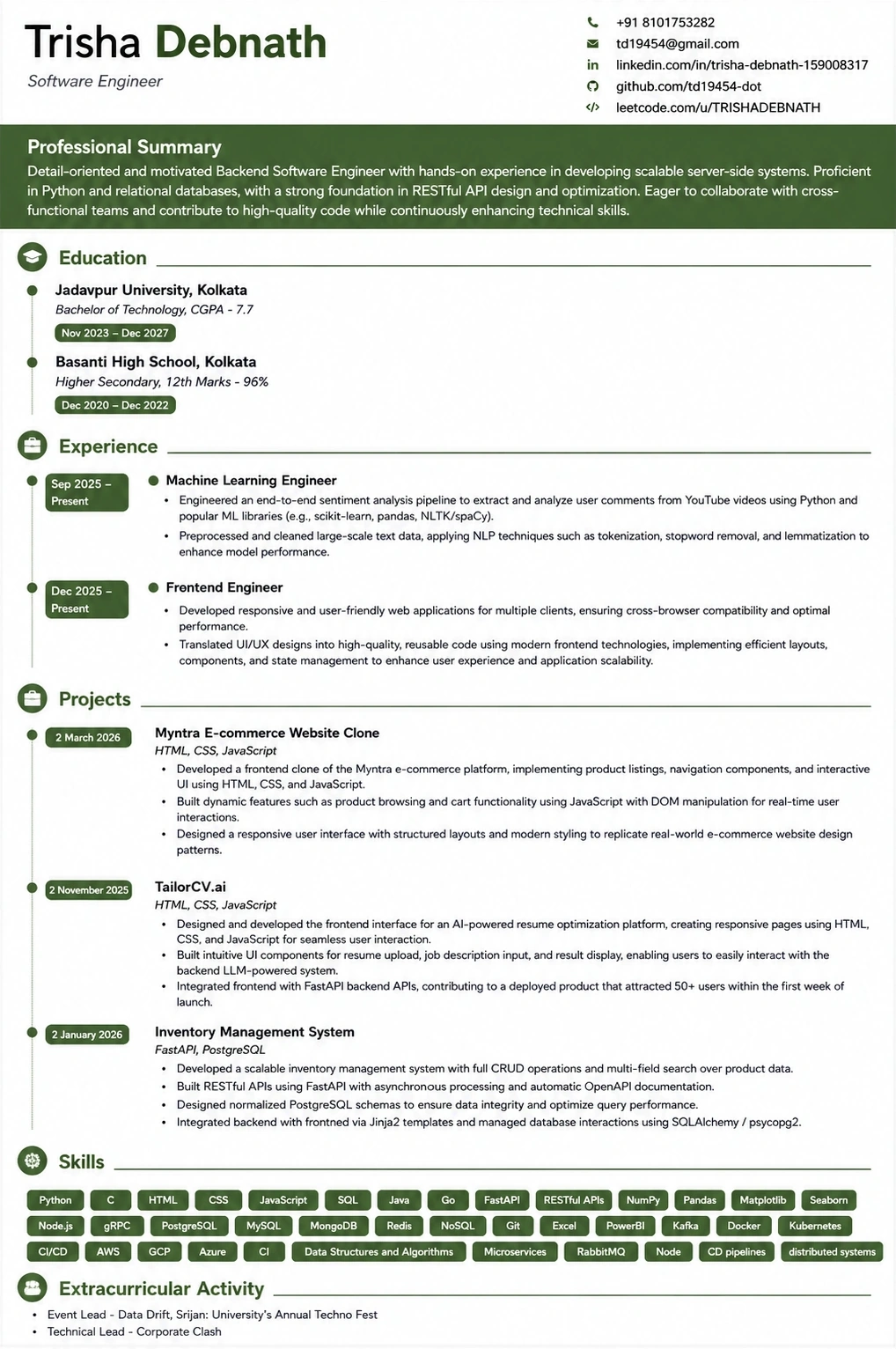
What the tailored resume looks like
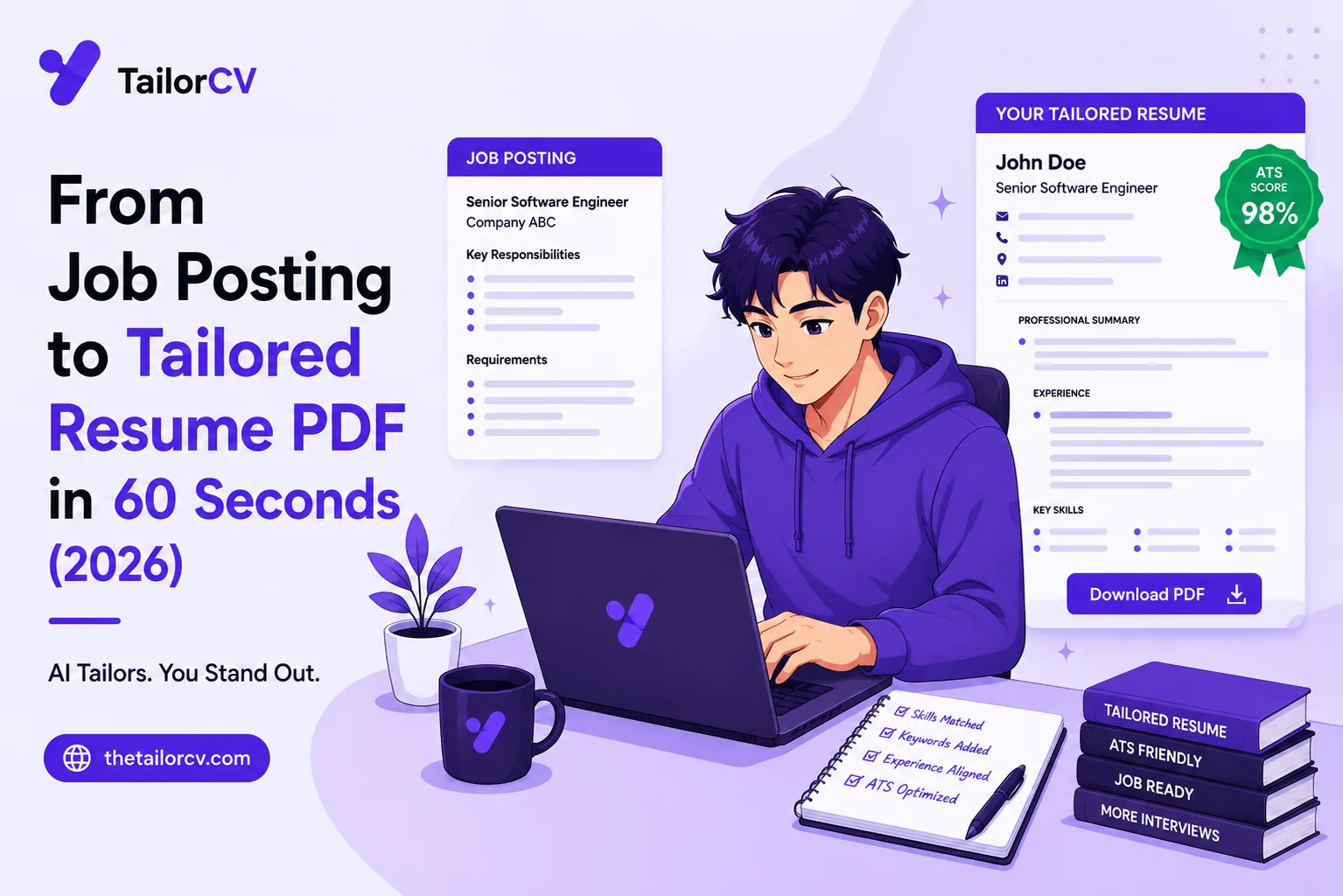
This is the format the extension exports to — ATS-tested, so the match score you saw survives the parser.
Was this guide useful?
Be the first to rate it.