 TD
TD
Key Takeaways
- Easy Apply is a high-volume application method, making it crucial to stand out among hundreds of candidates.
- Your LinkedIn profile is as important as your resume; ensure it matches the job language and includes relevant skills.
- A complete and current work experience section on LinkedIn enhances your match score for job postings.
- Use a keyword-rich professional headline to improve visibility in recruiter searches.
- Tailor your resume for each application, rather than relying on a generic version, to increase your chances of being noticed.
You see the blue "Easy Apply" button.
One click. Resume attached. Done in 30 seconds.
You apply to 20 jobs in an afternoon.
No responses.
Here is what is actually happening:
For every Easy Apply role, hundreds - sometimes thousands - of candidates click that same button. Most of them send a generic, unmodified resume. LinkedIn sends it to the recruiter with a match score based on your profile and resume. Most applications never get a second look.
Easy Apply is not a job search strategy. It is a volume game that most people are losing.
This guide shows you how to actually win it.
How LinkedIn Easy Apply Works (What Recruiters See)
When you click Easy Apply, here is what happens:
- LinkedIn pulls your resume (the one you uploaded) or generates a resume from your profile
- It attaches your application to the recruiter's dashboard in LinkedIn Recruiter or LinkedIn Jobs
- Recruiters see a summary: your name, current title, location, top skills, and a match percentage
- They filter rapidly - sorting by match %, title relevance, connection level, and often by recency
The recruiter does not open every attached resume. They filter the dashboard first. Your uploaded resume only gets opened if you make it past that initial summary screen.
This means:
- Your LinkedIn profile matters as much as your resume for Easy Apply
- Your title and skills need to match the JD immediately
- Your match percentage on LinkedIn affects visibility
Understanding how recruiters read resumes helps you visualize what that dashboard view actually looks like - and why your first impression is often a 2-second scan, not a full review.
Part 1: Optimize Your LinkedIn Profile First
Easy Apply pulls data from both your uploaded resume and your LinkedIn profile.
What optimizing actually does to your resume
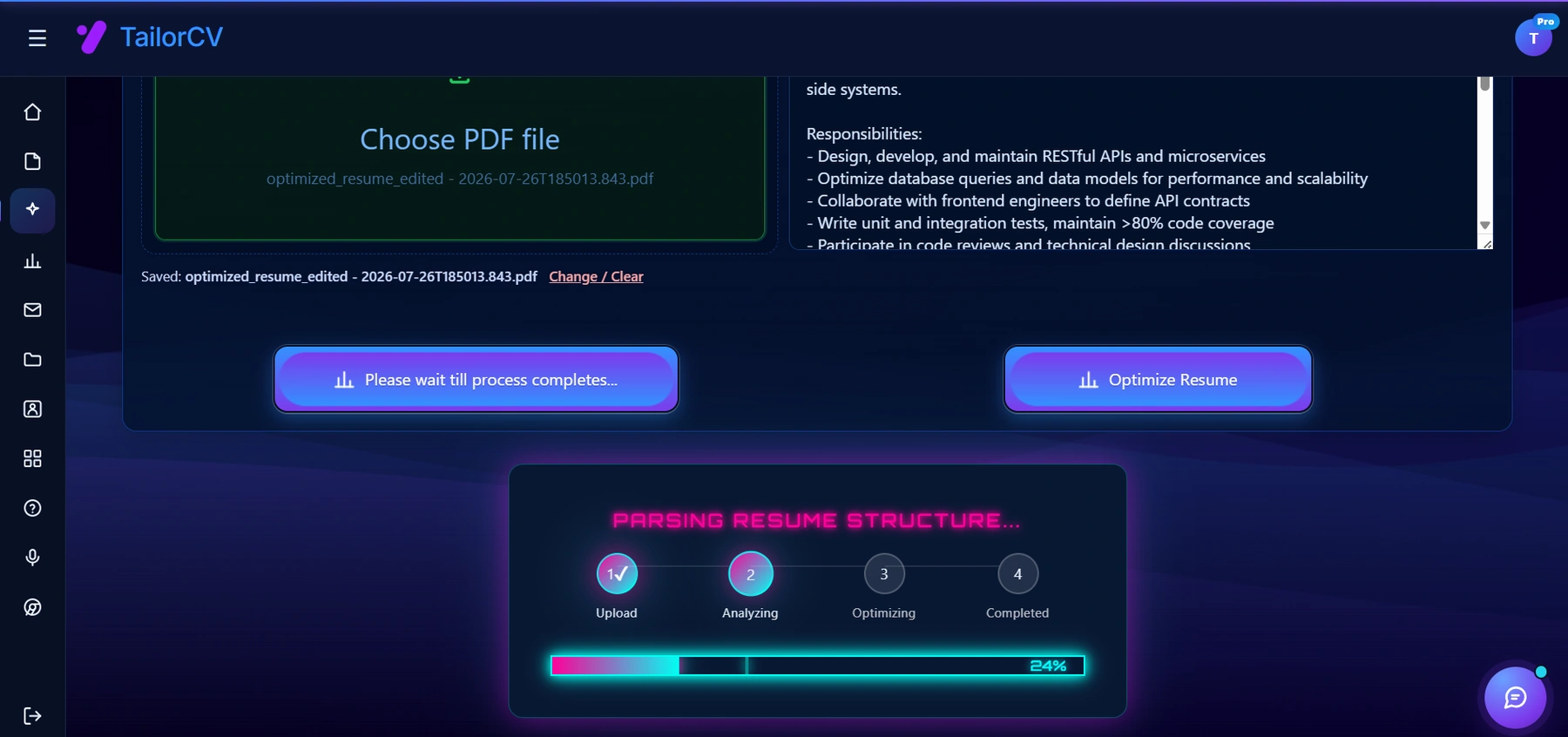
This is the step most people skip - checking against the real job description rather than optimising in the abstract.
Your LinkedIn profile must:
Match the language of the roles you are applying for If you are applying for "product manager" roles, your current title or headline should include "product manager" - not "PM Lead" or "Product Specialist" unless those are interchangeable in your industry.
Have a complete skills section with relevant endorsements LinkedIn uses your listed skills to calculate match for job postings. Add the top skills from the types of roles you are targeting. Ask for endorsements from colleagues for the most important ones.
Have a current, complete work experience section LinkedIn uses this for its AI matching. Outdated or incomplete experience sections lower your match score.
Include a professional headline that is keyword-rich Your headline appears directly in the recruiter's dashboard. "product manager | B2B SaaS | Growth & Retention" is better than "product manager at [Company]."
Read the LinkedIn profile optimization guide for a complete checklist. Then review the LinkedIn and resume tailoring sync guide to make sure what your profile shows matches what your resume says.
Part 2: Your Resume Upload - The Critical Piece Most People Ignore
Most Easy Apply applicants use one generic uploaded resume for every application. That is the fatal mistake.
For roles you genuinely want, upload a role-specific tailored resume before clicking Easy Apply.
Here is how:
- Go to Me -> Settings & Privacy -> Job seeking preferences -> Job application settings
- Upload your tailored resume for this specific role type
- Apply via Easy Apply
Yes - you need to update your uploaded resume before each application you care about. No - it is not necessary for every single Easy Apply you send.
Use this strategy:
Tier your applications:
- Priority roles (dream companies, great fit): Full tailoring + ATS score check + updated uploaded resume
- Good fit roles: Upload a role-type base version (e.g., your "product manager" base)
- Exploratory/volume applications: Use your best general version, accept lower return
For priority roles, use TailorCV's optimizer to tailor your resume against the exact job description and check your keyword match before uploading. Consider tracking versions using the managing multiple resume versions system.
Part 3: What to Put in an Easy Apply-Optimized Resume
Your Easy Apply resume has additional constraints beyond a standard ATS resume.
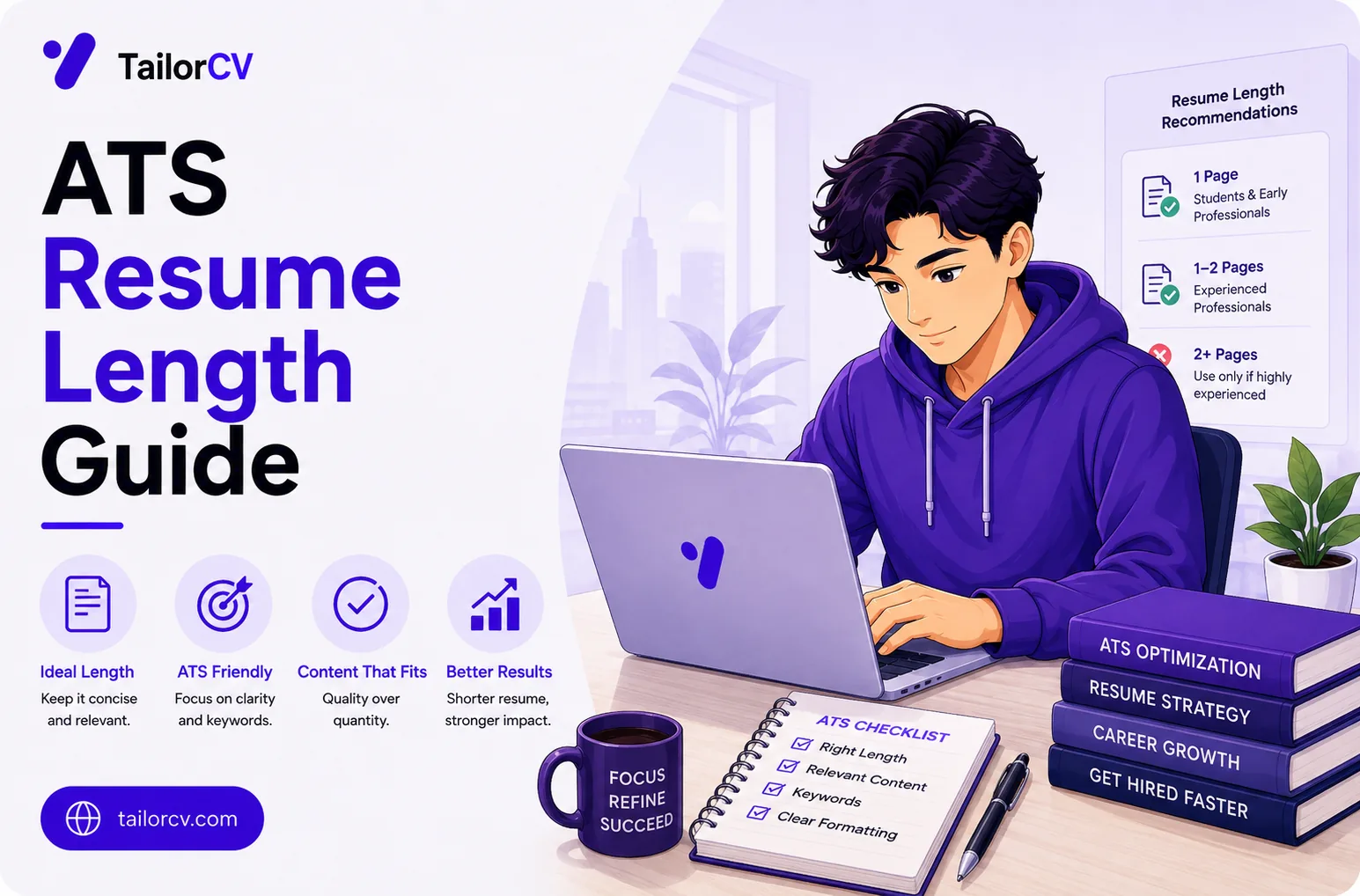
Keep It to One Page for Most Roles
Easy Apply recruiters are reviewing high volumes quickly. A one-page resume that front-loads your most relevant experience gets read. Check ideal resume length guidance - for Easy Apply, a two-page resume where the best material is on page two typically does not get fully read.
Match the Exact Job Title
If the posting says "Senior data analyst," use that exact phrase in:
- Your most recent role title (if it is accurate or close)
- Your professional summary ("Senior Data Analyst with 5 years...")
- Your skills section header if relevant
LinkedIn's match algorithm gives weight to title alignment. Use the exact language.
Load the Top Third
LinkedIn's summary preview shows your name, current title, location, and top skills. Your resume, when opened, shows the top third first.
Put your strongest material - the results that make a recruiter stop scrolling - in the top third of your resume.
Professional summary: Tight, keyword-matched, result-forward. Top 5 skills: Exactly the most relevant skills for this posting. Use the skills section matching guide. Most recent role: 3-4 of your strongest bullet points for this role type at the top.
Everything else is supporting evidence.
Remove Formatting That Hurts LinkedIn Parsing
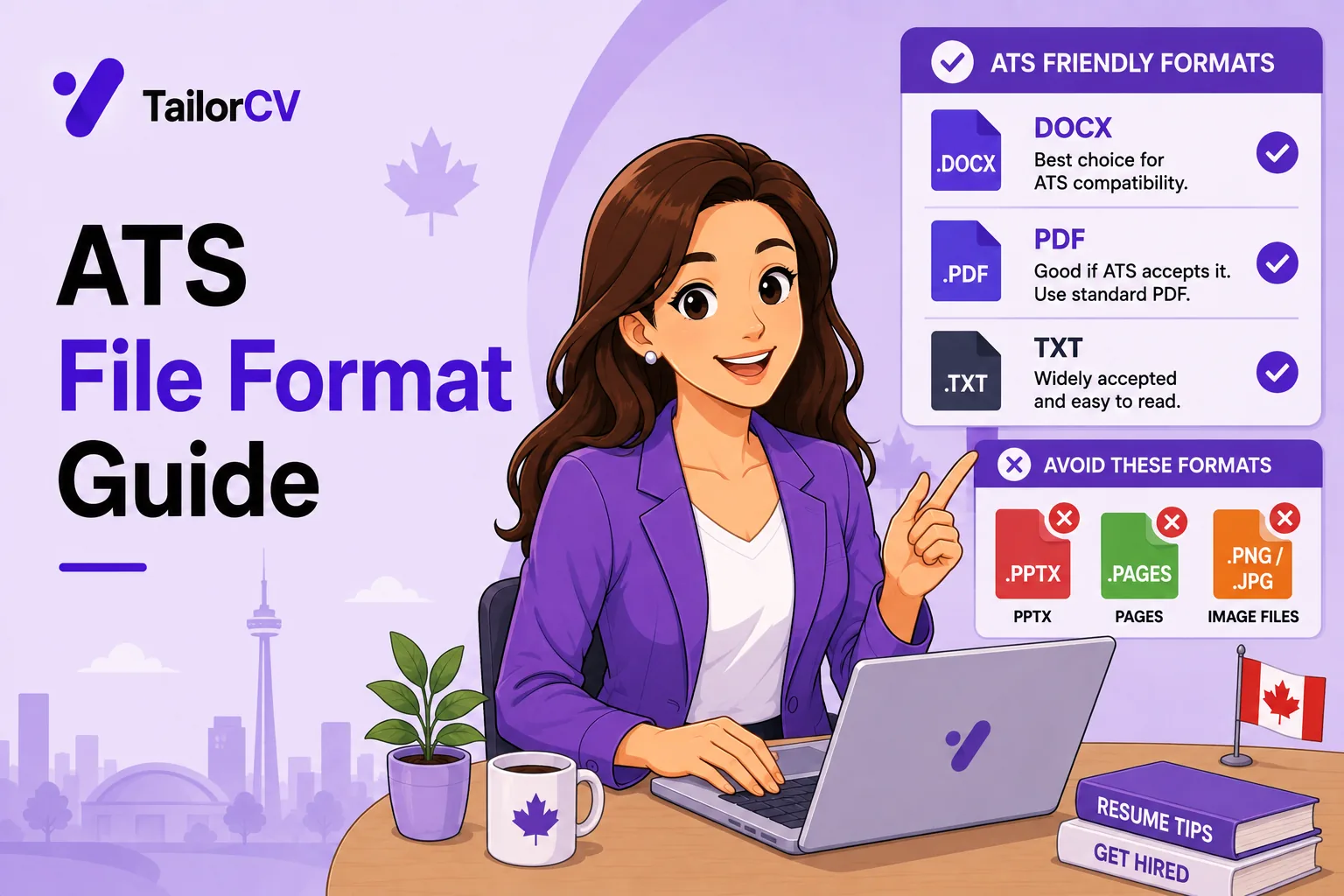
LinkedIn processes uploaded PDFs. Complex ATS formatting mistakes cause parsing failures that break your profile sync.
Avoid:
- Tables inside your resume body
- Multi-column layouts
- Text boxes
- Graphics or icons
- Unusual fonts
Use clean, single-column formatting. TailorCV's ATS-friendly templates are pre-formatted for both ATS and LinkedIn parsing.
Part 4: The Screening Questions - Where Most Apply Applications Lose
Many Easy Apply roles include screening questions:
- Years of experience in [skill]
- Are you authorized to work in [country]?
- Do you have [specific certification]?
- What is your expected compensation?
- Are you willing to relocate?
These questions are filters. Wrong answers (or inconsistent answers) disqualify you before your resume is seen.
Rules:
- Answer honestly - inconsistency between your application and resume flags you immediately
- For "years of experience" questions, use conservative-honest numbers (count only real, direct experience)
- For salary questions: if you have done market research (use Levels.fyi, Glassdoor), give a realistic range
Read how to negotiate a salary offer before answering compensation questions - entering a realistic range now gives you a better negotiating position later.
Part 5: The Volume Strategy - When to Use Easy Apply at Scale
Easy Apply at scale makes sense when:
- You are in an early discovery phase and want to see what responses you get
- The roles are similar enough that one base version of your resume covers most of them
- You are applying to many small companies where ATS is lighter
Easy Apply at scale does NOT work well when:
- You are targeting specific companies you genuinely want (these deserve full tailoring)
- The roles require specialized qualifications (your generic resume will not match)
- You are in a highly competitive field where every application needs to be strong
Realistic return rate: Easy Apply response rates for untailored, generic applications are typically 1-3%. Tailored applications, even through Easy Apply, can reach 15-20% response rates.
The math is simple: 10 tailored Easy Apply applications will typically outperform 100 generic ones.
For your high-volume layer, use the remote job search guide if you are targeting remote roles specifically - the LinkedIn Easy Apply landscape for remote roles has its own dynamics.
Part 6: After You Apply - The Follow-Up That Most People Skip
Easy Apply does not mean "apply and forget."
Tailoring without leaving the job board
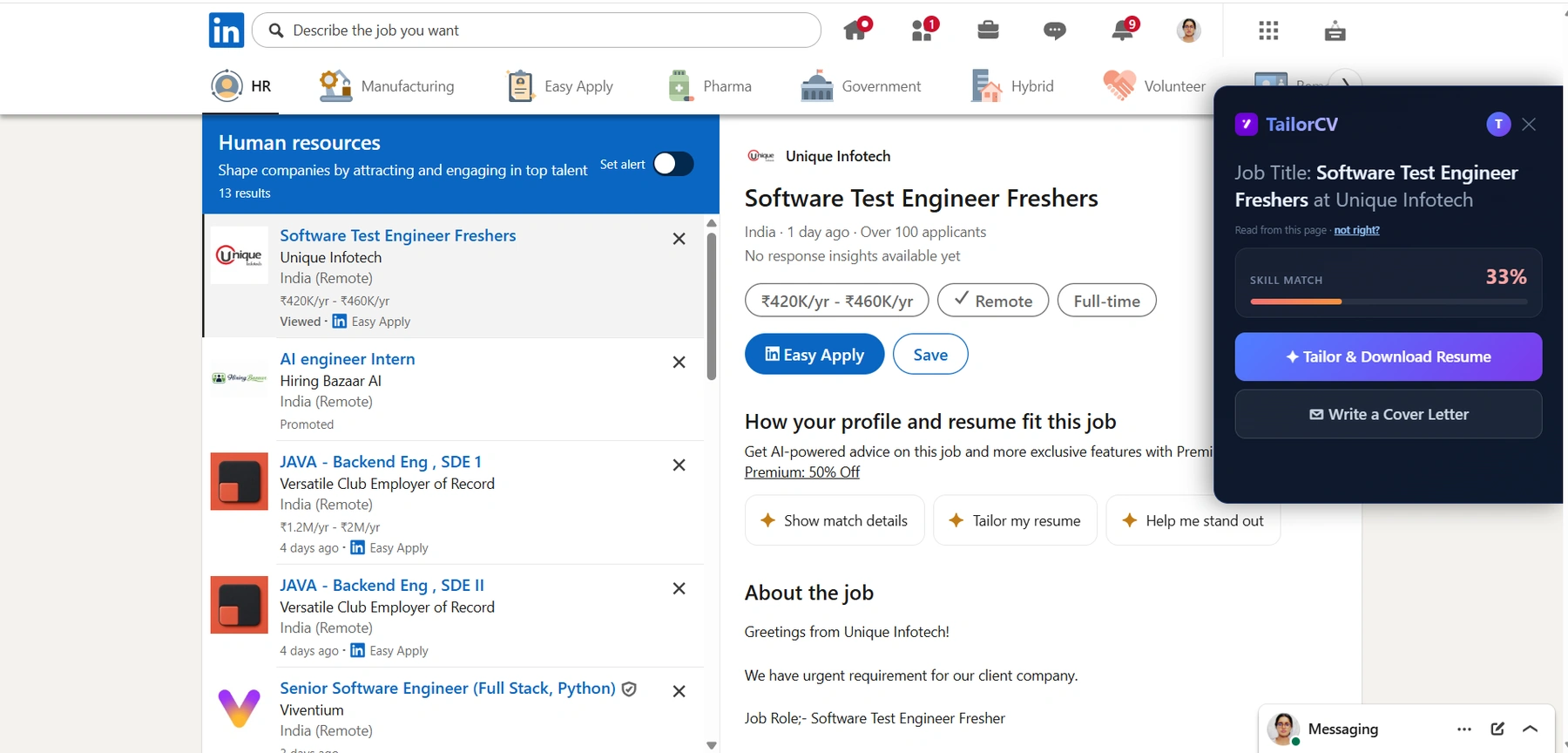
Whichever board you are on, the extension opens beside the listing, reads the description off the page and scores your resume against that role - so "tailor each application" takes a click rather than a detour.
After submitting a priority application:
- Find the hiring manager on LinkedIn - Use the company's LinkedIn page, job posting details, or LinkedIn search
- Send a brief connection request with a note: "Hi [Name], I just submitted my application for [Role] - excited about [specific thing about the company]. Wanted to connect."
- Or send an InMail if you are not connected: brief, specific, confident. Not "please review my application" - rather "I applied and wanted to share one relevant thing about my background..."
This follow-up does not guarantee a callback. But it moves you from "anonymous application" to "a real person who made an effort."
Read how to write a cold email to a recruiter for an InMail framework that works. Also read how to follow up after an interview for guidance on the later stages of communication.
The Easy Apply Optimization Checklist
Before clicking Apply:
- unchecked: My uploaded resume is tailored for this role (or at minimum, this role type)
- unchecked: My LinkedIn headline includes relevant keywords for this type of role
- unchecked: My skills section includes the top skills from the job description
- unchecked: My resume is single-column, PDF format, under one page for most roles
- unchecked: My professional summary is tailored and result-forward
- unchecked: I have checked my ATS keyword match score for priority roles
After clicking Apply:
- unchecked: Added the application to my tracker with resume version noted
- unchecked: Considered a follow-up message to the hiring manager for priority roles
- unchecked: Set a reminder to follow up in 7-10 days if no response
Make This Practical
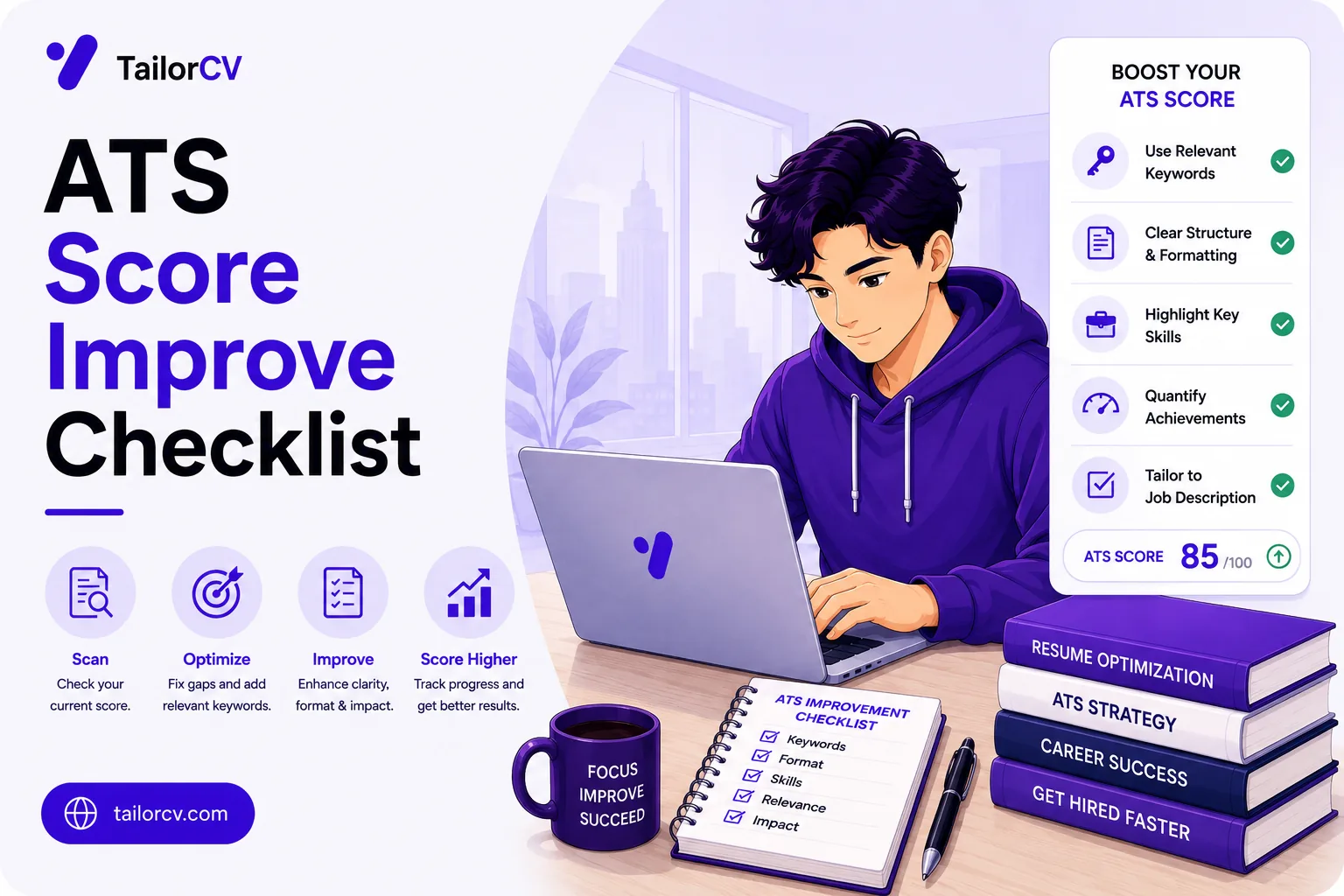
Do not guess whether the resume is ready. Upload it to the free ATS score checker, compare the result with the ATS Score Guide, and fix formatting issues using ATS Resume Formatting Mistakes and ATS Resume Parser Friendly Format.
After the technical cleanup, improve relevance. Use Resume Matching With Job Description, strengthen keyword coverage with the Resume Keywords Guide, and avoid overdoing it by checking ATS Keyword Mistakes. If the layout itself is weak, rebuild with an ATS-friendly resume template.
Resume Optimization for LinkedIn Easy Apply: Generic vs. Tailored
To increase your chances of getting noticed by recruiters, it's crucial to understand the difference between a generic resume and a tailored one.
| Aspect | Generic Resume | Tailored Resume |
|---|---|---|
| Objective Statement | Vague and broad ("Seeking a challenging position") | Specific to the job ("Seeking a marketing role to leverage my 5 years of digital advertising experience") |
| Skills Section | Lists skills without context (e.g., "Microsoft Office, Communication") | Highlights relevant skills aligned with the job description (e.g., "Adobe Creative Suite, Social Media Strategy") |
| Work Experience | Describes duties in general terms (e.g., "Managed a team") | Quantifies achievements and relates them to the position (e.g., "Led a team of 10 to increase sales by 30% in one year") |
| Keywords | Lacks industry-specific terminology | Includes keywords from the job description (e.g., "SEO, PPC, Content Marketing") |
| Formatting | Basic layout, no clear hierarchy | Professional format with clear sections and bullet points for easy scanning |
| Customization | One-size-fits-all approach | Customized for each application, addressing specific requirements and responsibilities |
FAQ
Does LinkedIn Easy Apply actually work?
Yes - but the return depends entirely on how you use it. Tailored, well-matched applications through Easy Apply convert. Volume spray of generic resumes does not.
Does LinkedIn show recruiters my full profile or just my resume?
Both. Recruiters see a summary view with your LinkedIn profile data AND can open your attached resume. Both need to be strong and consistent.
Should I always use Easy Apply or apply directly on company websites?
For companies you strongly want, apply directly on their website AND through LinkedIn. More touchpoints, more visibility.
How many Easy Apply applications should I send per day?
Quality over quantity. 3-5 well-tailored applications are worth more than 30 generic ones. If you must apply at volume, ensure your base resume is at least role-type optimized.
Related Guides
- How to Use LinkedIn for Job Search
- LinkedIn Profile Optimization Guide
- How to Tailor Your Resume for Every Job
- How to Tailor a Resume in 5 Minutes
- ATS Resume Formatting Mistakes
- How to Write a Cold Email to a Recruiter
- Resume Keyword Density Guide
- ATS Score Guide
- Managing Multiple Resume Versions
- How to Match Resume Keywords to Job Description
Conclusion
Easy Apply is one of the fastest ways to submit a job application. It is also one of the fastest ways to waste your time if you use it wrong.
The candidates who win through Easy Apply are not the ones clicking fastest. They are the ones who:
- Keep their LinkedIn profile and uploaded resume relevant and current
- Tailor for the roles they genuinely want
- follow up like professionals
- Apply with the understanding that quality beats volume
Use the speed of Easy Apply for the volume layer. Use your tailoring effort for the priority layer.
That combination is how you turn LinkedIn Easy Apply into a reliable interview engine - not a rejection machine.
Tailor My Resume Before Easy Apply - Free
What is your resume scoring right now?
Scan it against a job description and get your ATS match score in about a minute.
Drop your resume here or choose a file
PDF only. Max 2 MB.
We never share your data or use it to train AI models.

Was this guide useful?
Be the first to rate it.