 TD
TD

Key Takeaways
- A disconnect between your tailored resume and LinkedIn profile can damage your job candidacy.
- Recruiters often check LinkedIn to verify resume accuracy and gain a fuller picture of candidates.
- Aim for alignment between your resume and LinkedIn profile, not duplication; both should tell a consistent story.
- Key elements like your LinkedIn headline should reflect the specific roles you are pursuing.
- Your LinkedIn profile can include broader content, such as recommendations and projects, but must align with your resume's core message.
You spent two hours tailoring your resume for a senior marketing role.
The language is sharp. The keywords match. Your summary is specific, confident, and compelling.
You click Apply.
The recruiter opens your application. They glance at your resume. They click your LinkedIn profile.
Your LinkedIn summary says: "Passionate storyteller with a love for brands and people."
Your headline says: "Digital Marketer | Content | Creative."
Your last role on LinkedIn has three bullet points that do not match anything on your tailored resume.
The recruiter closes the tab.
The disconnect between a polished tailored resume and a generic LinkedIn profile is one of the most common - and most damaging - mistakes in modern job searching. Understanding how recruiters read resumes also means understanding that LinkedIn is always part of what they are reading.
This guide shows you how to fix it.
Why LinkedIn Matters Even When You Send a Resume
When you apply to a role, the recruiter almost always looks at your LinkedIn profile.
It is their way of:
- Verifying the resume is accurate
- Getting a fuller picture of who you are
- Checking your network and mutual connections
- Reading endorsements and recommendations
- Seeing your recent professional activity
Your LinkedIn profile is not separate from your job search. It is the extension of your resume that a recruiter browses when they want to know more.
If your resume says one thing and LinkedIn says another - even if both are technically true - the inconsistency creates uncertainty. And uncertainty kills candidacies. This is one of the most subtle resume red flags that candidates never catch because they only check one document at a time.
The Core Principle: Alignment, Not Duplication
You do not need to copy your tailored resume onto LinkedIn word for word.
In fact, you should not.
Your tailored resume is a targeted, one-page (or two-page) document built for one specific role. Your LinkedIn profile is a broader, always-visible presence that supports your overall personal brand.
The goal is alignment - not duplication.
They should tell a consistent story. The same roles. The same metrics (approximately). The same areas of expertise. The same career direction.
Where they differ:
- LinkedIn can be longer and more narrative
- LinkedIn includes sections your resume does not (recommendations, featured projects, volunteer work, publications)
- LinkedIn can be slightly less tailored, since it serves multiple audiences
The LinkedIn Elements That Must Align With Your Resume
1. Your LinkedIn Headline
This is the most-viewed element of your LinkedIn profile. It appears in search results, connection requests, and recruiter filters.
Your headline should reflect the role type you are actively pursuing.
If you are applying for product manager roles, your headline should say "product manager" - not "Strategy & Operations Leader" or "Innovation Enthusiast."
Before: "Marketing Manager | Brand | Digital | Creative"
After (if targeting a growth-focused marketing role): "Growth Marketing Manager | B2B SaaS | Pipeline & Demand Gen"
The "After" version uses specific language from the types of roles you are applying for. It would match keyword searches by recruiters for exactly that type of role.
Update your headline to reflect the role you are targeting - not a vague summary of everything you have ever done.
2. Your LinkedIn Summary ("About" Section)
Your LinkedIn summary does not need to be identical to your resume summary. But it should reflect the same professional identity and direction.
If your tailored resume says you are a "data analyst with deep experience in SaaS metrics and product analytics," your LinkedIn summary should not describe you as a "versatile data professional with a passion for all things data."
The tailored resume is specific. The LinkedIn summary can be slightly broader - but not contradictory.
A LinkedIn summary should:
- Reflect your current career direction (not your last direction)
- Use keywords from the types of roles you are targeting
- Include 1-2 of your most significant career accomplishments
- Invite conversation or connection
Keep it to 3-5 paragraphs. No generic statements. No "I am passionate about leveraging synergies."
3. Your Work Experience Section
Every role that appears on your resume must appear on LinkedIn with consistent dates and titles.
Dates must match. Titles must match (or be close - LinkedIn does not require the same precision as a formal resume).
Inconsistencies that raise flags:
- A role on your resume that is not on LinkedIn
- Dates that differ by more than one month
- A title on your resume that is significantly different from what LinkedIn shows
- Major accomplishments you claimed on your resume that have no LinkedIn presence
You do not need to paste your resume bullets into LinkedIn. But the role should exist, the dates should be consistent, and the description should support - not contradict - your resume claims.
4. Your Skills Section
LinkedIn's skills section feeds into how recruiters find you via LinkedIn Recruiter and how LinkedIn's job matching algorithm scores you for job postings.
Your LinkedIn skills should include the top skills from your resume. Especially the high-priority skills for the types of roles you are targeting.
Add the skills you are actively promoting in your tailored resumes. Request endorsements from colleagues for the most important ones - endorsements add weight to the skill in LinkedIn's algorithm.
For more on selecting the right skills, read the skills section matching guide.
How to Stay in Sync Without Updating LinkedIn for Every Application
You tailor your resume per application. You cannot tailor your LinkedIn per application.
The right approach:
Update LinkedIn once per job search phase - not per application.
A "job search phase" is defined by the type of role you are targeting.
If you are applying for "Senior Data Analyst" roles across multiple companies for the next 3 months - update your LinkedIn once to reflect "Senior Data Analyst" as your headline and target focus.
If you then shift to applying for "Analytics Manager" roles - update your LinkedIn once to reflect that shift.
This creates consistent alignment across all your applications in that phase without requiring per-application updates.
For managing the different resume versions alongside this, read managing multiple resume versions - the same phase-based logic applies to both.
Sections That Strengthen Your LinkedIn Beyond the Resume
LinkedIn has features your resume does not. Use them.
Your resume after optimization
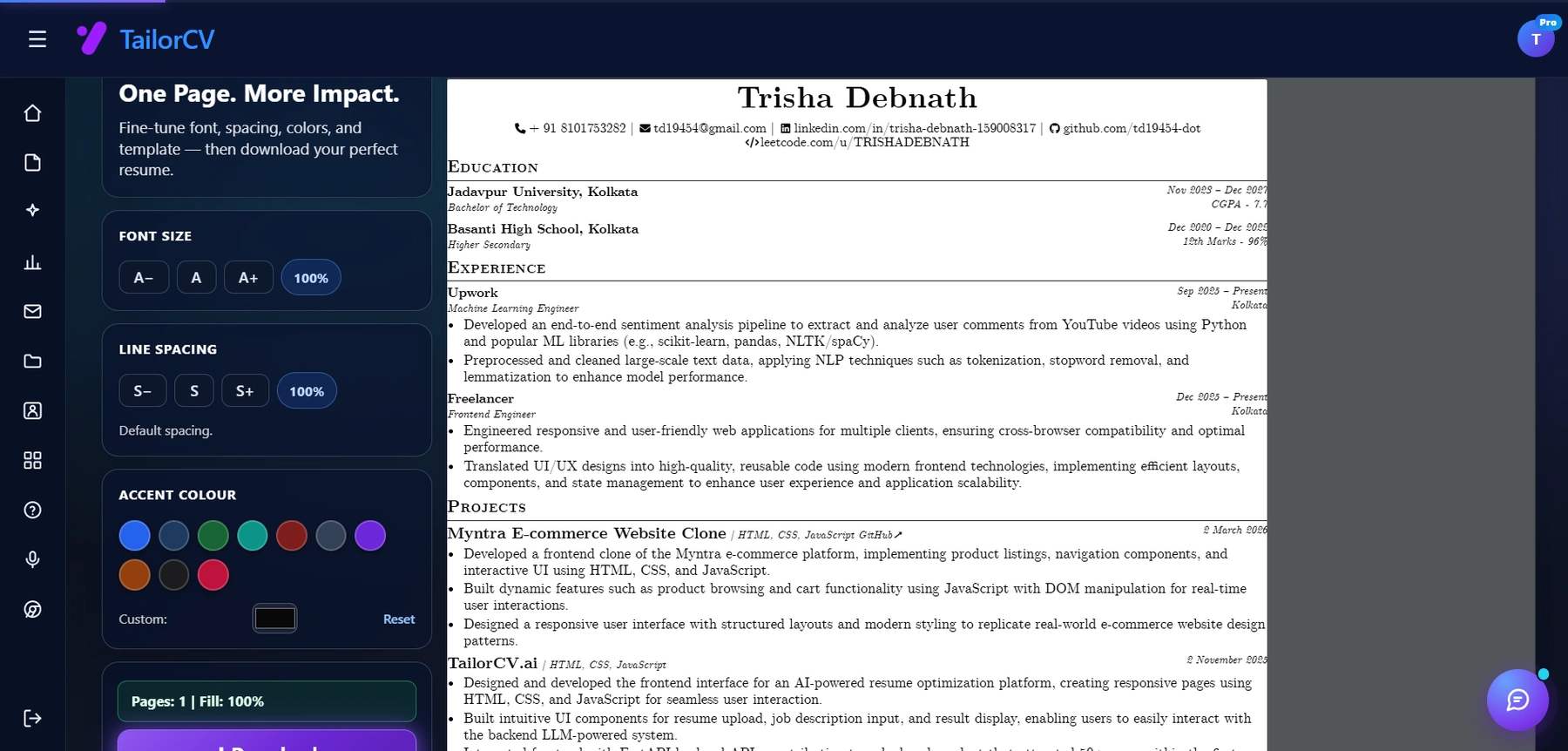
This is the optimized result, and it is usually how a spilling two-page draft gets back onto one page without deleting anything worth keeping.
Recommendations A written recommendation from a former manager or senior colleague is worth more than almost any bullet point on your resume. It is social proof that someone who has worked with you says you are as good as you claim.
Request recommendations from colleagues, managers, and clients who can speak specifically to the skills you are showcasing.
Featured Section Pin your top work - a portfolio piece, a published article, a case study, a project. This is especially valuable for designers, writers, marketers, engineers, and anyone in a creative or technical field. Your resume can link to it; LinkedIn hosts it front and center. Read how to build a professional portfolio if you need to create something worth featuring.
Creator Content If you post or write about your industry on LinkedIn, your content activity signals engagement and expertise. You do not need to post every day. Even monthly sharing of relevant articles or brief commentary builds credibility over time.
projects and Publications If you have published work, open-source contributions, or notable projects - LinkedIn lets you list these with links. For technical and creative roles, this section adds substantial credibility. Read how to list projects in a resume - the same principles of how to describe a project apply to LinkedIn.
Read the LinkedIn profile optimization guide for a full breakdown of every LinkedIn section.
The Recruiter Consistency Check
Before applying to any role, do this 3-minute check:
- Open your tailored resume
- Open your LinkedIn profile in another tab
- Check: Headline - does LinkedIn reflect the same role focus as your resume?
- Check: Summary - does LinkedIn tell a consistent story?
- Check: Most recent role - do the title and dates match?
- Check: Skills - are the top skills from your resume visible on LinkedIn?
If something is inconsistent, fix it before you apply.
This takes 3 minutes and prevents a recruiter from second-guessing your application.
When You Are Applying to Multiple Different Role Types Simultaneously
Sometimes you are applying to both product manager and Operations Manager roles. Or both Senior Engineer and Engineering Manager roles.
LinkedIn can only show one thing.
In this case:
- Set your LinkedIn to reflect your primary target role type (the one you most want)
- For secondary role types, rely more heavily on your tailored resume to carry the match
- Consider whether pursuing two very different role types simultaneously is diluting your search
If the two role types are closely related (PM and Technical PM, for example), one LinkedIn profile can serve both. If they are very different (Marketing and Finance), you may need to pick a primary direction for your LinkedIn presence.
For Easy Apply applications specifically, read resume optimization for LinkedIn Easy Apply - the stakes of alignment are highest there because LinkedIn shows your profile data alongside your resume automatically.
Make This Practical
Do not guess whether the resume is ready. Upload it to the free ATS score checker, compare the result with the ATS Score Guide, and fix formatting issues using ATS Resume Formatting Mistakes and ATS Resume Parser Friendly Format.
After the technical cleanup, improve relevance. Use Resume Matching With Job Description, strengthen keyword coverage with the Resume Keywords Guide, and avoid overdoing it by checking ATS Keyword Mistakes. If the layout itself is weak, rebuild with an ATS-friendly resume template.
LinkedIn is public, so confidential work needs extra care there - see tailoring when most of your work is confidential.
FAQ
Should I mention I am open to work on LinkedIn while applying for specific roles?
Yes - the "Open to Work" signal (visible to recruiters only, not public) is a useful signal for LinkedIn Recruiter searches. It does not hurt your applications to current employers to leave it off the public banner.
If my job title on LinkedIn is different from what's on my resume, is that a problem?
If the difference is minor and accurate (e.g., your actual title was "Associate product manager" but you are billing yourself as "product manager" on your resume), it can raise questions. Keep titles consistent and accurate.
How often should I update LinkedIn during a job search?
Update your headline, summary, and skills once at the start of each search phase (each time you shift your target role type). Update your experience section only when something meaningful changes.
Does LinkedIn profile completeness affect job application outcomes?
Yes - LinkedIn uses profile completeness as a factor in search rankings and job match scoring. A complete profile (all sections filled, 500+ connections, recommendations visible) consistently outperforms incomplete ones.
Related Guides
- LinkedIn Profile Optimization Guide
- How to Use LinkedIn for Job Search
- Resume Optimization for LinkedIn Easy Apply
- How to Tailor Your Resume for Every Job
- Personal Branding for Professionals
- How to Write a Resume Summary
- Managing Multiple Resume Versions
- Resume Matching with Job Description - Complete Guide
- How to Build a Professional Portfolio
- How to Write a Cold Email to a Recruiter
Conclusion
Your tailored resume and your LinkedIn profile are two chapters of the same story.
If the chapters contradict each other, the recruiter stops reading.
Align your headline with your target role. Align your summary with your professional direction. Align your experience dates and titles with your resume. Align your skills with the keywords you are targeting.
You do not need to update LinkedIn for every application. You need to update it once per job search phase - and then let it reinforce every application you send.
tailoring your resume is the sharpest tool in your job search. Your LinkedIn profile is the foundation that makes that sharpness credible.
Tailor My Resume - Then Check My LinkedIn Consistency
See what tailoring is worth on your resume
Score your current resume against a real job description before you change a word.
Drop your resume here or choose a file
PDF only. Max 2 MB.
We never share your data or use it to train AI models.

Was this guide useful?
Be the first to rate it.