 SS
SS

Key Takeaways
- Keyword density in resumes should focus on natural integration rather than maximum frequency to avoid keyword stuffing.
- Modern ATS systems utilize semantic matching, meaning context and relevance of keywords matter more than sheer frequency.
- Recruiters can easily identify keyword stuffing, which can lead to resumes being dismissed despite passing ATS screening.
- High-priority keywords from the job description should be strategically placed in key sections of the resume, such as the professional summary.
You have heard it a hundred times.
Add keywords to your resume. Match the job description language. Include the skills ATS is looking for.
So you go through the job description, copy every skill and tool you can find, and paste them into your resume until it is covered with keywords.
Then you check your ATS score. It goes up. You feel good.
But something is off.
Your resume now reads like a bot wrote it. The sentences are awkward. The same words appear six times. A real recruiter, reading it in 7 seconds, feels something is wrong - they cannot say what - and moves on.
This is the keyword stuffing problem.
Too few keywords and you fail ATS. Too many keywords and you fail humans.
This guide gives you the exact middle ground. It builds on the resume keywords guide with a focus specifically on density and placement - not just which keywords to use.
What Is Keyword Density in a Resume?
keyword density is how frequently a term appears relative to the total content.
In SEO, keyword density is measured precisely. In resumes, it is more qualitative - but the principle is the same.
If your 400-word resume uses the word "Python" 11 times, that is probably too much. If it appears once, that might be too little to signal true proficiency. Three to four mentions across different sections is usually right.
The goal is not maximum keyword frequency. The goal is natural keyword integration across your resume's key sections.
Why Keyword Stuffing Backfires
ATS Has Gotten Smarter
Modern ATS platforms - Workday, Greenhouse, Lever, iCIMS - are not simple keyword counters. They use semantic matching and natural language processing.
Semantic matching means the system understands that "project leadership," "project management," and "led cross-functional projects" are related. It does not just count the word "management."
A keyword that appears once in a relevant, contextual sentence scores better in modern ATS than a keyword that appears eight times in a list.
Stuffing keywords into a wall of repeated text often produces a lower score than natural integration.
Humans Can Tell
How recruiters read resumes has not changed - they scan fast and trust their instincts. A recruiter reads hundreds of resumes. Keyword stuffing is obvious immediately.
Signs that trigger suspicion:
- The same phrase repeated in multiple bullets without variation
- A skills section 40 items long with no structure
- A summary that is a list of keywords masquerading as sentences
- bullet points that contain keywords but no meaningful context
The recruiter does not consciously think "this is keyword stuffed." They think "this feels off" and move to the next resume.
That is the worst outcome: passing ATS but failing the human.
What Optimal Keyword Distribution Looks Like
For High-Priority Keywords
High-priority keywords are the ones that appear in the "Required" or "Responsibilities" section of the job description - the ones the employer clearly cannot do without.
These should appear:
- Once in your professional summary
- Once or twice in your skills section
- Once or twice in your work experience bullets (in context, with results)
Total appearances: 3-4 times across the resume
Do not repeat the exact phrase every time. Vary naturally: "machine learning" in the summary, "ML models" in experience, "machine learning" in skills.
For Medium-Priority Keywords
These appear in the "Preferred" section or are mentioned once in the job description.
These should appear:
- Once in your skills section or experience bullets
- Not in the summary unless particularly relevant
Total appearances: 1-2 times
For Low-Priority Keywords
Skills mentioned once in passing or listed under "nice to have."
These should appear:
- Once in your skills section if you genuinely have them
Total appearances: 1 time
The Four Sections and Their Keyword Roles
Professional Summary
Your summary is the highest-visibility section. It should contain 2-3 of your most important keywords - naturally integrated into 3-5 readable sentences.
Read how to write a resume summary to make sure your summary is both keyword-rich and genuinely compelling.
Stuffed (wrong):
"data analyst with data analysis, SQL data analysis, Python data analysis, data visualization, data-driven insights, data reporting, and data modeling skills seeking data analyst roles."
Optimized (right):
"data analyst with 4 years of experience transforming complex datasets into product and business insights. Skilled in SQL, Python, and Tableau, with a track record of delivering dashboards that reduced decision latency by 40% across three product lines."
The second version contains SQL, Python, and Tableau - the key tools. It also contains "data analyst," "datasets," and "business insights" - naturally. No repetition. Full readability. Strong ATS performance.
Skills Section
The skills section matched to the job description is where targeted keyword lists live. This is the only section where a list format is appropriate.
Rules for the skills section:
- List actual skills, not phrases ("Python" not "Python programming language skills")
- Group logically (Technical Skills, Analytics Tools, soft skills)
- Limit to 12-18 items max
- Front-load the most relevant skills for the target role
The skills section should not be a dump of everything you have ever touched. It should be the most relevant 15 skills for this application.
Read the resume keywords guide for a deeper look at which keywords to prioritize.
Work Experience
This is where keyword context is most important - and most often done wrong.
A keyword in a bullet point should:
- Appear in a sentence that describes a real action and outcome
- Not be forced in where it does not naturally belong
- Be the specific word or phrase the job description uses
Forced (wrong): "Used Python Python data analysis skills to Python-analyze data using Python for the data team."
Natural (right): "Built Python scripts to automate daily ETL pipelines, reducing manual data preparation from 3 hours to 15 minutes."
One mention of Python. Full context. Measurable result. Perfect.
Remember to also quantify your achievements within those bullets - a keyword paired with a real number is far more persuasive than a keyword alone.
Education and Certifications
Keywords here are relevant but lower weighted. Include degree names, field of study, and certification names accurately. Do not add unnecessary keywords to this section.
How to Find the Right Keywords
The right keywords come from the job description - not from a generic list.
Step 1: Read the job description and highlight every skill, tool, methodology, and qualification mentioned. Use the job description keyword extraction guide for a systematic approach.
Step 2: Identify which are in "Required" vs "Preferred."
Step 3: Check how many of those your resume already contains.
Step 4: Identify the gap and add missing keywords where you genuinely have the skill.
Use TailorCV's keyword gap analyzer to automate steps 1-3 instantly. Paste the job description and your resume - the tool identifies exactly which keywords are missing and where to add them naturally.
The Keyword Stuffing Red Flags to Avoid
-
Repeating the same keyword in consecutive bullets - Space them out across different roles or sections.
-
A skills section with 30+ items - Trim to the 12-18 most relevant.
-
Keyword-only sentences - Every keyword should appear in a sentence with a verb and a result.
-
Invisible text or white text on white background - Some candidates used to add white-text keywords to fool old ATS. Modern systems detect this and it is a disqualifying red flag - it shows up in ATS formatting mistakes analysis every time.
-
Using synonyms excessively - One mention of "SQL" and one of "Structured Query Language" in the same resume is fine. Using 10 synonyms to appear diverse is not.
-
Forcing rare keywords from the job description - If you genuinely do not have the skill, do not include the keyword. These ATS keyword mistakes can damage your credibility when you reach the interview stage.
A Quick Audit Checklist
Use this before submitting any resume:
What an ATS score report actually shows you

Passed and failed checks are listed individually, so you can see which part of the resume is costing you points.
- unchecked: Each high-priority keyword appears 3-4 times max across the entire resume
- unchecked: No keyword appears more than once in the skills section
- unchecked: My summary contains keywords but reads as a coherent paragraph
- unchecked: Each work experience bullet has at most 1-2 keywords, in context
- unchecked: My skills section has 12-18 items, listed from most to least relevant
- unchecked: I have not used any keyword in a way that misrepresents my actual skill level
Check your ATS match score after your audit using TailorCV. Aim for 75%+ with natural language - not 90%+ achieved through stuffing.
Make This Practical
Do not guess whether the resume is ready. Upload it to the free ATS score checker, compare the result with the ATS Score Guide, and fix formatting issues using ATS Resume Formatting Mistakes and ATS Resume Parser Friendly Format.
After the technical cleanup, improve relevance. Use Resume Matching With Job Description, strengthen keyword coverage with the Resume Keywords Guide, and avoid overdoing it by checking ATS Keyword Mistakes. If the layout itself is weak, rebuild with an ATS-friendly resume template.
Keyword Density Comparison: Weak vs. Strong Integration
Understanding the difference between keyword stuffing and effective keyword integration can help you craft a resume that appeals to both ATS and human readers.
| Aspect | Weak Integration | Strong Integration |
|---|---|---|
| Example Sentence | "I am proficient in Python, Python is my favorite language, and I use Python for data analysis." | "I am proficient in Python, which I use for data analysis and automation tasks." |
| Keyword Frequency | "Project Management" appears 5 times. | "Project Management" appears 2 times. |
| Readability | Awkward and robotic due to repetition. | Smooth and natural flow of ideas. |
| Contextual Relevance | Keywords used in unrelated contexts. | Keywords integrated into relevant experiences. |
| Overall Impression | Feels like a bot-generated resume. | Engaging and human-like, showcasing true skills. |
FAQ
Will a higher keyword count always improve my ATS score?
No. Modern ATS uses semantic matching. Natural keyword integration scores better than raw repetition. A resume with 3 natural uses of a keyword often outperforms one with 8 forced uses.
Should I include acronyms and full spellings both?
For important terms, yes - once each. "ATS (Applicant Tracking System)" in the summary, then "ATS" alone in bullets. This covers both search formats.
How do I know if I have enough keywords?
Use a tool like TailorCV to check your keyword match against the job description. Aim for 70-80% coverage of required keywords.
Is a longer skills list always better?
No. A focused list of 12-18 highly relevant skills performs better than a 35-item dump that dilutes your signal.
Related Guides
- Resume Keywords Guide
- ATS Keyword Mistakes That Cost Interviews
- Best Resume Keywords to Beat ATS
- How to Match Resume Keywords to Job Description
- Job Description Keyword Extraction Guide
- How to Write Resume Bullet Points
- ATS Resume Formatting Mistakes
- ATS Score Guide
- Why Is My ATS Score So Low
- How to Stop Sounding Generic on Your Resume
Conclusion
Keywords are not a magic switch.
They are a signal - and like any signal, they have to be calibrated.
Too few keywords and the ATS filters you out. Too many and the recruiter does not trust the resume. The right amount, placed naturally and with context, gets you through both gates.
High-priority keywords: 3-4 times across the document. Each one in a sentence with a result. skills section focused, not exhaustive.
Then check your score before you submit.
If your keyword coverage is at 75%+ with natural language, you are in the zone.
See which keywords you are missing
Scan your resume against the posting and get the exact terms it did not find.
Drop your resume here or choose a file
PDF only. Max 2 MB.
We never share your data or use it to train AI models.
Where those keywords actually go
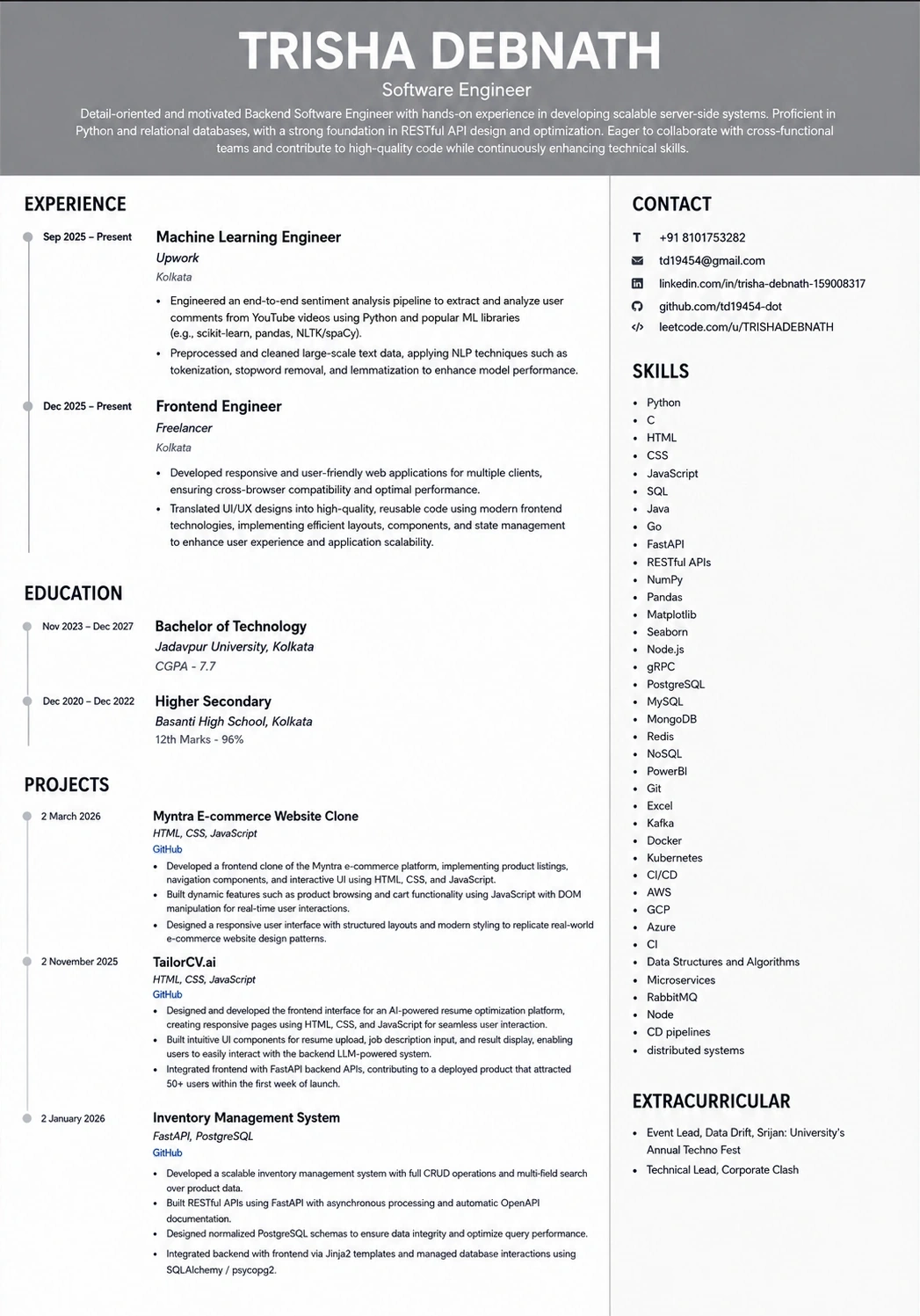
A layout with a real skills section gives the parser somewhere clean to find every term you just added.
Was this guide useful?
Be the first to rate it.