 TD
TD
Key Takeaways
- Cold emailing recruiters can significantly increase your chances of getting noticed, especially when personalized and concise.
- Effective cold emails should be under 100 words, include a specific role reference, and have a clear, confident tone.
- Recruiter emails should have five key elements: a relevant subject line, a personal opener, a brief introduction, a reason for reaching out, and a clear ask.
- Utilize platforms like LinkedIn, company career pages, and email finder tools to locate recruiter contact information.
- The article provides five templates for cold emails tailored to different scenarios, emphasizing personalization and relevance.
Cold emailing or messaging a recruiter is one of the highest-leverage job search actions most candidates ignore. While hundreds of people apply through the ATS portal and wait, a small number send a direct, personalized message to the recruiter or hiring manager. Those candidates get noticed.
This guide covers how to write cold emails and LinkedIn messages to recruiters that get replies - including 5 templates for different scenarios.
Before reaching out, make sure your resume is ready. Use the TailorCV ATS score checker to optimize it against the job description. Review your profile and cover letter using the cover letter guide. Once your materials are strong, a good cold email multiplies your chances significantly.
Does Cold Emailing Recruiters Actually Work?
Yes - but only when done correctly.
What works:
- Short messages (under 100 words)
- Personalized reference to the specific role or company
- Clear context about who you are and why you are relevant
- A single, easy ask
What fails:
- Long emails asking for job referrals immediately
- Generic copy-paste messages
- Desperate or apologetic tone
- No clear reason why you are reaching out
A recruiter who receives 200 applications per job posting does not have time for long emails. But a short, relevant, confident message stands out.
Where to Find Recruiter Emails
- LinkedIn - Most company recruiters are findable. Message them directly on LinkedIn (InMail or connection message).
- Company careers page - Often lists a recruiter contact or careers@company email.
- Hunter.io or Apollo.io - Email finder tools that can surface company email patterns.
- Email patterns - Once you know someone's email at a company (e.g., firstname.lastname@company.com), you can guess the recruiter's format.
LinkedIn messages are often more effective than email in 2026 because recruiters are actively working there.
The Anatomy of a Good Recruiter Email
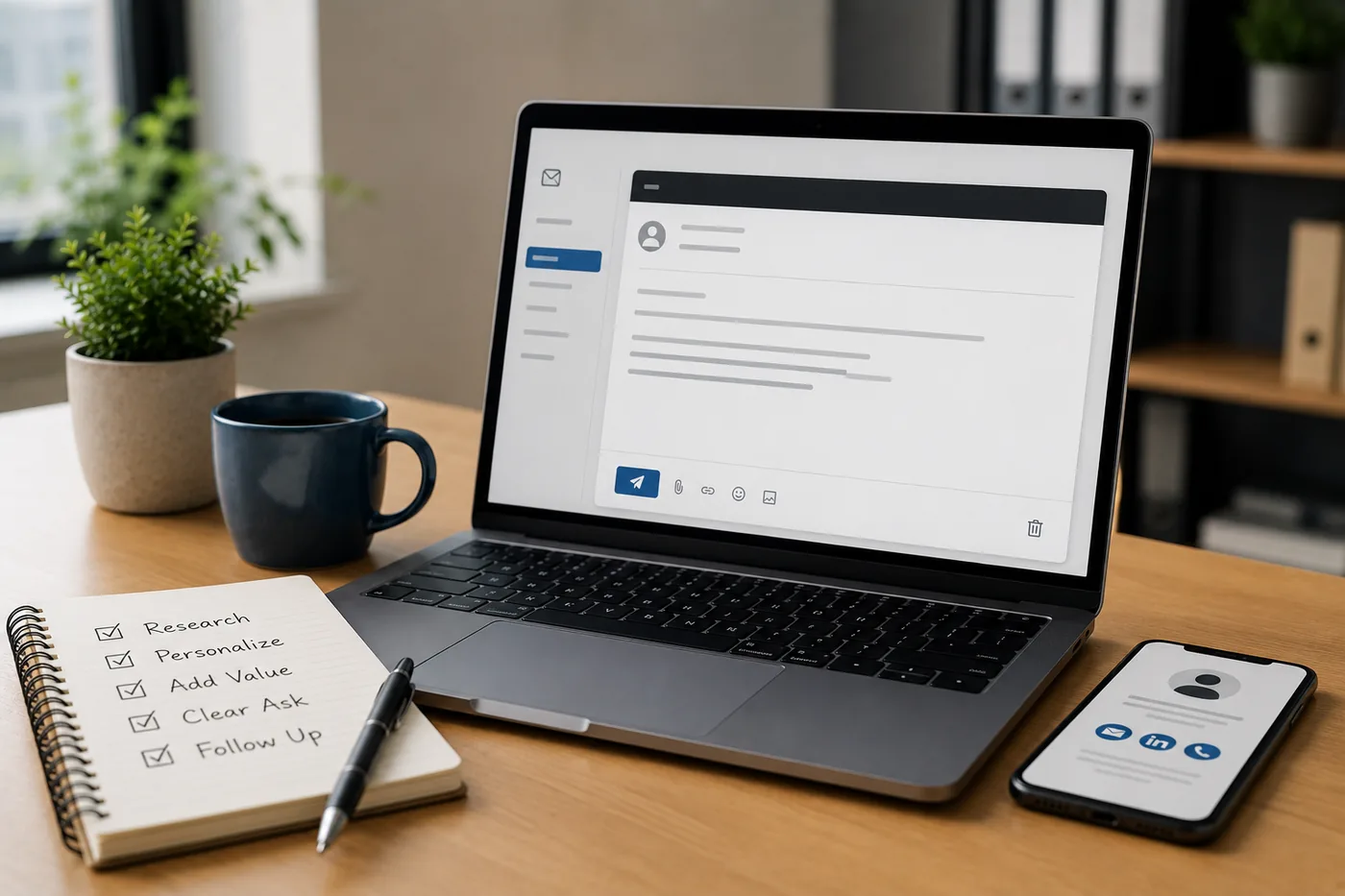
A strong recruiter email has five elements:
- Relevant subject line - Specific to the role or company
- Personal opener - Show you know something about them or the company
- Who you are - Your role and 1-2 strongest credentials (one sentence)
- Why you are reaching out - Specific role or company reason
- Clear ask - What you want (a call, a referral, a conversation)
That's it. Five elements. Under 120 words.
5 Cold Email / LinkedIn Message Templates
Template 1 - Applying for a Specific Open Role
Subject: [Role Name] Application - [Your Name]
"Hi [recruiter Name], I applied for the [Role] position at [Company] and wanted to reach out personally. I have [X years] of experience in [specific skill or domain], most recently at [Company] where I [one key achievement]. I'm particularly excited about [Company] because of [specific reason - product, team, mission]. Would love the chance to discuss further. Thanks for your time!"
Template 2 - Speculative / No Open Role Listed
Subject: [Your Role Type] Background - Open to Conversations at [Company]
"Hi [Name], I'm a [role] with [X years] of experience in [domain/tech stack]. I've been following [Company] because of [specific product or initiative] and would love to explore if there are any relevant openings. My background includes [1-2 key achievements]. Would you be open to a brief conversation or could you point me to the right contact? Happy to share my resume."
Template 3 - After a LinkedIn Post from the Recruiter
"Hi [Name], I saw your post about the [Role] opening at [Company] and wanted to reach out directly. I have [X] years of [specific experience] and recently [specific achievement relevant to the role]. Excited about what [Company] is building with [specific product or initiative]. Would love to connect and discuss the role further."
Template 4 - Alumni Connection
"Hi [Name], I noticed we both studied at [University] - I graduated in [year] with a degree in [field]. I'm currently exploring [role type] opportunities and saw you work at [Company]. I'd love to hear about your experience there and whether there might be relevant openings. Would you have 15 minutes for a quick conversation?"
Template 5 - Referral Request (to a Former Colleague at Target Company)
"Hi [Name], great to reconnect! I hope things are going well at [Company]. I've been exploring new opportunities and noticed that [Company] is hiring for [Role] - it looks like a great fit for my background in [X]. If you're comfortable, would you be willing to refer me or let me know who I should reach out to? Happy to share my resume. No pressure at all - appreciate you either way."
Subject Lines That Get Opened
For emails (not LinkedIn messages where subject lines are less relevant):
- [Role] Application - [Your Name], [Years] of [Domain] Experience
- Referred by [Name] for [Role] - [Your Name]
- Quick question about [Role] at [Company]
- [Specific achievement] - [Your Role Type] interested in [Company]
- [University] Alum - Exploring [Role] at [Company]
Avoid:
- "Just following up" (too vague)
- "I am interested in any opportunity" (no specificity)
- "URGENT: Job Application" (desperate)
- Very long subject lines (gets cut off)
Follow-Up Strategy
If you send an email and hear nothing after 5-7 business days, one follow-up is appropriate.
"Hi [Name], I wanted to follow up on my note from [date]. I'm still very interested in the [Role] at [Company] and would welcome the chance to connect. Happy to share my resume or anything else that would be helpful. Thanks for your time."
Do not follow up more than twice. After two messages with no reply, move on. Sending a third or fourth message damages your professional reputation.
Common Cold Email Mistakes
Mistake 1: Asking for a job immediately
Cold outreach should start a conversation, not ask for an offer. Lead with your value and ask for a conversation.
Mistake 2: Generic opener
"I am writing to inquire about job opportunities at your esteemed organization" - every recruiter reads this dozens of times. Start with something specific.
Mistake 3: Attaching your resume unsolicited to a first email
Save the resume for when they ask. The first message is to spark a response, not to send a 2MB file.
Mistake 4: Too long
If your email requires scrolling, it is too long. Under 120 words. If you cannot say it in 120 words, edit harder.
Mistake 5: Spelling the recruiter's name wrong
If you misspell someone's name in the opening line, the email is over.
Related Guides
- How to Decline a Job Offer Professionally
- How to Use LinkedIn for Job Search
- LinkedIn Profile Optimization Guide
- How to Handle Job Rejection
- How to Write a Two Weeks Notice
- Networking Tips for Job Search
- Cover Letter Guide
- How to Build a Professional Portfolio
- How to Negotiate a Salary Offer
- Remote Job Search Guide
- How to Follow Up After a Job Interview
- How to Get a Job With No Experience
- Why Am I Not Getting Interviews for Jobs I'm Qualified For?
- Data Analyst vs Data Scientist in 2026 - Which Career Is Right for You?
- Freelancing vs Full-Time Employment in 2026 - Honest Comparison
- How to Quit Your Job Professionally in 2026 - Complete Guide
- Work-Life Balance Tips for Professionals in 2026 - Practical Guide
- Campus Placement Email Etiquette 2026 - Templates That Get Replies
Make This Practical
A cover letter is strongest when it is connected to a tailored resume. First check your resume with the free ATS score checker, then draft a role-specific letter with the AI cover letter generator. If you need structure, use the Cover Letter Guide 2026 to keep the message focused and recruiter-friendly.
Use the letter to explain context that does not fit neatly on the resume. Career changers can pair it with the Career Change Resume Guide, candidates with gaps can use How to Explain Resume Gaps, and direct outreach works better when combined with How to Write a Cold Email to a Recruiter.
Conclusion
A well-written cold email or LinkedIn message is one of the most underused job search tools. Most candidates apply and wait. A short, specific, confident message to a recruiter takes 10 minutes to write and can compress a 6-week job search to 6 days.
Make sure your resume is ready before sending outreach. Use the TailorCV ATS score checker to optimize it, read the cover letter guide, and check LinkedIn job search tips for the full outreach strategy. For interview preparation, use the interview guide.
Frequently Asked Questions
Does cold emailing recruiters actually lead to job opportunities?
Yes, cold emailing recruiters can lead to job opportunities when done effectively. A concise, personalized message that highlights your relevance for a specific role can make a strong impression. It's essential to avoid generic messages and instead focus on what makes you a fit for the company. For more insights on how to network effectively, check out our Networking Tips for Job Search in 2026.
What should I include in my cold email to a recruiter?
Your cold email should include a brief introduction of who you are, a specific reference to the role or company, and a clear reason for reaching out. Aim for under 100 words to keep it concise and engaging. Additionally, ensure your resume is polished before sending the email. You can optimize it using our Free ATS score checker.
How can I find recruiters to email?
Recruiters can often be found on platforms like LinkedIn, where you can message them directly. Look for recruiters associated with the companies you are interested in and send them a personalized connection request or InMail. If you're unsure how to approach them, consider using our LinkedIn Referral Message Template.
What are some common mistakes to avoid when writing cold emails?
Common mistakes include sending long, generic emails or appearing desperate in your tone. Recruiters appreciate brevity and clarity, so avoid lengthy requests for job referrals. Instead, focus on a single, easy ask that shows your value. For a deeper dive into what not to do, check out our article on 11 Portfolio Mistakes That Cost You Interviews.
How can I follow up after sending a cold email?
If you haven't received a response within a week or two, it's acceptable to send a polite follow-up email. Keep it brief, reiterate your interest, and ask if they had a chance to review your previous message. This shows persistence without being overbearing. For additional strategies on following up effectively, refer to our Salary Negotiation Guide.
Does your formatting survive the parser?
Upload your resume and see what an ATS actually reads back.
Drop your resume here or choose a file
PDF only. Max 2 MB.
We never share your data or use it to train AI models.

Was this guide useful?
Be the first to rate it.