 SS
SS

Key Takeaways
- Tailoring your resume for each job application significantly increases your chances of landing interviews compared to using a generic resume.
- Maintain a master resume that includes all your experiences, skills, and achievements to streamline the tailoring process for different job applications.
- Implement a clear file naming system using the format [Name][Role][Company]_[Date].pdf to easily track and identify your resume versions.
- Organize your resume files in a structured folder system to prevent confusion and ensure easy access to your tailored resumes.
- Always save your resumes as PDFs for sending, while keeping editable versions in .docx format to preserve formatting.
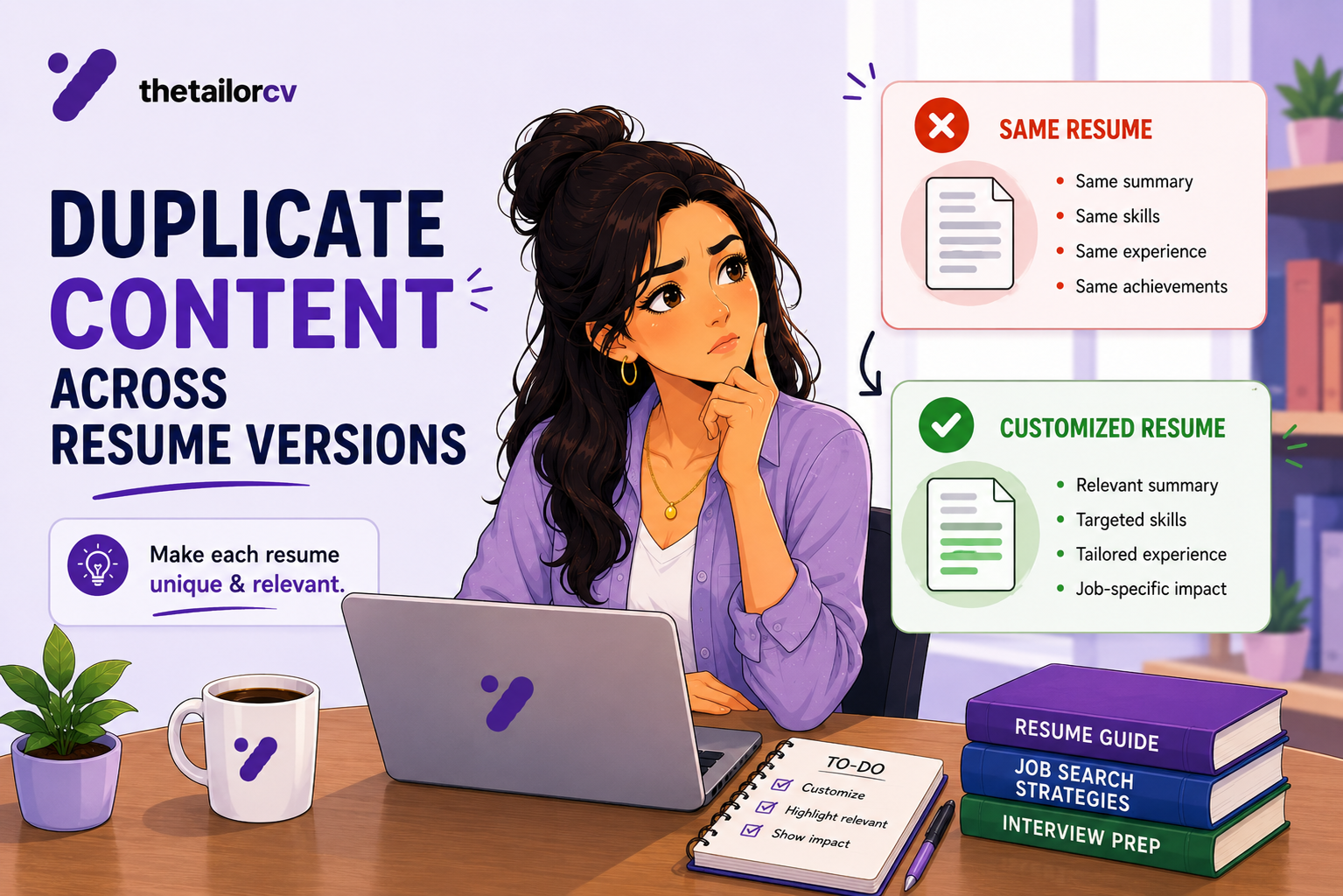
You know you should tailor your resume for every job.
You have read the guides. You understand why generic resumes fail. You believe in the process.
But here is the problem nobody talks about:
After two weeks of tailoring, you have six different resume files. They are named things like:
- Resume_Final.pdf
- Resume_Final_v2.docx
- Resume_Google_Updated.pdf
- Resume_NEW_Final_FINAL.docx
- Resume_Marketing_Role_2.pdf
- Resume_USE_THIS_ONE.pdf
You cannot remember which one you sent to which company. You cannot remember what you changed in the "updated" version. You send the wrong one and do not realize until after.
This is not a small problem. Sending the wrong resume to the wrong company is embarrassing. Losing track of your strongest version wastes the work you already did. Having no system means starting from scratch every time.
This guide gives you a real system for managing multiple tailored resume versions.
Why You Need Multiple Resume Versions
If you are applying to multiple jobs - which you should be - you need tailored versions.
The data is clear: tailored resumes get significantly more interviews than generic ones. Each tailoring adds relevant keywords, adjusts emphasis, and mirrors the job description language.
But tailoring is useless if you lose track of what you have built.
A good resume management system means:
- You always know which version you sent to which company
- You can update one version without breaking others
- You can reuse strong tailoring work instead of redoing it
- You have a clean base to start from every time
Use the resume customization checklist to confirm each version is properly tailored before you send it.
The Master Resume Strategy
The foundation of any good resume management system is a master resume.
Your master resume is not a document you send. It is a complete record of everything you have ever done that could go on a resume.
Include:
- Every job, with full dates and all bullet points (including the ones too long for a one-page resume)
- Every skill you have, including ones you rarely lead with
- Every certification, course, or training program
- Every project, even side projects
- Every award, publication, or notable achievement
- Volunteer work, board memberships, extracurriculars
Your master resume will be 4-6 pages. That is fine. You are never sending it.
Every tailored resume you create starts here - by selecting the most relevant content from the master, not by rewriting from memory.
This single habit eliminates 80% of resume management problems.
The File Naming System That Actually Works
Random naming kills your system faster than anything else.
Use this format:
[Name][Role][Company]_[Date].pdf
Examples:
JaneDoe_ProductManager_Stripe_Jun2026.pdfJaneDoe_DataAnalyst_Generic_Jun2026.pdfJaneDoe_MarketingLead_HubSpot_Jun2026.pdf
Rules:
- Always include your name (for when recruiters save it to their own files)
- Include the target role, not the company you worked at
- Include the target company name (or "Generic" if it is a reusable version)
- Include the month/year so you know which is current
- Always save as PDF for sending - read the resume file format guide to understand why PDF is the right choice; keep the editable version as .docx
Never save over old versions. Create a new file with an updated date. You may want to reference an old version or understand what you changed.
Your Folder Structure
Keep your resume files in a clear folder structure.
📁 Job Search 2026/
  📁 Master Resume/
    - JaneDoe_Master_Resume.docx (never send this)
  📁 Resume Versions/
    📁 Tech Roles/
      - JaneDoe_SoftwareEngineer_Generic_Jun2026.pdf
      - JaneDoe_SoftwareEngineer_Spotify_Jun2026.pdf
    📁 Product Roles/
      - JaneDoe_ProductManager_Generic_Jun2026.pdf
      - JaneDoe_ProductManager_Airbnb_Jun2026.pdf
  📁 Applications Tracker/
    - applications.csv or Notion board
Separate by role type, not by company. You will find files faster when you are looking for "my PM resume" than when you are looking for "the one I sent to Airbnb."
The Application Tracker
This is the piece most people skip. It is the most important piece.
Every application needs a row in your tracker.
Minimum columns:
| Company | Role | Date Applied | Resume Version Used | ATS Score | Status | Notes |
|---|---|---|---|---|---|---|
| Stripe | Product Manager | Jun 12 | JaneDoe_PM_Stripe_Jun2026.pdf | 82% | Phone screen scheduled | Referred by Alex |
| HubSpot | Marketing Lead | Jun 14 | JaneDoe_Marketing_HubSpot_Jun2026.pdf | 74% | No response | Follow up Jun 28 |
Why the resume version column matters: If Stripe invites you for an interview, you need to know exactly which resume you sent. Your cover letter references it. Your interview preparation depends on it. If a recruiter quotes something back at you, you need to know where it came from.
Use a simple Google Sheet or Notion database. Update it immediately when you apply - not later.
The Three Resume Versions You Actually Need
You do not need a unique resume for every single application. You need a smart set of base versions.
Version 1: The Role-Type Resume Create one polished, tailored resume per role category you are applying for.
- "software engineer - Backend" base version
- "product manager" base version
- "data analyst" base version
Spend real time on these. These are your 80% versions - strong enough to apply with minor tweaks. Use TailorCV's ATS-friendly templates as your starting point for each base version.
Version 2: The Company-Specific Version For companies you really want, do a full tailoring from the role-type base. Match the specific JD language. Research the company and add one or two company-specific signals in your summary. Check your ATS score with TailorCV before sending.
Version 3: The Reach Resume For stretch roles - positions where you are slightly underqualified or making a career shift - you need a separately tailored version. This one requires more reframing. Read how to tailor your resume when underqualified for the strategy.
How TailorCV Fits Into This System
The biggest time sink in resume management is the actual tailoring - rewriting the summary, adjusting keywords, reordering bullets.
Your resume after optimization
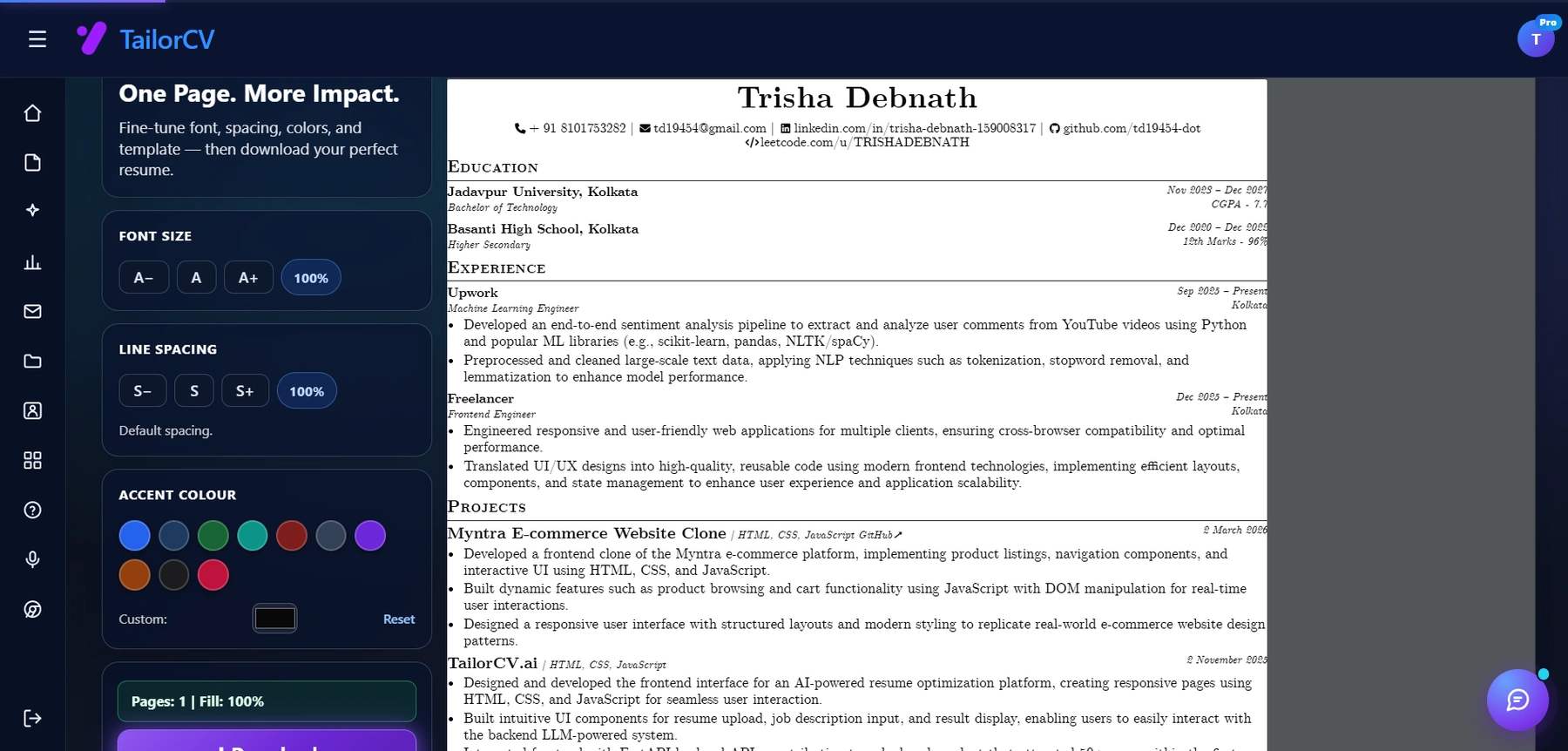
Font size, spacing, accent colour and template are all adjustable, with a live page counter.
TailorCV handles that part.
Paste the job description. Upload your base version. The AI identifies keyword gaps and rewrites your resume to match.
You review, adjust, and save with the right file name. The tailored version is ready in minutes.
Your system keeps it organized. TailorCV does the heavy editing.
Start Tailoring Your Resumes Free
Version Control: When to Update vs. Create New
Update (overwrite): Never. Always save a new version.
Create a new dated version when:
- You add a new job, project, or certification to your master
- You change your summary significantly
- You move into a new phase of your job search (different role type, different industry)
- It has been more than 4-6 weeks since the last version was created
When to retire old versions: Review your folder every month. If a version is more than 3 months old and you are actively job searching, it is probably stale. Archive it (do not delete it) and create a fresh version from your master. The how to update your resume guide covers what specifically needs to change when you refresh a version.
The Most Common Version Control Mistakes
Sending an outdated version If you updated your resume two days ago but did not rename the file, you may attach the old one out of habit. Always check the file date before attaching.
Editing a version you already sent Once a resume is sent, do not edit that file. Create a new version. If you edit the sent version, you lose track of what the company actually has on file.
Working without a master resume Without a master, you copy between versions and lose bullets. Start with the master every time.
Having too many near-identical versions If you have six versions that differ by two sentences each, consolidate. Fewer, stronger base versions are more useful than dozens of marginally different ones.
Not proofreading each version before sending Use the resume proofreading checklist to catch errors that creep in when you are customizing across multiple files.
Make This Practical
Do not guess whether the resume is ready. Upload it to the free ATS score checker, compare the result with the ATS Score Guide, and fix formatting issues using ATS Resume Formatting Mistakes and ATS Resume Parser Friendly Format.
After the technical cleanup, improve relevance. Use Resume Matching With Job Description, strengthen keyword coverage with the Resume Keywords Guide, and avoid overdoing it by checking ATS Keyword Mistakes. If the layout itself is weak, rebuild with an ATS-friendly resume template.
Before building a second version, it is worth checking you actually need one - one resume, two job families: when to split versions gives a quick split test.
FAQ
How many resume versions is too many?
There is no hard limit, but 2-4 strong base versions per role category is practical. Dozens of nearly-identical versions means your system has broken down.
Should I keep old resume versions?
Yes - archive them, do not delete them. Old versions help you understand how your framing has evolved and occasionally have bullets you want to reuse.
What if I want to apply to the same company for two different roles?
Create separate versions for each role - even if the company is the same. Different hiring managers, different keywords, different priorities.
Should my resume versions have different ATS scores?
Yes, and that is the point. Each version is tailored to a specific type of role or specific company - so the keyword match scores will differ. Use TailorCV to check the ATS score for each version against its target job description. Additionally, consider using AI to tailor your resume to ensure it resonates well with hiring managers. For more insights on managing your job search, check out Build One Job Search System.
Related Guides
- How to Tailor Your Resume for Every Job
- How to Tailor a Resume in 5 Minutes
- Resume Customization Checklist
- Resume File Format Guide
- Resume Matching Checklist
- Tailored vs Generic Resume
- ATS Score Guide
- How to Update Your Resume
- Resume Matching for Multiple Similar Jobs
- How to Tailor Your Resume When Underqualified
Conclusion
tailoring your resume is only valuable if you can manage the versions you create.
Build a master resume. Use a consistent file naming system. Maintain a simple application tracker. Keep 2-4 strong base versions, not 20 marginally different ones. Use tools like TailorCV to do the heavy lifting quickly.
The job search is already stressful. Your resume management system should reduce that stress - not add to it.
Build and Tailor Your Resume Versions - Free
See what tailoring is worth on your resume
Score your current resume against a real job description before you change a word.
Drop your resume here or choose a file
PDF only. Max 2 MB.
We never share your data or use it to train AI models.

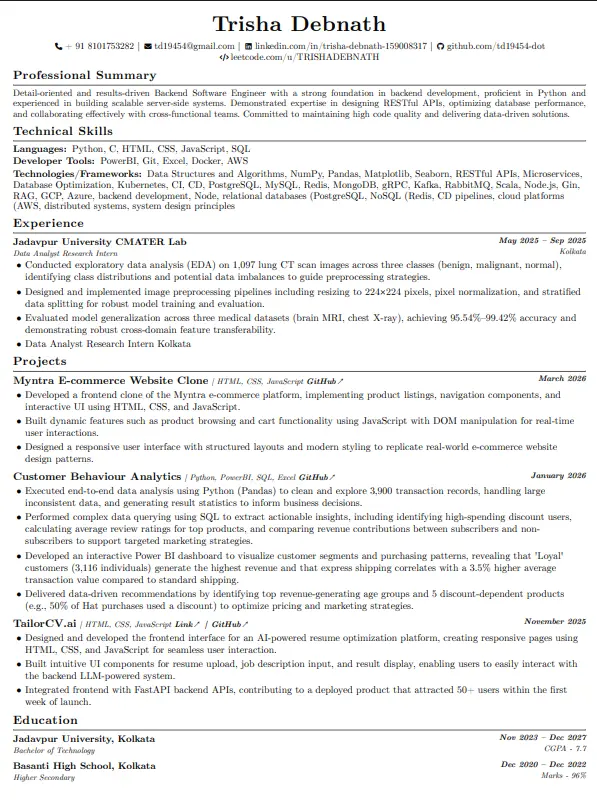
Start from a template that tailors well
Clean structure means swapping keywords per job takes minutes, not a re-layout every time.
Was this guide useful?
Be the first to rate it.