 TD
TD

Key Takeaways
- Your resume is evaluated first by an ATS for keyword matches, then by a recruiter in just 6-7 seconds.
- Resume matching involves using the employer's keywords, highlighting relevant skills, and structuring your resume to fit the job description.
- Tailoring your resume can significantly increase your chances of getting callbacks, as generic resumes are often filtered out by ATS.
- In 2026, only 20% of candidates tailor their resumes, giving those who do a competitive advantage in the job market.
- Proper resume formatting is crucial, as complex layouts can lead to parsing errors and loss of important information.
Your resume gets judged twice before a human reads it.
First, an ATS (Applicant Tracking System) scans it for keyword matches. Second, a recruiter spends an average of 6-7 seconds deciding if it fits.
If your resume does not match the job description, you fail both tests.
Resume matching with job description is not about being dishonest. It is about speaking the same language as the employer. It is about proving you are the right person for that specific role.
This guide explains how resume matching works, why it matters, and exactly how to do it in 2026.
Use the TailorCV resume optimizer to match your resume to any job description instantly. Start with ATS-friendly templates and check your ATS score guide for benchmarks.
What Is Resume Matching with Job Description?
Resume matching is the process of aligning your resume content to the requirements of a specific job description.
It includes:
- Using the same keywords the employer uses
- Highlighting the skills and experience the role demands
- Structuring your resume to reflect the job's priorities
- Removing content that is not relevant to the role
When your resume matches the job description closely, two things happen:
When it does not match, neither of those things happen.
resume matching is the single highest-impact change most candidates can make to their job search.
Why Resume Matching Matters More Than Ever in 2026
The job market has become more competitive. AI-powered ATS systems are smarter. Recruiters have less time.
Here is what the data shows:
| Stat | Impact |
|---|---|
| 98% of Fortune 500 companies use ATS | Your resume is screened by software first |
| ATS filters out 75% of resumes | Most candidates never reach the recruiter |
| Tailored resumes get 50% more callbacks | Matching works |
| Recruiter reads resume in 6-7 seconds | First impression is everything |
| Only 20% of candidates tailor their resumes | You have a major advantage if you do |
In 2026, generic resumes are not just ineffective. They are invisible.
How ATS Resume Matching Works
Step 1 - Parsing
When you upload your resume, the ATS parses it. It extracts your name, contact information, work history, skills, and education into structured fields.
If your formatting is too complex, parsing fails. Content goes to the wrong fields or disappears entirely.
Step 2 - Keyword Matching
The ATS compares your parsed resume against the job description. It looks for:
- Exact keyword matches
- Related terms and synonyms
- Skills and tools
- Job titles
- certifications and qualifications
If you wrote "client relationship management" but the job description says "CRM", you may not match.
Step 3 - Scoring and Ranking
The ATS assigns each candidate a match score. Candidates are ranked by score. Recruiters usually only review the top-ranked resumes.
If your score is below the threshold, you are filtered out before any human sees your application.
Step 4 - Human Review
Resumes that pass ATS go to a recruiter. The recruiter spends 6-7 seconds doing a visual match. They are looking for the same signals: relevant title, matching skills, relevant experience.
If your resume does not immediately communicate fit, it gets passed over.
The 5 Elements of a Strong Resume-to-Job Match
1. Job Title Alignment
Your most recent title should be close to the target role. If it is not, your summary can bridge the gap.
A resume for a "product manager" role should not lead with "Marketing Coordinator" without context.
2. Keyword Coverage
You should cover at least 70-80% of the required skills and tools mentioned in the job description. Not every keyword, but the priority ones.
Use the resume keywords guide to understand which keywords carry the most weight.
3. Experience Relevance
The top two or three bullet points under each role should speak directly to what the target job requires. Irrelevant bullets dilute the match signal.
4. Skills Section Match
Your skills section should mirror the hard skills listed in the job description. This is the easiest place to improve keyword match quickly.
Read how to match your skills section to any job description for a full breakdown.
5. Summary Alignment
Your professional summary should use the target job title and primary keywords from the job description. This signals immediate fit in the first three lines.
Read how to match your resume summary to a job description for examples.
How to Match Your Resume to a Job Description: Step by Step
Step 1: Read the Job Description Three Times
First read: understand the overall role. Second read: identify required vs. preferred qualifications. Third read: highlight exact keywords and phrases.
Step 2: Categorize Keywords
Group your highlighted keywords into categories:
| Category | Examples |
|---|---|
| Technical skills | Python, SQL, Figma, Salesforce |
| Soft skills | Cross-functional collaboration, stakeholder management |
| Tools | Jira, HubSpot, Tableau |
| Industry terms | Product-led growth, CAC, churn reduction |
| Certifications | PMP, AWS Certified, CPA |
Step 3: Audit Your Existing Resume
Go through your resume and mark which of those keywords already appear. What is missing is your gap list.
Step 4: Close the Keyword Gaps
Add missing keywords where you genuinely have the skill or experience. Do not fabricate. But do use the same terminology the employer uses.
If you used "client acquisition" and the job says "business development", switch to the job's language.
Step 5: Rewrite Your Summary
Rewrite your summary to lead with the target role and top 2-3 keywords from the job description.
Read how to write a resume summary for templates.
Step 6: Prioritize Relevant Bullets
Move the most relevant bullets to the top of each role's section. ATS and recruiters read top to bottom. Put the most impactful and most relevant content first.
Step 7: Check Your ATS Score
Use the TailorCV ATS score checker to see your match score before applying. Aim for 75% or higher. If your score is below 60%, revisit your keyword gaps.
Before and After: Resume Matching in Action
Here is a real example for a data analyst role at a SaaS company.
job description key requirements:
- SQL, Python
- Dashboard creation (Tableau or Power BI)
- Cross-functional stakeholder reporting
- Product analytics
Before (generic resume)
- Worked with databases and reporting tools
- Collaborated with different teams
- Built dashboards for business tracking
After (Matched Resume)
- Queried and cleaned large datasets using SQL and Python to support product analytics for 3M+ user events monthly
- Built Tableau dashboards used by cross-functional stakeholders (product, engineering, marketing) to track key SaaS metrics
- Delivered weekly reporting packages to 6 senior stakeholders, reducing ad-hoc data requests by 40%
The "after" version uses exact terminology, adds context, and includes measurable results. That is a matched resume.
Common Resume Matching Mistakes
Using Different Language Than the Job Description
The JD says "CRM software". You wrote "client database tools." ATS scores them separately. Always mirror the job description's exact phrasing where possible.
Focusing Only on Skills, Not Context
A keyword alone is not enough. ATS increasingly understands context. "Python" in a relevant sentence scores better than a standalone skill.
Not Updating the Summary
Most candidates update bullets but forget the summary. The summary is the most prominent section. It should be tailored for every role.
Over-stuffing Keywords
Keyword stuffing is detectable by modern ATS. It also reads poorly to humans. Add keywords where they make sense, not everywhere.
Applying Without Checking the Score
Sending an untested resume is guesswork. Use TailorCV to check your match score and see exactly what is missing before you click submit.
Read common resume and job description mismatch mistakes for a full list.
Resume Matching for Different Situations
Career Changers
Career changers face the biggest matching challenge. Their experience may be real but it is described in different language.
The solution is translation. Map your past experience to the new domain's terminology.
Read resume matching for career changers for a dedicated guide.
Entry-Level Candidates
With no experience, the matching challenge is different. You are matching skills, coursework, and projects rather than job titles.
Read resume matching with no experience for strategies.
Overqualified Candidates
If you are overqualified, you still need to match. But you also need to show willingness and motivation for the role.
Read how to match your resume when overqualified for guidance.
Remote Job Applications
remote job descriptions include specific remote-work keywords. You need to match those too.
Read how to match your resume to a remote job description.
How TailorCV Automates Resume Matching
Manual resume matching takes 20-40 minutes per application. That is unsustainable when you are applying to 10-20 jobs per week.
Your resume after optimization
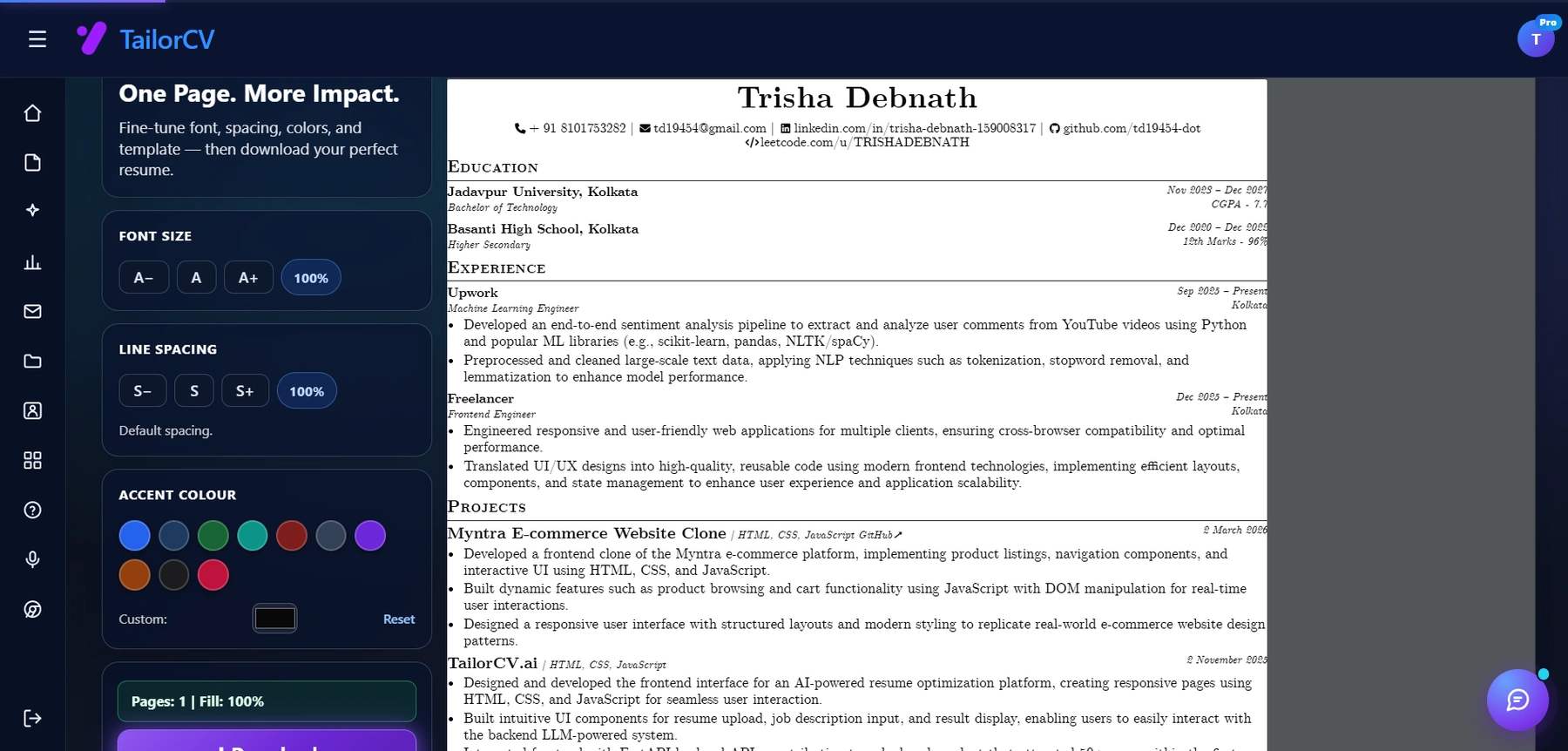
This is the resume after tailoring - the content is already matched, and these controls are how you fit it onto one page.
TailorCV automates the process:
- Paste the job description
- Upload your resume
- The AI identifies keyword gaps
- It rewrites your resume to match the job description
- It checks ATS formatting automatically
The result: a matched, ATS-optimized resume in minutes, not hours.
Features include:
- Real-time ATS match score
- Keyword gap analysis
- AI-powered bullet point rewriting
- Resume formatting check
- ATS-friendly templates
Try it free at thetailorcv.com/solutions.
How to Check Your Resume-to-Job Match Score
A match score tells you, as a percentage, how well your resume aligns with a job description.
A score of:
- 80%+ = strong match, likely to pass ATS
- 65-79% = moderate match, may pass with tweaks
- Below 65% = weak match, significant gaps
Read job description resume match percentage guide for details on what score you need.
Use TailorCV's ATS score checker to get an instant score for any job.
Make This Practical
Do not guess whether the resume is ready. Upload it to the free ATS score checker, compare the result with the ATS Score Guide, and fix formatting issues using ATS Resume Formatting Mistakes and ATS Resume Parser Friendly Format.
After the technical cleanup, improve relevance. Use Resume Matching With Job Description, strengthen keyword coverage with the Resume Keywords Guide, and avoid overdoing it by checking ATS Keyword Mistakes. If the layout itself is weak, rebuild with an ATS-friendly resume template.
FAQ
What does "resume matching with job description" mean?
It means aligning your resume's language, keywords, skills, and experience to match what a specific job description asks for. This improves your ATS score and makes your resume more relevant to recruiters.
How closely should my resume match the job description?
You should aim to cover 75-80% of the required keywords and all core qualifications. Do not copy the JD word for word, but mirror its language and priorities.
Does every word in the job description matter?
No. Focus on the required skills, tools, job title, and key responsibilities. Required is always more important than preferred.
Can I use one resume for similar jobs?
Yes, if the jobs are very similar. But always review the JD first and make targeted tweaks to the summary and top skills.
What if I am missing required skills?
Be honest. Include the skills you have and use related terms where appropriate. You can mention in-progress learning, but do not fabricate qualifications.
How long does resume matching take?
Manually: 20-40 minutes per application.
With TailorCV: 3-5 minutes.
Does matching guarantee an interview?
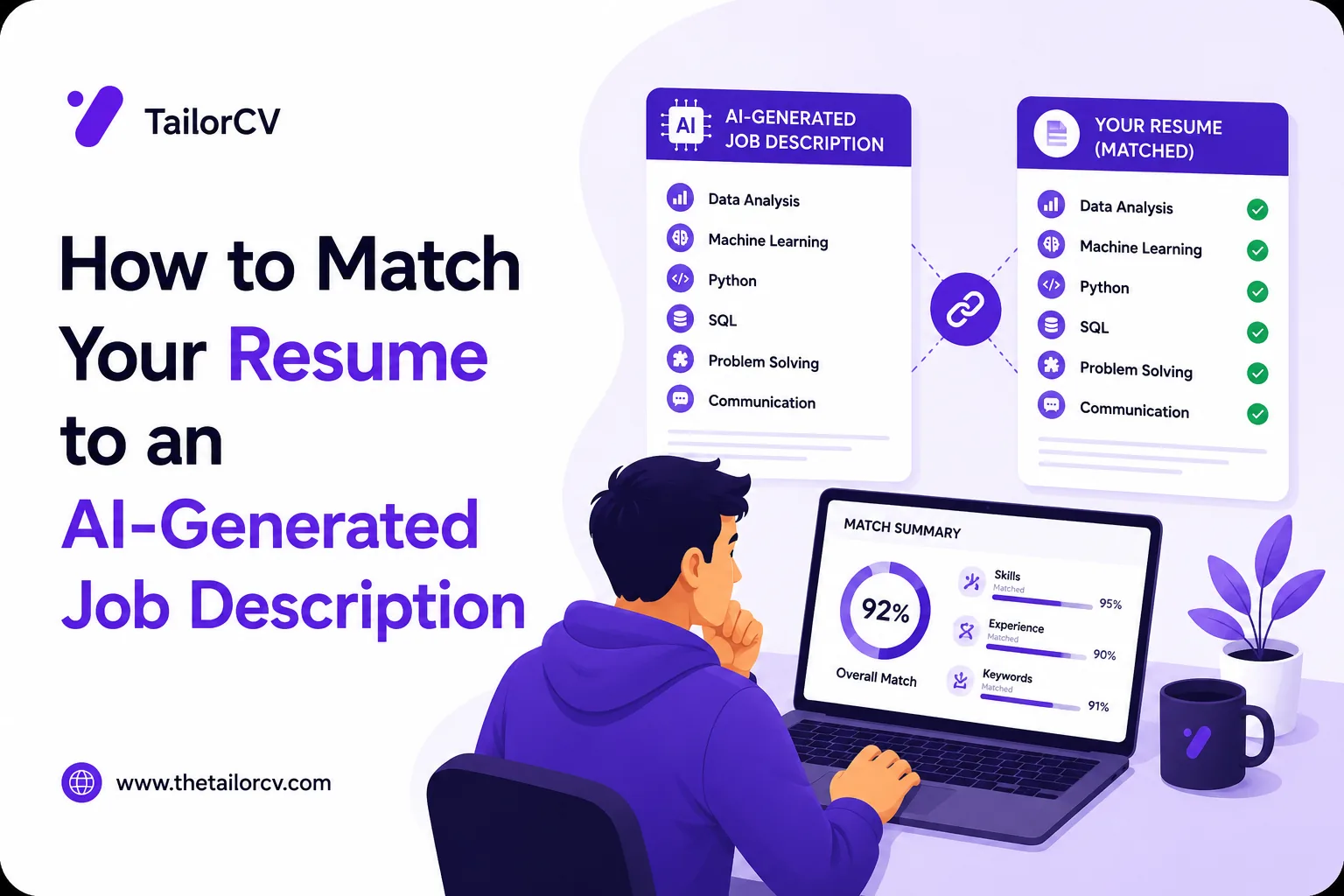
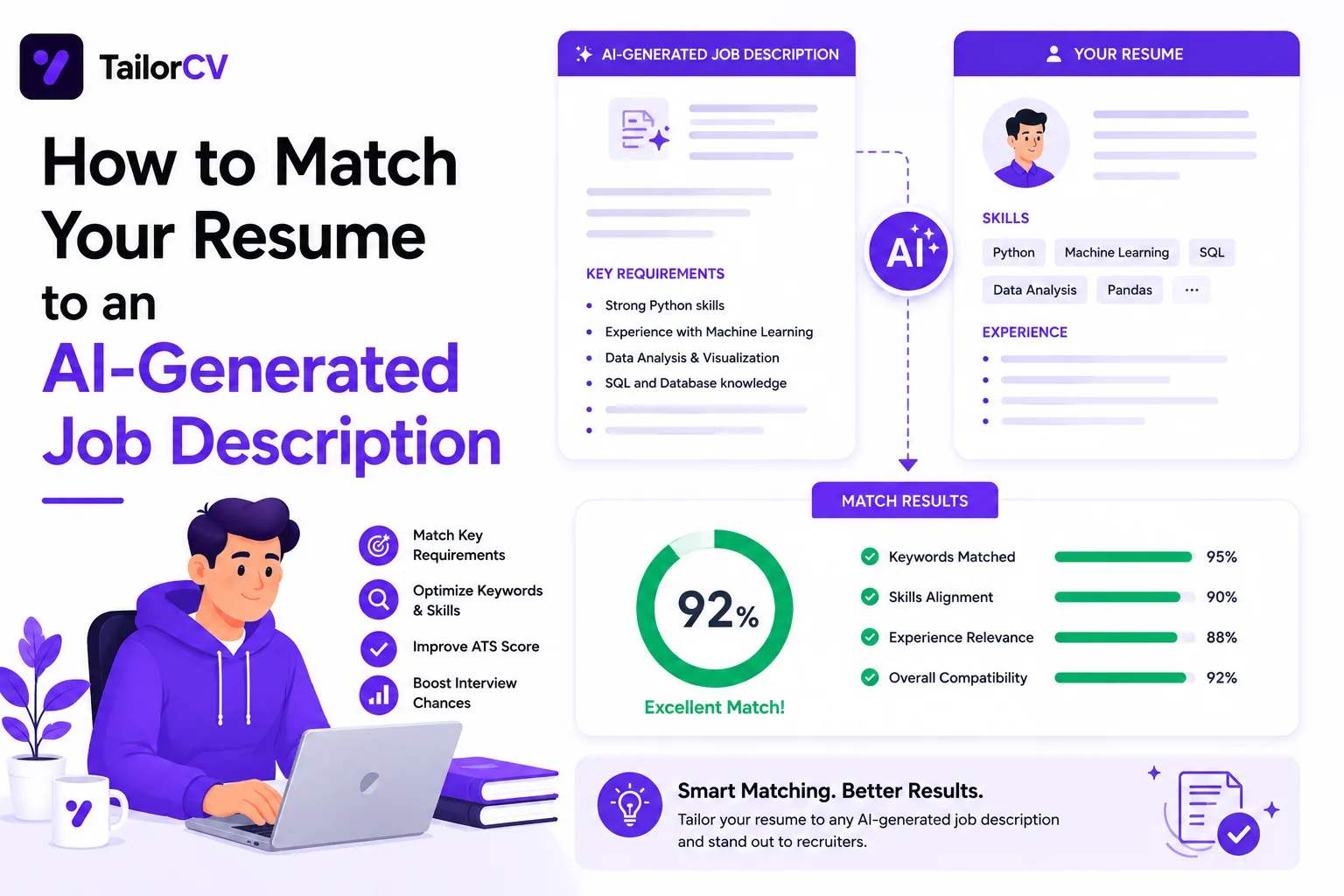
No. But it significantly increases your chances of passing the ATS filter and getting reviewed by a human. You can also enhance your application by checking out our guide on matching your resume to an AI-generated job description.
Related Guides
- How to Tailor Your Resume for Every Job Application
- ATS Score Guide 2026
- How to Make Your Resume ATS-Friendly
- Resume Keywords Guide 2026
- How to Write a Resume Summary
- How to Match Resume Keywords to Job Description
- Job Description Resume Match Percentage Guide
- How to Improve Your Resume-to-Job-Description Match Score
- Resume Matching Checklist
- Cover Letter Guide 2026
- Why Am I Not Getting Interviews
Conclusion
Resume matching with job description is not optional in 2026. It is the foundation of every successful job application.
You have two audiences to satisfy: the ATS and the recruiter. Both are looking for the same thing: a clear match between your resume and the role.
Match the language. Match the skills. Match the priorities.
Then check your score before you apply.
If you want to do this in minutes instead of hours, use TailorCV. It reads the job description, finds the gaps, and rewrites your resume to match.
Match My Resume to This Job - Free
What is your resume scoring right now?
Scan it against a job description and get your ATS match score in about a minute.
Drop your resume here or choose a file
PDF only. Max 2 MB.
We never share your data or use it to train AI models.

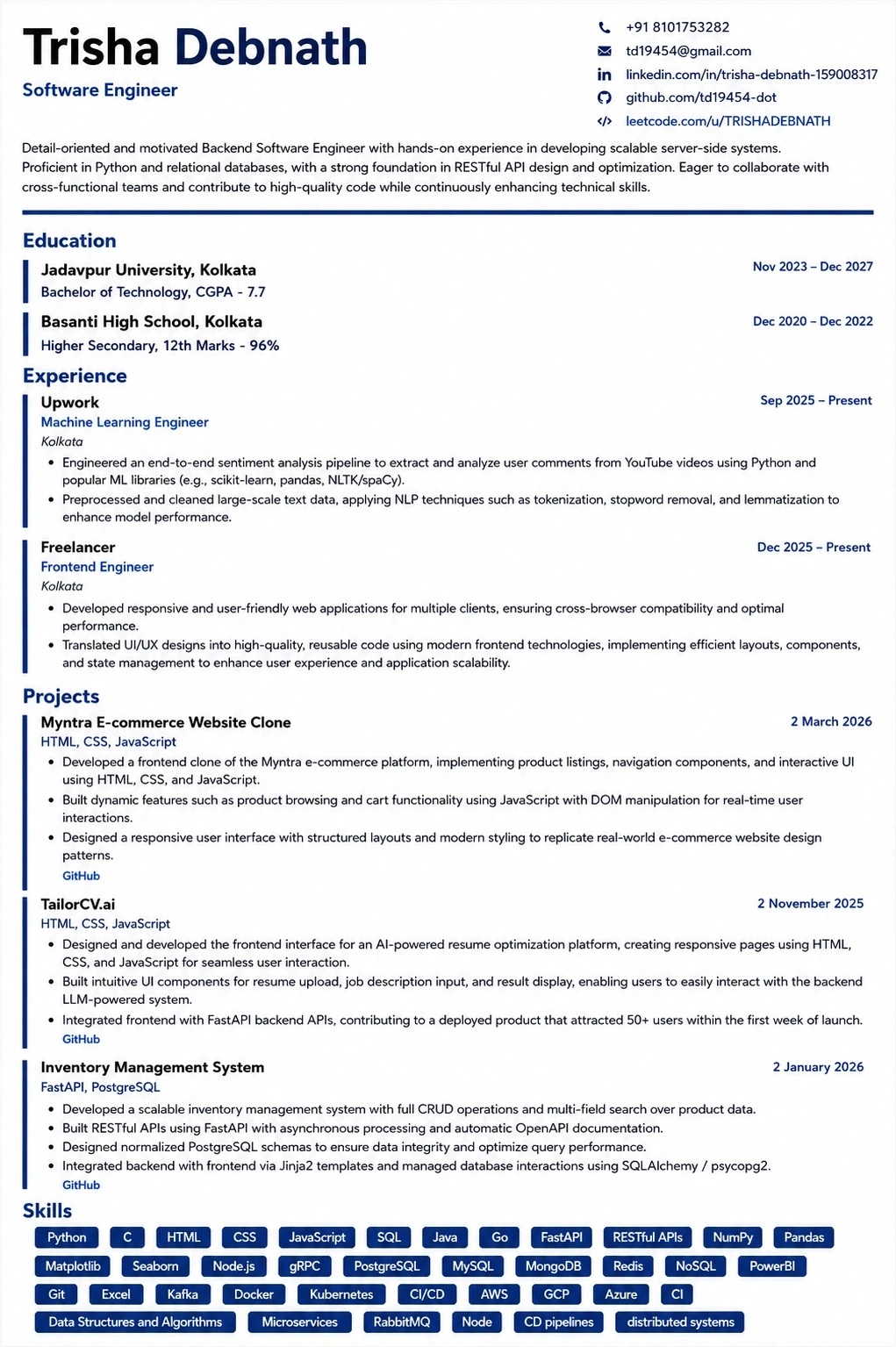
Templates that keep this structure intact
This template is ATS-tested — start from it and the formatting rules in this guide are already handled.
Was this guide useful?
Be the first to rate it.