 TD
TD
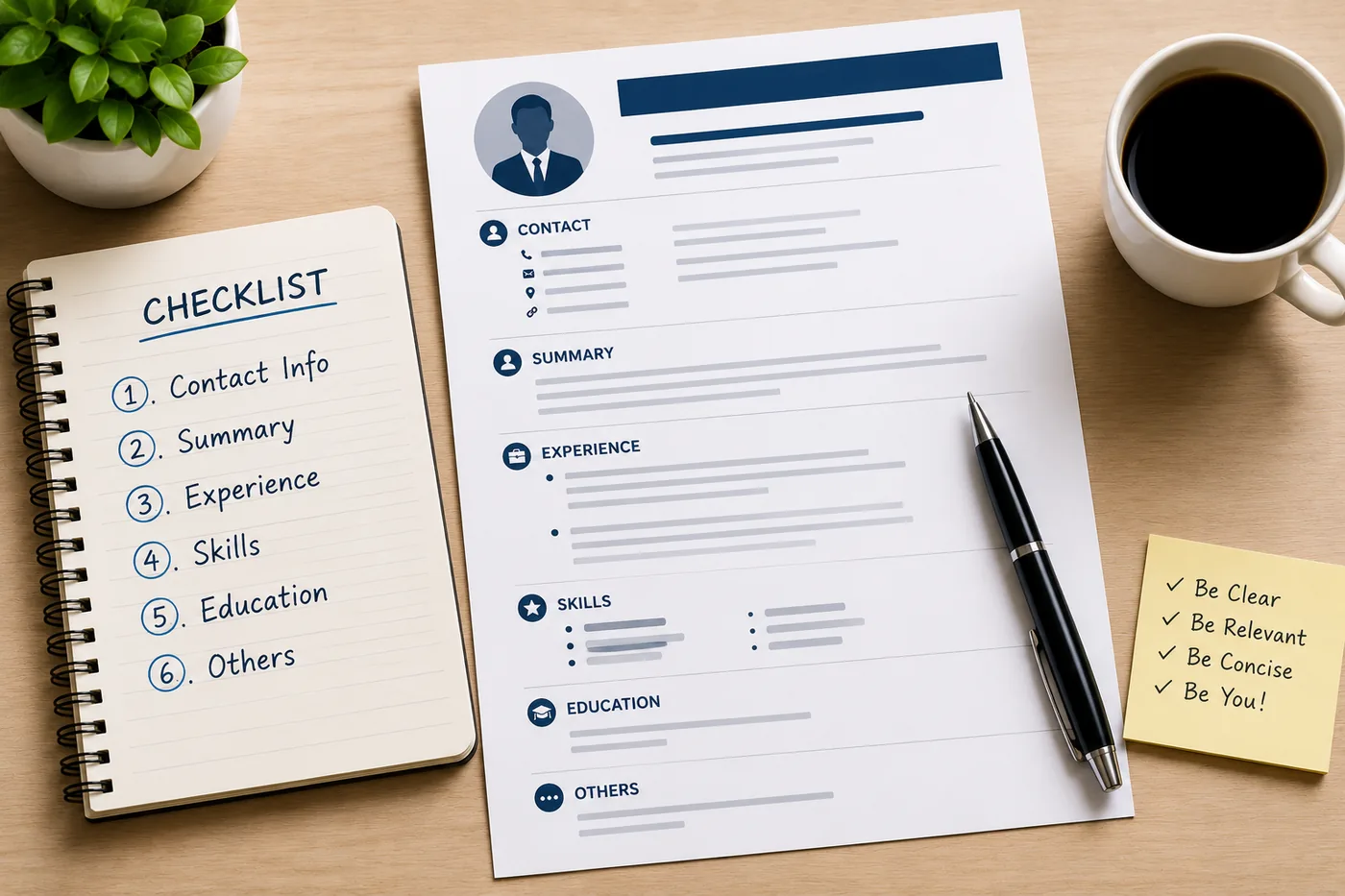
Key Takeaways
- Gather all relevant information, including job history, education, projects, certifications, skills, achievements, and the target job description before starting your resume.
- Choose the right format for your resume, such as reverse chronological or combination, based on your experience and career goals.
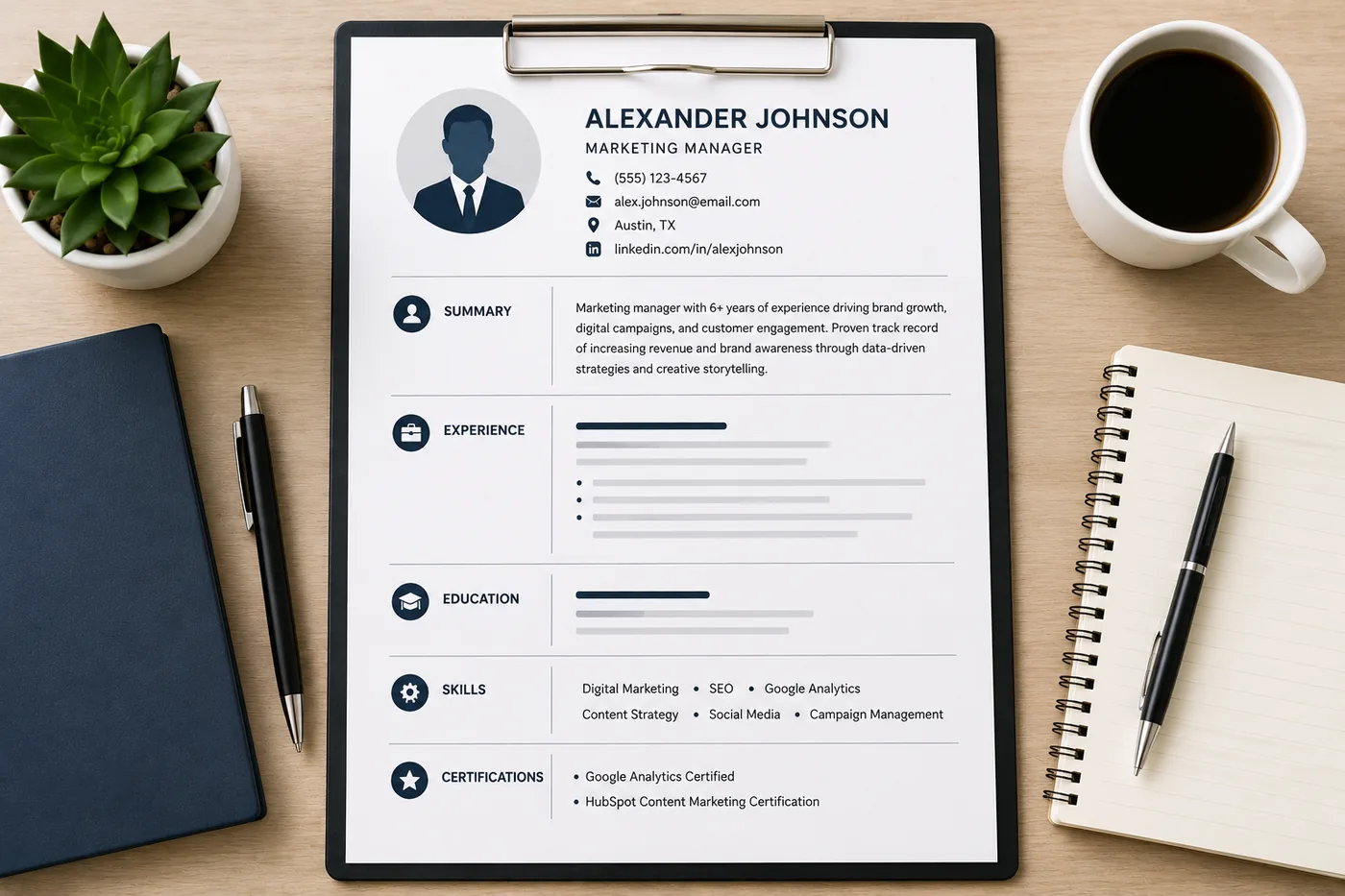
- Include a clear contact section at the top of your resume with your name, professional email, phone number, and relevant links, avoiding unnecessary personal details.
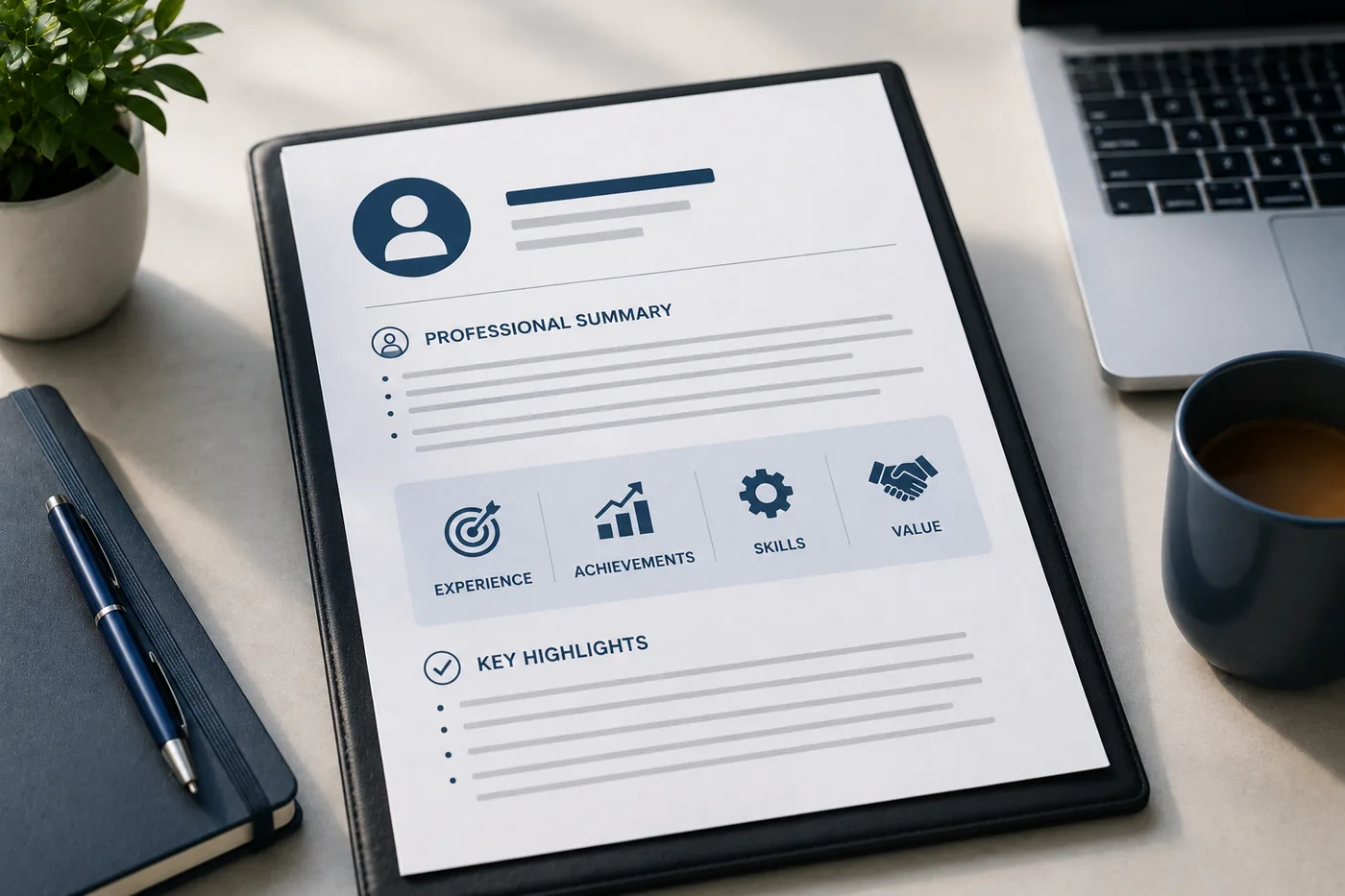
- Write a concise professional summary that highlights your experience, strengths, and how you can contribute to the prospective employer.
- Build a skills section by matching your skills to those listed in the job description, using exact wording to enhance ATS compatibility.
Writing a resume from scratch feels overwhelming until you break it into a clear sequence of steps. This guide walks you through the entire process - from deciding what to include, to writing each section, to testing the final document before you submit.
Follow these steps whether you are writing your first resume, rebuilding after years out of the job market, or starting fresh for a career change.
For shortcuts, start from an ATS-friendly template that gives you the correct structure automatically. Test your finished resume with the TailorCV ATS checker before applying.
Before You Write: Gather Everything
Resist the urge to open a blank document and start typing. Before writing a single word, gather:
- All job history: Company names, job titles, start/end dates (month and year), location
- education: Institution, degree, field, graduation year, GPA (if strong)
- Projects: Names, technologies used, outcomes, links (GitHub, demos)
- certifications: Name, issuer, date
- Skills: All tools, languages, platforms, methodologies you use
- Achievements: Numbers - revenue generated, time saved, users impacted, growth percentages
- Awards/honors: Academic and professional
- Target job description: The specific role you are building this resume for
This preparation phase prevents you from writing generic content that applies to nothing. With your raw materials assembled, writing becomes a curation and framing exercise.
Step 1: Choose the Right Format
Before writing content, decide on your structure:
- Reverse chronological - most recent job first. Right for most people.
- Combination - skills section prominent, followed by chronological experience. Right for career changers.
Read chronological vs functional resume for the full comparison. Then open an ATS-friendly template that uses your chosen format.
Step 2: Write Your Contact Section
Add at the top:
- Name (large, bold)
- Professional email
- Phone number
- City, State
- LinkedIn URL (customized)
- GitHub or portfolio (if relevant)
Building the resume section by section
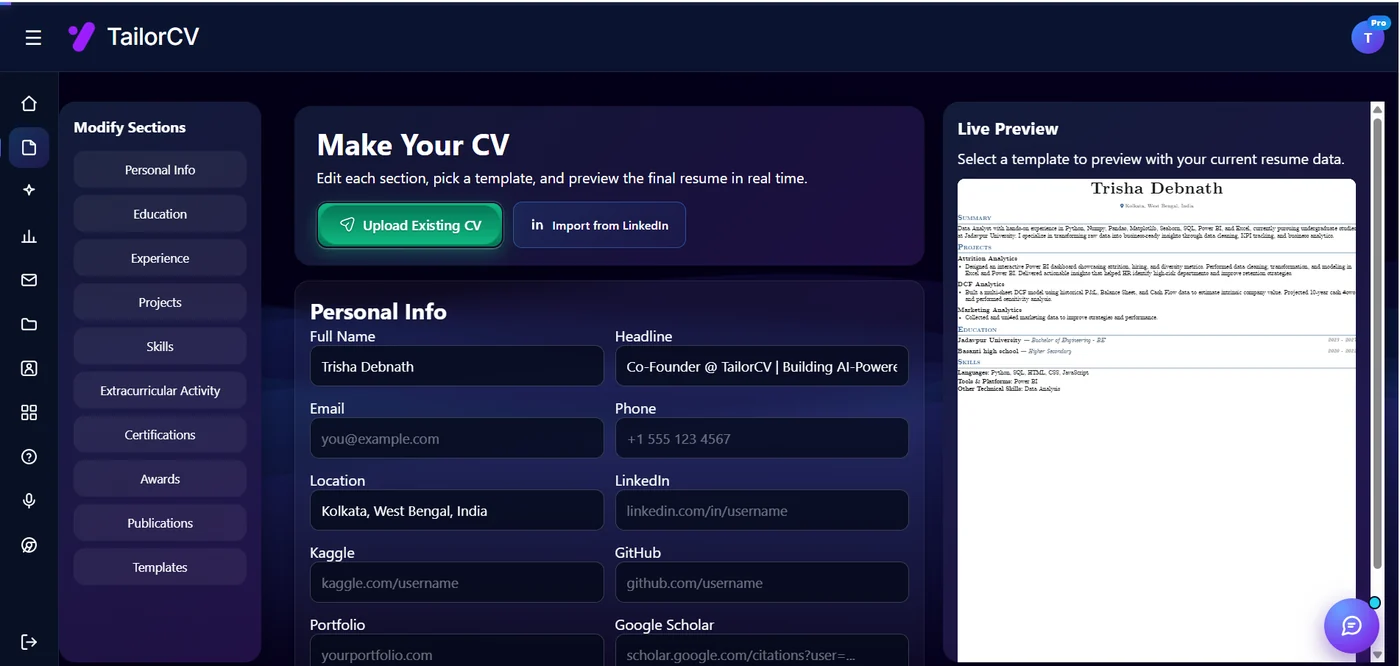
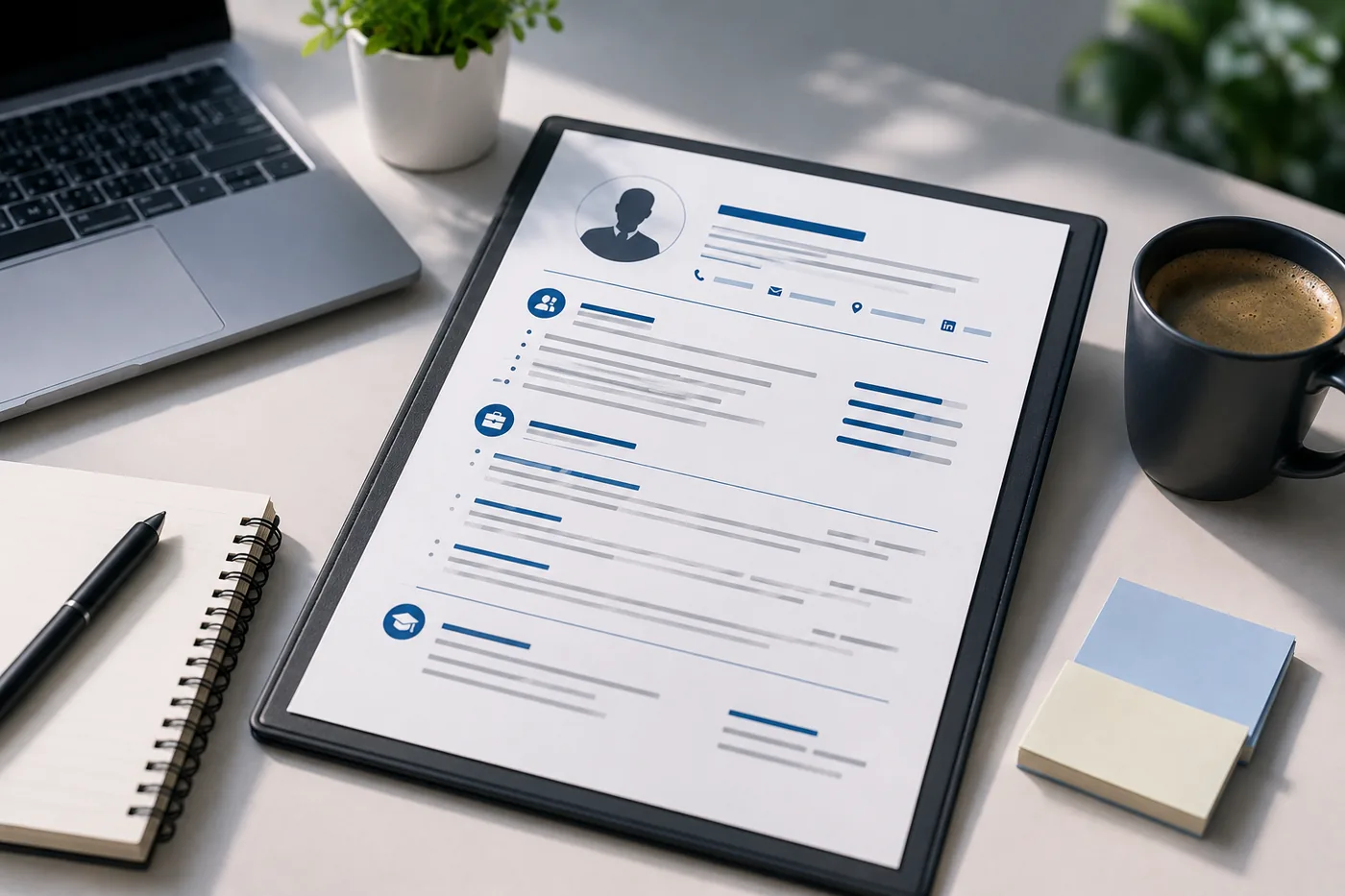
You fill one section at a time - personal info, education, experience, projects, skills - and the preview on the right re-renders as you type, so the layout is never a surprise at export.
Keep it clean. No full address, no photo (in the US/UK), no date of birth. Read the resume contact section guide for exact formatting rules.
Step 3: Write Your Professional Summary
2-4 sentences that answer: who are you, what do you do, and what is your strongest value for this role?
Structure:
"[Job title] with [X years] of experience in [key area]. Known for [top strength]. [One specific accomplishment]. Seeking to [how you'll contribute] at [type of company or role]."
This should be rewritten (or at minimum adjusted) for every application. Read how to write a resume summary for detailed examples by experience level.
If you have no experience, read resume summary with no experience.
Step 4: Build Your Skills Section
Scan the job description for the skills it requires. List the ones you have, organized by category:
- Languages/Frameworks: Python, React, SQL, Java
- Tools/Platforms: Docker, AWS, Figma, Salesforce
- Methodologies: Agile, Scrum, SDLC, Six Sigma
- soft skills (optional): Leadership, Cross-functional collaboration
Use the exact wording from the job description wherever possible - this helps ATS keyword matching. Read skills to add to your resume in 2026 for categorized lists.
Step 5: Write Your Work Experience
For each role:
- Header: Job Title | Company | City | Month Year - Month Year (or Present)
- Bullets: 3-6 achievement-based bullets per role
The bullet formula: Strong action verb + what you did + quantified result
"Reduced infrastructure costs by 35% by migrating 60% of workloads to AWS Spot Instances."
Rules:
- Use past tense for previous roles, present tense for current role
- Start every bullet with a different, strong action verb
- quantify wherever possible
Read how to write resume bullet points that get results, best action verbs for resume, and how to quantify resume achievements.
Step 6: Add Your Education
For each degree:
- Degree type and field (Bachelor of Science, Computer Science)
- Institution
- Graduation year (or expected year)
- GPA (only if 3.5+ and within 3 years of graduation)
If you are a fresh graduate with limited experience, move Education above Work Experience and add relevant coursework and academic achievements. Read how to list education on a resume.
Step 7: Add Optional Sections That Strengthen Your Application
Based on your background, add:
Projects - Essential for freshers, career changers, and engineers. Show what you built, what you used, and what it achieved. Read how to add projects to your resume.
Certifications - List name, issuer, and date. Read how to list certifications on a resume.
Awards and achievements - Competitions, academic honors, professional recognitions. Read how to list awards and achievements on a resume.
Volunteer work - Especially valuable for freshers and career changers. Read how to add volunteer work to your resume.
Step 8: Tailor for the Specific Role
Before finalizing, compare your resume against the job description:
- Are the exact skills mentioned in the job description present in your skills section?
- Do your bullets use the same terminology as the job description?
- Does your summary directly address the role's primary requirement?
- Have you removed experience that is irrelevant to this role?
Tailoring takes 20-30 minutes per application and increases your ATS score and callback rate significantly. Read how to tailor your resume for every job.
Step 9: Format and Polish
Now clean up the formatting:
- Consistent margins (0.75-1 inch)
- Single-column layout
- One font family throughout
- Consistent date formats
- Consistent bullet style
- Clear section headers with standard names
Read resume margins, spacing and layout and best resume fonts.
Step 10: Proofread
Read the entire resume out loud. Check every:
- Spelling
- Grammar
- Date (are start/end dates accurate?)
- Link (do all URLs actually work?)
- Formatting inconsistency
Use the full resume proofreading checklist - 25 specific things to check.
Step 11: Test Your ATS Score
Before submitting, run your resume through the TailorCV ATS checker. This tells you:
- Your ATS match score for the role
- Which keywords are missing
- Formatting issues that could cause ATS parsing errors
- Specific sections that need improvement
Aim for a strong match score before submitting. Read how to increase your ATS score for targeted improvement strategies.
Step 12: Save and Submit
- Save as PDF (unless employer requests Word)
- Name the file:
FirstName-LastName-Resume.pdf - Read the resume file format guide for full naming conventions
Related Guides
- What Is a Resume and Why Does It Matter?
- The Anatomy of a Perfect Resume
- How to Write a Resume Summary
- How to Write Resume Bullet Points That Get Results
- Best Action Verbs for Resume
- How to Quantify Resume Achievements
- How to Tailor Your Resume for Every Job
- Resume Proofreading Checklist
- ATS Score Guide
- Resume File Format Guide
- Resume with No Experience Guide
- Relocating to Singapore for Your First Job - A Practical Guide
Make This Practical
Use this guide as part of a complete job-search workflow. Check your resume with the free ATS score checker, improve targeting with the Resume Optimization Guide, and choose a clean format from the ATS-friendly resume templates.
After the resume is ready, strengthen the rest of the application. Draft a targeted letter with the AI cover letter generator, practice interviews with the AI mock interview tool, and create a project-backed proof page with the portfolio website builder if you need a stronger online presence.
Conclusion
Writing a great resume from scratch takes 2-4 hours done properly: gathering materials, writing each section, tailoring for the role, formatting, proofreading, and testing for ATS. The result is a document that passes filters, earns attention, and gets you calls.
Speed up the process by starting from an ATS-friendly template. Test with the TailorCV ATS checker. And once you get the interview, prepare with the mock interview tool.
Frequently Asked Questions
How do I start writing my resume from scratch?
To begin writing your resume, first gather all relevant information, including your job history, education, skills, and achievements. This preparation phase is crucial as it helps you avoid generic content. Once you have everything organized, you can create a structured document that reflects your unique qualifications. For a detailed breakdown of what to include, check out The Anatomy of a Perfect Resume - Every Section Explained (2026).
What should I include in the contact section of my resume?
Your resume contact section should include your full name, phone number, email address, and LinkedIn profile (if applicable). It's important to ensure that your contact information is up-to-date and clearly presented. For more tips on what to include and what to leave out, visit our guide on the Resume Contact Section - What to Include and What to Leave Out (2026).
How can I make my resume stand out to recruiters?
To make your resume stand out, focus on tailoring it to the specific job you are applying for. Highlight key achievements using quantifiable metrics and include relevant keywords from the job description. Additionally, consider using an ATS-friendly template to ensure your resume is easily readable by applicant tracking systems. Learn more about how recruiters read resumes in our article on How Recruiters Read Resumes in Under 10 Seconds (And How to Win That Scan).
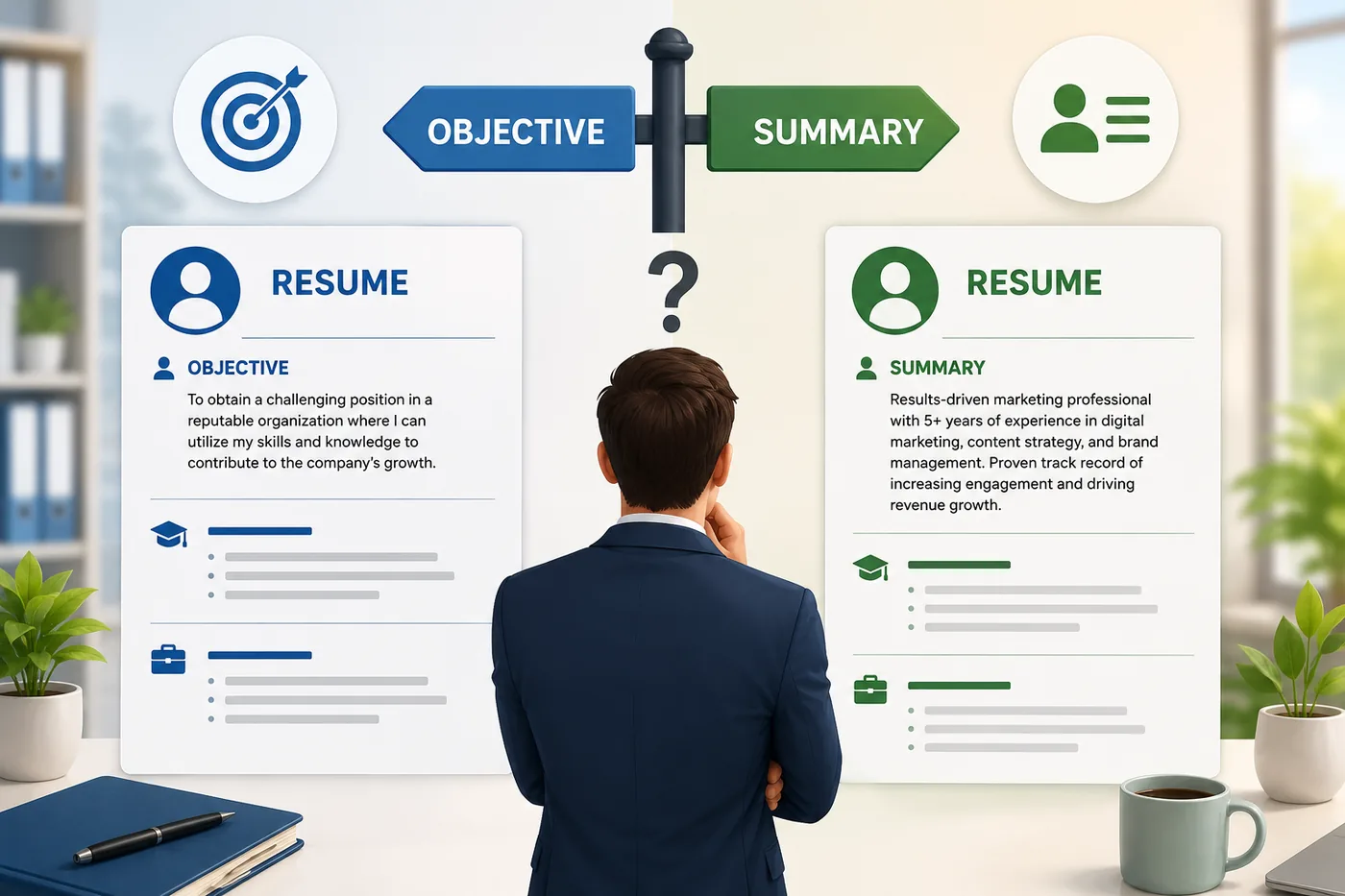
Should I use a resume objective or a summary?
Whether to use a resume objective or a summary depends on your experience level and career goals. A resume objective is ideal for entry-level candidates, while a summary works better for those with extensive experience. For guidance on making the right choice, refer to our post on Resume Objective vs Summary - Which One Should You Use in 2026?.
How can I test my resume before submitting it?
Before submitting your resume, it's essential to test it for ATS compatibility. You can use the Free ATS score checker to evaluate how well your resume will perform in applicant tracking systems. This step ensures that your resume is optimized and increases your chances of getting noticed by recruiters.
What is your resume scoring right now?
Scan it against a job description and get your ATS match score in about a minute.
Drop your resume here or choose a file
PDF only. Max 2 MB.
We never share your data or use it to train AI models.

Templates that keep this structure intact
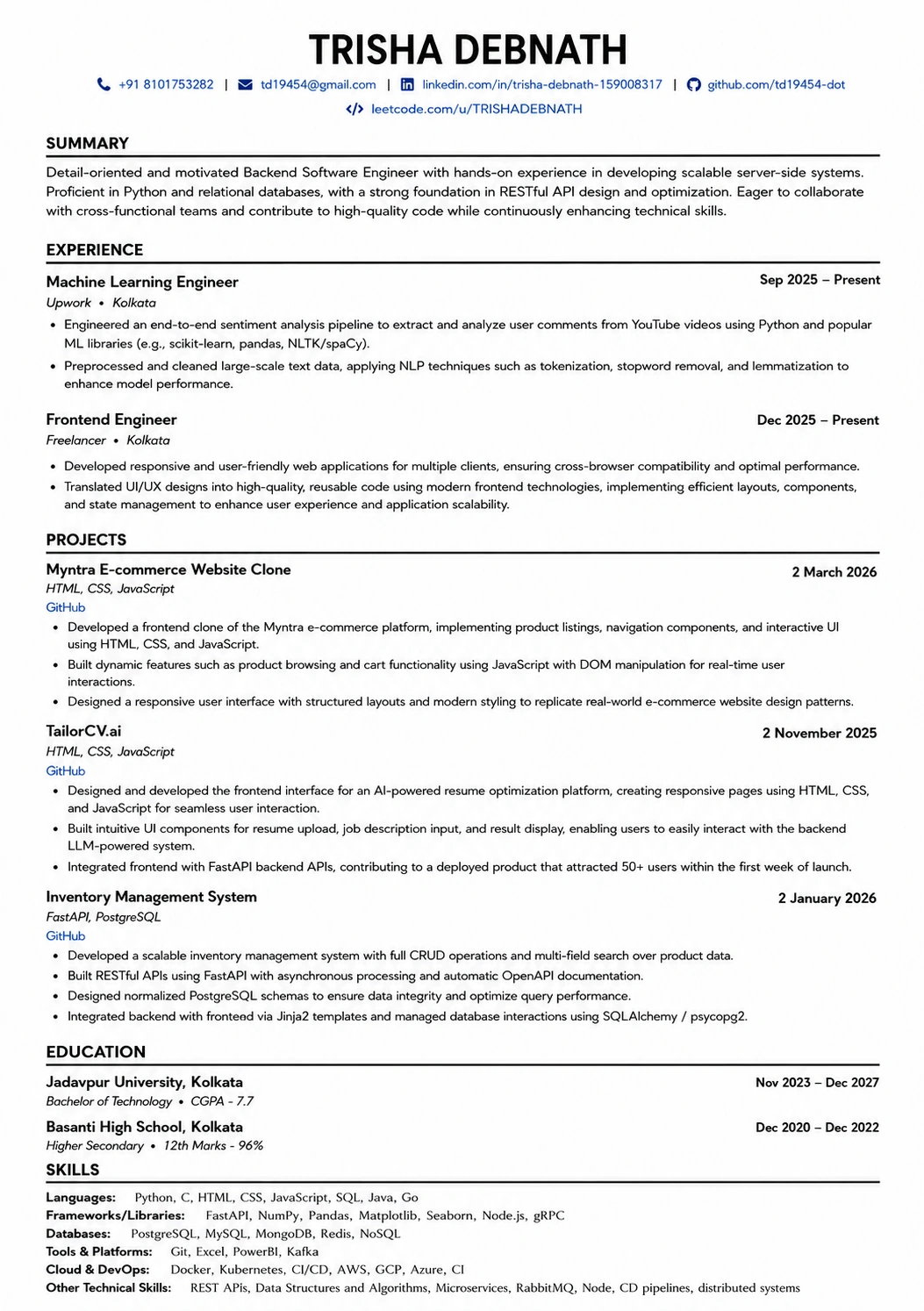
This template is ATS-tested — start from it and the formatting rules in this guide are already handled.
Was this guide useful?
Be the first to rate it.