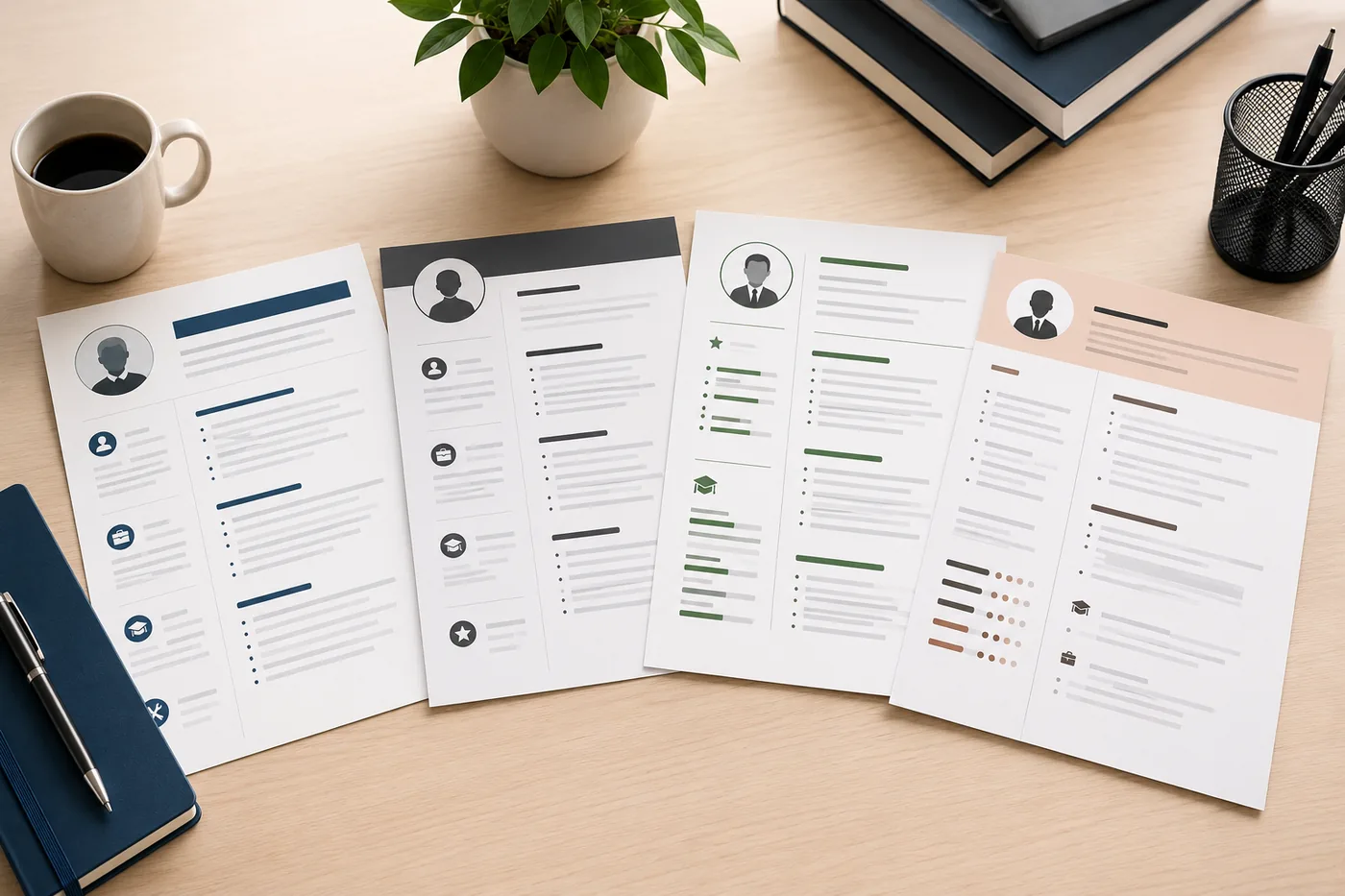
 TD
TD
Key Takeaways
- Include your full name prominently, using the same version across all professional platforms.
- Use a professional email address and avoid outdated or unprofessional options.
- List only your city and state/province for location, omitting your full address for privacy reasons.
- Provide a LinkedIn profile link if it is up to date, and ensure consistency with your resume.
- Include GitHub or portfolio links only if they are active and representative of your work, while avoiding outdated personal websites.
The contact section of your resume is the first thing a recruiter sees and the last thing you want to get wrong. A hiring manager who wants to call you should never have to search for your phone number. An ATS system should never struggle to identify your email address. This guide tells you exactly what to include, what to leave out, and how to format it correctly.
For complete resume structure, read the anatomy of a perfect resume. Start from an ATS-friendly template that formats the contact section correctly, and test your resume with the TailorCV ATS checker.
What to Include in Your Resume Contact Section
1. Full Name
Your name should be the largest text on the page - 18-24pt, bold. This is the anchor of your resume. Use the same version of your name everywhere: resume, LinkedIn, portfolio, job application form.
Do not use nicknames unless they are the name you exclusively use professionally.
2. Professional Email Address
Your email is the most-used contact method in hiring. Rules:
- Use a professional address: firstname.lastname@gmail.com or firstlast@gmail.com
- Avoid unprofessional addresses: partytime99@, coolkid2003@, gamerguy@
- Avoid old institutional addresses you no longer monitor (university address after graduation)
- Gmail, Outlook, and ProtonMail are all professional choices
- Avoid Yahoo or Hotmail - they signal you haven't updated your setup in years
3. Phone Number
- Include a direct mobile number
- Add the country code if applying internationally (+1 for US, +44 for UK, etc.)
- Make sure your voicemail is set up and professional
4. City and State/Province (Not Full Address)
In 2026, listing your full street address on a resume is outdated and unnecessary:
- It takes up space
- It raises privacy and security concerns
- Employers don't need it until an offer stage
Instead, list only: City, State (e.g., "Austin, TX" or "London, UK")
If you are relocating or open to remote roles, add "Open to remote" or "Relocating to [city]" next to your location.
5. LinkedIn Profile URL
LinkedIn is expected by most professional recruiters. Include it if your profile is up to date and polished.
Format: Customize your LinkedIn URL to remove the random numbers (LinkedIn.com/in/yourname). Do this in LinkedIn settings -> Edit public profile -> Custom URL.
Ensure your LinkedIn profile is consistent with your resume - different job dates or missing positions create red flags. Read how to use LinkedIn for job search and LinkedIn profile optimization guide.
6. GitHub (For Technical Roles)
For software engineers, data scientists, DevOps, and other technical roles, a GitHub link is expected and valuable. Only include it if:
- Your profile is active and public
- Your repositories are clean, documented, and representative of your skills
An empty or messy GitHub is worse than none.
7. Portfolio URL (For Creative/Design Roles)
For graphic designers, UX designers, content writers, marketing professionals, and developers, a portfolio link is essential. Include a direct URL to your portfolio site.
8. Personal Website (Optional)
If you have a professional personal site with work samples or technical writing, include it. Skip it if it is outdated or irrelevant.
What to Leave Out of Your Contact Section
Full Street Address
Privacy concerns and irrelevance make this outdated. City and state are enough.
Date of Birth
Never include your age or date of birth on a resume in the US, Canada, or UK. It invites age discrimination and is not required.
Marital Status
Not relevant. Do not include.
Gender, Religion, Nationality
Not required and invites potential bias. Leave out unless legally required for the specific country or position.
Photo
In the US, Canada, and UK, do not include a photo. It invites conscious or unconscious bias and is not expected. This is covered in detail in should you put a photo on your resume.
Some European and Asian countries do expect a photo - follow the convention for the country and role you are applying to.
Social Media (Unless Relevant)
Do not include personal Instagram, Twitter/X, Facebook, or TikTok unless your social media is your professional portfolio (e.g., you are a social media manager showcasing your own work).
Unprofessional or Outdated Emails
As mentioned above - if your email address includes a birth year, a nickname, or anything unprofessional, create a new one.
Contact Section Formatting
Placement
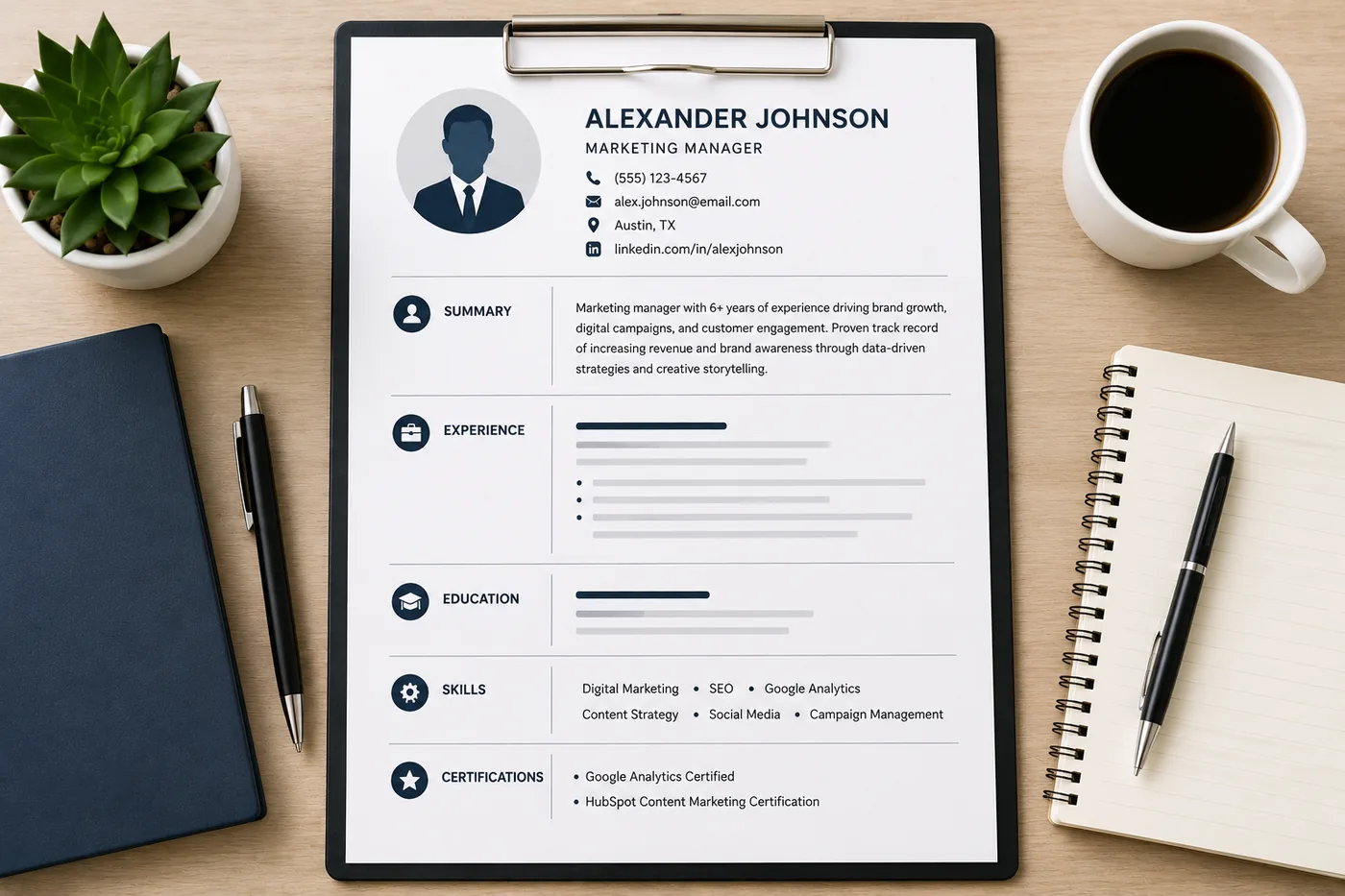
Top of the resume, above the summary. Your name is the header, contact details follow immediately below.
Layout
Horizontal format (on one or two lines) is clean and saves space:
John Smith
john.smith@gmail.com | +1 (555) 123-4567 | Austin, TX | linkedin.com/in/johnsmith | github.com/johnsmith
Or stacked in two lines for a cleaner look at smaller sizes.
Separator Characters
Use | (pipe) or - (bullet) to separate contact items on the same line.
Font Size
Contact info is typically slightly smaller than your name: 10-11pt for contact details, 18-24pt for your name.
ATS and Your Contact Section
ATS systems scan for your contact information to populate their database. If your name, email, or phone number is inside a text box, header/footer area, or graphic element, many ATS systems will miss it.
Critical rule: Place your contact section in the main body of the document, not in Word's built-in Header section or inside any graphic box.
Verify your contact details are read correctly by running your resume through the TailorCV ATS checker. Use an ATS-friendly template that places contact info in the correct location.
Common Contact Section Mistakes
Your resume after optimization
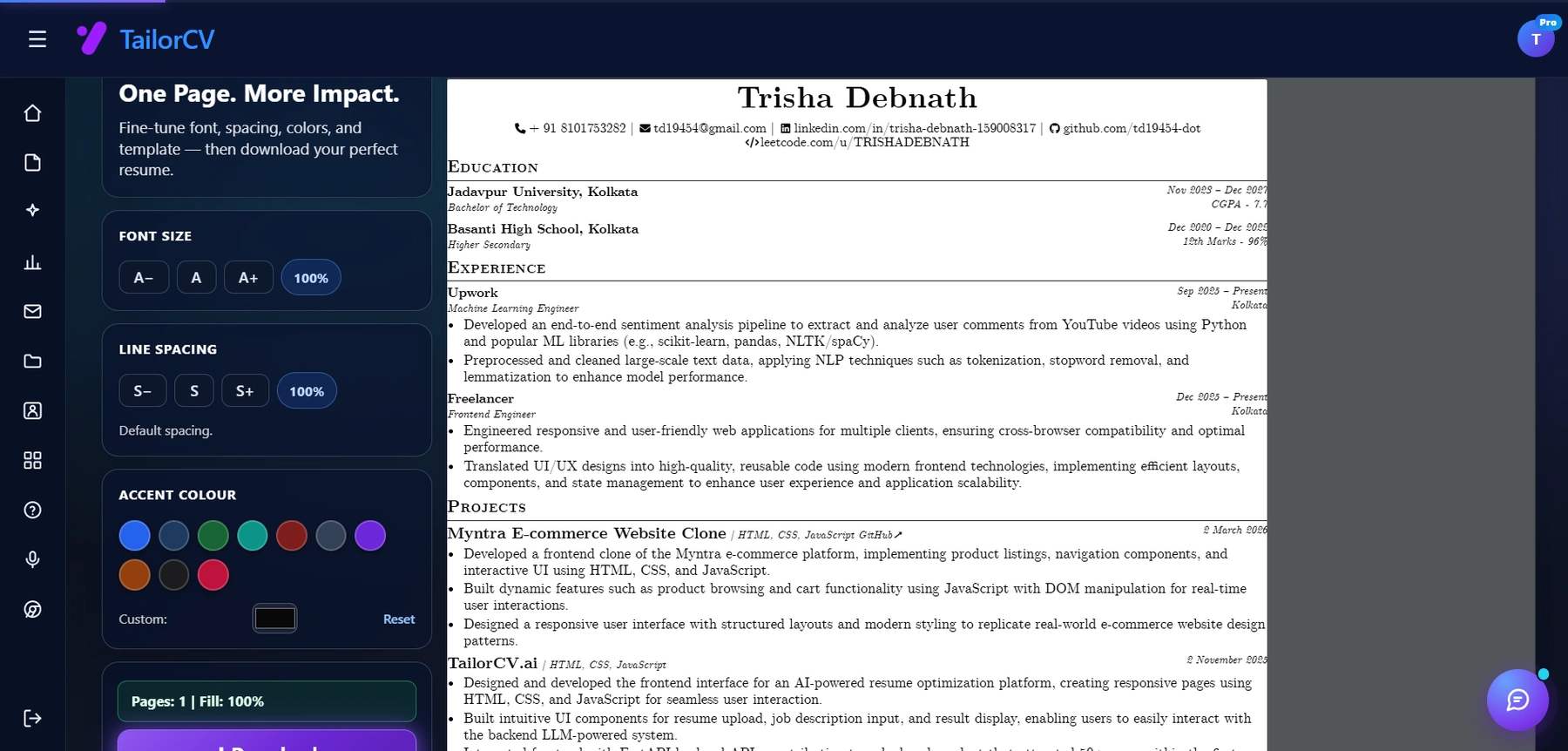
This is the resume after tailoring - the content is already matched, and these controls are how you fit it onto one page.
Mistake 1: Using a Word header/footer for contact info
ATS cannot read Word headers and footers. Use the main document body only.
Mistake 2: No LinkedIn URL
Most professional recruiters will look up your LinkedIn regardless. Including it confirms you are active and makes it easier.
Mistake 3: Outdated phone number
Ensure the number you list is one you actively monitor.
Mistake 4: Inconsistent name across documents
If your resume says "Jonathan Smith" and LinkedIn says "Jon Smith," recruiters notice.
Mistake 5: Including email and phone in a graphic or image
Images are invisible to ATS. Text only.
Related Guides
- The Anatomy of a Perfect Resume
- How to Write a Resume Summary
- Should You Put a Photo on Your Resume?
- LinkedIn Profile Optimization Guide
- How to Use LinkedIn for Job Search
- ATS Resume Formatting Mistakes
- Resume Proofreading Checklist
- How to Make Your Resume ATS-Friendly
Make This Practical
Use this guide as part of a complete job-search workflow. Check your resume with the free ATS score checker, improve targeting with the Resume Optimization Guide, and choose a clean format from the ATS-friendly resume templates.
After the resume is ready, strengthen the rest of the application. Draft a targeted letter with the AI cover letter generator, practice interviews with the AI mock interview tool, and create a project-backed proof page with the portfolio website builder if you need a stronger online presence.
Conclusion
Your resume contact section should include your full name, professional email, phone number, city/state, LinkedIn URL, and (for relevant roles) GitHub or portfolio URL. Leave out your full address, date of birth, photo (in most countries), and personal social media.
Format it cleanly in the main document body - never in a Word header or inside a graphic. Use an ATS-friendly template to get this right automatically, and verify the contact info parses correctly with the TailorCV ATS checker.
Frequently Asked Questions
What should my resume contact section include?
Your resume contact section should include your full name, a professional email address, and a direct phone number. Make sure your name is prominent, ideally in a larger font size. For your email, choose something like firstname.lastname@gmail.com to maintain professionalism, and ensure your phone number is accurate and includes the country code if you're applying internationally.
How can I make my email address more professional?
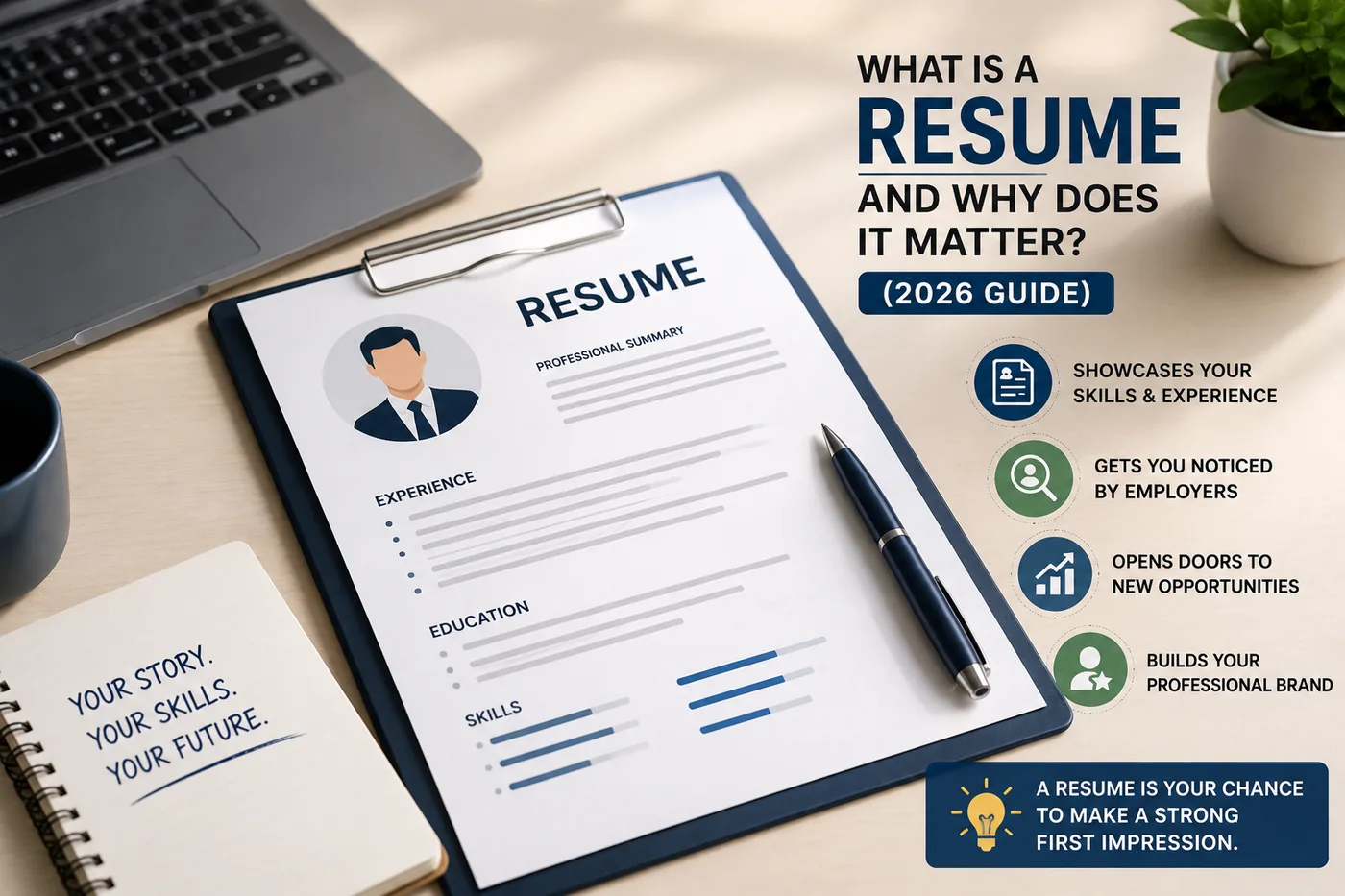
To create a more professional email address, use a combination of your first and last name, such as firstname.lastname@gmail.com or firstlast@gmail.com. Avoid playful or outdated email addresses like partytime99@ or old university emails that you no longer check. This small change can significantly impact how hiring managers perceive you, as discussed in our guide on what is a resume.
Is it necessary to include a LinkedIn profile in my contact section?
While not mandatory, including a LinkedIn profile can enhance your resume by providing hiring managers with additional insights into your professional background. Ensure your LinkedIn profile is up-to-date and matches the information on your resume. For tips on how to effectively use LinkedIn for job searching, check out our post on how to use LinkedIn for job search.
What are some common mistakes to avoid in the contact section?
Common mistakes include using unprofessional email addresses, omitting your phone number, or including outdated contact information. Additionally, avoid overloading the section with excessive personal details, such as your home address. For a comprehensive review of resume structure and to avoid these pitfalls, refer to the anatomy of a perfect resume.
How can I ensure my resume passes ATS screening?
To ensure your resume passes ATS screening, use a clear format and include standard headings like "Contact Information." Avoid using images or uncommon fonts that may confuse the system. Starting from an ATS-friendly template can help you format your contact section correctly and improve your chances of making it through the initial screening.
What is your resume scoring right now?
Scan it against a job description and get your ATS match score in about a minute.
Drop your resume here or choose a file
PDF only. Max 2 MB.
We never share your data or use it to train AI models.

Templates that keep this structure intact
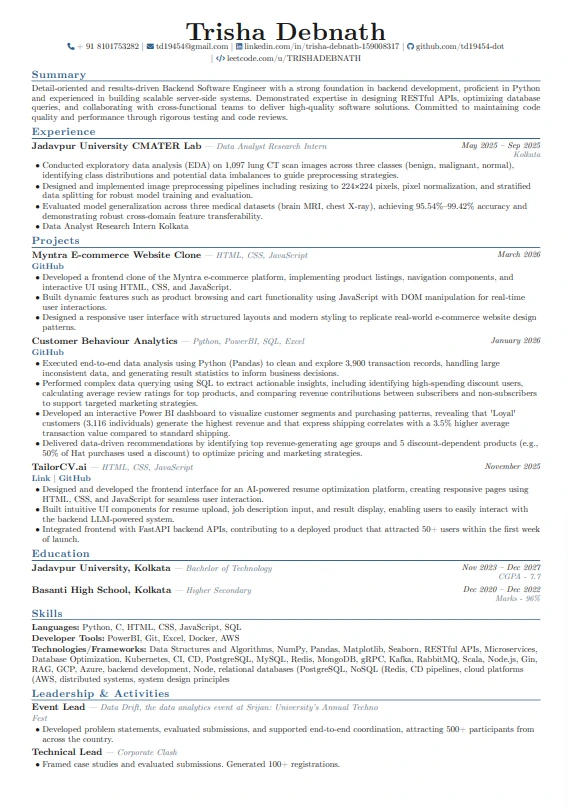
This template is ATS-tested — start from it and the formatting rules in this guide are already handled.
Was this guide useful?
Be the first to rate it.