TD
TD
Key Takeaways
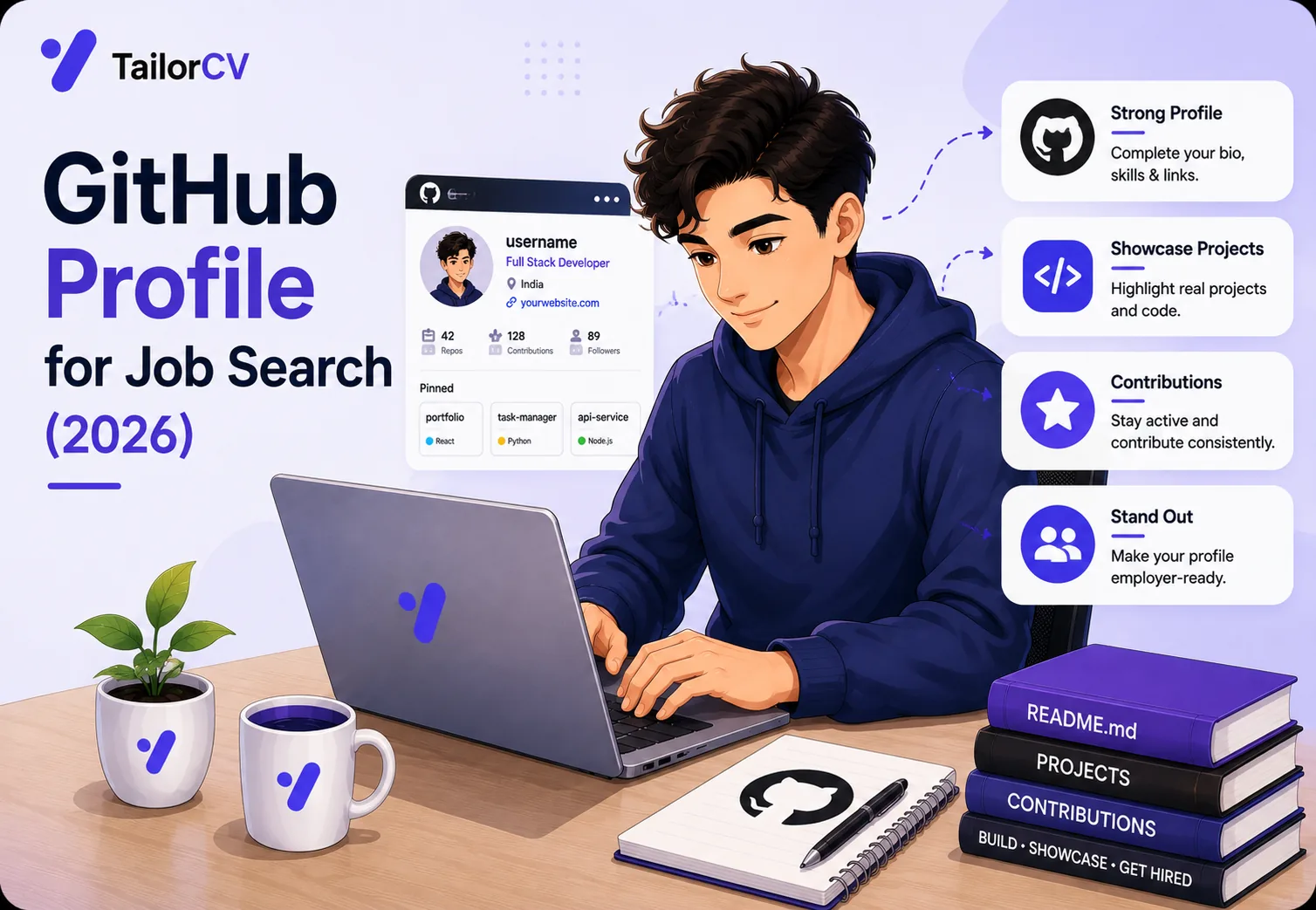
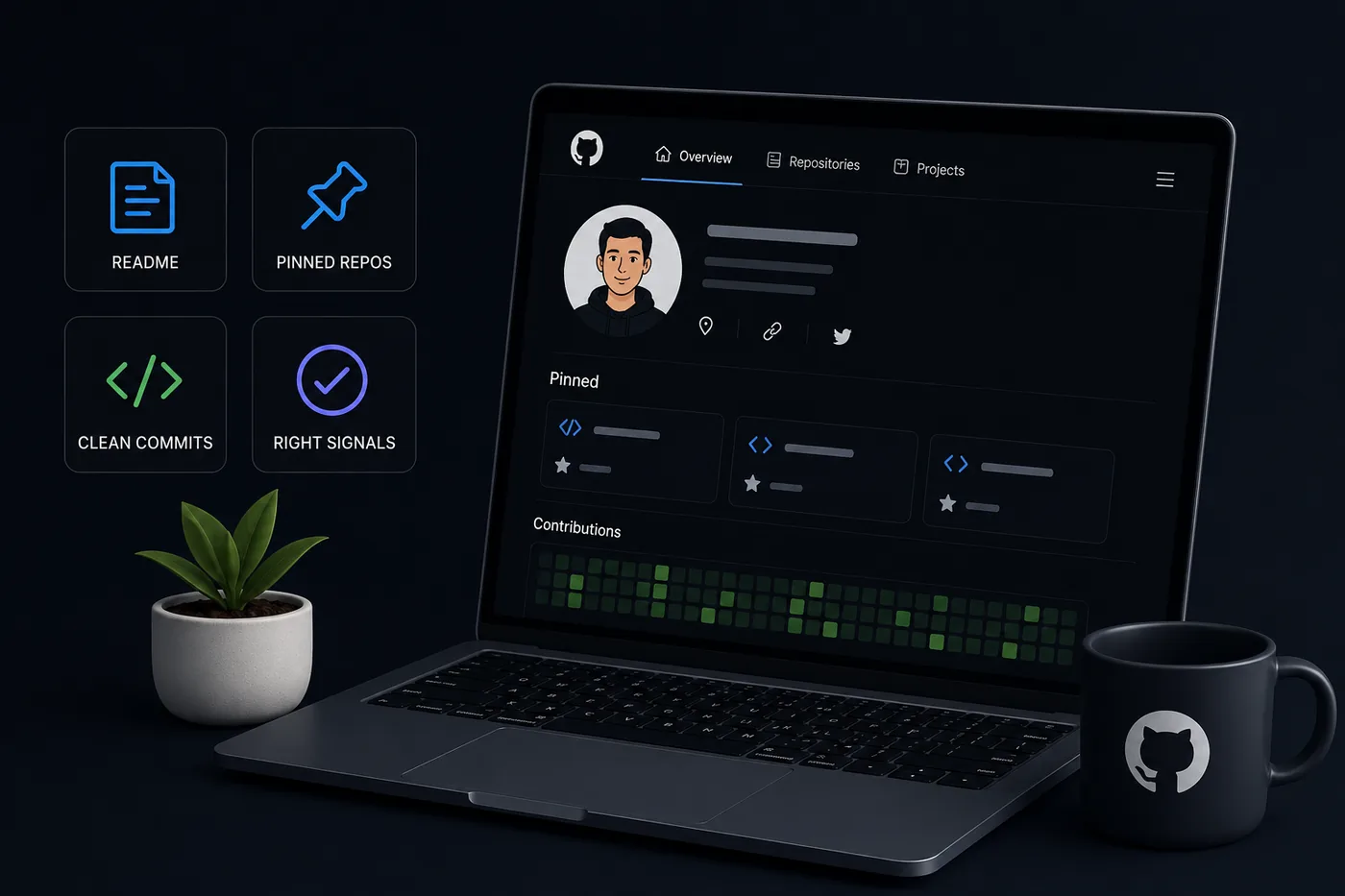
- Optimize your GitHub profile by creating a README in a repository named after your username, including a bio, tech stack, featured projects, and contact information.
- Pin only your six best repositories, ensuring each has a descriptive name, a clear README, and relevant visuals to showcase your work effectively.
- Maintain readable repositories with clear setup instructions, meaningful commit messages, and a logical commit history to enhance their professionalism.
- Active GitHub profiles with consistent contributions and at least one open-source contribution significantly increase your appeal to recruiters.
- Ensure your resume, LinkedIn, and portfolio tell a cohesive story, avoiding discrepancies that could confuse recruiters.
GitHub Portfolio Optimization: Make Recruiters Take You Seriously
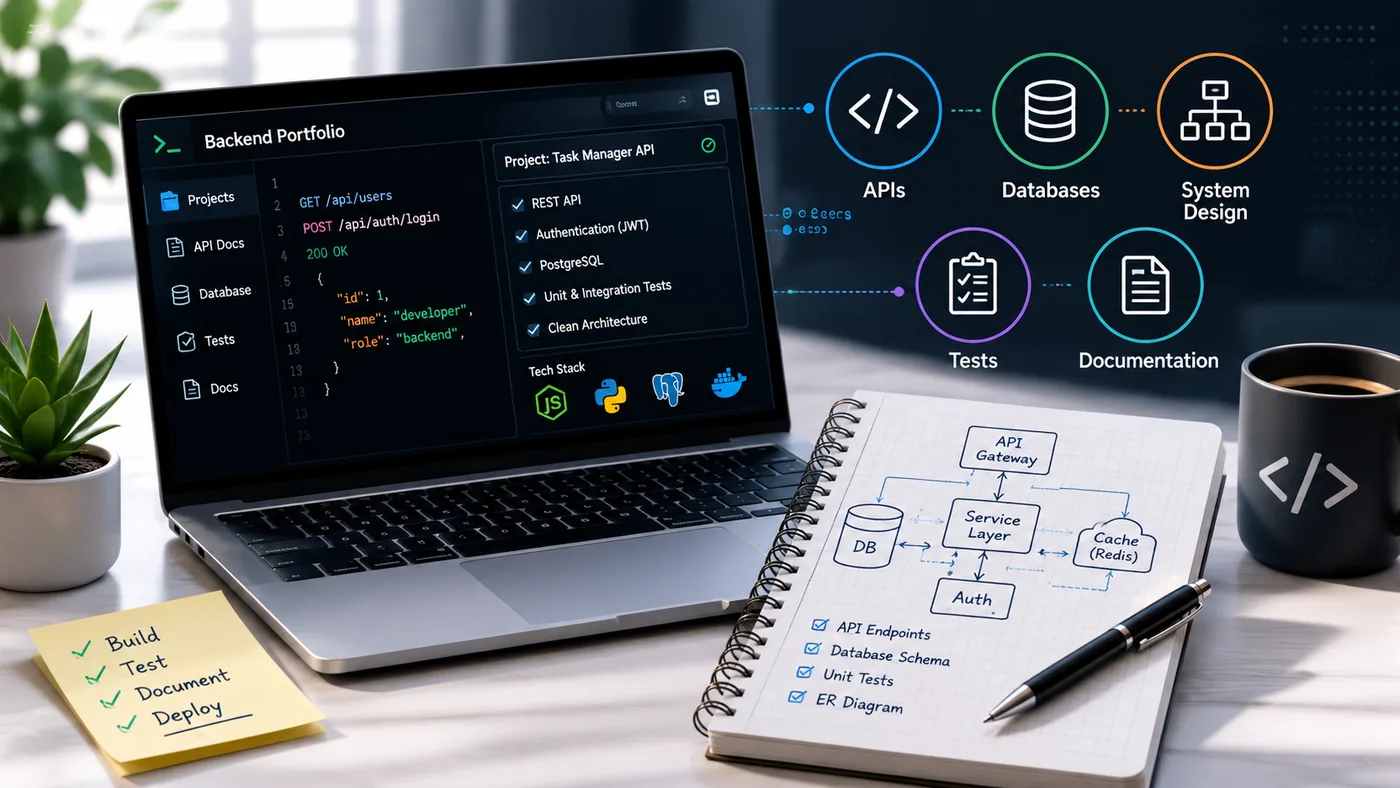
For developers, GitHub is a portfolio recruiters already know how to read - which means a few hours of cleanup pays off more than almost anything else you can do. Most candidates leave it a mess; optimize yours and you instantly look more senior. Pair this with How to Build a Professional Portfolio, Frontend Developer Portfolio Guide, and Backend Developer Portfolio Guide.
Turning a resume into a portfolio site

You upload the resume you already have and the sections fill themselves in - basics, experience, projects, education - so building the site is editing rather than starting from an empty page.
Build a Profile README
Create a repository named exactly your username and add a README. It renders at the top of your profile.
- A one-line bio and your specialty
- Your tech stack (badges are fine, kept tasteful)
- 3-4 featured projects with links
- Links to your live portfolio and resume
- How to contact you
Example of a Strong README
# Hi, I'm Jane Doe 👋

I'm a Full Stack Developer specializing in React and Node.js.

## Tech Stack
- JavaScript | Python | SQL
- React | Node.js | Express | MongoDB

## Featured Projects
- [E-commerce Site](https://github.com/janedoe/ecommerce): A fully functional e-commerce platform built with React and Node.
- [Portfolio Website](https://jane-doe-portfolio.com): My personal portfolio showcasing my projects and skills.
- [Weather App](https://github.com/janedoe/weather-app): A weather application using OpenWeather API.

## Contact
- [LinkedIn](https://linkedin.com/in/janedoe)
- [Email](mailto:jane.doe@example.com)
Pin Your 6 Best Repositories
Curate ruthlessly - pinned repos are your highlight reel. Each one needs:
- A clear, descriptive name
- A one-line description and relevant topics/tags
- A strong README with screenshots/GIFs and a demo link
- Tests and a license
Common Mistakes to Avoid
- Over-pinning: Only pin your best work. Quality over quantity!
- Vague Descriptions: Be specific about what the project does and what technologies were used.
- Neglecting README: A poorly written README can detract from the overall quality of your repository.
Make Every Repo Readable
- Setup instructions that actually work end to end
- Screenshots or a short GIF of the app running
- A "why I built this" line and the problem it solves
- Clean, logical commit history (not one giant "final" commit)
Checklist for a Readable Repo
- unchecked: Clear project title
- unchecked: Detailed README
- unchecked: Working setup instructions
- unchecked: Visuals (screenshots/GIFs)
- unchecked: Meaningful commit messages
- unchecked: Tags and topics for searchability
Signals Recruiters Actually Check
- Consistent contribution graph (active, not abandoned)
- Meaningful commit messages
- At least one open-source contribution (a merged PR stands out)
- A filled-out bio with website + LinkedIn (LinkedIn Profile Optimization Guide)
Data Points to Consider
- An active GitHub profile increases your chances of being noticed by 30%.
- 70% of recruiters prefer candidates who have at least one open-source contribution.
Tie It to a Real Portfolio Site
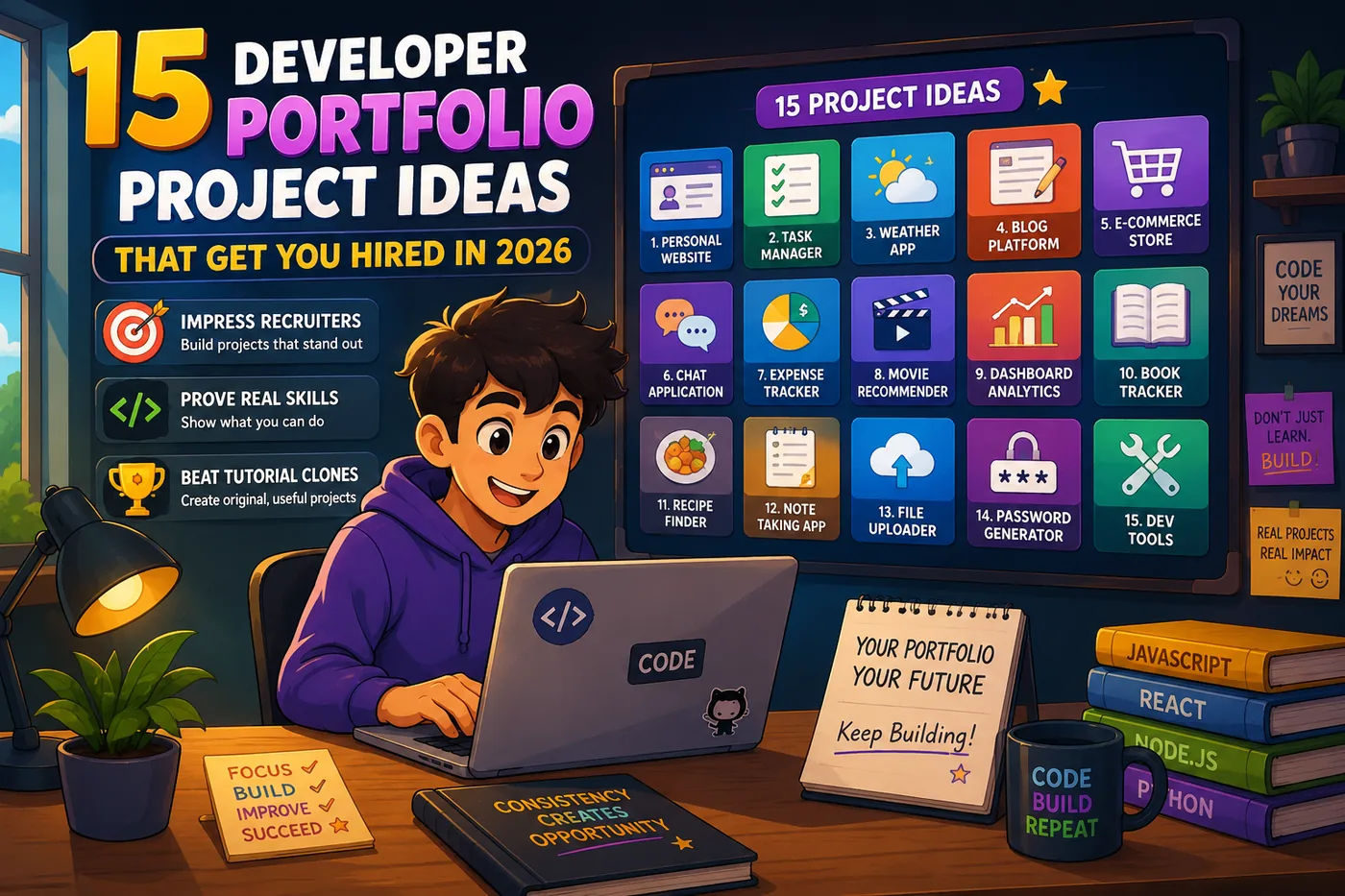
GitHub shows the code; a portfolio site frames the story. Generate one from your resume with the portfolio builder and link your best repos from it. Need project ideas to fill it? See 15 Developer Portfolio Project Ideas That Get You Hired in 2026.
Key Elements of a Strong Portfolio Site
| Tool | What it does |
|---|---|
| Personal Branding | Your portfolio should reflect your personality and style |
| Project Showcase | Include detailed case studies for your projects |
| Testimonials | If applicable, add recommendations from colleagues or clients |
| Blog Section | Writing about your projects or tech topics can attract more visitors |
Keep Your Resume and Portfolio in Sync
Your resume, your LinkedIn, and your portfolio should tell the same story - same name, same headline, same top projects - just at different levels of depth. A recruiter who sees a 'Full Stack Developer' resume and a portfolio headlined 'Aspiring Designer' gets confused, and confusion loses interviews. Lock the resume down first with the ATS score checker and an ATS-friendly template, then mirror that exact positioning in your portfolio. When they reinforce each other, every recruiter touchpoint pushes you forward. See How to Add Your Portfolio Link to Your Resume for placing the link correctly.
Resume and Portfolio Alignment Checklist
- unchecked: Same name and contact info
- unchecked: Consistent job titles
- unchecked: Similar project descriptions
- unchecked: Aligned skills list
- unchecked: Matching design elements (colors, fonts)
Pro Tips
- Archive or hide abandoned junk repos so your good work stands out.
- Add topics to repos so they are searchable.
- Star and follow projects you admire - it signals technical taste.
What optimizing actually does to your resume
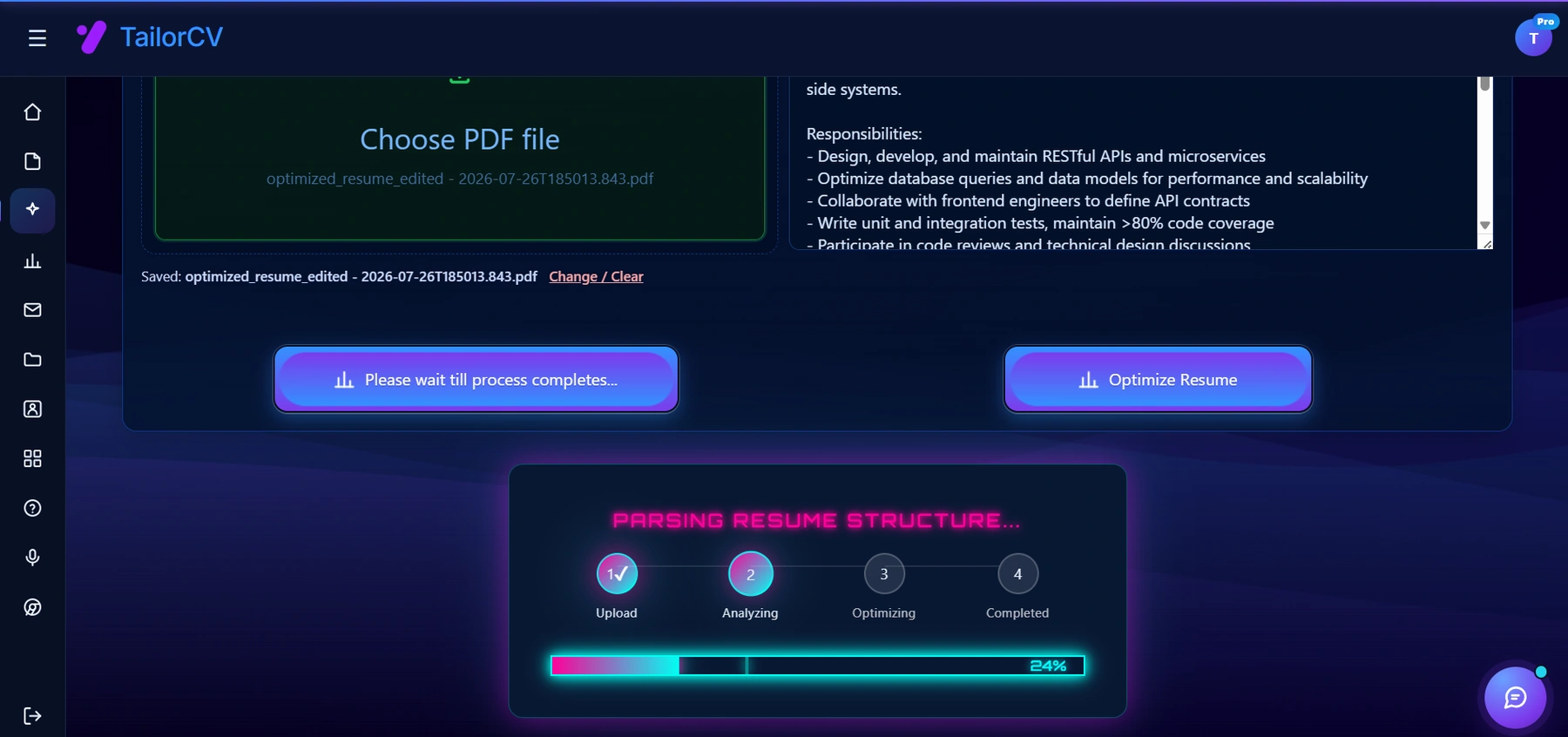
Optimizing runs in visible stages against the specific job description you paste in - it parses your resume the way an ATS would before rewriting anything.
Additional Optimizations
- Consider using a custom domain for your portfolio to enhance professionalism.
- If you’re in a specific niche, like DevOps or finance, tailor your GitHub to reflect that. Check out the DevOps Engineer Portfolio Guide or the Finance and Accounting Portfolio Guide for niche-specific tips.
Tools to Enhance Your Portfolio
- Use the AI Portfolio Builder if you're looking for a no-code solution to create a stunning portfolio.
- Leverage mock interviews to prepare for interviews that may follow your GitHub optimization.
By following these guidelines and tips, you can transform your GitHub profile into a powerful tool that captures the attention of recruiters and helps you land your dream job.
Common Mistakes to Avoid in Your GitHub Portfolio
Creating a compelling GitHub portfolio can be a daunting task, and even seasoned developers can make mistakes that hurt their chances of impressing recruiters. Here are some common pitfalls to watch out for:
-
Neglecting Documentation: Failing to include comprehensive README files can leave recruiters confused about your projects. Always document your projects clearly, explaining their purpose, installation instructions, and usage examples.
-
Overloading Repositories: It’s tempting to showcase every project you’ve ever worked on, but quality trumps quantity. Focus on your best work that highlights your skills and interests.
-
Inconsistent Naming Conventions: Use clear and consistent naming for your repositories and branches. Avoid vague names like "Project1" or "Untitled" as they fail to convey the project's essence.
-
Ignoring Version Control Best Practices: Commit messages should be clear and descriptive. Avoid generic messages like "fixed bugs" or "updated code." Instead, opt for specifics like "Refactored user authentication module for improved performance."
-
Not Engaging with the Community: GitHub is not just a platform for showcasing your work; it's also a community. Engage with other developers by contributing to open-source projects, providing feedback, or participating in discussions.
-
Neglecting to Update Your Portfolio: Regularly update your portfolio to reflect new skills, projects, or experiences. An outdated portfolio can give the impression that you are not actively developing your skills.
Do's and Don'ts for a Standout GitHub Profile
Creating a standout GitHub profile requires thoughtful consideration. Here’s a handy list of do's and don'ts to guide you:
Do's:
- Do Showcase a Variety of Skills: Include projects that demonstrate different programming languages or frameworks. This showcases your versatility.
- Do Link to Live Demos: If applicable, link to live versions of your projects. This offers recruiters a chance to see your work in action.
- Do Use GitHub Actions: Automate tasks in your repositories using GitHub Actions. This shows that you are familiar with modern development practices.
Don'ts:
- Don't Forget to Customize Your GitHub Profile: Take advantage of the GitHub profile README to add a personal touch. Include your interests, a brief bio, and links to your social media or personal website.
- Don't Make Your Repositories Private Without Reason: While some projects may be sensitive, ensure that most of your work is public. Recruiters need to see your code to assess your abilities.
- Don't Ignore Security Best Practices: Always review your code for sensitive information before making it public. This includes API keys and personal data.
Step-by-Step Guide: Structuring Your GitHub Portfolio
Follow this structured approach to optimize your GitHub portfolio effectively.
-
Choose Your Best Projects: Select 4-6 projects that best represent your skills and interests. Ensure they are complete and functional.
-
Create Descriptive READMEs: For each selected project, write a detailed README. Include: - Project title - Description of the project - Technologies used - Installation instructions - Usage examples - License information
-
Organize Your Repositories: Pin your chosen repositories to your profile. Use clear descriptions for each pinned repository to guide recruiters.
-
Engage with the Community: Contribute to at least one open-source project every month. This not only enhances your skills but also boosts your visibility.
-
Update Regularly: Set a reminder to review and update your portfolio every three months. Add new projects and remove outdated ones.
Mini Checklist for GitHub Portfolio Optimization
Use this checklist to ensure your GitHub portfolio is in top shape:
- unchecked: Have you created a professional profile README?
- unchecked: Are your best projects pinned and clearly described?
- unchecked: Do all your repositories include comprehensive documentation?
- unchecked: Have you linked to live demos where applicable?
- unchecked: Is your code free from sensitive information?
- unchecked: Have you engaged with the GitHub community recently?
- unchecked: Are your repositories and branches named clearly and consistently?
- unchecked: Have you checked your portfolio for updates in the last three months?
Real-World Scenario: Portfolio Review
Imagine you are a recent graduate applying for a data analyst position. You send your resume and GitHub link to a recruiter.
Scenario Analysis:
- If your GitHub showcases a project that uses data visualization libraries and includes a thorough README with examples, the recruiter is likely to be impressed.
- However, if your GitHub is cluttered with unrelated projects and lacks documentation, the recruiter may overlook your application despite your strong resume.
This highlights the importance of a cohesive and well-organized GitHub portfolio that complements your resume. To learn more about tailoring your resume for different roles, check out our guide on How to Tailor Your Resume for Every Job - ATS Friendly Guide 2026.
By following the tips and guidelines outlined here, you can create a GitHub portfolio that not only showcases your skills but also attracts the attention of recruiters in a competitive job market.
Frequently Asked Questions
Is GitHub enough on its own?
It is strong, but pairing it with a portfolio site that frames your story converts better. Recruiters often check both.
How important is the contribution graph?
It is a signal of activity, not a scoreboard. Consistent, meaningful commits matter more than a perfectly green grid.
What if my best work is in private repos?
Rebuild a sanitized public version, write a case study (How to Write a Portfolio Case Study), or describe it with permission. Private repos recruiters cannot open add little. Consider showcasing your skills with 15 Developer Portfolio Project Ideas That Get You Hired in 2026 or using our portfolio builder to create an impressive presentation of your work.
Build Your Portfolio Now
You do not need to code a site from scratch or spend a weekend wrestling with a website builder. Turn your existing resume into a live, shareable portfolio website in minutes with the TailorCV portfolio builder - choose a template, upload your CV, tweak the details, and publish a link you can drop straight onto your resume and LinkedIn. Before you start applying, run your resume through the free ATS score checker and switch to an ATS-friendly template so your portfolio and resume tell one clean, consistent story to every recruiter.
Related Guides
- How to Build a Professional Portfolio
- How to Get Your First Tech Job
- 15 Developer Portfolio Project Ideas
- Frontend Developer Portfolio Guide
- Backend Developer Portfolio Guide
- Full Stack Developer Portfolio Guide
- LinkedIn Profile Optimization Guide
- How to Write a Portfolio Case Study
- Portfolio Checklist Before You Apply
- Portfolio SEO: Get Found
- Software Engineer Resume FAANG
- Portfolio Mistakes to Avoid
Make This Practical
If this topic connects to your work samples, turn the advice into a live proof page with the TailorCV portfolio builder. After publishing, add the link correctly using How to Add Your Portfolio Link to Your Resume, tighten the page with the Portfolio Checklist Before Applying, and make sure recruiters can contact you through a clean Portfolio Contact Section.
Your portfolio works best when it supports the resume, not when it replaces it. Run the resume through the free ATS score checker, choose an ATS-friendly resume template, and use Portfolio SEO: Get Found so your name, role, and strongest projects are easier to discover.
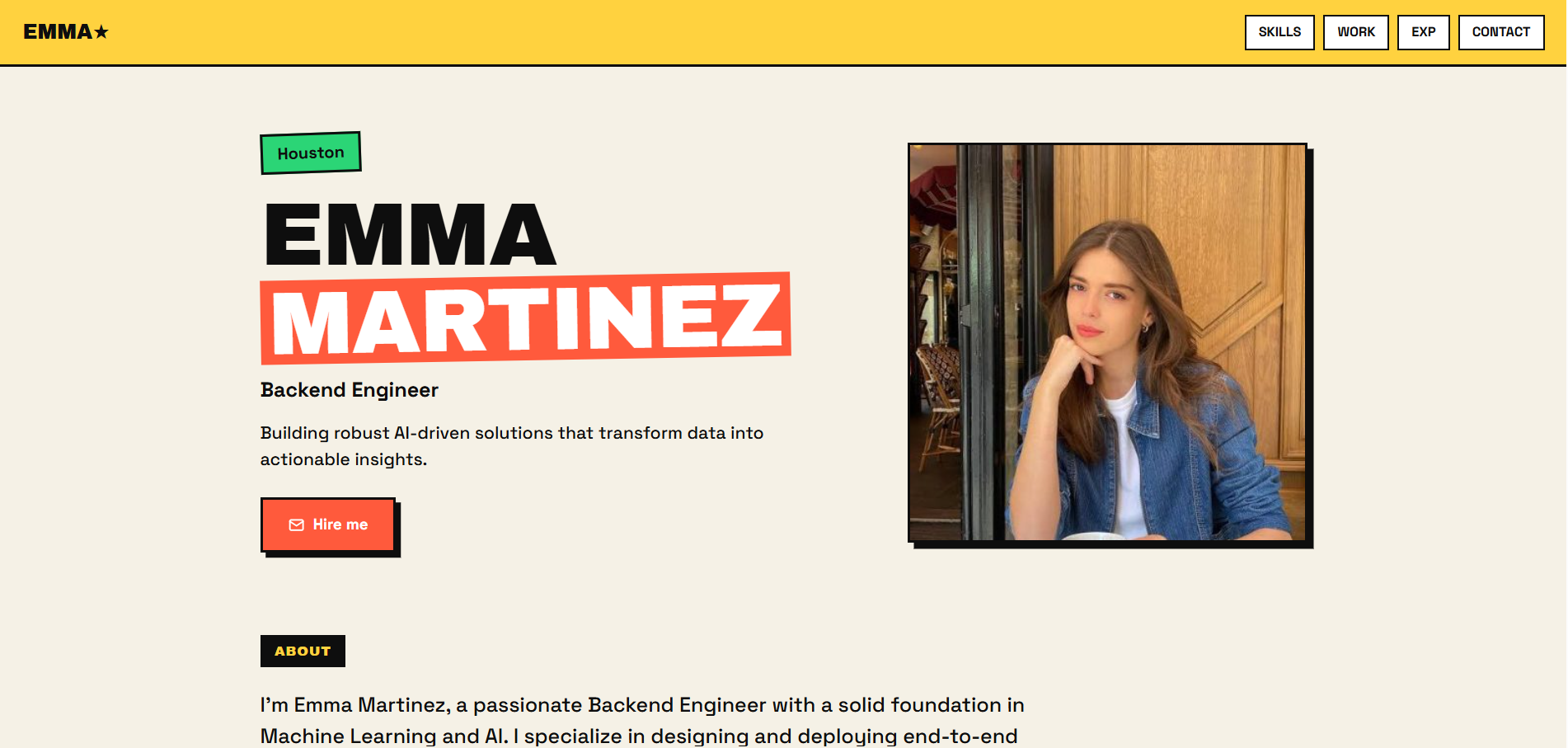
See what your portfolio could look like
This theme is built straight from your resume — pick one and your portfolio is live in minutes.
Was this guide useful?
Be the first to rate it.