 SS
SS
Key Takeaways
- Save your resume as a PDF unless the job posting specifically requests a Word document (.docx).
- PDFs preserve formatting across devices, ensuring your resume appears as intended.
- Word documents may be necessary if explicitly requested by employers or for certain older ATS systems.
- Avoid using formats like .pages, .rtf, Google Docs links, .txt, or image files, as they can cause compatibility issues.
- Most modern ATS systems handle both PDF and Word formats well, but be cautious of specific requirements.
You have written a great resume. Now - should you save it as a PDF or a Word document? And what should you name the file? These seem like trivial questions, but the wrong choice can cause formatting to break, ATS systems to parse incorrectly, or your file to get lost in a recruiter's inbox.
This guide gives you clear rules for file format and naming so your resume reaches every reviewer the way you intended it to look.
For the content of your resume, read the anatomy of a perfect resume and start from an ATS-friendly template. Test your resume for ATS compatibility with the TailorCV ATS checker.
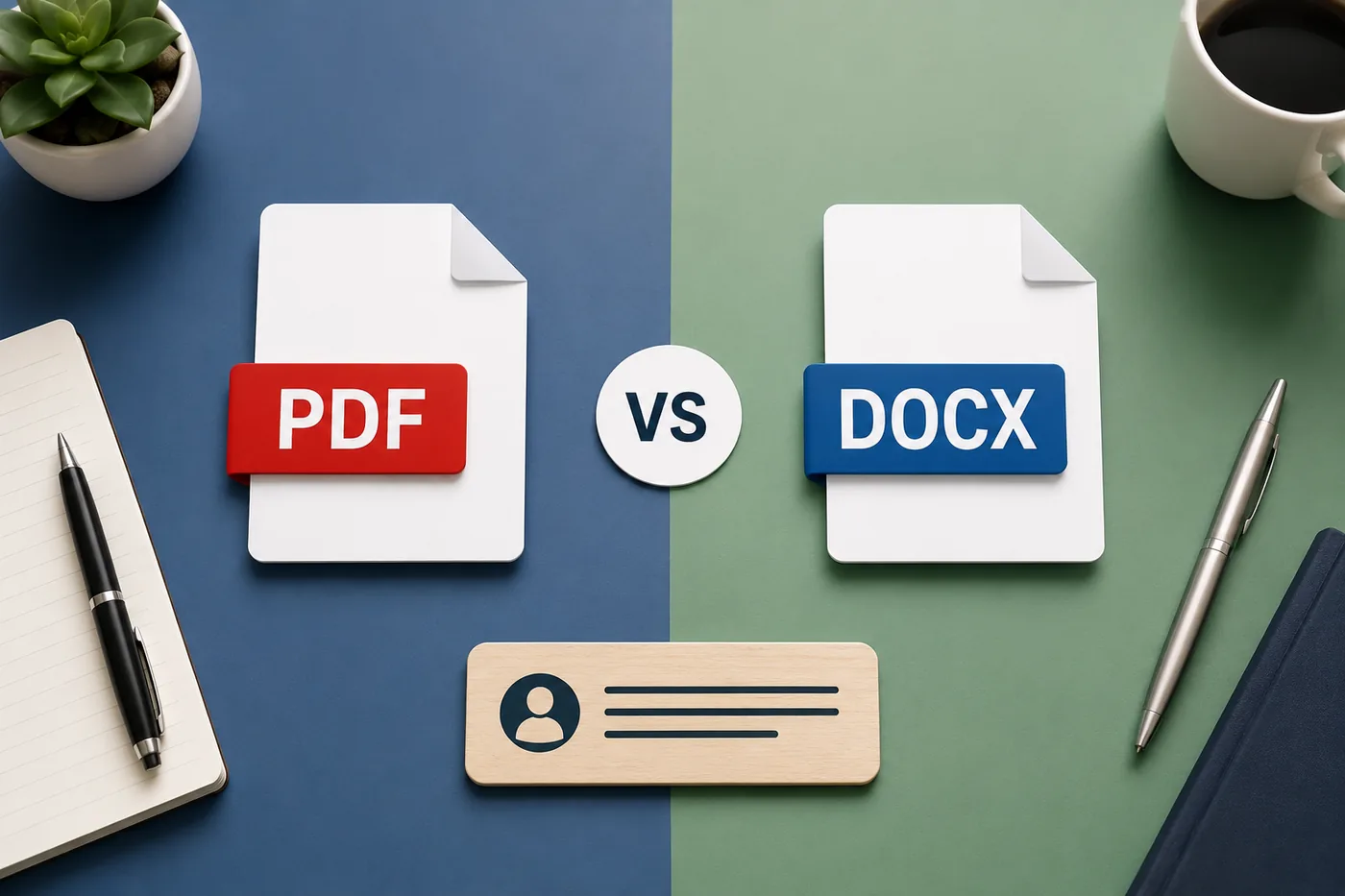
PDF vs Word: The Short Answer
Default choice: PDF
Submit your resume as a PDF unless the job posting specifically requests a Word document (.docx).
Why PDF is the Standard Choice
Formatting Is Preserved
A PDF looks identical on every device, operating system, and screen. The recruiter sees exactly what you designed - fonts, spacing, line breaks, and layout stay intact.
A Word document renders differently on different computers. Your carefully formatted resume can look completely different on the recruiter's machine if they have a different version of Word, different fonts installed, or different default settings.
Your Content Cannot Be Accidentally Edited
PDFs are not editable by default, so you do not have to worry about your resume being accidentally modified.
Professional Standard
PDF has been the professional resume submission standard for over a decade. Submitting a Word document when not asked signals unfamiliarity with the norm.
When Word (.docx) Is the Right Choice
The Job Posting Explicitly Requests Word
Some employers, HR systems, or staffing agencies explicitly ask for a .docx file. Follow instructions - if they say .docx, send .docx.
Recruiting Agencies and Staffing Firms
Recruiting agencies sometimes add their own branding or notes to your resume before forwarding it to clients. They need an editable file. If a recruiter asks for a Word version, provide it.
Some Older ATS Systems
A small number of older ATS systems parse Word documents better than PDFs. This was more relevant in the early 2010s. Most modern ATS handles PDF well - but if you know the company uses a specific older system, a .docx may occasionally be the safer choice.
Internal Applications
When applying internally within your company (through internal portals or emailing HR directly), either format is typically fine.
Other Formats: What to Avoid
Your resume after optimization
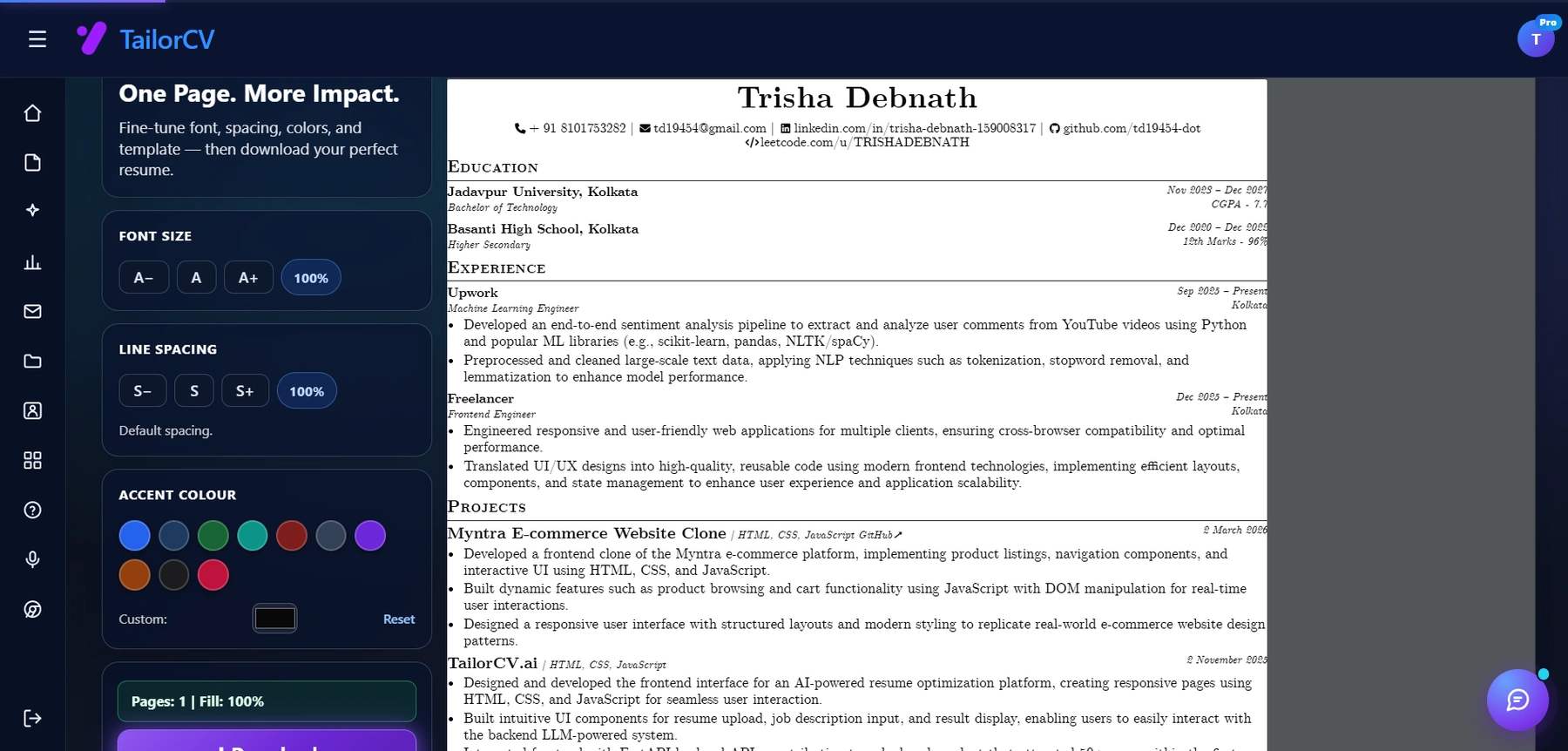
Font size, spacing, accent colour and template are all adjustable, with a live page counter.
.pages (Apple Pages)
Not universally readable. If you created your resume in Pages, export it as PDF or Word before submitting.
.rtf (Rich Text Format)
Outdated. May not preserve formatting. Avoid.
Google Docs link
Sharing a Google Docs link is not a resume submission. If you built your resume in Google Docs, download it as a PDF before submitting.
.txt or plain text
Text files lose all formatting. Only relevant if a form specifically asks for plain text paste (common in some older application portals).
.jpg or image formats
Never submit your resume as a JPEG, PNG, or any image. ATS cannot read images. Recruiters cannot easily read or print them.
ATS and File Format
Most modern ATS systems handle both PDF and Word well. However:
- Some older ATS systems prefer Word documents
- PDFs created with certain fonts or graphics can sometimes extract text incorrectly
- PDFs created from images (scanned resumes) are essentially unreadable to ATS
Best practice: Create your resume using text-based software (Word, Google Docs, ATS-friendly template), export as PDF, and test with the TailorCV ATS checker to confirm text is being extracted and parsed correctly.
Read how to make your resume ATS-friendly for the complete formatting guide.
How to Name Your Resume File
This is the detail almost everyone gets wrong. Your file name is the first thing a recruiter sees when they download your resume.
The Right Format
[FirstName-LastName-Resume.pdf]
Examples:
John-Smith-Resume.pdfPriya-Mehta-Resume.pdfJames-OBrien-Resume.pdf
Adding a Role for Targeted Applications
[FirstName-LastName-Role-Resume.pdf]
Examples:
Sarah-Johnson-[Product-Manager](https://thetailorcv.com/blog/product-manager-portfolio-guide)-Resume.pdfDaniel-Lee-Data-Scientist-Resume.pdf
This is useful if you are tailoring resumes per role and want to keep track of versions.
What to Avoid
| Bad File Name | Problem |
|---|---|
Resume.pdf |
Untraceable - whose resume? |
resume_final_v3.pdf |
Unprofessional, suggests chaos |
MY RESUME (1).pdf |
Generic and unprofessional |
Document1.pdf |
Signals you didn't rename it |
Resume - Copy (2).docx |
Definitely unprofessional |
resume 2024 updated final.pdf |
Date makes it look outdated |
Version Control: Managing Multiple Resume Versions
If you tailor your resume for different roles (which you should - read how to tailor your resume for every job), maintain a clear naming system:
Master resume: John-Smith-Resume-Master.pdf - full version, never submitted directly
Tailored versions:
John-Smith-Software-Engineer-Resume.pdfJohn-Smith-Data-Scientist-Resume.pdf
This prevents accidentally submitting the wrong version and keeps your job search organized.
Exporting PDF From Different Tools
Microsoft Word
File -> Save As -> choose "PDF" from the format dropdown
Or: File -> Export -> Create PDF/XPS
Google Docs
File -> Download -> PDF Document (.pdf)
Apple Pages
File -> Export To -> PDF
Canva (Design tool - use with caution for ATS)
File -> Download -> PDF Standard
Note: Design-heavy tools like Canva may produce PDFs with text embedded as graphics in some elements, causing ATS parsing issues. Always verify with the TailorCV ATS checker after exporting from design tools.
Summary: The Rules
- Default: submit as PDF unless instructed otherwise
- Use .docx when explicitly requested by the employer or recruiter
- Never submit as image files (.jpg, .png, scanned PDF)
- Name your file: FirstName-LastName-Resume.pdf
- Keep a master version and create tailored versions for different roles
- Test your PDF with the ATS checker before submitting
Related Guides
- The Anatomy of a Perfect Resume
- How to Make Your Resume ATS-Friendly
- ATS Resume Formatting Mistakes
- How to Tailor Your Resume for Every Job
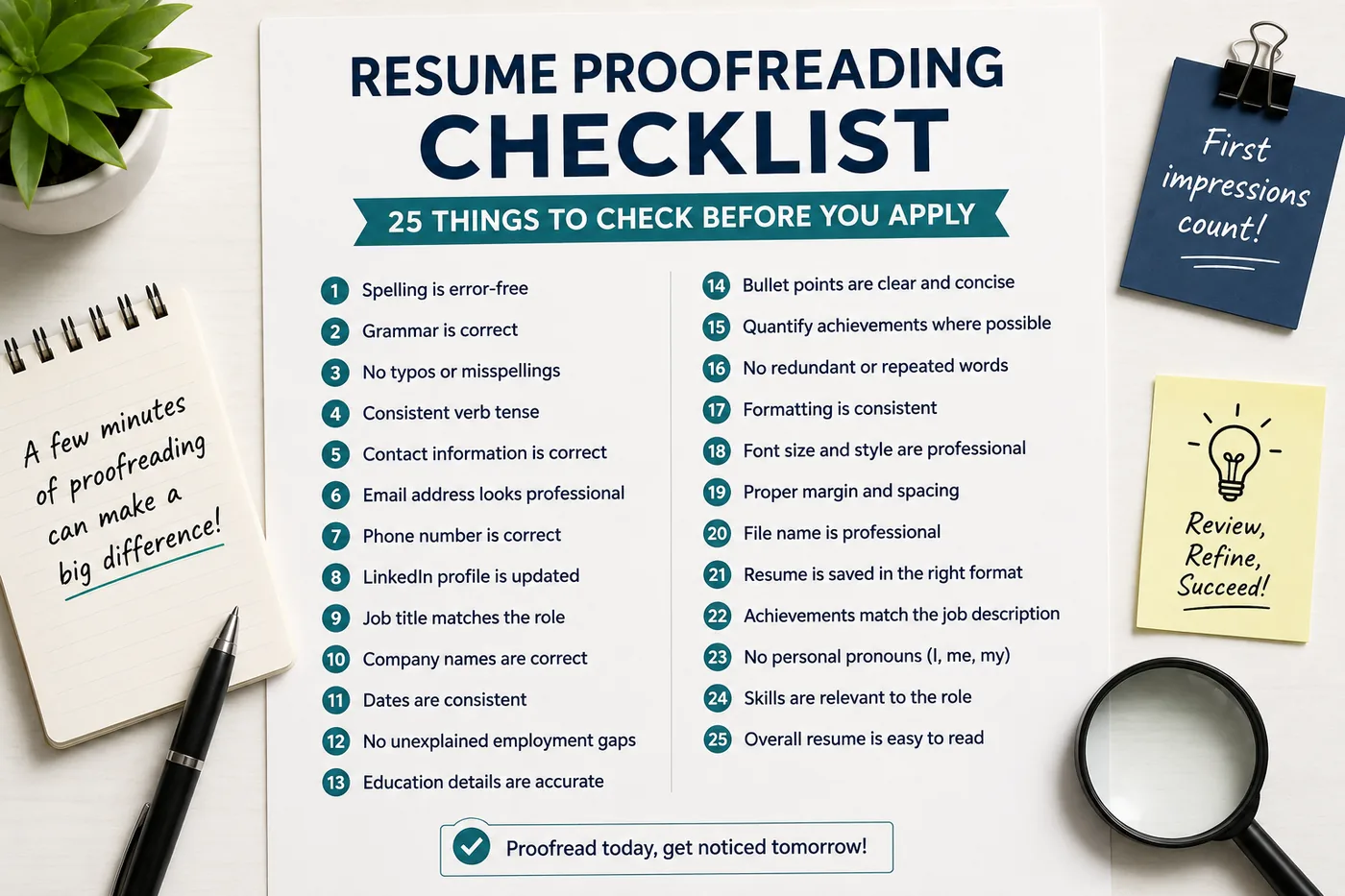
- Resume Proofreading Checklist
- Resume Margins, Spacing and Layout
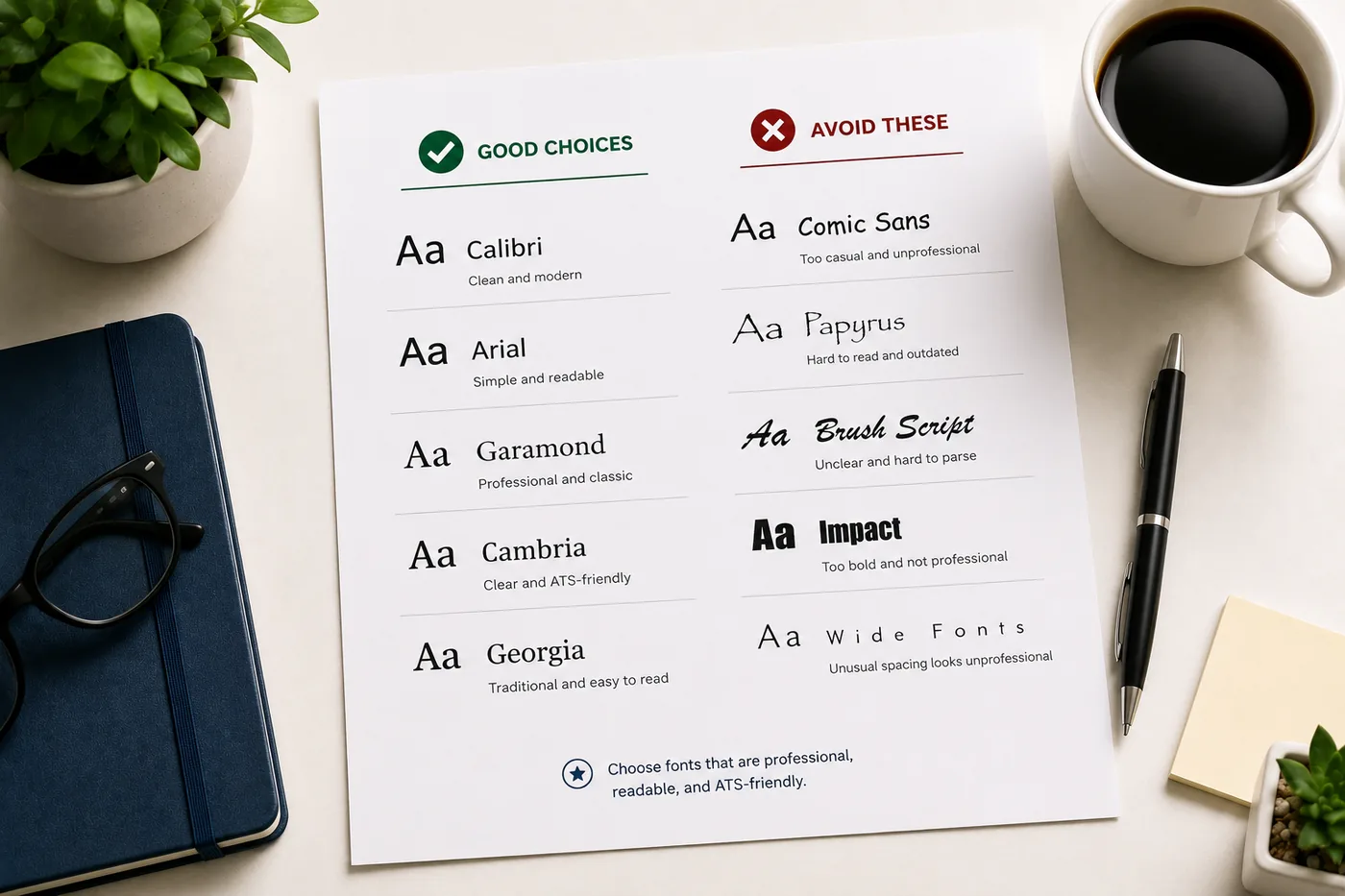
- Best Resume Fonts for 2026
Make This Practical
Use this guide as part of a complete job-search workflow. Check your resume with the free ATS score checker, improve targeting with the Resume Optimization Guide, and choose a clean format from the ATS-friendly resume templates.
After the resume is ready, strengthen the rest of the application. Draft a targeted letter with the AI cover letter generator, practice interviews with the AI mock interview tool, and create a project-backed proof page with the portfolio website builder if you need a stronger online presence.
Conclusion
Submit your resume as PDF unless the employer asks for Word. Name your file clearly: FirstName-LastName-Resume.pdf. Avoid generic names that get lost in a recruiter's downloads folder.
Before submitting any version, use an ATS-friendly template as your base and run the PDF through the TailorCV ATS checker to confirm it parses cleanly. Small technical details like file format and naming signal professionalism - and cost you nothing to get right.
Frequently Asked Questions
Should I always submit my resume as a PDF?
Yes, you should generally submit your resume as a PDF unless the job posting specifically requests a Word document. PDFs preserve your formatting across all devices, ensuring that recruiters see your resume exactly as you designed it. For tips on crafting a standout application, check out our Cover Letter Guide 2026.
What are the risks of using a Word document for my resume?
Using a Word document can lead to formatting issues, as it may look different on various computers depending on the software version and fonts installed. This can result in a poorly presented resume that doesn't reflect your professionalism. To enhance your resume's presentation, consider using our resume templates.
How should I name my resume file?
When naming your resume file, use a professional format that includes your name and the word "resume." For example, "John_Doe_Resume.pdf" is clear and easy to identify. Following best practices for file naming can help your application stand out; learn more in our resume proofreading checklist.
Can the ATS read my resume if I submit it as a PDF?
Most modern Applicant Tracking Systems (ATS) can read PDF files without issue, especially if they are properly formatted. However, if a job posting specifies a Word document, it's best to comply to ensure your resume is parsed correctly. To check your resume's compatibility with ATS, use our free ATS score checker.
What other elements should I consider when creating my resume?
In addition to choosing the right file format, pay attention to the content and layout of your resume. Use appropriate fonts, maintain a clean structure, and ensure there are no spelling or grammatical errors. For further guidance on content, refer to our article on cover letter mistakes to avoid in 2026.
Does your formatting survive the parser?
Upload your resume and see what an ATS actually reads back.
Drop your resume here or choose a file
PDF only. Max 2 MB.
We never share your data or use it to train AI models.

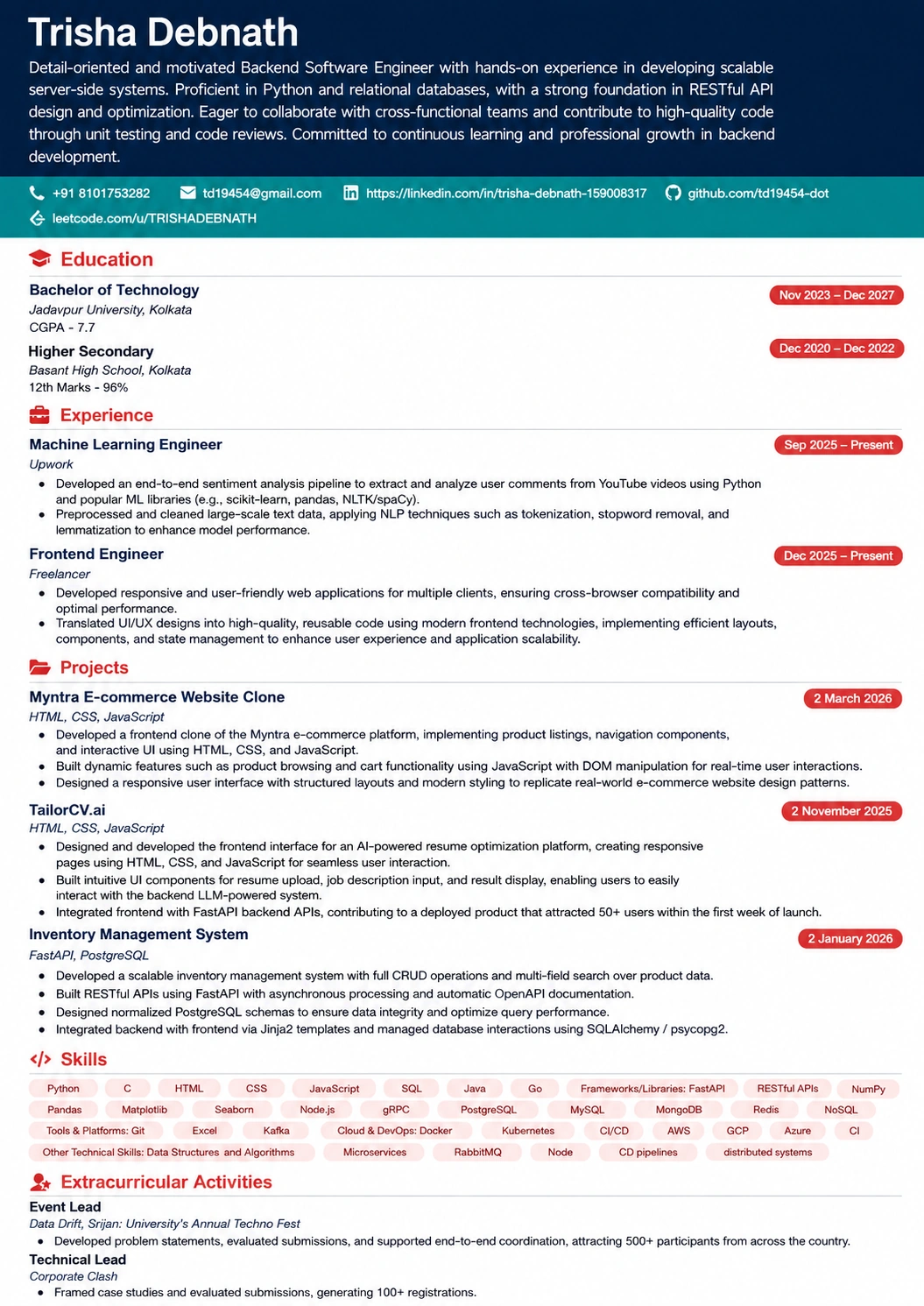
A layout that parses cleanly
Single column, standard headings, no text boxes — the formatting rules in this guide, already applied.
Was this guide useful?
Be the first to rate it.