TD
TD

Key Takeaways
- A strong portfolio for virtual assistants and freelancers should include clear service packages, client results, and testimonials to build trust with potential clients.
- Highlight measurable outcomes for each service provided, such as improved response times or hours saved, to demonstrate effectiveness.
- Host your portfolio on a personal website while maintaining consistency across freelance platform profiles and LinkedIn to attract direct clients.
- Avoid common mistakes like vague service descriptions, lack of testimonials, and outdated information to enhance credibility.
- Specializing in a niche can help command higher rates, so clearly define your services and gather client testimonials promptly after project completion.
As a virtual assistant or freelance support professional, you are usually selling trust as much as skill - clients are handing over calendars, inboxes, and sometimes finances to someone they have never met in person. A portfolio with clear service packages and real testimonials closes that trust gap faster than a resume ever could. Pair this with How to Build a Professional Portfolio and Social Media Manager Portfolio.
What to Include
| What to include | Why |
|---|---|
| Clear service packages | calendar/inbox management, bookkeeping, customer support, project coordination, listed with what is included |
| Client results | hours saved per week, response time improvements, project turnaround times |
| Testimonials | 3-5 short client quotes, ideally with the client's role/industry (with permission) |
| Tools you use | project management (Asana, Trello, Notion), scheduling (Calendly), communication, and any niche software specific to your clients' industries |
| A simple rate or engagement structure | hourly, retainer, or project-based, so prospects self-qualify before reaching out |
Frame Reliability and Range
Clients hiring a VA or freelance support professional want to know two things: can you handle the range of tasks they need, and can they trust you unsupervised. For each service or case study:
- What the client needed - "A solo consultant needed inbox triage and meeting scheduling across three time zones"
- What you delivered - the system or workflow you set up
- The measurable result - "Reduced average email response time from 2 days to 4 hours"
Where to Host It
- A personal site via the TailorCV portfolio builder - a professional home base independent of any single freelance platform
- Upwork/Fiverr profiles - keep them consistent with your site, but drive traffic to your own portfolio for direct clients
- LinkedIn Featured section - link your portfolio and pin your best testimonial
Turning a resume into a portfolio site

You upload the resume you already have and the sections fill themselves in - basics, experience, projects, education - so building the site is editing rather than starting from an empty page.
Keep Your Resume and Portfolio in Sync
Your resume and portfolio should tell the same story - same service specialty, same industries served - just at different levels of depth. Lock the resume down first with the ATS score checker and an ATS-friendly template, then mirror that positioning in your portfolio. See How to Add Your Portfolio Link to Your Resume for placing the link correctly.
Common Mistakes
- A vague "I do everything" pitch with no clear packages - it makes clients do the work of figuring out if you fit
- No testimonials or social proof - trust is the entire sale for remote support roles
- Sharing a client's confidential business details or unredacted screenshots without permission
- An outdated portfolio that does not reflect your current rates or availability - see Portfolio Checklist Before Applying
Pro Tips
- Lead with your niche if you have one (real estate VAs, e-commerce support, executive assistants) - specialists command higher rates than generalists
- Ask every satisfied client for a two-sentence testimonial immediately after a project wraps
- Generate your portfolio shell from your resume with the portfolio builder and add your service packages and testimonials
Step-by-Step Guide to Building Your Virtual Assistant Portfolio
Creating a compelling portfolio can be a straightforward process if you follow these steps:
-
Define Your Niche: Identify the specific services you offer as a virtual assistant (e.g., social media management, customer service, bookkeeping). This will help you target your portfolio to potential clients seeking those specific skills.
-
Gather Your Work Samples: Collect examples of your past work. This could include screenshots of social media campaigns you've managed, documents you've created, or testimonials from clients. Make sure to ask for permission to use any client work.
-
Choose a Portfolio Format: Decide whether you want a traditional website, a PDF document, or an online portfolio platform. Each has its pros and cons; for instance, a website can be easily updated, while a PDF can be shared directly.
-
Design Your Portfolio: Use a clean, professional design that reflects your personal brand. Tools like How to Build a Portfolio With AI - No Coding Required can help you create a visually appealing portfolio without needing design skills.
-
Write Descriptions for Each Sample: For every work sample, write a brief description outlining the project, your role, and the results achieved. This context will help potential clients understand your contributions and the value you bring.
-
Include a Call to Action: End your portfolio with a clear call to action, encouraging potential clients to contact you for their virtual assistant needs.
Common Scenarios and Solutions
Understanding how to navigate common situations can improve your portfolio's effectiveness. Here are a few scenarios with practical solutions:
- Scenario 1: You lack client work samples because you are just starting.
-
Solution: Create mock projects or offer your services to friends or local businesses at a discounted rate in exchange for permission to showcase the work.
-
Scenario 2: Your portfolio feels too sparse.
-
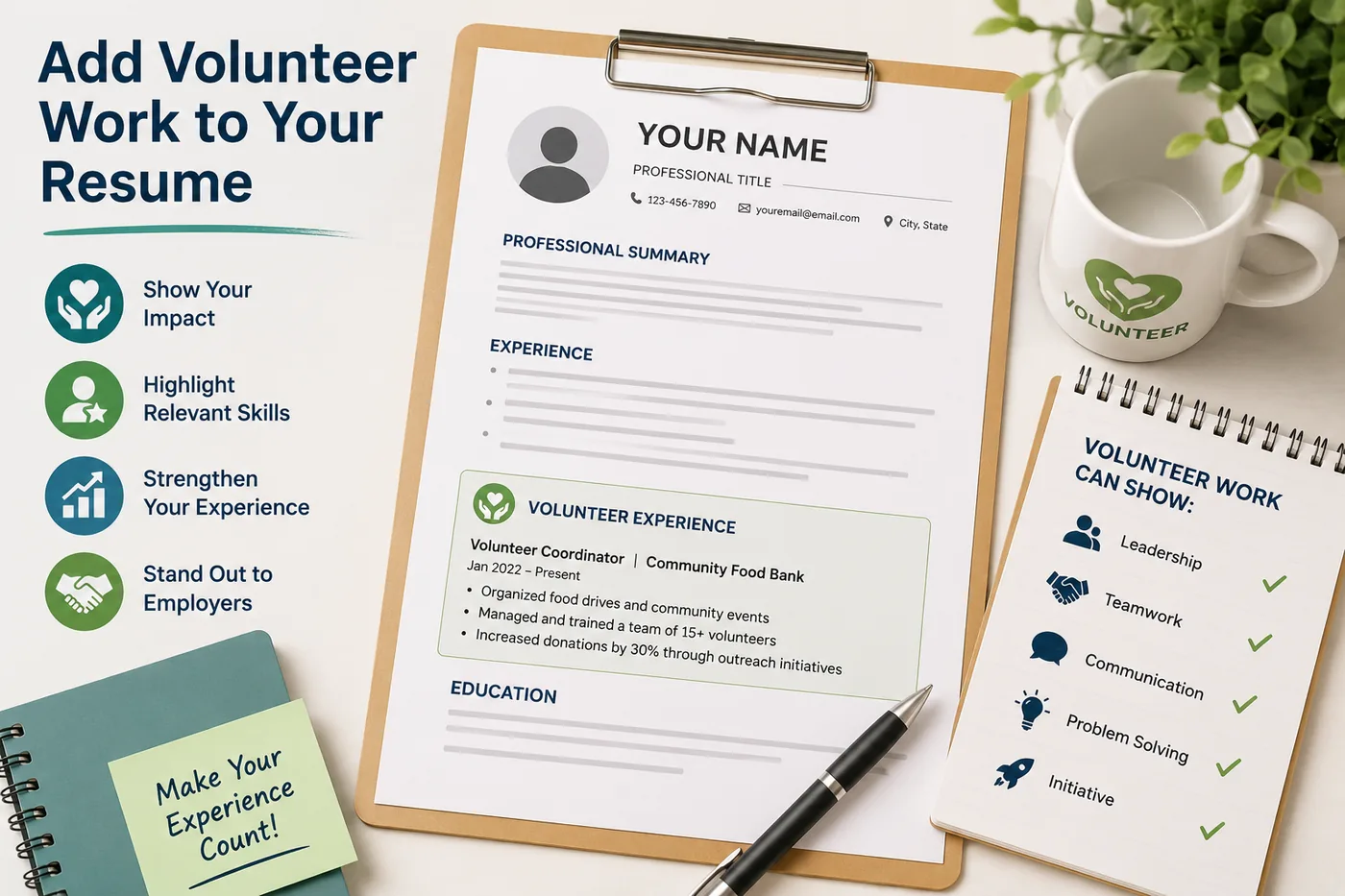
Solution: Include personal projects, volunteer work, or even case studies that demonstrate your skills. For instance, if you volunteered to manage social media for a non-profit, detail that experience in your portfolio. You can read more on How to Add Volunteer Work to Your Resume (With Examples for Every Situation).
-
Scenario 3: You're unsure how to present your portfolio to clients.
- Solution: Practice your pitch. Prepare a few talking points about your skills and experiences, and tailor them to the specific needs of potential clients. Consider using Virtual Interview Tips 2026 - Complete Guide for Video Job Interviews to help you prepare for video calls where you may present your portfolio.
Do's and Don'ts for Your Virtual Assistant Portfolio
Do's
- Do Tailor Your Portfolio: Customize your portfolio for different clients or job applications. Highlight the skills and experiences that are most relevant to each opportunity.
- Do Keep It Updated: Regularly refresh your portfolio with new work samples and testimonials. This shows that you are active and continuously improving your skills.
- Do Include Testimonials: Positive feedback from clients can enhance your credibility. Include quotes or short testimonials where possible.
Don'ts
- Don't Overload with Information: Keep your portfolio concise. Include only the most relevant work and avoid cluttering it with unnecessary details.
- Don't Use Generic Templates: While templates can be helpful, make sure to personalize them to reflect your unique style and brand.
- Don't Ignore Mobile Users: Ensure your portfolio is mobile-friendly. Many clients will review your work on their phones or tablets.
Mini Checklist for Your Virtual Assistant Portfolio
- unchecked: Define your niche and target audience.
- unchecked: Collect at least 3-5 work samples.
- unchecked: Choose a portfolio format that suits your style.
- unchecked: Design your portfolio for clarity and professionalism.
- unchecked: Write compelling descriptions for each sample.
- unchecked: Include a clear call to action.
- unchecked: Update your portfolio regularly with new work and testimonials.
- unchecked: Customize your portfolio for specific clients or job applications.
By following this checklist, you can ensure that your portfolio is both comprehensive and effective in showcasing your skills as a virtual assistant. For additional guidance on specific areas, check out our Business Analyst Portfolio Guide or the Finance and Accounting Portfolio Guide.
Frequently Asked Questions
I am new to freelancing and have no client testimonials yet - what do I show?
Document a process you set up for yourself or a friend/family member's small business, and clearly label it as a personal project while you build your first paid testimonials. See Portfolio No Projects. You might also find it helpful to explore How to Build a Portfolio With AI - No Coding Required for additional guidance.
Should I list my rates publicly?
Optional, but a rough range helps filter unqualified inquiries and saves you time on calls with clients outside your budget. Consider reviewing the HR and Recruiter Portfolio Guide for insights on pricing strategies.
How do I align my resume?
Keep your service specialty and tools list identical across resume and portfolio. Utilizing a Free ATS score checker can help ensure that your resume aligns well with industry standards.
Build Your Portfolio Now
You do not need to code a site or spend a weekend on a website builder. Turn your existing resume into a live, shareable portfolio in minutes with the TailorCV portfolio builder - choose a theme, upload your CV, let AI pull in your experience, then add your service packages and testimonials and publish a link to share directly with prospective clients. Before you apply, run your resume through the free ATS score checker and switch to an ATS-friendly resume template so your portfolio and resume tell one consistent story.
Related Guides
- How to Build a Professional Portfolio
- Social Media Manager Portfolio
- Content Writer Portfolio Guide
- Portfolio Website for Job Applications
- Portfolio Checklist Before Applying
- Portfolio Mistakes to Avoid
- Portfolio About Me Section
- Portfolio Contact Section
- Portfolio No Projects
- AI Portfolio Builder: No Code Required
- Custom Domain Portfolio Guide
- Personal Website vs Portfolio
Make This Practical
If this topic connects to your work samples, turn the advice into a live proof page with the TailorCV portfolio builder. After publishing, add the link correctly using How to Add Your Portfolio Link to Your Resume, tighten the page with the Portfolio Checklist Before Applying, and make sure clients can contact you through a clean Portfolio Contact Section.
Your portfolio works best when it supports the resume, not when it replaces it. Run the resume through the free ATS score checker, choose an ATS-friendly resume template, and use Portfolio SEO: Get Found so your name, niche, and strongest testimonials are easier to discover.
Related Guides to Strengthen This Topic
Use these internal guides to connect this topic with the rest of your job-search workflow:
- How to Build a Professional Portfolio
- Portfolio Website for Job Applications
- Portfolio Checklist Before Applying
- Portfolio Mistakes to Avoid
- How to Write Portfolio Case Study
- Add Portfolio Link to Resume
- Resume Matching With Job Description
- ATS-Friendly Resume Builder
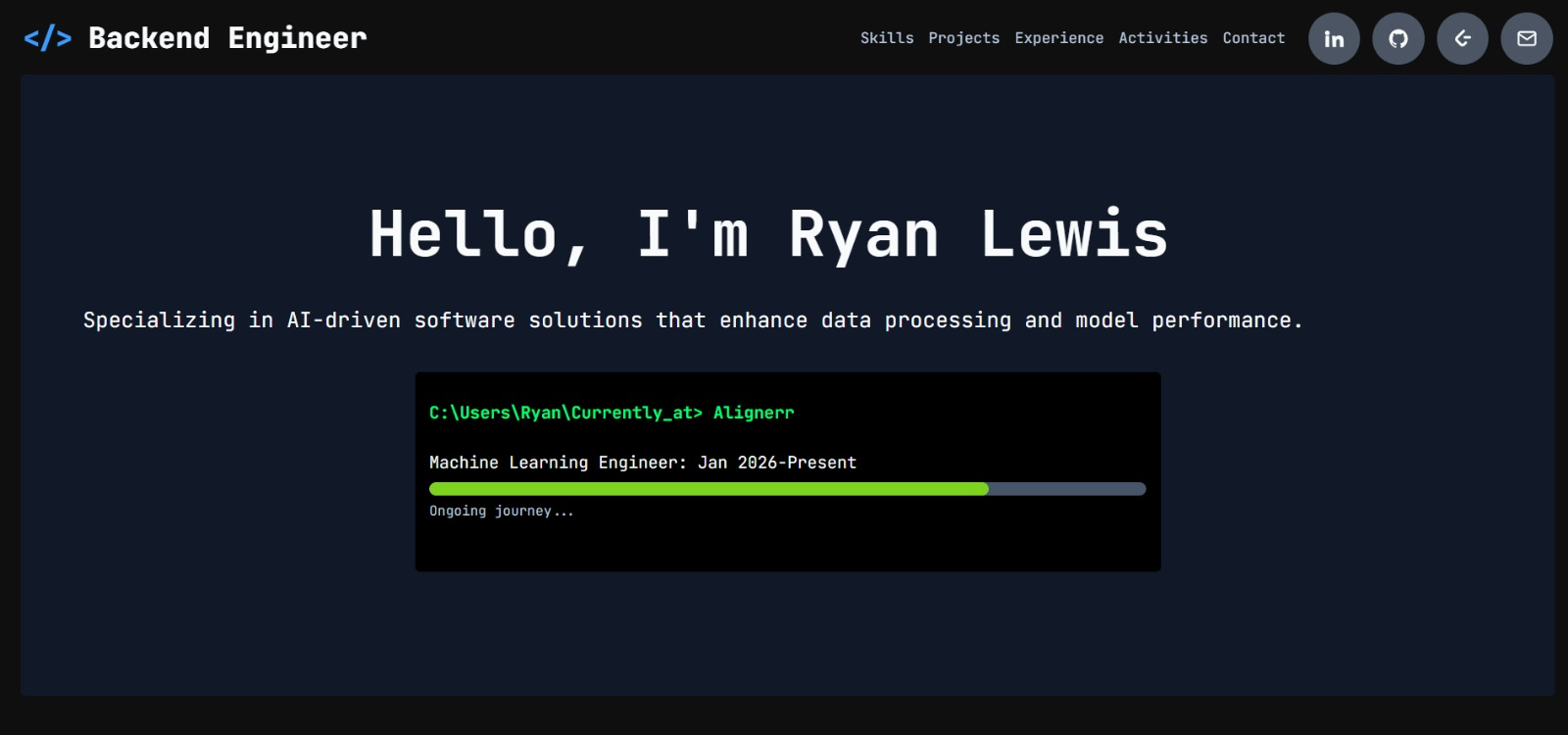
See what your portfolio could look like
This theme is built straight from your resume — pick one and your portfolio is live in minutes.
Was this guide useful?
Be the first to rate it.