TD
TD
Key Takeaways
- A case study transforms a project into a narrative that showcases your thinking and achievements, making it a valuable addition to your portfolio.
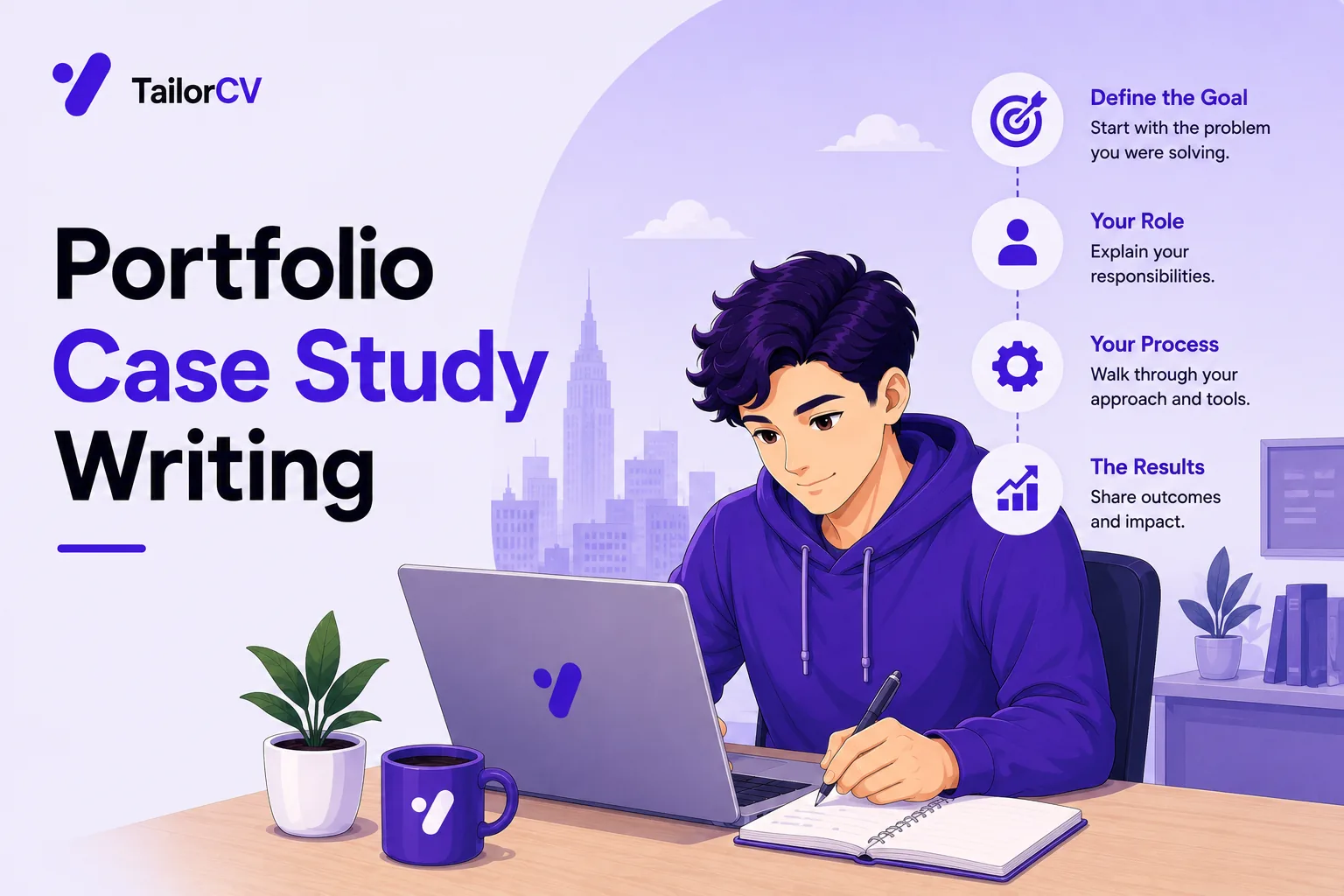
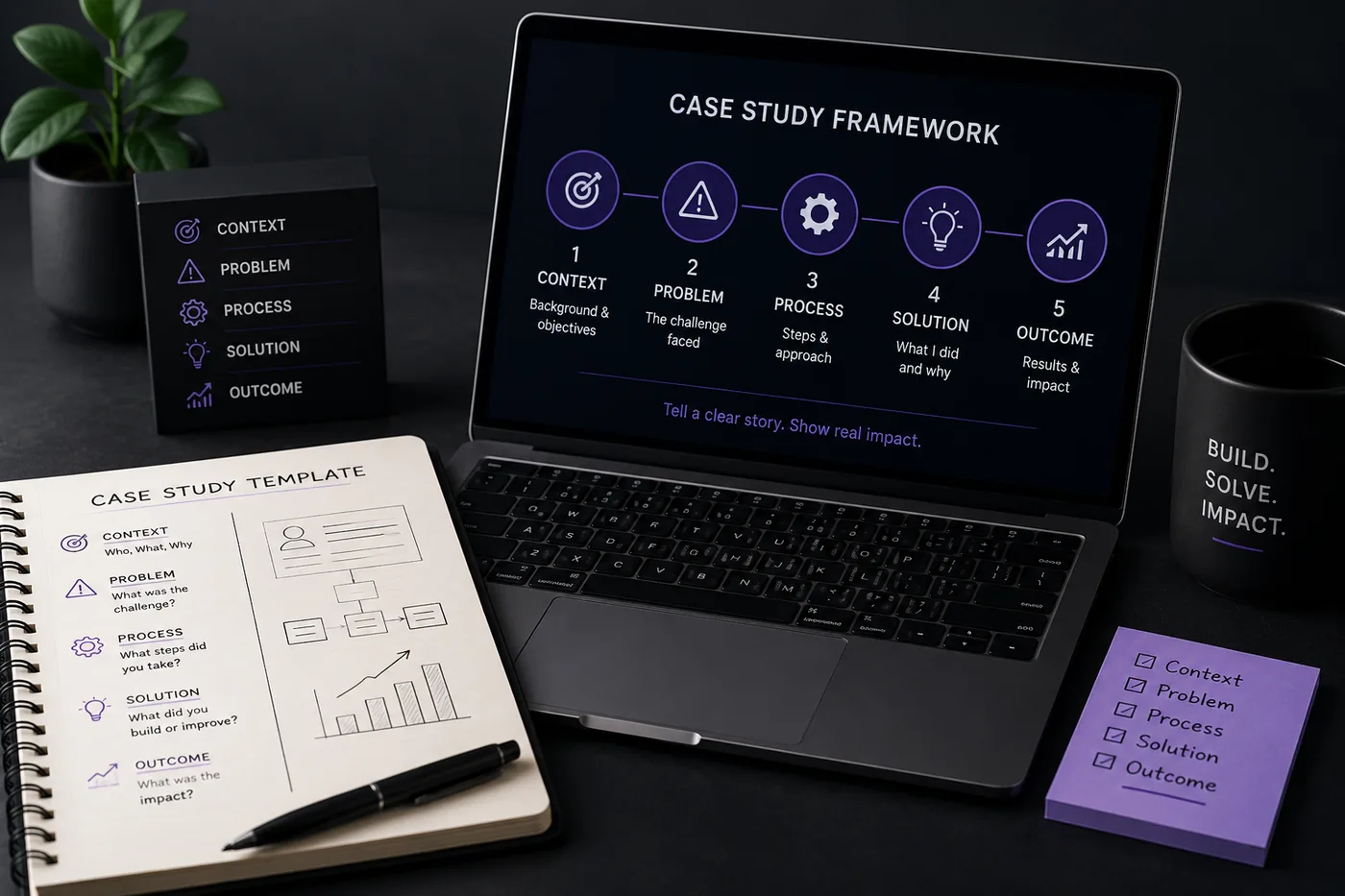
- Follow a universal template: Context, Problem, Process, Solution, and Outcome, to structure your case study effectively.
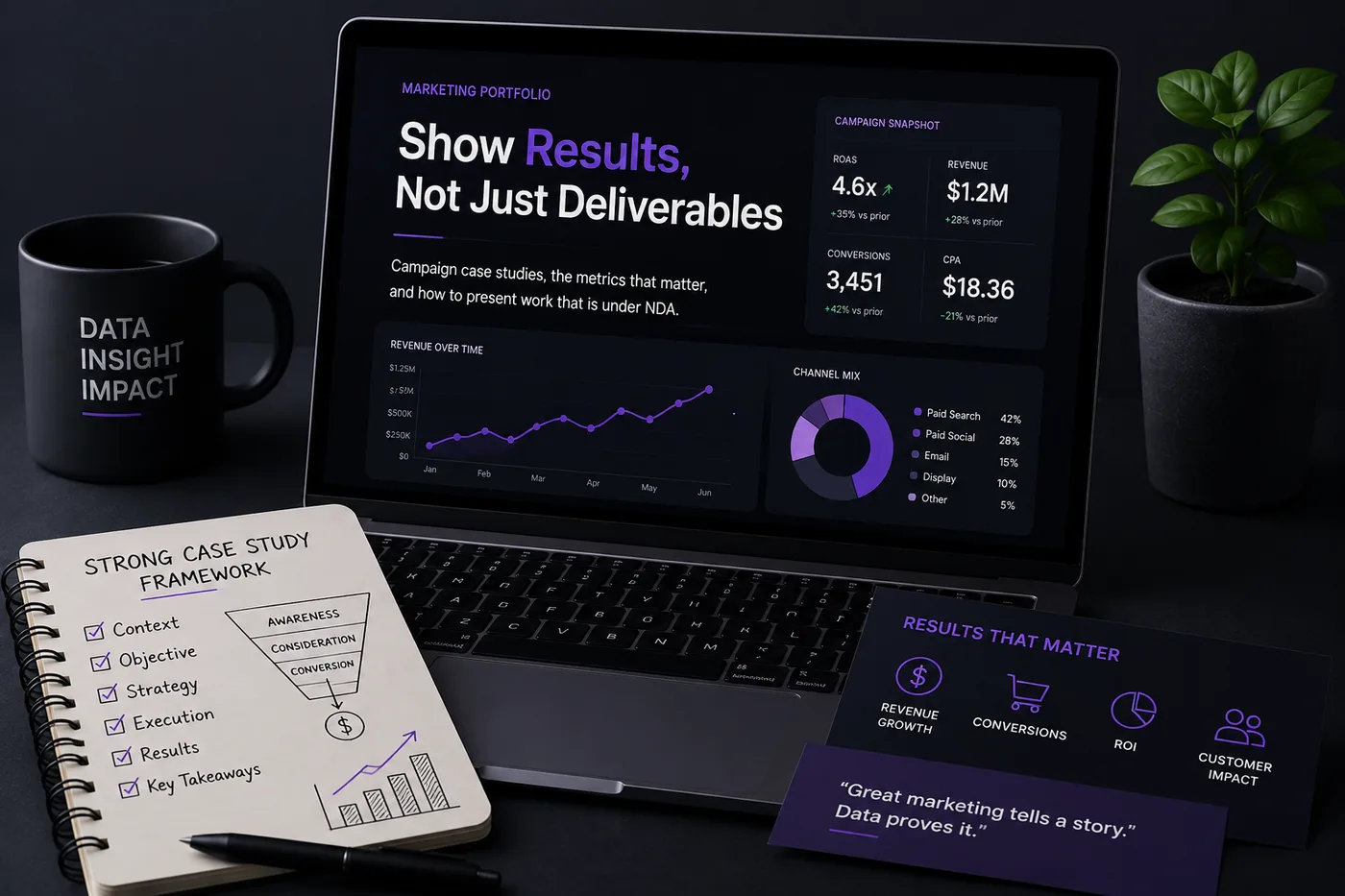
- Lead with quantifiable outcomes at the top to capture attention and demonstrate impact immediately.
- Use visuals and keep case studies concise; 2-4 strong examples are more effective than many weaker ones.
- Ensure consistency across your resume, LinkedIn, and portfolio to present a unified professional story.
A case study turns a project into a story a hiring manager can follow and remember. It is the single highest-leverage thing you can add to a portfolio, because it converts "here is a thing I made" into "here is how I think and what I achieve." This template works for developers, designers, marketers, PMs, and analysts alike. Pair it with How to Build a Professional Portfolio.
The Universal Template
- Context - what it was, your role, the timeline, the constraints.
- Problem - the real challenge, framed sharply (not "build an app" but "users dropped off at checkout").
- Process - research, the options you weighed, and the decisions you made. Show the messy middle.
- Solution - what you actually built or delivered, with visuals.
- Outcome - the measurable result and what you learned.
Turning a resume into a portfolio site

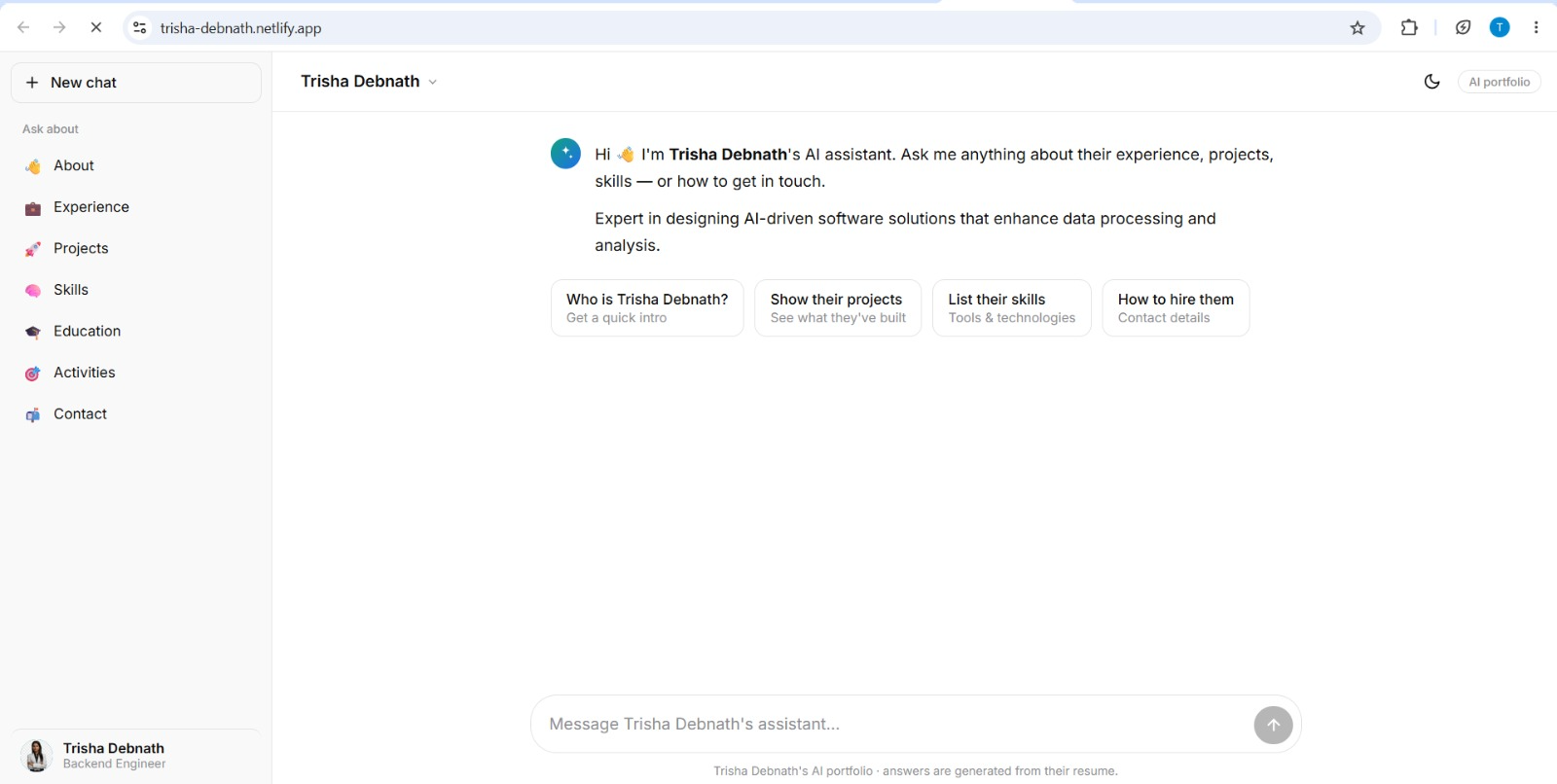
You upload the resume you already have and the sections fill themselves in - basics, experience, projects, education - so building the site is editing rather than starting from an empty page.
Lead With the Outcome
Put the headline result at the very top: "Cut checkout drop-off 23%" or "Ranked #1 for a 12K-volume keyword." Skimmers decide in seconds whether to read on, so reward them immediately.
Show Your Thinking
The decisions and trade-offs are what separate you from someone who merely executed. For each major choice, explain why - and what you rejected. This is exactly what UX Designer Portfolio Guide and Product Manager Portfolio Guide hiring managers look for.
Quantify Everything
Numbers create credibility. If you do not have business metrics, use proxies: usage, time saved, performance gains, reach. See How to Quantify Resume Achievements.
Keep It Tight and Visual
- 2-4 strong case studies beat a dozen thin ones
- Add screenshots, diagrams, and before/after
- End with one clear takeaway and a link to the live work
Where to Publish
Drop your case studies onto a site generated from your resume with the portfolio builder, then make sure your Portfolio About Me Section and Portfolio Contact Section support them.
Keep Your Resume and Portfolio in Sync
Your resume, your LinkedIn, and your portfolio should tell the same story - same name, same headline, same top projects - just at different levels of depth. A recruiter who sees a 'Full Stack Developer' resume and a portfolio headlined 'Aspiring Designer' gets confused, and confusion loses interviews. Lock the resume down first with the ATS score checker and an ATS-friendly template, then mirror that exact positioning in your portfolio. When they reinforce each other, every recruiter touchpoint pushes you forward. See How to Add Your Portfolio Link to Your Resume for placing the link correctly.
Common Mistakes
- Describing what without why
- No outcome or metric
- Too long, no summary for skimmers - see Portfolio Mistakes to Avoid
Step-by-Step Guide to Crafting a Case Study
Creating a compelling case study involves a systematic approach. Follow these steps to ensure your case studies are well-structured and impactful:
-
Select the Right Project: Choose a project that demonstrates your skills and has measurable outcomes. Ideally, it should be one where you faced challenges and created significant value.
-
Define the Problem: Clearly articulate the problem you were solving. This sets the context for your audience and emphasizes the significance of your work.
-
Outline Your Process: Break down the steps you took to address the problem. Highlight your thought process, methodologies, and any tools used. This transparency showcases your analytical skills.
-
Showcase Solutions: Detail the solutions you implemented. Include wireframes, diagrams, or screenshots if applicable. This visual representation can enhance understanding.
-
Highlight Results: Use quantifiable metrics to show the effectiveness of your solutions. For example, “Increased user engagement by 30% over three months” provides clear evidence of success.
-
Reflect on Learnings: Conclude with insights gained from the project. This not only demonstrates your ability to learn from experiences but also adds a personal touch to your case study.
Common Mistakes to Avoid When Writing Case Studies
While crafting your case studies, be mindful of these common pitfalls that can undermine your efforts:
-
Being Vague: Avoid general statements. Instead of saying “I improved the project,” specify how you did it and what the impact was.
-
Overloading with Jargon: Use clear language that your audience can understand. Technical jargon can alienate readers who may not be familiar with industry terms.
-
Neglecting Visuals: A case study that relies solely on text can be daunting. Incorporate visuals to break up the text and illustrate your points effectively.
-
Ignoring the Audience: Tailor your case study to your target audience. Consider what they would find valuable and adjust your content accordingly.
-
Failing to Proofread: Spelling and grammatical errors can detract from your professionalism. Always proofread your work or use tools like ATS checker to ensure clarity.
Do's and Don'ts for Effective Case Studies
Do's:
-
Do Use Real Data: Incorporate genuine metrics and statistics to substantiate your claims.
-
Do Tell a Story: Frame your case study as a narrative. A beginning, middle, and end can keep readers engaged.
-
Do Include Testimonials: If possible, add quotes or feedback from clients or team members. This adds credibility to your work.
-
Do Keep it Updated: Regularly revisit and update your case studies as your skills and experiences evolve.
Don'ts:
-
Don't Over-Emphasize Your Role: If you worked in a team, acknowledge the contributions of others. This demonstrates your collaborative spirit.
-
Don't Skip the Reflection: Always include what you learned from the project. This shows growth and willingness to improve.
-
Don't Leave Out Context: Readers need to understand the background of the project. Providing context is crucial for them to appreciate your work fully.
-
Don't Make it Lengthy: Keep your case studies concise. Aim for clarity and brevity to maintain reader interest.
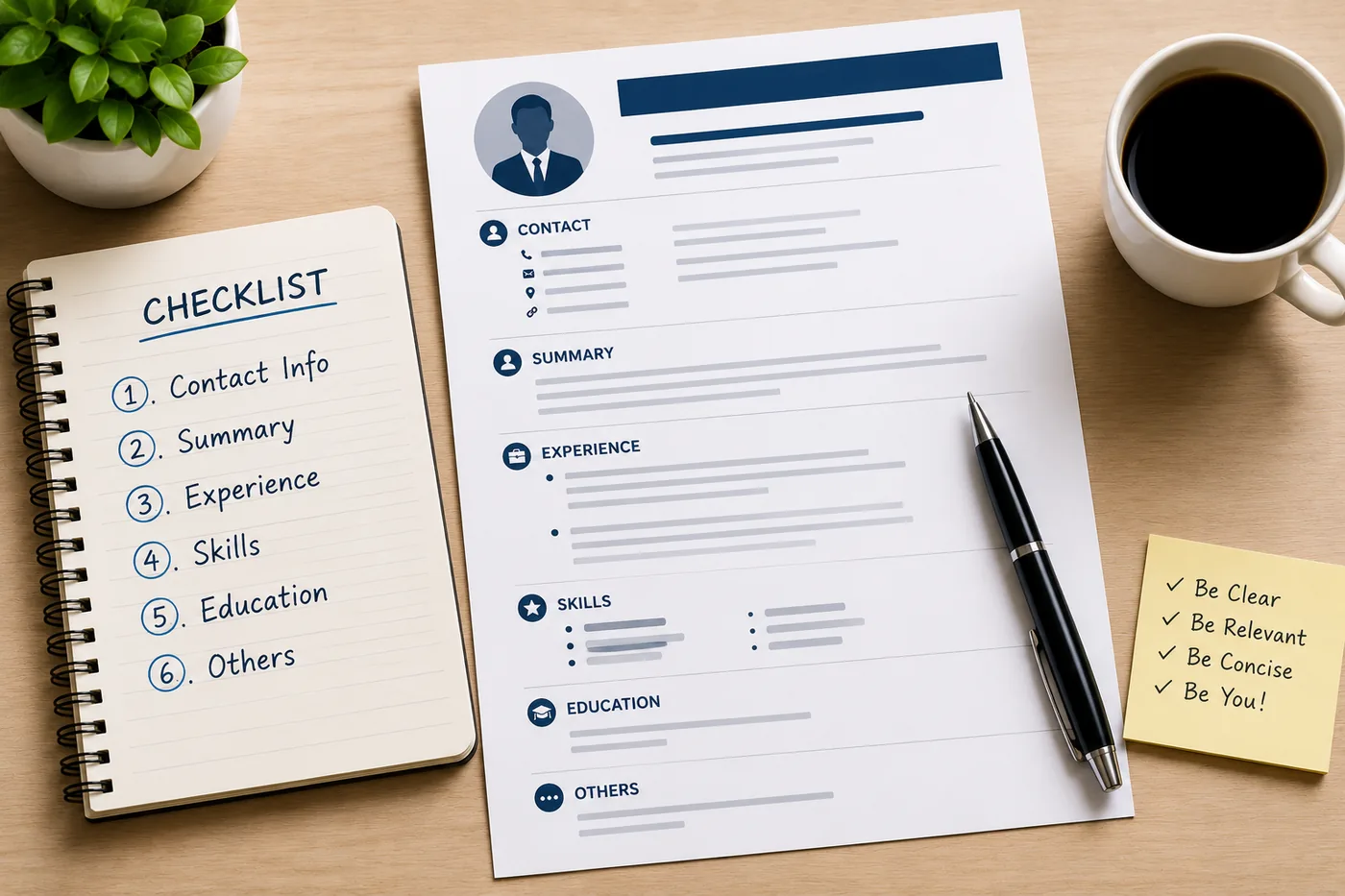
Mini Checklist for Your Case Study
Before publishing your case study, use this checklist to ensure it meets all necessary criteria:
- unchecked: Clear project title and date
- unchecked: Defined problem statement
- unchecked: Detailed outline of your process
- unchecked: Visual representations included
- unchecked: Quantifiable results highlighted
- unchecked: Personal reflection on lessons learned
- unchecked: Proofread for grammar and spelling errors
- unchecked: Tailored to your target audience
Short Scenarios to Illustrate Effective Case Studies
Scenario 1: Marketing Campaign Success
You led a campaign that increased brand awareness by 40%. In your case study, you detail the initial market research, the strategies employed (like social media ads), and the specific metrics that demonstrated success.
Scenario 2: UX Design Overhaul
As a UX designer, you revamped a website that had high bounce rates. Your case study outlines user testing results, design iterations, and the final metrics showing a 25% increase in time spent on the site.
Scenario 3: Business Analysis Project
You were tasked with streamlining a company’s reporting process. Your case study explains the analytical techniques used, the challenges faced, and how implementing a new software solution cut reporting time in half.
By following these guidelines and incorporating these elements, your portfolio case studies will not only stand out but also effectively communicate your skills and experiences—helping you land that next opportunity. For more tailored guidance, explore our Business Analyst Portfolio Guide or the UX Designer Portfolio Guide.
Frequently Asked Questions
How long should a case study be?
Long enough to show your thinking, short enough to skim: a headline outcome, a 30-second summary, then the detailed sections.
What if I cannot share metrics?
Use rounded numbers, proxies (usage, performance), or describe the impact qualitatively with permission. For more tips on showcasing your work, check out our Marketing Portfolio Guide.
How many case studies do I need?
Two to four strong ones. Lead with your best and tie each to a real outcome. Consider looking at our UX Designer Portfolio Guide for examples. You might also find it helpful to explore our Business Analyst Portfolio Guide for additional insights.
Build Your Portfolio Now
You do not need to code a site from scratch or spend a weekend wrestling with a website builder. Turn your existing resume into a live, shareable portfolio website in minutes with the TailorCV portfolio builder - choose a template, upload your CV, tweak the details, and publish a link you can drop straight onto your resume and LinkedIn. Before you start applying, run your resume through the free ATS score checker and switch to an ATS-friendly template so your portfolio and resume tell one clean, consistent story to every recruiter.
Related Guides
- How to Build a Professional Portfolio
- How to Quantify Resume Achievements
- UX Designer Portfolio Guide
- Product Manager Portfolio Guide
- Marketing Portfolio Guide
- Portfolio Mistakes to Avoid
- Portfolio About Me Section
- Portfolio Contact Section
- Frontend Developer Portfolio Guide
- Data Analyst Portfolio Guide
- Portfolio Checklist Before You Apply
- Turn Your Resume Into a Portfolio in Minutes
Make This Practical
If this topic connects to your work samples, turn the advice into a live proof page with the TailorCV portfolio builder. After publishing, add the link correctly using How to Add Your Portfolio Link to Your Resume, tighten the page with the Portfolio Checklist Before Applying, and make sure recruiters can contact you through a clean Portfolio Contact Section.
Your portfolio works best when it supports the resume, not when it replaces it. Run the resume through the free ATS score checker, choose an ATS-friendly resume template, and use Portfolio SEO: Get Found so your name, role, and strongest projects are easier to discover.
Related Guides to Strengthen This Topic
Use these internal guides to connect this topic with the rest of your job-search workflow:
- How to Build a Professional Portfolio
- Portfolio Website for Job Applications
- Portfolio Checklist Before Applying
- Portfolio Mistakes to Avoid
- How to Write Portfolio Case Study
- Add Portfolio Link to Resume
- Resume Matching With Job Description
- ATS-Friendly Resume Builder
See what your portfolio could look like
This theme is built straight from your resume — pick one and your portfolio is live in minutes.
Was this guide useful?
Be the first to rate it.