SS
SS

Key Takeaways
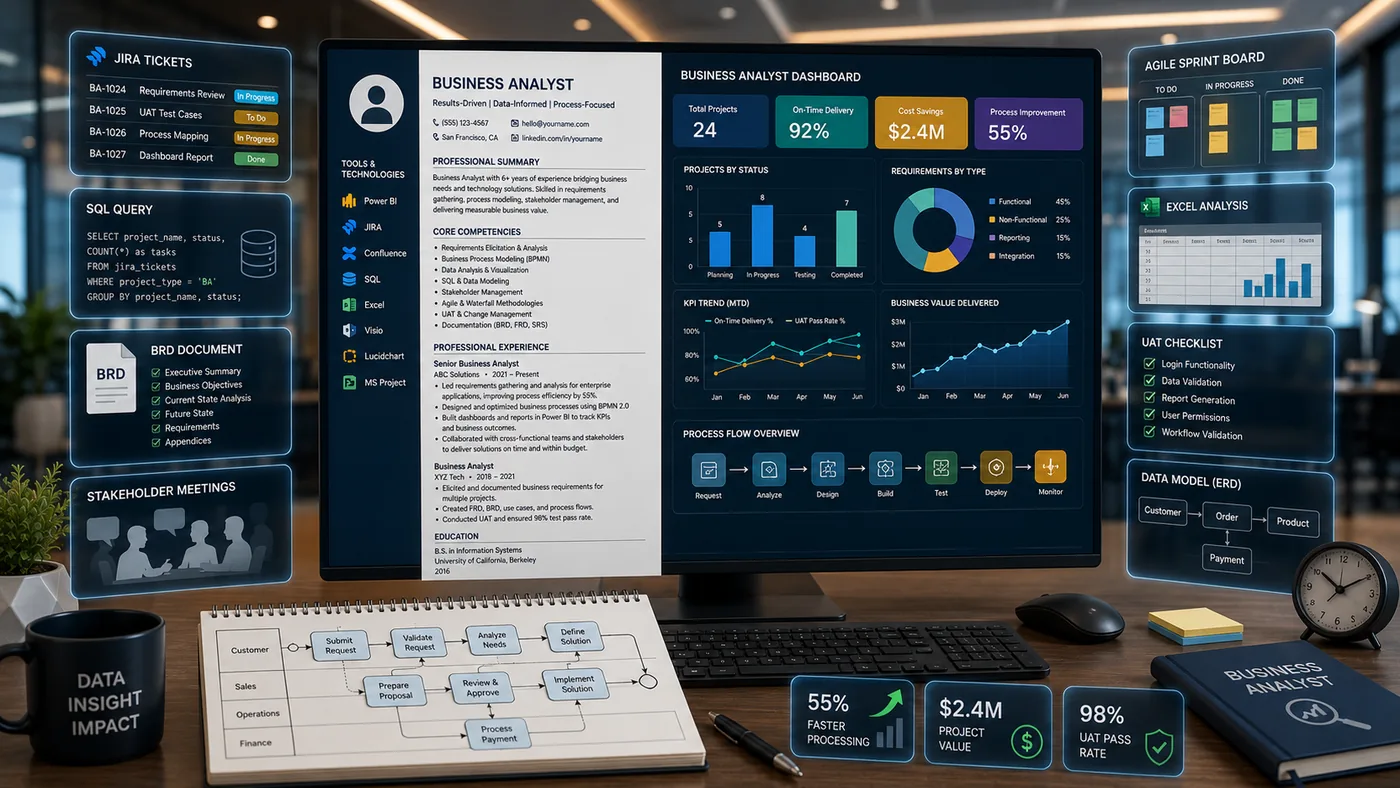
- Include artifacts like requirements documents, process maps, case studies, and wireframes in your business analyst portfolio to showcase your skills.
- Frame the narrative behind each artifact by detailing the business problem, your process, and the outcomes achieved.
- Host your portfolio on a personal site or a private link, ensuring it aligns with your resume in terms of industry focus and methodology.
- Avoid common mistakes such as sharing confidential documents, lacking narrative context, or omitting examples of stakeholder conflict resolution.
- Create compelling case studies by selecting impactful projects, clearly defining problems, outlining your approach, and detailing the solutions implemented.
A business analyst's value is in translation - turning a vague business problem into requirements a technical team can build. That is hard to show in resume bullets but easy to show in a portfolio with real artifacts. Pair this with How to Build a Professional Portfolio and Data Analyst Portfolio Guide.
What to Include
| What to include | Why |
|---|---|
| A requirements document | a BRD, user stories, or functional spec (sanitized) showing how you captured and structured stakeholder needs |
| Process maps | a before/after workflow diagram (BPMN, swimlane, or simple flowchart) for a process you improved |
| Stakeholder management case study | how you resolved conflicting requirements between departments |
| A wireframe or prototype | if you worked on product or system design, showing your input into the solution |
| Certifications | CBAP, PMI-PBA, or relevant coursework |
Frame the Translation, Not Just the Document
A requirements doc alone does not show judgment - the story behind it does. For each artifact:
- The business problem - "Customer support was manually triaging 200+ tickets a day with no prioritization system"
- Your process - stakeholder interviews, current-state mapping, requirements gathering method (JAD sessions, surveys, workshops)
- The outcome - "Delivered requirements for an automated triage system that cut manual sorting time by 60%"
Where to Host It
- A personal site via the TailorCV portfolio builder - to present sanitized documents and process maps with narrative context
- A private, unlisted link if any artifacts reference confidential company systems - see Private Portfolio Sharing Guide
- LinkedIn Featured section linking to your portfolio
Keep Your Resume and Portfolio in Sync
Your resume and portfolio should tell the same story - same industry focus, same methodology (Agile, Waterfall, hybrid) - just at different levels of depth. Lock the resume down first with the ATS score checker and an ATS-friendly template, then mirror that positioning in your portfolio. See How to Add Your Portfolio Link to Your Resume for placing the link correctly.
Common Mistakes
- Sharing real company requirements documents with confidential system names or data intact
- A process map with no clear before/after or improvement highlighted
- Documents with no narrative - a reviewer should not have to guess why the artifact matters
- No stakeholder conflict example - resolving competing priorities is a core BA skill worth showing
Pro Tips
- Include one project where requirements changed mid-stream and show how you handled it
- Use simple, clean diagrams (Lucidchart, Miro) rather than dense technical documentation
- Generate your portfolio shell from your resume with the portfolio builder and add your process maps and case studies
Crafting a Compelling Case Study
One of the most effective ways to showcase your skills as a business analyst is through well-crafted case studies. A case study not only highlights your analytical capabilities but also demonstrates your problem-solving skills, project management, and ability to deliver results. Here’s how to create a compelling case study for your portfolio:
-
Choose the Right Project: Select a project that had a significant impact on the business. It should showcase your involvement and the value you added.
-
Define the Problem: Clearly articulate the problem you were addressing. Use metrics to illustrate its significance, such as potential revenue loss or operational inefficiencies.
-
Outline Your Approach: Describe the analytical methods and tools you used to investigate the problem. This could include data analysis techniques, stakeholder interviews, or process mapping.
-
Present Your Findings: Summarize the key insights you gained from your analysis. Use visuals like charts and graphs to make your findings more digestible.
-
Detail the Solution: Explain the recommendations you made and how they were implemented. Highlight any collaboration with other teams and the impact of the solution.
-
Measure Success: Include metrics to demonstrate the effectiveness of your recommendations. Show before-and-after comparisons to quantify the results.
-
Reflect on Learning: Conclude with a brief reflection on what you learned from the project, how it shaped your skills, and how you would approach similar challenges in the future.
By following this structured approach, you can create case studies that not only inform but also persuade potential employers of your capabilities.
Essential Tools for Business Analysts
In today’s fast-paced business environment, being familiar with the right tools can set you apart as a business analyst. Here’s a checklist of essential tools that can enhance your analytical capabilities and improve your portfolio:
-
Data Visualization Tools: Software like Tableau or Power BI can help you present data in a visually appealing way, making it easier to communicate insights.
-
Statistical Analysis Software: Tools such as R or Python are invaluable for performing complex analyses and should be highlighted in your portfolio.
-
Project Management Software: Familiarity with tools like Trello or Asana can demonstrate your ability to manage projects effectively.
-
Documentation Tools: Use platforms like Confluence or Google Docs to maintain clear and organized documentation of your processes and findings.
-
Collaboration Tools: Proficiency in tools like Slack or Microsoft Teams shows you can work effectively in team environments.
Include examples of how you’ve used these tools in your projects within your portfolio. This not only showcases your technical skills but also your ability to adapt to different environments.
Do’s and Don’ts of Business Analyst Portfolios
Creating a portfolio can be a daunting task, but following these do’s and don’ts can streamline the process and enhance your presentation.
Turning a resume into a portfolio site

The three steps are template, details, publish. Uploading an existing CV fills in the details step for you, which is why this takes minutes rather than a weekend.
Do’s:
-
Do Personalize Your Portfolio: Tailor your portfolio to reflect your unique experiences and skills. Use a consistent style and tone that represents your professional brand.
-
Do Include a Variety of Work: Showcase a range of projects that demonstrate different skills, from data analysis to stakeholder management.
-
Do Seek Feedback: Before finalizing your portfolio, get feedback from peers or mentors to ensure clarity and effectiveness.
-
Do Keep It Updated: Regularly update your portfolio with new projects and skills to reflect your growth as a professional.
Don’ts:
-
Don’t Overload with Information: Keep your portfolio concise. Avoid including every project you’ve ever worked on; focus on quality over quantity.
-
Don’t Use Jargon Excessively: While industry-specific terms can be important, ensure your portfolio remains accessible to a broader audience.
-
Don’t Neglect Design: A poorly designed portfolio can detract from the content. Invest time in a clean, professional layout.
-
Don’t Forget About Privacy: Be mindful of confidentiality agreements. Avoid sharing sensitive information without permission.
By adhering to these guidelines, you can create a portfolio that effectively showcases your skills and stands out to potential employers.
Sample Portfolio Structure
Creating a structured portfolio can help guide potential employers through your work. Here’s a simple outline you can follow:
-
Introduction: Briefly introduce yourself, your background, and your career goals.
-
Project Summaries: Include 3-5 key projects with a brief description, your role, and outcomes.
-
Case Studies: Provide detailed case studies for 1-2 major projects, following the crafting guide above.
-
Tools & Technologies: List the tools and technologies you’re proficient in, with examples of how you’ve applied them.
-
Testimonials: If possible, include quotes or endorsements from colleagues or supervisors.
-
Contact Information: Make it easy for potential employers to reach you.
This structure not only organizes your portfolio but also guides the reader through your professional journey effectively.
Quick Checklist for Your Business Analyst Portfolio
Before you publish your portfolio, use this checklist to ensure it’s ready for review:
- unchecked: Clear and professional design
- unchecked: Well-defined sections (Introduction, Projects, Case Studies, Tools)
- unchecked: Up-to-date content with recent projects
- unchecked: Metrics and outcomes highlighted in case studies
- unchecked: Testimonials from colleagues or supervisors included
- unchecked: Contact information easily accessible
- unchecked: No sensitive information shared without permission
By following this checklist, you can ensure that your portfolio is polished, professional, and ready to impress potential employers.
Frequently Asked Questions
Can I share real requirements documents from past employers?
Only fully sanitized versions with company names, system names, and confidential data removed or replaced with placeholders.
I am transitioning into BA work from another role - what do I show?
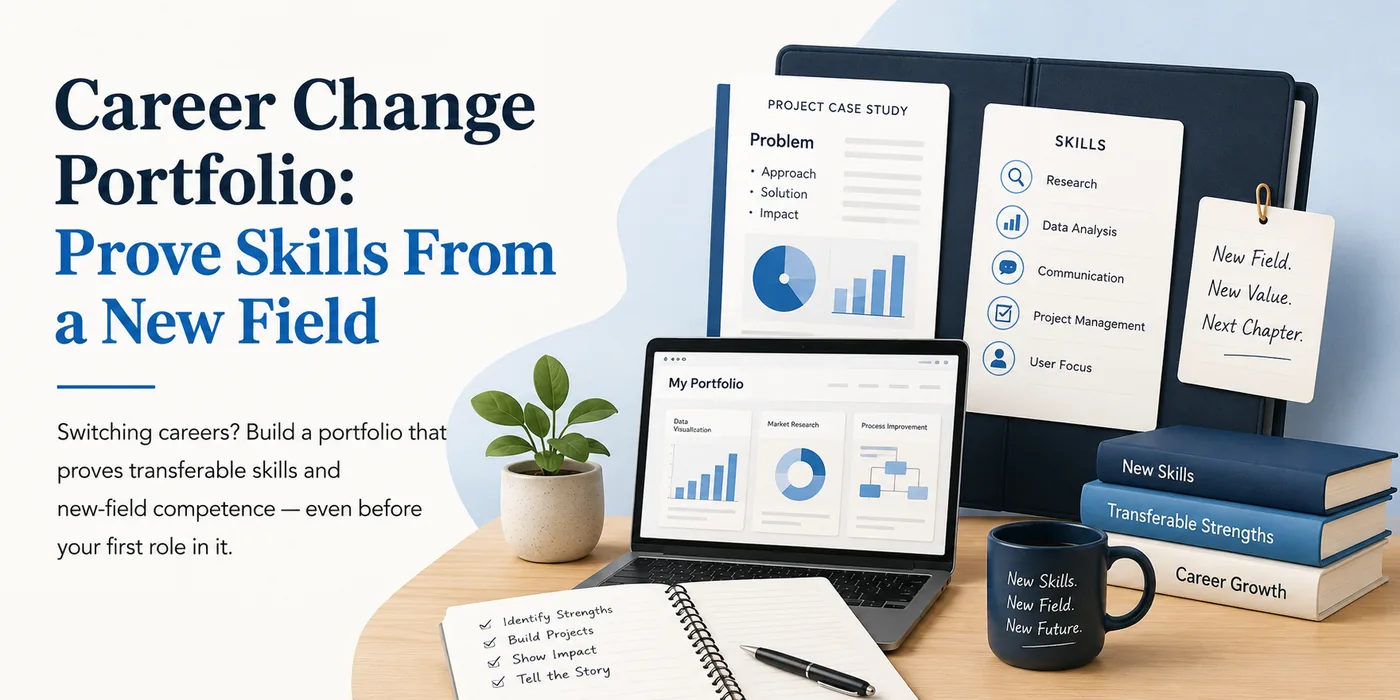
Document a process improvement from your current role using BA methodology (stakeholder mapping, current/future state), even if "business analyst" was not your title. See Career Change Portfolio.
How do I align my resume?
Keep your methodology and industry focus consistent across resume and portfolio - see Business Analyst Resume 2026. You can also explore how to build a portfolio with AI in our guide on How to Build a Portfolio With AI - No Coding Required. Additionally, consider using our portfolio builder to create a cohesive presentation of your work.
Build Your Portfolio Now
You do not need to code a site or spend a weekend on a website builder. Turn your existing resume into a live, shareable portfolio in minutes with the TailorCV portfolio builder - choose a theme, upload your CV, let AI pull in your experience, then add your process maps and case studies and publish a link for your resume and LinkedIn. Before you apply, run your resume through the free ATS score checker and switch to an ATS-friendly resume template so your portfolio and resume tell one consistent story.
Related Guides
- How to Build a Professional Portfolio
- Business Analyst Resume 2026
- Data Analyst Portfolio Guide
- Project Manager Portfolio Guide
- Product Manager Portfolio Guide
- Private Portfolio Sharing Guide
- Portfolio Website for Job Applications
- Portfolio Checklist Before Applying
- Portfolio Mistakes to Avoid
- Career Change Portfolio
- AI Portfolio Builder: No Code Required
- Personal Website vs Portfolio
- Teacher and Educator Portfolio Guide: Showcase Your Classroom Impact
Make This Practical
If this topic connects to your work samples, turn the advice into a live proof page with the TailorCV portfolio builder. After publishing, add the link correctly using How to Add Your Portfolio Link to Your Resume, tighten the page with the Portfolio Checklist Before Applying, and make sure recruiters can contact you through a clean Portfolio Contact Section.
Your portfolio works best when it supports the resume, not when it replaces it. Run the resume through the free ATS score checker, choose an ATS-friendly resume template, and use Portfolio SEO: Get Found so your name, methodology, and strongest projects are easier to discover.
Related Guides to Strengthen This Topic
Use these internal guides to connect this topic with the rest of your job-search workflow:
- How to Build a Professional Portfolio
- Portfolio Website for Job Applications
- Portfolio Checklist Before Applying
- Portfolio Mistakes to Avoid
- How to Write Portfolio Case Study
- Add Portfolio Link to Resume
- Resume Matching With Job Description
- ATS-Friendly Resume Builder
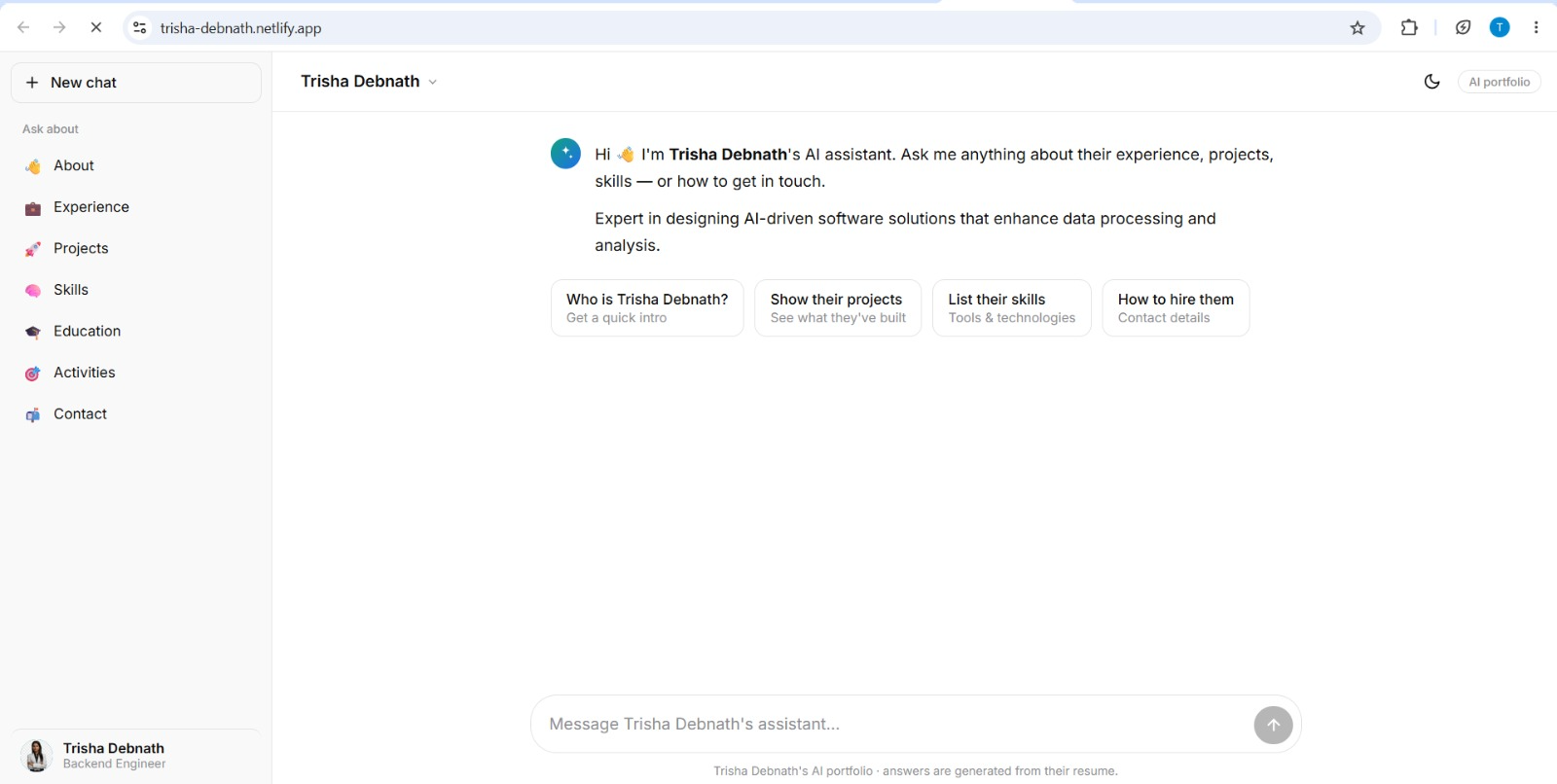
See what your portfolio could look like
This theme is built straight from your resume — pick one and your portfolio is live in minutes.
Was this guide useful?
Be the first to rate it.