TD
TD
Key Takeaways
- Project choice and polish are crucial for creating a standout developer portfolio that attracts recruiters.
- Beginner projects should focus on fundamental skills, such as building an API dashboard or a personal portfolio site.
- Intermediate projects should demonstrate the ability to ship applications, like a SaaS mini-clone with payment functionality or a real-time chat application.
- Common mistakes include neglecting user experience, security measures, and proper documentation, which can detract from the quality of the project.
- Each project should solve a real problem and be presented with clear documentation to showcase your skills effectively.
Recruiters have seen a thousand to-do apps. What they have not seen is your version of a project that solves a real problem, ships to production, and is documented like you actually care. The difference between a portfolio that gets ignored and one that gets interviews is almost never the language - it is the project choice and the polish.
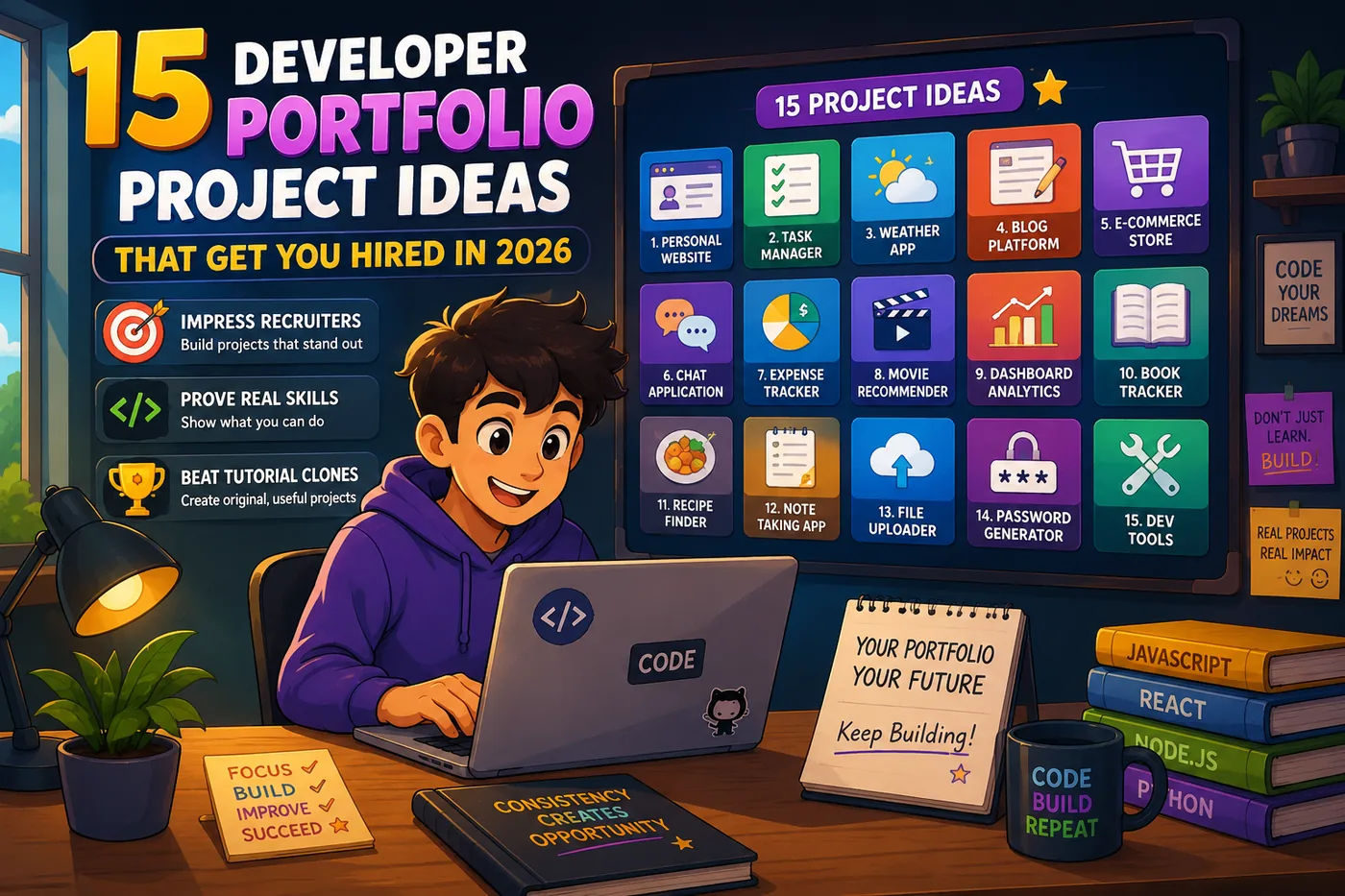
Below are 15 project ideas grouped by level, plus exactly what turns each one into a hireable portfolio piece. For how to present them, pair this with How to Build a Professional Portfolio and Projects on a Resume.
Beginner Projects (Prove the Fundamentals)
1. API Dashboard
| Tool | What it does |
|---|---|
| Overview | Create a dashboard that pulls live data from APIs, such as weather, cryptocurrency prices, or sports statistics |
| Skills Demonstrated | Shows your ability to fetch data, manage state, and create a user interface |
| Common Mistakes | Failing to handle errors gracefully or not providing a clear user experience. Always include loading states and error messages for a polished feel |
| Example | Use the OpenWeatherMap API to display current weather conditions and a weekly forecast |
2. Personal Portfolio Site
| Tool | What it does |
|---|---|
| Overview | Build a personal website to showcase your work. This site should be responsive, fast, and visually appealing |
| Skills Demonstrated | Your design sensibility, front-end skills, and ability to deploy a live application |
| Common Mistakes | Overcomplicating the design or neglecting mobile optimization. Keep it simple and focus on showcasing your projects |
| Example | Refer to the Frontend Developer Portfolio Guide (2026) for design inspiration and best practices |
3. CLI Automation Tool
- Overview: Develop a command-line interface tool that automates a repetitive task you often perform.
- Skills Demonstrated: Practical problem-solving and scripting skills.
- Common Mistakes: Not providing clear documentation or confusing command options. Make sure to include usage examples in your README.
- Example: Create a script that organizes files in a directory based on file type.
4. CRUD App with Authentication
- Overview: Build a simple application that allows users to create, read, update, and delete items, with user authentication.
- Skills Demonstrated: Familiarity with databases, CRUD operations, and authentication flows.
- Common Mistakes: Inadequate security measures or poor user interface design. Always validate user input and ensure a smooth user experience.
- Example: A note-taking app where users can store their notes securely.
Intermediate Projects (Prove You Can Ship)
5. SaaS Mini-Clone with Payments
- Overview: Create a simplified version of a Software as a Service (SaaS) application that includes payment functionality.
- Skills Demonstrated: Understanding of back-end development, payment integration, and user management.
- Common Mistakes: Skimping on the payment security aspect. Use Stripe’s test mode to ensure your implementation is secure.
- Example: A subscription-based service for online courses.
6. Real-Time Chat Application
- Overview: Develop a chat application that allows users to send messages in real time.
- Skills Demonstrated: Use of WebSockets, managing user presence, and implementing typing indicators.
- Common Mistakes: Ignoring scalability and performance. Optimize for handling multiple users seamlessly.
- Example: A chat app with channels and private messaging features.
7. Browser Extension
- Overview: Build a browser extension that solves a common annoyance or enhances productivity.
- Skills Demonstrated: Understanding of browser APIs and user experience design.
- Common Mistakes: Not testing across different browsers. Ensure compatibility with major browsers.
- Example: An extension that helps users manage their online shopping by tracking price changes.
8. Documented REST/GraphQL API
- Overview: Create a REST or GraphQL API with comprehensive documentation using OpenAPI standards.
- Skills Demonstrated: API design, documentation skills, and testing.
- Common Mistakes: Poorly documented endpoints or lack of testing. Use tools like Postman to test your API thoroughly.
- Example: An API for a book collection that allows users to add, update, and delete books.
Advanced Projects (Prove You Stand Out)
9. AI-Powered Feature
- Overview: Implement an AI-powered feature such as a summarizer or semantic search using an LLM API.
- Skills Demonstrated: Knowledge of machine learning concepts and API integration.
- Common Mistakes: Overcomplicating the feature without clear use cases. Focus on providing a genuine value to the user.
- Example: A tool that summarizes articles or generates content based on user input.
10. Data Pipeline
- Overview: Create a data pipeline that ingests, cleans, stores, and visualizes data.
- Skills Demonstrated: Data engineering skills and familiarity with ETL processes.
- Common Mistakes: Neglecting data quality checks. Ensure your pipeline handles data validation and error logging.
- Example: A pipeline that collects and visualizes social media sentiment data.
11. Open-Source Contribution
- Overview: Contribute to an open-source project by submitting a merged pull request (PR).
- Skills Demonstrated: Collaboration, version control, and understanding of community-driven projects.
- Common Mistakes: Not following project guidelines. Always read the contribution guidelines of the repository before submitting.
- Example: Contributing to a popular library or tool that you use in your projects.
12. Performance Case Study
- Overview: Take a slow application, optimize it, and document the improvements.
- Skills Demonstrated: Performance optimization techniques and analytical thinking.
- Common Mistakes: Focusing on minor improvements instead of significant bottlenecks. Use tools like Lighthouse to identify key areas for improvement.
- Example: An application that initially takes 10 seconds to load, optimized to load in under 3 seconds.
Portfolio-Maker Projects (Meta but Powerful)
13. A Tool Other Developers Use
- Overview: Create a small library, generator, or template that other developers can use.
- Skills Demonstrated: Understanding of developer needs and how to create reusable code.
- Common Mistakes: Not providing adequate documentation or examples. Ensure your tool is easy to understand and implement.
- Example: A CSS utility library that simplifies styling for web applications.
14. A Clone with a Twist
- Overview: Rebuild a popular app but add a unique feature that improves the user experience.
- Skills Demonstrated: Creativity and understanding of user needs.
- Common Mistakes: Focusing too much on cloning instead of innovating. Clearly define what makes your version better.
- Example: A social media app that adds a unique feature for enhanced user interactions.
15. A Full-Stack Flagship
- Overview: Develop a comprehensive full-stack application that showcases your skills in both front-end and back-end development.
- Skills Demonstrated: Ability to integrate various technologies and create a cohesive product.
- Common Mistakes: Not focusing on deployment and user experience. Ensure your application is live and user-friendly.
- Example: A task management tool that includes user authentication, real-time updates, and data visualization.
What Makes Any Project Hireable
To ensure your projects are hireable, focus on these essential elements:
- A live demo link that actually works
- A README with screenshots, setup instructions, and a "why I built this" line
- A clear problem statement and a measurable outcome
- Clean commit history and at least some tests
- The tech stack stated per project
Three polished projects beat ten clones every time. Avoid the traps in Portfolio Mistakes to Avoid.
Pro Tips for Building a Standout Portfolio
- Deploy Everything: A private repo with no demo is nearly invisible. Use platforms like Vercel or Netlify for front-end projects and Heroku or AWS for back-end projects.
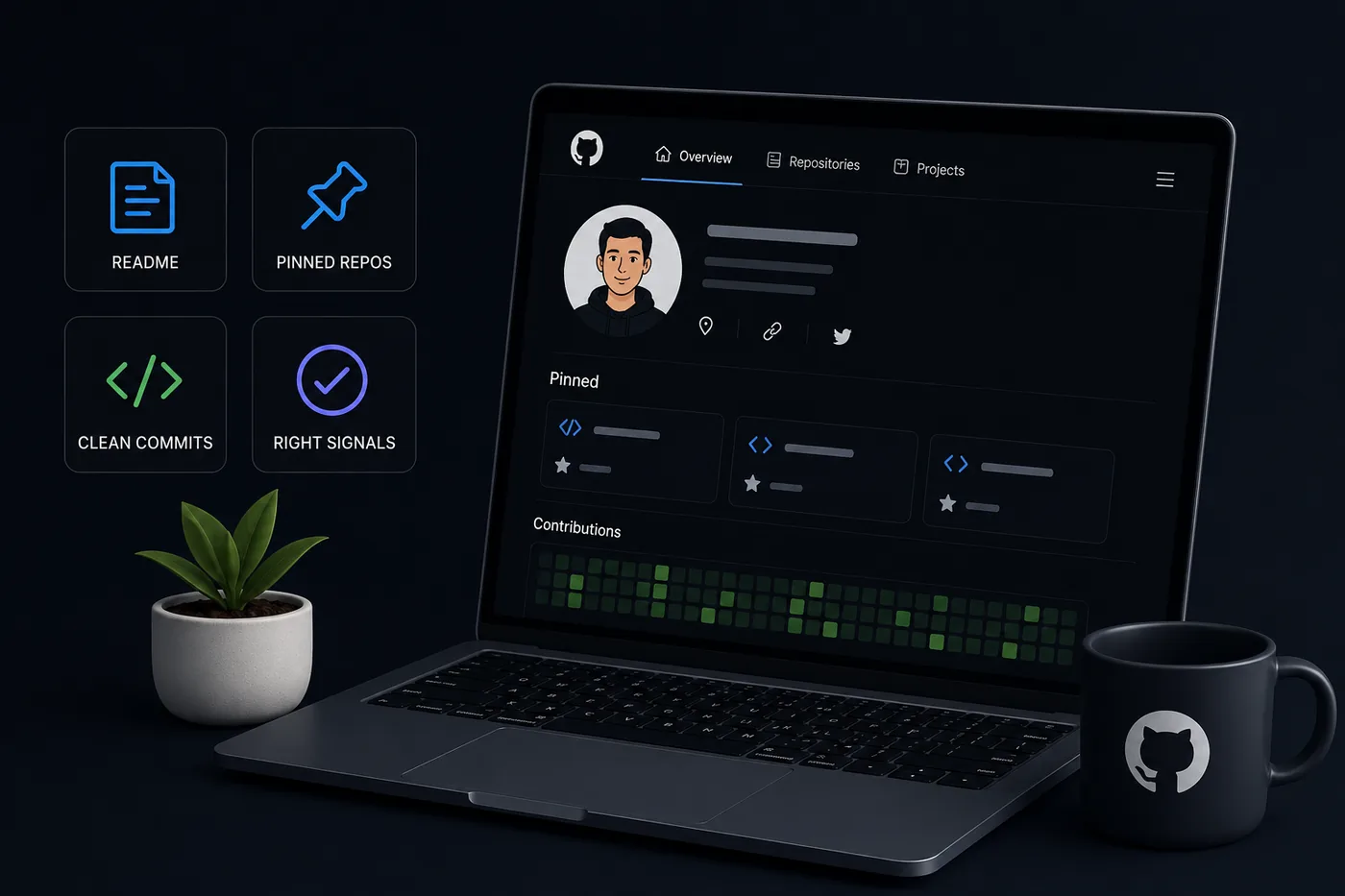
- Optimize Your GitHub Profile: Make your projects easy to find with a well-organized profile. Refer to GitHub Portfolio Optimization for tips.
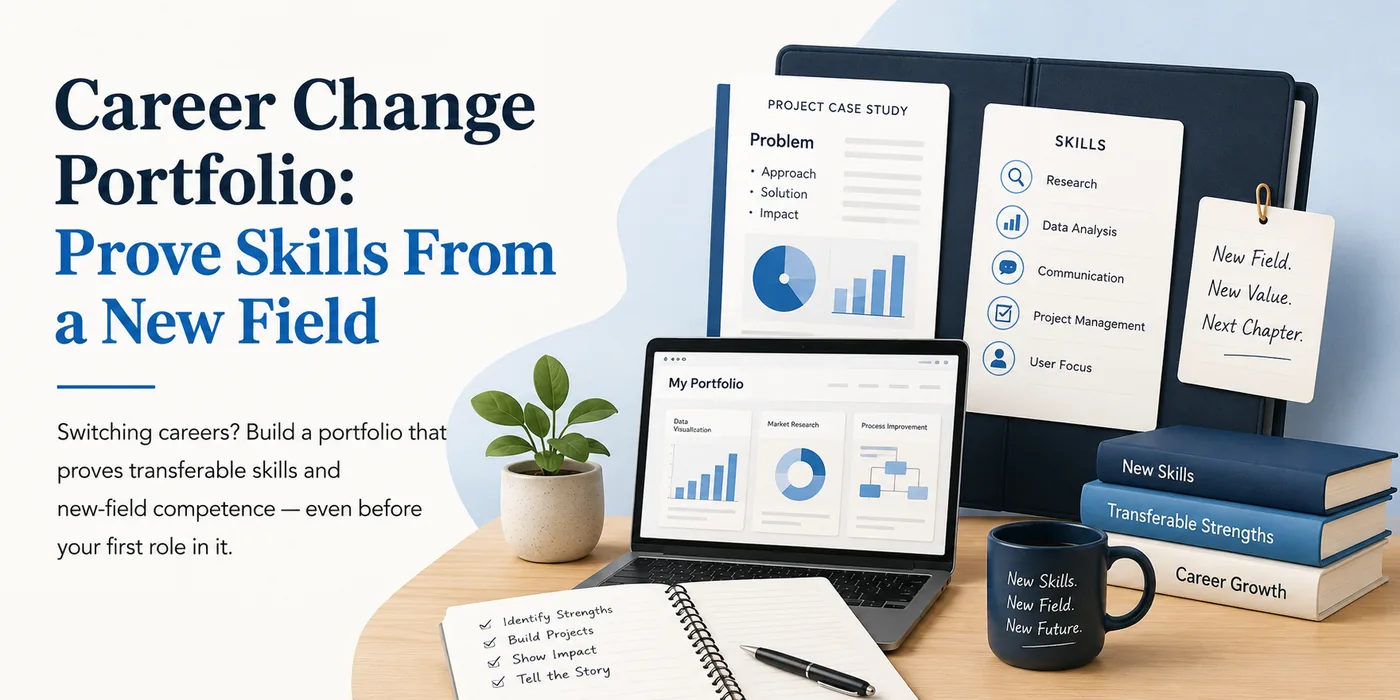
- Write a Short Case Study: For your best project, write a brief case study outlining the challenge, your approach, and the results. This can help provide context and demonstrate your thought process. See How to Write a Portfolio Case Study for guidance.
- Leverage AI Tools: Consider using AI tools to assist in building your portfolio, especially if you’re not confident in your design skills. Check out How to Build a Portfolio With AI - No Coding Required for more information.
- Use a Custom Domain: A custom domain makes your portfolio look more professional. Learn how to set this up in How to Put Your Portfolio on a Custom Domain.
- Keep Learning: Stay updated with the latest technologies and trends in development. Explore guides like the Business Analyst Portfolio Guide or the DevOps Engineer Portfolio Guide to expand your skill set.
Turning a resume into a portfolio site

You upload the resume you already have and the sections fill themselves in - basics, experience, projects, education - so building the site is editing rather than starting from an empty page.
By focusing on meaningful projects and polishing your presentation, you can create a portfolio that not only showcases your skills but also stands out to recruiters in 2026 and beyond.
Frequently Asked Questions
How many projects should a developer portfolio have?
Three to five strong, deployed, documented projects. Quality and proof of shipping beat quantity every time.
Are tutorial projects okay?
Only if you extend them meaningfully and can explain every decision. A pure tutorial clone is easy to spot and adds little. Build from a real problem instead - and read What to Put in Your Portfolio With No Projects if you are starting from zero.
Do I need a portfolio website or is GitHub enough?
Both is best: GitHub for code, a site to frame the story. Generate the site fast with the portfolio builder.
Build Your Portfolio Now
You do not need to code a site from scratch or spend a weekend wrestling with a website builder. Turn your existing resume into a live, shareable portfolio website in minutes with the TailorCV portfolio builder - choose a template, upload your CV, tweak the details, and publish a link you can drop straight onto your resume and LinkedIn. Before you start applying, run your resume through the free ATS score checker and switch to an ATS-friendly template so your portfolio and resume tell one clean, consistent story to every recruiter.
Related Guides
- How to Build a Professional Portfolio
- How to Get Your First Tech Job
- Projects on a Resume
- Frontend Developer Portfolio Guide
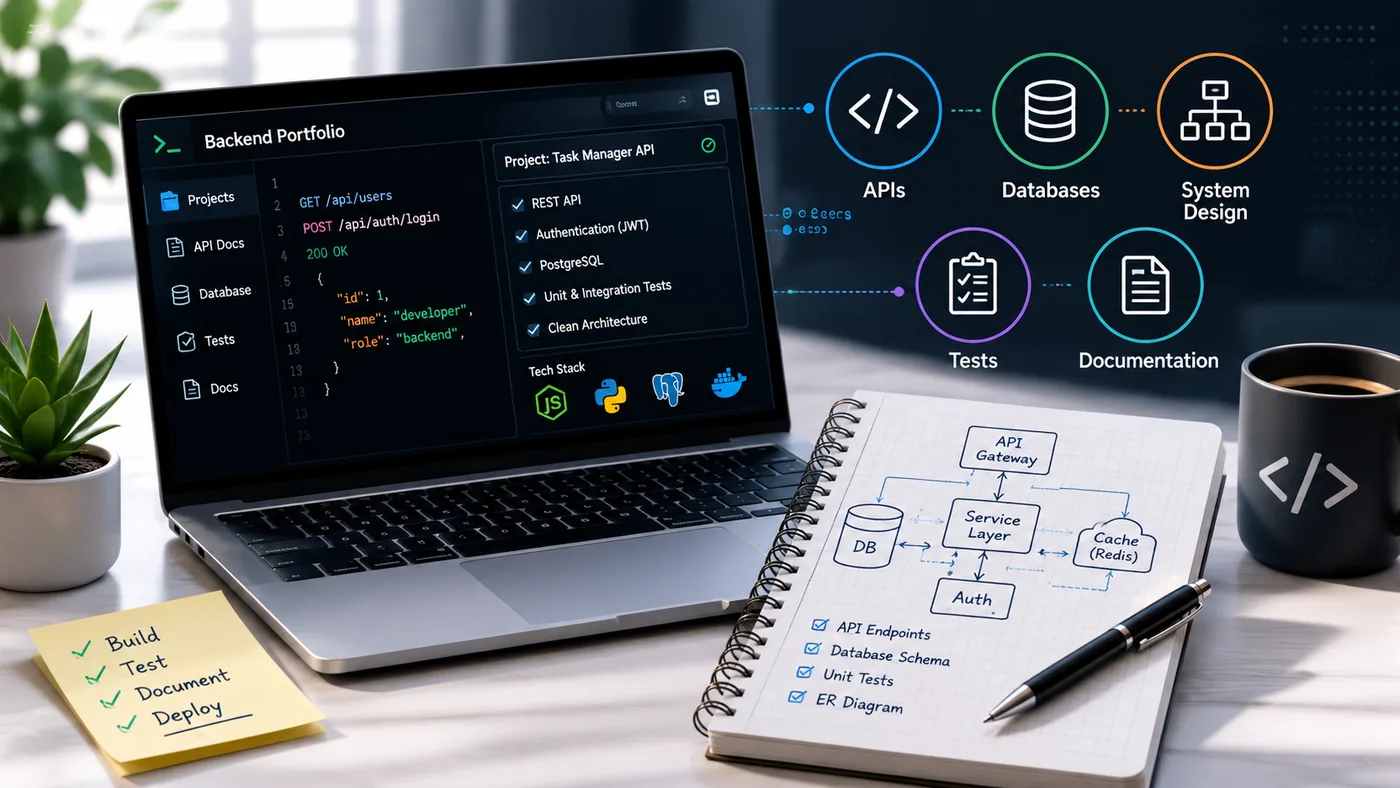
- Backend Developer Portfolio Guide
- Full Stack Developer Portfolio Guide
- GitHub Portfolio Optimization
- How to Write a Portfolio Case Study
- What to Put in Your Portfolio With No Projects
- Portfolio Mistakes to Avoid
- Portfolio Checklist Before You Apply
- Backend Developer Resume 2026
Make This Practical
If this topic connects to your work samples, turn the advice into a live proof page with the TailorCV portfolio builder. After publishing, add the link correctly using How to Add Your Portfolio Link to Your Resume, tighten the page with the Portfolio Checklist Before Applying, and make sure recruiters can contact you through a clean Portfolio Contact Section.
Your portfolio works best when it supports the resume, not when it replaces it. Run the resume through the free ATS score checker, choose an ATS-friendly resume template, and use Portfolio SEO: Get Found so your name, role, and strongest projects are easier to discover.
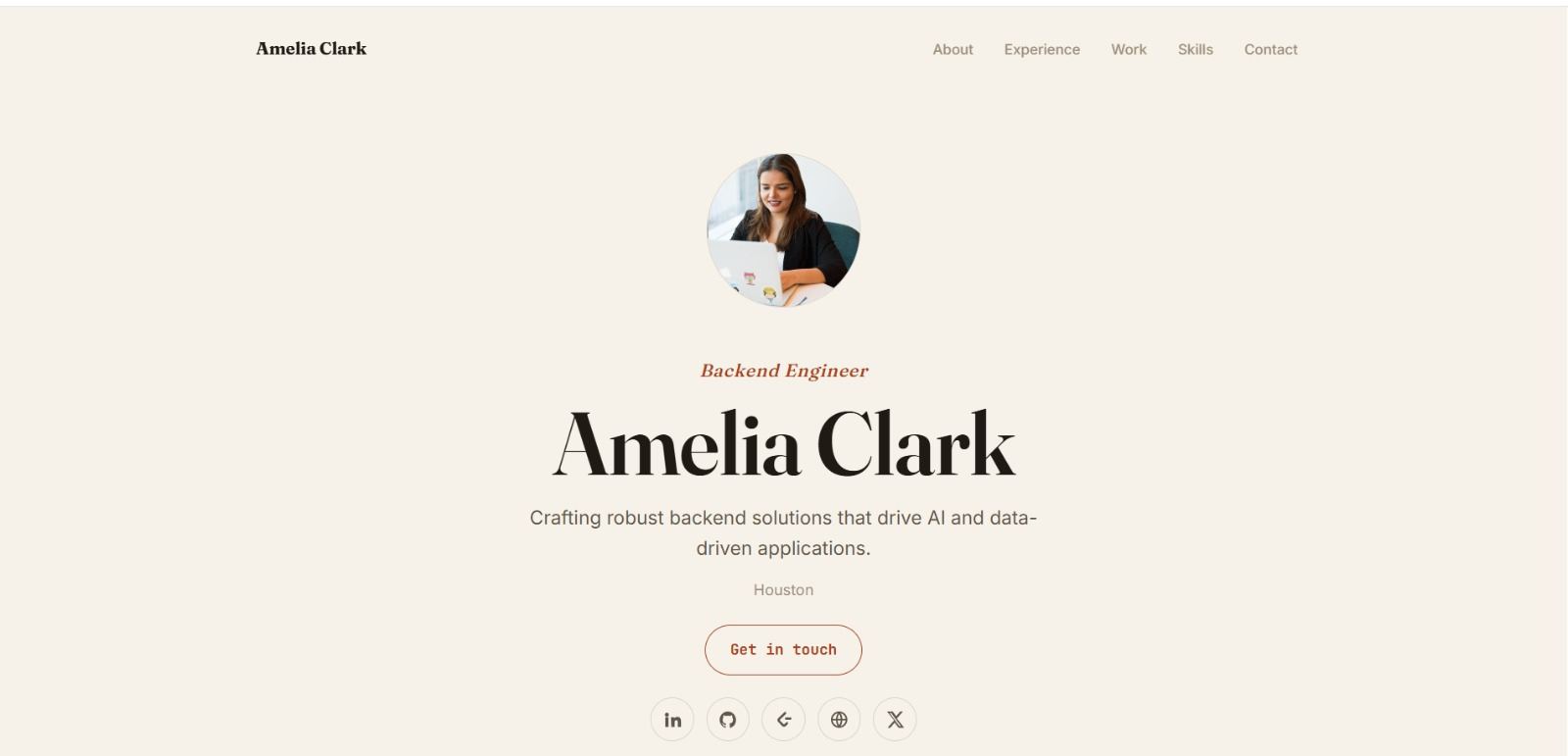
See what your portfolio could look like
This theme is built straight from your resume — pick one and your portfolio is live in minutes.
Was this guide useful?
Be the first to rate it.