 TD
TD

Key Takeaways
- Optimize your portfolio with a clear title tag and meta description to improve visibility in search results.
- Use relevant keywords naturally in your bio and throughout your portfolio to help Google understand your expertise.
- Create content like case studies and blog posts to provide valuable information for recruiters and enhance search indexing.
- Ensure technical SEO best practices are followed, including mobile optimization, page speed, and structured data implementation.
- Keep your resume and portfolio consistent in messaging to avoid confusing recruiters and maximize interview opportunities.
Portfolio SEO: How to Get Your Portfolio Found on Google
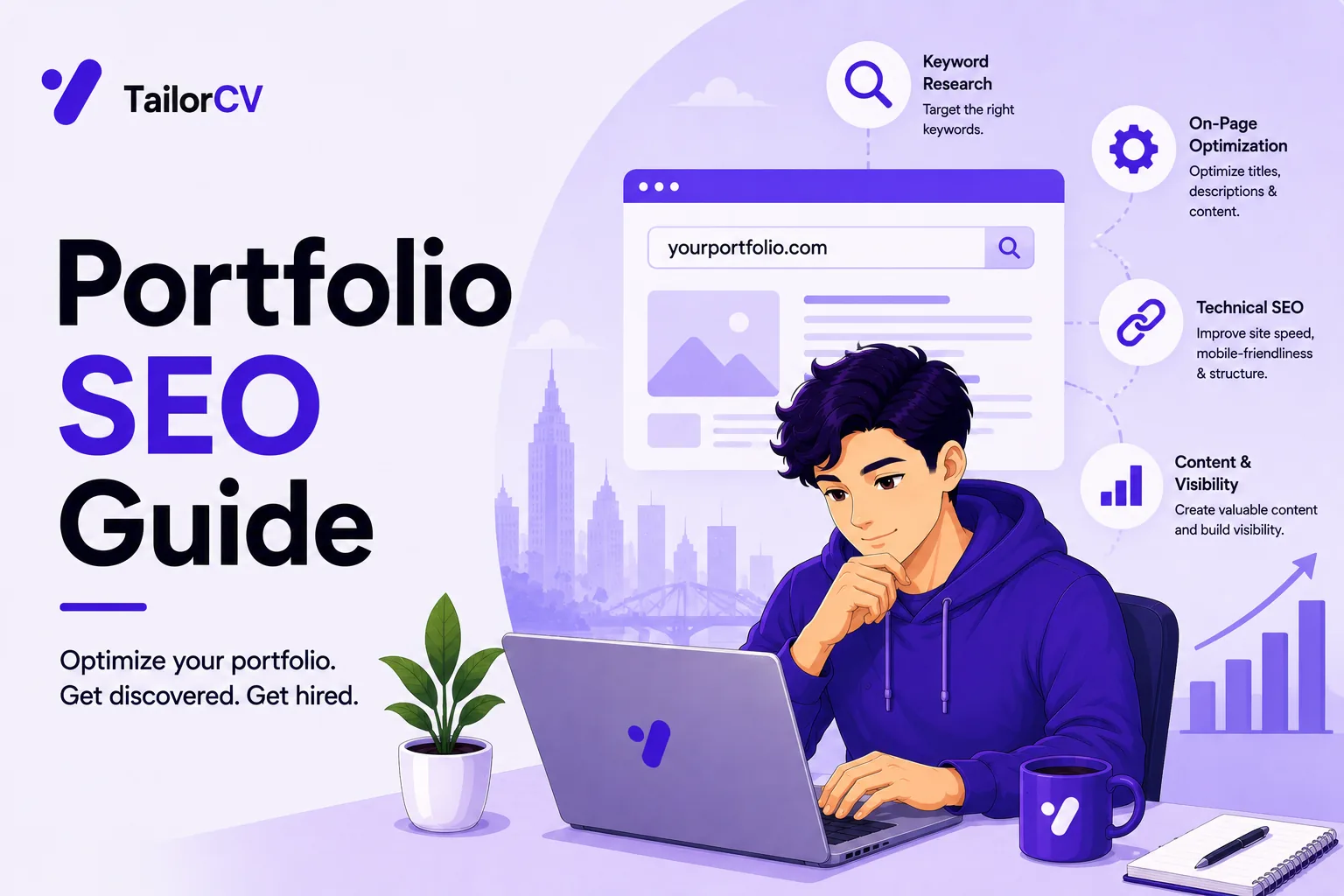
A portfolio nobody can find still helps inside applications - but with a little SEO, it can also bring opportunities to you. Recruiters and clients Google names and skills; a findable portfolio means inbound interest, not just outbound effort. Pair this with How to Build a Professional Portfolio and Personal Branding for Professionals.
On-Page Basics
- A clear title tag: "Your Name - Frontend Developer"
- A meta description that states your specialty
- One H1, descriptive headings, and alt text on images
- Fast load and a mobile-friendly layout (How to Host Your Portfolio for Free)
Crafting an Effective Title Tag and Meta Description
Your title tag and meta description are crucial for attracting clicks from search results. Here’s how to optimize them:
- Title Tag: Keep it under 60 characters. Include your name and primary keyword (e.g., "Jane Doe - Graphic Designer").
- Meta Description: Aim for 150-160 characters. Summarize your skills and what makes you unique (e.g., "Creative graphic designer specializing in branding and digital marketing. Explore my portfolio of innovative projects.").
Help Google Understand You
- Use your name and role naturally in the copy.
- Add a short bio paragraph with relevant keywords (see Portfolio About Me Section).
- Link to your LinkedIn, GitHub, and live projects.
Creating a Keyword-Rich Bio
Your bio is an opportunity to communicate your expertise and attract search traffic. Use these tips to enhance it:
- Keywords: Include specific terms related to your profession (e.g., "UX/UI design," "full-stack development").
- Length: Keep it concise—around 100-150 words.
- Personal Touch: Add a sentence about your passions or what inspires your work.
Create a Little Content
A few short case studies or posts give Google something to index and recruiters something to read. Each project page can target a niche keyword—borrow the How to Write a Portfolio Case Study structure. Content is the single biggest lever most portfolios ignore.
Types of Content to Consider
- Case Studies: Showcase your best work, detailing your process and outcomes.
- Blog Posts: Share insights on industry trends or personal experiences that highlight your expertise.
- Project Descriptions: For each project, briefly explain the problem you solved, your approach, and the results.
Content Structure Checklist
| Section | What goes in it |
|---|---|
| Title | Include the project name and your role |
| Introduction | Briefly introduce the project and its objectives |
| Process | Describe your methodology, including tools and techniques used |
| Results | Share measurable outcomes (e.g., “Increased user engagement by 30%”) |
Technical Hygiene
- Submit a sitemap to Google Search Console.
- Use HTTPS.
- Do not accidentally block pages in robots.txt.
- Use a custom domain for authority (Portfolio Domain Name Guide).
Technical SEO Best Practices
- Mobile Optimization: Ensure your portfolio is responsive and looks great on all devices.
- Page Speed: Use tools like Google PageSpeed Insights to identify and fix loading issues.
- Structured Data: Implement schema markup to help search engines understand your content better.
Keep Your Resume and Portfolio in Sync
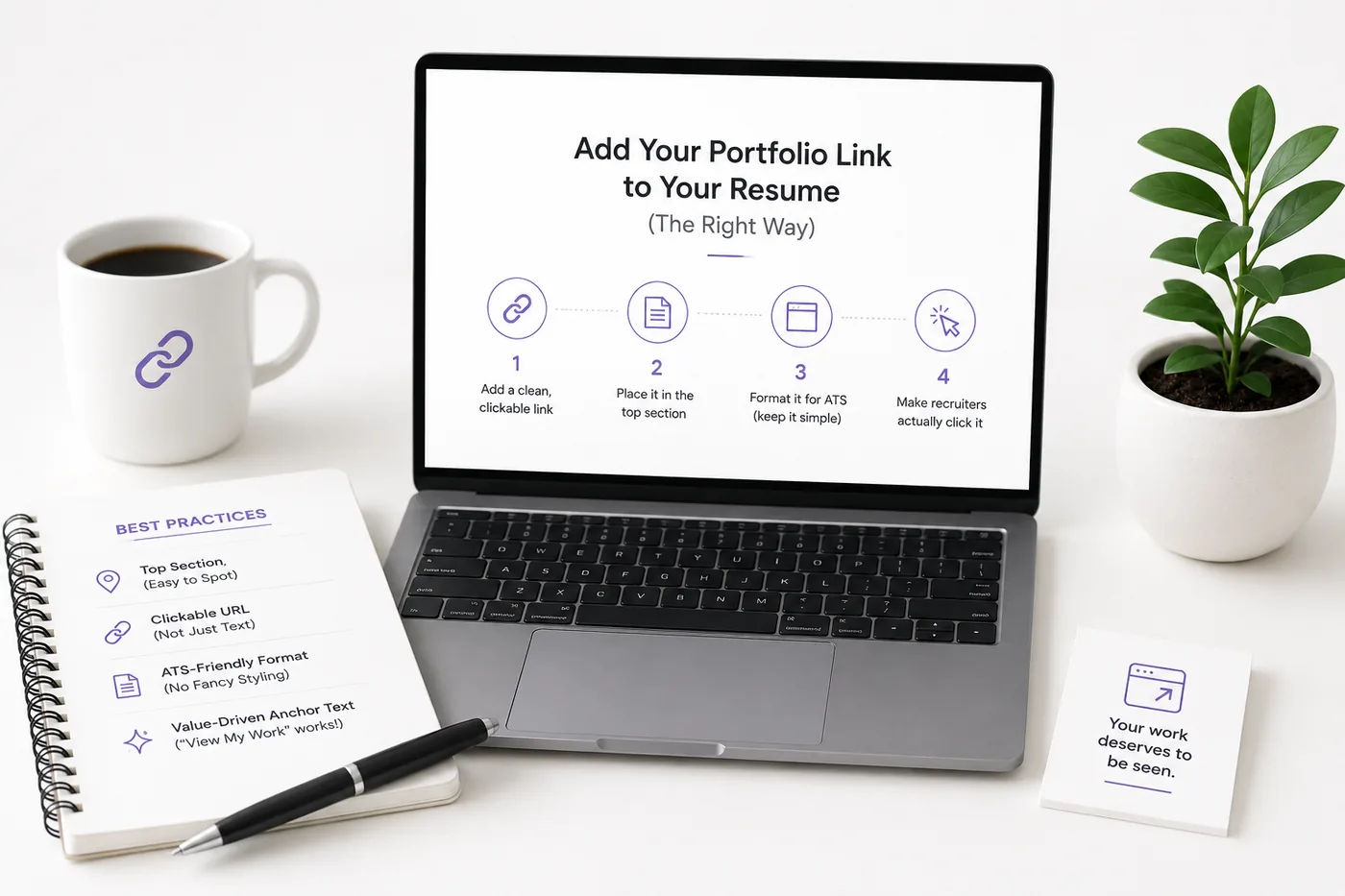
Your resume, your LinkedIn, and your portfolio should tell the same story - same name, same headline, same top projects - just at different levels of depth. A recruiter who sees a 'Full Stack Developer' resume and a portfolio headlined 'Aspiring Designer' gets confused, and confusion loses interviews. Lock the resume down first with the ATS score checker and an ATS-friendly template, then mirror that exact positioning in your portfolio. When they reinforce each other, every recruiter touchpoint pushes you forward. See How to Add Your Portfolio Link to Your Resume for placing the link correctly.
Common Mistakes
- A site with almost no text for Google to read.
- Generic title tags ("Home").
- Slow, image-heavy pages.
- Blocking indexing by accident - see the broader Portfolio Mistakes to Avoid.
Turning a resume into a portfolio site
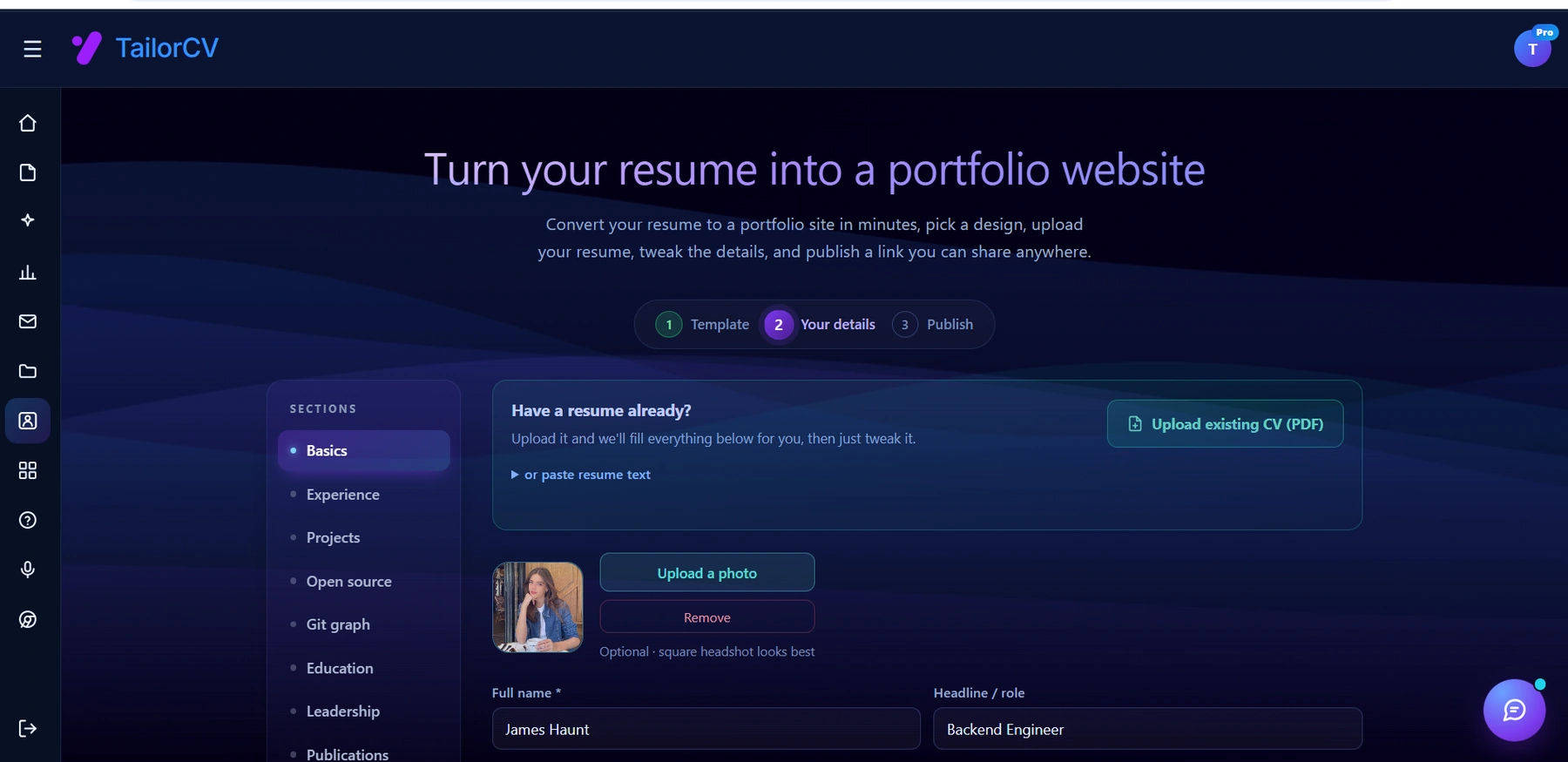
You upload the resume you already have and the sections fill themselves in - basics, experience, projects, education - so building the site is editing rather than starting from an empty page.
Avoiding SEO Pitfalls
- Neglecting Alt Text: Always provide descriptive alt text for images to improve accessibility and SEO.
- Ignoring Analytics: Use tools like Google Analytics to monitor visitor behavior and adjust your portfolio accordingly.
- Overstuffing Keywords: Use keywords naturally; avoid cramming them into your content, which can hurt your ranking.
Pro Tips
- Put your role in the first six words of your homepage copy.
- Get a few quality backlinks (LinkedIn, GitHub, dev communities).
- Build an SEO-ready site fast with the portfolio builder.
Building Quality Backlinks
- Guest Blogging: Write articles for reputable sites in your industry and include links back to your portfolio.
- Networking: Engage with professionals in your field on social media and forums, and share your work.
- Testimonials and Reviews: Encourage clients to link back to your portfolio when they share their experiences with your work.
Additional Strategies to Enhance Your Portfolio's SEO
- Utilize Social Media: Share your work on platforms like Instagram, Twitter, or Pinterest, linking back to your portfolio. This can drive traffic and improve visibility.
- Leverage YouTube: Create video content showcasing your projects or sharing industry insights, and link these videos to your portfolio.
- Optimize for Local SEO: If you’re targeting local clients, include location-based keywords and create a Google My Business listing.
Tools and Resources for Portfolio SEO
- SEO Audit Tools: Use tools like SEMrush or Ahrefs to analyze your website’s SEO performance.
- Content Planning: Tools like BuzzSumo can help you find trending topics relevant to your industry.
- Portfolio Website Builders: Explore options like Best Portfolio Website Builders in 2026 (Compared by Use Case) to find a platform that suits your needs.
By implementing these strategies and continuously optimizing your portfolio, you'll significantly increase your chances of being discovered by recruiters and clients alike. Your portfolio can be a powerful tool for attracting opportunities; make sure it's working as hard as you are!
Frequently Asked Questions
How long until my portfolio ranks?
For your own name, often quickly. For competitive keywords, weeks to months with real content and a few backlinks.
Do I need a blog on my portfolio?
Not required, but even a few project write-ups dramatically improve discoverability and credibility.
What matters most for portfolio SEO?
A clear title/description, real text content, fast mobile performance, HTTPS, and a custom domain. Additionally, consider using a portfolio builder to streamline the process.
Build Your Portfolio Now
You do not need to code a site from scratch or spend a weekend wrestling with a website builder. Turn your existing resume into a live, shareable portfolio website in minutes with the TailorCV portfolio builder - choose a template, upload your CV, tweak the details, and publish a link you can drop straight onto your resume and LinkedIn. Before you start applying, run your resume through the free ATS score checker and switch to an ATS-friendly template so your portfolio and resume tell one clean, consistent story to every recruiter.
Related Guides
- How to Build a Professional Portfolio
- Portfolio About Me Section
- Personal Branding for Professionals
- LinkedIn Profile Optimization Guide
- How to Host Your Portfolio for Free
- Portfolio Domain Name Guide
- How to Write a Portfolio Case Study
- Best Portfolio Website Builders 2026
- Portfolio Mistakes to Avoid
- GitHub Portfolio Optimization
- Portfolio Checklist Before You Apply
- Personal Website vs Portfolio
- Portfolio SEO Guide 2026 - Getting Found by Recruiters
Make This Practical
If this topic connects to your work samples, turn the advice into a live proof page with the TailorCV portfolio builder. After publishing, add the link correctly using How to Add Your Portfolio Link to Your Resume, tighten the page with the Portfolio Checklist Before Applying, and make sure recruiters can contact you through a clean Portfolio Contact Section.
Your portfolio works best when it supports the resume, not when it replaces it. Run the resume through the free ATS score checker, choose an ATS-friendly resume template, and use Portfolio SEO: Get Found so your name, role, and strongest projects are easier to discover.
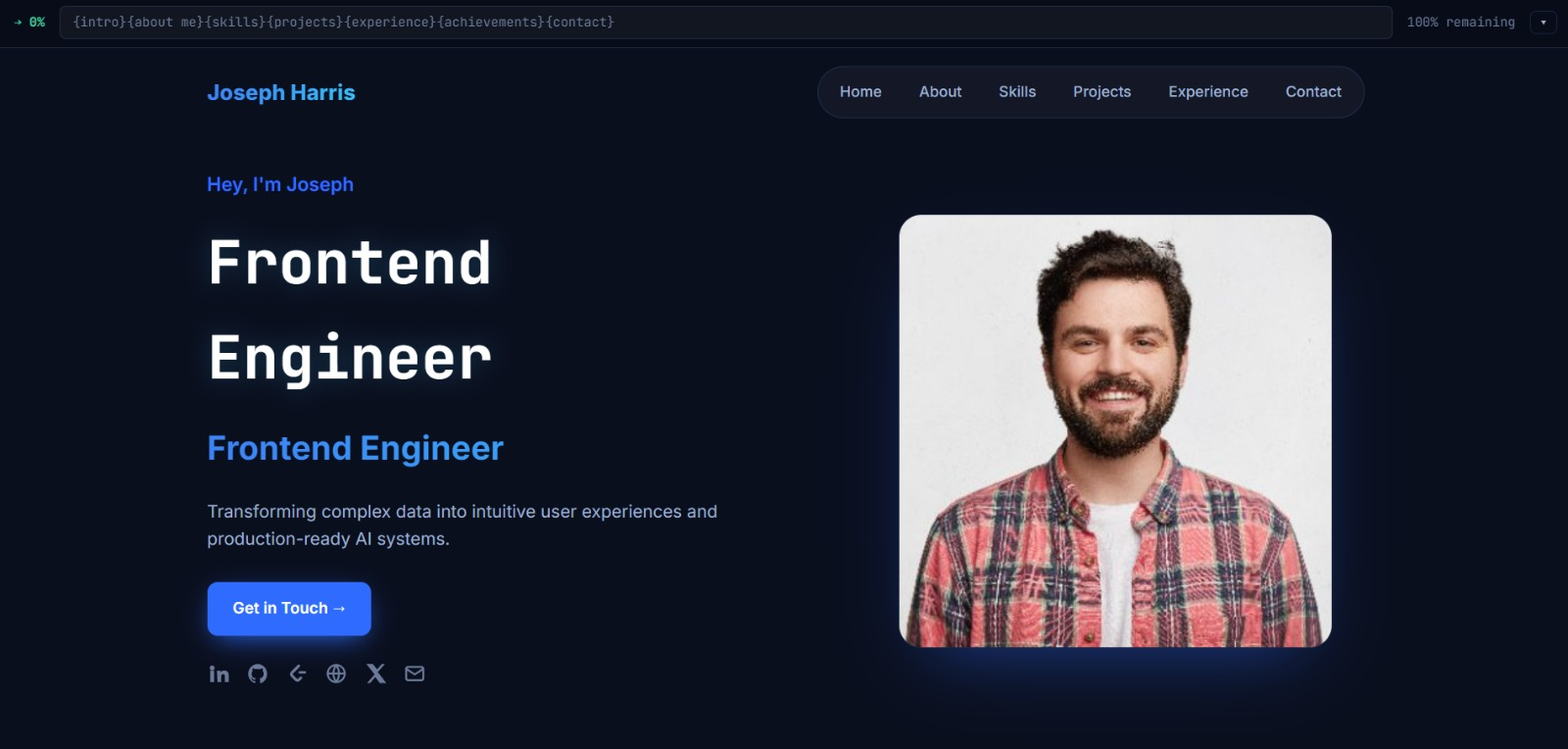
See what your portfolio could look like
This theme is built straight from your resume — pick one and your portfolio is live in minutes.
Was this guide useful?
Be the first to rate it.