SS
SS

Key Takeaways
- Include growth metrics, campaign case studies, content samples, and crisis management examples in your social media manager portfolio.
- Frame your strategy by detailing campaign goals, your approach, and measurable results to demonstrate your impact.
- Host your portfolio on a personal site, linking to live accounts you managed and ensuring it aligns with your resume.
- Avoid vanity metrics without context and include diverse content formats to match target role requirements.
- Highlight a turnaround case study and showcase your content calendar to illustrate strategic planning skills.
Anyone can screenshot a few posts and call it a portfolio. What actually gets social media managers hired is proof of growth - follower gains, engagement rate changes, and campaigns tied to real business outcomes. Pair this with How to Build a Professional Portfolio and Marketing Portfolio Guide.
What to Include
| What to include | Why |
|---|---|
| Growth metrics | follower growth, engagement rate, reach, and how they changed under your management |
| 2-4 campaign case studies | a launch, a viral moment you engineered, a community-building initiative |
| Content samples | a mix of formats (short-form video, carousels, static posts) organized by platform |
| A sample content calendar | shows planning and consistency, not just one-off posts |
| Crisis or community management examples | how you handled a negative comment wave or a customer service escalation on social |
Frame Strategy, Not Just Content
A feed of pretty posts does not tell a hiring manager you can grow an account from zero or manage a brand's voice under pressure. For each campaign:
- The goal - "Grow a new TikTok account from 0 to an engaged audience in a competitive niche"
- Your strategy - content pillars, posting cadence, collaboration or influencer approach
- The measurable result - "Reached 40K followers in 4 months with a 6.2% average engagement rate, above the 2-3% industry benchmark"
Where to Host It
- A personal site via the TailorCV portfolio builder - to house case studies, metrics, and content samples together
- Direct links to live accounts you managed (with permission) so reviewers can see the real feed
- LinkedIn Featured section linking your portfolio and pinning your strongest growth case study
Keep Your Resume and Portfolio in Sync
Your resume and portfolio should tell the same story - same platforms, same industries, same headline growth numbers - just at different levels of depth. Lock the resume down first with the ATS score checker and an ATS-friendly template, then mirror that positioning in your portfolio. See How to Add Your Portfolio Link to Your Resume for placing the link correctly.
Common Mistakes
- Vanity metrics with no context - "10,000 followers" means nothing without engagement rate and time frame
- A portfolio of only static image posts when your target roles need short-form video expertise
- Claiming credit for growth that happened before you took over the account
- No mention of community or crisis management, which is often the real differentiator at the interview stage
Pro Tips
- Include one case study where you turned around an underperforming account, not just grew a healthy one
- Show your content calendar template - it signals you plan strategically rather than posting reactively
- Generate your portfolio shell from your resume with the portfolio builder and add your growth case studies
Showcase Real-World Case Studies
One of the most compelling ways to enhance your social media manager portfolio is by including detailed case studies that illustrate your impact on previous campaigns. Follow these steps to create effective case studies:
-
Select Key Projects: Choose 2-3 projects that best represent your skills and achievements. Focus on campaigns where you played a significant role and that had measurable outcomes.
-
Outline the Challenge: Describe the initial situation or problem the client faced. What were their goals? What challenges were they encountering in their social media strategy?
-
Detail Your Approach: Explain the strategies you implemented. Discuss the platforms you chose, the content types you created, and any tools you used for scheduling or analytics. This is where you can highlight your creativity and technical skills.
-
Present the Results: Use specific metrics to showcase your success. Did engagement rates increase? How about follower growth or website traffic? Use visuals like charts or graphs to make your results more digestible.
-
Include Client Testimonials: If possible, add quotes from clients or stakeholders to lend credibility to your case studies. Positive feedback reinforces your contributions and enhances trust.
By following this structure, you can create engaging case studies that will captivate potential employers and set you apart from the competition.
Step-by-Step Guide to Building Your Social Media Portfolio
Creating a standout portfolio doesn’t have to be daunting. Use this step-by-step guide to build yours effectively:
Turning a resume into a portfolio site

The three steps are template, details, publish. Uploading an existing CV fills in the details step for you, which is why this takes minutes rather than a weekend.
-
Define Your Niche: Identify the specific niche of social media management you want to focus on, whether it's content creation, strategy development, or analytics.
-
Gather Your Work Samples: Collect examples of your best work, including posts, campaigns, and analytics reports. Ensure that you have permission to share any work that was done for clients.
-
Choose a Portfolio Format: Decide whether you want a traditional website, a PDF document, or a presentation. Each format has its advantages, but a website can offer a more dynamic experience. Consider using a custom domain for a professional touch.
-
Organize Your Content: Create sections for different types of work, such as case studies, social media posts, graphics, and analytics reports. Make sure navigation is intuitive.
-
Write Compelling Descriptions: For each sample, write a brief description that explains your role and the impact of the work. Use action verbs and focus on results to convey your value effectively.
-
Optimize for SEO: If you're hosting your portfolio online, optimize it for search engines. Use relevant keywords, alt text for images, and meta descriptions to improve visibility.
-
Get Feedback: Before going live, share your portfolio with peers or mentors to gather feedback. They can provide valuable insights that can help you refine your presentation.
-
Update Regularly: Make it a habit to update your portfolio regularly with new projects and achievements to keep it fresh and relevant.
Do's and Don'ts for a Social Media Manager Portfolio
Creating a portfolio can be a balancing act. Here’s a handy list of do's and don'ts to guide you:
Do's
- Do Highlight Your Unique Style: Showcase your personal brand and creativity through your portfolio’s design and content.
- Do Use Analytics: Include data to back up your claims. Show how your strategies led to increased engagement or sales.
- Do Keep It Professional: Ensure that your portfolio is free of typos and inconsistencies. A polished presentation reflects your attention to detail.
- Do Include a Variety of Work: Show diversity in your skills by including different types of content, such as videos, infographics, and written posts.
Don'ts
| What | Details |
|---|---|
| Don’t Overload with Content | Quality over quantity. Select only your best work to showcase |
| Don’t Ignore the User Experience | Make sure your portfolio is easy to navigate. A cluttered or confusing layout can deter potential employers |
| Don’t Forget to Promote Your Portfolio | Share your portfolio on social media and include it in your job applications. Visibility is key to getting noticed |
| Don’t Neglect Your Online Presence | Ensure your social media profiles are up-to-date and align with the brand you present in your portfolio |
Mini Checklist for Your Portfolio
Before launching your social media manager portfolio, use this checklist to ensure you’ve covered all bases:
- unchecked: Portfolio Format Selected (Website, PDF, Presentation)
- unchecked: Work Samples Collected (At least 5-7 strong examples)
- unchecked: Case Studies Written (2-3 detailed case studies)
- unchecked: SEO Optimizations Made (Keywords, alt text, meta descriptions)
- unchecked: Client Testimonials Included (If available)
- unchecked: Professional Design (Consistent colors, fonts, and layout)
- unchecked: Contact Information Listed (Easy for potential employers to reach you)
- unchecked: Regular Update Schedule Established (Plan for updating content every few months)
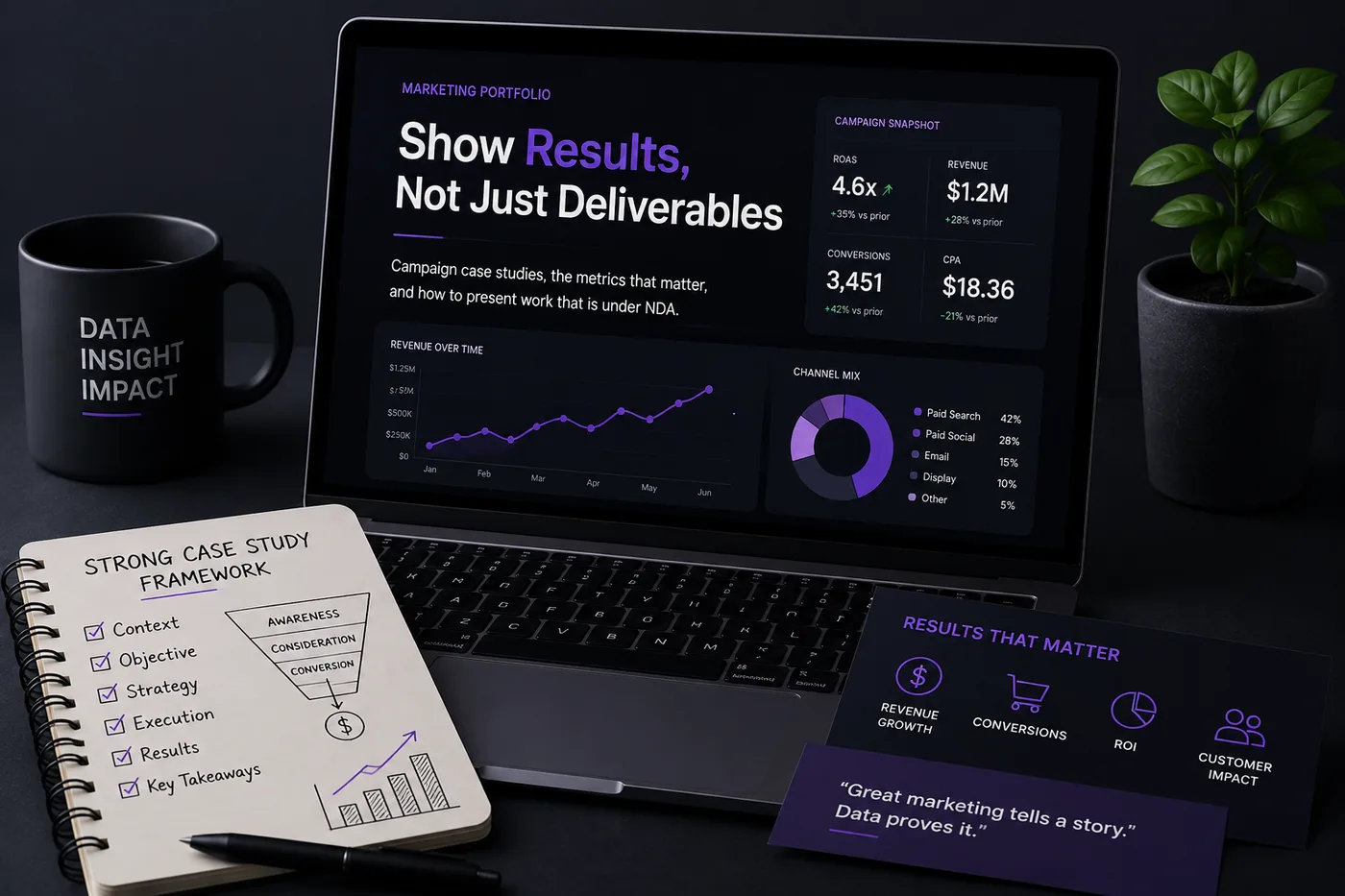
By following these guidelines and utilizing the resources available, you can create a compelling social media manager portfolio that effectively showcases your skills and experiences. For additional insights on creating a marketing portfolio, check out our Marketing Portfolio Guide: Show Results, Not Just Deliverables.
Frequently Asked Questions
Can I show results from a brand account I do not own anymore?
Yes, with growth data you can access (analytics screenshots taken while employed) and without violating any confidentiality agreement with the former employer.
I only manage a personal or small business account - is that enough?
Yes, if you can show a clear strategy and measurable growth. Document it the same way you would a client account. See Portfolio No Projects.
How do I align my resume?
Keep platform names and growth metrics consistent across resume and portfolio - see How to Quantify Resume Achievements. For more guidance, check out our Marketing Portfolio Guide and learn how to build a portfolio with AI.
Build Your Portfolio Now
You do not need to code a site or spend a weekend on a website builder. Turn your existing resume into a live, shareable portfolio in minutes with the TailorCV portfolio builder - choose a theme, upload your CV, let AI pull in your experience, then add your campaign case studies and growth metrics and publish a link for your resume and LinkedIn. Before you apply, run your resume through the free ATS score checker and switch to an ATS-friendly resume template so your portfolio and resume tell one consistent story.
Related Guides
- How to Build a Professional Portfolio
- Marketing Portfolio Guide
- Content Writer Portfolio Guide
- Virtual Assistant and Freelancer Portfolio Guide
- How to Quantify Resume Achievements
- Portfolio Website for Job Applications
- Portfolio Checklist Before Applying
- Portfolio Mistakes to Avoid
- Portfolio No Projects
- AI Portfolio Builder: No Code Required
- Portfolio Website Themes 2026
- Personal Website vs Portfolio
Make This Practical
If this topic connects to your work samples, turn the advice into a live proof page with the TailorCV portfolio builder. After publishing, add the link correctly using How to Add Your Portfolio Link to Your Resume, tighten the page with the Portfolio Checklist Before Applying, and make sure recruiters can contact you through a clean Portfolio Contact Section.
Your portfolio works best when it supports the resume, not when it replaces it. Run the resume through the free ATS score checker, choose an ATS-friendly resume template, and use Portfolio SEO: Get Found so your name, platform focus, and strongest campaigns are easier to discover.
Related Guides to Strengthen This Topic
Use these internal guides to connect this topic with the rest of your job-search workflow:
- How to Build a Professional Portfolio
- Portfolio Website for Job Applications
- Portfolio Checklist Before Applying
- Portfolio Mistakes to Avoid
- How to Write Portfolio Case Study
- Add Portfolio Link to Resume
- Resume Matching With Job Description
- ATS-Friendly Resume Builder
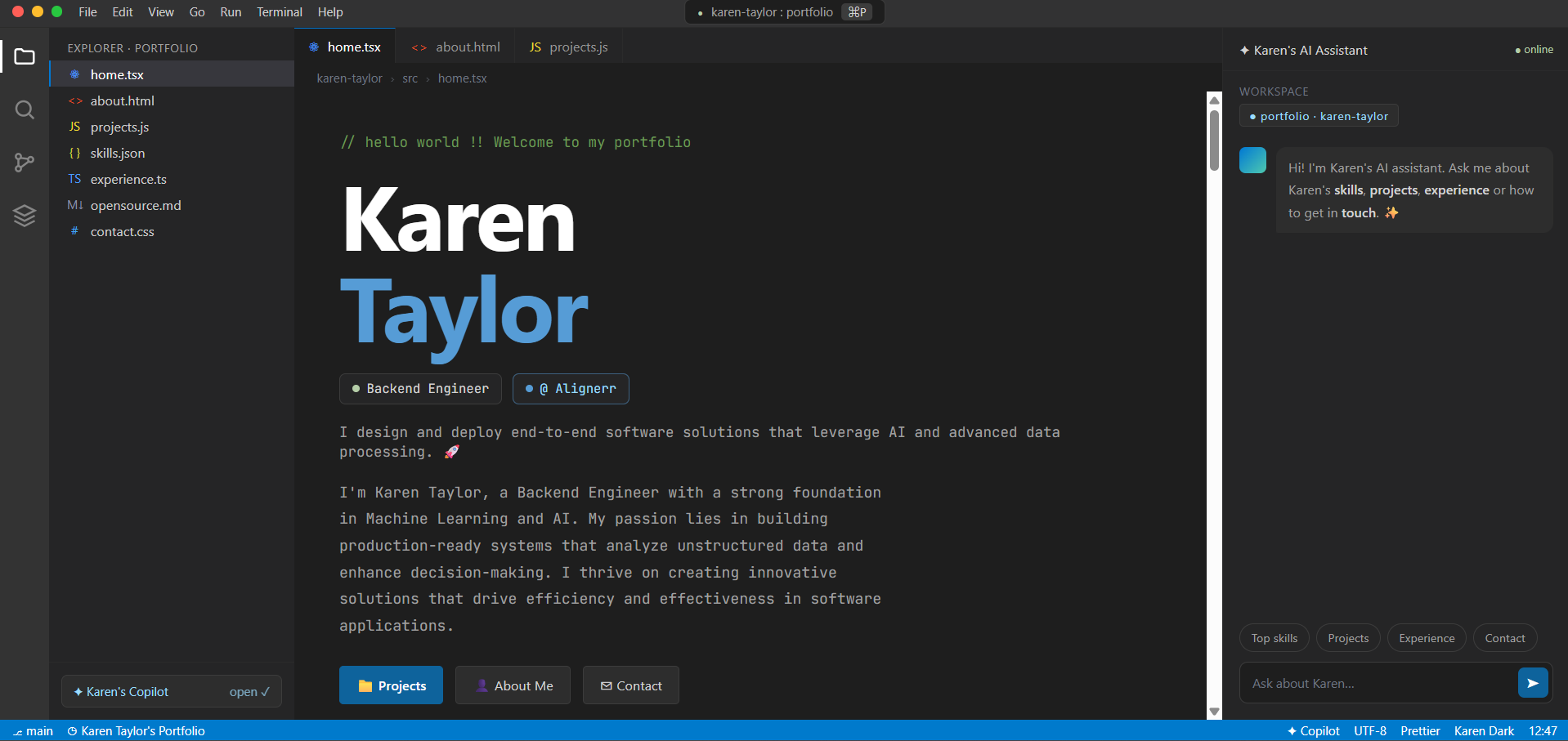
See what your portfolio could look like
This theme is built straight from your resume — pick one and your portfolio is live in minutes.
Was this guide useful?
Be the first to rate it.