 SS
SS
Key Takeaways
- A portfolio is a focused showcase of your work aimed at winning jobs or clients, while a personal website serves as a broader home base for your professional identity.
- Key elements of a strong portfolio include diverse projects, case studies, visual appeal, testimonials, and a clear call to action.
- A personal website should feature an "About Me" section, a blog for thought leadership, a downloadable resume, and easy contact information.
- Early career individuals should prioritize a portfolio, while those building a long-term brand or freelancing should consider a personal website that includes their portfolio.
- The ideal solution for most is a combined site with a strong landing page, portfolio section, and contact information, optimized for SEO.
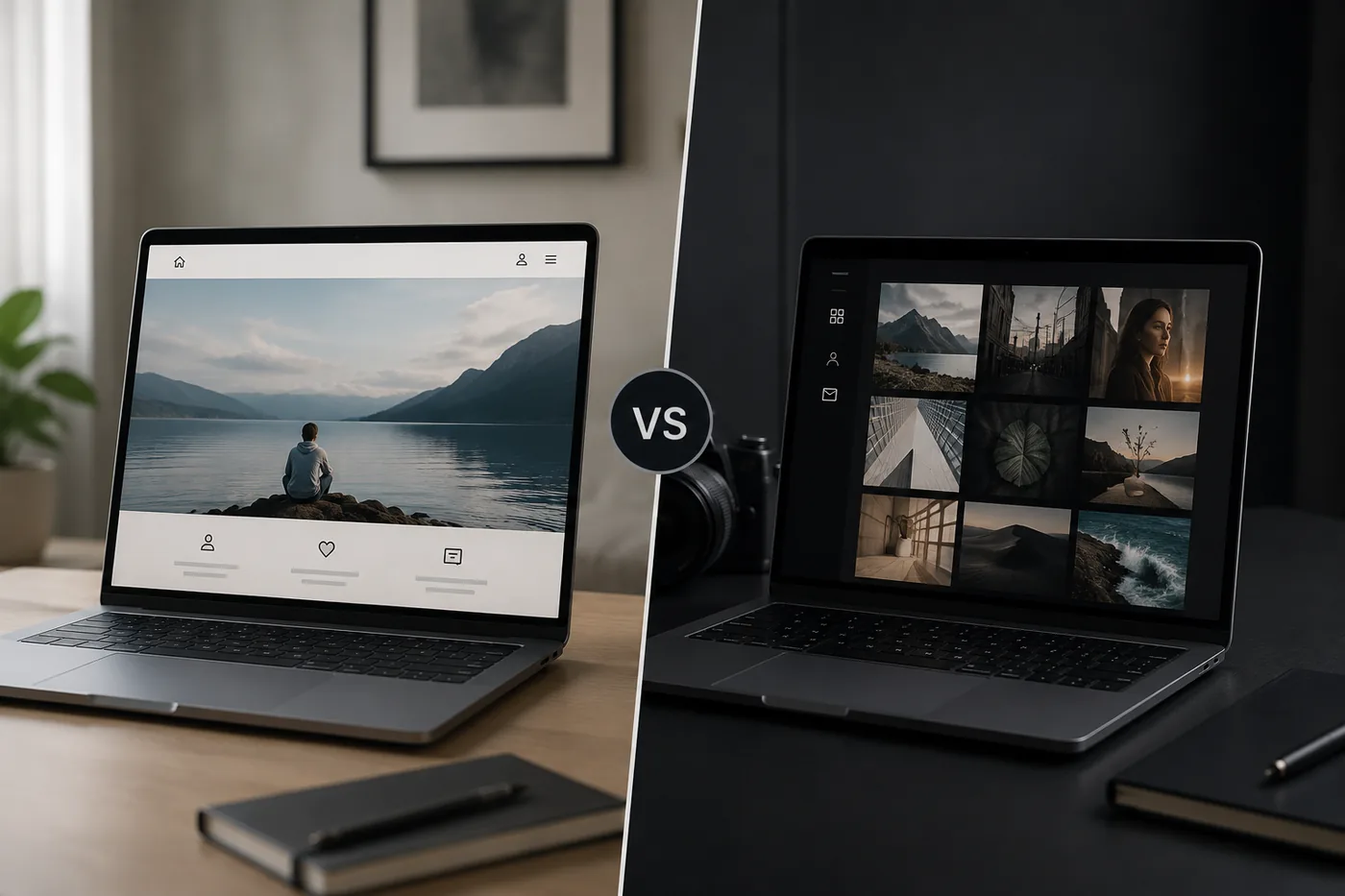
People use "personal website" and "portfolio" interchangeably, but they serve slightly different goals - and knowing the difference helps you build the right thing instead of over- or under-investing. Pair this with How to Build a Professional Portfolio and Portfolio vs Resume.
What a Portfolio Is
A focused showcase of your work - projects, case studies, and outcomes - built to win jobs or clients. The work is the star; everything else is supporting cast.
Key Elements of a Strong Portfolio
| Tool | What it does |
|---|---|
| Diverse Projects | Include a variety of work that demonstrates your skills and versatility |
| Case Studies | Provide detailed insights into your thought process, challenges faced, and solutions implemented |
| Visual Appeal | Use high-quality images and an organized layout to make your portfolio visually engaging |
| Testimonials | Incorporate feedback from clients or colleagues to add credibility |
| Call to Action | Make it easy for potential employers or clients to contact you |
What a Personal Website Is
A broader home base: who you are, your work, maybe a blog, your resume, contact, and your overall brand. A personal website can contain a portfolio plus more (writing, speaking, a newsletter).
Components of a Personal Website
| Tool | What it does |
|---|---|
| About Me Section | Share your story, values, and professional journey. This is your opportunity to connect with your audience on a personal level. For tips on crafting this section, see How to Write the About Me Section of Your Portfolio (With Examples) |
| Blog | Regularly update your insights, experiences, or industry trends to demonstrate thought leadership |
| Resume | Include a downloadable version of your resume for easy access |
| Contact Information | Ensure potential clients or employers can reach you easily |
Which Do You Need?
- Early Career / Actively Job Hunting: A portfolio is enough. Focus on showcasing your best work and relevant skills.
- Building a Long-term Brand / Freelancing / Creating Content: A personal website that includes your portfolio is ideal. This allows you to present a comprehensive view of your professional identity.
There is no wrong answer - only the right one for your stage.
The Best of Both: One Smart Site
For most people, the ideal is a single site with:
- A strong landing page (your brand and headline)
- A portfolio section (the proof) - see How to Write a Portfolio Case Study
- An Portfolio About Me Section
- A clear Portfolio Contact Section
That covers 95% of needs. Add a blog later if you want discoverability (Portfolio SEO: Get Found).
Steps to Create a Combined Website
- Choose a Domain Name: This should reflect your brand and be easy to remember. For a detailed guide, check out How to Choose a Domain Name for Your Portfolio (2026).
- Select a Hosting Platform: Use reliable hosting services that offer good support and uptime. You can even host it free (How to Host Your Portfolio for Free).
- Build Your Site: Use website builders or templates to create a visually appealing layout. Consider tools that allow easy updates and customization.
- Optimize for SEO: Use relevant keywords and metadata to improve your site's visibility on search engines.
Build It Fast
Generate this combined site from your resume with the portfolio builder, pick a Portfolio Domain Name Guide, and host it free (How to Host Your Portfolio for Free). Grow it into a brand over time - see Personal Branding for Professionals.
Keep Your Resume and Portfolio in Sync
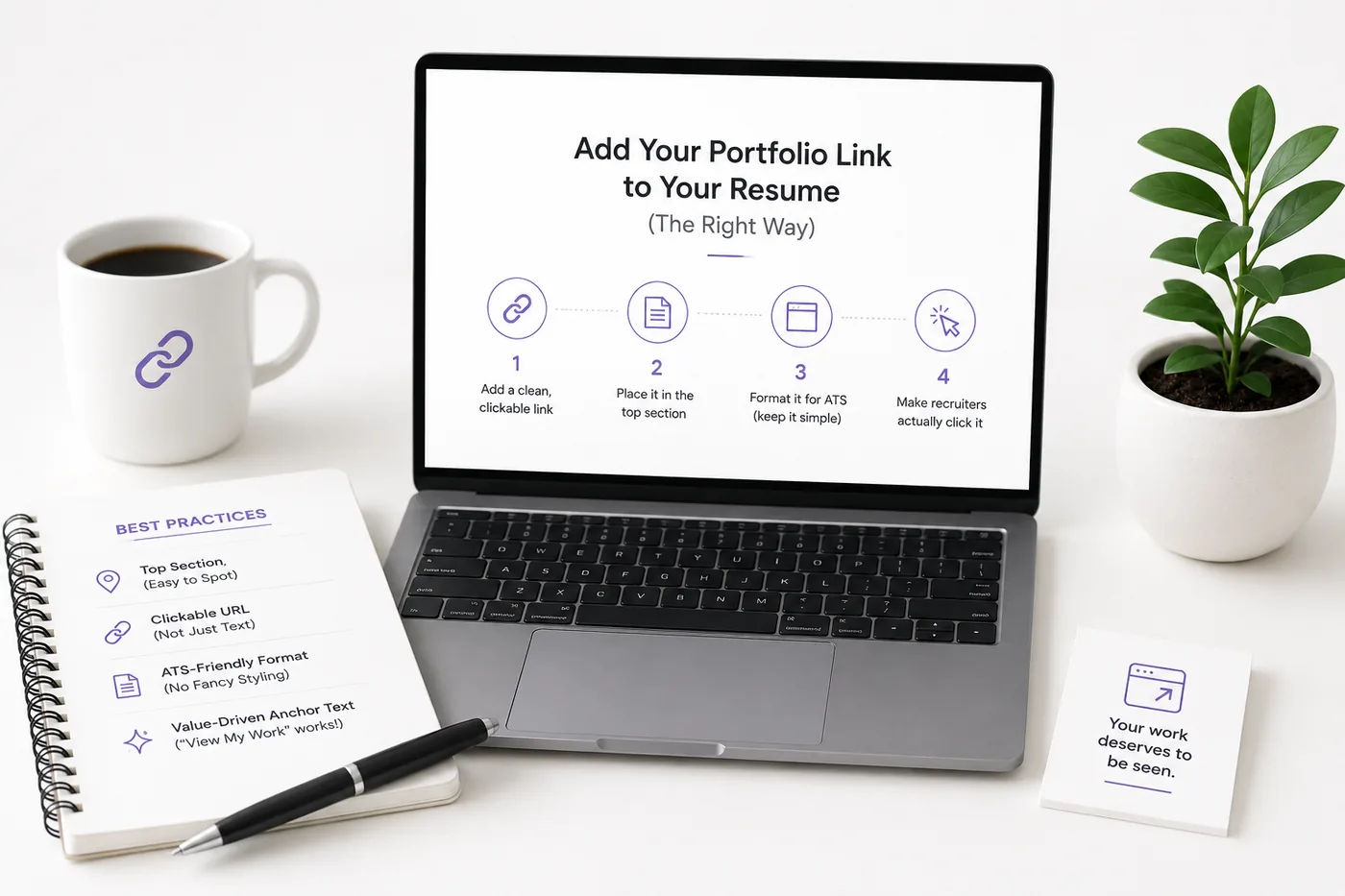
Your resume, your LinkedIn, and your portfolio should tell the same story - same name, same headline, same top projects - just at different levels of depth. A recruiter who sees a 'Full Stack Developer' resume and a portfolio headlined 'Aspiring Designer' gets confused, and confusion loses interviews. Lock the resume down first with the ATS score checker and an ATS-friendly template, then mirror that exact positioning in your portfolio. When they reinforce each other, every recruiter touchpoint pushes you forward. See How to Add Your Portfolio Link to Your Resume for placing the link correctly.
Turning a resume into a portfolio site
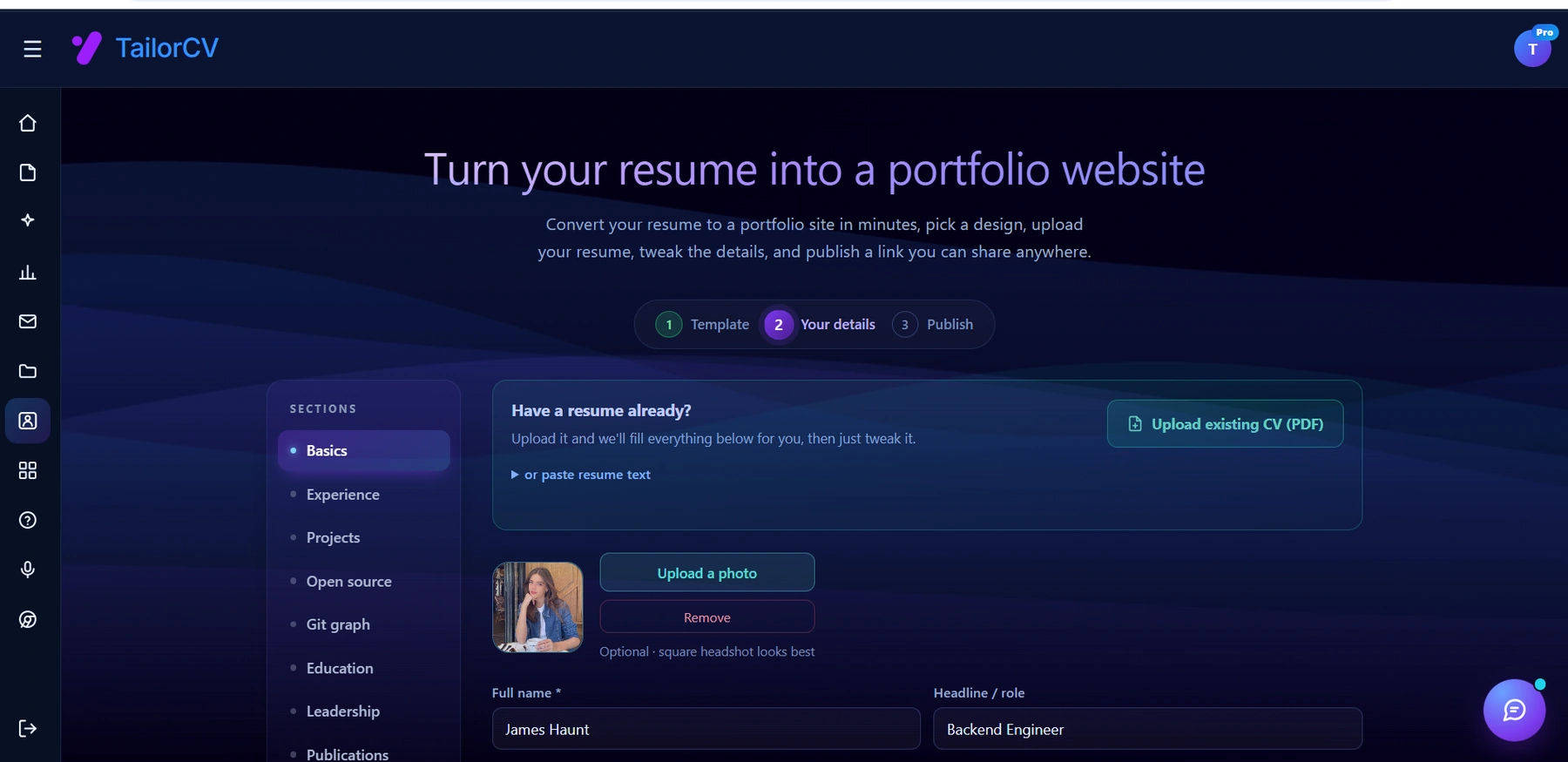
The three steps are template, details, publish. Uploading an existing CV fills in the details step for you, which is why this takes minutes rather than a weekend.
Common Mistakes
- Building an Elaborate Personal Website Before You Have Any Work to Show: Focus first on your portfolio; your website can evolve as you gain more experience.
- A Portfolio with No Personality or Contact Path: Ensure that your personality comes through and that it's easy for prospects to reach you.
- Splitting into Multiple Sites No One Can Find: Maintain a single, cohesive online presence to avoid confusing potential employers. For more on this, see 11 Portfolio Mistakes That Cost You Interviews (And How to Fix Each).
- Ignoring Mobile Optimization: Ensure your site is mobile-friendly, as many users will access it via their phones.
Additional Tips for Success
- Use Analytics: Implement tools to track visitors and understand how they interact with your site. This data can guide future improvements.
- Regular Updates: Keep your portfolio and website fresh by regularly adding new work, blog posts, or testimonials.
- Network: Share your website and portfolio on social media, LinkedIn, and professional groups to expand your reach.
By understanding the differences between a personal website and a portfolio, and knowing how to effectively combine them, you can create a powerful online presence that showcases your professional identity and attracts opportunities.
Frequently Asked Questions
Do I need both a website and a portfolio?
No - one site that includes a portfolio section covers most people. Separate them only if you blog or build a broader brand.
Which should a job seeker prioritize?
The portfolio. Proof of work wins interviews; the broader brand can come later.
Can I start small and grow it?
Yes. Start with a portfolio + About Me section + contact, then add a blog and brand pages over time.
Build Your Portfolio Now
You do not need to code a site from scratch or spend a weekend wrestling with a website builder. Turn your existing resume into a live, shareable portfolio website in minutes with the TailorCV portfolio builder - choose a template, upload your CV, tweak the details, and publish a link you can drop straight onto your resume and LinkedIn. Before you start applying, run your resume through the free ATS score checker and switch to an ATS-friendly template so your portfolio and resume tell one clean, consistent story to every recruiter.
Related Guides
- How to Build a Professional Portfolio
- Personal Branding for Professionals
- Portfolio About Me Section
- Portfolio vs Resume
- LinkedIn Profile Optimization Guide
- Portfolio Domain Name Guide
- How to Host Your Portfolio for Free
- Portfolio SEO: Get Found
- How to Write a Portfolio Case Study
- Portfolio Contact Section
- Best Portfolio Website Builders 2026
- Turn Your Resume Into a Portfolio in Minutes
Make This Practical
If this topic connects to your work samples, turn the advice into a live proof page with the TailorCV portfolio builder. After publishing, add the link correctly using How to Add Your Portfolio Link to Your Resume, tighten the page with the Portfolio Checklist Before Applying, and make sure recruiters can contact you through a clean Portfolio Contact Section.
Your portfolio works best when it supports the resume, not when it replaces it. Run the resume through the free ATS score checker, choose an ATS-friendly resume template, and use Portfolio SEO: Get Found so your name, role, and strongest projects are easier to discover.
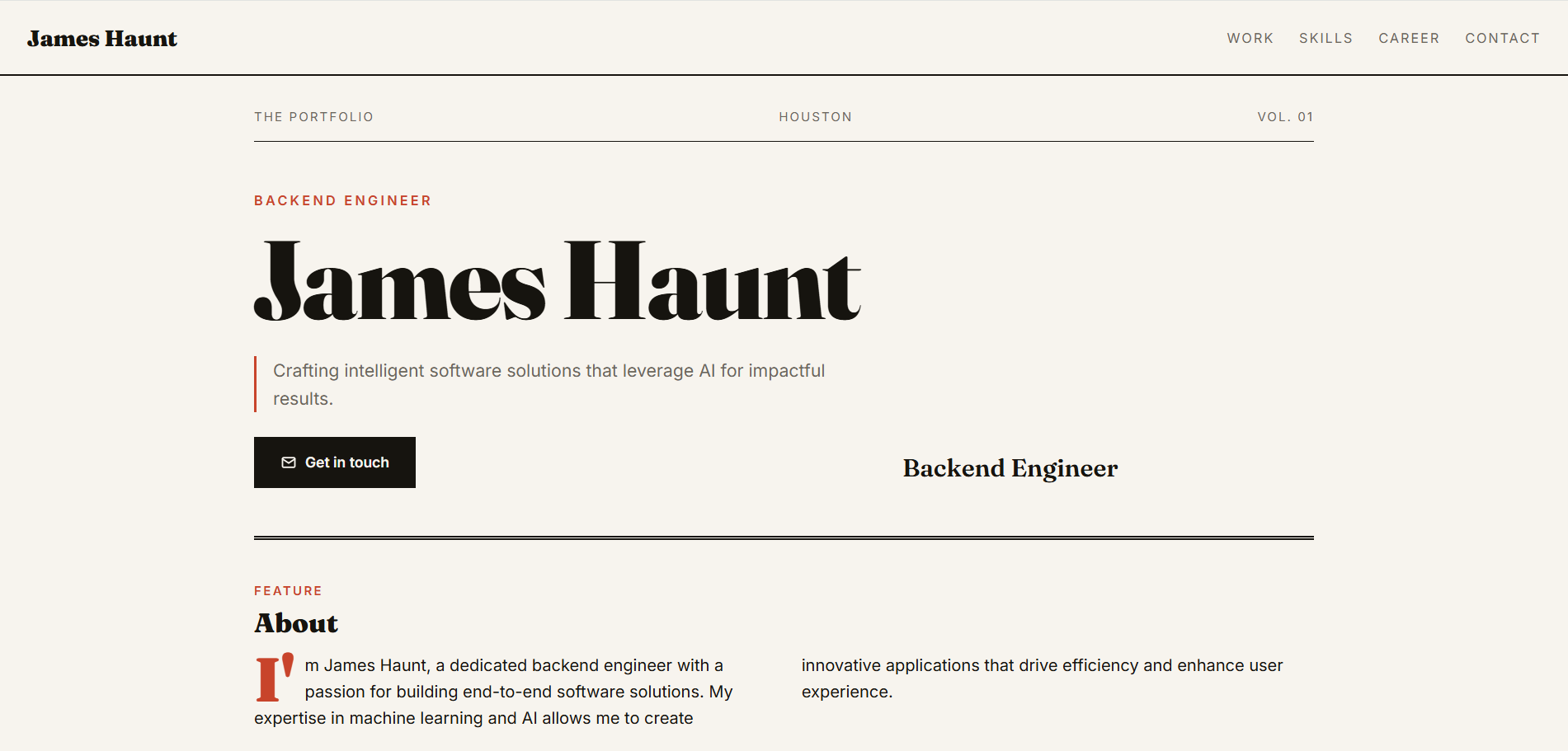
See what your portfolio could look like
This theme is built straight from your resume — pick one and your portfolio is live in minutes.
Was this guide useful?
Be the first to rate it.