 TD
TD
Key Takeaways
- Include 3-5 strong projects in your portfolio, ensuring each has a clear problem, process, and outcome.
- Verify that all links work, the site loads quickly, and it is mobile-friendly with HTTPS enabled.
- Provide an obvious contact path and ensure your LinkedIn and GitHub links are correct.
- Maintain consistency across your resume, LinkedIn, and portfolio by using the same name, headline, and key projects.
- Regularly update your portfolio to reflect your latest work and seek feedback to catch any errors.
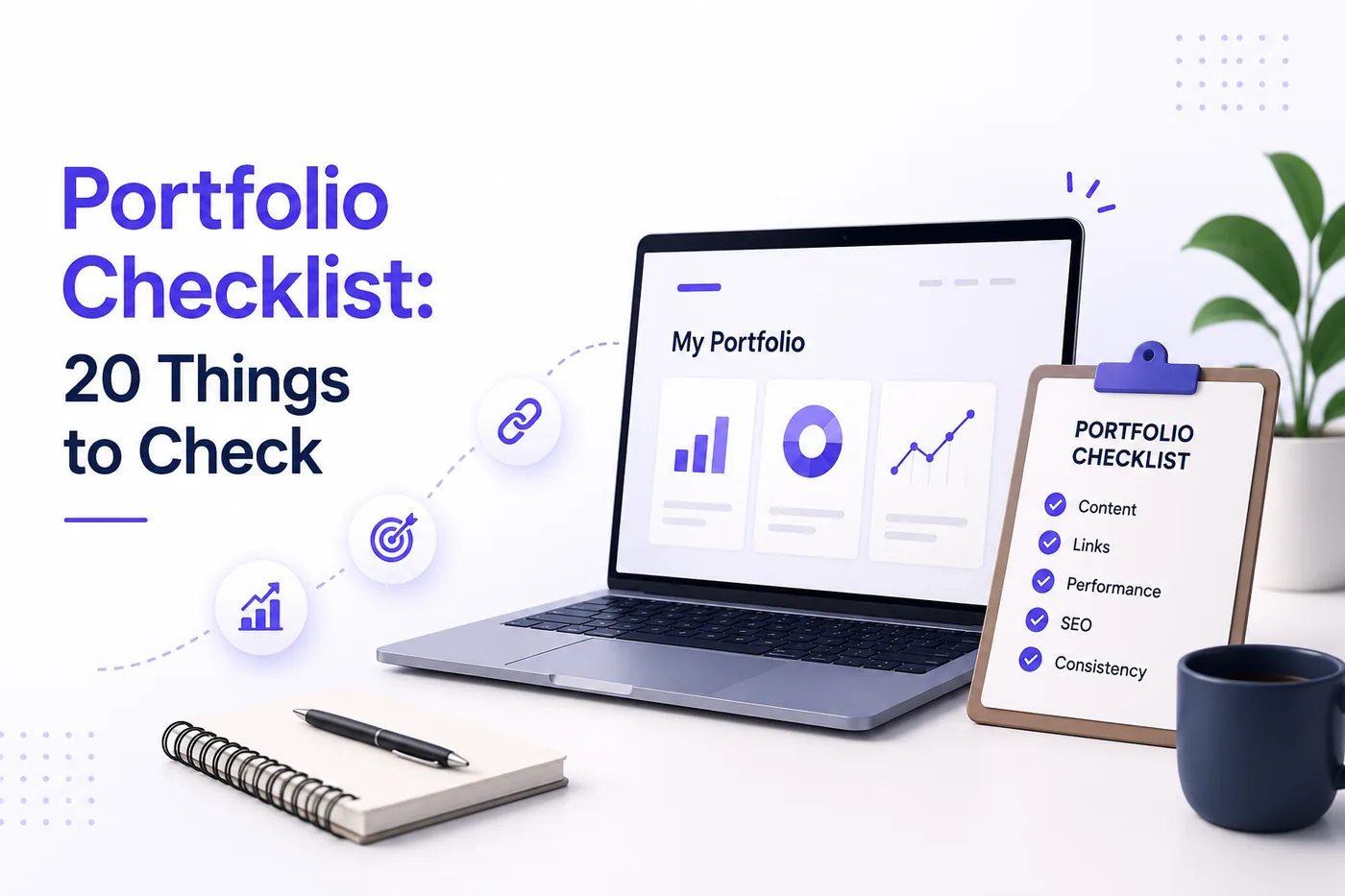
Before you send a single application, run your portfolio through this checklist. Five minutes here prevents the silent rejections that come from a dead link, a slow page, or a missing contact path. Pair this with Portfolio Mistakes to Avoid and How to Build a Professional Portfolio.
Content
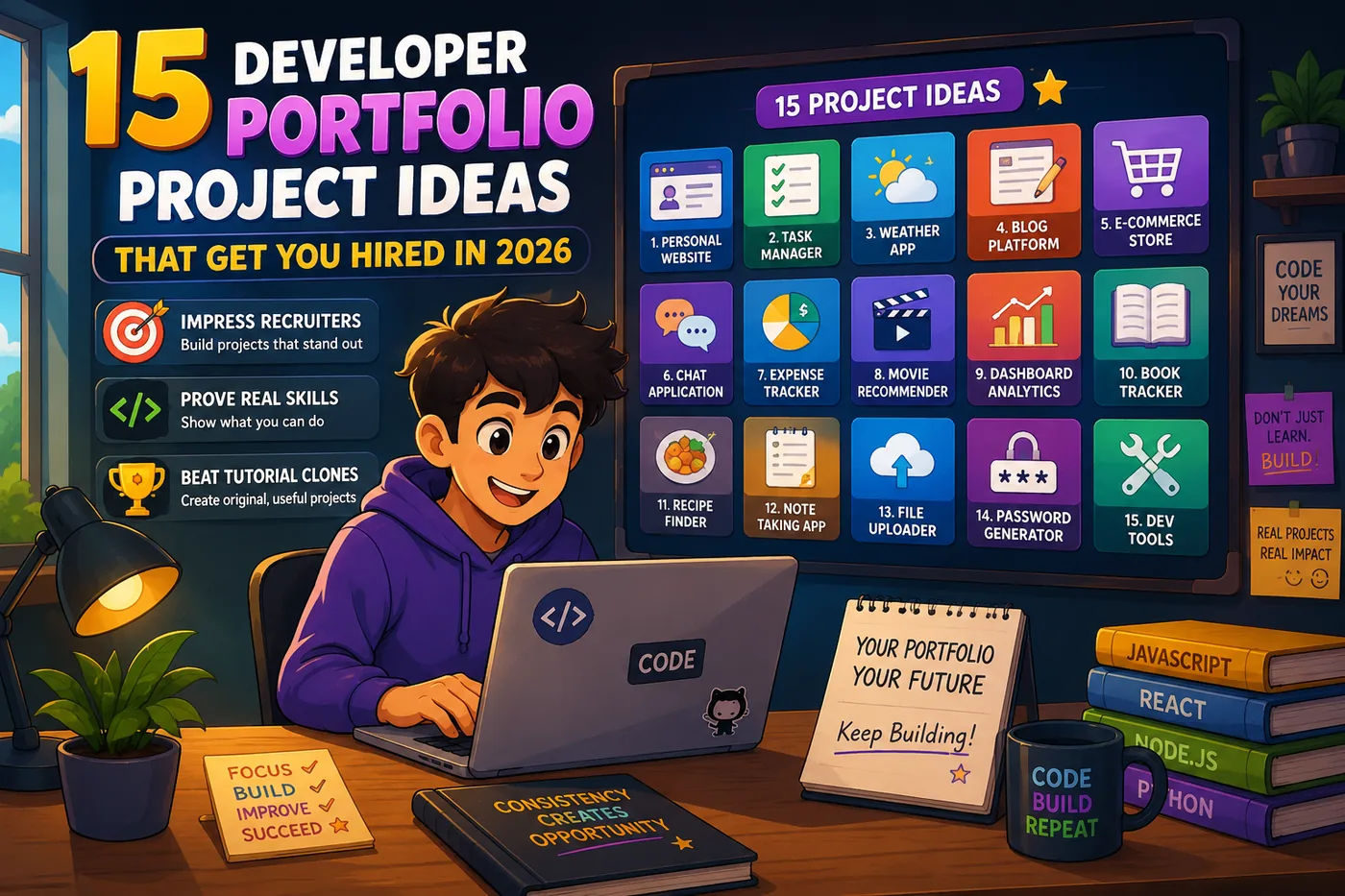
- unchecked: 3-5 strong projects; weak ones removed (15 Developer Portfolio Project Ideas)
- unchecked: Each project has problem, process, and outcome (How to Write a Portfolio Case Study)
- unchecked: Real metrics or proxies where possible (How to Quantify Resume Achievements)
- unchecked: A clear, specific Portfolio About Me Section
- unchecked: No confidential or NDA material
Links & Technical
- unchecked: Every demo and repo link works (test in incognito)
- unchecked: Loads fast - images compressed (How to Host Your Portfolio for Free)
- unchecked: Looks great on mobile (test at 320px)
- unchecked: HTTPS enabled
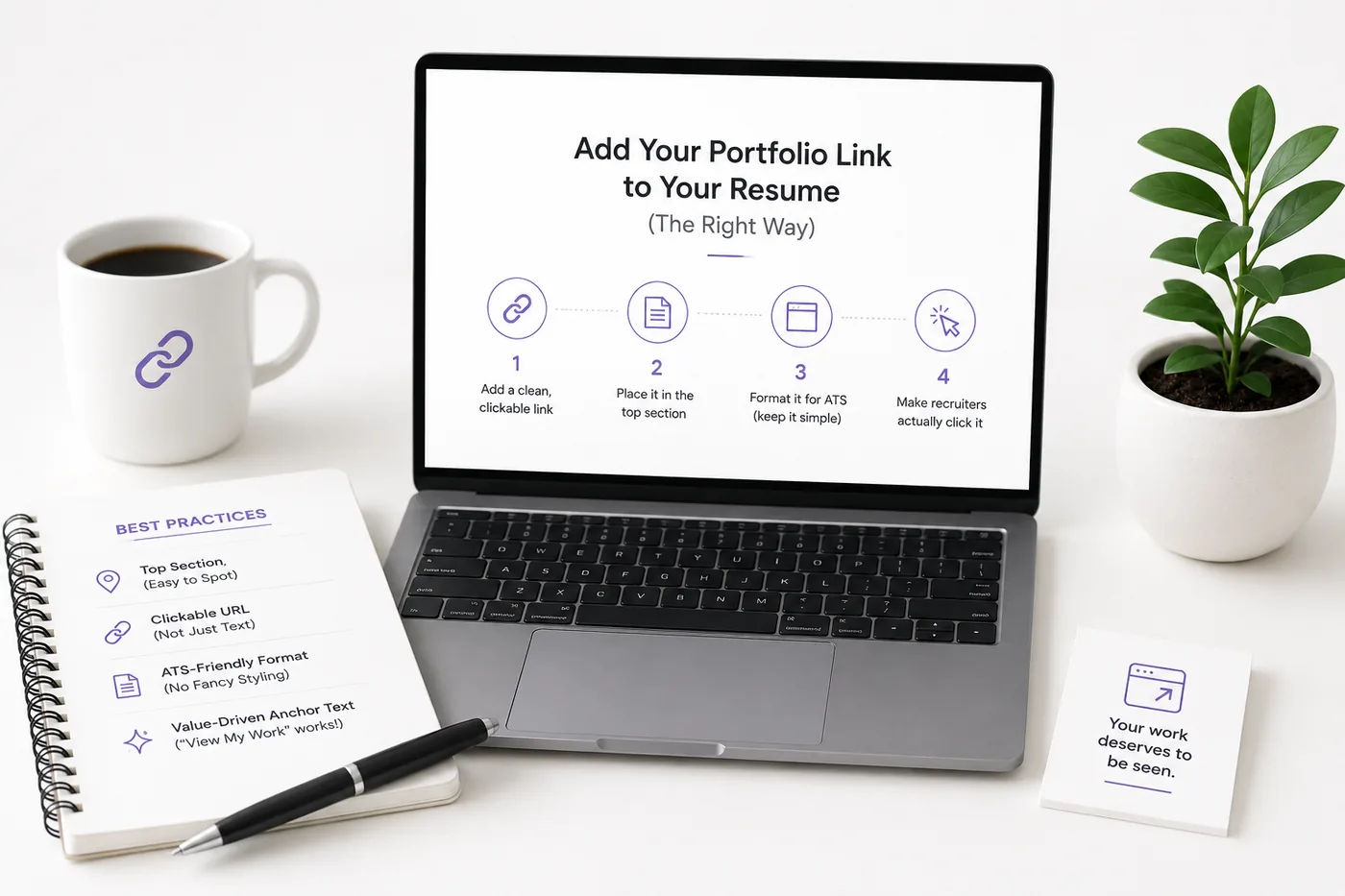
- unchecked: Resume link present and current (How to Add Your Portfolio Link to Your Resume)
Contact & CTA
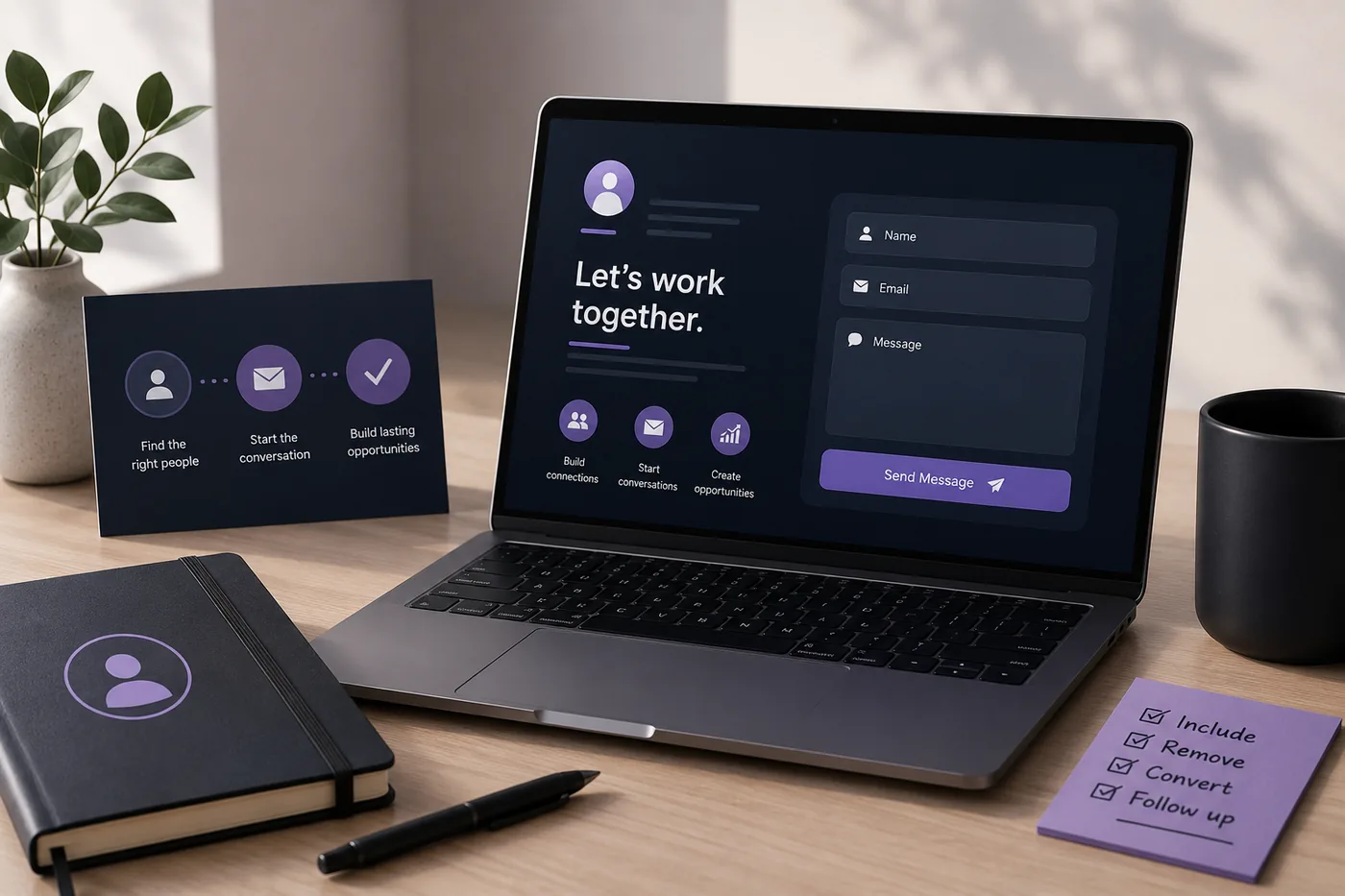
- unchecked: Obvious contact path (Portfolio Contact Section)
- unchecked: LinkedIn / GitHub links correct (GitHub Portfolio Optimization)
- unchecked: A clear call to action
Findability
- unchecked: Title tag with your name + role (Portfolio SEO: Get Found)
- unchecked: Meta description set
- unchecked: Indexed (not blocked by robots.txt)
- unchecked: Custom domain connected (Portfolio Domain Name Guide)
Consistency
- unchecked: Same name, headline, and story as your resume and LinkedIn
- unchecked: Resume optimized via the ATS checker and an ATS-friendly template
Final Pass
- unchecked: A friend reviewed it on their phone
- unchecked: Spelling and grammar checked
Fix any gaps fast by rebuilding with the portfolio builder.
Keep Your Resume and Portfolio in Sync
Your resume, your LinkedIn, and your portfolio should tell the same story - same name, same headline, same top projects - just at different levels of depth. A recruiter who sees a 'Full Stack Developer' resume and a portfolio headlined 'Aspiring Designer' gets confused, and confusion loses interviews. Lock the resume down first with the ATS score checker and an ATS-friendly template, then mirror that exact positioning in your portfolio. When they reinforce each other, every recruiter touchpoint pushes you forward. See How to Add Your Portfolio Link to Your Resume for placing the link correctly.
Common Mistakes to Avoid in Your Portfolio
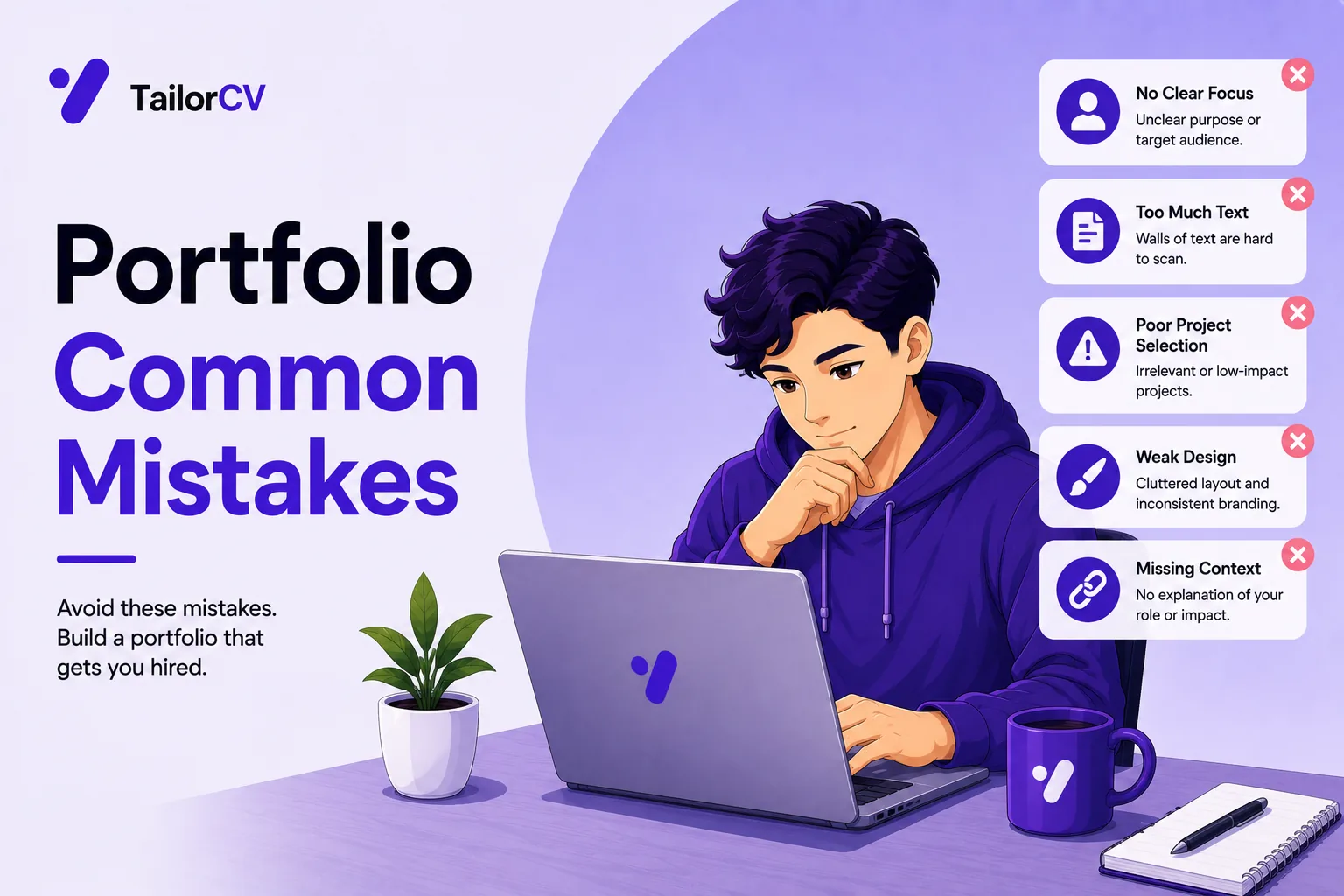
Creating a standout portfolio is a crucial step in your job application process, but there are several pitfalls that can undermine your efforts. Here are some common mistakes to avoid:
-
Neglecting Your Audience: Tailor your portfolio to the specific industry or role you’re applying for. For example, a graphic designer should emphasize visual projects while a business analyst might focus on case studies and data analysis.
-
Overloading with Content: It's tempting to showcase every project you've ever worked on, but less is often more. Choose a few of your best works that highlight your skills and relevance to the job you're targeting.
-
Ignoring Mobile Optimization: A significant number of employers review portfolios on mobile devices. Ensure your portfolio is responsive and looks good on all screen sizes.
-
Lack of Updates: If your portfolio hasn’t been updated in over a year, it can make you seem out of touch. Regularly refresh your content to showcase your latest and most relevant work.
-
Poor Navigation: If potential employers can’t easily find what they’re looking for, they may lose interest quickly. Ensure your portfolio has a clear, intuitive layout.
Step-by-Step Guide to Curate Your Portfolio
Follow these steps to create a polished and professional portfolio:
Turning a resume into a portfolio site
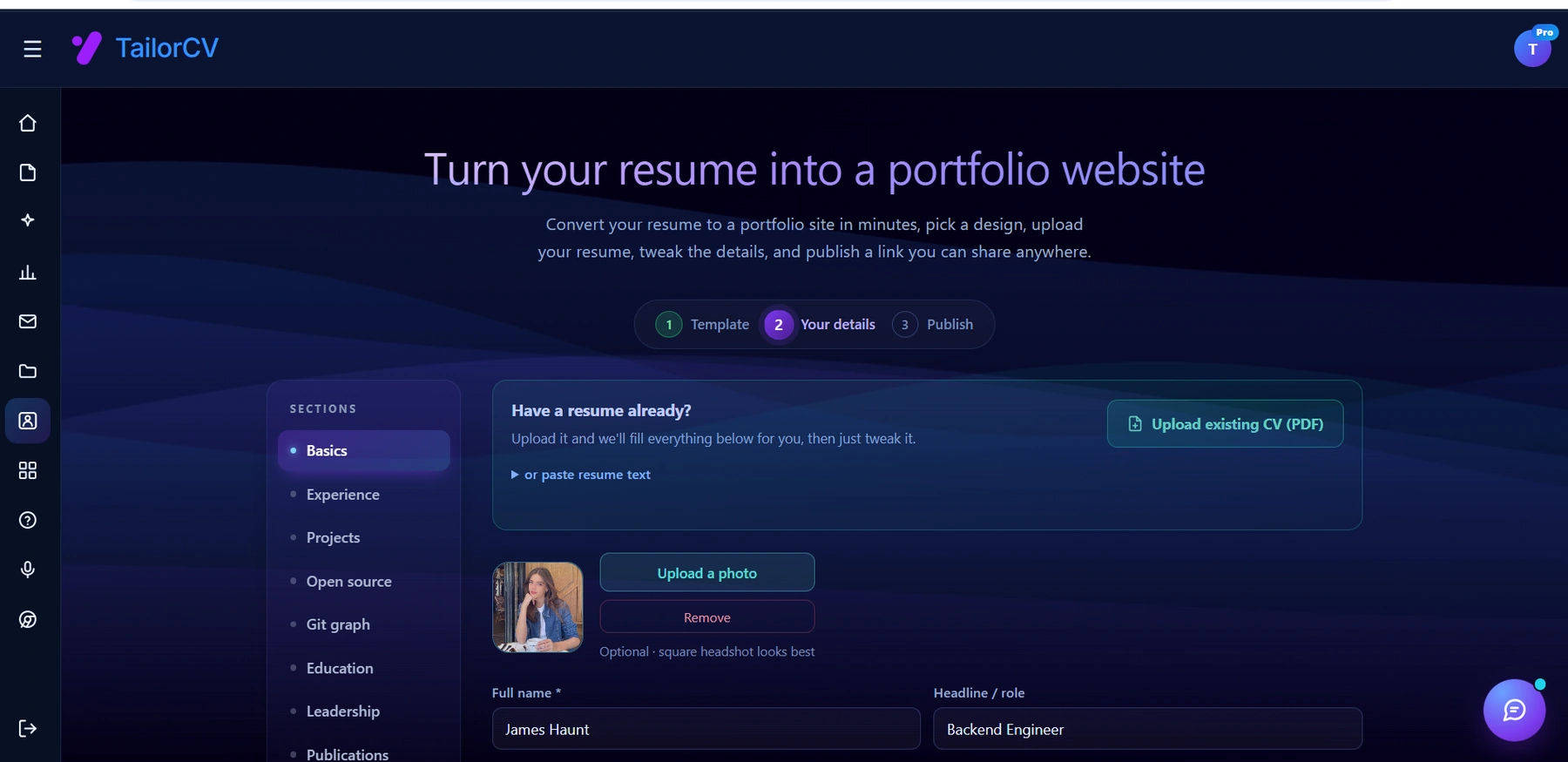
You upload the resume you already have and the sections fill themselves in - basics, experience, projects, education - so building the site is editing rather than starting from an empty page.
-
Define Your Purpose: Determine what you want to achieve with your portfolio. Are you looking for a job, freelance work, or simply showcasing your skills?
-
Select Your Best Work: Choose 5-10 pieces that represent your skills and experience. For each project, consider including: - A brief description of the project - Your specific role and contributions - The tools and methodologies used - Any measurable outcomes or results
-
Organize Logically: Group your projects by type or relevance. For instance, a developer might categorize projects by languages or frameworks used.
-
Write Engaging Descriptions: Use clear and concise language. Highlight not just what you did, but how you approached challenges and what you learned.
-
Incorporate Visuals: Especially for creative roles, high-quality images, videos, or interactive elements can make your portfolio more engaging.
-
Seek Feedback: Before finalizing, share your portfolio with trusted peers or mentors for constructive criticism.
-
Finalize and Launch: Once you've made adjustments based on feedback, publish your portfolio on a custom domain to enhance professionalism. For guidance, check out our How to Put Your Portfolio on a Custom Domain.
Do's and Don'ts for an Effective Portfolio
Here’s a quick reference guide to ensure your portfolio stands out:
Do's
- Do Use High-Quality Images: Ensure any visuals are clear and professionally presented.
- Do Include a Personal Touch: Add an "About Me" section to give context to your work and personality.
- Do Utilize Testimonials: Include quotes from clients or colleagues to build credibility.
- Do Keep It Current: Regularly update your portfolio with new projects and skills.
Don'ts
- Don't Use Generic Templates: Personalize your portfolio to reflect your style and professional identity.
- Don't Include Irrelevant Information: Keep your content focused on your skills and accomplishments related to the job.
- Don't Forget to Proofread: Spelling and grammatical errors can undermine your professionalism.
- Don't Overcomplicate Navigation: Ensure viewers can easily navigate through your portfolio without confusion.
Mini Checklist for Your Portfolio
Before you hit “publish,” use this mini checklist to ensure everything is in order:
- unchecked: Is the purpose of the portfolio clear?
- unchecked: Have I selected my best work?
- unchecked: Are project descriptions concise and informative?
- unchecked: Is the design clean and professional?
- unchecked: Are all links functioning correctly?
- unchecked: Is the portfolio mobile-friendly?
- unchecked: Have I included a call to action?
- unchecked: Is my contact information easy to find?
By following these guidelines and utilizing the resources available, like our How to Build a Professional Portfolio in 2026, you can create a compelling portfolio that effectively showcases your skills and helps you stand out in the job market.
Frequently Asked Questions
How often should I run this checklist?
Before every job-search push and whenever you add a project. Links rot - re-test every cycle.
What is the most commonly missed item?
Dead links and slow mobile performance. Both quietly cost interviews. Check out our post on 11 Portfolio Mistakes That Cost You Interviews for more insights.
My portfolio fails several items - what now?
Rebuild quickly from your resume with the portfolio builder and re-run the list. Consider our guide on How to Build a Professional Portfolio in 2026 for additional tips.
Build Your Portfolio Now
You do not need to code a site from scratch or spend a weekend wrestling with a website builder. Turn your existing resume into a live, shareable portfolio website in minutes with the TailorCV portfolio builder - choose a template, upload your CV, tweak the details, and publish a link you can drop straight onto your resume and LinkedIn. Before you start applying, run your resume through the free ATS score checker and switch to an ATS-friendly template so your portfolio and resume tell one clean, consistent story to every recruiter.
Related Guides
- How to Build a Professional Portfolio
- Portfolio Mistakes to Avoid
- How to Add Your Portfolio Link to Your Resume
- Portfolio SEO: Get Found
- Turn Your Resume Into a Portfolio in Minutes
- Portfolio Contact Section
- Portfolio About Me Section
- How to Write a Portfolio Case Study
- How to Quantify Resume Achievements
- How to Host Your Portfolio for Free
- Portfolio Domain Name Guide
- GitHub Portfolio Optimization
Make This Practical
If this topic connects to your work samples, turn the advice into a live proof page with the TailorCV portfolio builder. After publishing, add the link correctly using How to Add Your Portfolio Link to Your Resume, tighten the page with the Portfolio Checklist Before Applying, and make sure recruiters can contact you through a clean Portfolio Contact Section.
Your portfolio works best when it supports the resume, not when it replaces it. Run the resume through the free ATS score checker, choose an ATS-friendly resume template, and use Portfolio SEO: Get Found so your name, role, and strongest projects are easier to discover.
Related Guides to Strengthen This Topic
Use these internal guides to connect this topic with the rest of your job-search workflow:
- How to Build a Professional Portfolio
- Portfolio Website for Job Applications
- Portfolio Checklist Before Applying
- Portfolio Mistakes to Avoid
- How to Write Portfolio Case Study
- Add Portfolio Link to Resume
- Resume Matching With Job Description
- ATS-Friendly Resume Builder
See what your portfolio could look like
This theme is built straight from your resume — pick one and your portfolio is live in minutes.

Was this guide useful?
Average 5.00 / 5.00 · 1 rating