TD
TD

Key Takeaways
- A well-constructed finance and accounting portfolio can highlight analytical skills that a resume cannot convey, especially when built around sanitized models and process work.
- Include financial models, process improvement case studies, dashboards, certifications, and tools in your portfolio to showcase your expertise.
- Frame each project by stating the business question, your method, and the recommendation/outcome to provide context for your models.
- Avoid common mistakes such as sharing unredacted data, lacking a business question, or presenting overly complex spreadsheets without summaries.
- Craft a compelling narrative by starting with a personal statement, using case studies to present achievements, and highlighting learning experiences to demonstrate growth.
Finance and accounting roles are conservative about confidentiality, which is exactly why most candidates skip a portfolio - and exactly why a well-built one stands out. A portfolio built around sanitized models and process work shows analytical rigor no resume bullet can capture. Pair this with How to Build a Professional Portfolio and Business Analyst Portfolio Guide.
What to Include
| What to include | Why |
|---|---|
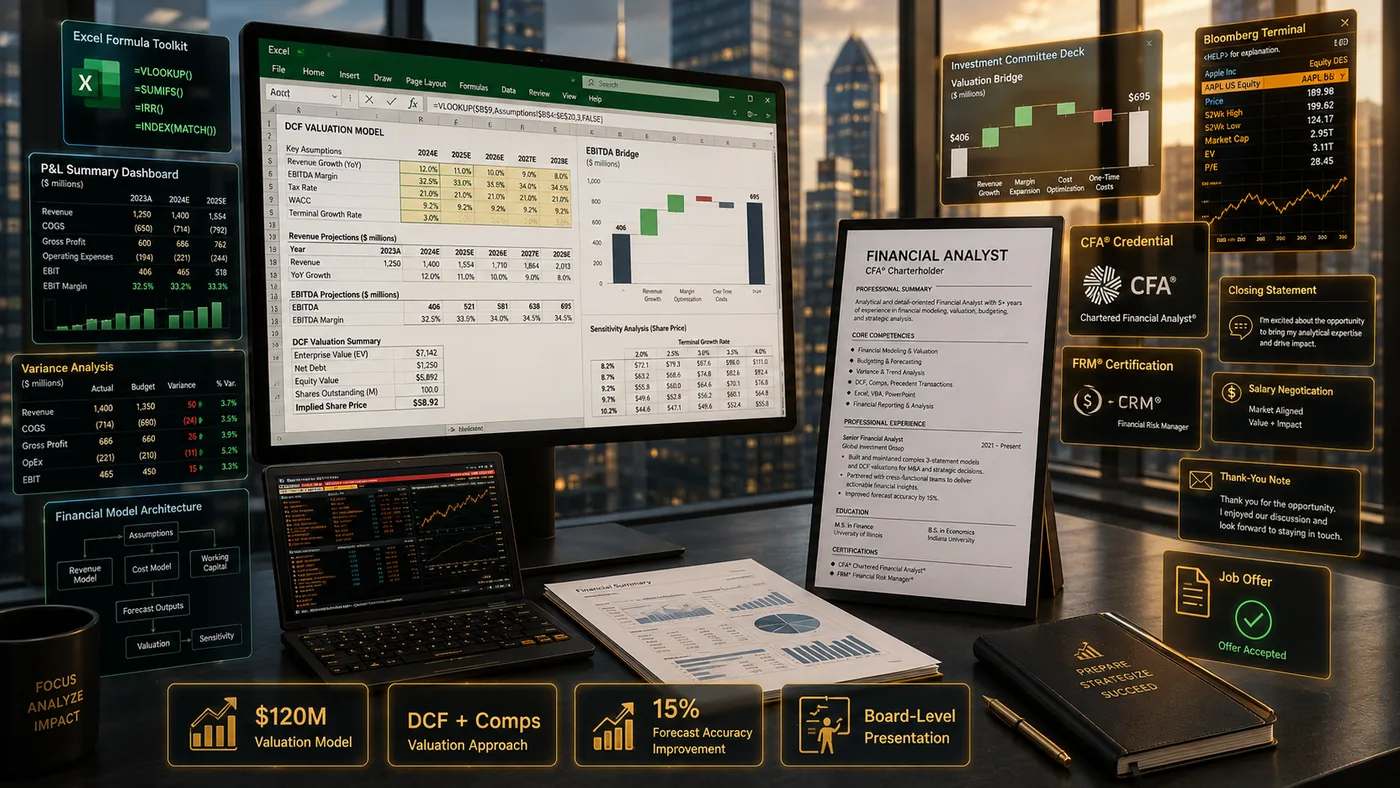
| Financial models | a DCF, three-statement model, or budget forecast built on public or dummy data |
| Process improvement case studies | a close-cycle reduction, a reconciliation automation, an audit finding you resolved |
| Dashboards | Excel, Power BI, or Tableau dashboards summarizing variance analysis or KPI tracking |
| Certifications | CPA, CFA, CMA, or relevant coursework, clearly listed with status (in progress vs completed) |
| Tools | Excel/VBA, SQL, ERP systems (SAP, NetSuite, Oracle), and any modeling or BI tools |
Frame the Decision, Not Just the Spreadsheet
A model with no context is just numbers. For every project, state:
- The business question - "Should we lease or buy this equipment over a 5-year horizon?"
- Your method - the model structure, key assumptions, and sensitivity analysis
- The recommendation and outcome - what you concluded and, where you can share it, what happened next
For real employer work, replace confidential figures with illustrative or indexed numbers and clearly label the model as "based on a real project, data anonymized."
Where to Host It
- A personal site via the TailorCV portfolio builder - clean way to present models and dashboards with write-ups
- A private, unlisted link shared only with hiring managers if any of your work is sensitive - see Private Portfolio Sharing Guide
- LinkedIn Featured section linking to your portfolio
Turning a resume into a portfolio site

You upload the resume you already have and the sections fill themselves in - basics, experience, projects, education - so building the site is editing rather than starting from an empty page.
Keep Your Resume and Portfolio in Sync
Your resume and portfolio should tell the same story - same specialty (FP&A, audit, tax, controllership), same tools - just at different levels of depth. Lock the resume down first with the ATS score checker and an ATS-friendly template, then mirror that positioning in your portfolio. See How to Add Your Portfolio Link to Your Resume for placing the link correctly.
Common Mistakes
- Sharing real, unredacted company financial data - a serious confidentiality risk, not just a portfolio mistake
- A model with no business question or recommendation attached
- Overly complex spreadsheets with no summary or narrative for a non-technical reviewer
- Listing "advanced Excel" with nothing concrete to back it up - see Portfolio Mistakes to Avoid
Pro Tips
- Include one project with a clear sensitivity or scenario analysis - it shows you think in ranges, not single answers
- Add a one-paragraph plain-English summary above every technical model
- Generate your portfolio shell from your resume with the portfolio builder and add your models and dashboards
Crafting a Compelling Narrative
When putting together your finance and accounting portfolio, it’s crucial to weave a compelling narrative that showcases not just your skills but also your growth and adaptability in the field. Here’s how to do it:
-
Start with a Personal Statement: Write a brief introduction that outlines your career journey, including your motivations for entering the finance and accounting industry. This sets the stage for your portfolio and helps potential employers understand your perspective.
-
Use Case Studies: Instead of listing achievements, present them as case studies. For instance, if you led a project that improved financial reporting, detail the challenge, your approach, and the outcome. This format allows you to demonstrate problem-solving skills and analytical thinking.
-
Highlight Learning Experiences: Discuss challenges you faced in previous roles and how you overcame them. This shows resilience and a willingness to learn, traits that are highly valued in finance and accounting.
-
Connect with Visuals: Use charts, graphs, and infographics to complement your narrative. A visual representation of your achievements can make complex data more digestible and engaging.
Step-by-Step Guide to Portfolio Creation
Creating a finance and accounting portfolio can seem daunting. Follow these step-by-step instructions to simplify the process:
-
Define Your Purpose: Understand why you are creating this portfolio. Are you looking for a job, showcasing your skills, or applying for a promotion? Knowing your purpose will guide your content.
-
Gather Your Materials: Collect all relevant documents, including reports, presentations, and any certifications. Use a digital tool (like the TailorCV portfolio creator) to organize these materials.
-
Choose a Format: Decide whether your portfolio will be digital, print, or both. If digital, consider using a platform that allows for easy updates and sharing, like a custom domain.
-
Create Sections: Structure your portfolio into clearly defined sections, such as “Projects,” “Certifications,” and “Skills.” Each section should have a clear heading and a brief description.
-
Review and Edit: Once your portfolio is assembled, review it for clarity and conciseness. Ensure that each piece of content supports your overall narrative and purpose.
-
Seek Feedback: Before finalizing your portfolio, get feedback from mentors or peers in the industry. They can provide valuable insights and help you identify areas for improvement.
Common Mistakes to Avoid
To ensure your finance and accounting portfolio stands out for the right reasons, avoid these common pitfalls:
-
Overloading with Information: While it’s important to showcase your skills, avoid overwhelming the reader with too much detail. Focus on key achievements that align with your career goals.
-
Neglecting Design: A cluttered or unprofessional layout can detract from your content. Use clean, professional templates that enhance readability.
-
Ignoring Updates: Your portfolio should be a living document. Regularly update it with new projects, skills, and achievements to keep it relevant.
-
Lack of Personalization: Tailor your portfolio to the specific role or industry you are targeting. Highlight experiences and skills that are relevant to the job you want.
Mini Checklist for Your Portfolio
Use this checklist to ensure your finance and accounting portfolio is comprehensive and polished:
- unchecked: Personal Statement: Clearly articulate your career goals and motivations.
- unchecked: Case Studies: Include at least 2-3 well-documented case studies that highlight your problem-solving skills.
- unchecked: Visual Elements: Integrate charts or infographics to illustrate key points.
- unchecked: Certifications: List all relevant certifications and training.
- unchecked: Professional Design: Ensure your portfolio has a clean, professional layout.
- unchecked: Feedback Incorporated: Have you received and implemented feedback from peers or mentors?
- unchecked: Updated Content: Check that all information is current and relevant to your career goals.
Scenarios for Application
Consider these scenarios to illustrate how your portfolio can be a powerful tool:
-
Scenario 1: Job Interview: During an interview for a financial analyst position, you present your portfolio. The interviewer is particularly impressed by a case study where you improved budgeting processes, leading to a 15% cost reduction for your previous employer.
-
Scenario 2: Performance Review: When discussing your goals with your manager, you use your portfolio to highlight your achievements over the past year, providing tangible evidence of your contributions to the team’s success.
-
Scenario 3: Networking Event: At a finance networking event, you share your portfolio with potential employers. The visual elements capture their attention, leading to meaningful conversations about your projects and skills.
By implementing these strategies, you can build a finance and accounting portfolio that not only showcases your expertise but also tells a compelling story about your professional journey. For more guidance, check out the Business Analyst Portfolio Guide or explore how to turn your LinkedIn profile into a portfolio website.
Frequently Asked Questions
Is it risky to share financial modeling work publicly?
Only if it contains real, identifiable company data. Rebuild the model structure with public company data (10-Ks) or illustrative numbers to stay safe.
I am pursuing my CPA and have limited work experience - what do I show?
Coursework projects, a mock audit, or a personal budgeting/investment model demonstrate the same analytical skills. See Portfolio With No Experience.
How do I align my resume?
Keep your specialty area and tool list identical across resume and portfolio - see How to Quantify Resume Achievements. For additional guidance, you might also find the Business Analyst Portfolio Guide helpful. Additionally, consider using our portfolio builder to create a cohesive presentation of your work.
Build Your Portfolio Now
You do not need to code a site or spend a weekend on a website builder. Turn your existing resume into a live, shareable portfolio in minutes with the TailorCV portfolio builder - choose a theme, upload your CV, let AI pull in your experience, then add your models and dashboards and publish a link (public or private) for your resume and LinkedIn. Before you apply, run your resume through the free ATS score checker and switch to an ATS-friendly resume template so your portfolio and resume tell one consistent story.
Related Guides
- How to Build a Professional Portfolio
- Business Analyst Portfolio Guide
- Data Analyst Portfolio Guide
- How to Quantify Resume Achievements
- Private Portfolio Sharing Guide
- Portfolio Website for Job Applications
- Portfolio Checklist Before Applying
- Portfolio Mistakes to Avoid
- Portfolio With No Experience
- AI Portfolio Builder: No Code Required
- Portfolio Analytics and View Tracking
- Personal Website vs Portfolio
Make This Practical
If this topic connects to your work samples, turn the advice into a live proof page with the TailorCV portfolio builder. After publishing, add the link correctly using How to Add Your Portfolio Link to Your Resume, tighten the page with the Portfolio Checklist Before Applying, and make sure recruiters can contact you through a clean Portfolio Contact Section.
Your portfolio works best when it supports the resume, not when it replaces it. Run the resume through the free ATS score checker, choose an ATS-friendly resume template, and use Portfolio SEO: Get Found so your name, specialty, and strongest models are easier to discover.
Related Guides to Strengthen This Topic
Use these internal guides to connect this topic with the rest of your job-search workflow:
- How to Build a Professional Portfolio
- Portfolio Website for Job Applications
- Portfolio Checklist Before Applying
- Portfolio Mistakes to Avoid
- How to Write Portfolio Case Study
- Add Portfolio Link to Resume
- Resume Matching With Job Description
- ATS-Friendly Resume Builder
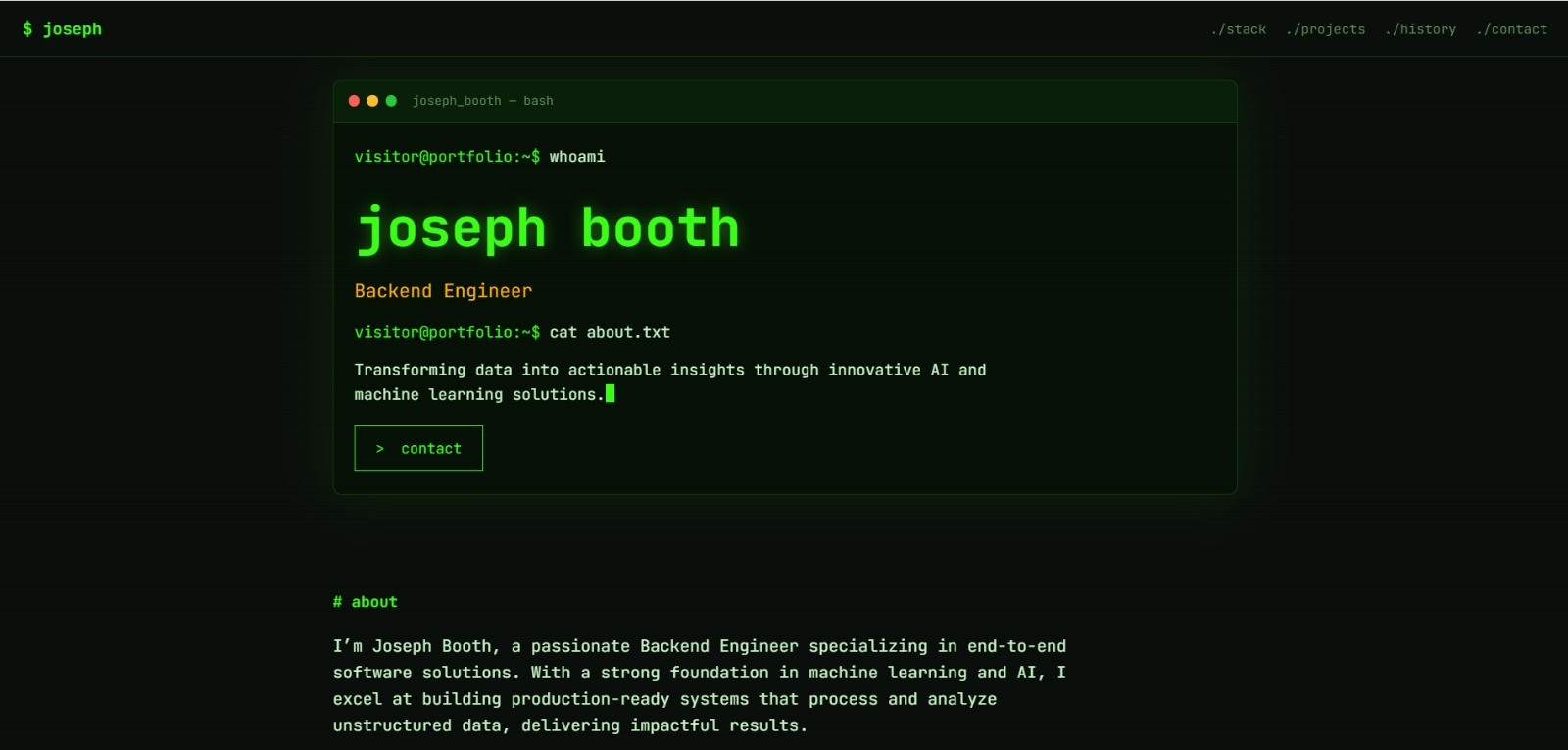
See what your portfolio could look like
This theme is built straight from your resume — pick one and your portfolio is live in minutes.
Was this guide useful?
Be the first to rate it.