 TD
TD
Key Takeaways
- An ATS friendly resume features a single-column layout, standard section headings, and plain text contact details for optimal parsing.
- Common mistakes include using two-column designs, including graphics, and placing contact info in headers or footers, which can lead to rejection by ATS.
- To build an ATS friendly resume, start with a safe structure, use clear sections, and mirror the job description's language.
- Strong bullet points should begin with action verbs and include quantifiable results to enhance impact and relevance.
- Tailoring your resume for each specific role is crucial, as generic resumes tend to score poorly in ATS evaluations.
A beautiful resume is worthless if a machine cannot read it. Before a recruiter ever opens your application, an Applicant Tracking System (ATS) scans, parses, and ranks it. That is why choosing the right ATS friendly resume builder is one of the highest-impact decisions in your job search.
This guide explains what actually makes a resume ATS friendly, the common mistakes that get resumes filtered out, how to build one step by step, and which free tools do the job well in 2026.
What Makes a Resume ATS Friendly?
An ATS friendly resume is one that software can read cleanly and match accurately to a job description. The content matters, but so does the structure. A resume is ATS friendly when it has:
- A single-column layout that parses top to bottom without scrambling.
- Standard section headings like Experience, Education, Skills, and projects.
- Plain text contact details - no contact info hidden in headers, footers, or images.
- Relevant keywords that mirror the language of the job posting.
- Simple, common fonts and no text boxes, tables, or graphics that confuse parsers.
- Standard file format, typically a clean PDF or DOCX that preserves text.
When these boxes are checked, the ATS can extract your experience correctly and score you fairly against the role.
Common ATS Resume Mistakes to Avoid
Most rejections at the ATS stage come from a short list of avoidable errors:
- Two-column or table-based designs. They look modern but often parse out of order, mixing your job titles with unrelated dates.
- Graphics, icons, and skill "rating bars." The ATS cannot read an image of a skill - it needs the word.
- Contact details in the header/footer. Many parsers skip these regions entirely, so your email may vanish.
- Creative section names. "Where I've Made an Impact" confuses software that is looking for "Experience."
- Keyword stuffing. Dumping keywords unnaturally can hurt readability and still fail to match context.
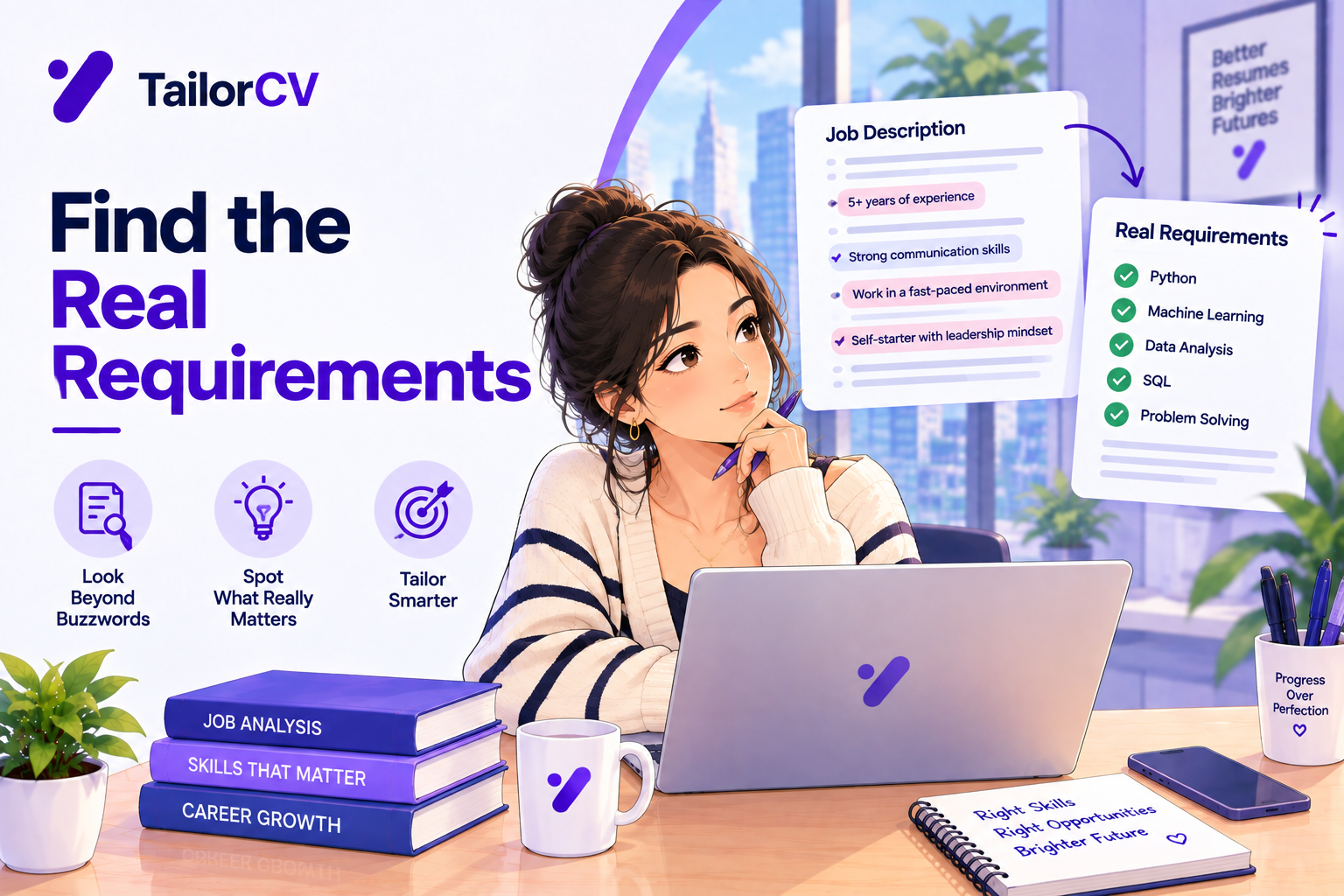
- missing keywords from the job description. If the posting says "data analysis" and your resume only says "analytics," you may not match.
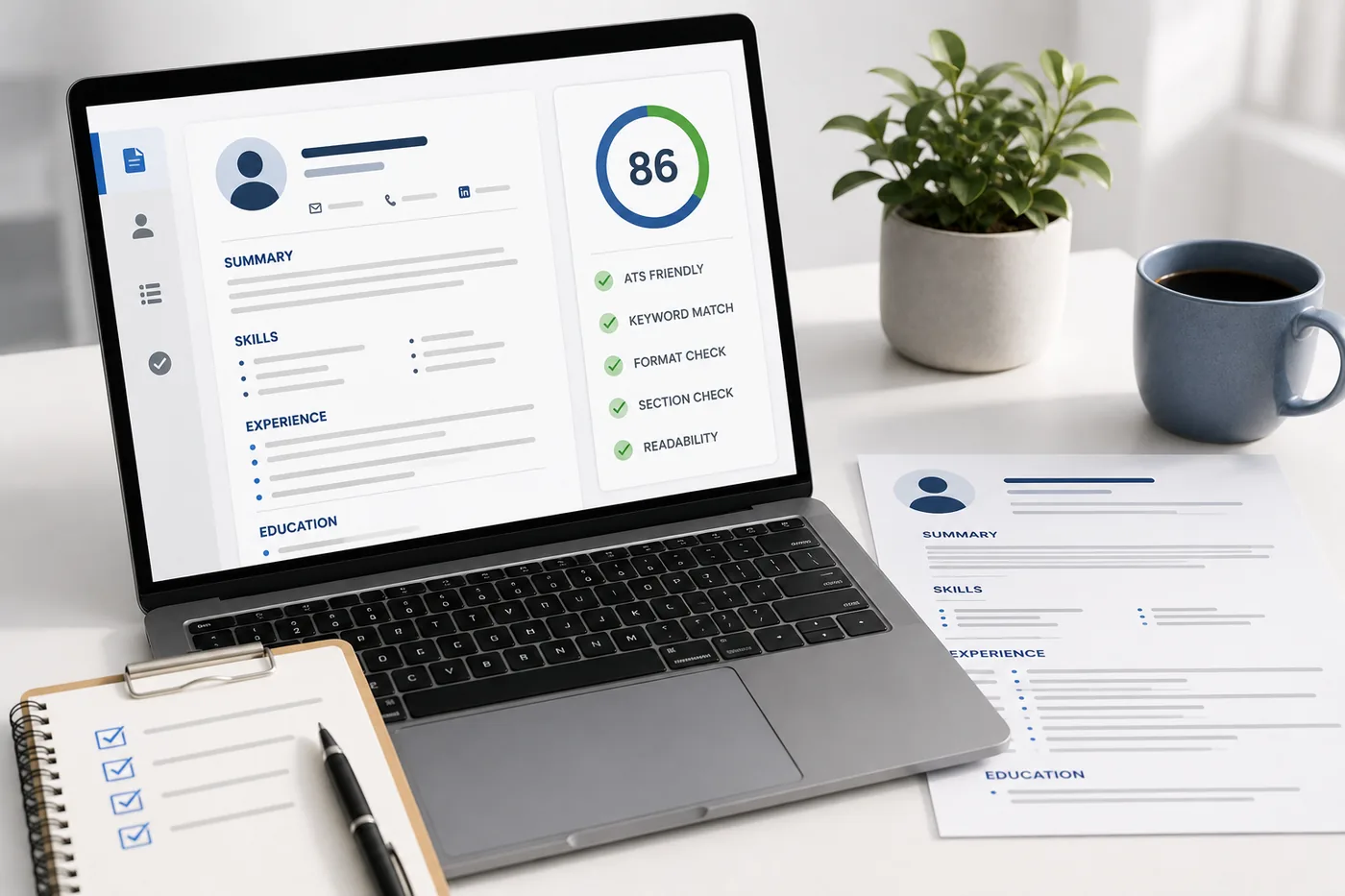
A reliable way to catch these before applying is to run your resume through an ATS score checker and read the breakdown of what failed.
How to Build an ATS Friendly Resume Step by Step
You do not need design skills to build a resume that passes. Follow this process:
Building the resume section by section
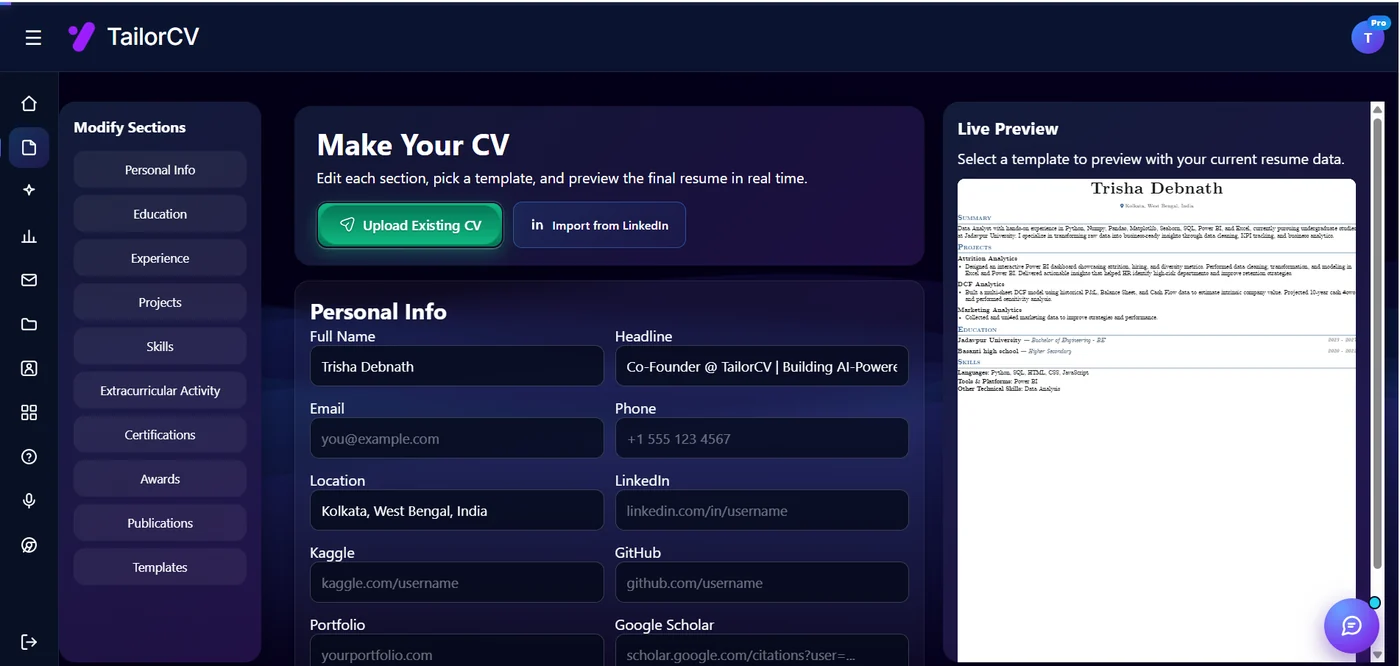
You edit one section at a time - personal info, education, experience, projects, skills - and the live preview on the right re-renders as you type, so you can see exactly how each change lands on the page before you export. You can also start from an existing CV or import straight from LinkedIn instead of typing everything again.
- Start from an ATS-safe structure. Use free ATS friendly resume templates - including the popular Jake's Resume layout - instead of a decorative design.
- Add clear, standard sections. Contact, Summary, Skills, Experience, projects, Education.
- Mirror the job description. Pull the exact skills and terms from the posting and weave them in naturally.
- Write strong bullet points. Lead with an action verb and include a measurable result wherever possible.
- quantify everything you can. "Reduced load time by 40%" beats "improved performance."
- Tailor for each role. A generic resume rarely scores well. Tailor your resume to each job description to maximize keyword match.
- Test before you send. Check your ATS score, fix what fails, and re-scan.
Best Free ATS Friendly Resume Builder Tools
Not every "resume builder" is ATS friendly - many prioritize visual flair over parseability. The best free ATS resume builder options share three traits: clean structure, keyword guidance, and a way to verify your result.
TailorCV is built around exactly this workflow. You can build and tailor your resume, start from ATS friendly templates, and immediately check your ATS score to confirm the result is parseable and well matched - all free to start. Because it tests as well as builds, you are never guessing whether your resume will pass.
ATS Friendly Resume Templates That Work
Templates are the fastest shortcut to an ATS-safe resume because the hard structural decisions are already made for you. Look for templates that are single-column, use standard headings, avoid graphics, and let you paste your existing content in cleanly.
The classic Jake's Resume template remains a favorite among software engineers and students because it is minimal, single-column, and parses perfectly. You can browse free ATS friendly resume templates here and convert your existing resume into an ATS format in about 30 seconds.
How to Test Your ATS Friendly Resume
Building is only half the job - verification is the other half. After you build, always test:
- Run an ATS score check against the specific job you want.
- Review which of the checks passed and failed.
- Fix the failures (usually keywords or formatting) and re-scan.
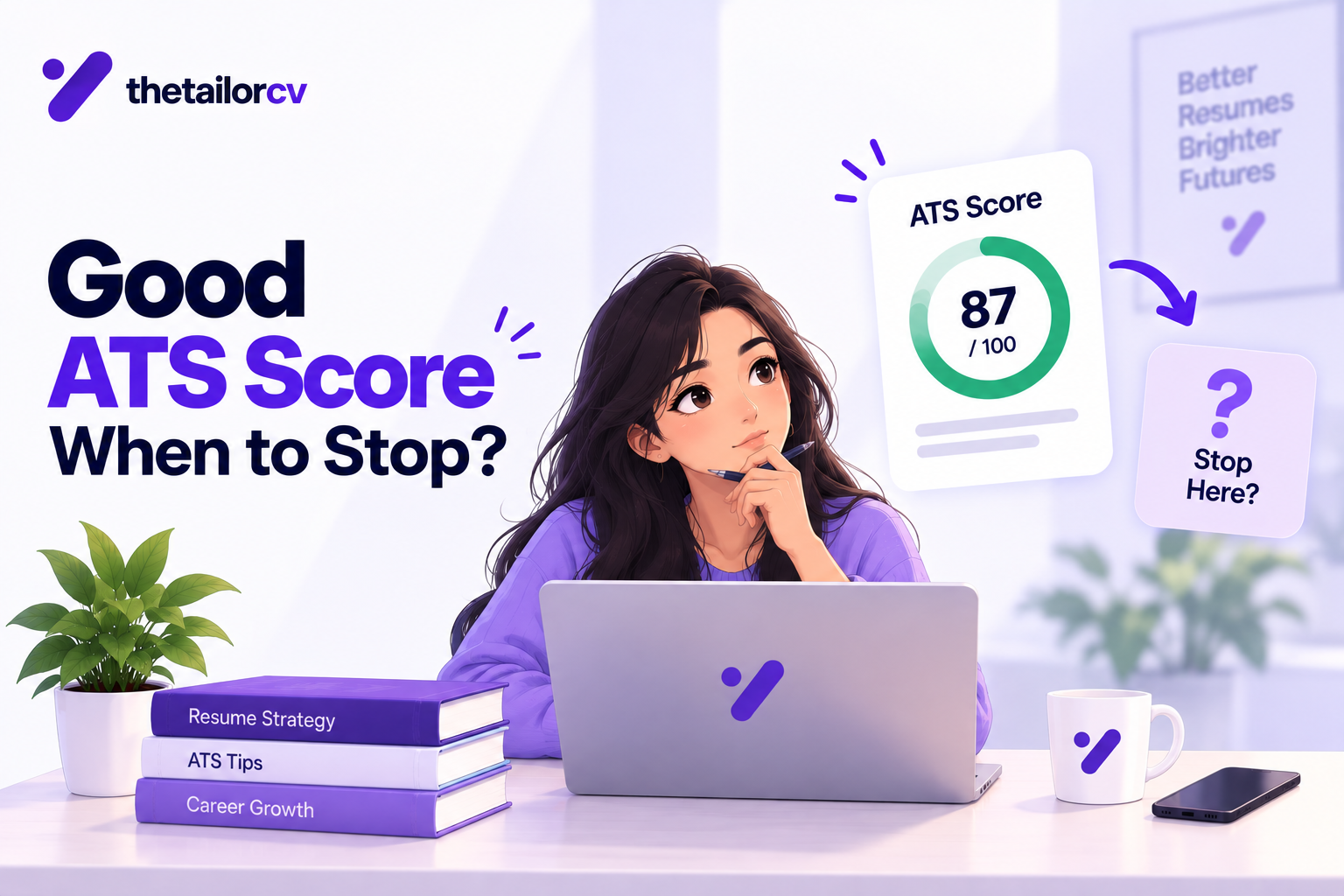
- Repeat until your score is 80 or higher for that role.
And once your resume is landing interviews, prepare for the next step: practice a mock interview that asks about the exact projects on your resume, so your in-person story matches the document that got you noticed.
Make This Practical
Do not guess whether the resume is ready. Upload it to the free ATS score checker, compare the result with the ATS Score Guide, and fix formatting issues using ATS Resume Formatting Mistakes and ATS Resume Parser Friendly Format.
After the technical cleanup, improve relevance. Use Resume Matching With Job Description, strengthen keyword coverage with the Resume Keywords Guide, and avoid overdoing it by checking ATS Keyword Mistakes. If the layout itself is weak, rebuild with an ATS-friendly resume template.
Final Thoughts
The best ATS friendly resume builder is one that helps you structure, tailor, and verify your resume in a single flow. Start from a clean template, match the job description, quantify your impact, and confirm your work with an ATS score check before you hit apply.
Begin by building and checking your resume for free, choose a proven ATS friendly template, and then rehearse with an AI mock interview so you are ready to convert applications into offers.
Frequently Asked Questions
What is an ATS friendly resume builder?
It is a tool that helps you create a resume structured so applicant tracking systems can read and rank it correctly - using single-column layouts, standard headings, and keyword matching.
Is there a free ATS friendly resume builder?
Yes. TailorCV lets you build, tailor, and ATS-score your resume for free, and offers free ATS friendly templates including Jake's Resume.
How do I know if my resume is ATS friendly?
Run it through an ATS score checker. If it parses cleanly and scores 80+ against your target job, it is ATS friendly. Failed checks tell you exactly what to fix.
Are resume templates ATS friendly?
Some are and some are not. Choose single-column templates without graphics or tables. Decorative, multi-column templates often break ATS parsing.
Do I need a different resume for each job?
Yes, ideally. Tailoring your resume to each job description dramatically improves your keyword match and ATS score for that specific role.
What is your resume scoring right now?
Scan it against a job description and get your ATS match score in about a minute.
Drop your resume here or choose a file
PDF only. Max 2 MB.
We never share your data or use it to train AI models.

Templates that keep this structure intact
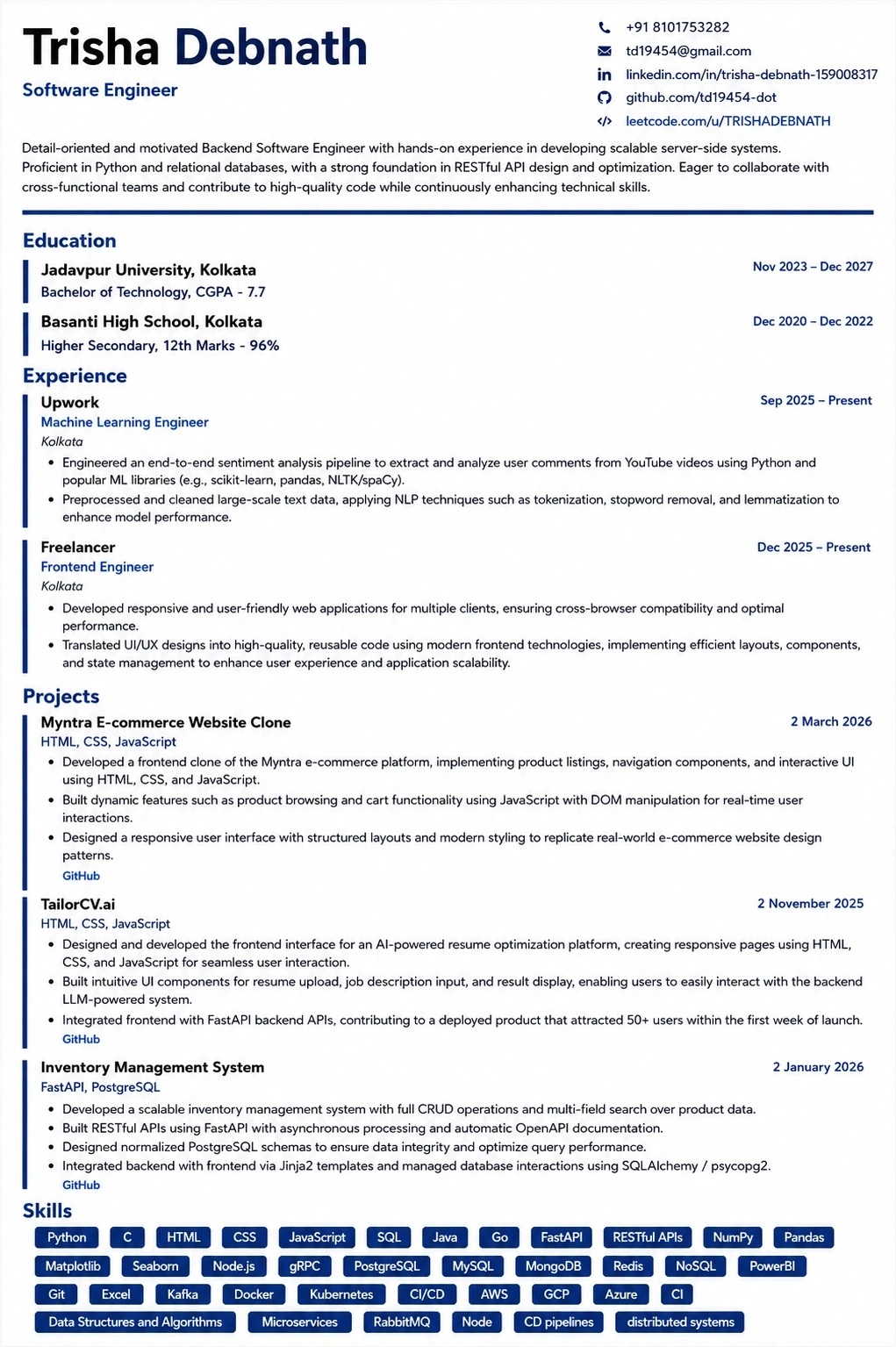
This template is ATS-tested — start from it and the formatting rules in this guide are already handled.
Was this guide useful?
Be the first to rate it.