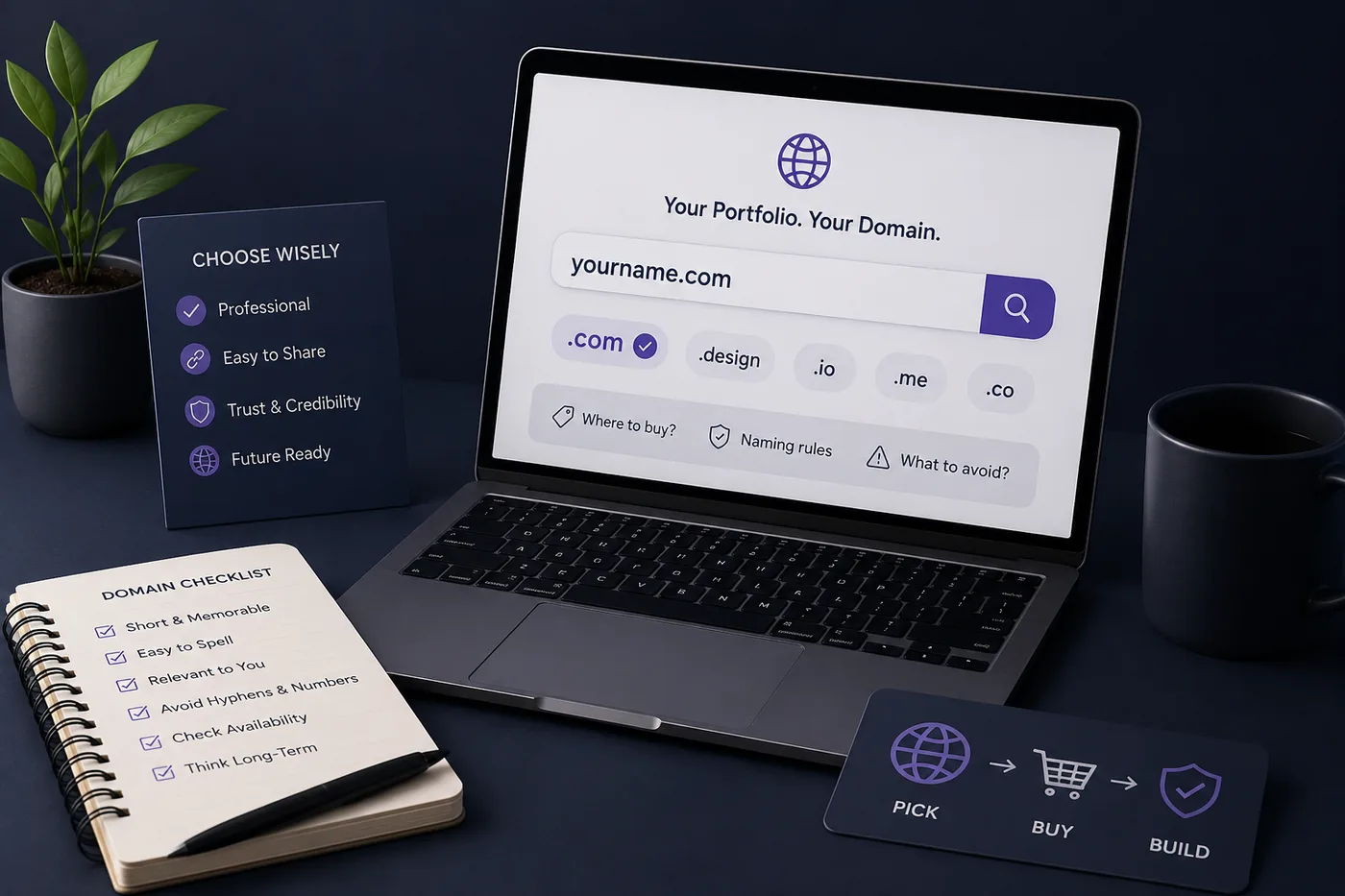
 SS
SS

Key Takeaways
- Treat the contact section as a conversion point by including a clear primary call-to-action (CTA) and a clickable email or contact form.
- Streamline the contact section by removing unnecessary fields, distractions, and ensuring all links are active and professional.
- Position the contact CTA prominently in the navigation and repeat it after project showcases to capture interest at its peak.
- Build trust by using a professional design, including a real photo or logo, and stating response time expectations.
- Keep your resume, LinkedIn, and portfolio consistent to avoid confusion for recruiters and ensure all content is regularly updated.
You can have a brilliant portfolio and still lose opportunities if the contact path is buried or broken. The contact section is where interest becomes action - treat it like a conversion point, not an afterthought. Pair this with How to Build a Professional Portfolio and Portfolio About Me Section.
What to Include
- A clear primary CTA ("Hire me," "Let's talk," "Work with me")
- A clickable email and/or a short contact form
- Links to LinkedIn (LinkedIn Profile Optimization Guide) and GitHub / Behance
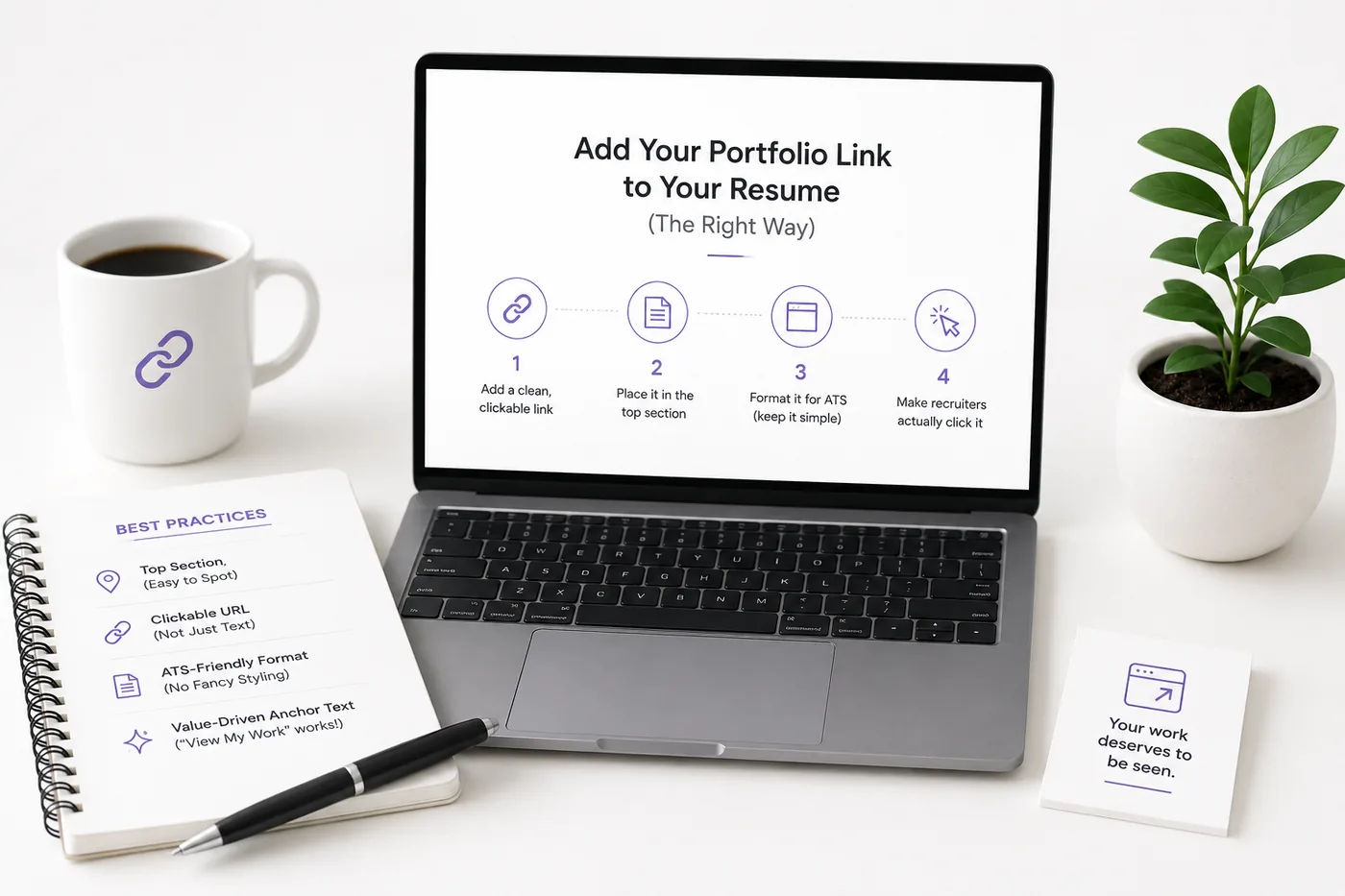
- A link to your resume - see How to Add Your Portfolio Link to Your Resume
- Your availability/status (open to work, freelance, etc.)
Additional Elements to Consider
- Social Proof: Include testimonials or endorsements from previous clients or colleagues to build trust.
- Location Information: If you're open to local opportunities, consider including your city or region to attract nearby employers.
- Response Time Expectations: Clearly state how quickly you typically respond to inquiries, which can help set expectations for potential clients or employers.
What to Remove
- Long forms with too many fields (name + email + message is plenty)
- CAPTCHAs that scare people off
- Inactive or unprofessional social links
- Unnecessary distractions, such as excessive images or unrelated content
Streamlining Your Contact Section
To ensure your contact section is effective, keep it simple. Focus on essential information only. A cluttered contact section can deter potential employers, so aim for a clean, user-friendly design.
Placement Matters
Put a contact CTA in the nav, repeat it right after your projects (when interest peaks), and dedicate a clean contact section at the bottom. Never make a hiring manager hunt.
Effective Navigation Tips
- Sticky Header: Use a sticky header for your navigation bar that includes a contact link, ensuring it’s always accessible.
- Back-to-Top Button: After scrolling through your portfolio, a back-to-top button can help users navigate back to the contact section quickly.
Make It Trustworthy
A real photo or logo, a response-time note ("I reply within 24 hours"), and correct, tested links all reduce friction and increase replies.
Building Trust Through Design
- Professional Design: Ensure your contact section aligns with your overall portfolio design. Consistency in colors and fonts creates a cohesive look that fosters trust.
- Privacy Assurance: If you're using a contact form, include a statement about how you will handle the data submitted, reassuring users that their information is safe.
Keep Your Resume and Portfolio in Sync
Your resume, your LinkedIn, and your portfolio should tell the same story - same name, same headline, same top projects - just at different levels of depth. A recruiter who sees a 'Full Stack Developer' resume and a portfolio headlined 'Aspiring Designer' gets confused, and confusion loses interviews. Lock the resume down first with the ATS score checker and an ATS-friendly template, then mirror that exact positioning in your portfolio. When they reinforce each other, every recruiter touchpoint pushes you forward. See How to Add Your Portfolio Link to Your Resume for placing the link correctly.
Turning a resume into a portfolio site
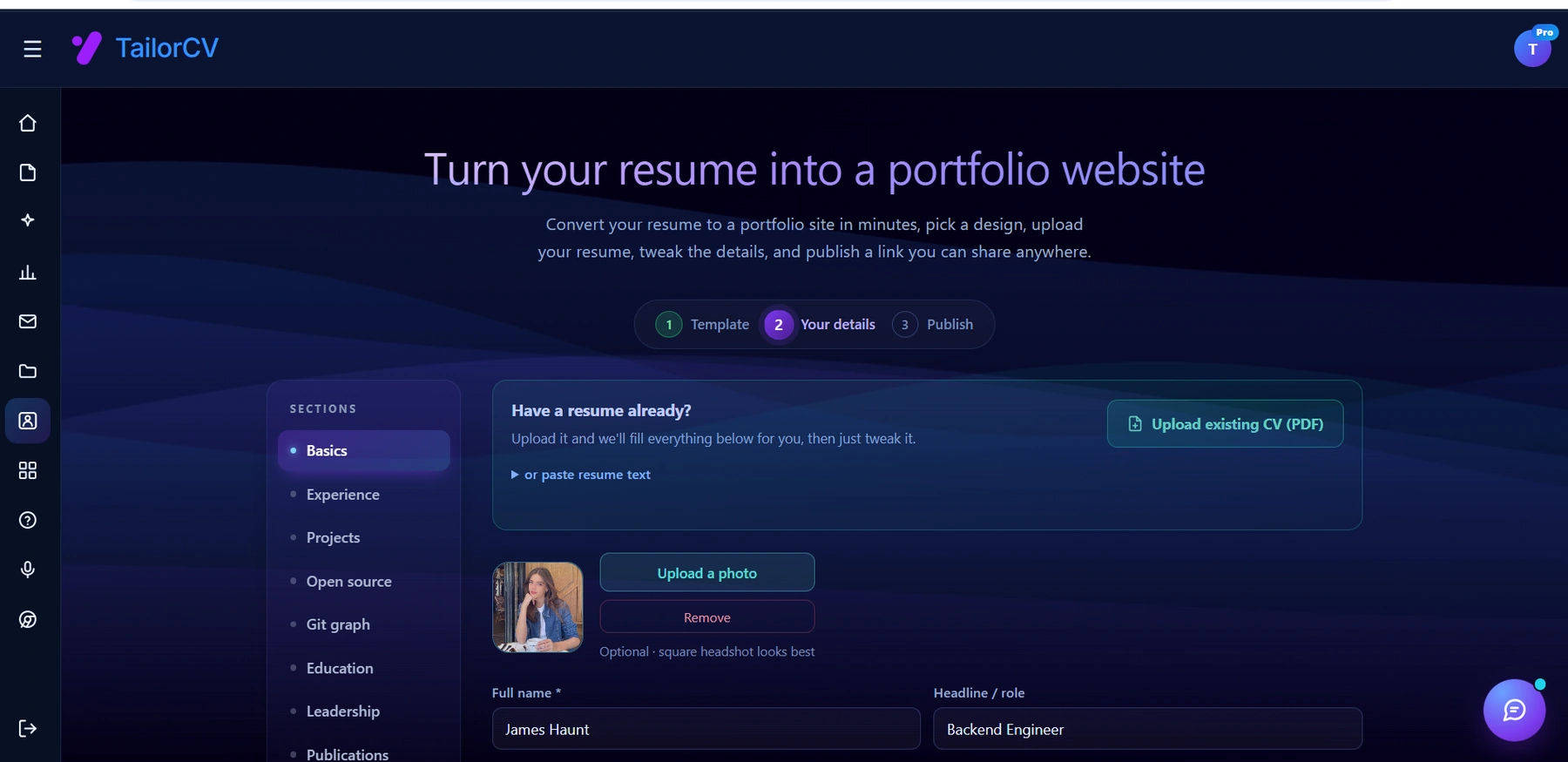
The three steps are template, details, publish. Uploading an existing CV fills in the details step for you, which is why this takes minutes rather than a weekend.
Keeping Content Updated
Regularly update your portfolio to reflect new projects or skills. If you change your availability status or contact methods, make sure to update these sections promptly.
Common Mistakes
- A contact page with only a form and no email
- Broken mailto links or wrong handles
- No CTA telling visitors what to do
- See the full list in Portfolio Mistakes to Avoid
More Common Pitfalls
- Not Testing Your Links: Regularly check that all links in your contact section work correctly. Broken links can frustrate potential employers.
- Lack of Personalization: Generic messages can feel impersonal. Tailor your contact section language to reflect your personality and style.
Pro Tips
- Add your email as text too (some people copy rather than click).
- If freelancing, add a one-line "what I help with" so inquiries are qualified.
- Build a portfolio with a built-in contact section using the portfolio builder.
Examples of Effective Contact Sections
-
Simple and Direct: A contact section that includes a bold header, "Get in Touch," with a short form and a clickable email. This creates a straightforward approach.
-
Visual Appeal: Incorporate design elements that reflect your brand. For instance, a designer might use an artistic layout, while a developer might go for a clean, techy look.
-
Mobile-Friendly Design: Ensure your contact section is optimized for mobile users. Test how it looks and functions on different devices to provide a seamless experience.
Checklists for an Effective Contact Section
Essential Elements Checklist
- unchecked: Clear primary CTA
- unchecked: Clickable email or short contact form
- unchecked: Links to social profiles (LinkedIn, GitHub, etc.)
- unchecked: Availability/status information
- unchecked: Response time note
Design and User Experience Checklist
- unchecked: Mobile optimization
- unchecked: Consistent branding
- unchecked: Easy navigation back to the contact section
- unchecked: Regularly tested links
Content Accuracy Checklist
- unchecked: Updated email address
- unchecked: Correct social media handles
- unchecked: Current availability status
- unchecked: Regularly updated testimonials or endorsements
Conclusion
The contact section of your portfolio is a vital component that can significantly influence your chances of landing opportunities. By following the best practices outlined here and avoiding common pitfalls, you can create a contact section that not only encourages potential employers to reach out but also reflects your professionalism and attention to detail.
For more tailored guidance, explore our specific portfolio guides, such as the Business Analyst Portfolio Guide or DevOps Engineer Portfolio Guide: Prove Your Infrastructure Impact. These resources can provide insights into how to best present your skills and experiences in your contact section and beyond.
Frequently Asked Questions
Form or email - which is better?
Offer both. Some people prefer a quick form; others want to email directly. Keep the form to three fields.
Should I show my phone number?
Optional. Email and LinkedIn are usually enough; add a number only if you are comfortable and it fits your field.
Where should the contact CTA go?
In the nav, after your projects, and in a dedicated footer section - repetition converts. Consider linking to your portfolio for a comprehensive view of your work. Additionally, you might want to explore our How to Build a Portfolio With AI - No Coding Required for more insights on creating an effective portfolio.
Build Your Portfolio Now
You do not need to code a site from scratch or spend a weekend wrestling with a website builder. Turn your existing resume into a live, shareable portfolio website in minutes with the TailorCV portfolio builder - choose a template, upload your CV, tweak the details, and publish a link you can drop straight onto your resume and LinkedIn. Before you start applying, run your resume through the free ATS score checker and switch to an ATS-friendly template so your portfolio and resume tell one clean, consistent story to every recruiter.
Related Guides
- How to Build a Professional Portfolio
- Portfolio About Me Section
- Resume Contact Section
- LinkedIn Profile Optimization Guide
- Portfolio Mistakes to Avoid
- How to Add Your Portfolio Link to Your Resume
- Portfolio Checklist Before You Apply
- Personal Branding for Professionals
- Portfolio SEO: Get Found
- Portfolio vs Resume
- Turn Your Resume Into a Portfolio in Minutes
- How to Host Your Portfolio for Free
Make This Practical
If this topic connects to your work samples, turn the advice into a live proof page with the TailorCV portfolio builder. After publishing, add the link correctly using How to Add Your Portfolio Link to Your Resume, tighten the page with the Portfolio Checklist Before Applying, and make sure recruiters can contact you through a clean Portfolio Contact Section.
Your portfolio works best when it supports the resume, not when it replaces it. Run the resume through the free ATS score checker, choose an ATS-friendly resume template, and use Portfolio SEO: Get Found so your name, role, and strongest projects are easier to discover.
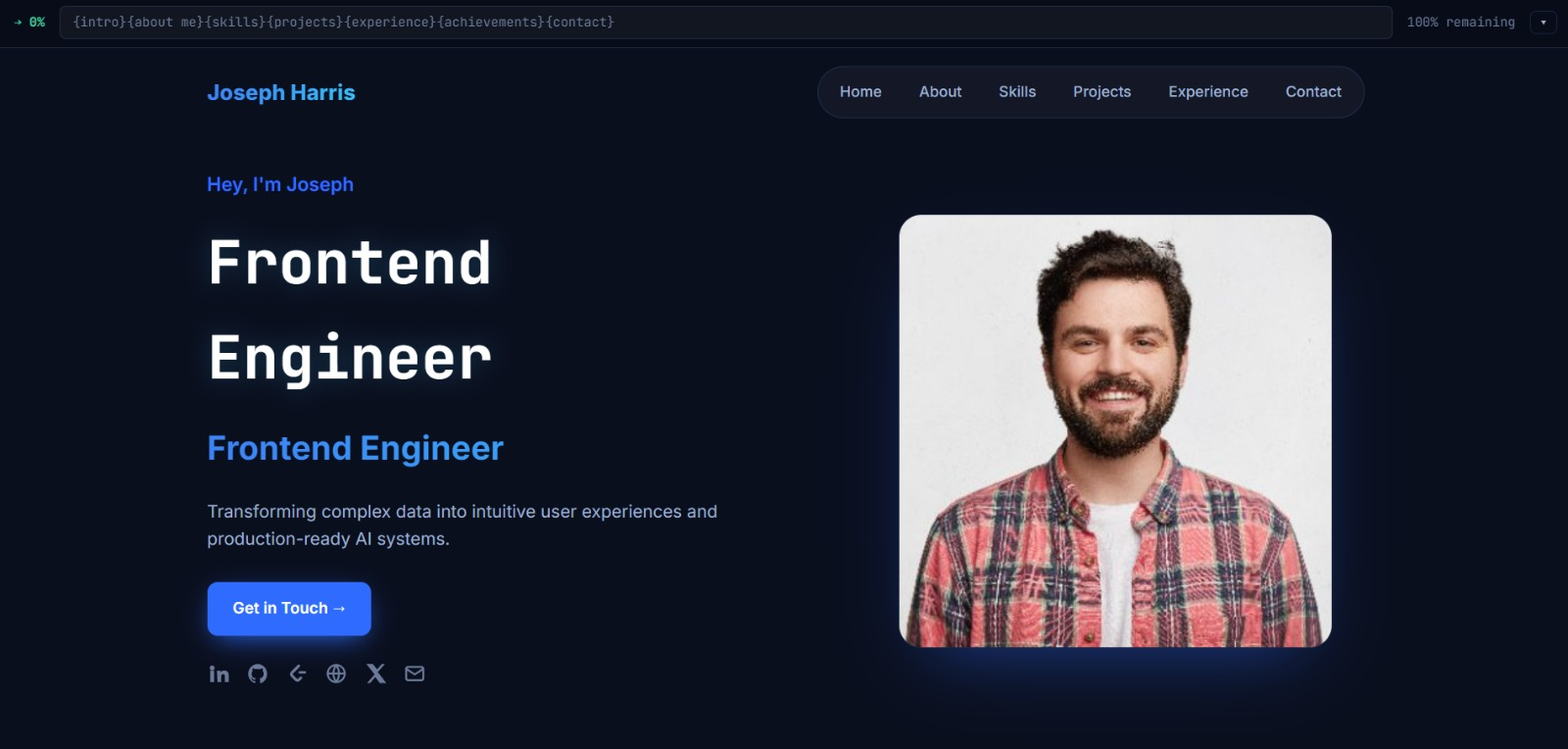
See what your portfolio could look like
This theme is built straight from your resume — pick one and your portfolio is live in minutes.
Was this guide useful?
Be the first to rate it.