SS
SS
Key Takeaways
- Remote job interviews in 2026 require careful preparation to overcome challenges like tech failures and distractions.
- Key interview formats include live video, phone, async video, and panel interviews, each with unique challenges.
- A thorough setup checklist includes testing technology, ensuring a quiet environment, and proper camera framing.
- Building rapport remotely involves smiling, using the interviewer's name, showing company research, and asking engaging questions.
- Prepare for both standard and remote-specific interview questions to demonstrate your suitability for remote roles.
Remote Job Interview Preparation - Video Interview Tips for 2026
Remote work is standard in 2026 - and so are remote job interviews. Whether it is a Zoom call with a hiring manager, an async video recording, or a phone screen, interviewing from home introduces unique challenges: tech failures, distracting environments, and the difficulty of building rapport through a screen.
This guide covers remote job interview preparation for 2026 - setup, delivery, and practice with AI mock interviews.
Also read virtual interview tips, interview body language guide, phone interview tips, and the complete interview guide. Tailor your resume for remote roles with the TailorCV ATS checker and remote resume tailoring guide.
Types of Remote Interviews
| Format | Key challenge |
|---|---|
| Live video (Zoom, Teams, Google Meet) | Tech setup, camera presence |
| Phone interview | No visual cues, vocal energy |
| Async video (HireVue, Spark Hire) | No live interaction, time limits |
| Panel over video | Multiple faces on screen |
Remote Interview Setup Checklist
Technology
- Test camera, microphone, and internet 30 minutes before the interview.
- Close unnecessary apps and browser tabs to avoid distractions and conserve bandwidth.
- Have the meeting link ready - join 2-3 minutes early to ensure everything is functioning.
- Keep your phone charged as a backup for audio in case of tech failures.
- Use wired internet if possible; WiFi as backup to minimize connection issues.
Environment
- Quiet room with door closed to prevent interruptions.
- Neutral, clean background (or subtle blur) to maintain professionalism.
- Good lighting - face a window or use a ring light to illuminate your face.
- Desk clear of clutter to maintain a tidy appearance.
- Inform household members you are interviewing to reduce noise disturbances.
Camera and Framing
- Camera at eye level - stack books under your laptop if needed to achieve the right height.
- Frame from mid-chest up to allow for effective body language communication.
- Look at the camera lens when speaking, not the screen, to create an illusion of eye contact.
Full body language guide: interview body language tips.
How to Build Rapport Remotely
Remote interviews make chemistry harder to establish. Counter this by:
| Question | What they are checking |
|---|---|
| Smiling during introductions | warmth translates on camera and can set a positive tone |
| Using the interviewer's name | "That's a great question, Sarah" personalizes the interaction |
| Showing you researched the company | refer to specifics from your research using the company research guide |
| Asking engaging questions | show your interest and curiosity with thoughtful inquiries using the questions to ask guide |
| Matching energy | be mindful of your energy level; aim for a balance that is neither flat nor overly animated |
Example of Building Rapport
Imagine the interviewer asks about your experience. Instead of simply stating your qualifications, you might say, "I'm excited about this role because I admire how your team approaches innovation. I recently read about your project on sustainable practices, and I believe my background in eco-friendly design aligns perfectly." This not only shows your qualifications but demonstrates genuine interest in the company.
Remote Interview Questions to Prepare
Same core questions as in-person, plus remote-specific ones:
- "Why do you want a remote role?"
- "How do you stay productive working from home?"
- "Describe your home office setup."
- "How do you handle time zone differences?"
- "How do you communicate with remote teams?"
Preparing for Behavioral Questions
Prepare standard answers too: tell me about yourself, why should we hire you, and behavioral questions using the STAR method.
Competency-Based Questions
Additionally, be ready for competency-based questions that assess specific skills and behaviors. Familiarize yourself with the Competency-Based Interview Questions - Complete Guide with Examples (2026) to understand the types of questions you may encounter.
Remote Interview Mistakes
- Bad lighting - ensure your face is well-lit and visible.
- Distracting background - avoid messy rooms or distractions in the background.
- Looking at the screen instead of the camera - maintain eye contact for better connection.
- Not dressing professionally - dress fully, not just from the waist up; it helps with mindset.
- Tech unprepared - avoid frozen screens, echoes, and mute failures by testing beforehand.
- Multitasking - resist the urge to check emails or messages during the interview; interviewers can tell.
- Over-relying on notes - brief notes are fine, but reading verbatim is obvious and disengaging.
See common interview mistakes for more insights.
Common Mistakes to Avoid
- Skipping Background Research: Not knowing the company can lead to generic answers. Always research beforehand.
- Overlooking the Importance of Follow-Up: Failing to send a thank-you email can diminish the positive impression you made.
How to Practice Remote Interviews at Home
- Simulate the exact setup - use the same platform, camera, and room to create familiarity.
- Record a practice session on Zoom to review your performance and identify areas for improvement.
- Run AI mock interviews - utilize tools like AI mock interviews to simulate real interview scenarios.
- Do a tech check with a friend 24 hours before your interview to troubleshoot any potential issues.
- Manage nerves - practice relaxation techniques and review interview anxiety tips to keep calm.
For HR round and manager round remote formats, preparation is identical - only delivery changes.
Effective Practice Techniques
- Peer Practice: Conduct mock interviews with friends or family members to enhance your comfort level.
- Feedback Loop: After practice, ask for constructive criticism to refine your delivery and content.
After a Remote Interview
- Send a thank-you email within 24 hours - use the follow-up guide for tips on crafting a thoughtful message.
- Note any tech issues - if there were connection problems, briefly mention them in your thank-you email to show awareness.
- If an offer comes, negotiate remotely too - familiarize yourself with the salary negotiation guide to approach discussions confidently.
See it in action: a resume-based mock interview
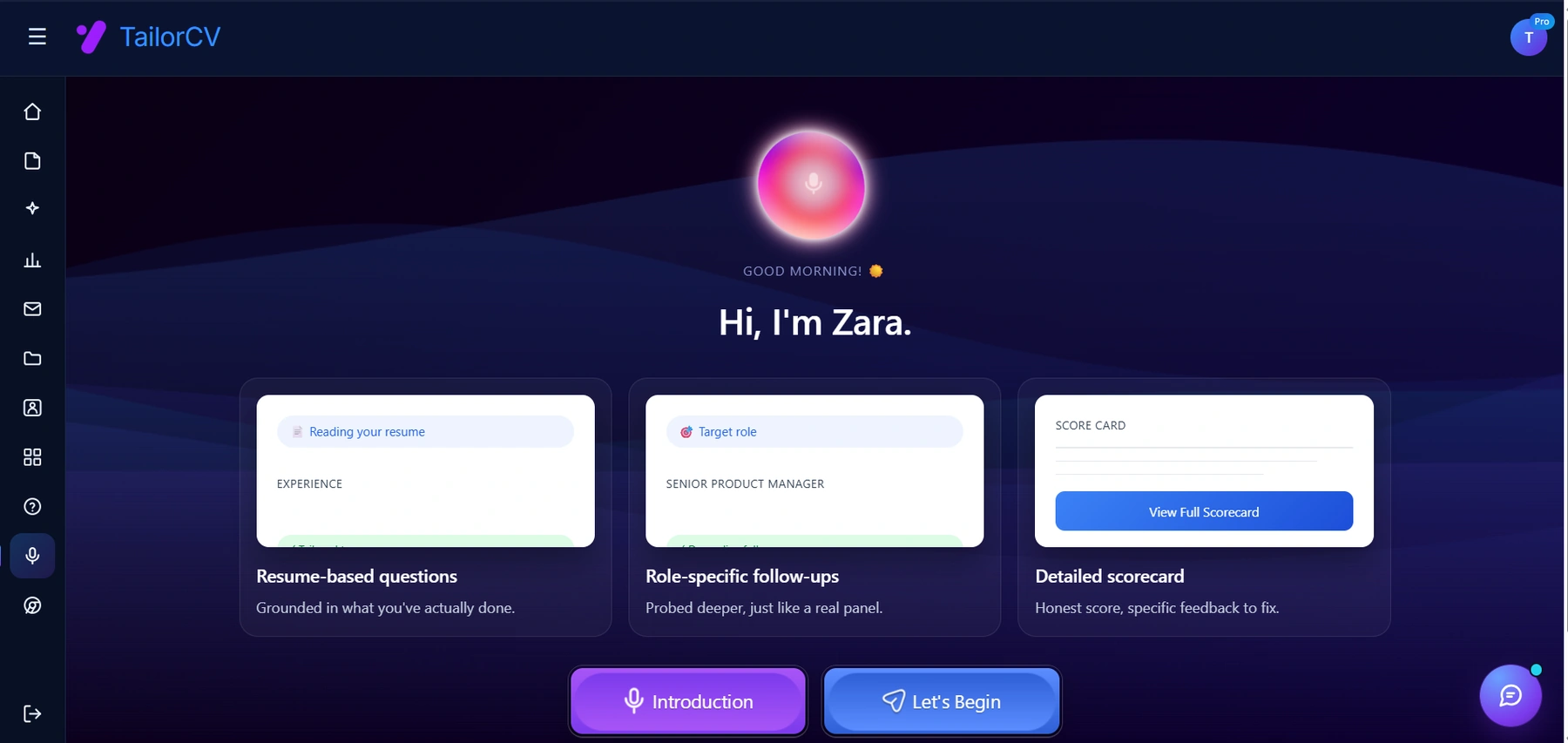
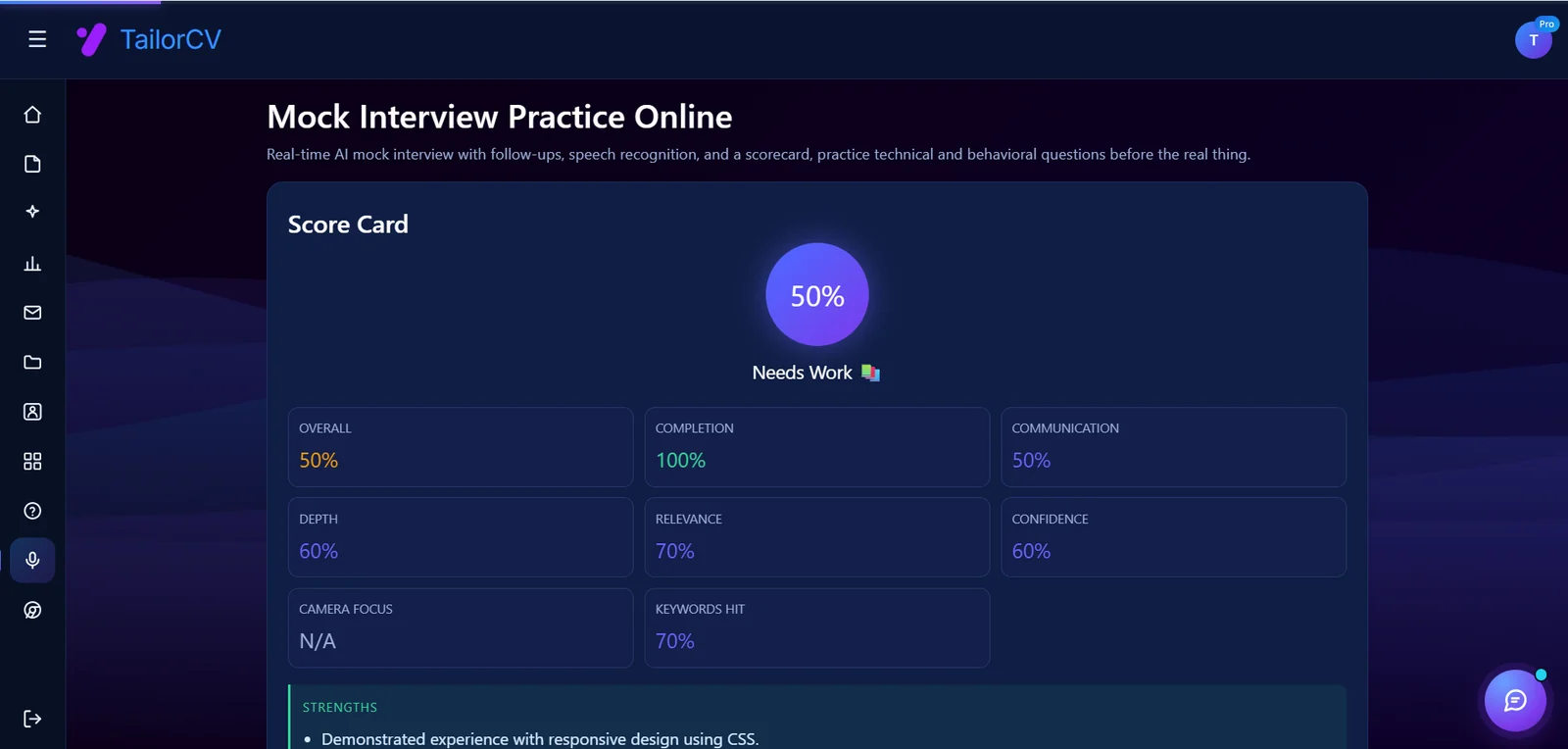
The useful part is the scorecard at the end - an honest score plus concrete feedback, which is what turns practice into an actual improvement.
Building Long-Term Relationships
- Connect on LinkedIn: After the interview, consider connecting on LinkedIn to maintain the relationship, which can be beneficial for future opportunities.
By taking these steps, you can prepare effectively for remote job interviews in 2026, ensuring that you present yourself as a confident, capable candidate ready to thrive in a remote work environment.
Creating a Remote Interview Simulation
One of the best ways to prepare for a remote job interview is to conduct a mock interview that simulates real interview conditions. This process can help you identify areas of improvement and make you feel more comfortable with the technology and format of remote interviews.
Step-by-Step Mock Interview Process:
-
Choose a Partner: Find a friend, family member, or mentor who can act as your interviewer. Ideally, this person should have experience in interviewing or hiring.
-
Set the Environment: Arrange a quiet space that mimics the conditions of a real remote interview. Ensure there are no interruptions, your technology is working, and you have a professional background.
-
Prepare Questions: Use common remote interview questions or role-specific queries relevant to the job you’re applying for. You can refer to our Manager Interview Round Questions Guide for some ideas.
-
Record the Session: If possible, record the mock interview. This allows you to review your performance later, paying attention to both verbal and non-verbal communication.
-
Feedback Session: After the mock interview, ask your partner for constructive feedback. Discuss your answers, body language, and overall presence during the interview.
-
Repeat: Conduct multiple mock interviews to refine your skills further. Vary the questions and formats to prepare for unexpected scenarios.
Common Remote Interview Mistakes to Avoid
Understanding common pitfalls can significantly enhance your preparation. Here are some mistakes to steer clear of during your remote interview:
Do’s and Don’ts:
Do:
- Test Your Technology: Ensure your internet connection, camera, and microphone work flawlessly before the interview.
- Dress Professionally: Wear what you would if attending an in-person interview. Professional attire can boost your confidence.
- Use a Neutral Background: Make sure your background is tidy and free from distractions. A clean, neutral wall works best.
Don’t:
- Multitask: Avoid the temptation to check your phone or emails during the interview. This shows disrespect to the interviewer.
- Overlook Time Zones: Confirm the interview time and time zone. Being late can create a negative impression.
- Neglect Eye Contact: Look directly into the camera while speaking to create a sense of connection, rather than staring at the screen.
Enhancing Your Online Presence
In 2026, having a strong online presence is essential, especially when applying for remote positions. Here’s how you can optimize your profiles:
Steps to Optimize Your Online Presence:
-
Update Your LinkedIn Profile: Ensure your LinkedIn profile is current, showcasing your skills and experiences effectively. Include a professional photo and a compelling summary.
-
Portfolio Showcase: If applicable, create a portfolio that highlights your work. You can use our guide on How To Host Portfolio Free to set it up easily.
-
Github Portfolio Optimization: For tech roles, a well-organized GitHub profile can set you apart. Follow our guide on Github Portfolio Optimization for tips on showcasing your projects and contributions.
-
Engage with Content: Share relevant articles, comment on industry discussions, and connect with professionals in your field. This engagement can increase your visibility.
-
Online Reviews: If you have worked with clients or employers, ask them for recommendations on LinkedIn or other platforms. Positive reviews can enhance your credibility.
Navigating Behavioral Questions
Behavioral questions are a staple in remote interviews, as they help employers gauge how you handle different situations. Here’s a mini-guide on how to approach them effectively.
STAR Method:
Use the STAR method (Situation, Task, Action, Result) to structure your responses:
-
Situation: Briefly describe the context within which you performed a task or faced a challenge.
-
Task: Explain your specific responsibilities in that situation.
-
Action: Detail the actions you took to address the task or challenge. Be specific and focus on your contributions.
-
Result: Share the outcomes of your actions, emphasizing what you achieved and any lessons learned.
Example Scenario:
Question: "Tell me about a time you faced a conflict while working remotely."
| Question | What they are checking |
|---|---|
| Situation | "In my previous role, I was part of a remote team where two team members had conflicting views on a project direction." |
| Task | "As the project lead, it was my responsibility to mediate and find a resolution." |
| Action | "I scheduled a video call with both parties to discuss their viewpoints and facilitated a constructive conversation." |
| Result | "We reached a consensus that satisfied both parties, resulting in a successful project outcome and improved team collaboration." |
By preparing for behavioral questions using this method, you can convey your experiences clearly and effectively.
Frequently Asked Questions
Should I use a virtual background?
Subtle blur is safest. Custom backgrounds can glitch and look unprofessional unless very clean.
What if my internet drops during the interview?
Rejoin immediately. Message the interviewer via email or chat. Briefly apologize and continue - do not over-apologize.
Can I practice remote interviews with AI?
Yes - AI mock interviews help you practice answers; combine with video self-recording for full remote prep. You can also explore competency-based interview questions to enhance your preparation.
Practice remote interview answers with TailorCV's AI mock interview.
Make This Practical
Use this advice as interview practice, not just reading material. Start a role-specific session with the AI mock interview tool, prepare your opening with How to Answer Tell Me About Yourself, and structure evidence-heavy answers with the STAR Method Interview Answers Guide.
Before the interview, make sure the resume that earned the call is still aligned with the role. Check it with the free ATS score checker, review Common Interview Mistakes to Avoid, and use How to Follow Up After an Interview once the conversation is over.
Was this guide useful?
Be the first to rate it.