TD
TD
Key Takeaways
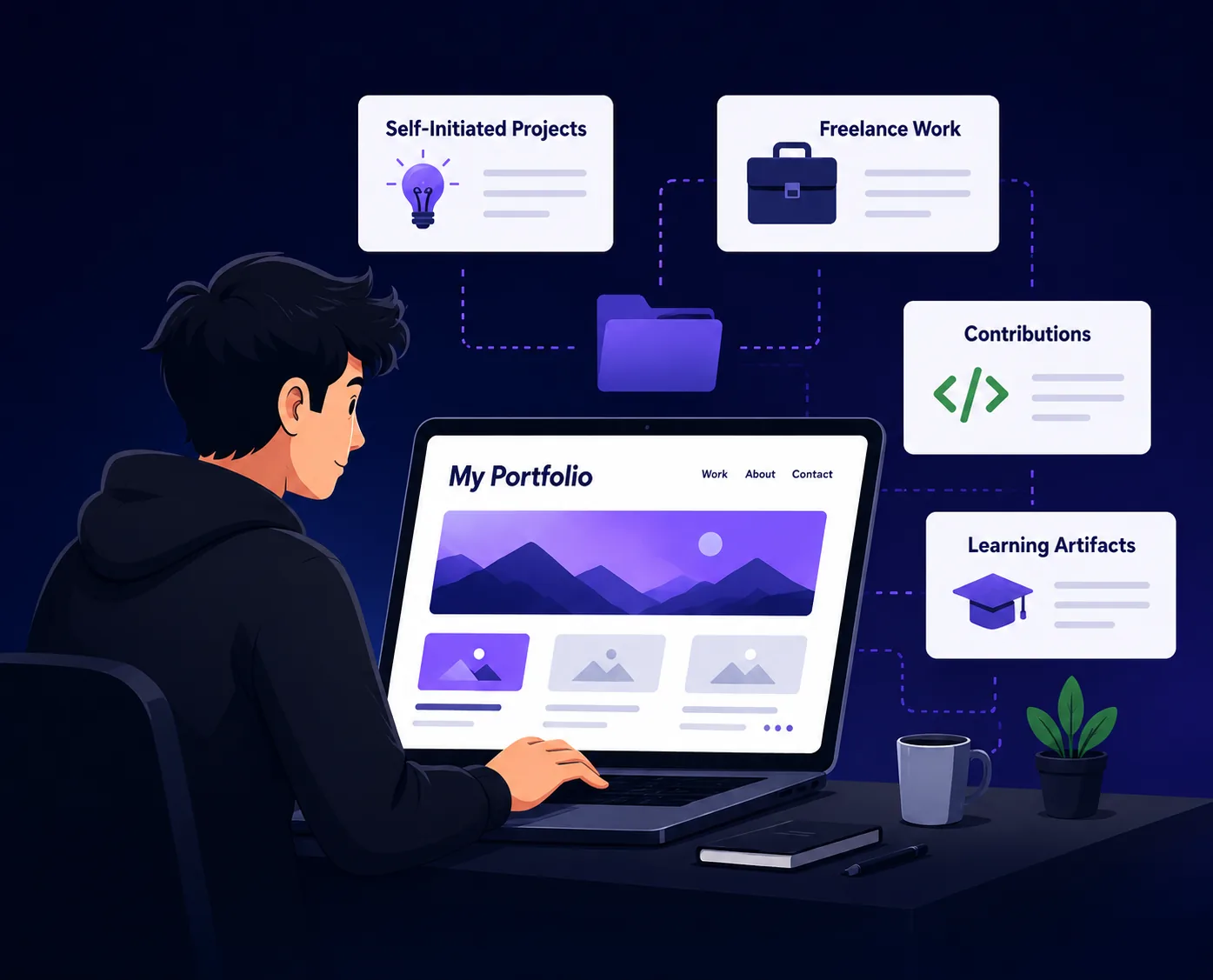
- Build self-initiated projects that solve real problems to demonstrate initiative and capability.
- Create realistic briefs as case studies to showcase your skills in design, writing, or marketing.
- Take on strategic free or low-cost work to gain real outcomes and testimonials while avoiding unpaid labor.
- Collaborate on projects or contribute to open-source to build experience and enhance your portfolio.
- Ensure your resume, LinkedIn, and portfolio tell a consistent story to avoid confusion for recruiters.
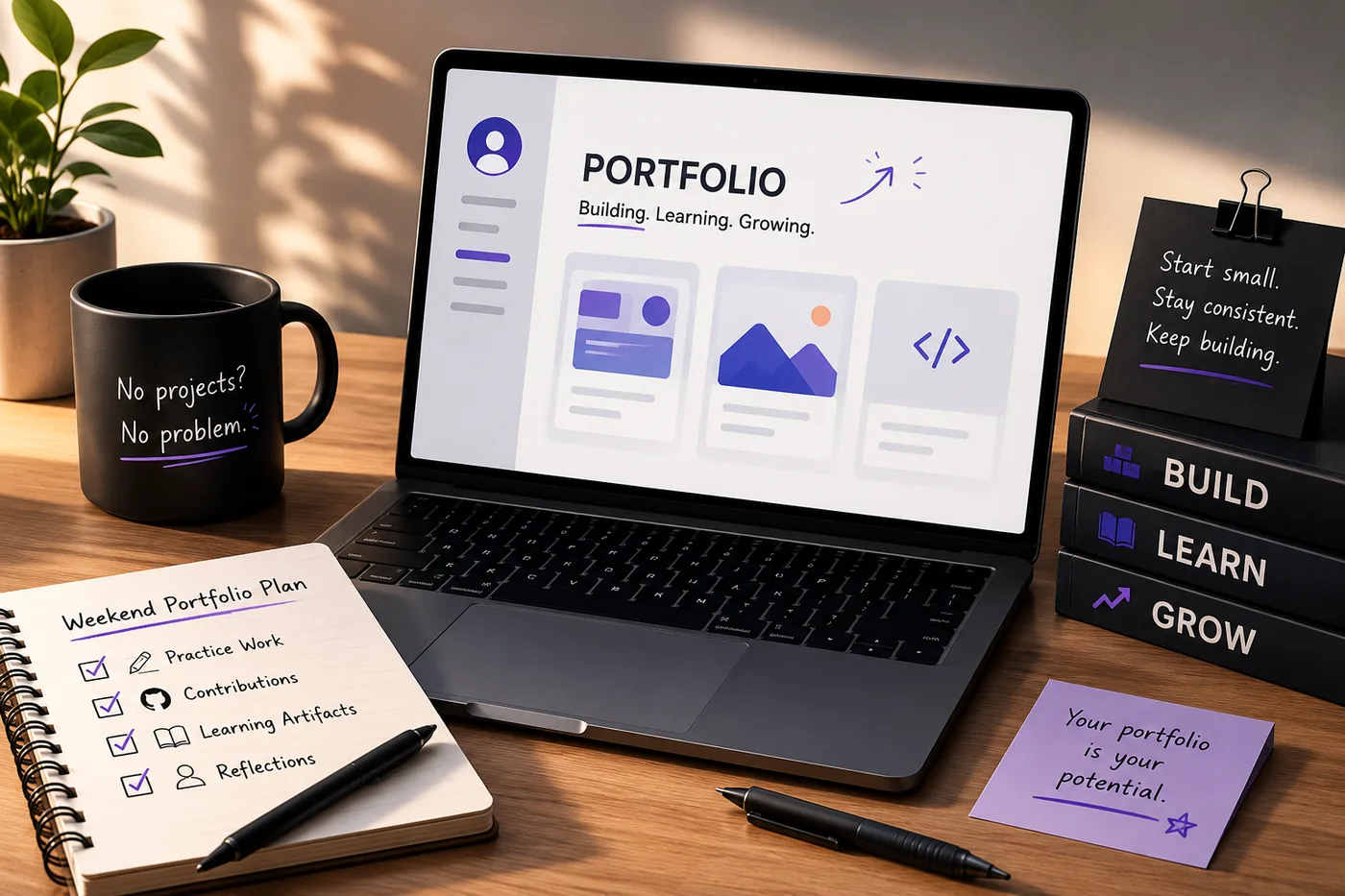
A portfolio is the single best way to escape the "no experience" trap, because it replaces a job history you do not have yet with proof of what you can do right now. You do not need an employer to give you projects - you can create them this weekend. Here is the exact playbook.
For the role-specific version of all this, also read How to Build a Professional Portfolio and How to Get a Job With No Experience.
Step 1: Build Self-Initiated Projects
Pick a real problem you or people around you actually have, and solve it. The realness is what makes it credible.
- A signup or attendance tool your college club needs
- A dashboard for a friend's small business
- A redesign of an app you use and dislike
- A script that automates something tedious in your life
Self-initiated work counts as experience - it shows initiative, which employers value enormously in juniors.
Step 2: Recreate Realistic Briefs
Designers, writers, and marketers can complete realistic industry briefs and present them as case studies - just be transparent that they are concept pieces.
- Designers: redesign a checkout flow; document the How to Write a Portfolio Case Study process
- Writers: write a landing page, an email sequence, and three SEO posts
- Marketers: plan a full campaign with goals, channels, and projected metrics
Step 3: Do Strategic Free or Low-Cost Work
One or two free projects for a nonprofit or a small local business gives you real outcomes and testimonials. Cap the scope so it does not become unpaid labor, and always get permission to show the work.
Step 4: Contribute and Collaborate
- Fix a small open-source bug (a merged PR is gold) - see GitHub Portfolio Optimization
- Join a hackathon and ship something in 48 hours
- Pair with a friend so you each get a collaborative project
Step 5: Turn Learning Into Artifacts
Course capstones, Kaggle notebooks, certifications you applied, and "what I learned building X" write-ups all demonstrate trajectory. Employers hire for slope, not just position.
Step 6: Package It Like a Pro
Even three small, well-documented pieces - each with problem, process, and outcome - make a real portfolio. Write a focused Portfolio About Me Section, add a clear Portfolio Contact Section, and publish.
The fastest way to get it online is to generate it from your resume with the portfolio builder; if you have literally nothing built yet, start with What to Put in Your Portfolio With No Projects.
Keep Your Resume and Portfolio in Sync
Your resume, your LinkedIn, and your portfolio should tell the same story - same name, same headline, same top projects - just at different levels of depth. A recruiter who sees a 'Full Stack Developer' resume and a portfolio headlined 'Aspiring Designer' gets confused, and confusion loses interviews. Lock the resume down first with the ATS score checker and an ATS-friendly template, then mirror that exact positioning in your portfolio. When they reinforce each other, every recruiter touchpoint pushes you forward. See How to Add Your Portfolio Link to Your Resume for placing the link correctly.
Pro Tips
- Document your process, not just the result - juniors are hired on how they think.
- Add one line of outcome to every piece ("used by 30 club members," "ranked on page 1").
- Keep a running list of ideas so you never stall (15 Developer Portfolio Project Ideas).
Common Mistakes to Avoid When Building Your Portfolio
Creating a portfolio from scratch can be daunting, especially when you're just starting out. Here are some common pitfalls to avoid:
Turning a resume into a portfolio site

You upload the resume you already have and the sections fill themselves in - basics, experience, projects, education - so building the site is editing rather than starting from an empty page.
-
Neglecting Quality Over Quantity: It’s better to have a few high-quality pieces than numerous mediocre ones. Focus on showcasing your best work, even if it's limited.
-
Ignoring Target Audience: Tailor your portfolio to the specific industry or role you’re targeting. Research what employers in that field value and align your projects accordingly.
-
Lack of Context: Presenting work without context can leave potential employers confused. Always include project descriptions, your role, the skills you utilized, and the outcomes achieved.
-
Forgetting About User Experience: If you’re building an online portfolio, ensure it’s user-friendly. A cluttered or confusing layout can deter viewers. Aim for a clean, professional design.
-
Not Updating Regularly: As you gain experience, your portfolio should evolve. Regularly refresh your portfolio to include new projects and skills, and remove outdated content.
Step-by-Step How-To: Creating a Compelling Case Study
A case study can effectively showcase your problem-solving skills and thought process. Here’s how to create one:
-
Choose a Project: Select a project that demonstrates your skills and thinking. This could be a self-initiated project or a piece of freelance work.
-
Outline the Problem: Clearly describe the challenge or problem that needed solving. What were the constraints? Why was this problem significant?
-
Detail Your Process: Walk through the steps you took to address the problem. Include the research you conducted, the methodologies you employed, and any iterations you made along the way.
-
Show Your Solutions: Present the solutions you implemented. Include visuals, such as screenshots or diagrams, to illustrate your process and outcomes.
-
Highlight Results: Quantify the impact of your solutions. Use metrics to demonstrate success, such as increased efficiency, user engagement, or revenue growth.
-
Reflect on the Experience: Conclude with a brief reflection on what you learned from the project and how it has shaped your skills moving forward.
Mini Checklist for Portfolio Readiness
Before sharing your portfolio, use this checklist to ensure it’s polished and professional:
- unchecked: Clarity: Is each project clearly explained with context?
- unchecked: Visual Appeal: Is the design visually appealing and easy to navigate?
- unchecked: Mobile-Friendly: Does your portfolio look good on mobile devices?
- unchecked: Updated Content: Are all your projects current and relevant?
- unchecked: Contact Information: Is your contact information easy to find?
- unchecked: Social Proof: Have you included testimonials or feedback from clients or collaborators?
- unchecked: SEO Optimization: Have you optimized your portfolio for search engines? Use relevant keywords where applicable.
Scenarios: How Different Industries Approach Portfolios
Understanding how to tailor your portfolio for different industries can set you apart. Here are a few scenarios:
-
Creative Fields (Design, Writing): Showcase a mix of projects, including personal work, client projects, and collaborative pieces. Focus on aesthetics and storytelling through visuals and content.
-
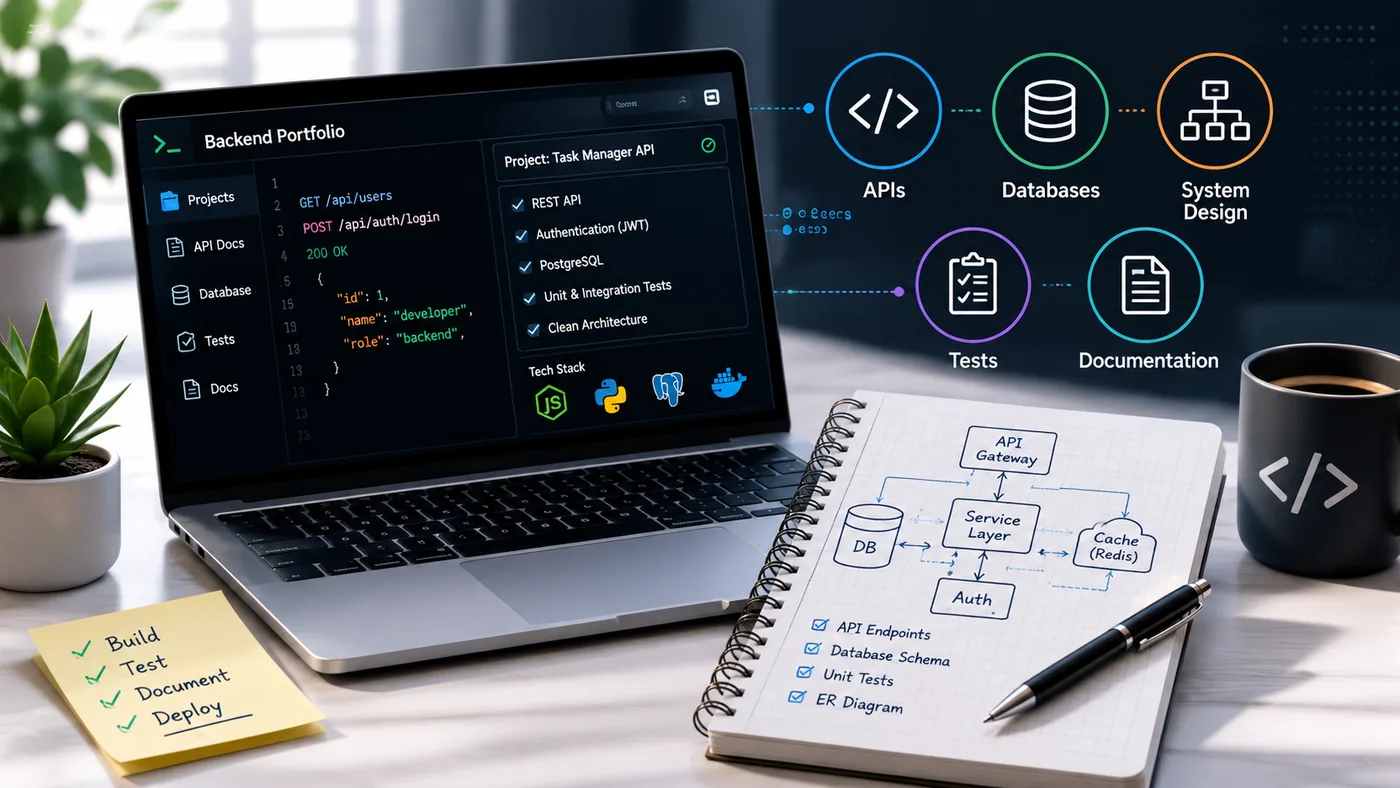
Technical Fields (Development, Data Analysis): Highlight specific skills and technologies. Use code samples, technical documents, or data visualizations. Consider linking to GitHub repositories or live projects.
-
Business Roles (Marketing, Finance): Use case studies and reports to illustrate your analytical skills. Include metrics and outcomes to demonstrate your impact on business decisions.
-
Emerging Fields (AI, Sustainability): Focus on innovative projects that highlight your adaptability. Show how you've applied new technologies or methodologies to solve problems in these evolving areas.
Do's and Don'ts for Portfolio Presentation
Do's
- Do Keep It Organized: Use categories or sections to make navigation intuitive.
- Do Use High-Quality Images: Ensure all visuals are high resolution and professionally presented.
- Do Include a Personal Touch: Share your story or personal brand to connect with viewers.
- Do Provide Download Options: Allow viewers to download your resume or portfolio for offline review.
Don'ts
| Check | What to look for |
|---|---|
| Don’t Overload with Text | Keep descriptions concise and to the point. Use bullet points for clarity |
| Don’t Use Generic Templates | Customize templates to reflect your style and brand |
| Don’t Ignore Analytics | If your portfolio is online, use analytics tools to monitor traffic and engagement |
| Don’t Skip Testing | Before launching, test your portfolio on different devices and browsers to ensure it displays correctly |
By following these guidelines, you can create a portfolio that not only showcases your work but also resonates with potential employers and clients. For more tips on specific industries, check out our Business Analyst Portfolio Guide or the DevOps Engineer Portfolio Guide.
Frequently Asked Questions
Can I get hired with only self-made projects?
Yes - thousands do every year. Real, deployed, documented projects routinely beat a thin resume with no proof. Combine them with the strategies in How to Get a Job With No Experience.
How many projects do I need with no experience?
Three solid ones is enough to start applying. Add more as you build. Curate hard - see Portfolio Mistakes to Avoid and consider what to put in your portfolio when you have no projects: What to Put in Your Portfolio When You Have No Projects.
I am a student - anything different?
Reframe coursework as projects and update each semester. See the dedicated Student Portfolio Guide and explore how to build a portfolio with AI - no coding required: How to Build a Portfolio With AI - No Coding Required.
Build Your Portfolio Now
You do not need to code a site from scratch or spend a weekend wrestling with a website builder. Turn your existing resume into a live, shareable portfolio website in minutes with the TailorCV portfolio builder - choose a template, upload your CV, tweak the details, and publish a link you can drop straight onto your resume and LinkedIn. Before you start applying, run your resume through the free ATS score checker and switch to an ATS-friendly template so your portfolio and resume tell one clean, consistent story to every recruiter.
Related Guides
- How to Build a Professional Portfolio
- How to Get a Job With No Experience
- Student Portfolio Guide
- What to Put in Your Portfolio With No Projects
- Projects on a Resume
- How to Get Your First Tech Job
- 15 Developer Portfolio Project Ideas
- How to Write a Portfolio Case Study
- Portfolio About Me Section
- Internship Resume Guide
- Resume With No Experience
- Turn Your Resume Into a Portfolio in Minutes
Make This Practical
If this topic connects to your work samples, turn the advice into a live proof page with the TailorCV portfolio builder. After publishing, add the link correctly using How to Add Your Portfolio Link to Your Resume, tighten the page with the Portfolio Checklist Before Applying, and make sure recruiters can contact you through a clean Portfolio Contact Section.
Your portfolio works best when it supports the resume, not when it replaces it. Run the resume through the free ATS score checker, choose an ATS-friendly resume template, and use Portfolio SEO: Get Found so your name, role, and strongest projects are easier to discover.
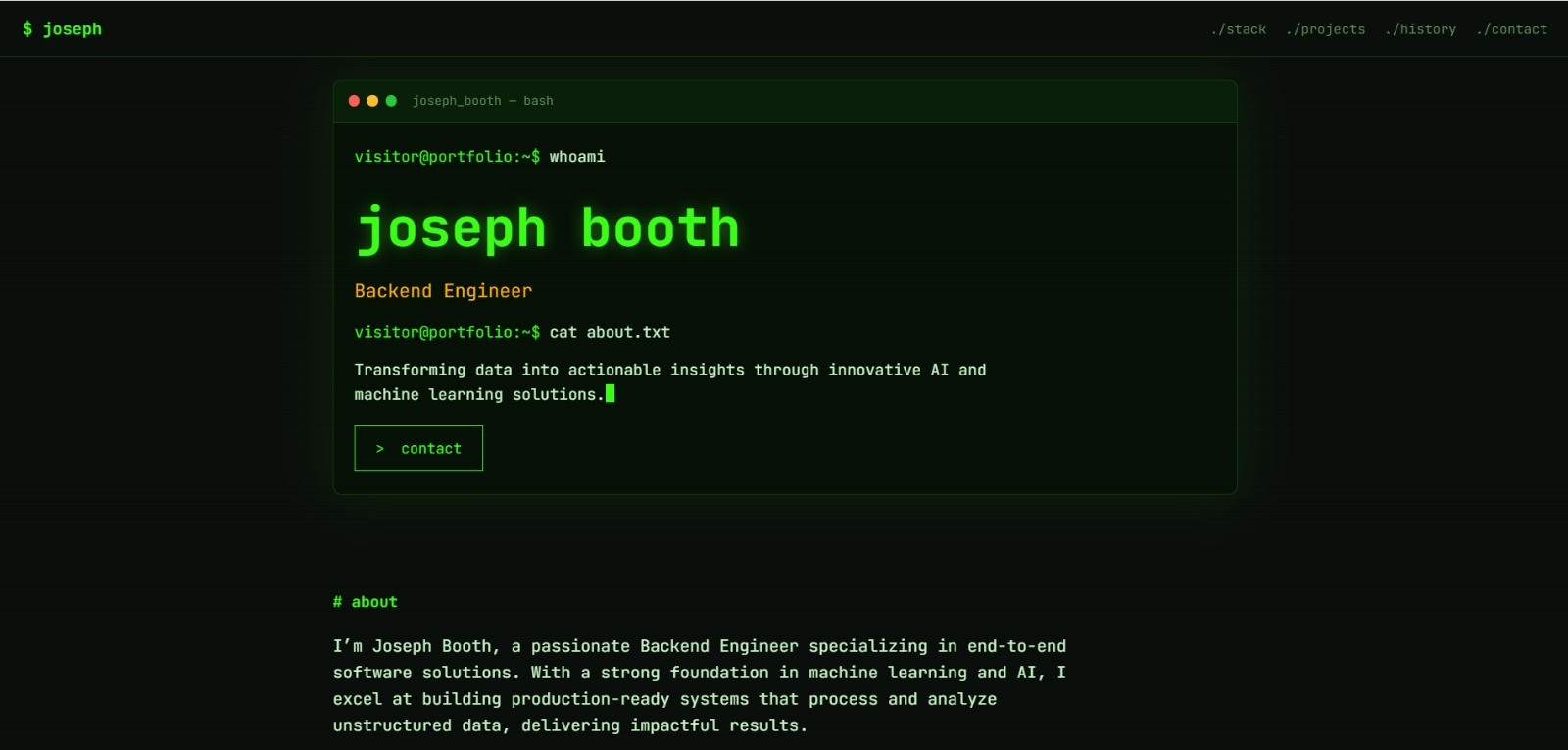
See what your portfolio could look like
This theme is built straight from your resume — pick one and your portfolio is live in minutes.
Was this guide useful?
Be the first to rate it.