SS
SS
Key Takeaways
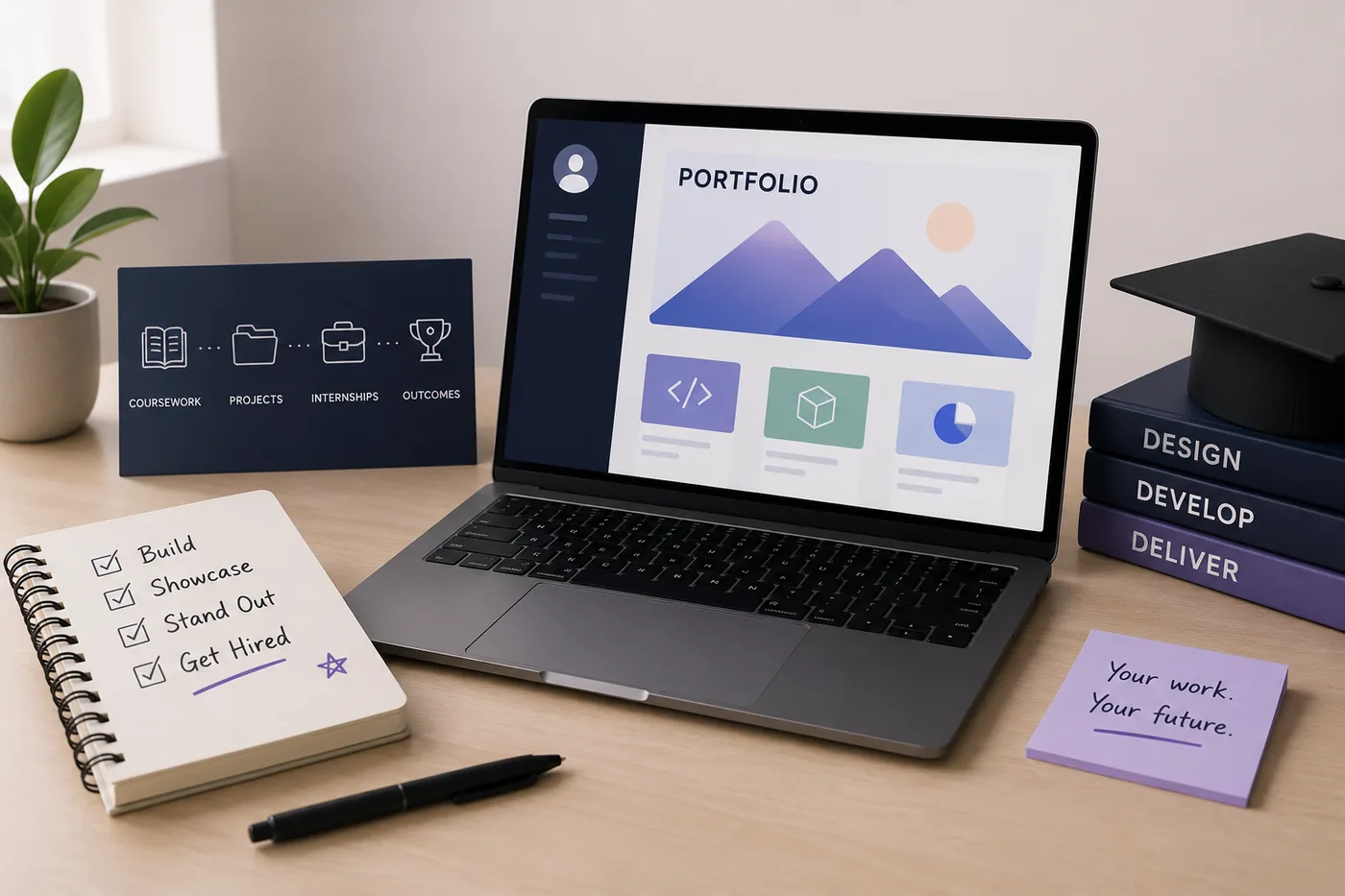
- Start building your portfolio early to showcase proof of skills beyond just a degree and GPA.
- Include 2-4 academic or personal projects, internships, hackathon results, and relevant coursework framed as projects.
- Update your portfolio every semester to maintain a comprehensive body of work for job placements.
- Ensure your resume, LinkedIn, and portfolio tell a consistent story to avoid confusing recruiters.
- Tailor your portfolio to fit the expectations of your specific field, emphasizing relevant skills and examples.
A portfolio is a student's single biggest edge, because most of your peers will not bother to build one. Start now and you graduate with proof, not just a degree and a GPA. Here is the playbook. Pair this with Build a Portfolio With No Experience and What to Put in Your Portfolio With No Projects.
What to Include
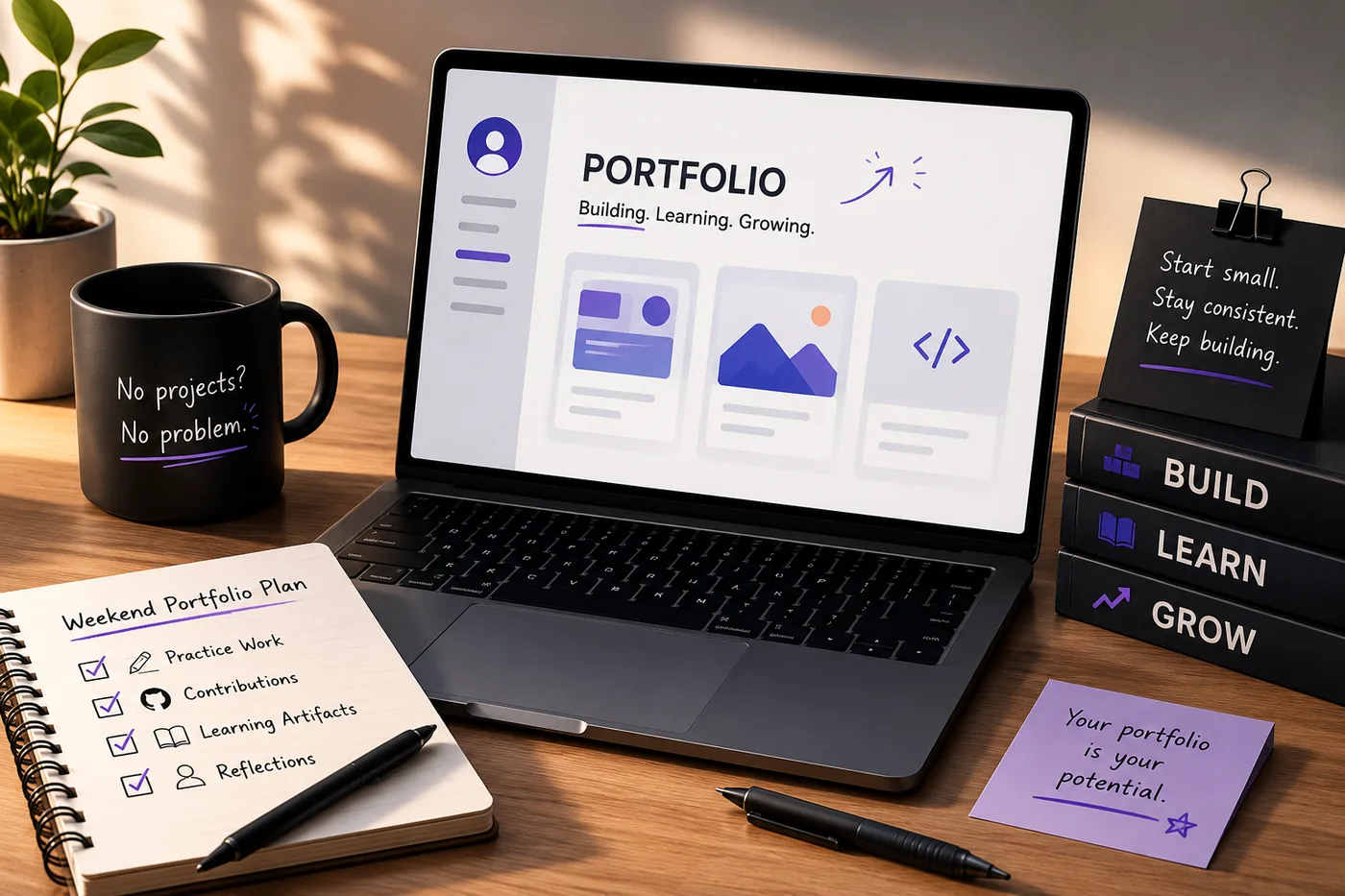
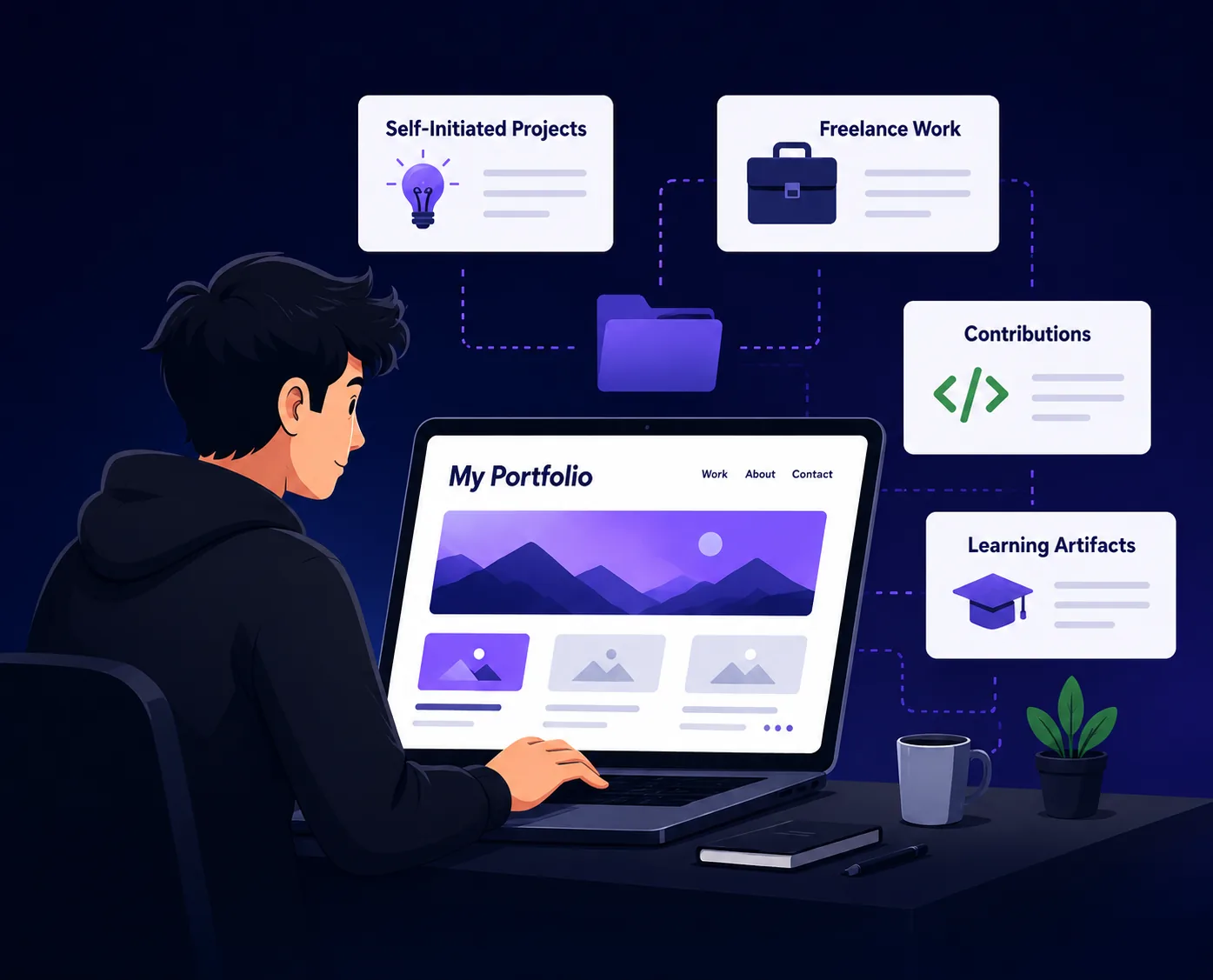
- 2-4 academic or personal projects with outcomes
- Any internship or part-time work (even small contributions)
- Hackathon projects and competition results
- Relevant coursework reframed as projects
Reframe Coursework as Projects
A class assignment becomes a portfolio project the moment you add a problem statement, your specific role, and a result - then deploy it or publish the code/notebook. This single move turns a transcript into evidence.
Add Proof of Initiative
- Open-source contributions (GitHub Portfolio Optimization)
- Something you built for a club or society
- certifications and, crucially, what you applied them to
- A personal project driven by genuine curiosity
Keep It Current
Update your portfolio every semester. By final year you will have a deep, real body of work while classmates are scrambling to invent one the week before placements.
Tie It to Applications
Generate your student portfolio from your resume with the portfolio builder, add the link per How to Add Your Portfolio Link to Your Resume, and prepare for placements with the Campus Placement guide and the How to Get Your First Tech Job.
Keep Your Resume and Portfolio in Sync
Your resume, your LinkedIn, and your portfolio should tell the same story - same name, same headline, same top projects - just at different levels of depth. A recruiter who sees a 'Full Stack Developer' resume and a portfolio headlined 'Aspiring Designer' gets confused, and confusion loses interviews. Lock the resume down first with the ATS score checker and an ATS-friendly template, then mirror that exact positioning in your portfolio. When they reinforce each other, every recruiter touchpoint pushes you forward. See How to Add Your Portfolio Link to Your Resume for placing the link correctly.
Common Mistakes
- Waiting until final year to start
- Listing coursework without framing it as projects
- No deployed/published proof
- See more in Portfolio Mistakes to Avoid
Tailoring Your Portfolio for Different Fields
Different industries have unique expectations when it comes to student portfolios. Tailoring your portfolio to fit the specific requirements of your field can significantly enhance your chances of standing out. Here’s how to customize your portfolio for various disciplines:
-
Creative Fields (Design, Art, Writing): Focus on visual appeal and storytelling. Include high-quality images of your work, detailed descriptions, and the creative process behind each piece. Use platforms that allow for aesthetic customization, such as Behance or Adobe Portfolio.
-
Technical Fields (Engineering, Computer Science): Showcase your technical skills through project-based examples. Provide links to GitHub repositories, code snippets, or even live demos of your projects. Consider using a custom domain to enhance professionalism.
-
Business and Management: Highlight analytical skills and case studies. Include examples of projects where you have applied business theories. Use metrics and data to demonstrate the impact of your work, such as growth percentages or efficiency improvements. Check out our Business Analyst Portfolio Guide for more insights.
-
Health and Science: Include research projects, lab work, or volunteer experiences. Document your findings and methodologies clearly, emphasizing your role and contributions. If applicable, include certifications or additional training to showcase your commitment to the field.
Step-by-Step Checklist for Building Your Portfolio
Creating a standout portfolio can feel overwhelming, but breaking it down into manageable steps can simplify the process. Use this checklist to guide you through building your portfolio:
Turning a resume into a portfolio site

The three steps are template, details, publish. Uploading an existing CV fills in the details step for you, which is why this takes minutes rather than a weekend.
- Define Your Purpose: Determine what you want to achieve with your portfolio (e.g., internships, job applications).
- Select Your Platform: Choose a portfolio platform that suits your needs. Consider ease of use, design options, and professional appeal.
- Gather Your Work: Collect projects, coursework, and experiences that align with your goals.
- Organize Your Content: Create sections for different types of work (e.g., projects, skills, testimonials).
- Write Descriptions: Craft compelling narratives that explain your projects and your role in them.
- Include Contact Information: Make it easy for potential employers to reach you.
- Review and Edit: Proofread for grammar and clarity; seek feedback from peers or mentors.
- Test Functionality: Ensure all links work and that your portfolio displays correctly on different devices.
- Launch and Promote: Share your portfolio on LinkedIn, social media, and during networking events.
Common Mistakes to Avoid
When building your portfolio, it’s essential to avoid pitfalls that can detract from your professional image. Here are common mistakes to watch out for:
| Mistake | Why it costs you |
|---|---|
| Overloading with Content | Less is often more. Focus on quality over quantity. Select your best work rather than trying to showcase everything |
| Neglecting Design | A cluttered or unattractive design can turn people away. Invest time in creating an aesthetically pleasing layout |
| Lack of Context | Always provide context for your work. Don’t assume the viewer will understand the significance of a project without explanation |
| Inconsistency | Ensure a consistent style and tone throughout your portfolio. This includes fonts, colors, and language |
| Forgetting About Mobile Optimization | Many users will view your portfolio on mobile devices. Make sure it is responsive and looks good on all screen sizes |
Scenario: Portfolio Critique
Imagine you’re preparing for an upcoming internship interview, and you have a portfolio ready. You decide to ask a mentor for feedback. Here’s how to leverage that critique effectively:
- Be Open to Feedback: Listen carefully to your mentor’s suggestions without becoming defensive.
- Ask Specific Questions: Inquire about particular sections you feel uncertain about, such as the clarity of your project descriptions or the overall design.
- Take Notes: Document all feedback for future reference. This will help you remember what to improve.
- Implement Changes: Revise your portfolio based on the critique, focusing on areas highlighted by your mentor.
- Follow Up: After making changes, consider sharing your updated portfolio with your mentor. This shows appreciation for their guidance and allows for further feedback.
Do's and Don'ts for Your Portfolio
Creating a student portfolio involves making strategic choices. Here are some do’s and don’ts to guide your process:
Do's:
- Do Keep It Professional: Use a professional tone and language throughout your portfolio.
- Do Personalize Your Brand: Incorporate elements that reflect your personal style and career aspirations.
- Do Update Regularly: Keep your portfolio current with your latest work and skills.
- Do Use Analytics: If your portfolio is online, use analytics tools to understand viewer engagement and adjust accordingly.
Don'ts:
| Skill | Why it matters |
|---|---|
| Don’t Use Generic Templates | Avoid using overly common templates that may make your portfolio blend in with others |
| Don’t Ignore SEO | If your portfolio is online, optimize it for search engines to increase visibility |
| Don’t Forget to Cite Sources | If you include collaborative work, always credit your collaborators to maintain integrity |
| Don’t Leave Out Soft Skills | While technical skills are crucial, don’t forget to highlight your soft skills through examples in your projects |
By following these guidelines and suggestions, you can create a standout portfolio that not only showcases your skills and experiences but also reflects your unique identity as a student and future professional.
Frequently Asked Questions
When should I start my portfolio as a student?
First or second year. Add a project each semester and you will graduate far ahead of peers.
What if I only have coursework?
Reframe it: add a problem statement, your role, and an outcome, then publish it. See What to Put in Your Portfolio When You Have No Projects.
Does a portfolio help for internships?
Yes - for internships it can matter more than a thin resume, because it shows initiative. Consider using our portfolio builder to create a standout presentation of your work. Additionally, you might want to explore How to Build a Portfolio With No Experience (2026 Guide) for more tips.
Build Your Portfolio Now
You do not need to code a site from scratch or spend a weekend wrestling with a website builder. Turn your existing resume into a live, shareable portfolio website in minutes with the TailorCV portfolio builder - choose a template, upload your CV, tweak the details, and publish a link you can drop straight onto your resume and LinkedIn. Before you start applying, run your resume through the free ATS score checker and switch to an ATS-friendly template so your portfolio and resume tell one clean, consistent story to every recruiter.
Related Guides
- How to Build a Professional Portfolio
- How to Prepare for Campus Placement
- What to Put in Your Portfolio With No Projects
- Build a Portfolio With No Experience
- How to Get a Job With No Experience
- Internship Resume Guide
- How to Get Your First Tech Job
- 15 Developer Portfolio Project Ideas
- GitHub Portfolio Optimization
- How to Add Your Portfolio Link to Your Resume
- Portfolio Mistakes to Avoid
- Turn Your Resume Into a Portfolio in Minutes
Make This Practical
If this topic connects to your work samples, turn the advice into a live proof page with the TailorCV portfolio builder. After publishing, add the link correctly using How to Add Your Portfolio Link to Your Resume, tighten the page with the Portfolio Checklist Before Applying, and make sure recruiters can contact you through a clean Portfolio Contact Section.
Your portfolio works best when it supports the resume, not when it replaces it. Run the resume through the free ATS score checker, choose an ATS-friendly resume template, and use Portfolio SEO: Get Found so your name, role, and strongest projects are easier to discover.
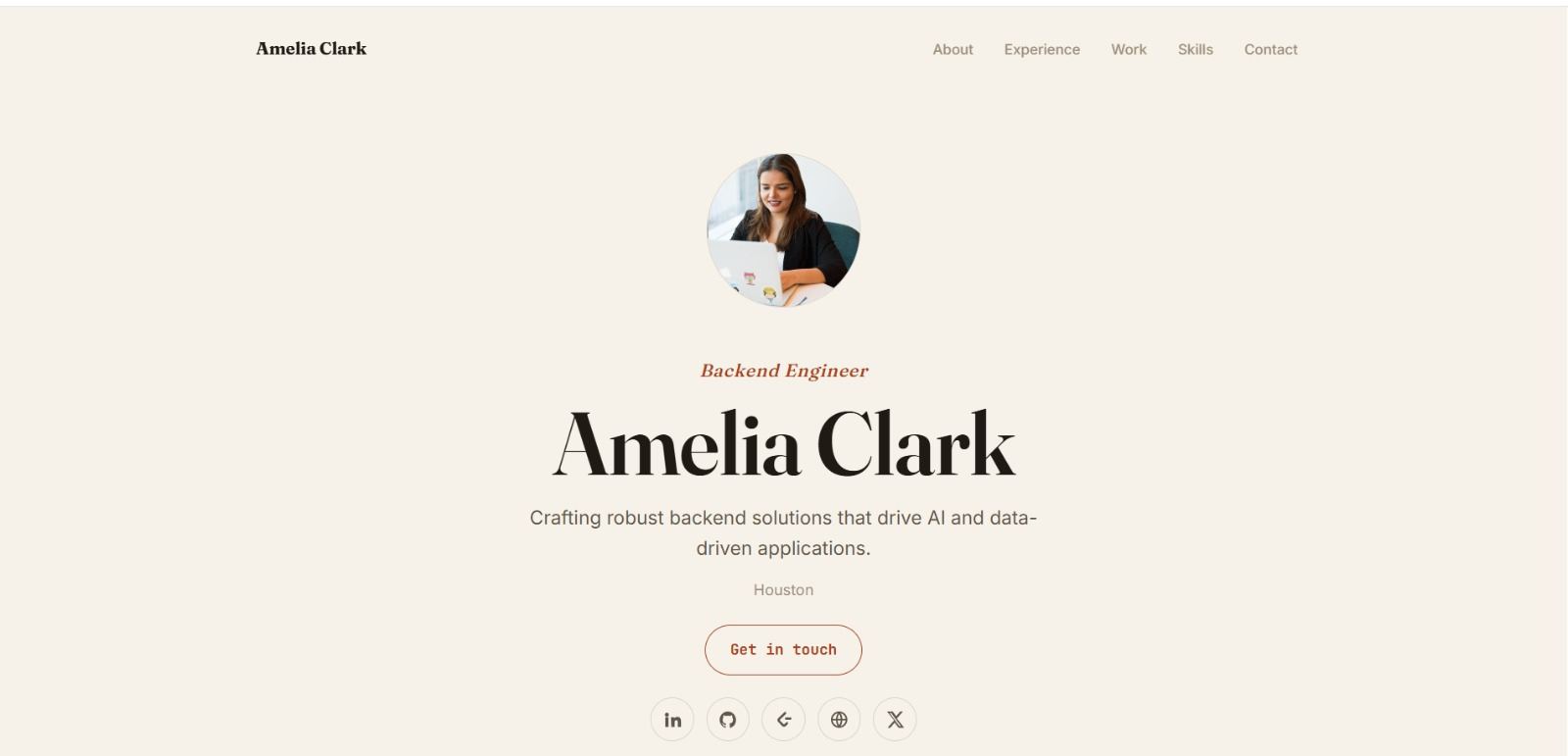
See what your portfolio could look like
This theme is built straight from your resume — pick one and your portfolio is live in minutes.
Was this guide useful?
Be the first to rate it.