TD
TD
Key Takeaways
- Use an unlisted link for your portfolio to maintain privacy while job searching or handling sensitive work.
- Public portfolios are best for active job seekers, while unlisted and private options offer more discretion.
- Share your portfolio link only through private channels to avoid unwanted visibility by current employers or the public.
- Avoid sharing confidential client data even in private portfolios, as privacy settings do not override confidentiality agreements.
- Transition your portfolio to public once you are ready to actively seek new job opportunities to maximize visibility.
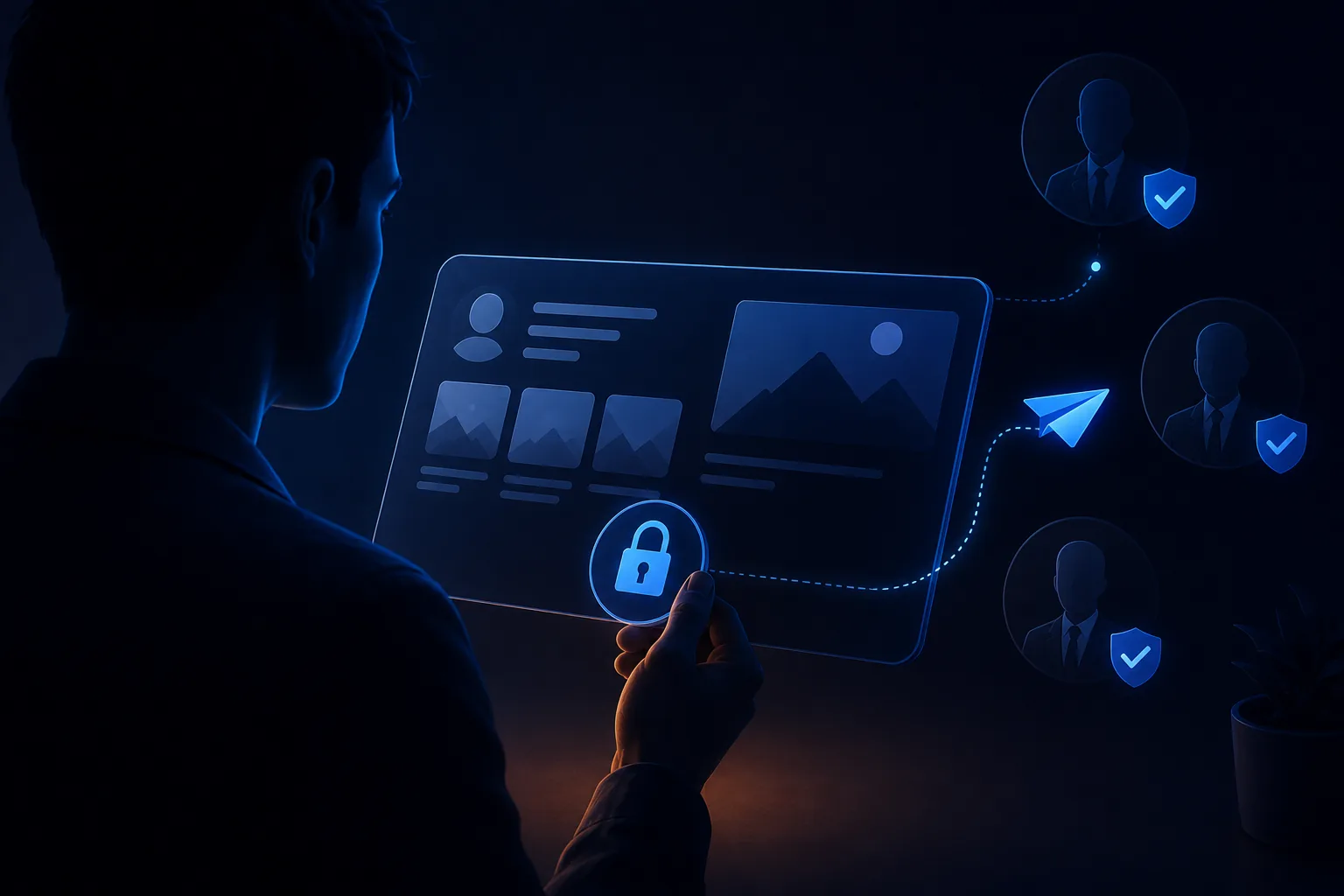
Not every portfolio should be fully public. If you are job searching while employed, working with confidential client data, or simply not ready for your current employer to find your portfolio through a Google search, a private or unlisted link solves the problem without giving up the format. Pair this with How to Build a Professional Portfolio and Portfolio SEO: Get Found.
When a Private Portfolio Makes Sense
- You are job searching while still employed and do not want your current employer stumbling onto it
- Your work references confidential or sensitive material - finance, healthcare, legal, or client-specific case studies
- You want per-application tracking - a unique unlisted link per opportunity so you know exactly who is viewing it
- You are early in exploring a career change and are not ready for your professional network to see the pivot publicly
Public vs Unlisted vs Fully Private
- Public - indexed by search engines, discoverable via Google, best once you are actively and openly job searching
- Unlisted - the page exists at a real URL but is not indexed or linked anywhere publicly discoverable; only people you send the link to can find it
- Private/password-protected - requires a password or login to view; the strongest option for genuinely sensitive content
Most job seekers who want discretion should use an unlisted link - public enough to share freely with anyone you choose, invisible to search engines and casual browsing otherwise.
How to Set This Up
- Build your portfolio with the TailorCV portfolio builder
- Keep it off any public index - do not submit it to search engines or link it from a public LinkedIn post
- Share the direct link only through private channels - email, direct message, or a job application form
- If you need per-recruiter tracking, create separate, clearly-named unlisted links so view analytics stay attributable (see Portfolio Analytics and View Tracking)
Keeping It Discreet
- Do not link the portfolio from your public LinkedIn profile if discretion is the goal - use direct messages or application forms instead
- Avoid reusing your full legal name plus employer name together in a way that is easily searchable if privacy matters to you
- Remind anyone you share it with (referrals, mentors) that the link is not for public forwarding
Common Mistakes
- Assuming "unlisted" means encrypted or fully secure - anyone with the link can view it and forward it on, so only share with people you trust
- Making a portfolio public before you are ready, then scrambling to take content down once a current employer finds it
- Sharing confidential client or employer data even in a private portfolio - privacy settings do not override confidentiality agreements, see Business Analyst Portfolio Guide for how to sanitize sensitive work
- Forgetting to eventually make the portfolio public once you are openly job searching, missing out on organic discovery - see Portfolio SEO: Get Found
Pro Tips
- Use a private link during the exploration phase of a career change, then flip to public once you have committed to the search - see Career Change Portfolio
- If you are worried about a specific employer, ask a trusted friend to search your name to see what surfaces, and adjust visibility accordingly
- Generate your portfolio with the portfolio builder first, and decide on visibility settings before you share the link anywhere
Step-by-Step Guide to Creating a Private Portfolio Link
Creating a private portfolio link is essential for sharing your work with recruiters while maintaining control over who sees it. Here’s a simple step-by-step guide:
-
Choose Your Platform: Select a portfolio platform that allows you to create private links. Popular options include Behance, Adobe Portfolio, and WordPress.
-
Upload Your Work: Add your projects, ensuring that each piece is well-presented with descriptions and relevant tags.
-
Set Privacy Settings: Navigate to the settings of your portfolio and select the option to make your portfolio private or unlisted. This ensures that only those with the link can access it.
-
Generate a Shareable Link: Once your portfolio is set to private, generate a shareable link. This link should be unique and not accessible through search engines.
-
Test the Link: Before sending the link to recruiters, test it in an incognito browser window to ensure it works as intended.
-
Share with Recruiters: Include the private link in your job applications or emails to recruiters. Consider adding a personalized message explaining what they can expect to find in your portfolio.
This straightforward process allows you to keep your work secure while still showcasing your talents to potential employers.
Common Mistakes to Avoid When Sharing Your Portfolio
When sharing your portfolio privately with recruiters, avoid these common pitfalls that can diminish your chances of making a strong impression:
Turning a resume into a portfolio site

You upload the resume you already have and the sections fill themselves in - basics, experience, projects, education - so building the site is editing rather than starting from an empty page.
-
Neglecting to Personalize Your Message: Always include a personalized introduction when sending your portfolio link. A generic message may come off as unprofessional.
-
Failing to Update Your Portfolio: Ensure your portfolio is up-to-date with your latest work. An outdated portfolio can give a poor impression to recruiters.
-
Ignoring Mobile Optimization: Many recruiters will view your portfolio on mobile devices. Make sure your portfolio is mobile-friendly to ensure a seamless viewing experience.
-
Not Providing Context: Simply sharing a link without context can confuse recruiters. Briefly describe what they will find in your portfolio and highlight specific projects relevant to the job.
-
Forgetting to Follow Up: After sending your portfolio, don’t forget to follow up with the recruiter. A gentle reminder can keep you on their radar.
Avoiding these mistakes will help you present your work more effectively and increase your chances of landing interviews.
Do's and Don'ts for Sharing Your Private Portfolio
Do's
-
Do Provide Clear Instructions: If your portfolio requires a password or any special access, provide clear instructions on how to access it.
-
Do Highlight Key Projects: In your communication, highlight specific projects that align with the job you're applying for. This shows that you've tailored your portfolio for the recruiter.
-
Do Use Analytics Tools: Consider using Using Portfolio Analytics to Gauge Recruiter Interest to track how many times your portfolio link has been accessed.
Don'ts
-
Don't Overwhelm with Too Many Projects: Select your best work instead of showcasing everything. Quality over quantity is key.
-
Don't Share on Social Media: Avoid sharing your private link on public platforms. This defeats the purpose of keeping it exclusive.
-
Don't Forget to Check Permissions: If you’re using collaborative tools or platforms, ensure that the settings allow only intended viewers to access your portfolio.
Following these do's and don'ts will help you navigate the delicate process of sharing your portfolio with recruiters effectively.
Quick Checklist for Sharing Your Portfolio Privately
Use this checklist before sending your private portfolio link to ensure everything is in order:
- unchecked: Portfolio is up-to-date with the latest work.
- unchecked: Privacy settings are appropriately configured (private/unlisted).
- unchecked: Shareable link is generated and tested.
- unchecked: Personalized message is drafted and includes context about the portfolio.
- unchecked: Key projects are highlighted relevant to the job.
- unchecked: Follow-up plan is in place after sharing the link.
Completing this checklist will help you present your portfolio in the best light possible and increase your chances of making a lasting impression on recruiters.
Frequently Asked Questions
Is an unlisted portfolio link truly private?
It is not indexed or publicly discoverable, but anyone who receives the direct link can view and forward it - treat it as "share with intention," not fully secured.
Should nurses, finance professionals, or others with confidential work use a private portfolio?
Often yes - see Nurse and Healthcare Professional Portfolio Guide and Finance and Accounting Portfolio Guide for field-specific guidance on what is safe to share even privately.
When should I switch from private to public?
Once you are openly and actively job searching and no longer worried about a current employer finding it, switching to public unlocks organic search traffic and broader recruiter discovery. Additionally, consider using portfolio analytics to gauge interest before making the switch.
Build Your Portfolio Now
You do not need to code a site or manage separate hosting for a private page. Turn your existing resume into a live, shareable portfolio in minutes with the TailorCV portfolio builder - choose a theme, upload your CV, let AI pull in your experience, then decide whether to publish publicly or share an unlisted link directly with recruiters. Before you apply, run your resume through the free ATS score checker and switch to an ATS-friendly resume template so your portfolio and resume tell one consistent story.
Related Guides
- How to Build a Professional Portfolio
- Portfolio Analytics and View Tracking
- Portfolio SEO: Get Found
- Career Change Portfolio
- Nurse and Healthcare Professional Portfolio Guide
- Finance and Accounting Portfolio Guide
- Business Analyst Portfolio Guide
- AI Portfolio Builder: No Code Required
- Portfolio Checklist Before Applying
- Portfolio Mistakes to Avoid
- Personal Website vs Portfolio
- Custom Domain Portfolio Guide
Make This Practical
If this topic connects to your work samples, turn the advice into a live proof page with the TailorCV portfolio builder. After publishing, add the link correctly using How to Add Your Portfolio Link to Your Resume, tighten the page with the Portfolio Checklist Before Applying, and make sure recruiters can contact you through a clean Portfolio Contact Section.
Your portfolio works best when it supports the resume, not when it replaces it. Run the resume through the free ATS score checker, choose an ATS-friendly resume template, and use Portfolio SEO: Get Found so your name and strongest work are easier to discover once you go public.
Related Guides to Strengthen This Topic
Use these internal guides to connect this topic with the rest of your job-search workflow:
- How to Build a Professional Portfolio
- Portfolio Website for Job Applications
- Portfolio Checklist Before Applying
- Portfolio Mistakes to Avoid
- How to Write Portfolio Case Study
- Add Portfolio Link to Resume
- Resume Matching With Job Description
- ATS-Friendly Resume Builder
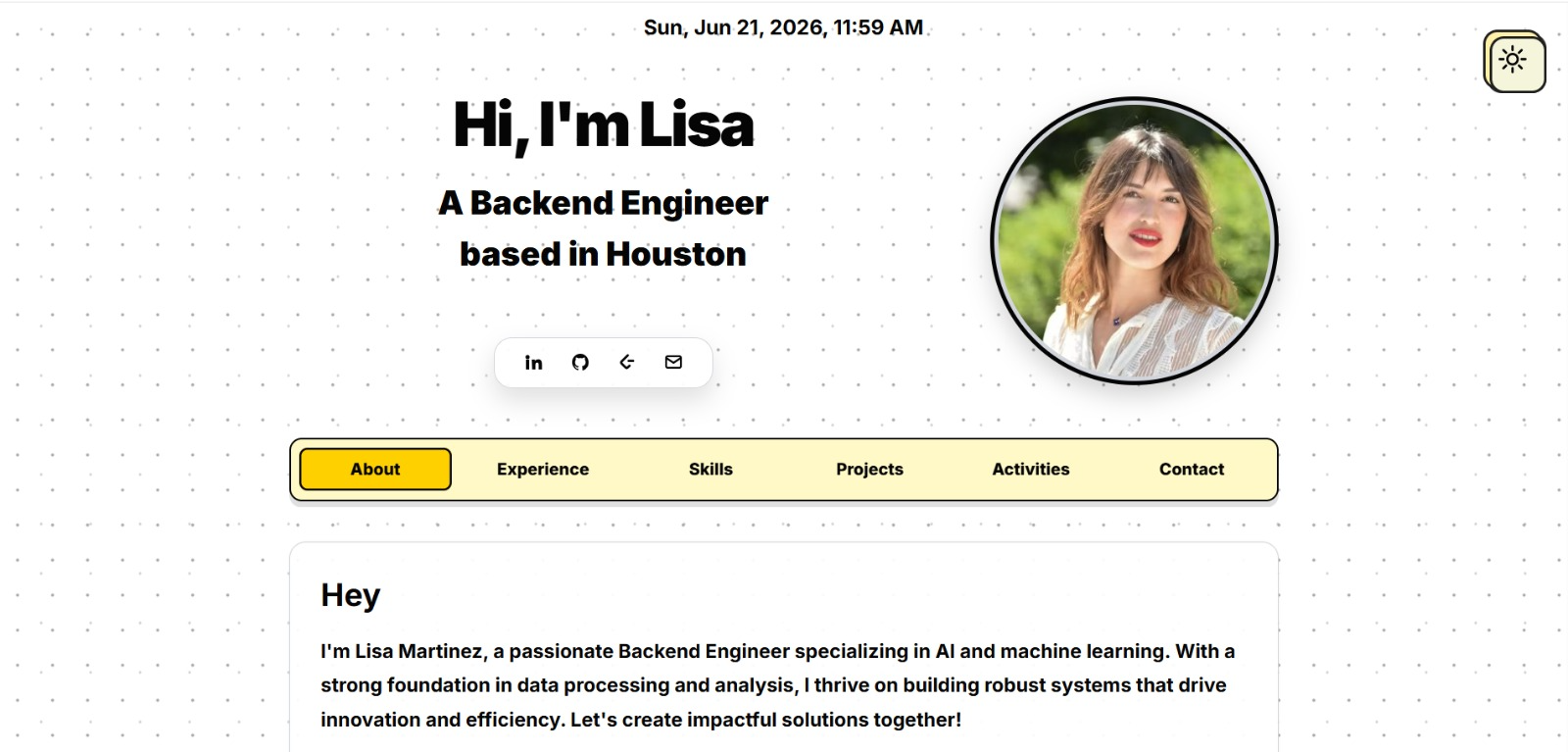
See what your portfolio could look like
This theme is built straight from your resume — pick one and your portfolio is live in minutes.
Was this guide useful?
Be the first to rate it.