 SS
SS
Key Takeaways
- Curate your portfolio by focusing on a specific niche and include 20-40 strong images organized into clear galleries.
- Sequence your images to create a captivating flow, starting and ending with your best work while balancing different styles.
- Ensure your portfolio is technically optimized with fast-loading images, a clean layout, and mobile-first design.
- Choose a suitable platform for hosting your portfolio, considering user-friendliness and customization options.
- Keep your resume and portfolio aligned in terms of branding and messaging to avoid confusion for potential clients or employers.
A photography portfolio sells two things at once: a feeling and a standard. Tight curation, smart sequencing, and fast galleries are what turn browsers into bookings. Pair this with How to Build a Professional Portfolio and Graphic Designer Portfolio Guide.
Curate by Intent
Show only the niche you want to be booked for. A wedding client should not have to scroll past product shots. Aim for 20-40 strong images, organized into clear galleries (e.g., Weddings, Portraits, Editorial).
Steps to Curate Effectively
- Identify Your Niche: Determine what type of photography you want to focus on (e.g., weddings, portraits, commercial).
- Select Your Best Work: Choose images that not only showcase your skills but also resonate with your target audience.
- Use Feedback: Share your selection with peers or mentors for constructive criticism.
- Revise Regularly: Your portfolio should evolve. Regularly update it to reflect your latest work and style.
Real Examples
- Wedding Photographer: A wedding photographer might include only images from the last two years that highlight different venues and styles, ensuring a cohesive narrative.
- Commercial Photographer: A commercial photographer could showcase campaigns that align with specific brands to attract similar clients.
Sequence for Flow
Open strong, vary the rhythm, and close strong. Cut anything that breaks your standard - consistency is what signals professionalism and lets you charge more.
Tips for Effective Sequencing
- Start with Your Best Work: The first image should captivate your audience immediately.
- Balance Your Styles: Alternate between different types of shots (e.g., wide shots, close-ups) to maintain interest.
- Create a Narrative: Sequence images to tell a story. For example, in a wedding portfolio, you might start with the venue, move to the ceremony, and finish with the reception.
Nail the Technical Presentation
- Fast-loading, properly optimized images
- A clean, distraction-free layout
- Mobile-first (most clients browse on phones)
- An obvious booking/contact path (Portfolio Contact Section)
Optimization Tips
- Image Compression: Use tools like TinyPNG or JPEGmini to reduce file sizes without sacrificing quality.
- Responsive Design: Test your portfolio on multiple devices to ensure it looks great everywhere.
- Loading Speed: Aim for a loading time of under three seconds. Use Google PageSpeed Insights to analyze and improve your site speed.
Platforms
- Squarespace, Format, Pixieset - purpose-built for photographers
- A custom site for full control (Best Portfolio Website Builders 2026)
- Keep branding minimal so the photos lead
Comparing Portfolio Platforms
| Platform | Best For | Pros | Cons |
|---|---|---|---|
| Squarespace | All-in-one solutions | User-friendly, customizable templates | Monthly fee |
| Format | Photographers specifically | Tailored features for photographers | Limited free version |
| Pixieset | Client galleries | Easy client proofing and delivery | Less customizable |
| Custom Site | Full creative control | Unique branding and functionality | Requires web development skills |
Host it fast and free where you can - see How to Host Your Portfolio for Free and the Portfolio Domain Name Guide.
Keep Your Resume and Portfolio in Sync
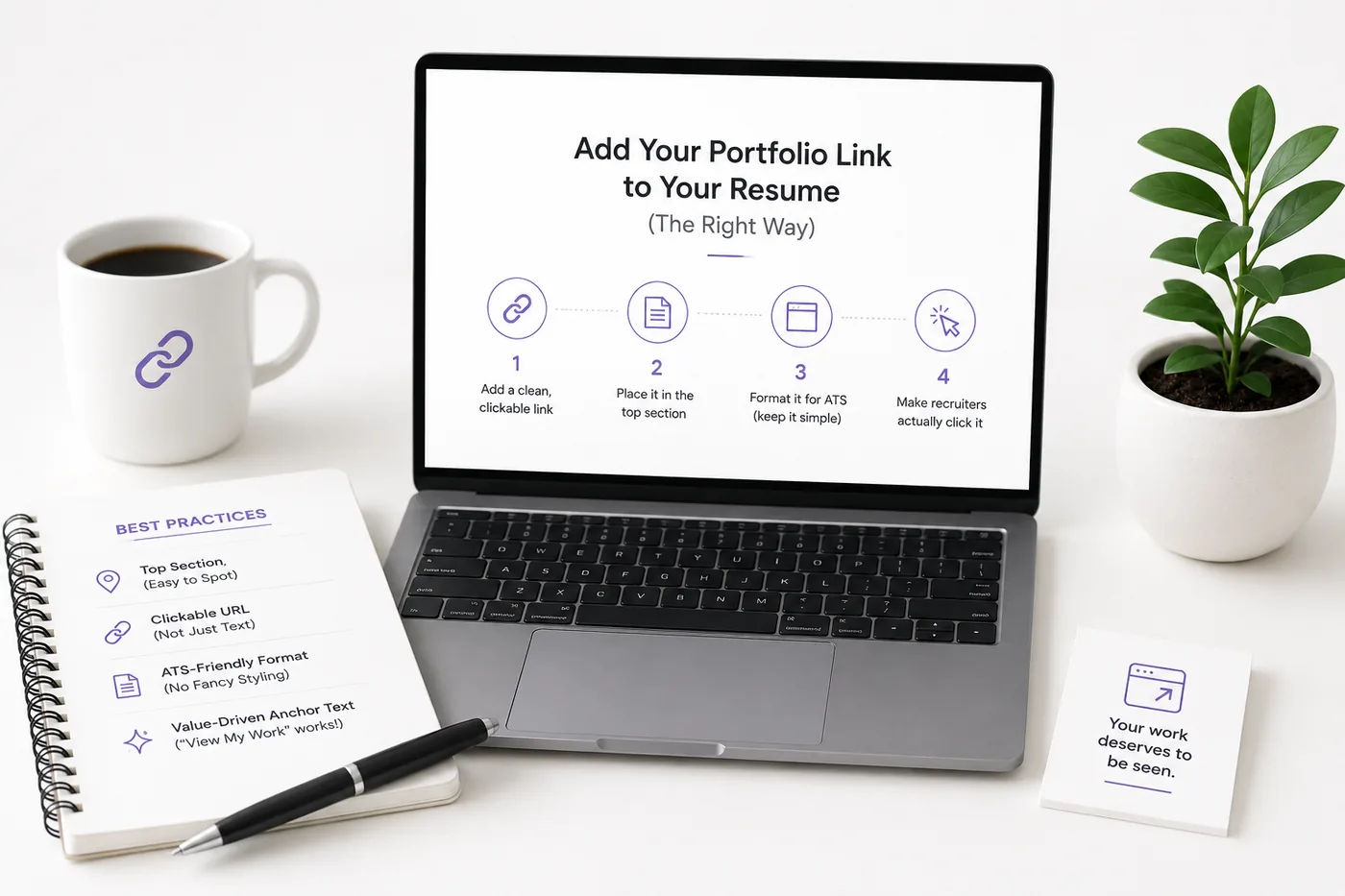
Your resume, your LinkedIn, and your portfolio should tell the same story - same name, same headline, same top projects - just at different levels of depth. A recruiter who sees a 'Full Stack Developer' resume and a portfolio headlined 'Aspiring Designer' gets confused, and confusion loses interviews. Lock the resume down first with the ATS score checker and an ATS-friendly template, then mirror that exact positioning in your portfolio. When they reinforce each other, every recruiter touchpoint pushes you forward. See How to Add Your Portfolio Link to Your Resume for placing the link correctly.
Turning a resume into a portfolio site
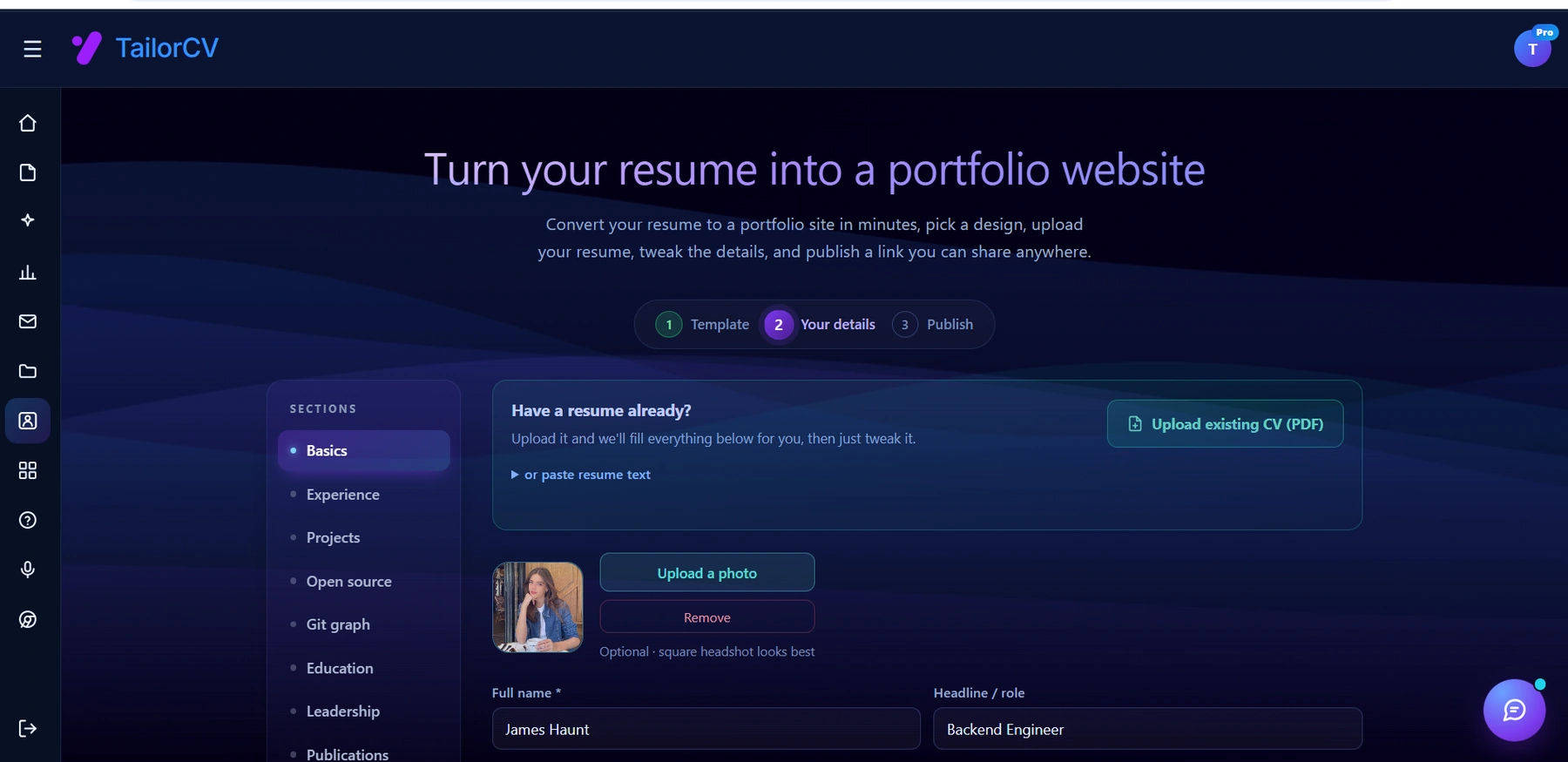
The three steps are template, details, publish. Uploading an existing CV fills in the details step for you, which is why this takes minutes rather than a weekend.
Syncing Strategies
- Use Consistent Language: Ensure the descriptions in your resume match those in your portfolio.
- Highlight Key Projects: Choose 2-3 projects that illustrate your skills and include them in both documents.
- Update Simultaneously: When you make changes to your portfolio, do the same for your resume and LinkedIn.
Common Mistakes
- Too many images and inconsistent quality
- Slow galleries that frustrate clients
- No clear pricing or contact path
- Dead links - run the Portfolio Checklist Before You Apply
Avoiding Pitfalls
- Limit Your Selection: Stick to your best work to maintain quality over quantity.
- Test Your Site: Regularly check for broken links and loading times.
- Include Clear Calls to Action: Make it easy for potential clients to reach out or book your services.
Pro Tips
- Lead each gallery with your single best image.
- Add a short About with your style and a friendly photo of you (Portfolio About Me Section).
- Generate a simple, fast site from your bio with the portfolio builder.
Additional Enhancements
- Testimonials: Include positive feedback from past clients to build trust.
- Blog Section: Consider adding a blog to showcase your insights and experiences, which can also help with SEO.
- Social Proof: Link to your Instagram or other social media where potential clients can see your latest work.
Future-Proofing Your Portfolio
As technology and trends evolve, consider these strategies to keep your portfolio relevant:
- Incorporate Video: Short behind-the-scenes clips or slide shows can engage visitors. Check out the Video Editor and Videographer Portfolio Guide for more ideas.
- Utilize AI Tools: Explore options like How to Build a Portfolio With AI - No Coding Required to simplify the creation process.
- Stay Informed: Follow industry trends to adapt your portfolio to changing client expectations.
By following these strategies and continuously refining your approach, you can create a compelling photography portfolio that not only showcases your work but also effectively converts viewers into clients.
Frequently Asked Questions
How many photos should I show?
20-40, grouped by niche. Quality and consistency beat volume - cut anything below your standard.
Which platform is best?
A photographer-focused builder (Pixieset, Format) or a custom site. Speed and mobile experience matter most.
How do I get found?
Use a custom domain and basic SEO - see Portfolio SEO: Get Found and the Portfolio Domain Name Guide. You can also explore our Portfolio builder for more options.
Build Your Portfolio Now
You do not need to code a site from scratch or spend a weekend wrestling with a website builder. Turn your existing resume into a live, shareable portfolio website in minutes with the TailorCV portfolio builder - choose a template, upload your CV, tweak the details, and publish a link you can drop straight onto your resume and LinkedIn. Before you start applying, run your resume through the free ATS score checker and switch to an ATS-friendly template so your portfolio and resume tell one clean, consistent story to every recruiter.
Related Guides
- How to Build a Professional Portfolio
- Graphic Designer Portfolio Guide
- Portfolio Contact Section
- How to Host Your Portfolio for Free
- Portfolio Domain Name Guide
- Portfolio About Me Section
- Personal Branding for Professionals
- Best Portfolio Website Builders 2026
- Portfolio SEO: Get Found
- Portfolio Mistakes to Avoid
- Portfolio Checklist Before You Apply
- Personal Website vs Portfolio
Make This Practical
If this topic connects to your work samples, turn the advice into a live proof page with the TailorCV portfolio builder. After publishing, add the link correctly using How to Add Your Portfolio Link to Your Resume, tighten the page with the Portfolio Checklist Before Applying, and make sure recruiters can contact you through a clean Portfolio Contact Section.
Your portfolio works best when it supports the resume, not when it replaces it. Run the resume through the free ATS score checker, choose an ATS-friendly resume template, and use Portfolio SEO: Get Found so your name, role, and strongest projects are easier to discover.
Related Guides to Strengthen This Topic
Use these internal guides to connect this topic with the rest of your job-search workflow:
- How to Build a Professional Portfolio
- Portfolio Website for Job Applications
- Portfolio Checklist Before Applying
- Portfolio Mistakes to Avoid
- How to Write Portfolio Case Study
- Add Portfolio Link to Resume
- Resume Matching With Job Description
- ATS-Friendly Resume Builder
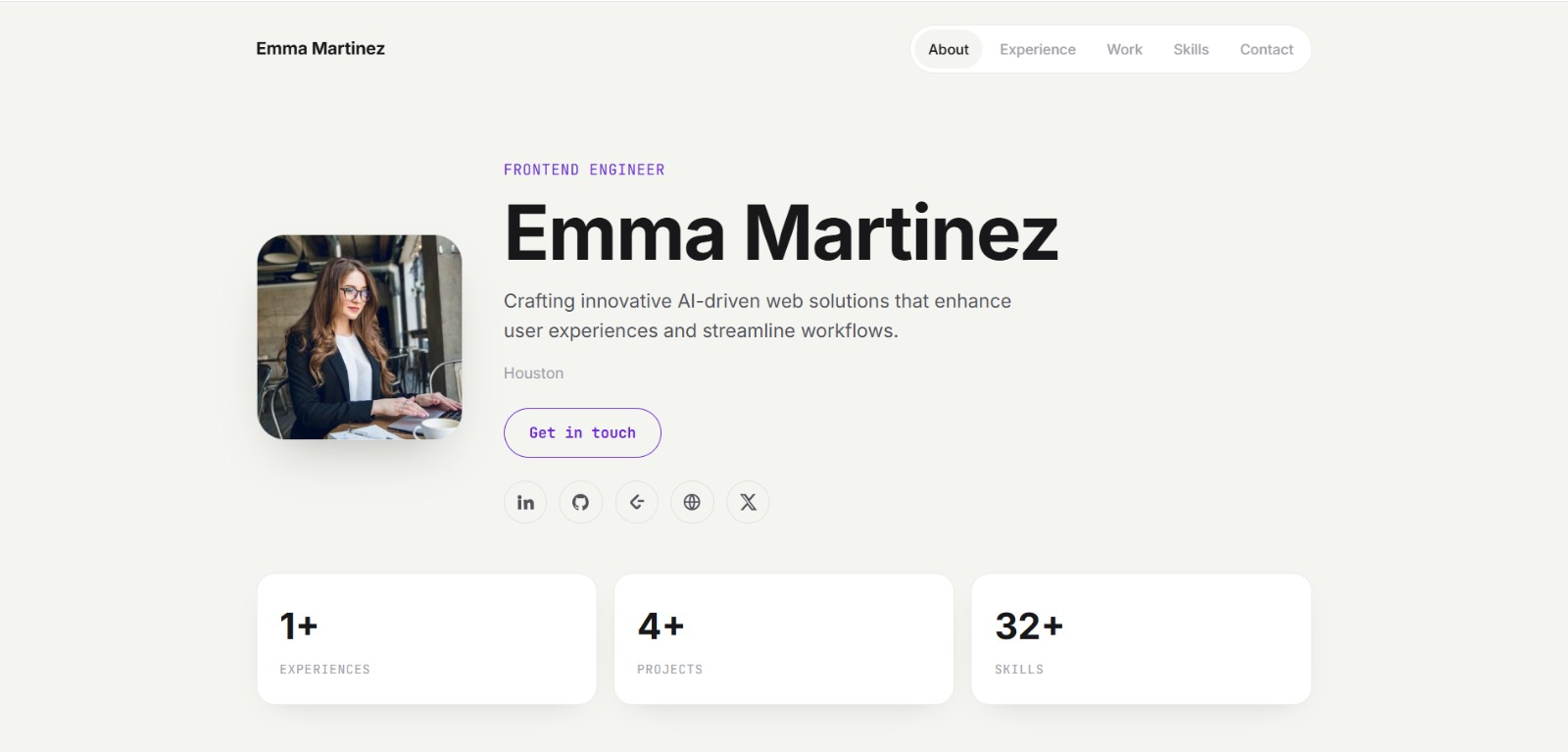
See what your portfolio could look like
This theme is built straight from your resume — pick one and your portfolio is live in minutes.
Was this guide useful?
Be the first to rate it.