SS
SS
Key Takeaways
- A strong portfolio should feature a 60-90 second reel that showcases your best work first, without slow introductions.
- Include genre-specific samples and before/after clips to highlight your skills in editing and sound design.
- Host your portfolio on a personal site or platforms like Vimeo and LinkedIn to ensure fast loading and discoverability.
- Keep your resume and portfolio aligned in terms of specialty and software skills to present a cohesive narrative.
- Avoid common mistakes like slow-loading reels, mixing unrelated genres, and sharing unreleased client work.
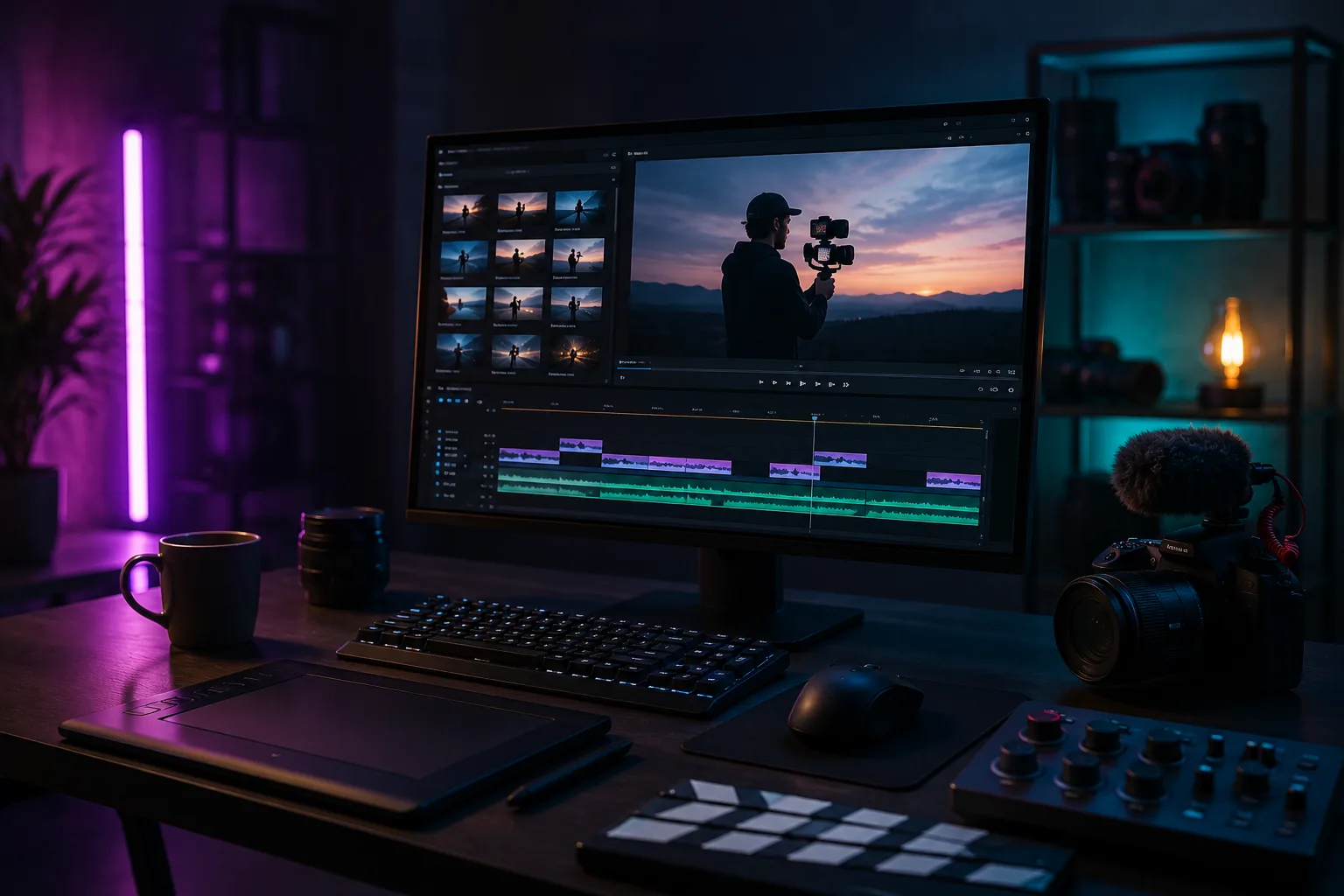
For video editors and videographers, the portfolio is the pitch - clients and hiring managers decide within the first ten seconds of your reel whether to keep watching. A portfolio built around a strong reel and organized samples converts far better than a folder of raw clips. Pair this with How to Build a Professional Portfolio and Photographer Portfolio Guide.
What to Include
| What to include | Why |
|---|---|
| A 60-90 second reel | your best work first, cut fast, no slow build-up |
| Genre-specific samples | narrative, commercial, corporate, social/short-form, documentary - grouped so a client can find their use case immediately |
| Before/after or raw-vs-edit clips | especially valuable for color grading and sound design work |
| Client or project context | what the brief was, what you delivered, and any results (views, engagement, campaign use) |
| Technical skills | software (Premiere, DaVinci Resolve, After Effects), codecs, and delivery formats you are fluent in |
Frame the Reel Like a Trailer
Your reel should follow the same logic as a movie trailer: hook, variety, payoff.
- First 5 seconds - your single strongest cut, no logo or slow intro
- Middle section - variety across genres/styles so viewers see range, not repetition
- Final seconds - end strong, then a clean title card with your name and contact link
Keep individual case studies separate from the reel - the reel sells your range, the case studies prove your process on specific projects.
Where to Host It
- A personal site via the TailorCV portfolio builder - fast-loading pages with embedded video are critical since you are competing for attention
- Vimeo for high-quality embeds with password protection options for client-sensitive work
- LinkedIn Featured section and Instagram for short-form samples and discoverability
Keep Your Resume and Portfolio in Sync
Your resume and portfolio should tell the same story - same specialty (narrative, commercial, social), same software stack - just at different levels of depth. Lock the resume down first with the ATS score checker and an ATS-friendly template, then mirror that positioning in your portfolio. See How to Add Your Portfolio Link to Your Resume for placing the link correctly.
Common Mistakes
- A reel that opens with a slow logo animation or title card before the good work
- Uncompressed or huge video files that load slowly - see How to Host Your Portfolio for Free for hosting that handles media well
- Mixing unrelated genres in one clip with no way to filter or jump to a specific style
- Sharing unreleased client work before the project is publicly announced
Pro Tips
- Cut a separate, shorter reel (30 seconds) specifically for social and email outreach
- Add captions/subtitles to every clip - many reviewers watch with sound off
- Generate your portfolio shell from your resume with the portfolio builder and embed your reel on the homepage
Crafting Compelling Case Studies
Case studies can elevate your portfolio by showcasing not just your work but the thought process behind it. To create an effective case study, follow these steps:
- Select Your Best Work: Choose a project that had a significant impact or required innovative solutions.
- Outline the Problem: Describe the client's needs and the challenges you faced.
- Detail Your Approach: Explain the techniques and tools you used, such as specific editing software or filming strategies.
- Showcase the Results: Use metrics if available—like increased engagement or viewer retention—to demonstrate the success of your project.
- Visuals Matter: Include screenshots, behind-the-scenes footage, or before-and-after clips to provide context.
A well-crafted case study not only highlights your technical skills but also your problem-solving abilities, making you a more attractive candidate to potential clients or employers.
Scenario Examples: Effective Portfolio Presentation
Consider these scenarios when presenting your portfolio to different audiences:
-
Scenario 1: Job Interview
You’re interviewing for a position at a video production company. Tailor your portfolio to focus on projects that align with their style and objectives. Highlight relevant case studies that demonstrate your understanding of their brand. -
Scenario 2: Freelance Pitch
When pitching to a potential client, prepare a personalized portfolio that includes examples of similar work you've done. Include testimonials from previous clients to build trust. -
Scenario 3: Networking Event
At a networking event, you have limited time to impress. Create a concise version of your portfolio that includes your best work and a one-minute elevator pitch to explain your unique strengths.
By customizing your presentation for each scenario, you can make a stronger impression and increase your chances of success.
Mini Checklist for an Effective Video Portfolio
Use this checklist to ensure your video portfolio is comprehensive and compelling:
Turning a resume into a portfolio site

The three steps are template, details, publish. Uploading an existing CV fills in the details step for you, which is why this takes minutes rather than a weekend.
- unchecked: Diverse Content: Include a range of projects that showcase different styles and techniques.
- unchecked: High-Quality Visuals: Ensure all videos are high-resolution and professionally edited.
- unchecked: Clear Branding: Consistently use logos, fonts, and colors that represent your brand.
- unchecked: Engaging Thumbnails: Create eye-catching thumbnails for each video that entice viewers to click.
- unchecked: Compelling Descriptions: Write engaging descriptions that summarize the project and your role in it.
- unchecked: Call to Action: Include a clear call to action, inviting viewers to connect with you or view additional work.
- unchecked: Regular Updates: Schedule regular updates to your portfolio to include new projects and remove outdated content.
By following this checklist, you can create a polished and professional portfolio that attracts potential employers or clients.
Do's and Don'ts of Video Portfolio Creation
Do's
- Do showcase your best work: Quality over quantity is key.
- Do keep your target audience in mind: Tailor your content to the preferences and needs of your intended viewers.
- Do include a variety of formats: Feature short clips, full-length projects, and even behind-the-scenes footage to diversify your portfolio.
- Do optimize for SEO: Use relevant keywords in video titles, descriptions, and tags to enhance discoverability.
Don'ts
| What | Details |
|---|---|
| Don’t overload with content | Avoid cluttering your portfolio with too many videos; focus on your strongest pieces |
| Don’t neglect mobile optimization | Ensure your portfolio is accessible and looks good on mobile devices |
| Don’t forget to proofread | Check for any typos or errors in your descriptions and titles |
| Don’t ignore feedback | Seek critiques from peers or mentors and be willing to make adjustments based on their advice |
By adhering to these do's and don'ts, you can create a more effective and professional video portfolio.
Step-by-Step Guide to Video Editing Software for Portfolio Creation
Choosing the right editing software can significantly impact the quality of your portfolio. Here’s a step-by-step guide to get you started:
-
Research Options: Explore various editing software options like Adobe Premiere Pro, Final Cut Pro, or DaVinci Resolve. Each has its strengths depending on your editing style and needs.
-
Watch Tutorials: Utilize online resources and tutorials to familiarize yourself with the software's features. YouTube is a great platform for finding free tutorials.
-
Start with Basic Projects: Begin with simple edits to get comfortable with the interface. Gradually incorporate more complex techniques as you gain confidence.
-
Experiment with Effects: Play around with transitions, color grading, and audio adjustments to enhance your videos creatively.
-
Seek Feedback: Once you’ve edited a few projects, share them with friends or mentors for constructive criticism to help refine your skills.
By mastering the tools of your trade, you can elevate the quality of your portfolio and impress potential clients or employers. For a deeper dive into building a portfolio using innovative tools, check out our article on How to Build a Portfolio With AI - No Coding Required.
Frequently Asked Questions
How long should my main reel be?
60-90 seconds. Long enough to show range, short enough that a busy hiring manager or client watches the whole thing.
I only have unpaid or spec work - is that okay to show?
Yes, especially early career, but label it clearly as a personal or spec project so viewers understand the context. See Portfolio With No Experience.
How do I align my resume?
Keep your genre specialty and software list identical across resume and portfolio. You can also check out the Graphic Designer Portfolio Guide for more insights on curating your work effectively.
Build Your Portfolio Now
You do not need to code a site or spend a weekend on a website builder. Turn your existing resume into a live, shareable portfolio in minutes with the TailorCV portfolio builder - choose a theme, upload your CV, let AI pull in your experience, then embed your reel and organize samples by genre and publish a link for clients and hiring managers. Before you apply, run your resume through the free ATS score checker and switch to an ATS-friendly resume template so your portfolio and resume tell one consistent story.
Related Guides
- How to Build a Professional Portfolio
- Photographer Portfolio Guide
- Graphic Designer Portfolio Guide
- Content Writer Portfolio Guide
- Portfolio Website for Job Applications
- Portfolio Checklist Before Applying
- Portfolio Mistakes to Avoid
- Portfolio Homepage Copy Examples
- How to Host Your Portfolio for Free
- Portfolio Website Themes 2026
- AI Portfolio Builder: No Code Required
- Custom Domain Portfolio Guide
Make This Practical
If this topic connects to your work samples, turn the advice into a live proof page with the TailorCV portfolio builder. After publishing, add the link correctly using How to Add Your Portfolio Link to Your Resume, tighten the page with the Portfolio Checklist Before Applying, and make sure clients can contact you through a clean Portfolio Contact Section.
Your portfolio works best when it supports the resume, not when it replaces it. Run the resume through the free ATS score checker, choose an ATS-friendly resume template, and use Portfolio SEO: Get Found so your name, genre, and strongest reel are easier to discover.
Related Guides to Strengthen This Topic
Use these internal guides to connect this topic with the rest of your job-search workflow:
- How to Build a Professional Portfolio
- Portfolio Website for Job Applications
- Portfolio Checklist Before Applying
- Portfolio Mistakes to Avoid
- How to Write Portfolio Case Study
- Add Portfolio Link to Resume
- Resume Matching With Job Description
- ATS-Friendly Resume Builder
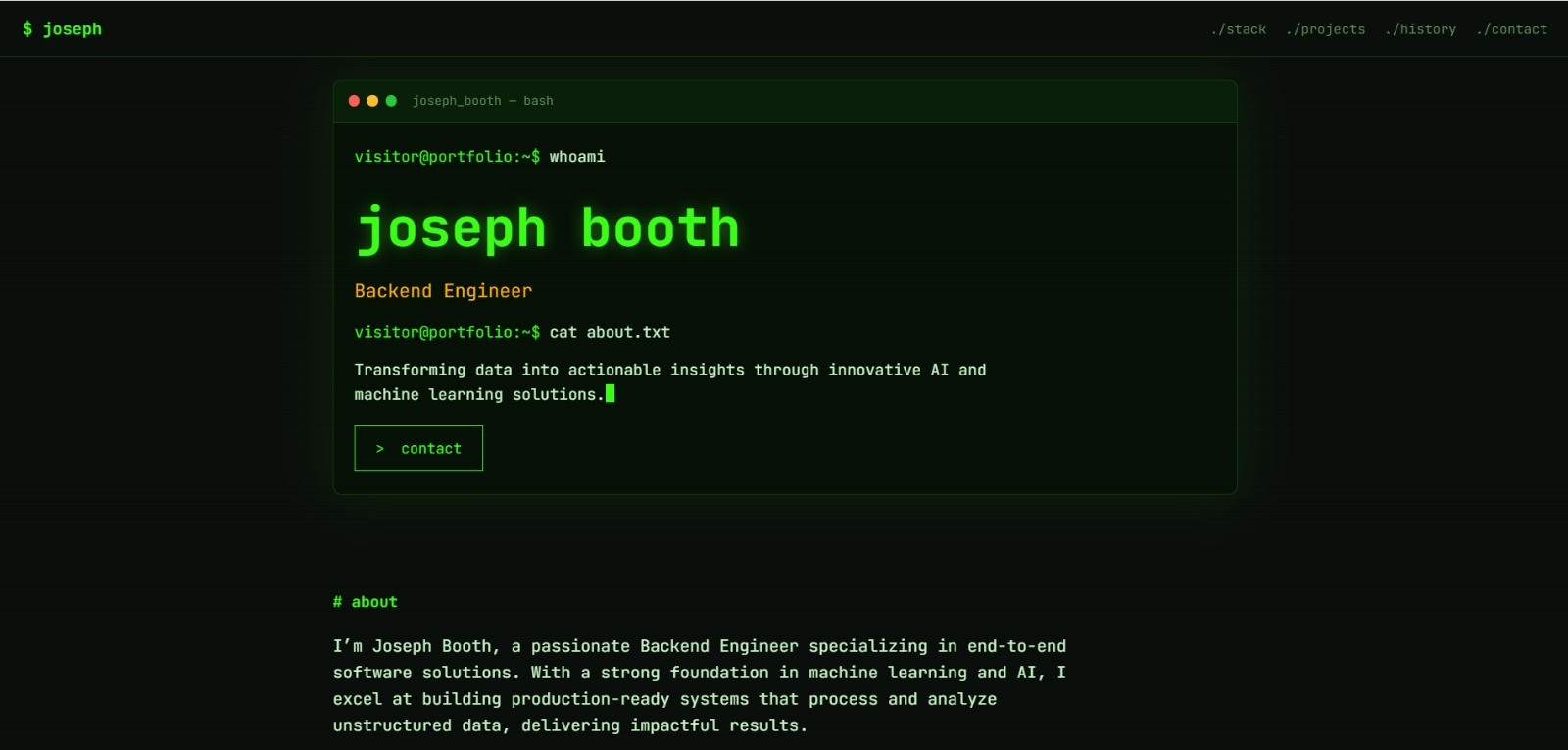
See what your portfolio could look like
This theme is built straight from your resume — pick one and your portfolio is live in minutes.
Was this guide useful?
Be the first to rate it.