TD
TD
Key Takeaways
- Choose a domain name that reflects your personal brand, ideally using your name with a .com extension for credibility.
- If your name is taken, consider alternatives like adding a middle initial, including your profession, or using action words.
- Ensure your domain is easy to spell, memorable, and consistent across social media platforms to avoid confusion.
- Use reputable registrars for purchasing your domain, and enable WHOIS privacy to protect your personal information.
- Keep your resume and portfolio aligned in branding and messaging to present a cohesive professional identity.
Your domain is your personal brand's address - the thing you say out loud in interviews and print on your resume. A clean one is worth the ~$10/year many times over. Pair this with How to Host Your Portfolio for Free and Personal Branding for Professionals.
Best Choice: Your Name
yourname.com is ideal - memorable, professional, and timeless. If it is taken, try in roughly this order:
- yourname.dev / .design / .me (great for the matching field)
- firstnamelastname.com
- yournamehq.com, getyourname.com, or hey-yourname.com
Creative Alternatives
If your name is common or already taken, consider these creative alternatives:
- Add a Middle Initial: yournamej.com
- Include Your Profession: yournamewriter.com or yournamephotography.com
- Use Action Words: createwithyourname.com or designbyyourname.com
Naming Rules
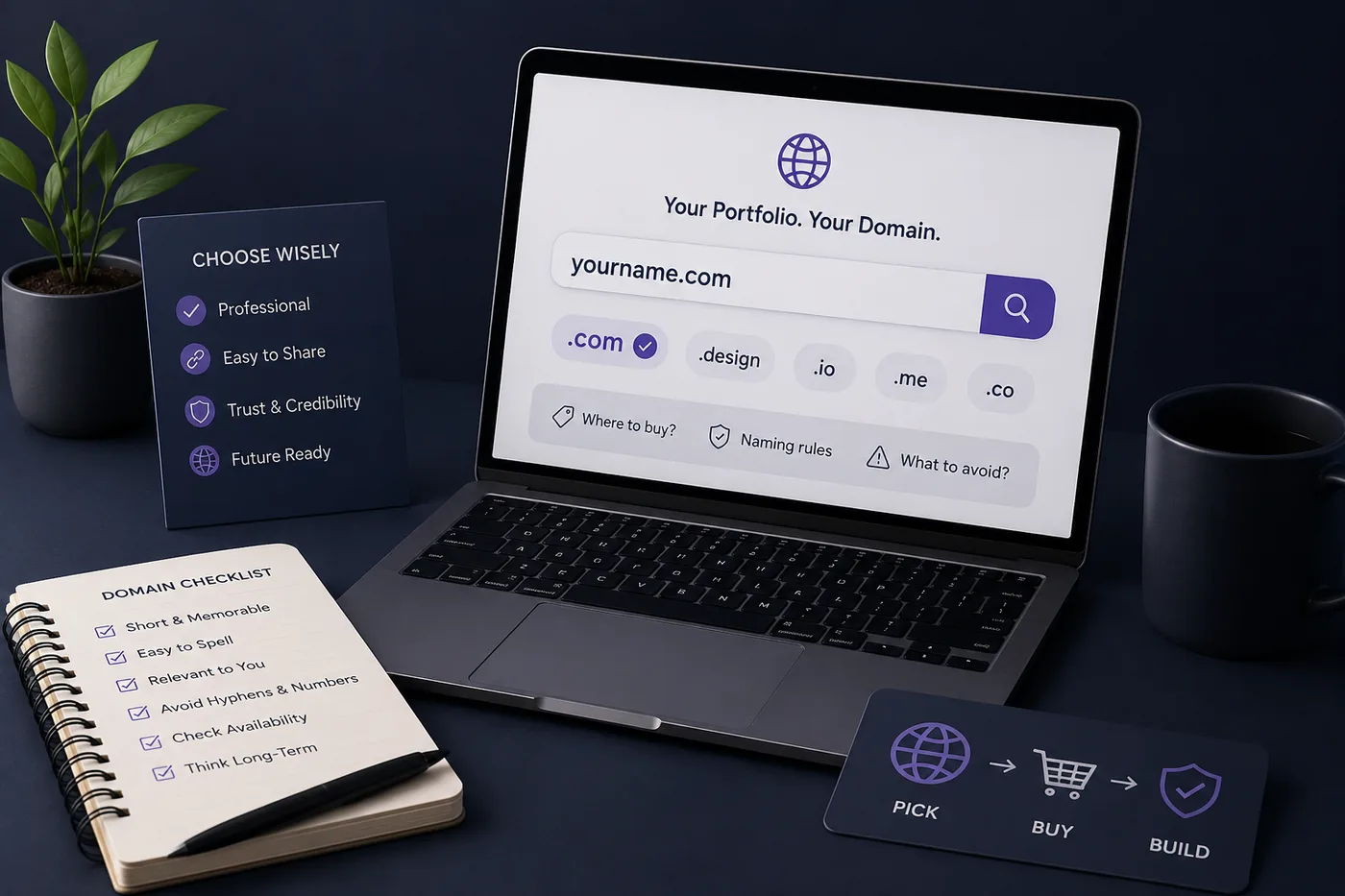
- Short and easy to say aloud without spelling it
- No hyphens or numbers if you can avoid them
- Avoid words that are easy to mishear or misspell
- Make sure it reads cleanly in a resume header (How to Add Your Portfolio Link to Your Resume)
Quick Checklist for Naming
- Is it easy to spell?
- Is it memorable?
- Does it reflect your brand?
- Is it available on social media platforms?
TLD Tips
- .com still reads as the most credible default
- .dev / .design / .io are well-respected in their fields
- Avoid obscure, spammy-looking TLDs
- Consider local TLDs if your work is region-specific, such as .uk, .ca, or .au
Where to Buy
Namecheap, Cloudflare Registrar, or Porkbun offer fair pricing with no nasty renewal spikes. Turn on WHOIS privacy (usually free) to keep your details private.
Step-by-Step: Buying Your Domain
- Search for Availability: Use the registrar’s search tool.
- Select Your TLD: Choose the most appropriate one for your brand.
- Add WHOIS Privacy: Ensure your personal information remains confidential.
- Complete the Purchase: Follow the prompts to finalize your acquisition.
After You Buy
Point it at your free host or your portfolio builder site (How to Host Your Portfolio for Free), enable HTTPS, then add it to your resume and LinkedIn. Help people find it with Portfolio SEO: Get Found.
Setting Up Your Domain
- Pointing Your Domain: Follow your hosting provider's instructions to connect your domain.
- Setting Up HTTPS: Use services like Let's Encrypt for free SSL certificates.
- Testing: Ensure everything works by typing your domain into a browser.
Keep Your Resume and Portfolio in Sync
Your resume, your LinkedIn, and your portfolio should tell the same story - same name, same headline, same top projects - just at different levels of depth. A recruiter who sees a 'Full Stack Developer' resume and a portfolio headlined 'Aspiring Designer' gets confused, and confusion loses interviews. Lock the resume down first with the ATS score checker and an ATS-friendly template, then mirror that exact positioning in your portfolio. When they reinforce each other, every recruiter touchpoint pushes you forward. See How to Add Your Portfolio Link to Your Resume for placing the link correctly.
Turning a resume into a portfolio site

You upload the resume you already have and the sections fill themselves in - basics, experience, projects, education - so building the site is editing rather than starting from an empty page.
Common Mistakes
- A domain so clever no one can spell it
- Hyphens/numbers that get lost when spoken
- Forgetting to renew (set auto-renew)
- A flashy TLD that undercuts credibility
Additional Common Pitfalls
- Not Researching Competitors: Check similar professionals’ domains for inspiration.
- Ignoring Social Media Availability: Ensure your domain name is consistent across platforms.
- Overcomplicating Your Name: Keep it simple and straightforward.
Examples of Effective Domain Names
Here are some examples of effective domain names that illustrate the points made above:
- SarahSmith.com: Simple, professional, and memorable.
- JohnDoeDesigns.com: Clearly indicates what John does while keeping his name.
- EmilyWrites.com: Uses an action word to signify her profession.
SEO Considerations for Your Domain
Choosing the right domain name can also impact your SEO. Here are some tips to optimize your domain for search engines:
- Use Keywords: If relevant, include a keyword that describes your services (e.g., yournamephotography.com).
- Keep It Short: Shorter domains are easier to remember and share.
- Avoid Numbers and Hyphens: These can confuse users and affect SEO negatively.
How to Promote Your Domain
Once you’ve secured your domain, it’s crucial to promote it effectively. Here are some strategies:
- Link from Your Social Media Profiles: Ensure your portfolio link is in your bios.
- Networking Events: Share your domain verbally when meeting new contacts.
- Email Signature: Include your domain in your email signature for professional correspondence.
Measuring Success
To understand how well your domain is performing:
- Use Google Analytics: Track visitor numbers and behavior on your site.
- Check Domain Authority: Use tools like Moz or Ahrefs to see how your domain ranks.
- Monitor Backlinks: Keep an eye on who is linking to your portfolio.
Conclusion
Choosing a domain for your portfolio is a critical step in establishing your professional presence online. By following the guidelines and tips outlined in this article, you can select a domain that not only reflects your personal brand but also enhances your visibility and credibility in your field. For more insights on building a successful portfolio, check out How to Write the About Me Section of Your Portfolio (With Examples) and Turn Your Resume Into a Portfolio Website in Minutes (No Code). Your domain is more than just a URL; it’s the cornerstone of your professional identity.
Frequently Asked Questions
Should I use .com or a newer TLD?
.com is the safest default; .dev/.design are excellent if they match your field. Pick what you can say cleanly out loud.
My name is taken - what now?
Add your field (.dev), use firstlast.com, or a small prefix like get-/hey-. Keep it short and spellable.
How much should a domain cost?
Around $10-15/year. Avoid registrars with huge renewal jumps; Cloudflare and Porkbun are fair. For more tips on creating a portfolio, check out How to Turn Your LinkedIn Profile Into a Portfolio Website or learn about Portfolio SEO to enhance your online presence.
Build Your Portfolio Now
You do not need to code a site from scratch or spend a weekend wrestling with a website builder. Turn your existing resume into a live, shareable portfolio website in minutes with the TailorCV portfolio builder - choose a template, upload your CV, tweak the details, and publish a link you can drop straight onto your resume and LinkedIn. Before you start applying, run your resume through the free ATS score checker and switch to an ATS-friendly template so your portfolio and resume tell one clean, consistent story to every recruiter.
Related Guides
- How to Build a Professional Portfolio
- How to Host Your Portfolio for Free
- Best Portfolio Website Builders 2026
- Personal Branding for Professionals
- How to Add Your Portfolio Link to Your Resume
- LinkedIn Profile Optimization Guide
- Portfolio SEO: Get Found
- Personal Website vs Portfolio
- Portfolio Contact Section
- Turn Your Resume Into a Portfolio in Minutes
- Portfolio Checklist Before You Apply
- Photographer Portfolio Guide
Make This Practical
If this topic connects to your work samples, turn the advice into a live proof page with the TailorCV portfolio builder. After publishing, add the link correctly using How to Add Your Portfolio Link to Your Resume, tighten the page with the Portfolio Checklist Before Applying, and make sure recruiters can contact you through a clean Portfolio Contact Section.
Your portfolio works best when it supports the resume, not when it replaces it. Run the resume through the free ATS score checker, choose an ATS-friendly resume template, and use Portfolio SEO: Get Found so your name, role, and strongest projects are easier to discover.
Related Guides to Strengthen This Topic
Use these internal guides to connect this topic with the rest of your job-search workflow:
- How to Build a Professional Portfolio
- Portfolio Website for Job Applications
- Portfolio Checklist Before Applying
- Portfolio Mistakes to Avoid
- How to Write Portfolio Case Study
- Add Portfolio Link to Resume
- Resume Matching With Job Description
- ATS-Friendly Resume Builder
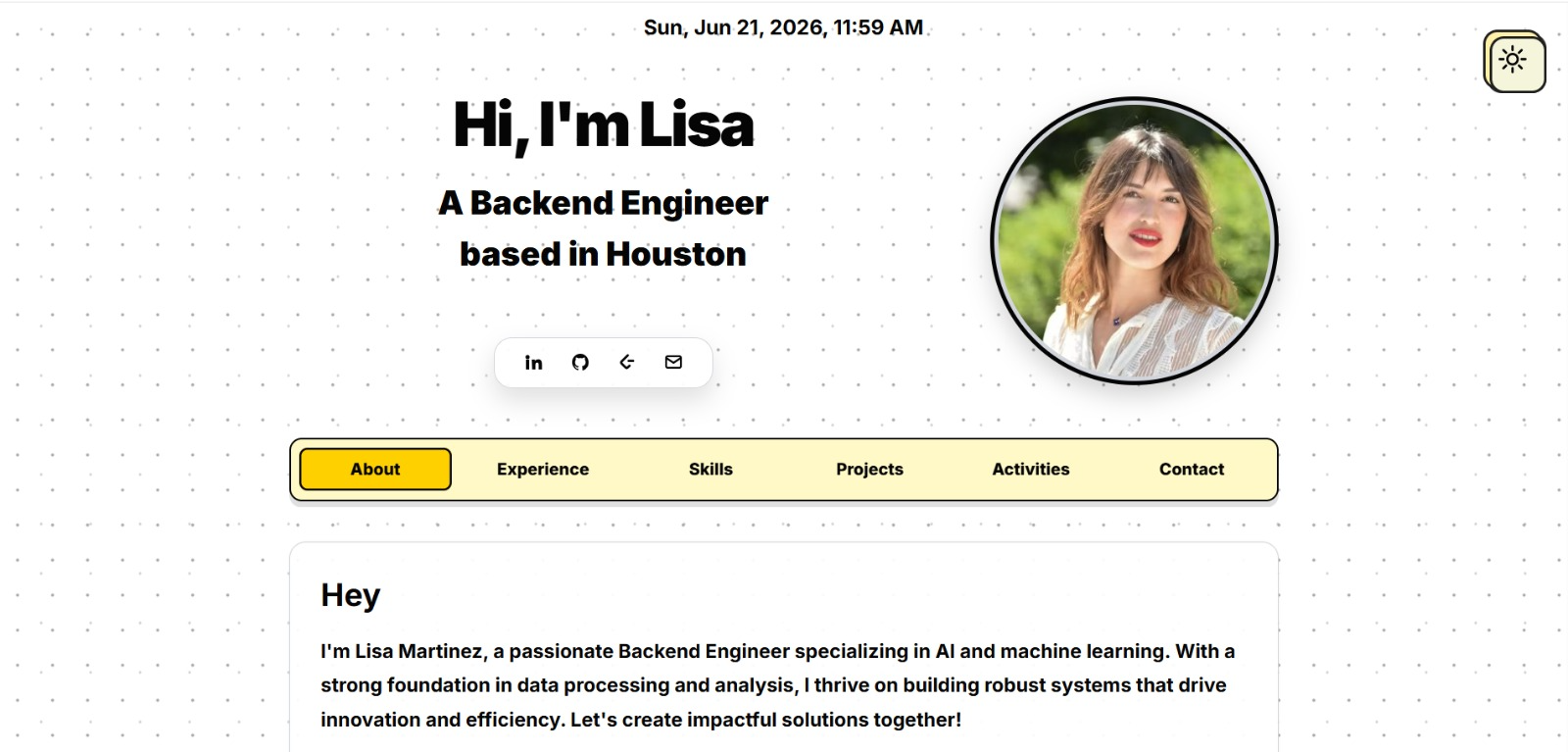
See what your portfolio could look like
This theme is built straight from your resume — pick one and your portfolio is live in minutes.
Was this guide useful?
Be the first to rate it.