TD
TD
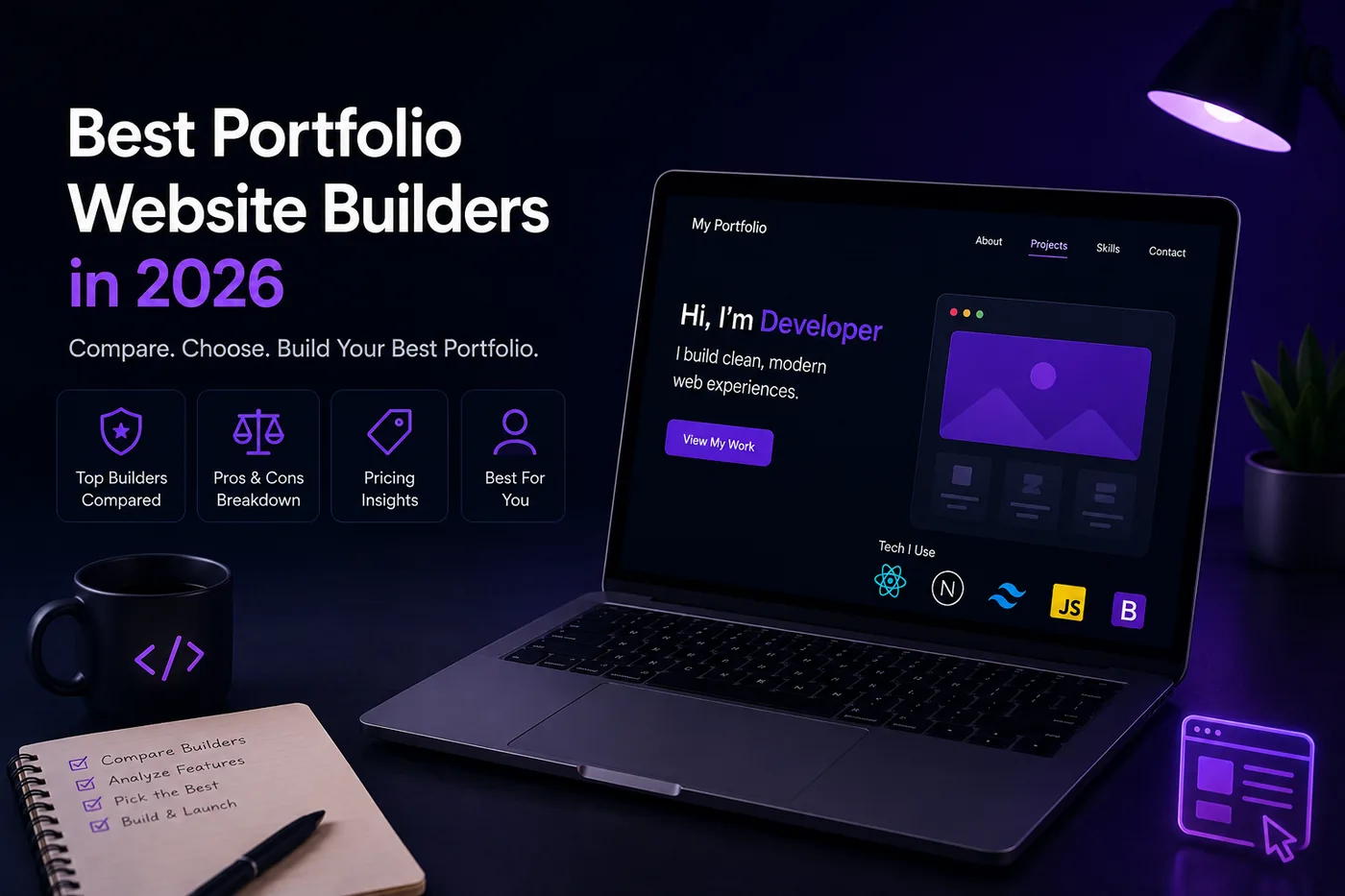
Key Takeaways
- The best portfolio builder is the one you will actually publish, regardless of its complexity.
- Developers should prioritize version control integration, customizability, and performance when selecting a portfolio builder.
- Designers and creatives should look for visual customization, responsive design, and integration with creative tools in their portfolio platforms.
- No-code builders like Squarespace and Wix are ideal for those without technical skills, offering ease of use and high-quality templates.
- Regularly update your portfolio with new projects and tailor it to highlight relevant experiences for your desired job.
You do not need to hand-code a site to have a great portfolio - you need to finish one. The best builder is the one you will actually publish. Here are the top options in 2026, grouped by who they suit. Pair this with How to Host Your Portfolio for Free and the Portfolio Domain Name Guide.
Fastest: Resume-to-Portfolio
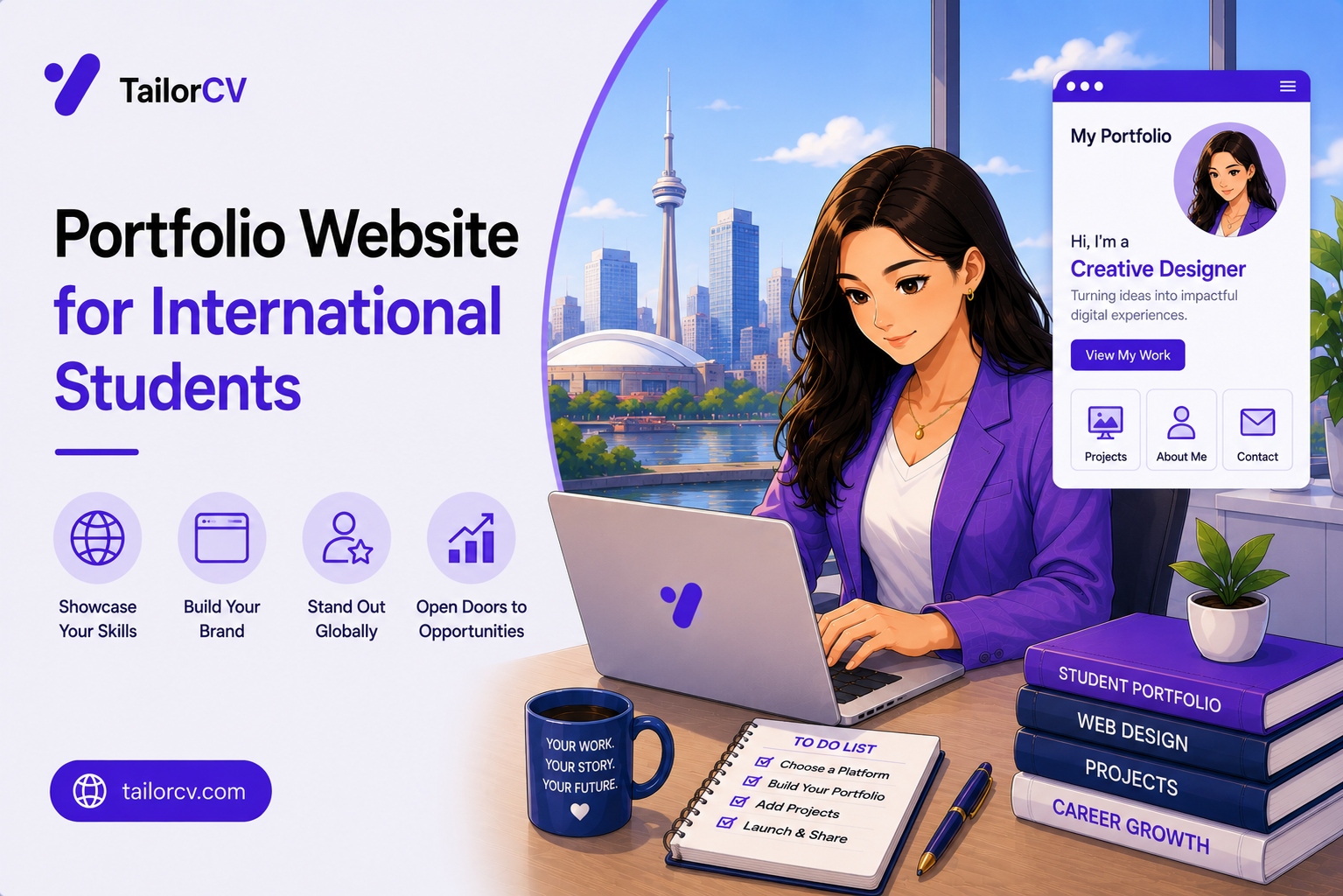
If you already have a resume, the quickest path by far is the TailorCV portfolio builder: pick a template, upload your CV, tweak the details, and publish a live link. Ideal when you want results today - see Turn Your Resume Into a Portfolio in Minutes.
Turning a resume into a portfolio site

You upload the resume you already have and the sections fill themselves in - basics, experience, projects, education - so building the site is editing rather than starting from an empty page.
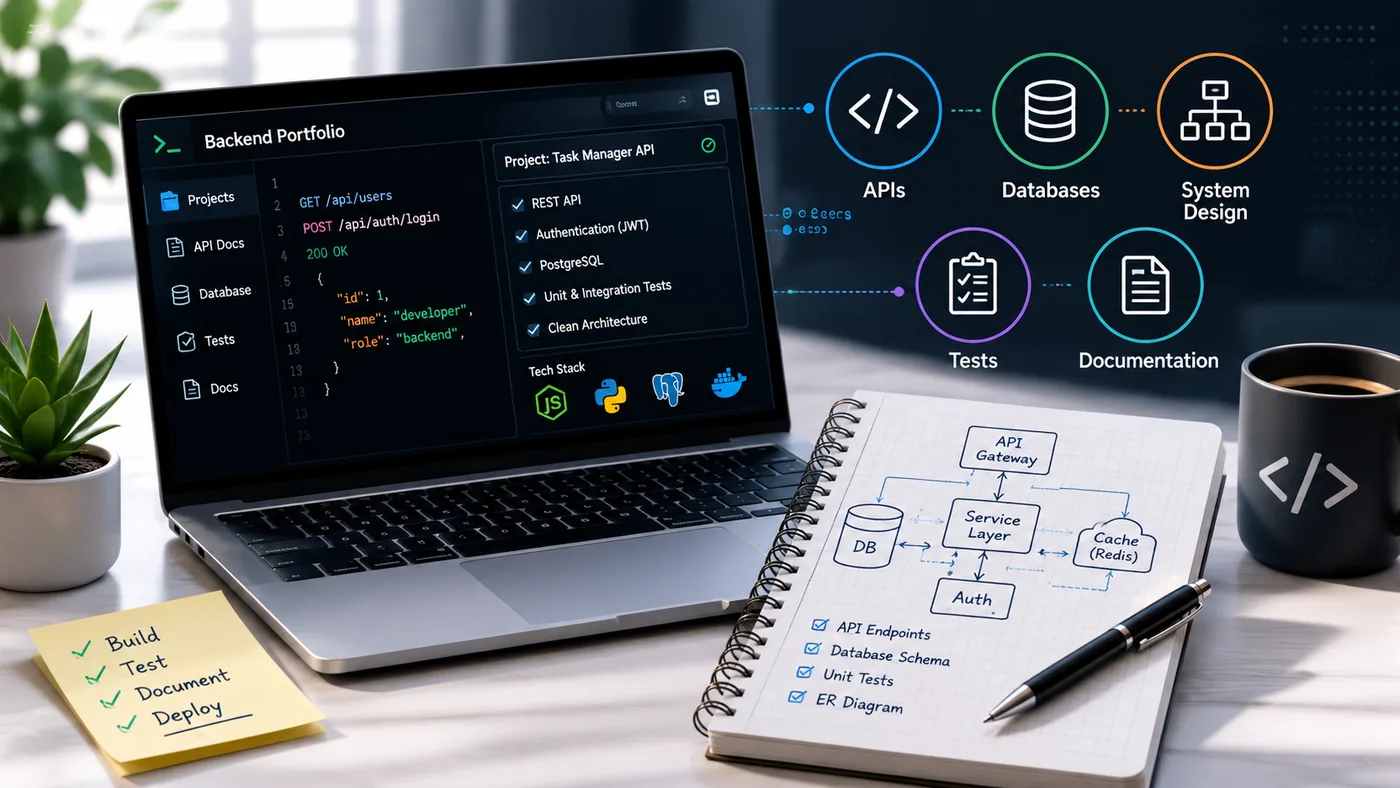
For Developers
- GitHub Pages - free, simple static hosting straight from a repo (GitHub Portfolio Optimization).
- Vercel - perfect for Next.js, generous free tier.
- Netlify - easy deploys for static sites.
- Cloudflare Pages - fast global CDN, free.
Key Features for Developers
When choosing a portfolio website builder, developers should consider:
- Version Control Integration: Tools like GitHub Pages seamlessly integrate with your version control system.
- Customizability: Platforms such as Vercel and Netlify allow for extensive customization, enabling you to build unique projects that stand out.
- Performance: Fast load times are crucial; Cloudflare Pages offers a global CDN to ensure your portfolio is quick and responsive.
Common Mistakes to Avoid
- Neglecting Documentation: Ensure you document your code well; potential employers may look at your GitHub repository alongside your portfolio.
- Overcomplicating Designs: Keep it simple. A clean, straightforward design often communicates your skills better than a cluttered one.
For Designers & Creatives
- Framer - beautiful, animation-friendly, fast.
- Webflow - powerful and flexible (steeper learning curve).
- Adobe Portfolio - free with Creative Cloud.
- Behance / Dribbble - for reach (see Graphic Designer Portfolio Guide and UX Designer Portfolio Guide).
Key Features for Designers
When selecting a portfolio builder, creatives should look for:
- Visual Customization: Framer and Webflow offer extensive design options that allow you to create stunning visuals.
- Responsive Design: Ensure your portfolio looks good on all devices; most platforms now offer mobile-friendly templates.
- Integration with Creative Tools: Adobe Portfolio is a natural choice if you are already using the Creative Cloud suite.
Tips for Showcasing Your Work
- Case Studies: Include detailed case studies that explain your design process. This helps potential clients or employers understand your thought process.
- Project Variety: Showcase a diverse range of projects to demonstrate your versatility and creativity.
No-Code, Any Field
- Squarespace / Wix - polished templates, easy.
- Notion - fast, free, surprisingly clean (great for PMs - Product Manager Portfolio Guide).
- Carrd - single-page sites in minutes.
Why No-Code Builders?
No-code platforms are perfect for those in any field who may not have technical skills but still want to create a professional portfolio. They offer:
- Ease of Use: No coding knowledge is required, making it accessible for anyone.
- Templates: High-quality templates streamline the design process, allowing you to focus on content.
- Custom Domain Options: Many no-code platforms allow you to connect a custom domain, enhancing your professional image (How to Put Your Portfolio on a Custom Domain).
Best Practices for Portfolio Content
- Focus on Your Niche: Tailor your portfolio to highlight experiences and skills relevant to the job you want.
- Regular Updates: Keep your portfolio current by adding new projects and experiences regularly.
How to Choose
Match the tool to your field and, above all, to your follow-through. A published simple site beats a perfect unfinished one. Once live, audit it with the Portfolio Checklist Before You Apply and make it findable with Portfolio SEO: Get Found.
Checklist for Choosing the Right Builder
- Assess Your Skills: Determine if you need a no-code solution or if you're comfortable with coding.
- Define Your Goals: What do you want to achieve with your portfolio? Is it to showcase your work, attract clients, or apply for jobs?
- Research Features: Look for features that align with your needs, such as SEO tools, analytics, and integrations.
- Budget: Consider whether a free option suffices or if premium features are worth the investment.
Keep Your Resume and Portfolio in Sync
Your resume, your LinkedIn, and your portfolio should tell the same story - same name, same headline, same top projects - just at different levels of depth. A recruiter who sees a 'Full Stack Developer' resume and a portfolio headlined 'Aspiring Designer' gets confused, and confusion loses interviews. Lock the resume down first with the ATS score checker and an ATS-friendly template, then mirror that exact positioning in your portfolio. When they reinforce each other, every recruiter touchpoint pushes you forward. See How to Add Your Portfolio Link to Your Resume for placing the link correctly.
Key Points for Synchronization
- Consistent Language: Use the same terminology across all platforms to create a cohesive personal brand.
- Highlight Key Projects: Ensure that the projects you list on your resume are also featured prominently in your portfolio.
Pro Tips
- Add a custom domain - it instantly looks more professional (Portfolio Domain Name Guide).
- Keep it fast: compress images and avoid heavy frameworks for simple sites.
- Reuse your resume content so the portfolio matches it exactly.
- Optimize for SEO: Use relevant keywords, alt text for images, and meta descriptions to enhance your portfolio's visibility.
- Analytics Tracking: Implement tools like Google Analytics to track visitor behavior and optimize your site accordingly.
Real Examples to Inspire You
- Webflow Showcase: Explore the Webflow Showcase for inspiration from other designers who have created stunning portfolios.
- GitHub Portfolio Examples: Check out various GitHub portfolios to see how developers present their work effectively.
By following these guidelines and utilizing the right tools, you can create a compelling portfolio that not only showcases your work but also enhances your professional presence in 2026 and beyond.
Frequently Asked Questions
What is the easiest way to make a portfolio?
Generate it from your resume with the portfolio builder - no setup, live in minutes. You can also check out how to Turn Your Resume Into a Portfolio Website in Minutes (No Code) for a quick guide.
Are free builders good enough?
Yes. A free host plus a $10 domain is plenty to look professional. See How to Host Your Portfolio for Free for more details. If you're interested in showcasing your work, consider exploring Portfolio Website for Job Applications.
Custom-coded or builder?
Unless you are a frontend dev showing off, a builder is faster and the result is what matters. For more insights on building your portfolio, check out How to Build a Portfolio With AI - No Coding Required.
Build Your Portfolio Now
You do not need to code a site from scratch or spend a weekend wrestling with a website builder. Turn your existing resume into a live, shareable portfolio website in minutes with the TailorCV portfolio builder - choose a template, upload your CV, tweak the details, and publish a link you can drop straight onto your resume and LinkedIn. Before you start applying, run your resume through the free ATS score checker and switch to an ATS-friendly template so your portfolio and resume tell one clean, consistent story to every recruiter.
Related Guides
- How to Build a Professional Portfolio
- How to Host Your Portfolio for Free
- Portfolio Domain Name Guide
- Turn Your Resume Into a Portfolio in Minutes
- Portfolio Mistakes to Avoid
- How to Get Your First Tech Job
- GitHub Portfolio Optimization
- Portfolio SEO: Get Found
- Graphic Designer Portfolio Guide
- UX Designer Portfolio Guide
- Product Manager Portfolio Guide
- Portfolio Checklist Before You Apply
Make This Practical
If this topic connects to your work samples, turn the advice into a live proof page with the TailorCV portfolio builder. After publishing, add the link correctly using How to Add Your Portfolio Link to Your Resume, tighten the page with the Portfolio Checklist Before Applying, and make sure recruiters can contact you through a clean Portfolio Contact Section.
Your portfolio works best when it supports the resume, not when it replaces it. Run the resume through the free ATS score checker, choose an ATS-friendly resume template, and use Portfolio SEO: Get Found so your name, role, and strongest projects are easier to discover.
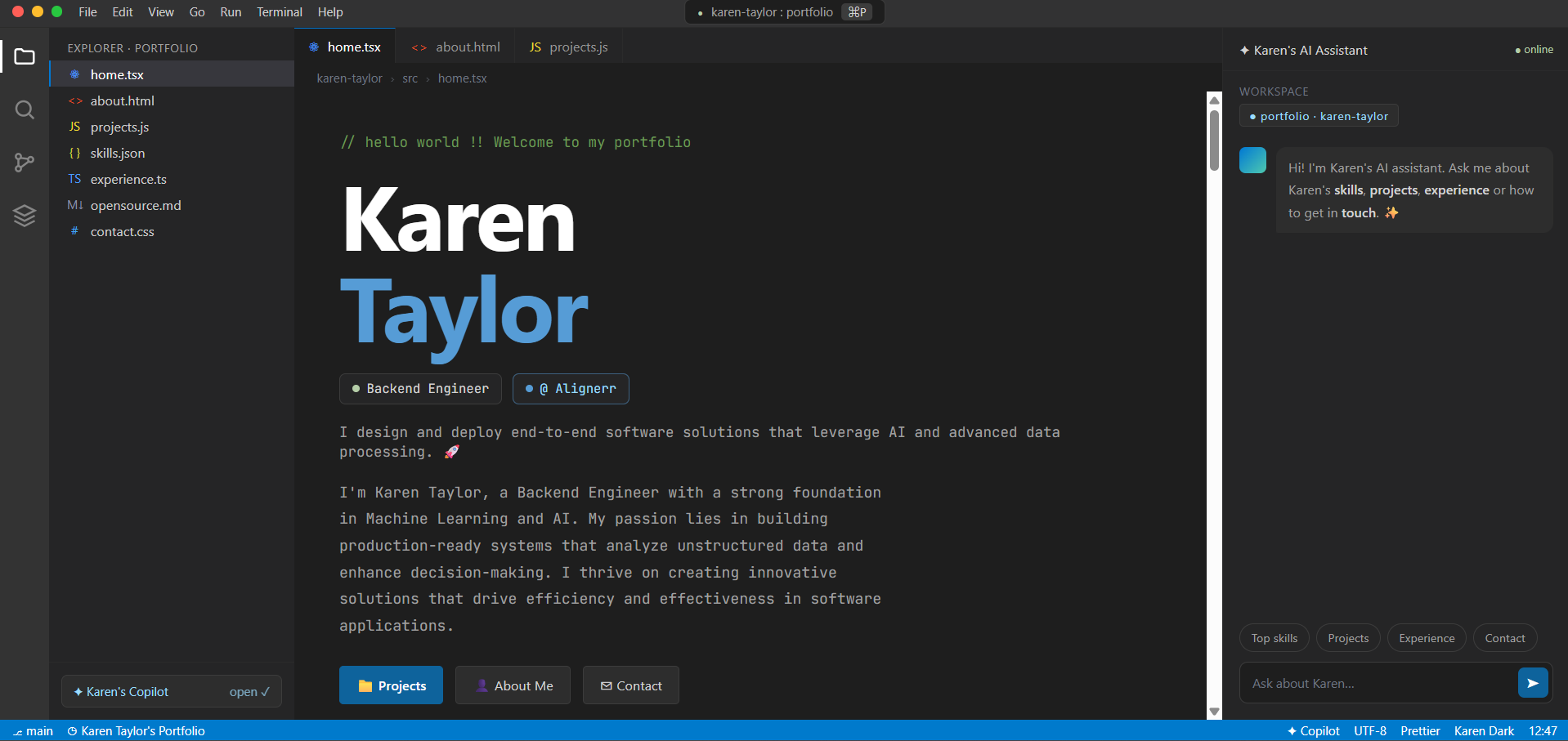
See what your portfolio could look like
This theme is built straight from your resume — pick one and your portfolio is live in minutes.
Was this guide useful?
Be the first to rate it.