TD
TD
Key Takeaways
- Only the first two lines show before "see more" — front-load your hook there.
- Write in the first person; LinkedIn is a conversation, not a resume.
- Include the keywords recruiters search for, in natural sentences.
- End with a clear line on what you are open to and how to reach you.
Why the About Section Matters
Recruiters search LinkedIn by keyword and skim profiles fast. Your headline and the first two lines of your About section decide whether they keep reading or move on. A strong About section turns a passive profile into an inbound lead machine — it is the closest thing to a 24/7 pitch working while you sleep.
The Structure
- Hook (1–2 lines) — the most interesting, specific thing about your work.
- Proof (2–3 lines) — what you have done, with a number or two.
- Focus (1–2 lines) — what you care about or specialize in.
- Call to action (1 line) — what you are open to and how to reach you.
Example: Software Engineer
I like backend systems that stay up at 3 a.m. so nobody has to wake up.
Over the last six years I've built payment and data infrastructure in Python and Go, including an API that now handles 2M requests a day. I care about reliability, clear code, and mentoring the engineers around me.
Currently open to senior backend roles. The fastest way to reach me is a DM or [email].
Example: Marketer
I turn content nobody reads into content that ranks, converts, and gets shared.
I've grown organic traffic 140% for two SaaS brands by pairing SEO with genuinely useful writing. I'm happiest at the intersection of data and story.
Open to senior content and growth roles — say hi anytime.
Example: Career Changer
I spent five years teaching teenagers algebra. It turns out that's excellent training for UX: understand where people get stuck, then design the path around it.
I've completed the Google UX certification and shipped three case studies. Now I'm building products with the same empathy I brought to the classroom.
Open to junior UX roles and always up for a coffee chat.
Don't Forget the Headline
Your headline appears everywhere — in search, comments, and messages. Make it specific: "Backend Engineer | Python & Go | Payments & Reliability" beats the default "Software Engineer at [Company]." It is prime keyword real estate.
More About-Section Examples
I find the story hiding in the spreadsheet.
For three years I've turned messy operational data into decisions — most recently a churn model that helped cut monthly churn from 6% to 4%. SQL and Python are my tools; clear recommendations for non-technical teams are the point.
Open to senior analyst roles. DM me or reach out at [email].
Product Manager
I ship features that move retention, not just features that look good in a demo.
Most recently I rebuilt an onboarding flow that cut first-week churn from 38% to 12%. I like owning the messy middle — discovery, trade-offs, and the unglamorous work of getting something live.
Currently exploring senior PM roles at product-led companies.
Recent Graduate
I've shipped three side projects before most people finish their first internship.
Computer science grad, most proud of an app 200+ classmates actually use. I learn by building and I'm looking for a team that ships often and mentors generously.
Open to junior engineering roles — always happy to chat.
I'm at my best in long, complex deals that everyone else has given up on.
Beat quota in five of my last six quarters and closed $1.4M in new business last year. Consultative by nature, relentless about follow-through.
Open to senior AE roles in B2B SaaS.
How Your LinkedIn and Resume Work Together
Your resume and LinkedIn are a matched pair with different jobs. The resume is formal, tailored to each application, and scanned by an ATS; LinkedIn is first-person, broader, and read by humans who found you in search. Keep the facts consistent — especially dates and titles, since recruiters cross-check — but let the voice differ. If you have already written a strong resume summary, your LinkedIn About section is a warmer, expanded version of the same story. And when you turn your resume into an application, a tailored resume is what you send; your LinkedIn is what convinces a recruiter to reach out in the first place.
Optimizing for Recruiter Search
Recruiters find candidates by searching keywords — job titles, skills, tools. If those terms are not in your profile, you are invisible to those searches, no matter how strong you are. So:
What optimizing actually does to your resume
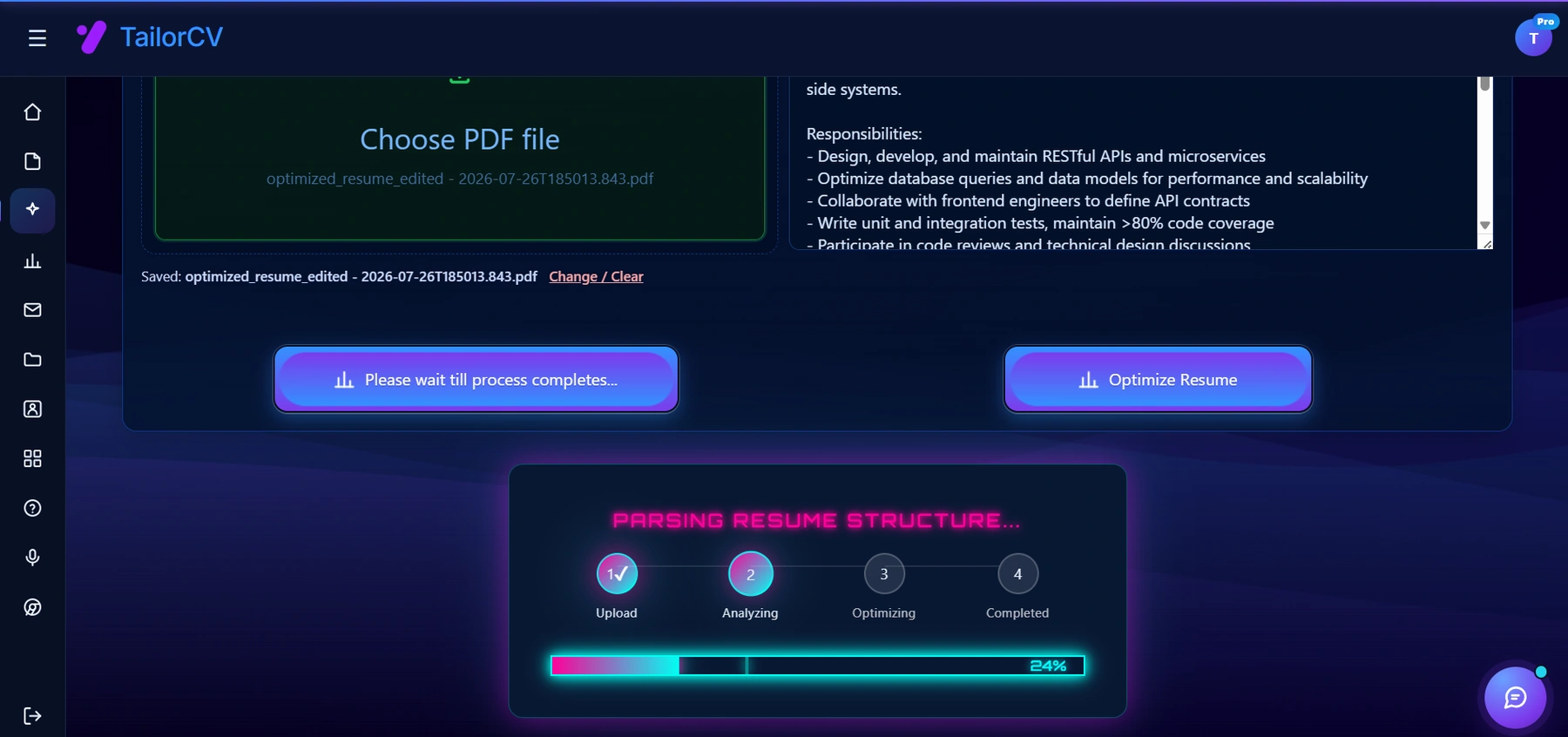
The tool parses your resume the way an ATS would before it changes anything, so the edits it suggests are grounded in the posting itself.
- Put your key skills in your headline, About section, and experience — naturally, in real sentences.
- Use the exact terms recruiters search, not clever synonyms. "Product Manager," not "Product Ninja."
- Fill the Skills section with the tools and abilities you want to be found for, and get a few endorsements.
- Set your headline to your target role, not just your current title, if you are actively looking.
The goal is simple: when a recruiter searches for someone like you, you appear — and when they click, your first two lines make them stay.
Turn Your Profile Into a Portfolio
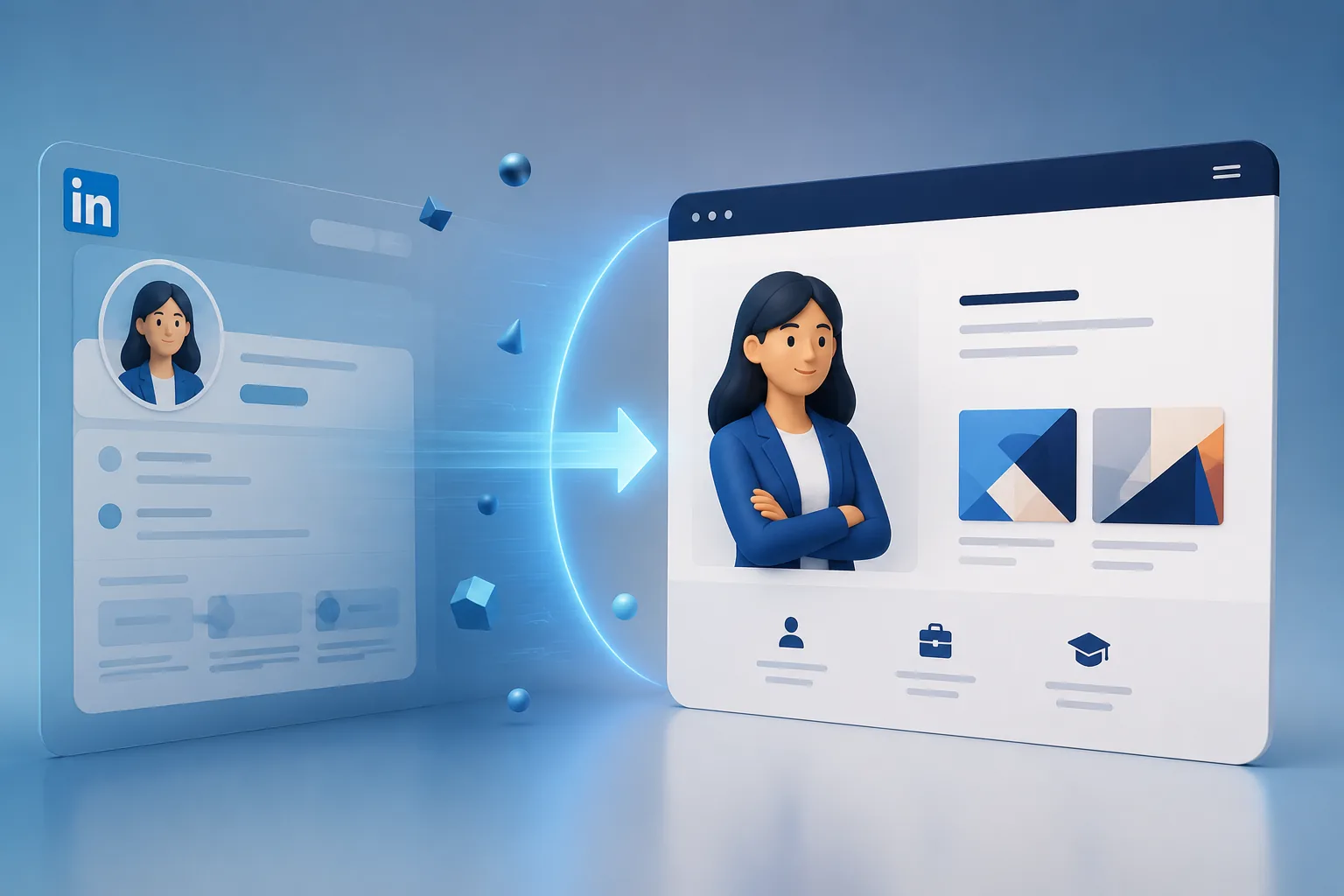
For many roles, especially creative and technical ones, proof beats description. Link to real work: a GitHub, a design portfolio, published writing, or a live portfolio website that turns your experience into a shareable page. A profile that says "I build things" and then shows the things is far more persuasive than one that only tells.
Common LinkedIn About Mistakes
- Leaving it blank. An empty About section wastes your single best inbound-marketing asset.
- Writing it in third person as if someone else wrote it. First person is warmer and standard.
- A wall of buzzwords. "Passionate, dynamic, results-oriented synergist" says nothing.
- Copy-pasting your resume. Same facts, but the resume's formal voice reads as cold on LinkedIn.
- Burying the hook. Only the first two lines show before "see more" — front-load the most interesting thing.
- No call to action. End with what you are open to and how to reach you.
Writing the All-Important First Two Lines
LinkedIn truncates your About section after roughly two lines, hiding the rest behind a "see more" that most people never click. That makes your opening lines the entire game — they have to be interesting enough to earn the click. The weakest openers restate your job title ("I am a marketing professional with X years of experience"); the strongest lead with a hook that makes a reader curious. Try opening with a bold claim about your work ("I turn content nobody reads into content that ranks"), a surprising origin ("I spent five years teaching algebra, which turns out to be perfect training for UX"), or a specific point of view ("I believe reliability is a feature, not a chore"). Whatever you choose, front-load the single most compelling thing about you. If someone read only those two lines, would they want to know more? If not, rewrite until they would.
Matching Your Headline to Your Goal
Your headline is the most-seen text you own on LinkedIn — it appears in search results, next to every comment, and in every message and connection request. The default ("Job Title at Company") wastes it. A strong headline packs in the keywords recruiters search and signals your direction: "Backend Engineer | Python & Go | Payments & Reliability" or "Product Manager | B2B SaaS | 0-to-1 & Growth." If you are actively looking, orient the headline toward the role you want, not just the one you have. Those few characters are prime keyword real estate and the first impression every recruiter forms — spend them deliberately.
Keeping the Profile Alive
A LinkedIn profile is not a set-and-forget document; the algorithm and recruiters both favor active, current profiles. Refresh your headline and About section whenever your focus shifts or you finish a notable project. Post occasionally about what you are building or learning — it keeps you visible in your network's feed and quietly demonstrates competence. Add new skills as you gain them, and keep your experience current and consistent with your resume, since recruiters cross-check the two. A profile that shows recent activity signals momentum; one frozen for three years signals the opposite. You do not need to become an influencer — just to look like someone who is present and moving.
Frequently Asked Questions
How long should a LinkedIn About section be?
Three to five short paragraphs. Long enough to tell your story, short enough that people actually finish it.
Should it match my resume exactly?
No. Your resume is formal and tailored per job; your LinkedIn is first-person and broader. Same facts, warmer voice.
Do keywords really matter in the About section?
Yes. Recruiters search by skill and title, so weave the terms you want to be found for into natural sentences.
Should I mention I'm open to work in my About section?
If you are actively looking, yes — a clear closing line ("Open to senior backend roles") plus LinkedIn's "Open to Work" setting helps recruiters find you. If you are employed and discreet, use the recruiter-only visibility option instead.
How often should I update my LinkedIn?
Refresh your headline and About section whenever your focus shifts or you complete a notable project. An actively maintained profile ranks better in search and signals momentum to anyone who lands on it.
Can I use AI to write my LinkedIn About section?
Use it for a first draft, then rewrite it in your own voice. The hook and the specific details — your real numbers, your genuine reasons — are what make it work, and those have to be yours.
Should my About section be different from my resume summary?
Yes. Same facts, different voice: the resume summary is tight, formal, and tailored per application; the LinkedIn About is longer, warmer, and written in the first person for a human browsing your profile. Adapt the story, do not copy-paste it.
How do I write an About section if I'm a student with little experience?
Lead with what you are building and learning rather than a job history. A hook about your genuine interest, one or two real projects, and a clear line about what you are looking for beats an empty or generic section every time.
Do hashtags or emojis help in the About section?
Used sparingly, a single emoji or a couple of relevant terms can add personality and scannability, but do not overdo it. Clarity and specificity matter far more than decoration; a wall of emojis or hashtags reads as noise.
Tailoring Your Profile When You're Actively Searching
When you shift from passive to active job-seeking, your profile should shift with you. Reorient your headline toward the role you want, not just the one you have, packing in the keywords recruiters will search for that target role. Update your About section's closing line to make your availability clear ("Open to senior backend roles"), and turn on LinkedIn's "Open to Work" setting — using the recruiter-only visibility option if you need to keep your search discreet from a current employer. Make sure your Skills section lists the exact tools and abilities the roles you want ask for, since recruiters filter searches by those terms. And refresh your recent experience so it emphasizes the accomplishments most relevant to your target, mirroring the language those postings use. An actively maintained, keyword-rich, clearly-available profile is what turns LinkedIn from a static résumé into an inbound channel — recruiters find you, and when they click, your first two lines make them reach out.
Putting It All Together
Your LinkedIn About section is a 24/7 pitch working while you sleep, and most people leave it blank or fill it with buzzwords. Front-load a specific hook in the first two lines, prove your value with real numbers, write in a warm first person, and end with a clear call to action. Weave in the keywords recruiters search for, keep it consistent with your resume, and link to real work. Do that and your profile stops being a passive record and starts generating the inbound conversations that lead to your next role.
What is your resume scoring right now?
Scan it against a job description and get your ATS match score in about a minute.
Drop your resume here or choose a file
PDF only. Max 2 MB.
We never share your data or use it to train AI models.

Was this guide useful?
Be the first to rate it.