TD
TD
Key Takeaways
- Indeed carries enormous volume, which makes per-posting tailoring both more valuable and more expensive in time — exactly the trade-off the extension removes.
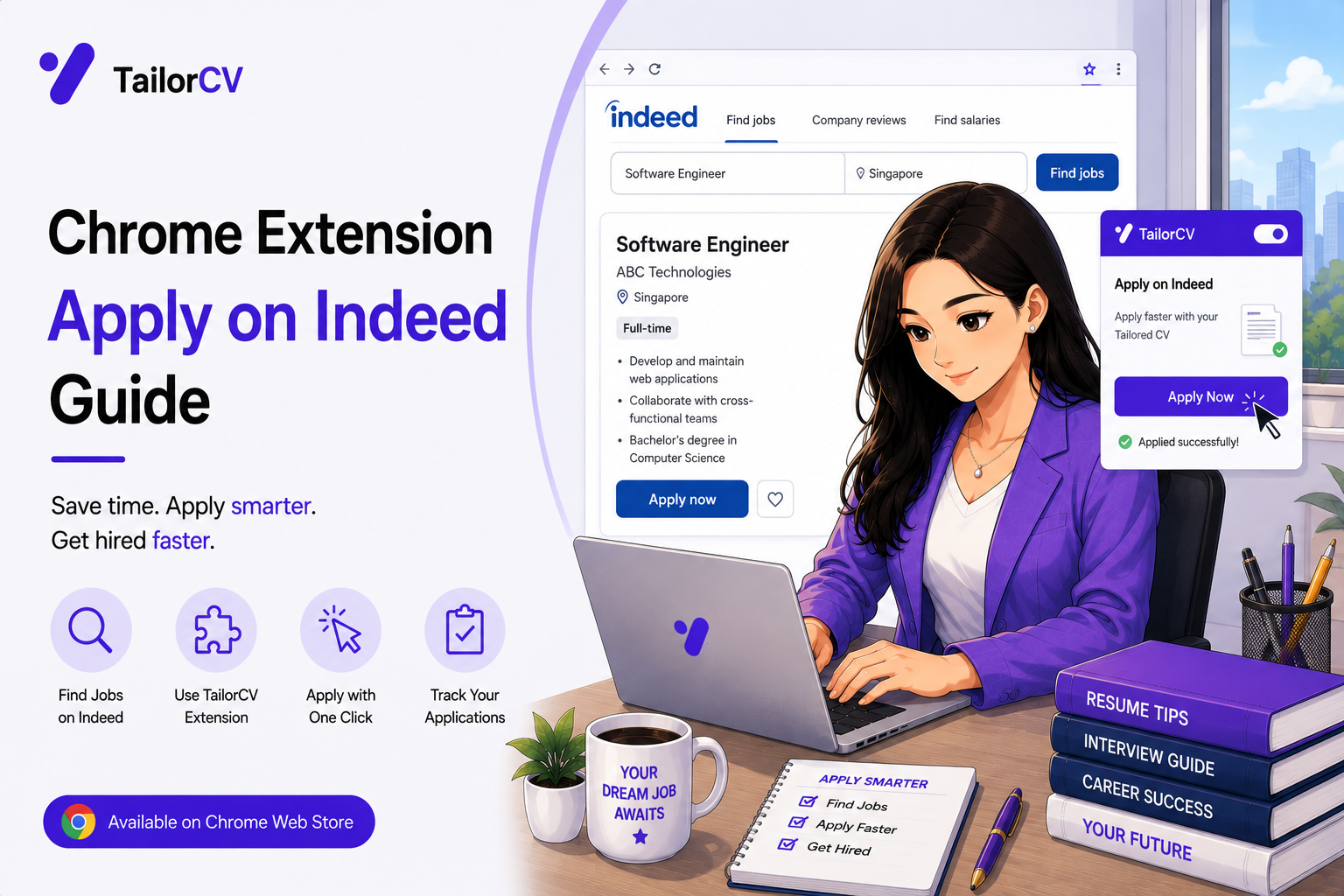
- The extension runs on Indeed job pages and adds a panel directly to the posting.
- One click rewrites your base resume against that specific description and downloads an ATS-ready PDF.
- It also supports Greenhouse, Lever, Workday, Ashby, Glassdoor, ZipRecruiter, Monster, SimplyHired, Dice, Wellfound and Naukri — which matters because Indeed frequently hands you off to one of those.
- Any other job page works too, via the toolbar icon.
Why Indeed specifically is worth optimising
Indeed's scale is the point and the problem.
More postings means more applications. People apply to considerably more roles through Indeed than through a curated board, which multiplies whatever per-application cost you are carrying.
Automated screening is near-universal at the employers advertising there, which means generic resumes are filtered at a higher rate than on smaller, more relationship-driven boards.
The two facts together produce the classic bad outcome: high volume, generic documents, and a response rate that makes people conclude the market is broken when the real problem is that forty identical resumes were sent to forty different jobs.
Cheap tailoring inverts it. If tailoring costs one click, high volume becomes an advantage rather than a reason to give up on quality.
How it works on Indeed
Open a job posting on Indeed. The extension's content script runs there and a TailorCV panel appears on the page.
Click "Tailor & Download Resume." The extension reads the job title, company and description from the posting, sends them to TailorCV, and returns a resume rewritten against that description.
The PDF downloads, ready to attach to the application.
It is saved to your account too, so the My Resumes page keeps a record of every version and the job it was written for.
If Indeed hands you off, which it frequently does, the extension follows. Applications on Indeed often redirect to the employer's own applicant tracking system — Greenhouse, Lever, Workday, Ashby — and the extension supports all of those directly, so the panel is there on the destination page too.
The boards it covers
The extension runs automatically on these job sites:
| Board | Covered |
|---|---|
| Job pages | |
| Indeed | Yes |
| Glassdoor | Including glassdoor.co.in |
| Naukri | Yes |
| Greenhouse | Yes |
| Lever | Yes |
| Workday | myworkdayjobs and myworkdaysite |
| Ashby | Yes |
| ZipRecruiter | Yes |
| Monster | Yes |
| SimplyHired | Yes |
| Dice | Yes |
| Wellfound | Yes |
And anywhere else. For job pages not on this list, click the toolbar icon and the extension will work on the page you have open. That covers company career pages, university job boards, and the long tail of niche industry sites.
Getting more out of a high-volume board
The extension handles the document; these habits handle the rest.
Read the posting before you tailor. Thirty seconds tells you whether the job is actually what the title suggests, and a tailored resume sent to a mismatched role is still a wasted application.
Watch for reposted and stale listings. High-volume boards accumulate them. A posting that has been up for months with no company name attached is frequently not a live vacancy.
Prefer postings that link to a real ATS. A job that hands off to the employer's own Greenhouse or Lever page is more likely to be genuine than one collecting applications through an aggregator alone.
Apply early. Response rates fall sharply with posting age on volume boards, and being in the first day or two of applicants matters more than most people assume.
Track what you send. The My Resumes page does this automatically, which turns out to matter when a recruiter calls about a role you applied to three weeks ago.
Reading an Indeed posting properly
Thirty seconds of reading saves a wasted application, and high-volume boards reward the habit.
Check the company is named. Anonymous postings on aggregator boards are disproportionately agencies fishing for CVs rather than live vacancies.
Check the posting date. Response rates fall sharply with age, and something up for two months with the same wording is often not a real opening.
Check the seniority actually matches. Titles are inconsistent across companies, and a "junior" role asking for five years is a role you will not get regardless of how well the resume is tailored.
Check where the application goes. A link through to the employer's own Greenhouse, Lever, Workday or Ashby page is a good sign — it means a real applicant tracking system with a real requisition behind it.
Check the location and work model. Remote, hybrid and on-site are used loosely on volume boards, and discovering the real answer at offer stage wastes everyone's time.
Skim for the vocabulary you match. If you can see three or four terms you genuinely have experience with, the tailored version will have material to work with. If you can see none, the score will tell you the same thing in a second.
Making volume sustainable
The extension handles the documents; the rest is habit.
Fixed blocks beat continuous applying. Two focused two-hour blocks in a week produce more and cost less than applying in scattered ten-minute bursts whenever guilt strikes.
Separate finding from applying. Sourcing jobs and applying to jobs use different attention, and switching between them constantly is what makes a search exhausting relative to the hours spent.
Do not tailor and then not read. The one thing worth keeping manual is the thirty-second read before you send.
Keep a record. The My Resumes page holds the documents; a short note on anything that progresses holds the rest.
And stop when the data says to stop. If a source has produced thirty applications and no responses, that is information. Move the effort somewhere else rather than doubling down on it.
Indeed-specific things worth knowing
A few quirks of the platform that affect how you use it.
Indeed Apply versus employer redirect. Some listings collect the application on Indeed itself; others hand off to the employer's own system. The redirect route is generally the better signal — a real requisition in a real ATS — and the extension works on both.
Your Indeed profile is not your resume. Indeed encourages you to build a profile and apply with it. A tailored PDF attached to the application is a stronger artefact than a generic profile, and where the form allows an upload, use it.
Sponsored listings sit at the top. Position on the page reflects what an employer paid, not how good a match the job is. Read rather than working down the list.
Salary figures are frequently estimated. Indeed displays estimated ranges where the employer gave none, and those estimates can be substantially wrong in either direction.
Alerts are worth setting up properly. A well-specified saved search delivering daily is the difference between applying in the first day of a posting and the tenth.
Duplicates are common. The same role appears through multiple agencies and directly from the employer. Apply through the employer where you can identify it.
Building the habit
The extension only helps if opening it becomes automatic.
Tailor before you read the apply button. Do it as part of reading the posting, not as a separate decision afterwards, and it stops being a choice you have to make each time.
Keep the toolbar icon pinned. For the boards that are not covered automatically, the icon is the whole interface, and an unpinned extension is one you forget you have.
Do the first three of a session slowly. Getting into rhythm matters more than the first three being fast, and rushing at the start of a block usually means a mistake you notice at application seven.
Common questions about volume applying
Three things people worry about, answered plainly.
"Does applying to a lot of jobs look bad?" Employers cannot see your other applications. The only place volume shows is if you apply repeatedly to the same company for unrelated roles, which does get noticed.
"Is a tailored resume dishonest if a machine wrote the draft?" No, provided it is true. The facts are yours, the material is yours, and you read and approved it. A resume you wrote from scratch and a resume you edited from a draft are the same document to a reader — what matters is whether it is accurate.
"Should I use the same resume if two jobs are nearly identical?" Generate separately. Near-identical postings still use different vocabulary, and the matching is literal.
And one worth adding: applying to a role you are underqualified for is not free. It costs the recruiter time and it costs you nothing visible, but consistently applying far above your level at one company is remembered.
Mini checklist
- unchecked: Extension installed and base resume set
- unchecked: Template chosen at thetailorcv.com/extension
- unchecked: Signed in from the panel
- unchecked: Posting read properly before tailoring
- unchecked: Generated PDF opened before attaching
- unchecked: Toolbar icon used for off-list job pages
- unchecked: Applications made early rather than late
- unchecked: My Resumes checked periodically
Scenarios
Scenario 1: You apply to twenty Indeed jobs a week
Tailor every one. At one click each, the marginal cost is negligible and the difference in screening outcomes between tailored and generic is not.
Scenario 2: Indeed redirects you to a Workday application
The extension works there too. Tailor on the destination page if you did not on the listing, and the process is identical.
Scenario 3: You found a job on a company career page instead
Click the toolbar icon. Optional host permissions mean the extension works on any job page you open it on, not only the boards it runs on automatically.
Tip: Apply early. On high-volume boards, response rates fall noticeably as a posting ages, and being in the first wave of applicants is worth more than almost anything else you can control.
Do's and Don'ts
Do
- Tailor every application, not the important ones only
- Read the posting before generating
- Use the toolbar icon on unsupported pages
- Apply early in a posting's life
- Prefer listings that link to a real ATS
- Keep your base resume current
Don't
- Send the same generic resume to forty roles
- Apply to obviously stale or vague listings
- Skip reading the generated PDF
- Assume Indeed's own apply flow is always the employer's real one
- Forget the extension follows to Greenhouse, Lever and Workday
- Let volume replace judgement about fit
Common Mistakes
- Generic resumes at volume. It is the exact behaviour automated screening filters out.
- Applying late. Response rates fall sharply with posting age on volume boards.
- Ignoring the handoff. The extension works on the destination ATS page too.
- Not using the toolbar icon. It makes the extension work on any job page at all.
- Volume without judgement. A tailored resume for a mismatched job is still wasted.
- Never checking My Resumes. It is the record of what you sent and where.
Related Guides
Keep building on this with the related guides in this series:
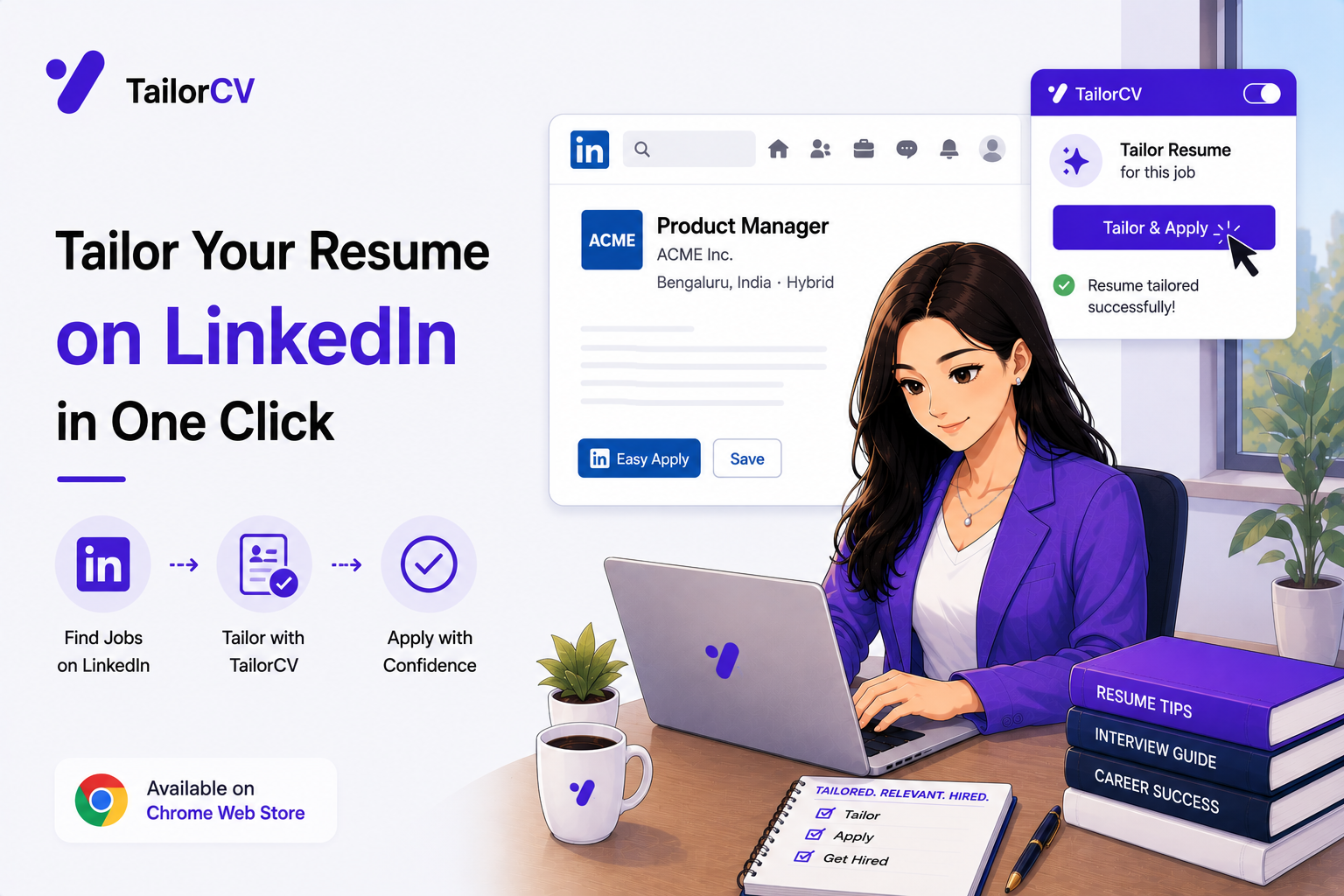
- Tailoring Your Resume on LinkedIn
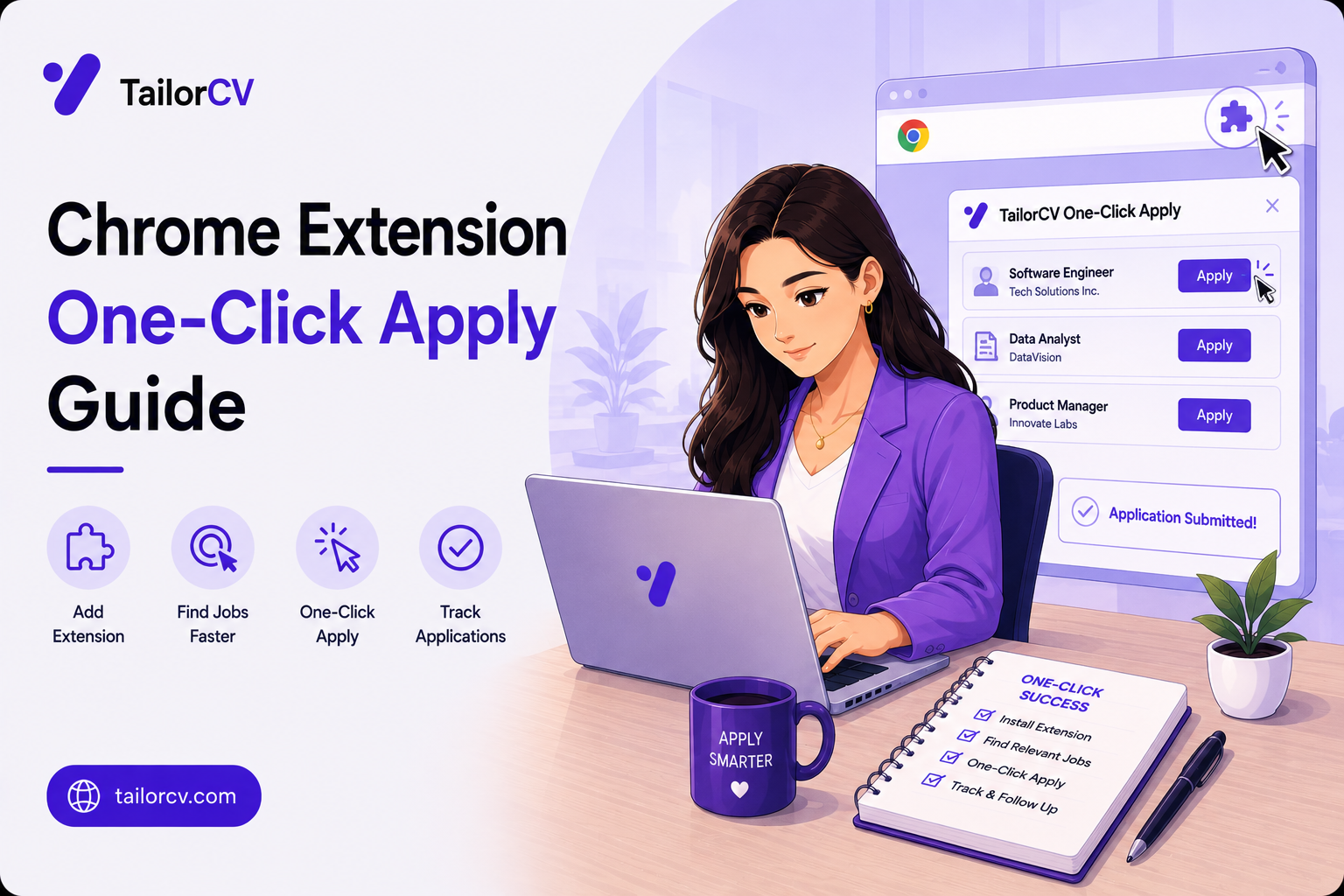
- The One-Click Apply Workflow
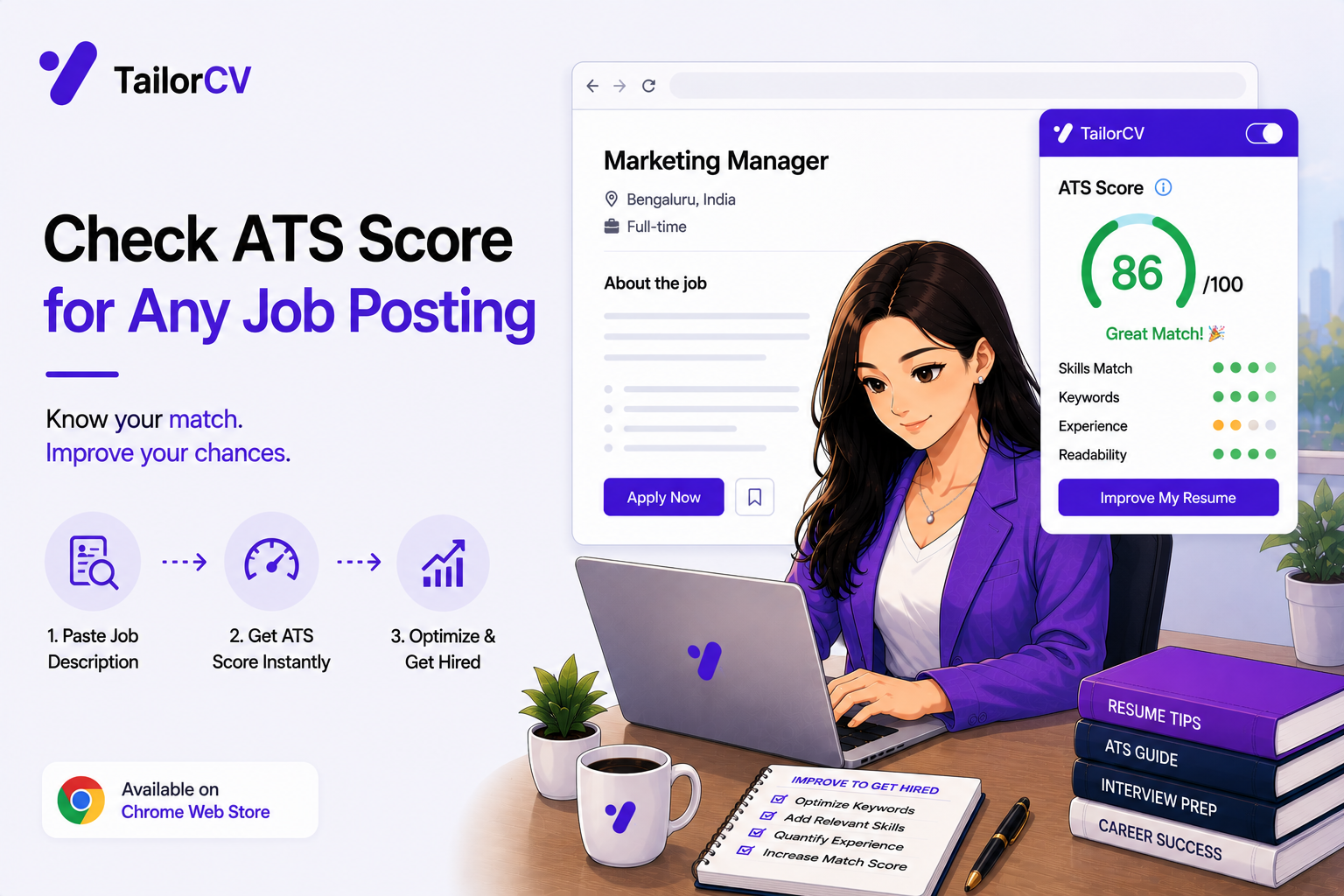
- Getting an ATS Score on Any Job Posting
- Fifty Applications Without Losing Your Mind
- What the Extension Can and Cannot See
- The Best Chrome Extension for Students Job Hunting (2026)
You can also check your resume's ATS score for free, generate a tailored cover letter, or build a portfolio website in minutes.
Frequently Asked Questions
Does the extension work on Indeed?
Yes, it runs on Indeed job pages and adds a panel directly to the posting.
What happens when Indeed redirects me to another site?
The extension supports Greenhouse, Lever, Workday, Ashby and others directly, so the panel is available on the destination application page too.
Can I use it on a company's own career page?
Yes. Click the toolbar icon and the extension works on whatever job page you have open, not only the boards it runs on automatically.
Which job boards are supported automatically?
LinkedIn, Indeed, Glassdoor, Naukri, Greenhouse, Lever, Workday, Ashby, ZipRecruiter, Monster, SimplyHired, Dice and Wellfound.
Is tailoring worth it for high-volume applications?
Especially then. Automated screening is near-universal at scale, and generic documents are exactly what it filters.
Does it save my applications anywhere?
Yes, each tailored resume is saved to your TailorCV account alongside the job it was generated for.
How do I spot a stale or fake Indeed listing?
Look for an unnamed company, an old posting date with unchanged wording, and no link through to a real applicant tracking system. Those three together usually mean it is not a live vacancy.
How do I keep high-volume applying sustainable?
Fixed blocks rather than continuous applying, sourcing separated from applying, a thirty-second read before every send, and a record so you can stop using sources that never respond.
Should I apply through Indeed or the employer's site?
Where the listing redirects to the employer's own applicant tracking system, that is generally the better route and the stronger signal that the vacancy is real.
Are Indeed salary ranges accurate?
Not always. Where an employer gave no figure, Indeed displays an estimate, and those estimates can be substantially wrong in either direction.
Check your match before you install anything
Same score the extension shows on a job page - run it here on any resume and job description.
Drop your resume here or choose a file
PDF only. Max 2 MB.
We never share your data or use it to train AI models.

Was this guide useful?
Be the first to rate it.