SS
SS
Key Takeaways
- The TailorCV Chrome extension adds a panel directly to LinkedIn job pages, so tailoring happens where you are already reading the posting.
- You set up a base resume and preferred template once at thetailorcv.com/extension; after that every tailored resume starts from it.
- One click produces a resume rewritten against that specific job description and downloaded as an ATS-ready PDF.
- Every tailored resume is saved to your account on the My Resumes page, alongside the job it was written for.
- The extension only reads the job title, company and description from the posting you have open — not your profile, connections or messages.
The problem it solves
Everyone knows resumes should be tailored to each job. Almost nobody does it, and the reason is friction.
The manual loop looks like this: read the posting, open your resume in Word, decide which bullets matter for this role, rewrite three of them, check you have not broken the formatting, export a PDF, name the file, go back to the tab, upload, repeat. Twenty to forty minutes per application if you do it properly.
So people stop doing it properly. They send the same generic resume to forty roles, which is precisely the behaviour that automated screening is designed to filter out.
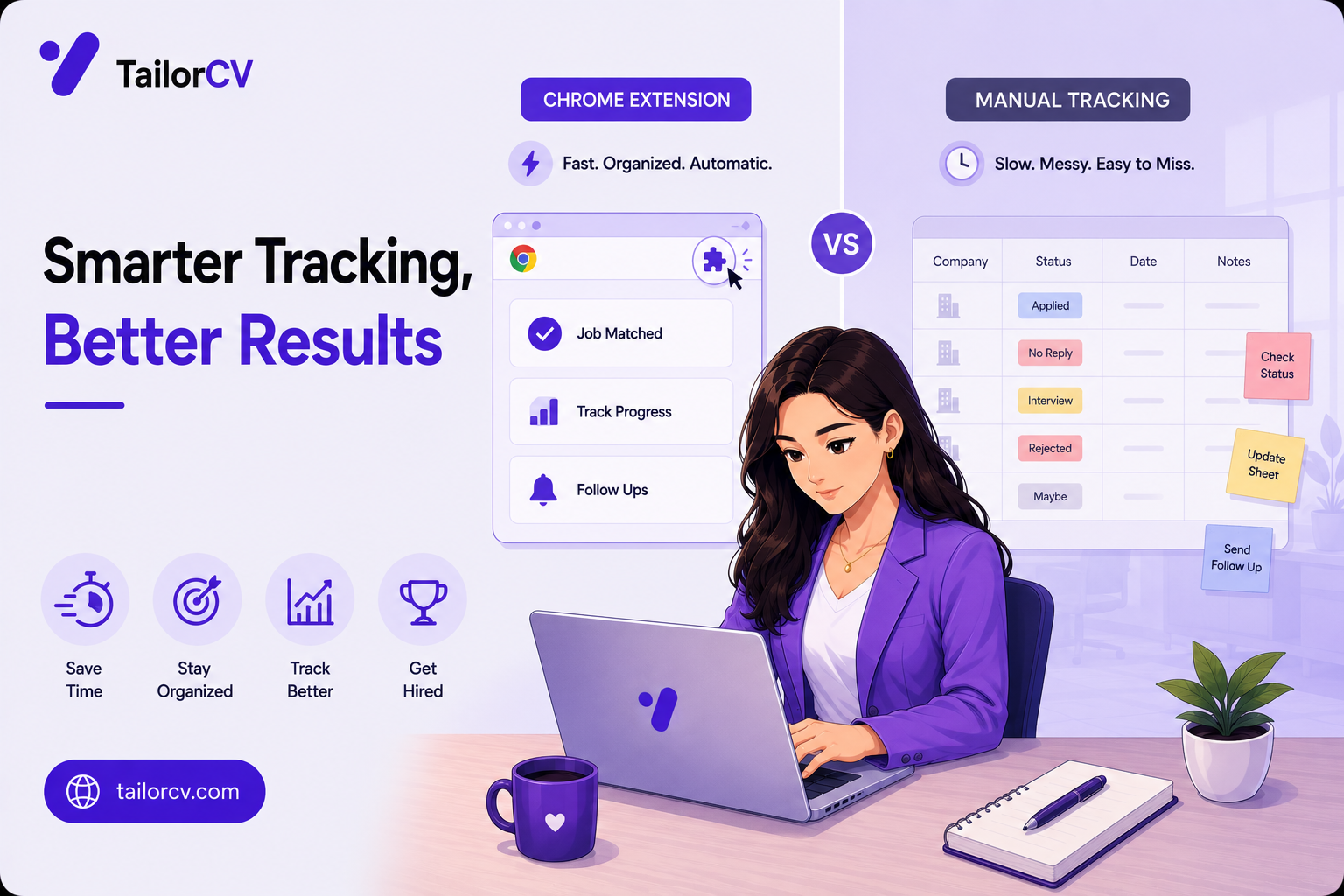
The extension removes the loop. The job description is already on screen; the extension reads it, rewrites your base resume against it, and hands you a PDF. The tailoring happens because it costs one click rather than half an hour.
Setting it up, once
Three steps, and you only do them once.
1. Install the extension from the Chrome Web Store — "TailorCV — AI Resume Optimizer".
2. Set your base resume at thetailorcv.com/extension. Upload the resume you want everything generated from. This is the source material, so it should be your complete, honest, unabridged version — the tailoring is about emphasis and wording, not invention.
3. Choose your template. TailorCV renders to a set of clean, ATS-safe templates, and the one you pick is what every generated PDF uses.
Then sign in from the extension panel. A TailorCV account is required, the free tier is included, and you can sign in directly from the panel including with Google.
Using it on a LinkedIn job
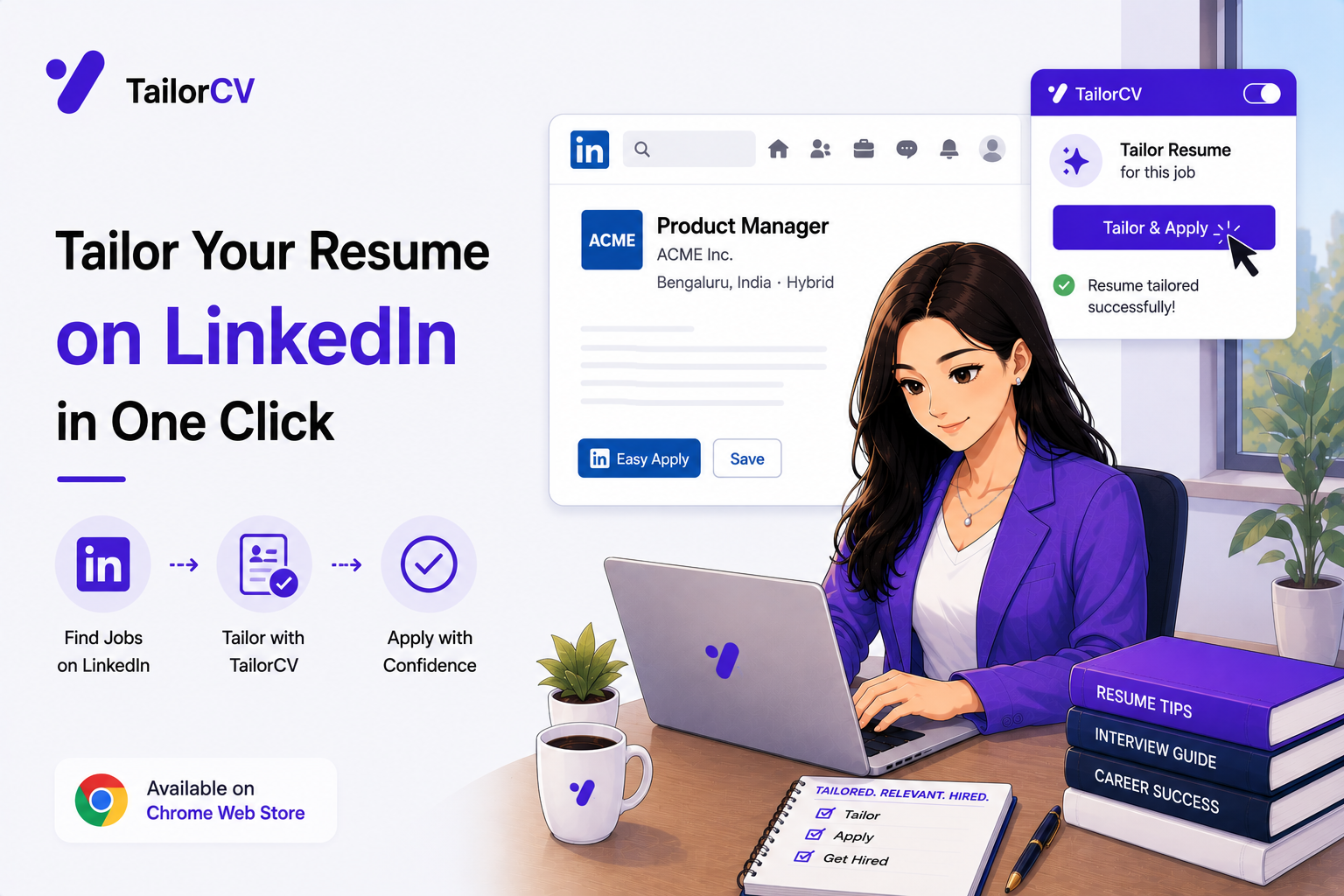
Open any LinkedIn job posting. The extension's content script runs on LinkedIn job pages and a TailorCV panel appears.
Click the panel — or the toolbar icon if you prefer.
Click "Tailor & Download Resume." The extension sends the job title, company and description to TailorCV, which rewrites your base resume against that posting and returns a PDF.
The PDF downloads to your computer, ready to attach.
It is also saved to your account, so the My Resumes page later shows every tailored version alongside the job it was written for — which matters more than it sounds when you are three weeks into a search and cannot remember which version you sent where.
What "tailored" actually means here
Worth being precise, because the word is used loosely.
It re-emphasises, it does not invent. The system is explicitly built not to claim skills your resume shows no evidence for. If a job asks for Kubernetes and your resume has never mentioned it, a tailored resume will not suddenly claim it — and that is the correct behaviour, because the alternative is a lie you have to defend in an interview.
It re-orders and re-words. The bullets that matter for this posting move up and are phrased in the posting's own vocabulary, which is what automated screening actually matches on.
It preserves your content. The pipeline includes explicit steps that restore bullets and entries the model dropped, because language models silently lose content on long resumes and losing a candidate's actual work is the worst possible failure mode.
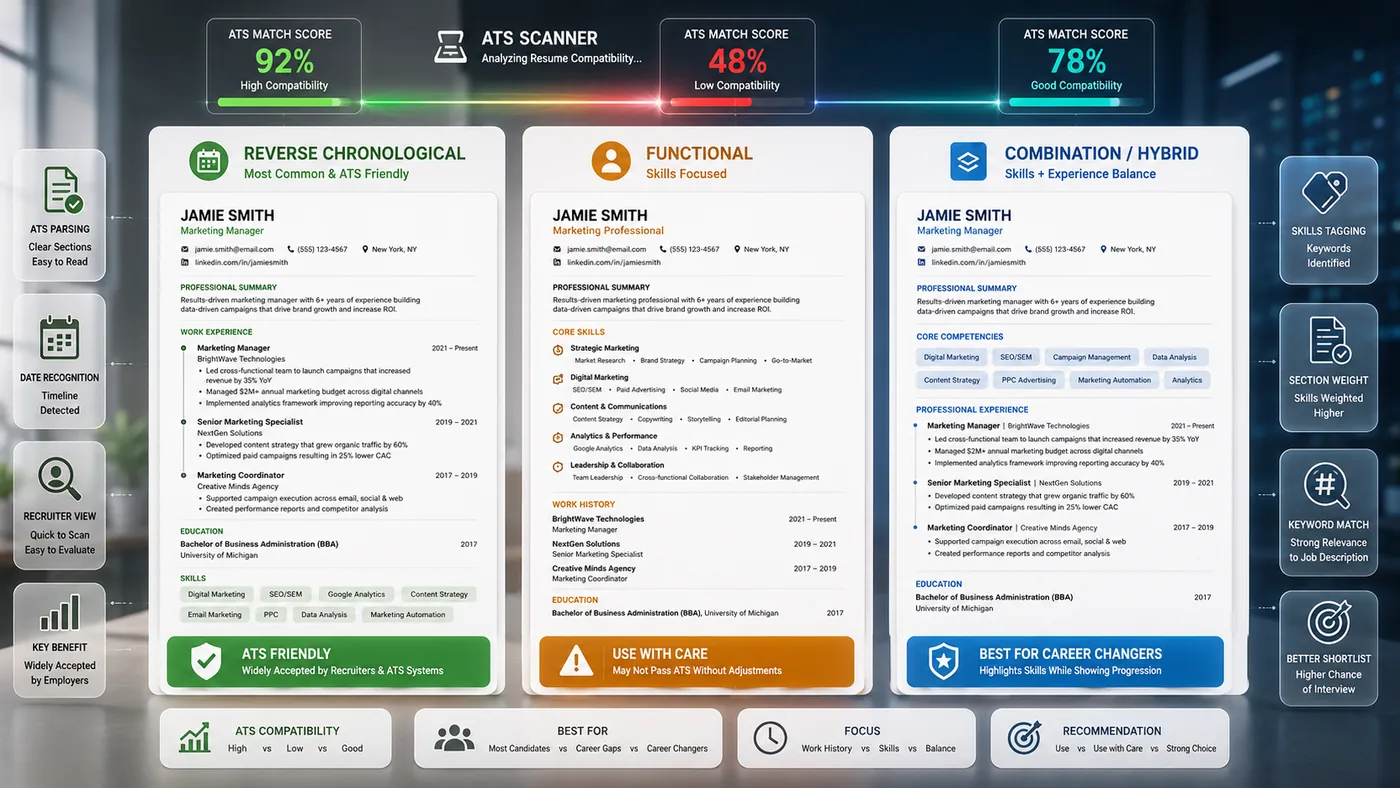
It outputs an ATS-safe PDF. Single-column, standard headings, parseable text — not a design object that turns to nonsense in a parser.
What makes a good base resume
Everything the extension produces comes from your base resume, so its quality sets the ceiling on everything downstream.
Include everything. This is the one document that should not be cut down. Every role, every project, every certification, every tool you have genuinely used. The tailoring step decides what to foreground for a given job; it cannot foreground something you did not tell it about.
Name specific tools and systems. "Built a data pipeline" is weaker than "built an ETL pipeline in Python with Airflow, loading into Postgres". Screening is literal and so is matching, and a named tool is the thing that gets matched.
Quantify where you honestly can. Team size, volume, percentage change, timeframe. Numbers do not have to be impressive, only real.
Describe projects like work. A university project with a real problem, a real constraint and a real outcome reads as experience. A project listed as a title reads as a module.
Keep the formatting simple. Single column, standard headings, no text inside images. A designed base resume parses badly, and everything generated inherits from what was parsed.
Update it. After every finished project, every new tool, every role change. A base resume six months stale quietly costs you on every application you make from it.
Reading the generated resume
Thirty seconds, every time, and here is what to look at.
Does every claim hold? The system is built not to fabricate, but you are the one who has to defend it in an interview. Read it as though someone will ask about each line, because they might.
Did anything important disappear? The pipeline includes steps specifically to restore content the model drops, but on a very long resume it is still worth confirming that the role you most want emphasised is there.
Does the emphasis match the job? The most relevant experience should be near the top and phrased in the posting's vocabulary.
Would you say it out loud? If a line sounds unlike you, change it. On a job you want, the document should sound like the person who turns up to the interview.
Troubleshooting
The handful of things that go wrong, and what each means.
The panel does not appear. The content script runs on LinkedIn job pages specifically, not on the feed or a company page. Open an actual job posting. If it still does not appear, refresh — the script runs at document idle and a page that loaded oddly can miss it.
It says you are not signed in. The extension authenticates against your TailorCV account the same way the website does. Open thetailorcv.com, sign in there, and the extension will pick it up.
It says no base resume is set. Go to thetailorcv.com/extension and upload one. Nothing can be generated without it, since it is the source material for everything.
The description did not come through. LinkedIn truncates long descriptions behind a "see more" control. Expand the full description before tailoring so the whole text is on the page to read.
You have hit your limit. Free accounts include a limited number of tailored resumes; Pro removes the cap. The message will say which is the case.
The PDF looks wrong. Check which template is selected at thetailorcv.com/extension. Templates differ in density, and a resume with a lot of content suits a different one from a short one.
Using it well over a whole search
Three habits that separate people who get value from this from people who install it and forget.
Update the base resume monthly. Everything generated inherits from it, so a stale base quietly degrades every application.
Re-read one generated resume properly each week. Not all of them — one. It keeps you honest about what is going out under your name.
Check the My Resumes page before any call. Knowing exactly which version a company received turns an awkward call into a prepared one, and it takes ten seconds.
What happens between the click and the PDF
Worth understanding, because it explains why the output behaves the way it does.
The job text is extracted from the page — title, company, description.
Your base resume is parsed from the file in your account, including its annotation layer. That last detail matters: URLs in a PDF are frequently invisible in extracted text and live only in the annotations, which is why link recovery reads both.
The rewrite happens against the job description, with explicit instructions not to claim any skill the resume shows no evidence for.
Then the recovery steps run. Bullets the model silently dropped are restored. Whole entries it lost are restored. This exists because language models reliably lose content on long resumes, and losing your actual work is the worst possible failure.
Job-description skills you genuinely have are surfaced, links are re-injected, and the whole thing is sanitised.
It renders to your chosen template and becomes a PDF.
Why this matters to you: the pipeline is built around not losing your content and not inventing new content. Those two constraints are why it is a usable draft rather than something you have to fact-check line by line.
Mini checklist
- unchecked: Extension installed from the Chrome Web Store
- unchecked: Base resume uploaded at thetailorcv.com/extension
- unchecked: Template chosen
- unchecked: Signed in from the extension panel
- unchecked: Tested on one LinkedIn job before a real application
- unchecked: Generated PDF opened and read before sending
- unchecked: My Resumes page checked to confirm it saved
Scenarios
Scenario 1: You are applying to fifteen similar roles
This is exactly the case the extension is built for. Fifteen postings that look alike still differ in the vocabulary they use, and fifteen tailored versions take about as long as one manual one.
Scenario 2: You are applying to one role you really want
Use the extension to generate the tailored version, then read it carefully and edit it yourself. The generated resume is a strong first draft, not a substitute for your judgement on a job that matters.
Scenario 3: You keep losing track of which resume you sent where
The My Resumes page records each tailored resume against the job it was generated for. This is a small feature that saves a genuinely annoying problem later in a search.
Tip: Always open the generated PDF and read it before you send it. It is a strong draft produced from your own material, and a thirty-second read catches the occasional phrasing you would rather say differently.
Do's and Don'ts
Do
- Upload a complete, honest base resume
- Read the generated PDF before sending
- Use it on every application, not just the important ones
- Check My Resumes to track what went where
- Edit the output for roles you care most about
- Keep your base resume updated as you gain experience
Don't
- Upload a base resume that is already cut down
- Send without reading
- Expect it to invent skills you do not have
- Use a heavily designed base resume that parses badly
- Assume one tailored resume works for a whole category of jobs
- Forget to update the base after a new role or project
Common Mistakes
- Uploading an abridged base resume. The system tailors from what you give it, so give it everything.
- Not reading the output. Thirty seconds catches anything you would phrase differently.
- Expecting invented skills. It deliberately will not claim what your resume does not evidence.
- Using it only on favourite jobs. The value is that it makes tailoring cheap enough to do every time.
- Letting the base go stale. Update it when you finish a project or change roles.
- Ignoring My Resumes. It is the record of what you sent where.
Related Guides
Keep building on this with the related guides in this series:
- Applying on Indeed with the Extension
- The One-Click Apply Workflow
- Getting an ATS Score on Any Job Posting
- What the Extension Can and Cannot See
- Fifty Applications Without Losing Your Mind
- Resume Extension vs Manual Tailoring: What You Actually Save (2026)
You can also check your resume's ATS score for free, generate a tailored cover letter, or build a portfolio website in minutes.
Frequently Asked Questions
Do I need a TailorCV account?
Yes, and the free tier is included. You can sign up or sign in directly from the extension panel, including with Google.
Does it work on LinkedIn job pages specifically?
Yes — the extension runs on LinkedIn job pages and adds a panel there, alongside a long list of other supported boards.
Will it invent skills to match the job?
No. The system is explicitly built not to claim skills your resume shows no evidence for, because a fabricated match is a problem you have to defend in an interview.
Where do my tailored resumes go?
They download to your computer as PDFs and are also saved to your TailorCV account on the My Resumes page, alongside the job each was written for.
Can it read my LinkedIn profile or messages?
No. It reads the job title, company and description text from the job page you have open, and nothing else.
Is the output ATS-safe?
Yes — the templates are single-column with standard headings and parseable text, which is what automated screening needs.
What should my base resume include?
Everything — every role, project, tool and certification, described with named systems and real numbers. It is the one document that should never be cut down, because tailoring can only foreground what you supplied.
How often should I update the base resume?
After every finished project, new tool or role change. A base six months stale quietly costs you on every application generated from it.
The panel is not appearing on LinkedIn — why?
It runs on job posting pages, not the feed or company pages. Open an actual posting and refresh if needed, since the script runs at document idle.
Why does it say no base resume is set?
Nothing can be generated without one. Upload your resume at thetailorcv.com/extension — it is the source material for every tailored version.
Check your match before you install anything
Same score the extension shows on a job page - run it here on any resume and job description.
Drop your resume here or choose a file
PDF only. Max 2 MB.
We never share your data or use it to train AI models.

Was this guide useful?
Be the first to rate it.