TD
TD

Key Takeaways
- The extension covers the whole application object, not just the resume: tailored resume, matching cover letter, and answers to application form questions.
- Your apply profile stores the standard answers every form asks for, so deterministic autofill handles them without AI.
- The open-ended questions — "why do you want to work here", "describe a time you..." — are answered from your base resume and the job description.
- Everything downloads as ATS-ready PDFs and is saved to your TailorCV account.
- The workflow deliberately stops short of submitting for you. You read, you edit, you send.
What the workflow covers
An application is rarely just a resume, and the parts around it are where the time actually goes.
The tailored resume. Your base resume rewritten against this posting's description, downloaded as a PDF.
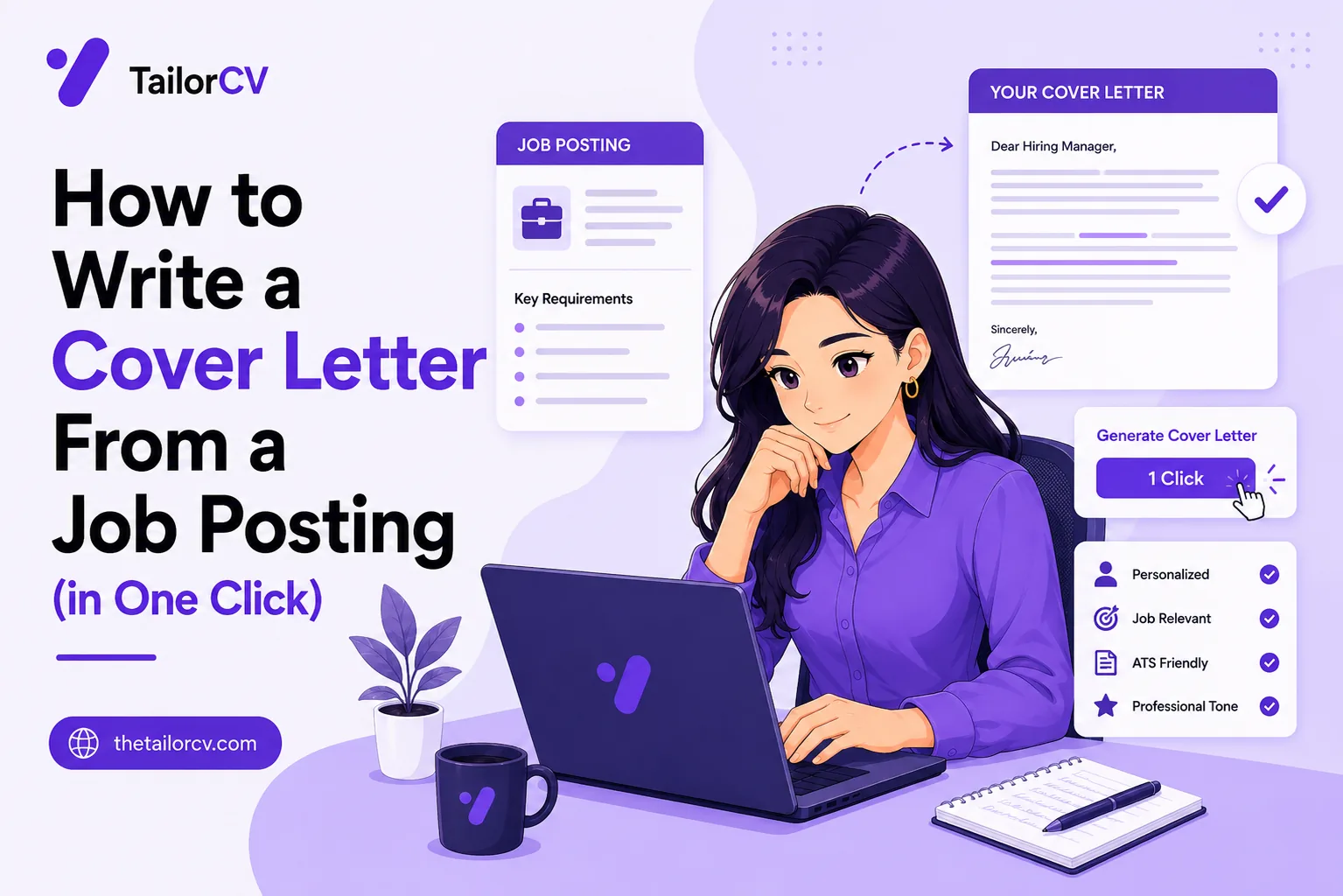
The cover letter. Generated against the same job description and your same base resume, so the two documents agree with each other rather than contradicting themselves — which happens more often than people think when the resume and letter are written weeks apart.
The apply profile. The standard fields every application form asks: contact details, work authorisation, notice period, links, education. Stored once, filled deterministically.
The open questions. The free-text prompts that make people abandon applications halfway through. These are answered from your base resume and the job description, with the question's own field type and character limit respected.
The record. Each application is logged, so you have a history of what you applied to and with which version.
Deterministic first, AI second
This distinction matters and it is deliberate.
Structured fields are filled deterministically. Your name, email, phone, education, work authorisation and links do not need a language model — they need a stored profile and exact matching. That part is fast, free and predictable.
Only the genuinely open questions go to AI. "Why are you interested in this role?" with a 500-character limit is a writing task; "What is your phone number?" is not.
The system respects the field. Character limits, field types and multiple-choice options are all passed through, so a 200-character answer comes back at 200 characters rather than at 800 that you then have to cut.
Why this matters to you: it is faster, it costs less of your quota, and the answers that come back are the ones that actually needed writing.
The skill match, before you decide to apply
There is a step before all of this that is easy to miss.
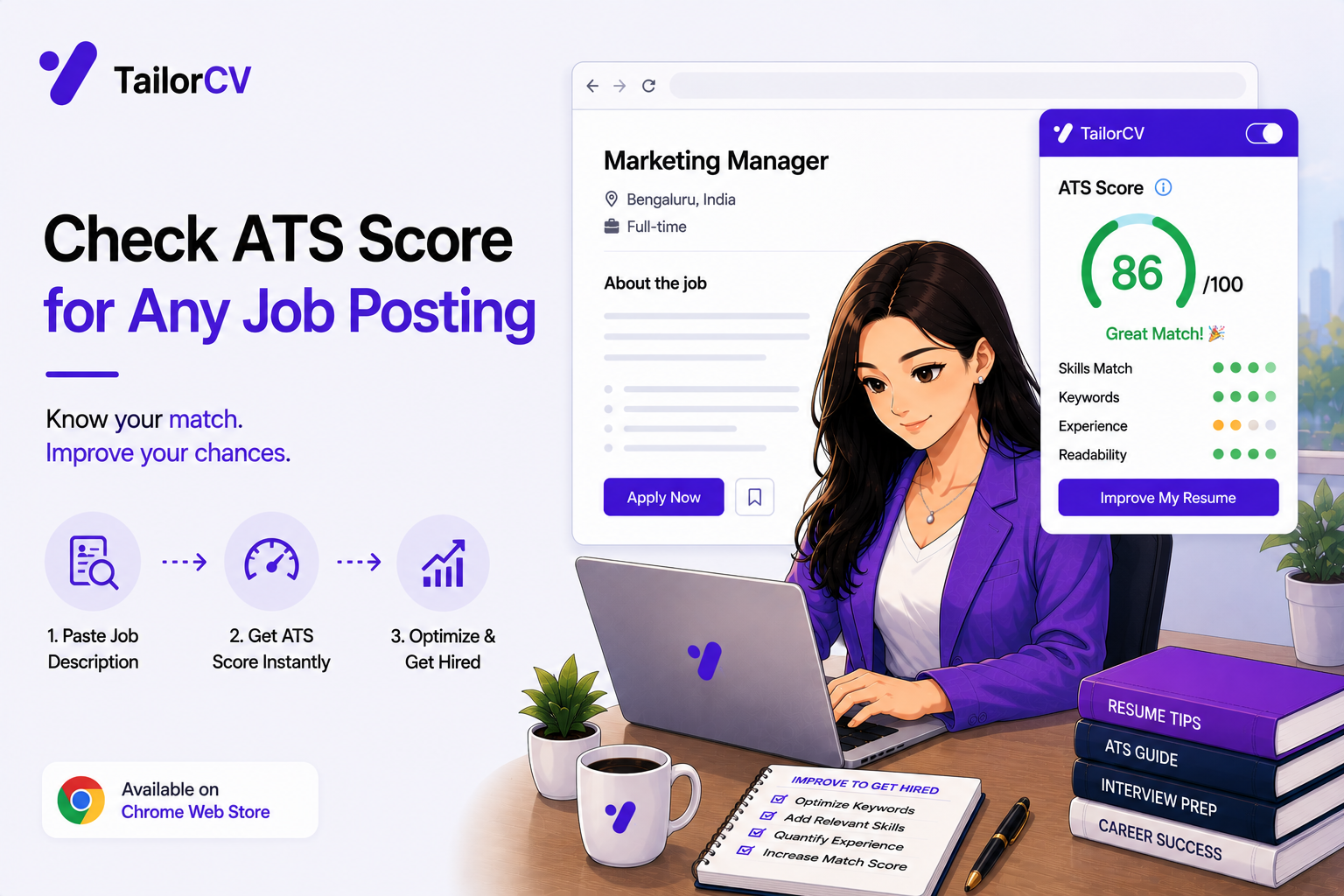
The extension calculates a skill-match score between your base resume and the job description you are looking at. It is deterministic — pure text matching, no language model — which means it is instant and it refires as you scroll through jobs.
Use it as a filter. A very low match usually means either the job is genuinely a poor fit, or your resume does not evidence things you actually have. Both are worth knowing before you spend an application.
A low score is not always a no. Sometimes it reveals that your base resume is understating you, which is a fixable problem and a more valuable insight than the score itself.
What it deliberately does not do
Three limits, each on purpose.
It does not submit for you. You read the generated documents, you edit what you want to change, and you press the button. An automated system that fires off applications without you reading them produces exactly the outcome you are trying to avoid.
It does not invent qualifications. Answers and resume content are grounded in your base resume. If you have not done something, the system does not claim you have — because you will be asked about it.
It does not replace judgement about fit. Making applications cheap makes it tempting to apply to everything. Cheap applications to jobs you do not want are still wasted applications, and a recruiter who reads a mismatched application remembers it.
Writing better open-ended answers
The generated answers are a strong draft. Here is how to make them yours in a minute.
Replace one generic sentence with one specific fact. "I am drawn to your mission" becomes "I have used your API in a side project and the documentation is the reason I would rather build on it than the alternatives." Specificity is the whole game.
Cut the throat-clearing. Opening phrases like "I am writing to express my strong interest in" consume characters you are short of anyway. Start with the substance.
Respect the limit but do not pad to it. A 300-character limit is a maximum, not a target. A tight 180-character answer reads better than a padded 299.
Answer the actual question. "Describe a time you handled conflicting priorities" wants a specific situation, not a general philosophy about prioritisation. If the draft is general, replace it with something that happened.
Keep a small bank of your own stories. Four or five real situations with concrete outcomes, written once, cover the large majority of behavioural prompts you will ever be asked in a form or an interview.
Where the workflow fits in a real search
The tooling is one part of something larger.
Before applying: the skill match tells you whether the posting and your resume correspond, and whether your resume is understating you.
During: the resume, letter and form answers are generated, read, edited and submitted by you.
After: the application is logged and the tailored resume saved, so the record exists without you maintaining it.
Alongside all of it: the things no tool does. Reaching out to someone at the company, preparing for an interview, deciding whether you actually want the job, and following up when nobody replies.
The honest framing: the extension removes the mechanical cost of applying. It does not remove the search. What it buys you is the time and energy to spend on the parts that actually differentiate you.
Setting up the apply profile properly
An hour here is repaid across every application you will make. What to put in it.
Contact details exactly as you want them on official records — full legal name where forms ask for it, a phone number with country code, and a professional email address.
Work authorisation. State it plainly in the terms your target market uses. "Full working rights, no sponsorship required" or the specific visa and its expiry. This is the field that most often decides whether an application is read.
Notice period and availability. A specific answer — "available immediately" or "four weeks' notice" — rather than a vague one.
Links. LinkedIn, a portfolio site, a repository. One working link that someone can open beats three that need explanation.
Education, with institution, qualification, dates and grades in the format forms usually request.
Standard disclosures. Whatever your market's forms routinely ask — right to work, willingness to relocate, driving licence where relevant.
Then leave it alone until something genuinely changes. The value of the profile is that it is stable.
Editing efficiently
You will read a lot of generated text. Here is how to do it fast without doing it badly.
Read the first and last sentence of each answer first. Weak generated text usually announces itself in the opening; if both ends are specific, the middle usually is too.
Have one edit you always make. Most people find there is a particular phrasing they never use, and searching for it takes two seconds per document.
Edit for truth first, then for voice. Anything factually off gets fixed always; voice gets fixed on jobs you care about.
Do not rewrite from scratch. If a draft needs total rewriting, the base resume is usually the problem rather than the draft — the generator only has what you gave it.
And stop editing at good enough for tier two and three. Perfect documents sent to fifteen roles you are lukewarm about is effort in the wrong place.
Quota, tiers and using them sensibly
Practical notes on limits.
The skill match costs nothing. It is deterministic and uses no AI, so check it as often as you like — including on every job you scroll past.
Tailored resumes and cover letters draw on your quota. Free accounts include a limited number; Pro removes the cap.
Which means the sensible order is: check the match first, decide whether to apply, then generate. Generating for jobs you then decide against is the main way people waste a free tier.
Deterministic autofill costs nothing either. Your apply profile fills structured fields without any AI call, so a complete profile is free efficiency.
Only genuinely open questions consume quota, and only for the questions that actually needed writing.
If you are on the free tier, spend it on tier one and tier two applications and use the match score to filter harder before generating.
Mini checklist
- unchecked: Base resume uploaded at thetailorcv.com/extension
- unchecked: Apply profile completed with your standard answers
- unchecked: Template chosen
- unchecked: Skill match checked before applying
- unchecked: Resume generated and read
- unchecked: Cover letter generated and read
- unchecked: Open questions reviewed and edited in your own voice
- unchecked: Application submitted by you, not automatically
- unchecked: Record checked on the My Resumes page
Scenarios
Scenario 1: The form has six open questions and a 300-character limit each
This is the case that makes people abandon applications. The extension answers them from your own material within the limits, and you edit rather than starting from a blank box six times.
Scenario 2: You are unsure whether a job is worth applying to
Check the skill match first. It is instant and free of quota, and it tells you whether your resume evidences what the posting asks for before you spend anything.
Scenario 3: You want the cover letter to sound like you
Generate it, then rewrite the middle paragraph in your own words. The generated version solves the blank page and the structure; the voice should be yours on any job you actually want.
Tip: Fill in your apply profile properly, once. Every hour you spend on it is repaid across every application afterwards, because the deterministic autofill covers the boring fields without touching your AI quota.
Do's and Don'ts
Do
- Complete the apply profile fully
- Use the skill match as a pre-filter
- Read and edit everything before submitting
- Rewrite the cover letter's voice on jobs you care about
- Keep the base resume current
- Check the application record periodically
Don't
- Submit anything you have not read
- Treat a low skill match as automatically a no
- Apply to everything just because it is cheap
- Expect the system to claim skills you lack
- Leave the apply profile half-finished
- Assume one cover letter fits a category of jobs
Common Mistakes
- Submitting unread. The generated documents are drafts, not final submissions.
- Half-finished apply profile. It is the piece that makes everything downstream fast.
- Ignoring the skill match. It is instant, free and genuinely informative.
- Applying indiscriminately. Cheap applications to bad-fit jobs are still wasted.
- Never editing the voice. On jobs that matter, the letter should sound like you.
- Stale base resume. Everything generated is only as current as its source.
Related Guides
Keep building on this with the related guides in this series:
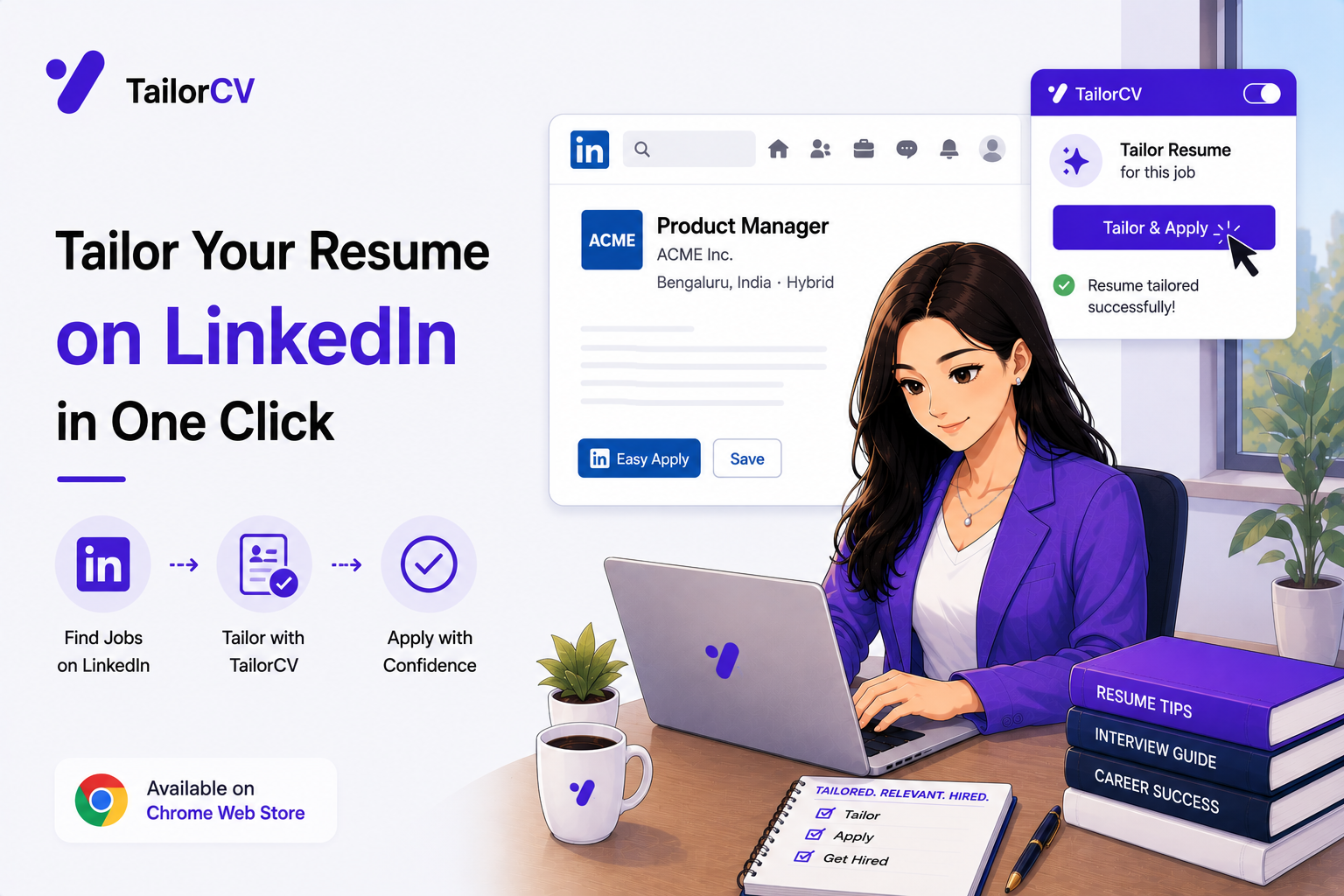
- Tailoring Your Resume on LinkedIn
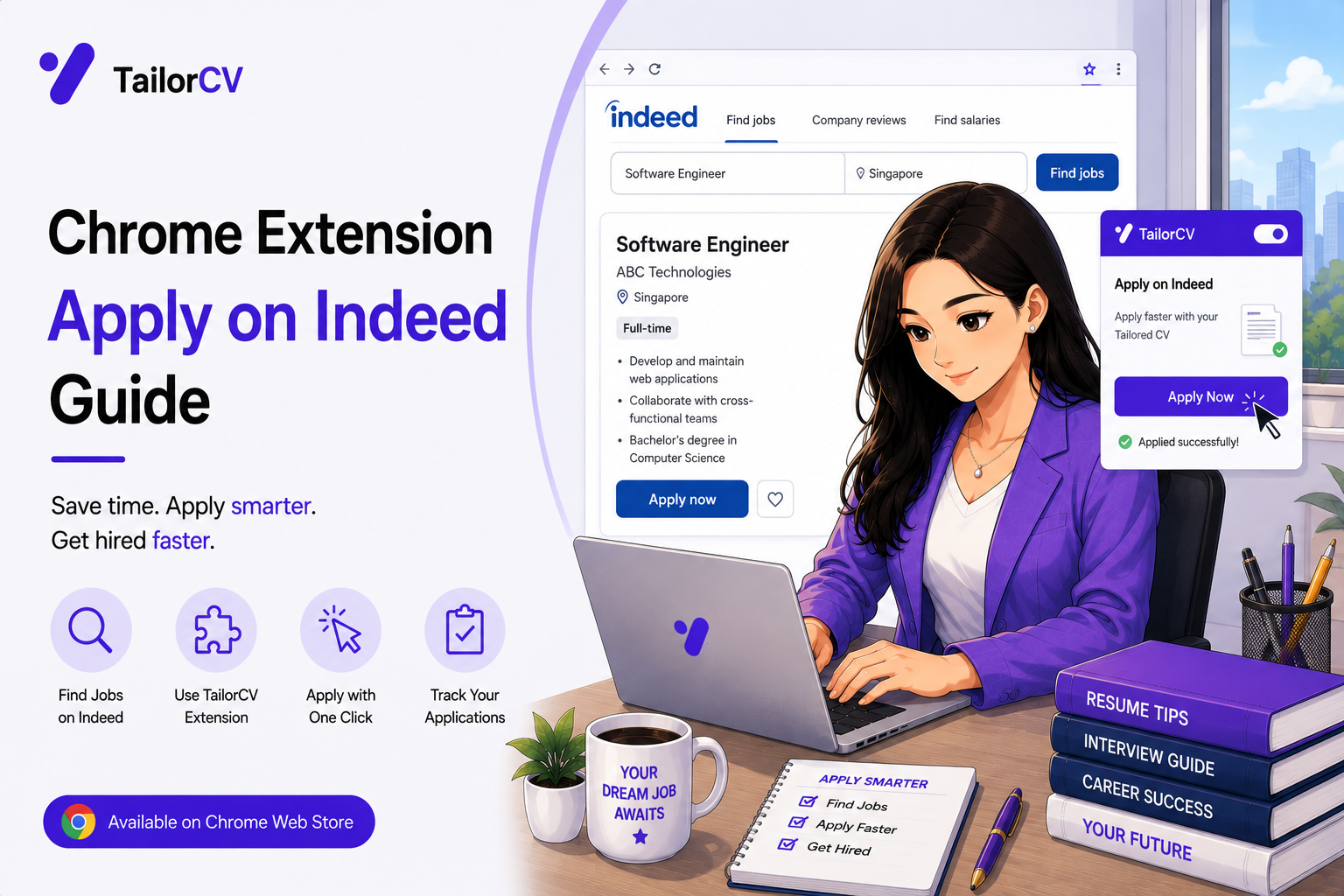
- Applying on Indeed Faster
- Getting an ATS Score on Any Job Posting
- Fifty Applications Without Losing Your Mind
- What the Extension Can and Cannot See
- The Best Free Chrome Extension to Beat the ATS (2026)
You can also check your resume's ATS score for free, generate a tailored cover letter, or build a portfolio website in minutes.
Frequently Asked Questions
Does the extension submit applications for me?
No, deliberately. It generates the documents and answers; you read them, edit what you want, and submit yourself.
How are application form questions answered?
Standard structured fields are filled deterministically from your stored apply profile. Only genuinely open-ended questions are answered from your base resume and the job description.
Does it respect character limits?
Yes. The question's field type, options and character limit are passed through, so answers come back at the right length rather than needing to be cut.
What is the skill match score?
An instant, deterministic text match between your base resume and the job description. It uses no AI, so it is fast and free of quota, and it works as a pre-filter.
Will the cover letter contradict my resume?
It should not — both are generated from the same base resume against the same job description, which is precisely the problem that writing them separately creates.
Should I edit the generated cover letter?
On jobs you genuinely want, yes. The generated version solves structure and the blank page; the voice should be yours.
How do I improve a generated open-ended answer?
Replace one generic sentence with one specific fact, cut the throat-clearing, answer the actual question with a real situation, and keep it under the limit rather than padding to it.
What does the workflow not cover?
Reaching out to people at the company, interview preparation, deciding whether you want the job, and following up. The tooling removes the mechanical cost, not the search.
What should go in the apply profile?
Contact details, work authorisation stated plainly, notice period, links, education, and your market's standard disclosures. Then leave it stable.
How do I edit generated text quickly?
Read the first and last sentence of each answer, fix anything factually off always, fix the voice only on jobs you care about, and stop at good enough for lower-tier applications.
Does checking the skill match use my quota?
No. It is deterministic and uses no AI at all, so you can check it on every job you look at.
What actually consumes quota?
Tailored resumes, cover letters, and answers to genuinely open-ended form questions. Structured autofill from your apply profile is free.
Was this guide useful?
Be the first to rate it.