TD
TD
Key Takeaways
- Effective portfolios across design, development, data, and marketing should focus on a few key projects with clear context and measurable results.
- Developer portfolios should begin with the problem solved, include architecture diagrams for backend work, and link to well-documented GitHub profiles.
- Data portfolios should showcase the transformation of messy datasets into clean outputs and highlight business impacts of technical work.
- UX design portfolios must document the entire design process, while graphic design portfolios should curate a selection of diverse works.
- Marketing portfolios should emphasize campaign metrics and provide context for writing samples to better connect with potential employers.
A resume tells a recruiter what you claim you can do. A portfolio shows them. Across every field we've reviewed - design, development, data, and marketing - the portfolios that consistently land interviews share the same traits: a handful of focused projects, clear context on your role, and measurable results, not just screenshots.
You can build a version of every example below in minutes by turning your existing resume into a live site with the TailorCV portfolio builder - no separate design work required.
Development Portfolios
1. The problem-first project page
Strong developer portfolios open each project with the problem it solved before showing code - not the other way around. See the full-stack portfolio guide and frontend developer portfolio for the exact structure.
2. The backend system diagram
Backend-focused portfolios that included a simple architecture diagram alongside the code repo consistently outperformed code-only pages. See backend developer portfolio.
3. The GitHub-linked case study
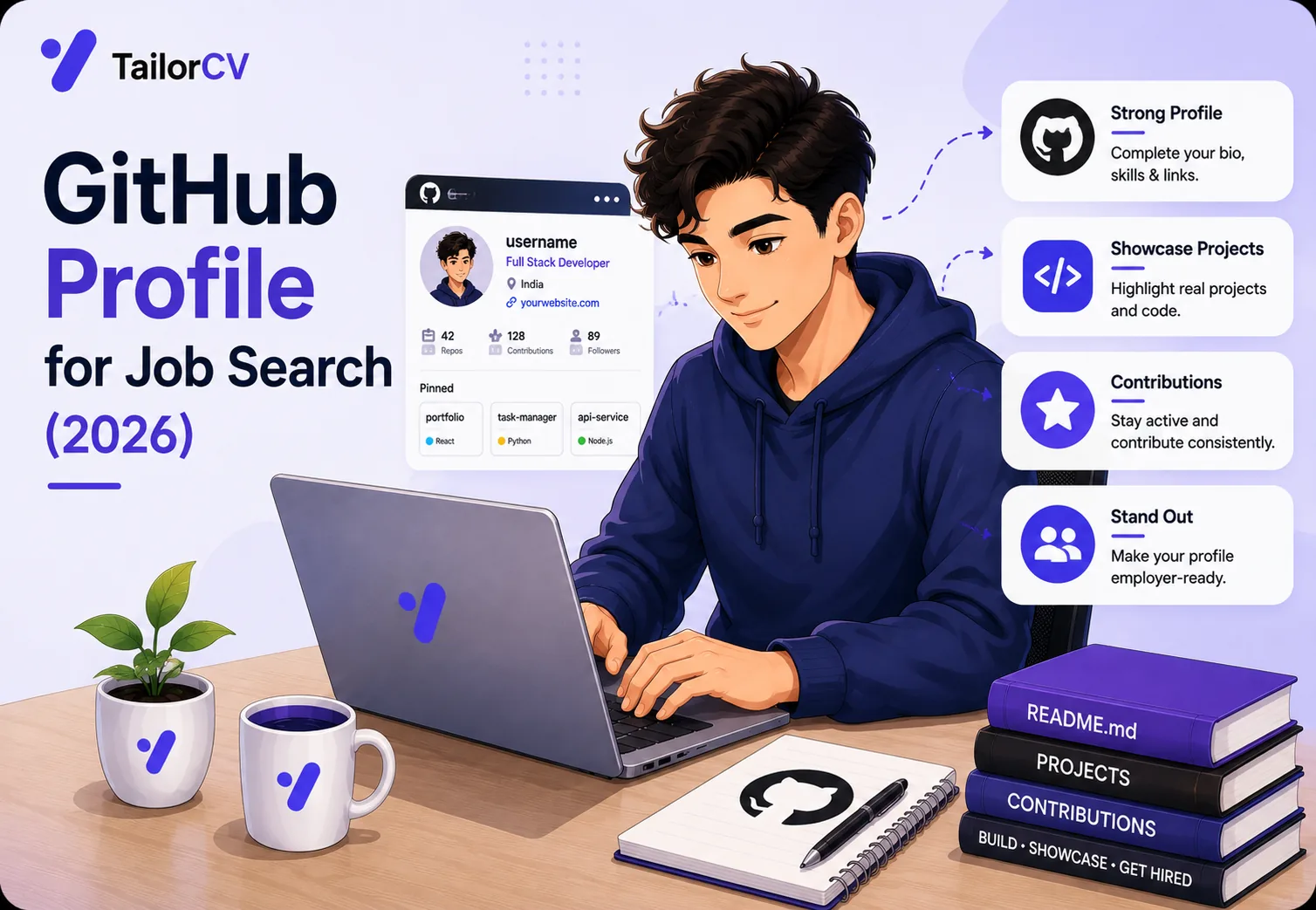
Pairing a polished portfolio page with a clean, well-documented GitHub profile reinforced credibility. See GitHub portfolio optimization and developer portfolio project ideas.
Data Portfolios
4. The before-and-after dashboard
Data analyst portfolios that showed a messy starting dataset next to the finished, clean dashboard demonstrated process, not just output. See the data analyst portfolio guide and data analyst case study portfolio.
5. The business-impact framing
The strongest data science portfolios translated technical work into business outcomes ("reduced churn prediction error by 12%, saving an estimated $80K annually"). See the data scientist portfolio guide.
6. The end-to-end pipeline walkthrough
Rather than just a model or chart, top data engineer candidates included a short written walkthrough of the full pipeline - ingestion to output.
Design Portfolios
7. The UX case study with process, not just polish
The best UX portfolios documented research, wireframes, and iteration - not just final screens. See the UX designer portfolio guide and UI/UX case study portfolio.
8. The graphic design range showcase
Strong graphic design portfolios curated 6-10 best pieces across different styles rather than dumping every project ever made. See the graphic designer portfolio guide.
9. The photographer's story-driven gallery
Photography portfolios that grouped images by theme or client story, rather than a single undifferentiated gallery, held attention longer. See the photographer portfolio guide.
Marketing and Content Portfolios
10. The campaign-results portfolio
Digital marketing portfolios that led with specific campaign metrics (CTR, conversion lift, ROAS) outperformed ones that only described the creative work. See the marketing portfolio guide.
11. The writing samples with context
Content writer portfolios that briefly explained the goal and audience for each piece, not just a raw link, converted better into interviews. See the content writer portfolio guide.
Product and Management Portfolios
12. The product case study with metrics and tradeoffs
Product manager portfolios that documented a real decision, the tradeoffs considered, and the resulting metric stood out far more than a feature list. See the product manager portfolio guide and product manager case study resume.
Career-Changer and Student Portfolios
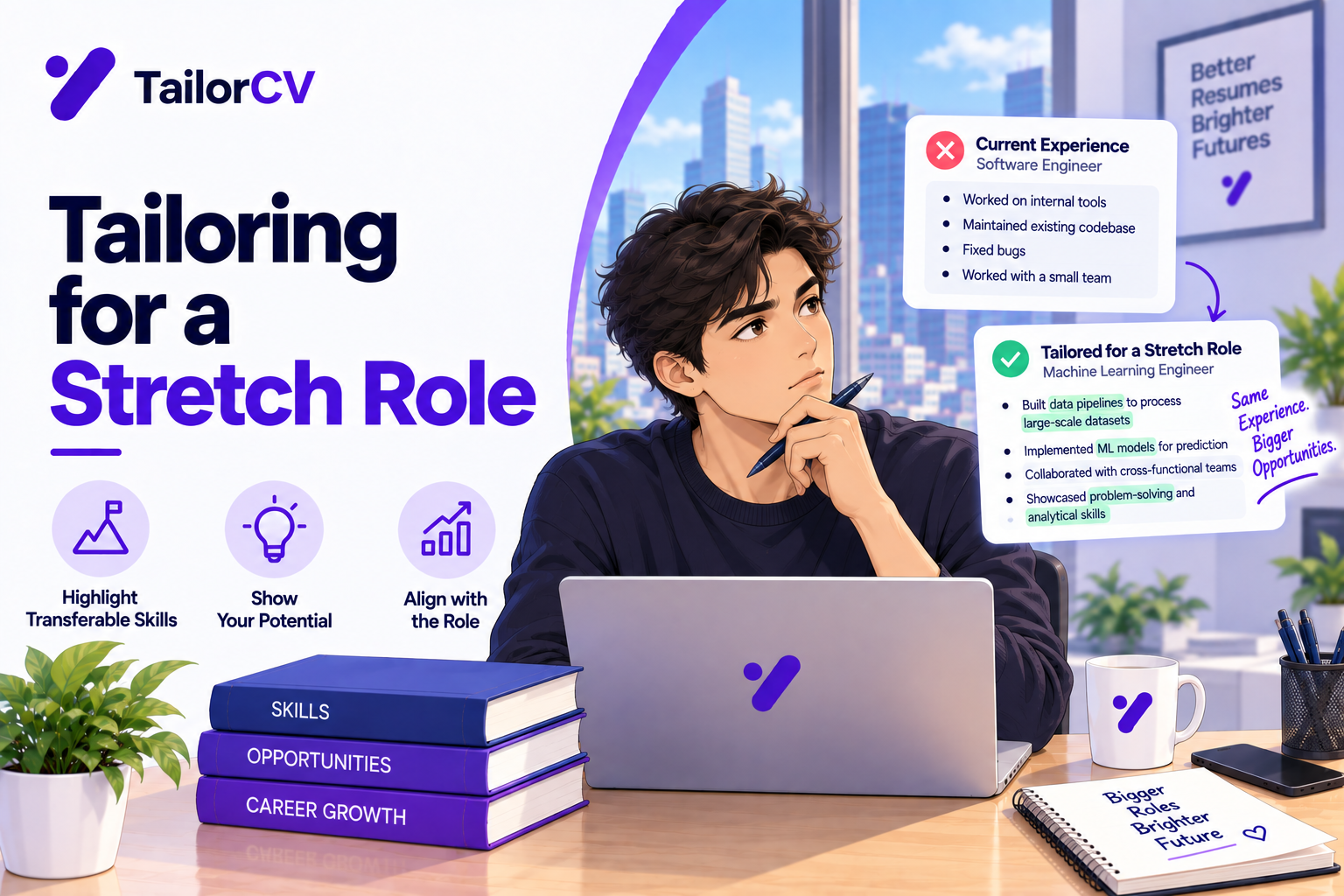
13. The career-changer bridge portfolio
Candidates switching fields who explicitly connected past experience to new projects in their portfolio framing landed more interviews than those who hid the pivot. See career change portfolio.
14. The student capstone showcase
Even with no formal job experience, students who turned a single strong capstone project into a focused portfolio page outperformed generic resumes alone. See the student portfolio guide.
15. The security researcher's writeup portfolio
Cybersecurity candidates who documented CTF writeups or personal security research projects clearly demonstrated hands-on skill beyond certifications. See cybersecurity portfolio projects.
What Every Strong Portfolio Has in Common
- 3-6 focused projects, not a dumping ground of everything you've touched - see portfolio checklist before applying
| Tool | What it does |
|---|---|
| Context before code or visuals | the problem, your role, and the outcome |
| A clear About Me and contact section | see portfolio about me section and portfolio contact section |
| Fast load times and mobile-friendly layout | see portfolio SEO - get found |
| A direct link from the resume itself | see add a portfolio link to your resume |
Common Mistakes to Avoid When Creating Your Portfolio
Creating a portfolio can be an exciting but daunting task. Many candidates make avoidable mistakes that can undermine their chances of landing interviews. Here are some common pitfalls and how to steer clear of them:
Turning a resume into a portfolio site

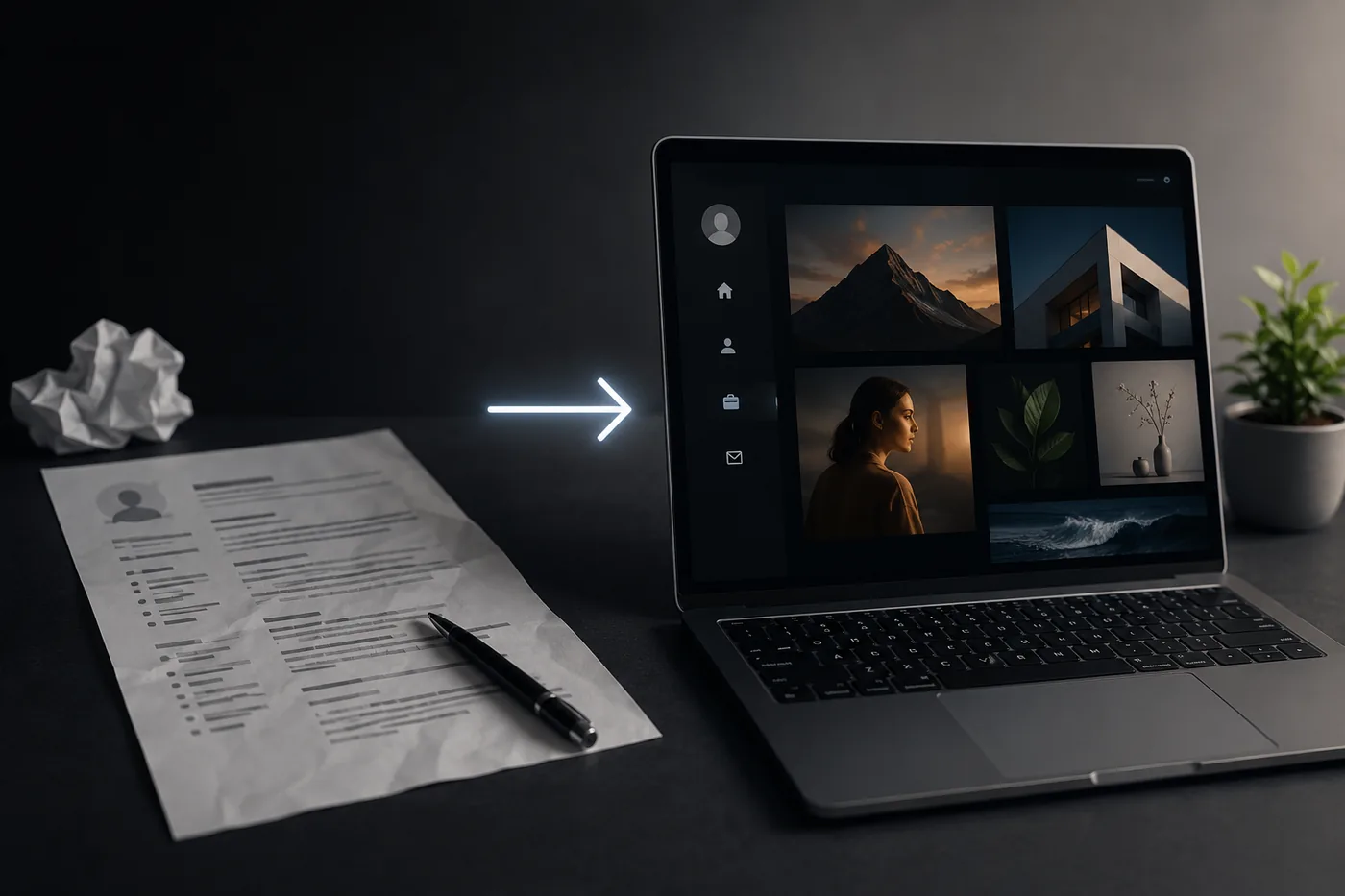
You upload the resume you already have and the sections fill themselves in - basics, experience, projects, education - so building the site is editing rather than starting from an empty page.
-
Neglecting to Tailor Your Portfolio
Failing to customize your portfolio for specific job applications can lead to missed opportunities. Always align your showcased projects and skills with the job description. -
Overloading with Projects
Quality over quantity is key. Instead of showcasing every project you've ever done, select a few that best demonstrate your skills and relevance to the roles you are applying for. -
Ignoring User Experience
A cluttered, difficult-to-navigate portfolio can deter potential employers. Ensure your portfolio is visually appealing and easy to use. Tools like How to Build a Portfolio With AI - No Coding Required can help streamline this process. -
Skipping Context in Projects
Simply displaying your work without context leaves employers guessing. Provide a brief description of each project, the problems you solved, and your specific contributions. -
Not Updating Regularly
An outdated portfolio can suggest you're not actively engaged in your field. Regularly update your portfolio with new projects, skills, and experiences to keep it fresh and relevant.
A Step-by-Step Guide to Building Your Portfolio
Building a compelling portfolio doesn't have to be overwhelming. Follow this structured approach to create a portfolio that stands out:
-
Define Your Goals
Determine what you want to achieve with your portfolio. Are you targeting a specific job type or industry? This will guide your project selection and presentation. -
Select Your Best Work
Choose 3-5 projects that showcase your skills and experience effectively. This selection should include a variety of work that reflects your versatility. -
Create a Narrative
Write a brief story for each project. Explain the challenges faced, your approach, and the results. This narrative will help employers understand your thought process and problem-solving abilities. -
Design Your Portfolio
Use portfolio-building tools or templates to create a visually appealing layout. Consider your audience and ensure the design aligns with the industry standards. For a quick start, check out Turn Your Resume Into a Portfolio Website in Minutes (No Code). -
Include a Strong Homepage
Your homepage should clearly state who you are and what you do. Use concise, engaging copy. For inspiration, visit Portfolio Homepage Copy Examples for Job Seekers. -
Optimize for SEO
Use relevant keywords throughout your portfolio to enhance visibility. This includes project descriptions, titles, and meta tags. -
Get Feedback
Before launching, share your portfolio with trusted peers or mentors for constructive feedback. They can provide valuable insights and help you refine your work. -
Launch and Promote
Once you’re satisfied, publish your portfolio. Consider using a custom domain for a professional touch, as detailed in How to Put Your Portfolio on a Custom Domain.
Mini Checklist for a Successful Portfolio
Use this checklist to ensure your portfolio is comprehensive and effectively showcases your skills:
- unchecked: Clear Objective: Does your portfolio have a defined purpose?
- unchecked: Relevant Projects: Are your selected projects tailored to target roles?
- unchecked: Descriptive Context: Do you provide clear descriptions for each project?
- unchecked: Visual Appeal: Is the design clean and user-friendly?
- unchecked: Regular Updates: Have you included your latest work and skills?
- unchecked: SEO Optimization: Are you using relevant keywords throughout?
- unchecked: Professional Domain: Is your portfolio hosted on a custom domain?
- unchecked: Feedback Incorporated: Have you made revisions based on peer feedback?
Scenarios: How to Use Your Portfolio in Interviews
Understanding how to effectively present your portfolio during an interview can greatly enhance your chances of success. Here are a few scenarios to consider:
See it in action: a resume-based mock interview
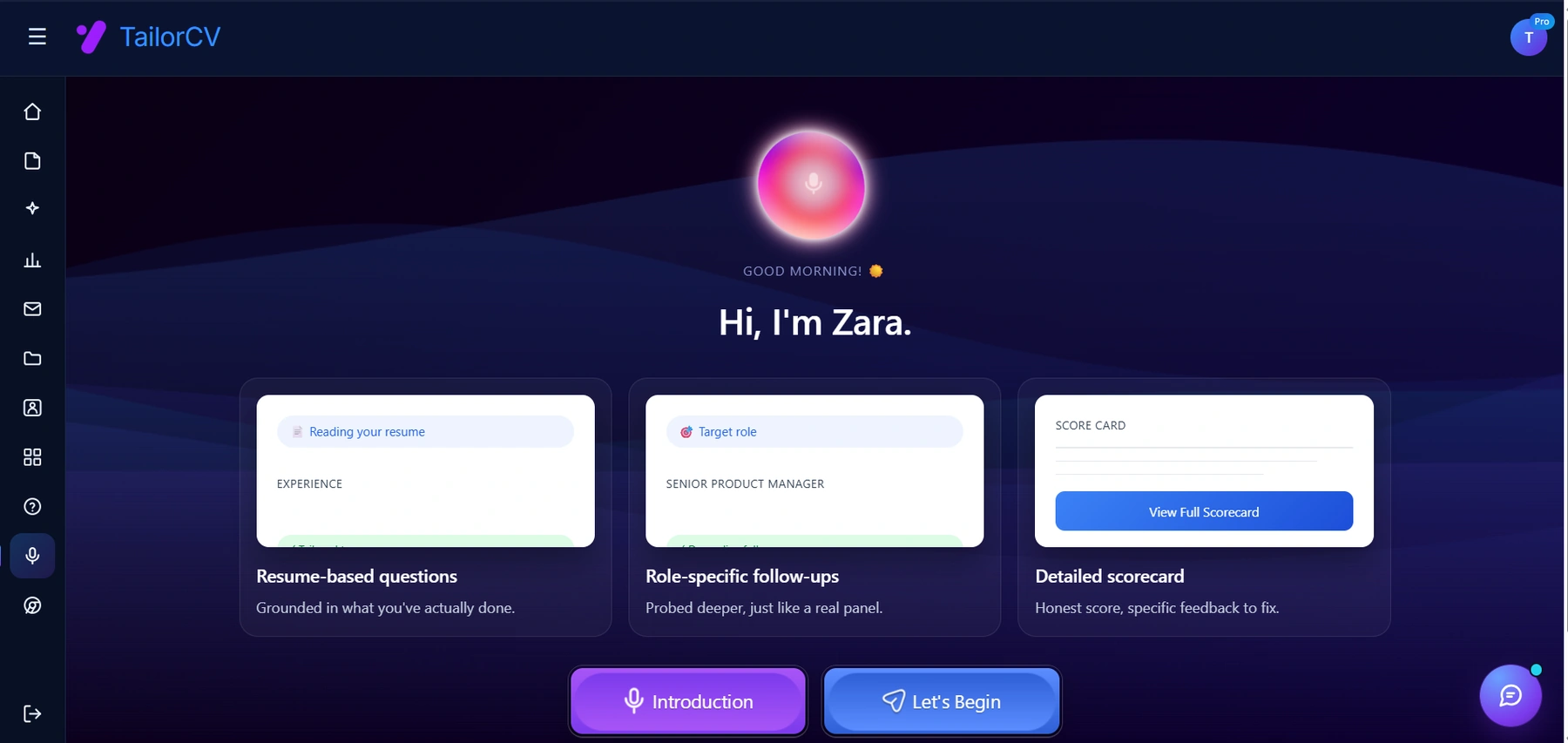
Practising out loud is the part most people skip. Here the session is built from your own resume and target role, and ends with a scorecard naming what to fix.
-
Scenario 1: The Portfolio Walkthrough
When asked about your experience, take the opportunity to guide the interviewer through your portfolio. Highlight specific projects that align with the role. Use your narrative to engage them and demonstrate your thought process. -
Scenario 2: Addressing Gaps
If there are gaps in your experience, be prepared to discuss how your portfolio showcases relevant skills acquired through self-directed projects or learning opportunities, such as those outlined in the Business Analyst Portfolio Guide. -
Scenario 3: Handling Critique
An interviewer may provide feedback on your portfolio. Be open to their suggestions and discuss how you plan to incorporate their feedback in future projects. This shows your willingness to learn and grow. -
Scenario 4: Prompting Questions
Use your portfolio as a conversation starter. Ask the interviewer if there are specific projects they’d like to dive deeper into, allowing you to tailor your responses to their interests.
By following these guidelines and strategies, you can create a standout portfolio that not only showcases your skills but also positions you as a strong candidate in a competitive job market.
Frequently Asked Questions
Do I need coding skills to build a portfolio like these?
No - tools like the TailorCV portfolio builder turn your existing resume into a live site in minutes, no design or code required. See portfolio from resume in minutes.
What if I don't have any real projects yet?
Start with one focused project you can fully explain - see portfolio with no experience and developer portfolio project ideas.
How many projects should my portfolio include?
3-6 well-documented projects consistently outperform 15+ shallow ones - see portfolio mistakes to avoid.
Where should I host my portfolio?
See how to host a portfolio for free and portfolio domain name guide for the fastest, lowest-cost setup options.
Make This Practical
Turn your resume into a portfolio today with the TailorCV portfolio builder, choose your 3-6 strongest projects using portfolio checklist before applying, and make sure your resume itself still passes screening with the free ATS score checker.
Conclusion
The portfolios that get interviews aren't the flashiest - they're the clearest. Pick your strongest work, explain the context, show the result, and link it directly from your resume.
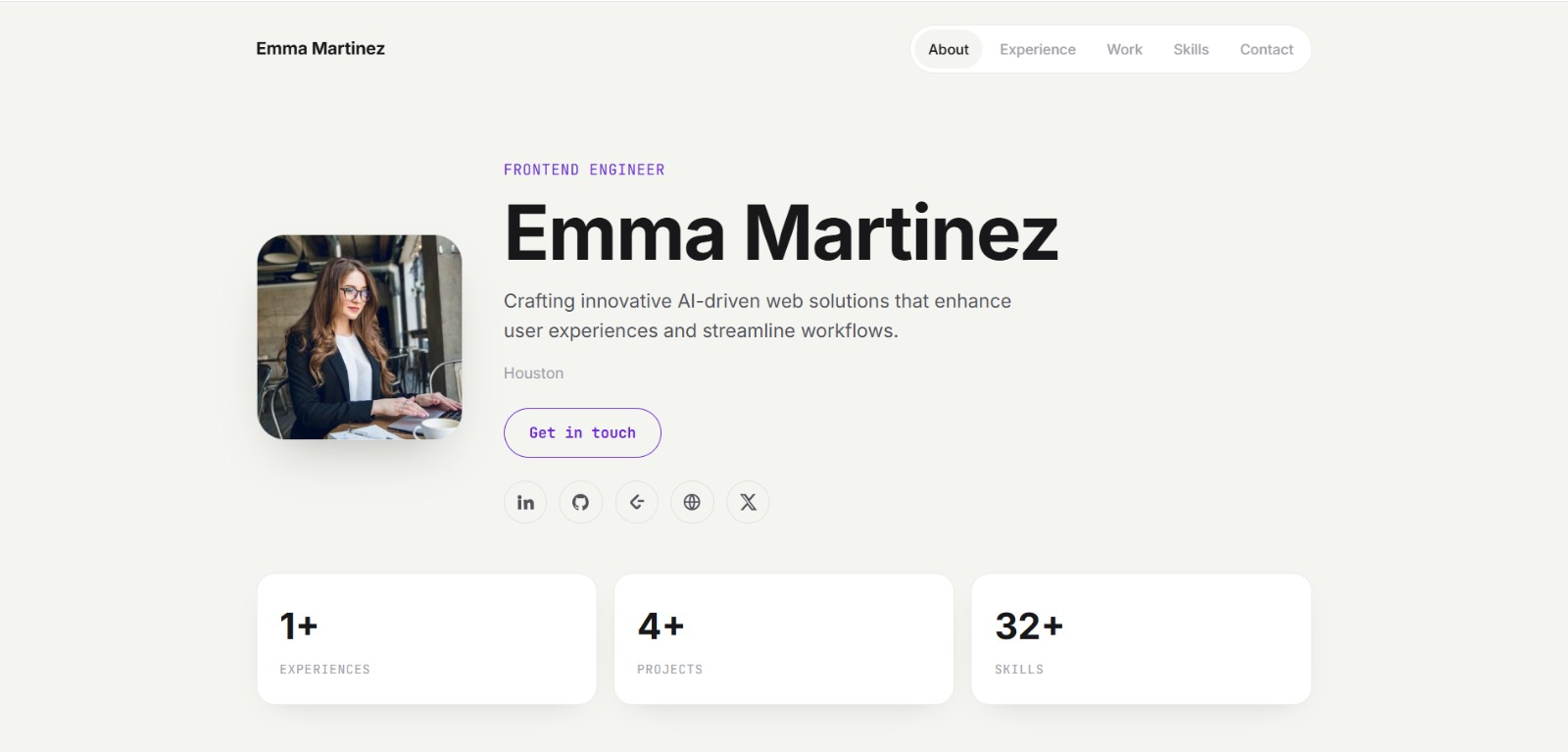
See what your portfolio could look like
This theme is built straight from your resume — pick one and your portfolio is live in minutes.
Was this guide useful?
Be the first to rate it.