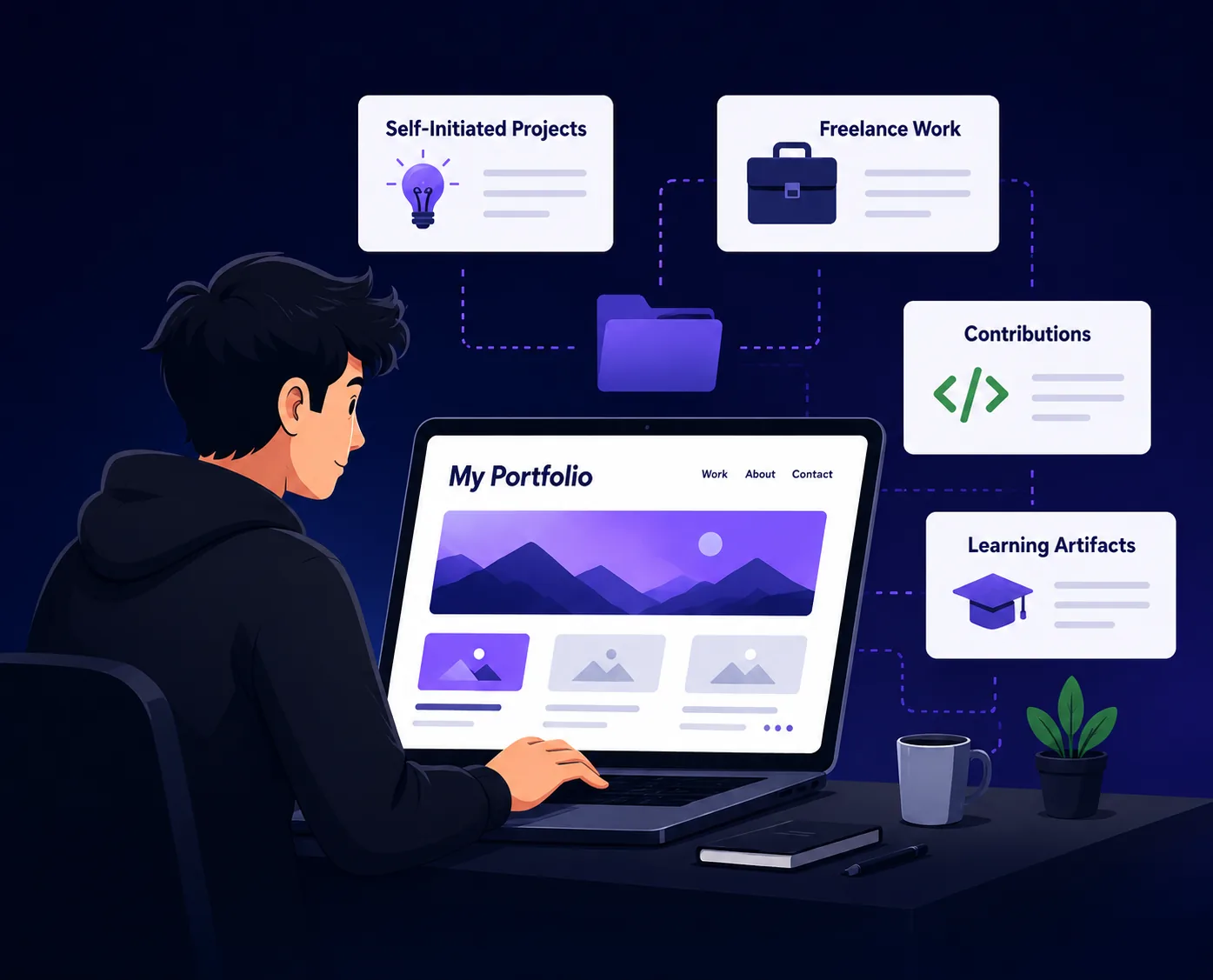
TD
TD
Key Takeaways
- A good portfolio theme should have fast load times, a mobile-first layout, and a clear hierarchy to capture recruiters' attention quickly.
- Different theme styles cater to specific roles, such as code-editor styles for developers and clean layouts for writers and researchers.
- Choose a theme that aligns with your industry’s visual norms and test it on mobile devices to ensure accessibility and usability.
- Common mistakes include selecting themes based on novelty, overloading minimal designs, and failing to reassess themes as your career evolves.
- Utilize tools like AI auto-fill to preview content in different themes and seek feedback from industry peers to gauge credibility.
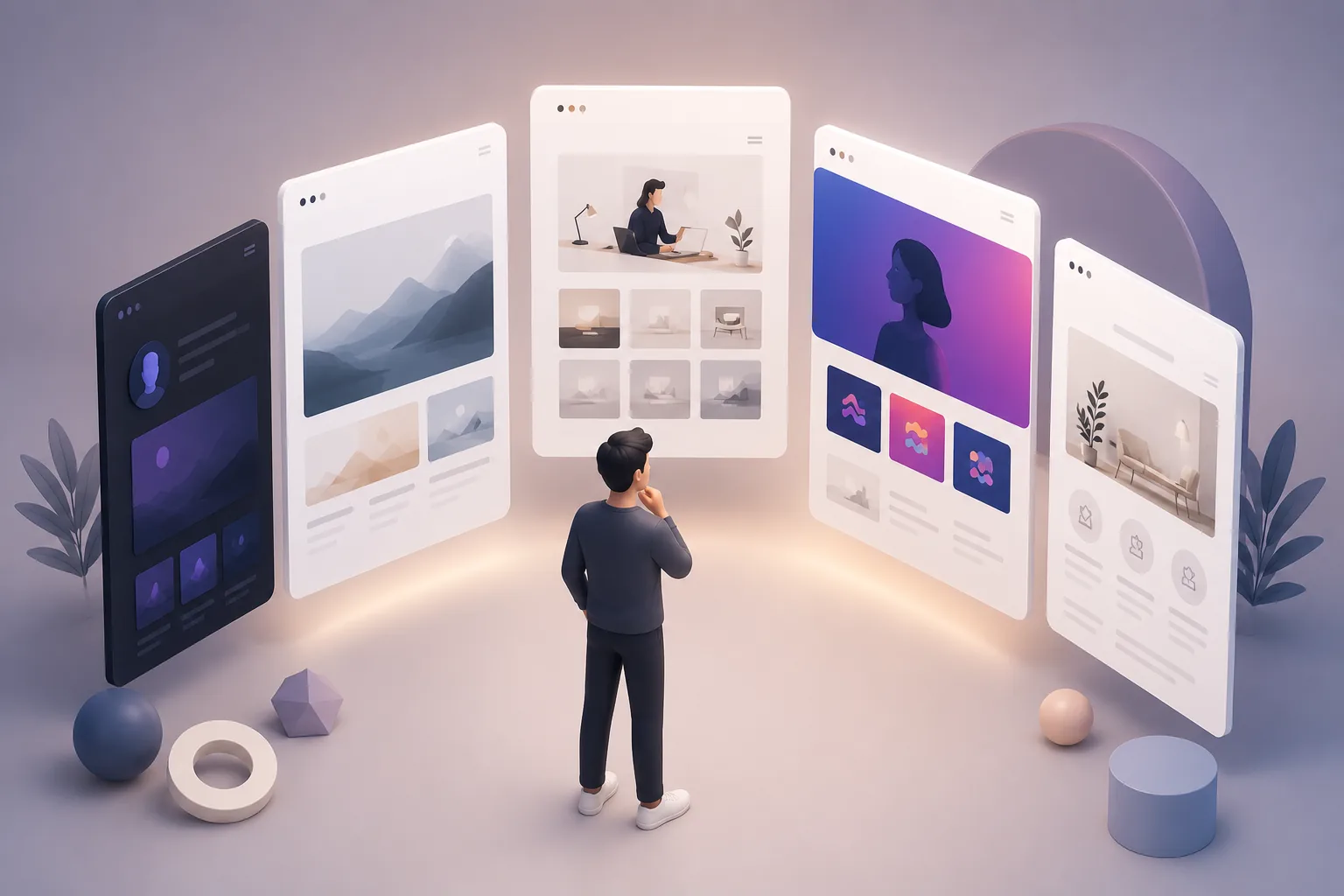
The theme you choose for your portfolio sets expectations before a recruiter reads a single word. A cluttered, generic template signals low effort; the right theme for your field signals that you understand your audience. Pair this with How to Build a Professional Portfolio and Best Portfolio Website Builders 2026.
What Makes a Portfolio Theme "Good" in 2026
| Rule | What it means |
|---|---|
| Fast load time | recruiters give a portfolio seconds, not minutes, before deciding to keep scrolling |
| Mobile-first layout | a large share of recruiter traffic is on a phone between meetings |
| Clear hierarchy | name, role, and one strongest project visible without scrolling |
| Matches your industry's expectations | a fintech analyst and a game developer should not use the same visual language |
Theme Styles and Who They Fit
Using the TailorCV portfolio builder's theme library as a reference point, here is how different styles map to different roles:
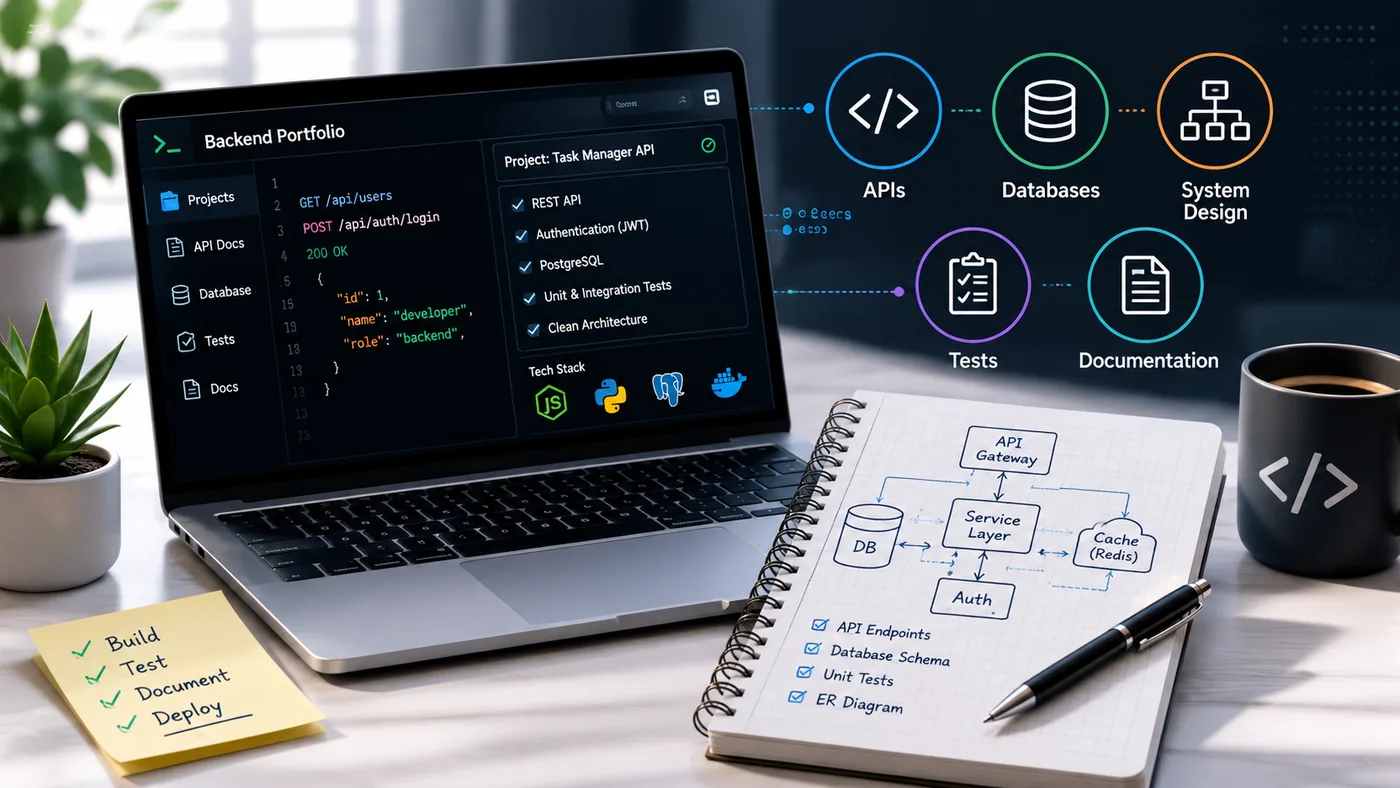
- Editor / Code-editor style (VS Code-like layout) - developers and engineers; frames your experience like a codebase, instantly signals technical fluency
- GitHub-style (repo/contribution layout) - open-source contributors and backend engineers who want their activity graph front and center
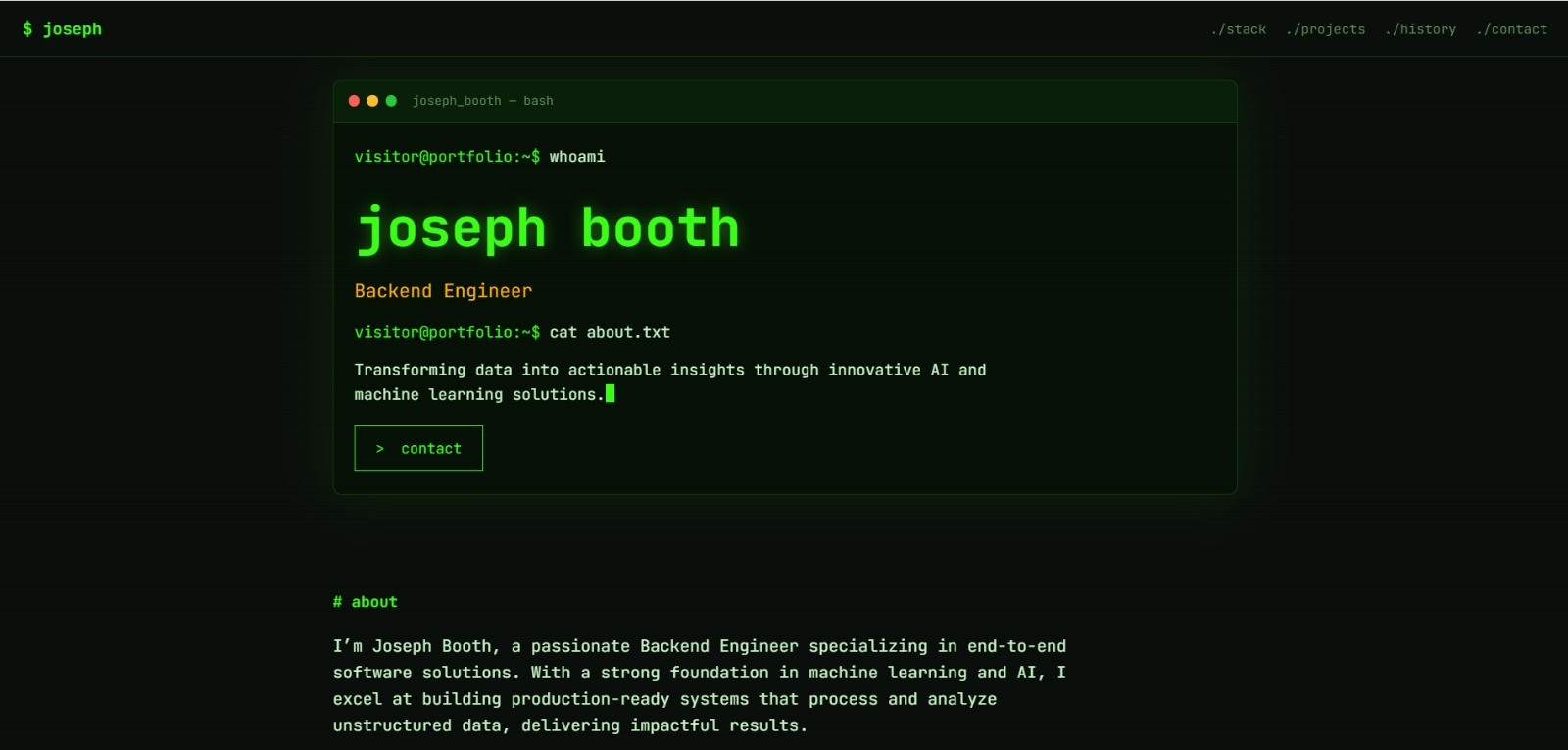
- Terminal / Hacker (green-on-black) - security researchers, DevOps engineers, and developers who want a distinctive, technical aesthetic
- Clean / Editorial / Parchment (minimal, text-forward) - writers, researchers, academics, consultants - anywhere the words need to carry the page
- Nova / Panels / Wave (modern, card-based) - product managers, designers, and marketers who want a polished, contemporary feel
- Bold / Vibrant / Neon (high-contrast, colorful) - creative roles - designers, video editors, social media managers - where visual confidence matters
- Magazine (print-style editorial) - content strategists, journalists, and marketers who want a publication feel
- Brutalist / Monolith (stark, structural) - designers and developers who want to signal a strong, opinionated point of view
- Assistant (chat-style layout) - a playful, conversational format that works well for AI/ML practitioners and product-facing roles
How to Choose
- Match your industry's visual norms first - a Brutalist theme for a corporate finance role can work against you
- Test on mobile - open your chosen theme on your phone before finalizing; broken mobile layouts cost you interviews
- Keep the content strategy separate from the theme - the strongest theme cannot save a portfolio with no real projects; pair it with How to Write a Portfolio Case Study
Common Mistakes
- Choosing a theme for its novelty rather than how well it fits your industry
- Overloading a minimal theme with too much text, or a bold theme with too little content
- Not testing color contrast - some visually striking themes fail basic accessibility if text and background are too close in contrast
- Picking a theme once and never revisiting it as your specialty or seniority changes
Pro Tips
- Keep a "Made with TailorCV" free version while testing themes, then upgrade to an unbranded Pro site once you have settled on the one that fits
- Use the portfolio builder's AI auto-fill to preview your actual resume content in each theme before committing, rather than judging themes on placeholder text
- If you are between two themes, ask a friend in your target industry which one reads as more credible in five seconds
Step-by-Step Guide to Customizing Your Portfolio Theme
Customizing your portfolio theme can be a daunting task, but with the right steps, you can create a unique and engaging online presence. Here’s a simple guide to help you through the customization process:
-
Choose Your Theme: Start by selecting a theme that resonates with your style and profession. Consider the Business Analyst Portfolio Guide for focused ideas.
-
Define Your Brand: Before diving into customization, outline your brand identity. What colors, fonts, and styles represent you? Create a mood board to visualize your brand elements.
-
Modify Layouts: Most themes allow you to adjust layouts. Experiment with different configurations to find what best showcases your work. Use grid layouts for visual-heavy portfolios, or a single-column layout for text-focused content.
-
Upload Your Content: Add your projects, descriptions, and media. Prioritize quality over quantity—include only your best work that aligns with your career goals.
-
Optimize for SEO: Use relevant keywords in your project descriptions and image alt texts. This will help your portfolio rank better in search engines. Check out tools on TailorCV for SEO insights.
-
Test Responsiveness: Make sure your portfolio looks great on all devices. Use online tools to preview how it appears on mobile and tablet screens.
-
Get Feedback: Share your portfolio with peers or mentors for feedback. They can provide valuable insights that you might overlook.
-
Launch and Promote: Once satisfied, launch your portfolio and promote it through social media, professional networks, and email signatures.
Common Mistakes to Avoid When Choosing a Portfolio Theme
When selecting a portfolio theme, avoiding common pitfalls can save you time and enhance your professional image. Here are some mistakes to steer clear of:
-
Ignoring Mobile Optimization: In 2026, a significant portion of users will access portfolios via mobile devices. Ensure your theme is fully responsive to avoid losing potential clients or employers.
-
Overcomplicating Design: A cluttered design can distract from your work. Opt for clean, simple layouts that prioritize your portfolio items.
-
Neglecting Load Speed: Slow-loading sites can frustrate visitors. Choose themes that are optimized for speed, and regularly test your site’s performance.
-
Failing to Update Content: An outdated portfolio can reflect poorly on you. Regularly refresh your content and theme to keep your portfolio relevant.
-
Forgetting About Accessibility: Make sure your theme is accessible to users with disabilities. Use proper contrast, alt text for images, and easy navigation to enhance usability.
Mini Checklist for Launching Your Portfolio
Before you launch your portfolio, use this checklist to ensure everything is in order:
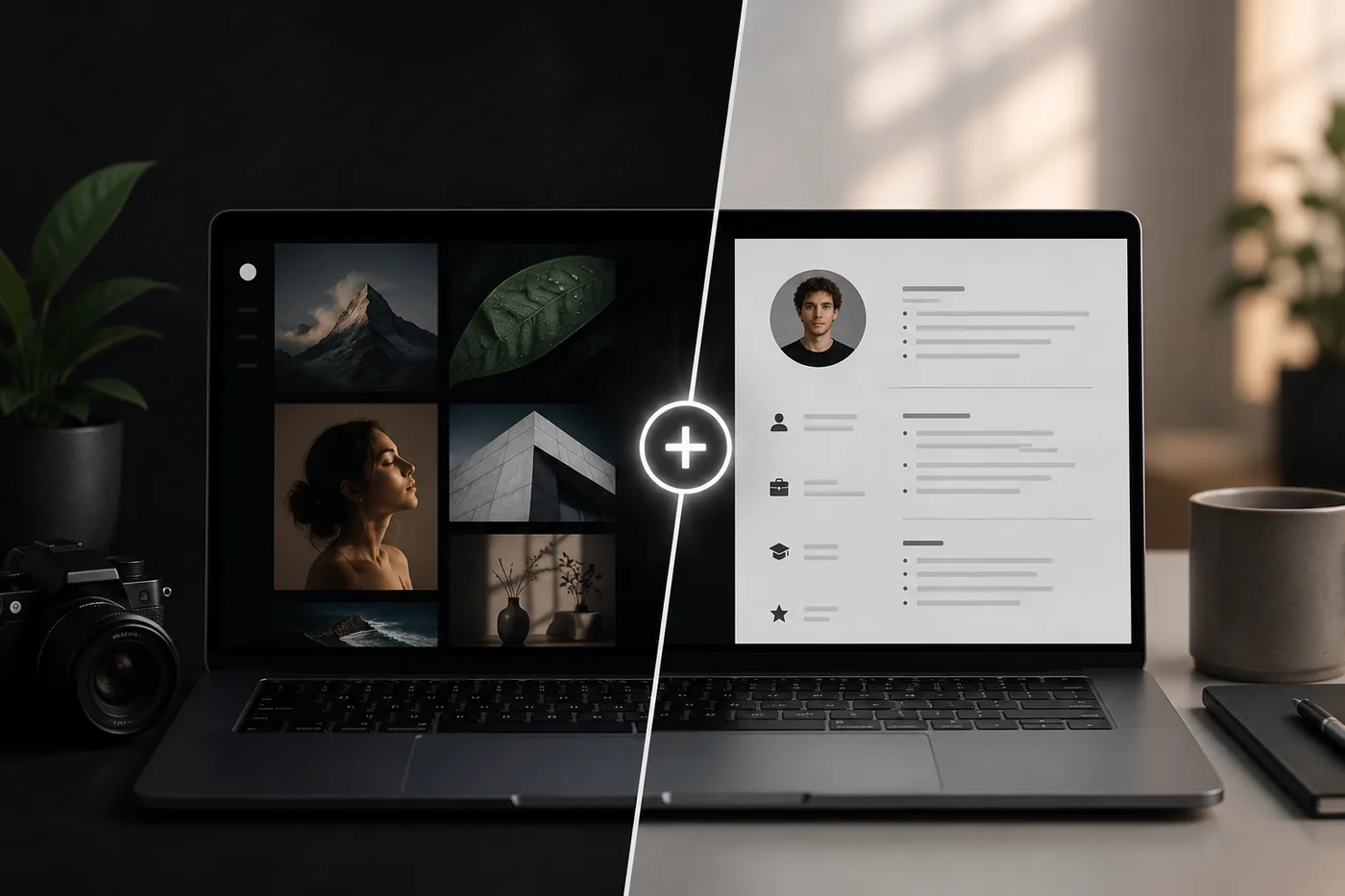
Turning a resume into a portfolio site

You upload the resume you already have and the sections fill themselves in - basics, experience, projects, education - so building the site is editing rather than starting from an empty page.
- unchecked: All Links Work: Double-check that all internal and external links are functional.
- unchecked: Content is Proofread: Ensure that your text is free of typos and grammatical errors.
- unchecked: Images are Optimized: Compress images to reduce load times without sacrificing quality.
- unchecked: SEO Elements are in Place: Verify that title tags, meta descriptions, and alt texts are filled out.
- unchecked: Social Media Links are Active: Ensure your social media handles link correctly to your profiles.
- unchecked: Contact Information is Visible: Make it easy for visitors to reach you by prominently displaying contact details.
- unchecked: Privacy Policy is Included: If applicable, include a privacy policy to comply with regulations.
Do's and Don'ts for an Effective Portfolio
Do's
- Do Showcase Diverse Work: Include a variety of projects that highlight different skills.
- Do Use High-Quality Visuals: Invest in professional images or graphics to represent your work.
- Do Incorporate Testimonials: Adding client or colleague testimonials can enhance credibility.
- Do Keep Navigation Simple: Ensure users can easily find what they are looking for.
Don'ts
| What | Details |
|---|---|
| Don’t Overload with Text | Limit lengthy descriptions; let your work speak for itself |
| Don’t Use Generic Themes | Stand out by customizing your theme rather than choosing a widely-used template |
| Don’t Ignore Analytics | Use tools to track visitor behavior and make data-driven improvements |
| Don’t Forget to Update Regularly | Keep your portfolio fresh by regularly adding new projects and removing outdated ones |
Real Examples of Inspiring Portfolio Themes
- Creative Agency Portfolio: A minimalistic theme that uses full-screen images to showcase projects, ideal for photographers and designers.
- Tech Startup Portfolio: Incorporates interactive elements and animations, perfect for developers and tech professionals.
- Freelance Writer Portfolio: Features a clean, organized layout with a blog section to display writing samples and insights.
Explore these examples for inspiration as you design your own portfolio to make it engaging and effective.
By following these guidelines and tips, you will be well on your way to creating an impressive portfolio that stands out in the competitive landscape of 2026.
Frequently Asked Questions
Does the theme actually affect whether I get interviews?
Indirectly. Recruiters do not consciously "grade" a theme, but a fast, clear, industry-appropriate one keeps them reading long enough to see your work - a slow or cluttered one loses them before that happens.
Should I use the same theme as everyone else in my field for consistency, or stand out?
Lean toward what is expected for the core layout (clarity, speed, mobile-friendliness) and let your content and one distinctive visual choice differentiate you, rather than an unconventional entire theme.
Can I switch themes later without losing my content?
Yes - with the TailorCV portfolio builder, your content (projects, experience, links) stays intact if you swap the theme, so it is low-risk to experiment. For more tips on creating a standout portfolio, check out our guide on How to Build a Portfolio With AI - No Coding Required. If you're looking to enhance your portfolio further, consider our Business Analyst Portfolio Guide. Additionally, you might want to explore how to put your portfolio on a custom domain for a more professional touch.
Build Your Portfolio Now
You do not need to code a site or spend a weekend on a website builder. Turn your existing resume into a live, shareable portfolio in minutes with the TailorCV portfolio builder - pick from 21 themes including Editor, Nova, Terminal, and Neon, upload your CV, let AI auto-fill your experience, then publish a link for your resume and LinkedIn. Before you apply, run your resume through the free ATS score checker and switch to an ATS-friendly resume template so your portfolio and resume tell one consistent story.
Related Guides
- How to Build a Professional Portfolio
- Best Portfolio Website Builders 2026
- AI Portfolio Builder: No Code Required
- One-Page vs Multi-Page Portfolio
- Custom Domain Portfolio Guide
- Portfolio Homepage Copy Examples
- Portfolio SEO: Get Found
- Portfolio Mistakes to Avoid
- Portfolio Checklist Before Applying
- Personal Website vs Portfolio
- Graphic Designer Portfolio Guide
- How to Host Your Portfolio for Free
Make This Practical
If this topic connects to your work samples, turn the advice into a live proof page with the TailorCV portfolio builder. After publishing, add the link correctly using How to Add Your Portfolio Link to Your Resume, tighten the page with the Portfolio Checklist Before Applying, and make sure recruiters can contact you through a clean Portfolio Contact Section.
Your portfolio works best when it supports the resume, not when it replaces it. Run the resume through the free ATS score checker, choose an ATS-friendly resume template, and use Portfolio SEO: Get Found so your name, role, and strongest work are easier to discover.
Related Guides to Strengthen This Topic
Use these internal guides to connect this topic with the rest of your job-search workflow:
- How to Build a Professional Portfolio
- Portfolio Website for Job Applications
- Portfolio Checklist Before Applying
- Portfolio Mistakes to Avoid
- How to Write Portfolio Case Study
- Add Portfolio Link to Resume
- Resume Matching With Job Description
- ATS-Friendly Resume Builder
See what your portfolio could look like
This theme is built straight from your resume — pick one and your portfolio is live in minutes.
Was this guide useful?
Be the first to rate it.