TD
TD
Key Takeaways
- Your portfolio is a crucial demonstration of your skills as a frontend developer; it should be fast, polished, and responsive.
- Include a real app with state management, a component library, a performance or accessibility case study, and a creative animated piece in your portfolio.
- Document your work thoroughly, showcasing responsiveness, accessibility efforts, and clean code on GitHub while explaining challenges faced in each project.
- Ensure your resume, LinkedIn, and portfolio are consistent in messaging to avoid confusing recruiters.
- Avoid common mistakes like slow performance, lack of live demos, and dead links to maintain credibility.
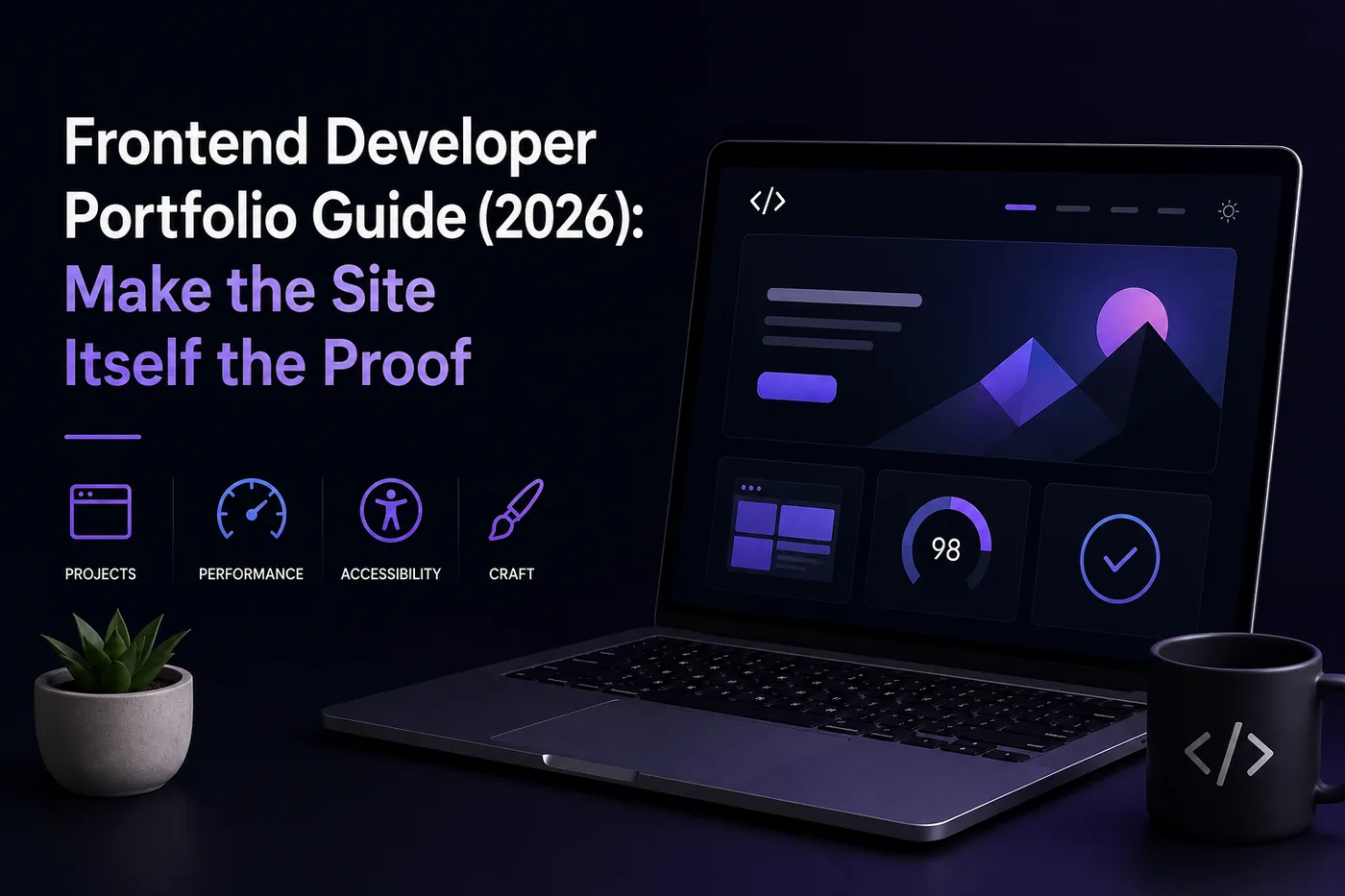
For frontend roles, your portfolio is the interview. Before anyone reads a line of your code, they judge the site itself - its speed, polish, responsiveness, and taste. A sloppy portfolio site from a frontend developer is a contradiction the recruiter will not forgive.
This guide covers what to build, what to show, and the details that separate "junior" from "hire this person." Pair it with How to Build a Professional Portfolio and 15 Developer Portfolio Project Ideas.
Your Site Is Your First Project
Treat your own portfolio as your flagship demo.
- Performance: aim for Lighthouse 90+ across the board; no layout shift
- Responsive: flawless from 320px to ultrawide
- Accessible: keyboard navigation, focus states, ARIA where needed, good contrast
- Polished: consistent spacing, smooth interactions, a thoughtful dark/light theme
Projects to Include
- A real app with state management and live API data
- A component library or design-system demo
- A performance or accessibility case study with before/after metrics (How to Write a Portfolio Case Study)
- One creative, animated piece that shows range and personality
Show the Craft, Not Just the Output
- Document responsiveness with screenshots across breakpoints
- Note the accessibility work you did
- Link clean, well-structured component code on GitHub (GitHub Portfolio Optimization)
- Explain one hard problem you solved per project
Tech to Highlight
React, Next.js, TypeScript, Tailwind, testing libraries, and a build/deploy pipeline. State the stack per project so recruiters can match you to their needs.
Keep Your Resume and Portfolio in Sync
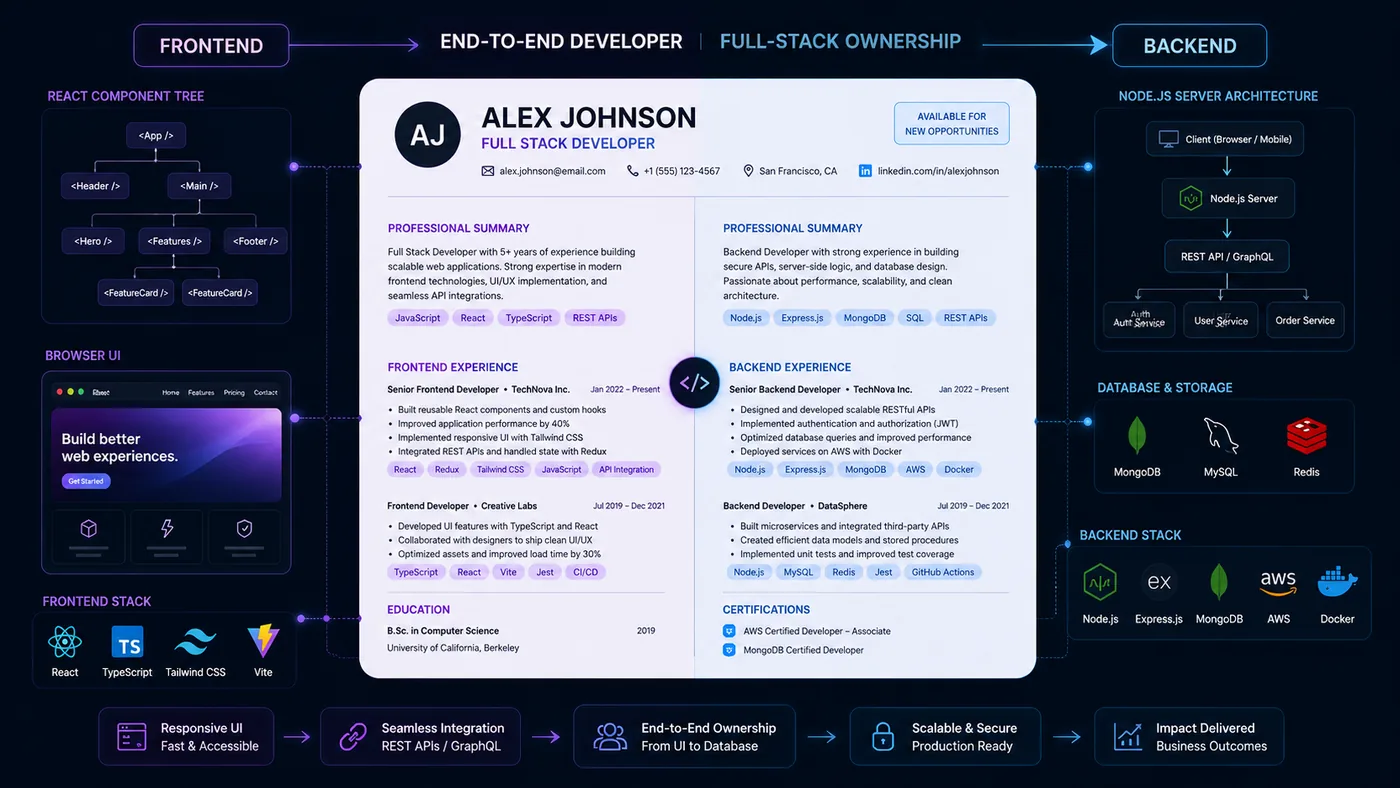
Your resume, your LinkedIn, and your portfolio should tell the same story - same name, same headline, same top projects - just at different levels of depth. A recruiter who sees a 'Full Stack Developer' resume and a portfolio headlined 'Aspiring Designer' gets confused, and confusion loses interviews. Lock the resume down first with the ATS score checker and an ATS-friendly template, then mirror that exact positioning in your portfolio. When they reinforce each other, every recruiter touchpoint pushes you forward. See How to Add Your Portfolio Link to Your Resume for placing the link correctly.
Common Mistakes
- A slow or janky portfolio site (instant credibility killer)
- Only screenshots, no live demos
- No mobile testing
- Dead links - audit with the Portfolio Checklist Before You Apply
See the full list in Portfolio Mistakes to Avoid.
Pro Tips
- Add a tiny, delightful interaction somewhere - it signals craft.
- Keep copy short; let the work speak.
- Build the site fast with the portfolio builder so you spend your time on projects, not boilerplate.
Step-by-Step Guide to Building Your Frontend Developer Portfolio
Creating a standout frontend developer portfolio involves more than just showcasing your projects. Follow this step-by-step guide to ensure your portfolio is comprehensive and effective.
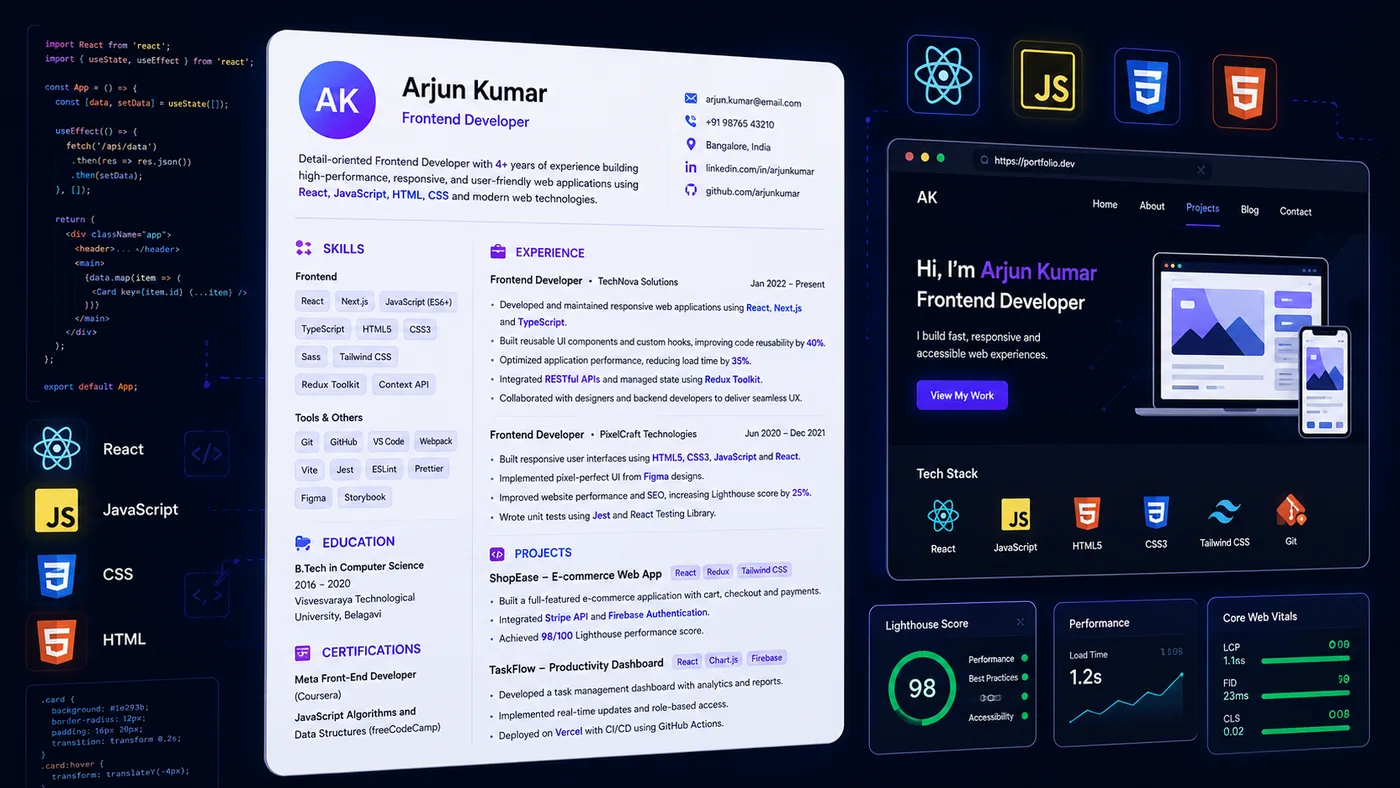
Turning a resume into a portfolio site

You upload the resume you already have and the sections fill themselves in - basics, experience, projects, education - so building the site is editing rather than starting from an empty page.
-
Choose a Domain Name: Select a domain name that reflects your personal brand. Ideally, it should be your name or something closely related to your work. Check availability and purchase it from a reputable registrar.
-
Select a Hosting Provider: Choose a reliable hosting service that fits your budget and technical needs. Look for options that offer easy deployment for frontend frameworks like React or Vue.js.
-
Design Your Layout: Sketch a wireframe for your portfolio. Decide on the sections you want to include, such as an about me, projects, skills, and contact information. Use design tools like Figma or Adobe XD to visualize your layout.
-
Build the Site: Start coding your portfolio. Use your preferred frontend technologies (HTML, CSS, JavaScript) and frameworks. Ensure your site is responsive and works well on various devices.
-
Optimize for Performance: Use tools like Google PageSpeed Insights to analyze your site's performance. Optimize images, minify CSS and JavaScript files, and implement lazy loading to improve load times.
-
SEO Optimization: Incorporate SEO best practices by using appropriate meta tags, alt attributes for images, and relevant keywords throughout your content. Consider tools like TailorCV’s ATS checker to ensure your site ranks well.
-
Gather Feedback: Before launching, share your portfolio with peers or mentors for constructive feedback. Use their insights to make necessary adjustments.
-
Launch and Promote: Once finalized, launch your site. Promote it on social media platforms, developer forums, and professional networks like LinkedIn to attract visitors.
Common Mistakes to Avoid
When building your frontend developer portfolio, be wary of these common pitfalls:
-
Neglecting Mobile Responsiveness: Ensure your portfolio is fully responsive. A significant portion of users will access your site from mobile devices.
-
Overloading with Information: Avoid cluttering your portfolio with too much text or too many projects. Stick to a clean design and focus on quality over quantity.
-
Ignoring Accessibility: Make your site accessible to everyone. Utilize semantic HTML and ARIA roles to improve accessibility for users with disabilities.
-
Forgetting to Update: Keep your portfolio current by regularly updating it with new projects, skills, and experiences to reflect your growth.
-
Not Including a Blog: Consider adding a blog section where you can share insights, tutorials, or experiences. This not only showcases your expertise but also improves SEO.
Do's and Don'ts of Portfolio Building
Do's
- Do Use High-Quality Images: Use professional images for project screenshots to create a polished look.
- Do Include Context: For each project, provide context about your role, the technologies used, and the challenges overcome.
- Do Keep It Simple: Aim for a clean, intuitive layout that guides visitors through your work.
- Do Add a Call to Action: Encourage potential employers or clients to contact you with a clear call to action.
Don'ts
| Check | What to look for |
|---|---|
| Don’t Use Stock Photos | Authenticity is key. Use your own images or visuals that reflect your personality and work |
| Don’t Overcomplicate Navigation | Ensure that visitors can easily navigate your portfolio without confusion |
| Don’t Skip Testing | Test your portfolio on multiple devices and browsers to catch any issues before launch |
| Don’t Ignore Analytics | Implement analytics tools like Google Analytics to track visitors and understand user behavior |
Mini Checklist for Your Frontend Developer Portfolio
Use this checklist to ensure you have all necessary elements in your portfolio:
- unchecked: Domain Name: Have a personal domain name.
- unchecked: Responsive Design: Is your site mobile-friendly?
- unchecked: Projects: Include at least 3-5 well-documented projects.
- unchecked: Skills Section: Clearly list your technical skills.
- unchecked: About Me: Write a brief introduction about yourself.
- unchecked: Contact Information: Provide a way for potential employers to reach you.
- unchecked: SEO Optimization: Have you optimized for search engines?
- unchecked: Performance Testing: Is your site optimized for speed?
- unchecked: Feedback: Have you gathered feedback from peers?
- unchecked: Blog Section: Consider adding a blog to share insights.
By following this guide and checklist, you’ll be well on your way to creating a frontend developer portfolio that not only showcases your skills but also enhances your professional presence online. For guidance on other tech roles, check out the Full Stack Developer Portfolio Guide (2026) or the Data Analyst Portfolio Guide.
Frequently Asked Questions
Do frontend developers need a custom-coded portfolio?
It helps, but a fast, polished site from a builder plus strong GitHub repos is plenty to get interviews. Recruiters care about the result and your project code, not whether the marketing site was hand-rolled.
How many projects should I show?
Three to five, each deployed with a live demo. Lead with your most polished, real-data app. Check out our 15 Developer Portfolio Project Ideas for inspiration.
How do I align my resume?
Mirror your portfolio in the Frontend Developer Resume guide and run it through the ATS checker. Consider also reviewing the Full Stack Developer Portfolio Guide for additional insights.
Build Your Portfolio Now
You do not need to code a site from scratch or spend a weekend wrestling with a website builder. Turn your existing resume into a live, shareable portfolio website in minutes with the TailorCV portfolio builder - choose a template, upload your CV, tweak the details, and publish a link you can drop straight onto your resume and LinkedIn. Before you start applying, run your resume through the free ATS score checker and switch to an ATS-friendly template so your portfolio and resume tell one clean, consistent story to every recruiter.
Related Guides
- How to Build a Professional Portfolio
- Frontend Developer Resume 2026
- 15 Developer Portfolio Project Ideas
- Full Stack Developer Portfolio Guide
- Backend Developer Portfolio Guide
- GitHub Portfolio Optimization
- How to Write a Portfolio Case Study
- Portfolio Mistakes to Avoid
- How to Get Your First Tech Job
- Portfolio Checklist Before You Apply
- How to Host Your Portfolio for Free
- React Developer Resume 2026
Make This Practical
If this topic connects to your work samples, turn the advice into a live proof page with the TailorCV portfolio builder. After publishing, add the link correctly using How to Add Your Portfolio Link to Your Resume, tighten the page with the Portfolio Checklist Before Applying, and make sure recruiters can contact you through a clean Portfolio Contact Section.
Your portfolio works best when it supports the resume, not when it replaces it. Run the resume through the free ATS score checker, choose an ATS-friendly resume template, and use Portfolio SEO: Get Found so your name, role, and strongest projects are easier to discover.
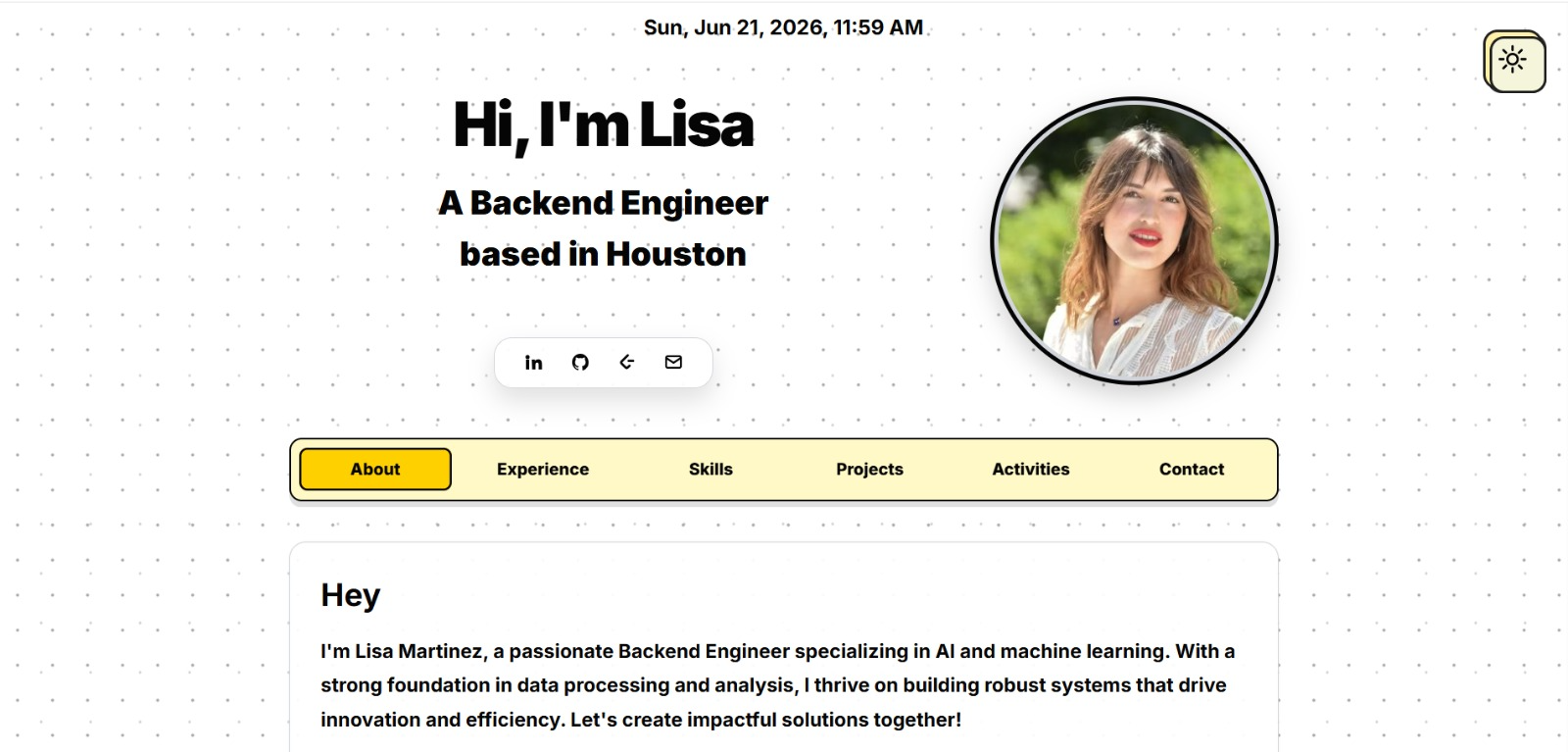
See what your portfolio could look like
This theme is built straight from your resume — pick one and your portfolio is live in minutes.
Was this guide useful?
Be the first to rate it.