TD
TD
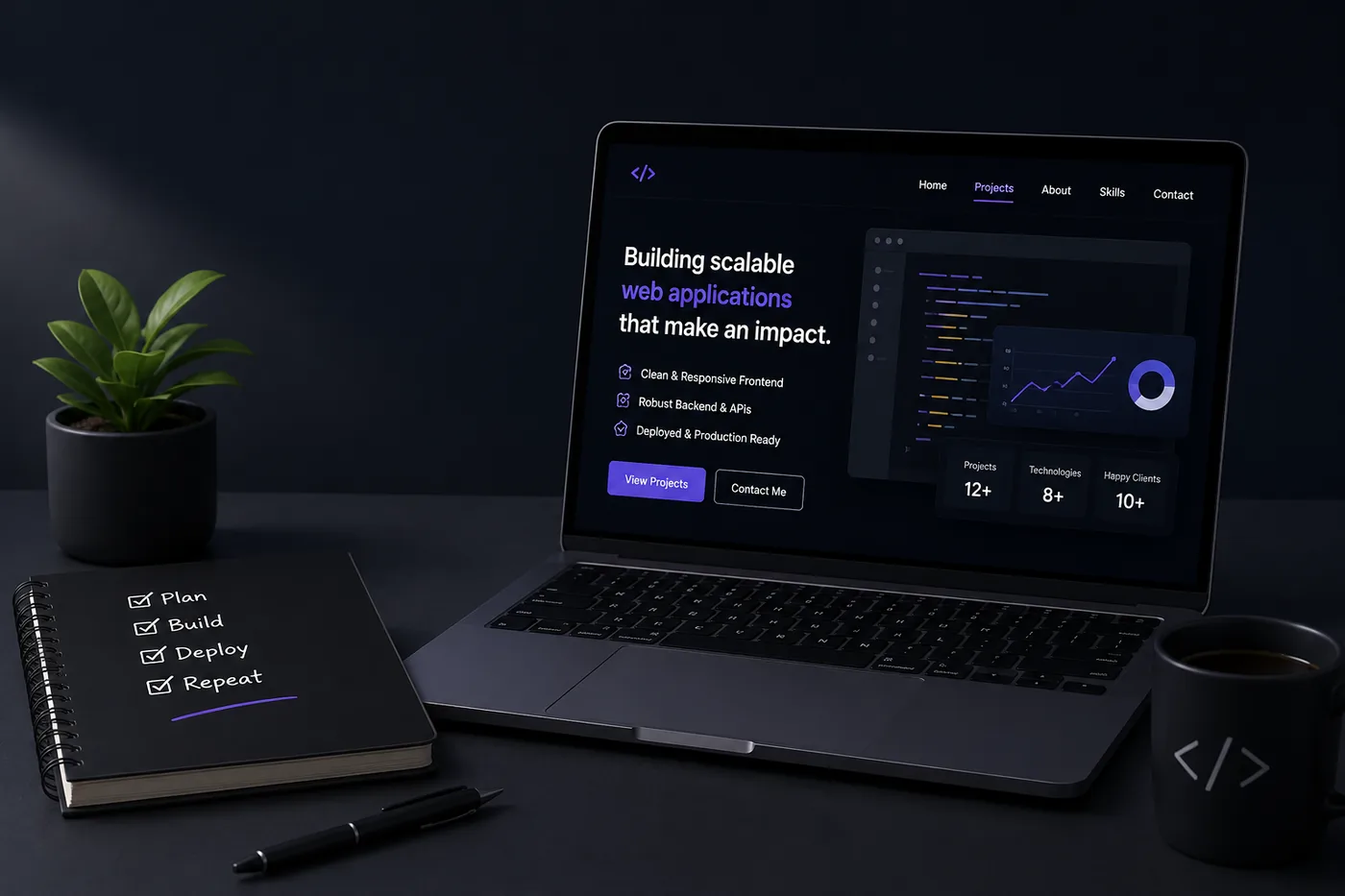
Key Takeaways
- Create a standout flagship app that demonstrates your full stack capabilities, including authentication, a responsive frontend, a documented API, third-party integrations, and live deployment.
- Complement your flagship app with a frontend-heavy piece, a backend-heavy piece, and a small clever tool to showcase your range of skills.
- Ensure all projects in your portfolio have live demos, clean GitHub repositories, and detailed READMEs to validate your work.
- Write a mini case study for your flagship app that outlines the problem, your technology choices, challenges faced, and the final outcome.
- Keep your resume, LinkedIn, and portfolio aligned in messaging to avoid confusion for recruiters, reinforcing your professional narrative across all platforms.
Full stack is about range and depth, and your portfolio has to prove both without looking scattered. The winning formula: one flagship app you go deep on, plus a couple of focused pieces that show your edges. Pair this with How to Build a Professional Portfolio, Frontend Developer Portfolio Guide, and Backend Developer Portfolio Guide.
Show One Flagship End-to-End App
Pick a single product and go all the way:
- Real auth and a real database
- A clean, responsive frontend
- A documented API powering it
- A third-party integration (payments, email, maps, AI)
- Deployed and live, with a demo account if it needs login
This one app can carry your entire candidacy because it proves you can take an idea from zero to production.
Then Show Range
- A frontend-heavy piece (animation, design polish) - see Frontend Developer Portfolio Guide
- A backend-heavy piece (API, data, architecture) - see Backend Developer Portfolio Guide
- A small clever tool or automation that shows initiative (15 Developer Portfolio Project Ideas)
Prove It All Works
Live demos, a clean GitHub (GitHub Portfolio Optimization), READMEs with screenshots, and a one-line stack + trade-off note per project.
Tell the Flagship's Story
Write a mini case study for your flagship: the problem, your stack choices, the hardest part, and the outcome. Use the template in How to Write a Portfolio Case Study.
Keep Your Resume and Portfolio in Sync
Your resume, your LinkedIn, and your portfolio should tell the same story - same name, same headline, same top projects - just at different levels of depth. A recruiter who sees a 'Full Stack Developer' resume and a portfolio headlined 'Aspiring Designer' gets confused, and confusion loses interviews. Lock the resume down first with the ATS score checker and an ATS-friendly template, then mirror that exact positioning in your portfolio. When they reinforce each other, every recruiter touchpoint pushes you forward. See How to Add Your Portfolio Link to Your Resume for placing the link correctly.
Common Mistakes
- Ten half-finished apps instead of one complete one
- No deployed demo
- A flagship with no written story behind it
- Stale links - audit with the Portfolio Checklist Before You Apply and avoid the traps in Portfolio Mistakes to Avoid
Pro Tips
- Add a "Try it" demo account so reviewers do not have to sign up.
- Show the architecture of your flagship in one diagram.
- Generate the portfolio site itself from your resume with the portfolio builder.
Showcase Your Technical Skills with Interactive Demos
One of the most effective ways to demonstrate your capabilities as a full stack developer is by including interactive demos of your projects. This not only allows potential employers to see your work in action but also showcases your technical skills and attention to detail. Here’s how to create engaging demos:
-
Select Key Features: Choose the most impressive features of your flagship app to highlight. Focus on aspects that show off your full stack skills, such as complex user interactions, data handling, or performance optimizations.
-
Use Tools for Prototyping: Consider using tools like Figma or InVision to create interactive prototypes. This can help visualize the user experience before diving into code.
-
Deploy Your App: Use platforms like Heroku or Netlify to deploy your apps. Make sure that the deployment is seamless and that the app runs smoothly.
-
Embed Demos in Your Portfolio: Use iframe or similar methods to embed your demos directly into your portfolio. This allows visitors to interact with your application without leaving your site.
-
Document Your Process: Accompany your demos with brief descriptions of the technologies used, challenges faced, and how you overcame them. This not only informs the viewer but also demonstrates your problem-solving abilities.
Create a Mini Checklist for Each Project
To ensure your projects are comprehensive and impactful, create a mini checklist that covers the essential elements. Here’s a practical example:
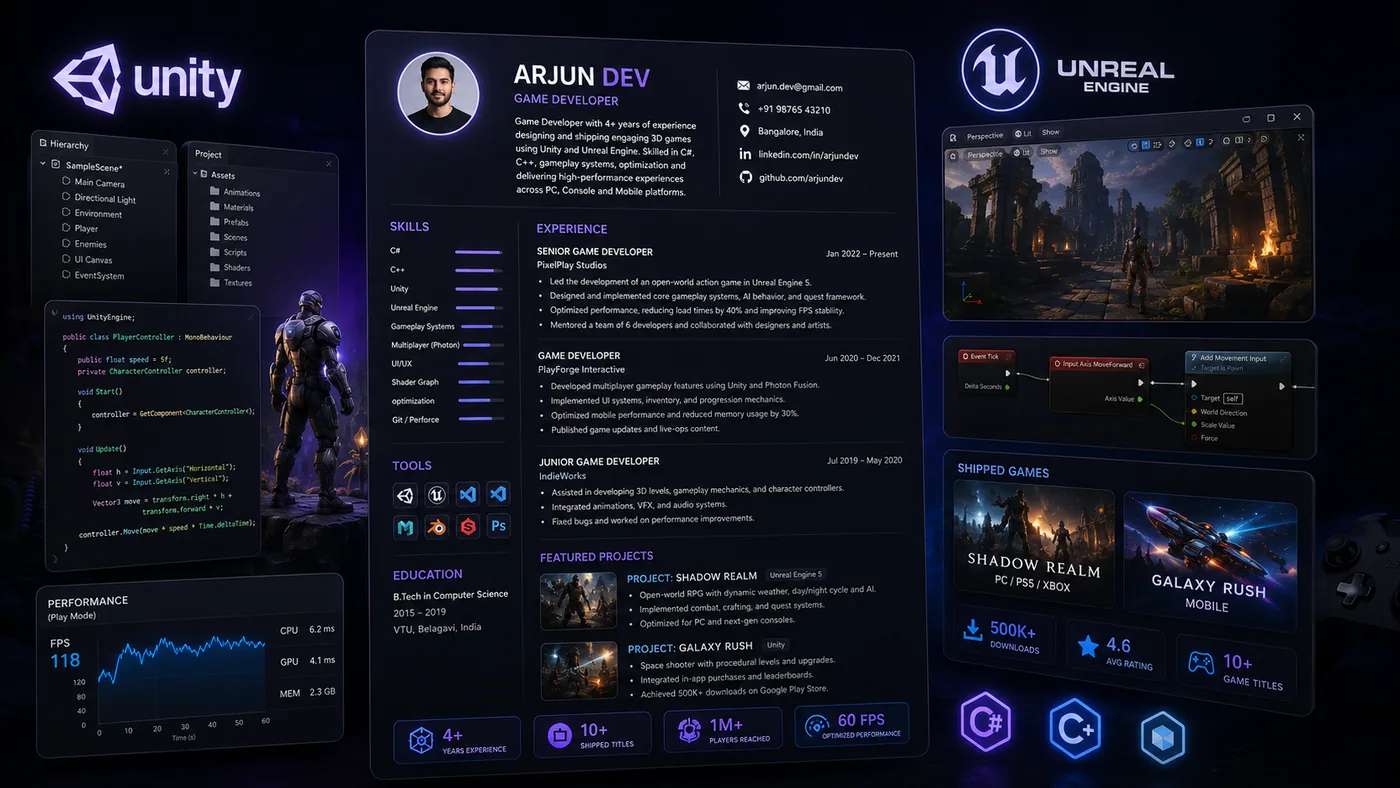
Turning a resume into a portfolio site

You upload the resume you already have and the sections fill themselves in - basics, experience, projects, education - so building the site is editing rather than starting from an empty page.
- Project Name:
- Technologies Used: (e.g., React, Node.js, MongoDB)
- Link to Live Demo:
- Link to GitHub Repository:
- Short Description: (What does the project do? What problems does it solve?)
- Key Features: (List 3-5 standout features)
- Lessons Learned: (What did you learn during development?)
- User Feedback: (Include any testimonials or user feedback if available)
This checklist can help you stay organized and ensure that each project in your portfolio tells a complete story.
Do's and Don'ts for Full Stack Developer Portfolios
Creating a portfolio can be daunting, but adhering to these do's and don'ts can streamline your process and enhance the quality of your presentation.
Do's
- Do Include Real-World Applications: Projects that solve real problems are more impressive than hypothetical ones.
- Do Use Clear Navigation: Ensure that your portfolio is easy to navigate. Use clear labels and a logical structure.
- Do Keep Your Code Clean: Use comments and maintain a clean code structure in your GitHub repositories. This demonstrates professionalism.
- Do Update Regularly: Keep your portfolio fresh by adding new projects and removing outdated ones. This shows your growth and adaptability.
Don'ts
| What to include | Why |
|---|---|
| Don’t Overcomplicate Your Design | A cluttered design can distract from your work. Keep it simple and focused |
| Don’t Include Irrelevant Projects | Quality over quantity. Only showcase projects that are relevant to the roles you’re applying for |
| Don’t Neglect Mobile Responsiveness | With the prevalence of mobile browsing, ensure your portfolio is responsive and looks good on all devices |
| Don’t Forget About SEO | Use keywords relevant to your skills and projects to help your portfolio rank better in search engines |
Scenario: Turning a Side Project into a Portfolio Piece
Imagine you developed a side project, a weather application, while learning a new framework. Here’s how to transform it into a portfolio piece:
-
Refine Your Code: Review and refactor your code to ensure it adheres to best practices. This will also help you prepare for potential technical interviews.
-
Create Documentation: Write clear documentation for your project. Include setup instructions, an overview of the architecture, and how to run the app locally.
-
Gather User Feedback: Share your app with friends or community members and collect feedback. Use this input to make improvements and demonstrate your commitment to user experience.
-
Write a Blog Post: Consider writing a blog post about your experience building the app. Discuss challenges faced and how you overcame them. This can be linked in your portfolio.
-
Add It to Your Portfolio: Finally, showcase the app in your portfolio with its own dedicated section, complete with a live demo, code repository link, and a brief description of its features and your learning process.
By following these steps, you can effectively turn any side project into a compelling portfolio piece that showcases your growth as a full stack developer.
Frequently Asked Questions
What is the ideal full stack portfolio?
One deeply-built, deployed flagship app plus two focused pieces showing frontend and backend strength - all with live demos and short write-ups.
MERN, Next.js, or something else?
Use whatever you can ship and explain well. Recruiters care that it works and that you understand it, not the exact stack.
How do I match my resume?
Use the Full Stack Developer Resume guide and keep the same flagship featured in both. Consider adding projects from the 15 Developer Portfolio Project Ideas That Get You Hired in 2026 to strengthen your application.
Build Your Portfolio Now
You do not need to code a site from scratch or spend a weekend wrestling with a website builder. Turn your existing resume into a live, shareable portfolio website in minutes with the TailorCV portfolio builder - choose a template, upload your CV, tweak the details, and publish a link you can drop straight onto your resume and LinkedIn. Before you start applying, run your resume through the free ATS score checker and switch to an ATS-friendly template so your portfolio and resume tell one clean, consistent story to every recruiter.
Related Guides
- How to Build a Professional Portfolio
- Full Stack Developer Resume 2026
- Frontend Developer Portfolio Guide
- Backend Developer Portfolio Guide
- 15 Developer Portfolio Project Ideas
- GitHub Portfolio Optimization
- How to Write a Portfolio Case Study
- How to Get Your First Tech Job
- Portfolio Checklist Before You Apply
- Portfolio Mistakes to Avoid
- How to Host Your Portfolio for Free
- Software Engineer Resume FAANG
Make This Practical
If this topic connects to your work samples, turn the advice into a live proof page with the TailorCV portfolio builder. After publishing, add the link correctly using How to Add Your Portfolio Link to Your Resume, tighten the page with the Portfolio Checklist Before Applying, and make sure recruiters can contact you through a clean Portfolio Contact Section.
Your portfolio works best when it supports the resume, not when it replaces it. Run the resume through the free ATS score checker, choose an ATS-friendly resume template, and use Portfolio SEO: Get Found so your name, role, and strongest projects are easier to discover.
Related Guides to Strengthen This Topic
Use these internal guides to connect this topic with the rest of your job-search workflow:
- How to Build a Professional Portfolio
- Portfolio Website for Job Applications
- Portfolio Checklist Before Applying
- Portfolio Mistakes to Avoid
- How to Write Portfolio Case Study
- Add Portfolio Link to Resume
- Resume Matching With Job Description
- ATS-Friendly Resume Builder
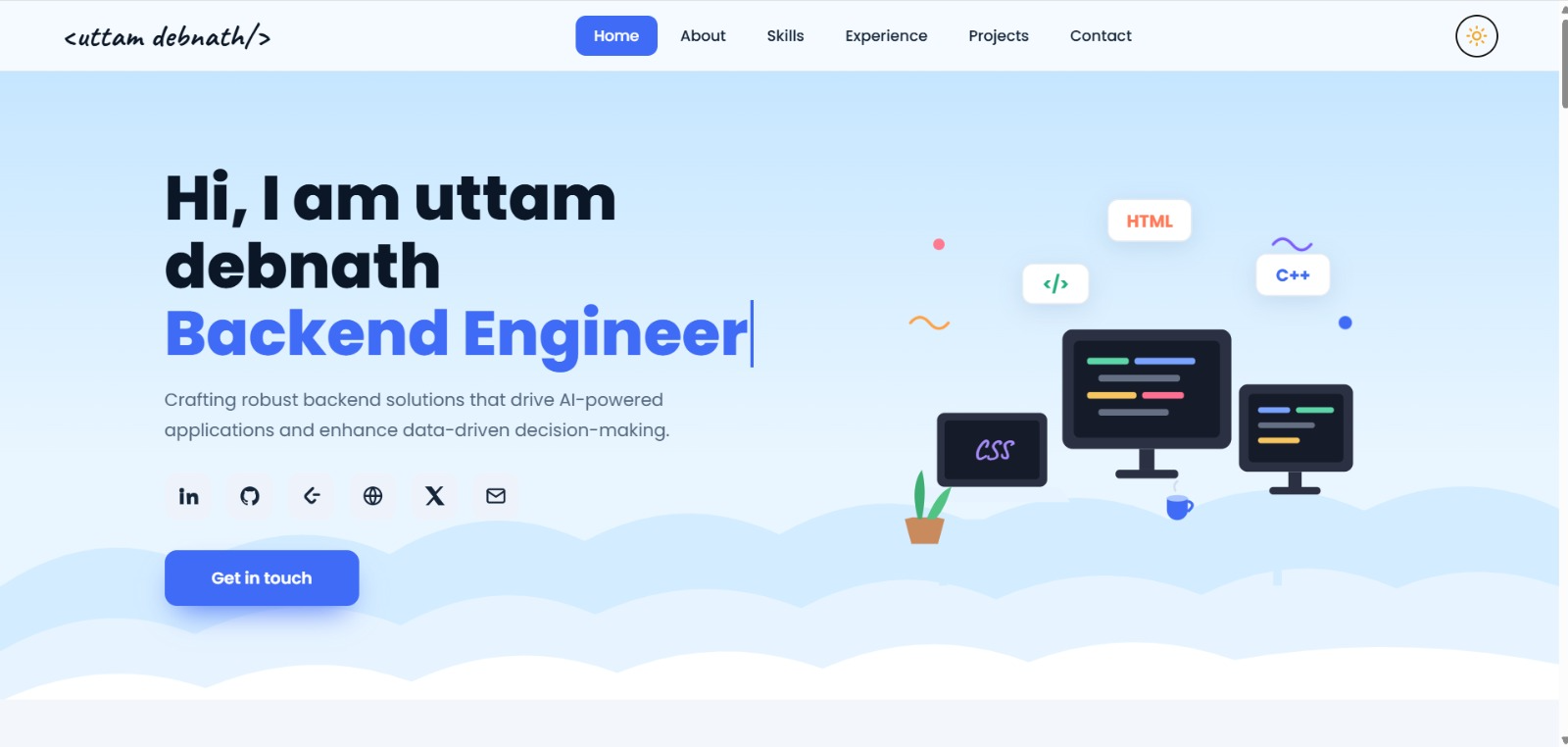
See what your portfolio could look like
This theme is built straight from your resume — pick one and your portfolio is live in minutes.
Was this guide useful?
Be the first to rate it.