SS
SS
Key Takeaways
- Tailoring per job is right, but without a system it produces its own failure: sending the wrong version.
- File naming and a simple log solve most of the problem — you do not need special software.
- The riskiest failure is a leftover company name or detail from a previous version's edit.
- Keep one master resume and derive versions from it, rather than editing versions forward from each other.
- Re-check the exported file before sending, every time — this is where stale versions slip through.
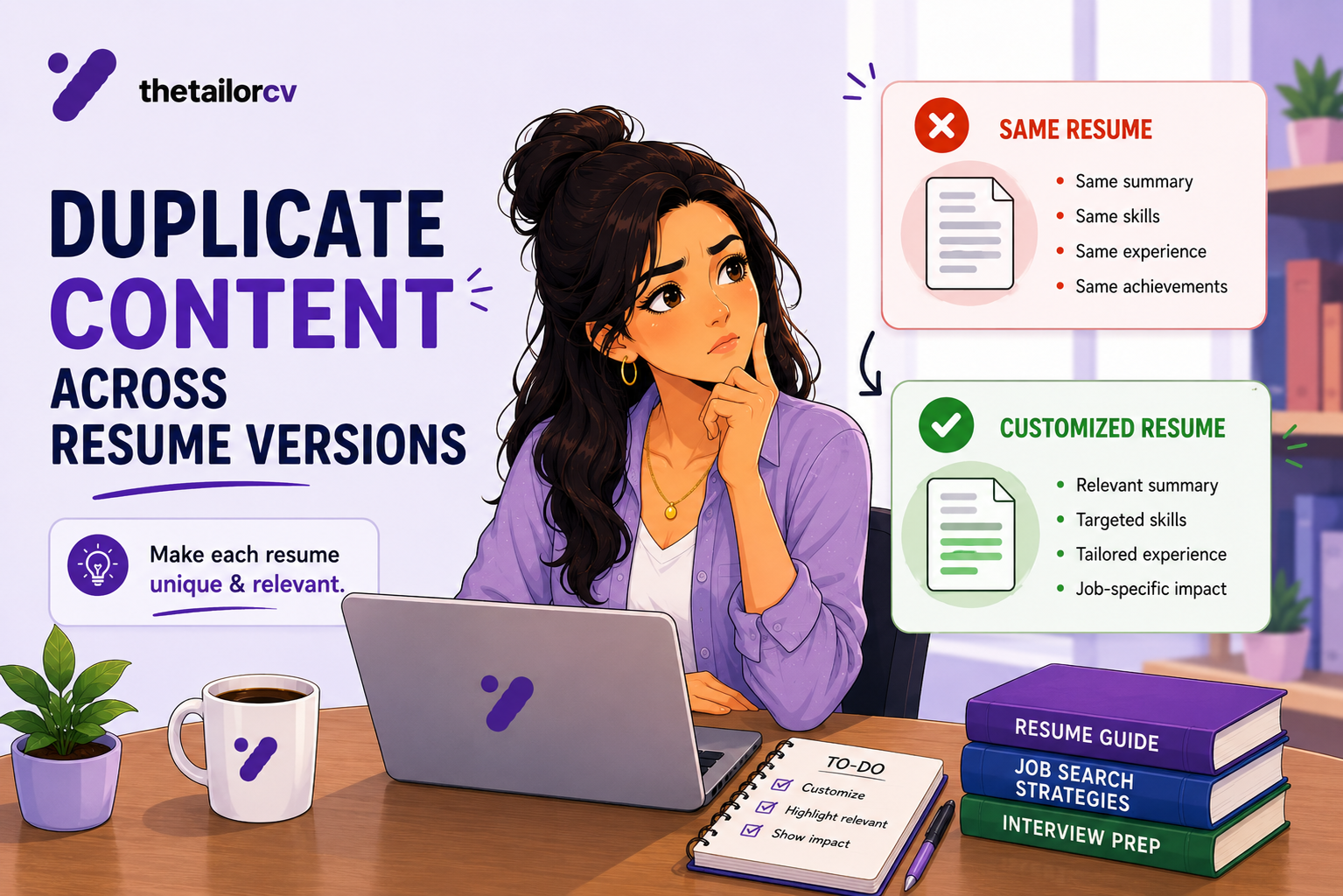
If you have taken tailoring advice seriously, you now have a new problem: eight slightly different resume files, and no easy way to tell which one you sent where. This is a real failure mode, and it is avoidable with a small amount of structure.
The Failure This Causes
The specific danger is not confusion in the abstract — it is sending a resume tailored for Company A's posting to Company B, complete with a stray reference to Company A somewhere in the text. This happens more than people admit, usually from editing a previous version forward rather than starting fresh, and forgetting to change one detail buried mid-document.
A close second: sending an older version of your master resume that is missing an achievement you added since. You tailor from what you think is current, but it is actually last month's file.
The System: Master Plus Derived Versions
Keep one master resume. This is your most complete, most current, best-written version — not tailored to any specific posting, but containing everything true and worth including.
Every application starts from a fresh copy of the master, not from a previous tailored version. Editing forward from Version 12 which was edited forward from Version 7 is how stray details survive multiple rounds unnoticed. Starting clean from the master each time means every version has the same reliable baseline.
Update the master when you learn something new — a new achievement, a better metric, a skill worth adding — so future versions inherit the improvement automatically, rather than needing to be retrofitted into old tailored copies.
File Naming That Actually Works
firstname-lastname-resume-[company]-[role].pdf
Example: sarah-chen-resume-acme-dataanalyst.pdf
This does two things: it makes the file immediately identifiable in a downloads folder, and it makes it obvious if you are about to attach the wrong one — the filename itself is a check.
What to avoid: resume_v2.pdf, resume_final.pdf, resume_final_FINAL.pdf, resume (3).pdf. None of these tell you anything when you are choosing between six files at 11pm before a deadline.
A Simple Log
You do not need software for this — a spreadsheet with five columns covers it:
| Date | Company | Role | File | Score |
|---|---|---|---|---|
| 09/03 | Acme | Data Analyst | sarah-chen-resume-acme-dataanalyst.pdf | 84% |
| 09/03 | Beta Corp | Data Analyst | sarah-chen-resume-betacorp-dataanalyst.pdf | 78% |
This solves three problems at once: you can find which version went where if you get a callback, you can see your typical match scores over time, and you avoid re-tailoring for a company you already applied to.
The Pre-Send Check
Before attaching any file, do a fast scan for leftover details from a previous version — this is the single highest-risk failure and it takes fifteen seconds to check:
- Search the document for any other company name. If you tailored a previous version for a different employer, a stray mention can survive an edit pass focused on other sections.
- Confirm the summary matches this posting, not a previous one you tailored from.
- Confirm the file you are attaching is the one you just edited, not an older export sitting in the same folder. See resume formatting that broke after export for the related file-version trap.
This is worth folding into your last-minute application checklist as a standing step, not just a deadline-night habit.
How Many Versions Is Reasonable to Maintain?
There is no fixed answer, but a useful mental model: keep versions for role types, not for every individual posting. If you are applying to several similar data analyst roles, one well-tailored "data analyst" base version, lightly adjusted per posting, is more manageable than eight fully distinct files.
If you are applying to genuinely different role types — say, both individual-contributor and people-management versions of a similar title — those deserve separate base versions, since the framing differs enough that light adjustment will not bridge the gap. See tailoring for two similar roles.
Automating the Version Problem
If you are applying at real volume, manual version tracking eventually becomes the bottleneck itself. My Resumes keeps every tailored version associated with the job it was built for, and the extension generates a new version directly from a job posting page — removing both the naming problem and the stray-detail risk, since each version is built fresh from your base resume against that specific posting rather than edited forward from a previous one.
What Not to Do
Do not keep editing the same file forward across many applications without ever resetting to a clean master — this is exactly how stray details accumulate and survive.
Do not rely on memory for which version went where once you are applying to more than a handful of roles a week.
Do not skip the pre-send check because you are confident nothing changed — the failure mode is precisely that you do not notice.
For deciding when a separate version is justified and what must stay identical across them, see one resume, two job families.
Frequently Asked Questions
Do I need special software to manage resume versions? No. A consistent file-naming convention and a simple spreadsheet log cover most people's needs.
Should I delete old versions once I've been rejected? Not immediately — a rejected application's version can be a useful starting point for a similar future role. Archive rather than delete.
How do I know if a version has a stray detail from another application? Search the document for other company names before sending, every time. It is the fastest and most reliable check.
Is it better to keep one adjustable master or many separate versions? Both — one master you update over time, and several derived versions for the role types you are actively applying to. Neither approach alone works well at volume.
What if I already sent a resume with a mistake in it? If you catch it, a brief follow-up correcting the error is reasonable. Otherwise, tighten your pre-send check going forward — it is not worth reopening a submitted application over.
Confirm the Version You're About to Send Is Right
Before attaching anything, the fastest confidence check is running the actual file through a scan against the actual posting.
Scan the file you are about to submit — this catches both stray-content problems and confirms the version genuinely matches this specific job, rather than a previous one it was derived from.
Free, about a minute. See also last-minute application checklist and tailoring for two similar roles.
What is your resume scoring right now?
Scan it against a job description and get your ATS match score in about a minute.
Drop your resume here or choose a file
PDF only. Max 2 MB.
We never share your data or use it to train AI models.

Templates that keep this structure intact
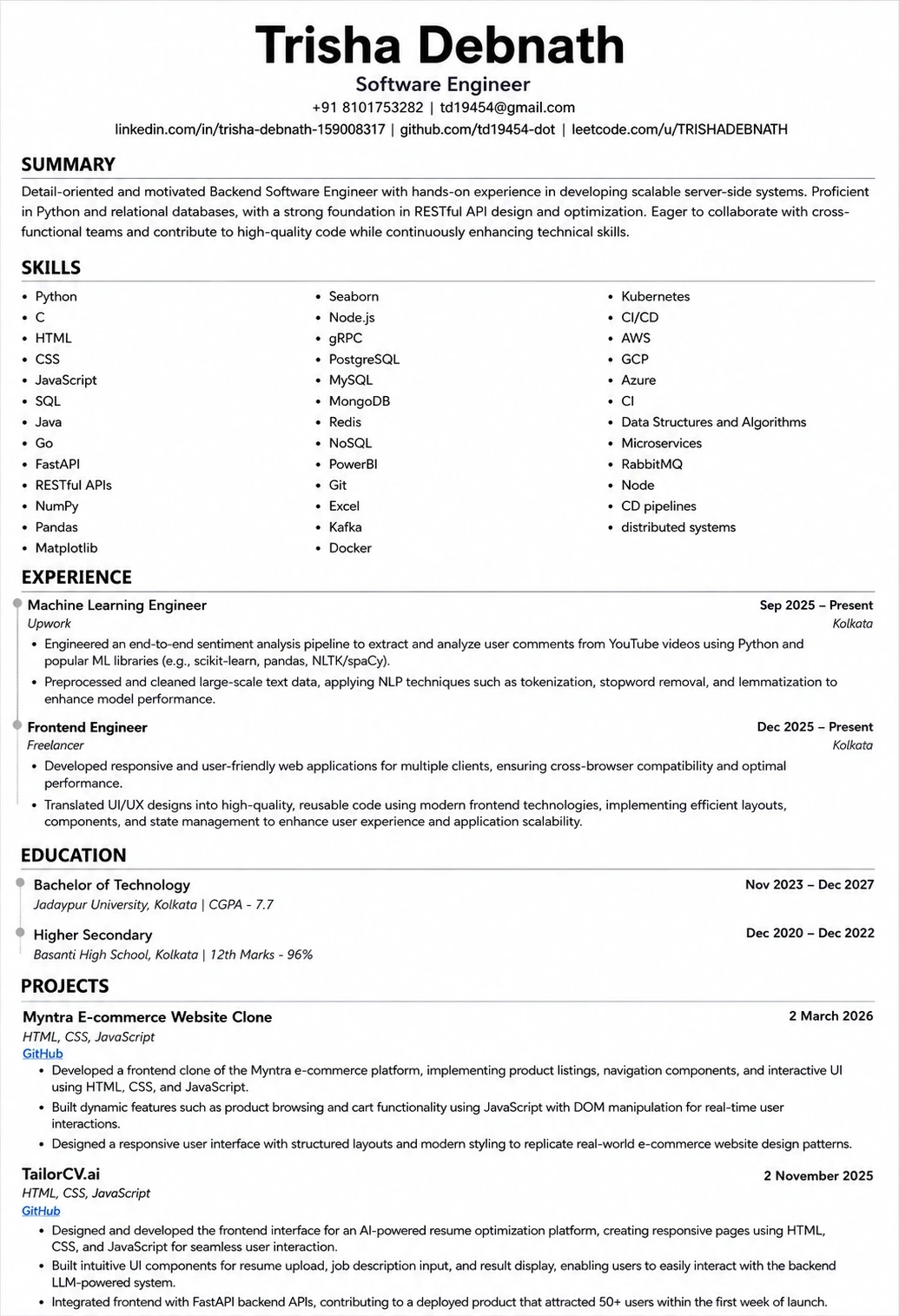
This template is ATS-tested — start from it and the formatting rules in this guide are already handled.
Was this guide useful?
Be the first to rate it.