SS
SS
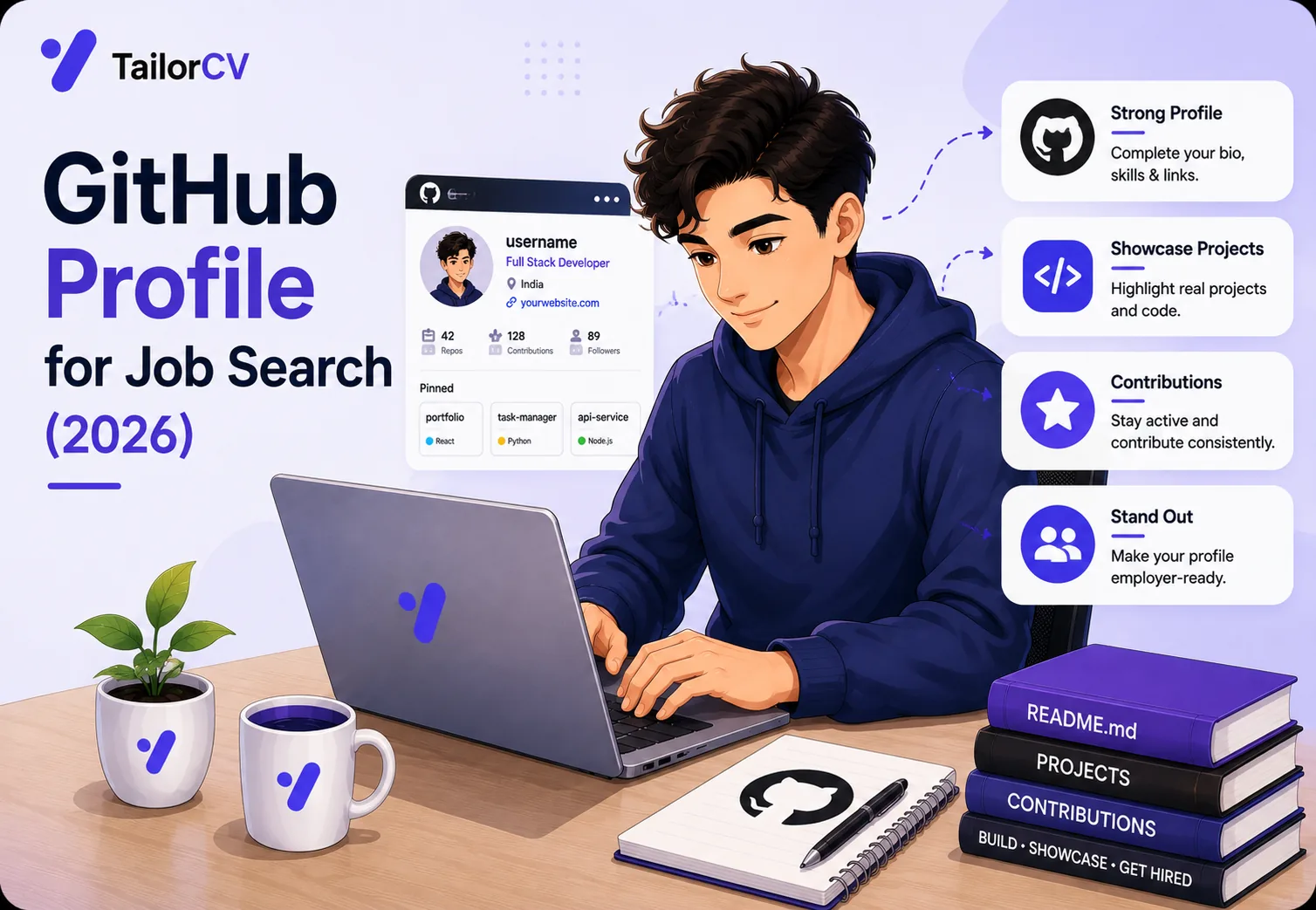
Key Takeaways
- Recruiters open GitHub after the resume, not instead of it - so the profile must confirm what the resume claims rather than repeat it.
- Six pinned repositories decide your first impression; an unpinned profile shows whatever you touched last, which is usually a tutorial fork.
- A profile README is the only part of GitHub you fully control - treat it as a landing page, not a personality quiz.
- Every repository needs a README that answers what it does, why you built it, and how to run it, within the first screen.
- A GitHub link is only useful if it survives into the PDF - many resume templates drop URLs during export.
Most developers treat GitHub as storage. Recruiters treat it as evidence. That gap is where good candidates lose interviews they should have won.
The sequence is almost always the same: your resume gets shortlisted, someone opens the GitHub link to check whether the work is real, and they spend perhaps ninety seconds there. What they see in that window decides whether the conversation continues. This guide covers what to put in front of them.
If your resume is not getting to that stage yet, fix that first with the free ATS score checker and the ATS resume checklist.
Why Recruiters Look at GitHub at All
They are not reviewing your code line by line. Non-technical recruiters cannot, and hiring managers do not have time. They are looking for three signals:
Is this person actually building things? A profile with steady, small commits over months says more than one enormous push in a weekend.
Can they communicate? A README that explains a project clearly suggests someone who can write a design doc and leave a useful PR description.
Does the resume match reality? If your resume claims a machine-learning pipeline and GitHub shows three tutorial forks, the claim collapses. This is the same evidence problem that ruins keyword-stuffed resumes - see why keyword stuffing backfires.
That third point is the one candidates underestimate. GitHub is where an exaggerated resume gets caught.
The Profile README: Your Only Controlled Surface
Creating a repository named exactly after your username, with a README.md inside, pins that file to the top of your profile. It is the first thing a visitor reads.
Most people fill it with animated GIFs, trophy widgets, and a visitor counter. None of that answers a recruiter's question. A profile README should cover, in order:
What you do, in one line
"Backend engineer working in Python and Go, mostly on payments infrastructure." Not "passionate coder on a journey of lifelong learning."
What you have built that matters
Three to five lines, each naming a project and its outcome. Numbers if you have them - users, latency, scale. If you are unsure how to phrase outcomes, the same discipline that improves resume bullets applies here; see how to write resume bullet points.
What you are working on now
One line. It signals momentum, which matters more than volume.
How to reach you
Email and LinkedIn. Make it trivially easy. If your LinkedIn needs work first, start with the LinkedIn profile optimization guide.
Skip the skill-icon wall. A grid of forty logos tells a reader nothing about depth, and experienced engineers read it as noise.
Pinned Repositories Decide Your First Impression
GitHub lets you pin six repositories. If you pin nothing, visitors see your most recently updated work - which is often a fork you cloned to read, or a half-finished experiment.
Pin deliberately:
Lead with your strongest project
Not your biggest. Your clearest. A small, complete, well-documented tool beats a sprawling unfinished platform.
Match the pins to the job you want
Applying for backend roles? Pin services and APIs, not your CSS practice. This is the same tailoring logic that makes a resume work - the resume tailoring guide applies directly.
Remove forks you never contributed to
A forked repository with zero commits from you adds nothing and dilutes the six slots you have.
Include one project that shows collaboration
An open-source contribution, however small, demonstrates that you can work inside someone else's codebase and standards.
Every Repository Needs a Real README
This is the highest-leverage change most developers can make, and it takes twenty minutes per project.
A visitor should learn, without scrolling:
- What it does - one sentence, plain language
- Why it exists - the problem it solves
- How to run it - install and start, copy-pasteable
- What it looks like - a screenshot or a short GIF for anything with an interface
- What you would do next - shows judgment about your own work
That last point separates junior-sounding profiles from senior-sounding ones. Naming a known limitation reads as engineering maturity, not weakness.
A README template that works
# Project Name

One sentence on what this does and who it is for.

## Why
The problem, in two or three sentences.

## Running it
git clone ...
npm install
npm start

## How it works
A short paragraph on the architecture and the one interesting decision.

## Known limits
What you would fix next, and why.
Commit History: What It Actually Signals
The contribution graph is over-interpreted by candidates and under-read by recruiters. Nobody expects a perfect green wall, and a solid block of daily commits often means automated noise rather than real work.
What does read well:
Meaningful commit messages. "Fix null check in payment retry" beats "update", "fixes", and "asdf". A history of clear messages suggests you would leave reviewable PRs.
Steady activity over months. Consistency beats intensity. Twenty commits spread over a quarter says more than two hundred in one weekend.
Work that matches your claimed timeline. If your resume says you built something over six months, a single initial commit contradicts it.
You do not need to commit daily. You do need the history to be legible.
Connecting GitHub to Your Resume
A GitHub profile only helps if recruiters reach it, and this is where a surprising number of candidates lose the link entirely.
Put the URL where it is visible
The contact line at the top of the resume. Not buried in a projects section on page two.
Link individual projects, not just the profile
If your resume mentions a specific project, link that repository directly. Making a recruiter search your profile for the thing you just described adds friction at exactly the wrong moment. See how to add a portfolio link to your resume.
Check that the link survives the PDF
This one catches people out. Many resume builders and templates render a URL as anchor text - the words "GitHub" pointing at nothing - or drop the hyperlink when exporting to PDF. The recruiter sees blue text that does not click.
After exporting, open the PDF and click every link. If it does not navigate, the link does not exist as far as an ATS or a human is concerned. TailorCV preserves project, GitHub, and certification URLs through optimization and export, but whatever tool you use, verify it yourself.
Make sure the resume gets read first
None of this matters if the resume never clears the filter. Run it through the free ATS score checker and fix the structural issues flagged in ATS resume formatting mistakes.
What to Clean Up Before You Apply
Spend an hour on this before your next application:
- unchecked: Archive dead repositories. Coursework and abandoned experiments do not need deleting - archiving greys them out and signals they are historical.
- unchecked: Remove secrets. Scan for committed
.envfiles, API keys, and credentials. A leaked key in your history is a genuine red flag to any security-conscious team. - unchecked: Fix the broken builds. A pinned repository with a failing CI badge undermines the work.
- unchecked: Add a licence. A repository without one is legally ambiguous, and experienced reviewers notice.
- unchecked: Update the bio and location. An outdated role in your bio contradicts your resume.
Common Mistakes
Treating GitHub as a resume substitute. It is corroboration, not replacement. You still need a resume that passes screening - see the ATS score guide.
Pinning tutorial projects. A to-do app from a course looks like a course. If it is your only complete work, extend it into something specific to you.
Empty READMEs on pinned repositories. The most-visited projects with the least explanation is a common and costly combination.
Private-only work. If everything meaningful is private, a recruiter sees nothing. Build one public project you can discuss freely.
A profile that contradicts the resume. Different job titles, different dates, different technologies. Recruiters check, and inconsistency reads as dishonesty even when it is just neglect.
Frequently Asked Questions
Do recruiters really check GitHub?
Technical recruiters and hiring managers frequently do, usually after the resume passes initial screening. Non-technical recruiters check less often but still click the link to confirm it exists and looks active.
How many repositories should I have?
Quality over count. Six well-documented projects beat forty abandoned ones. What matters is that your pinned six are complete, explained, and relevant to the role.
Does the contribution graph matter?
Less than candidates think. Steady activity reads well; an empty year raises questions if your resume claims active development in that period. Nobody expects daily commits.
Should I include work projects?
Only if you have permission and the code is not proprietary. Most employment contracts prohibit it. Describe the work on your resume instead, and build something public that demonstrates the same skills.
What if my GitHub is empty?
Build one thing properly rather than five things halfway. A single complete project with a good README, solving a real problem, is enough to change the conversation. See side projects on your resume for choosing what to build.
Ready to make sure your resume gets recruiters to your GitHub in the first place? Check your ATS score free.
Make This Practical
Do these in order. Pin six relevant repositories and write a README for each one, using the template above. Then add a profile README that says what you do, what you built, and how to reach you.
Next, make the link work. Put your GitHub URL on the contact line, link individual projects where your resume mentions them following how to add a portfolio link to your resume, export to PDF, and click every link to confirm it navigates.
Finally, make sure the resume itself gets read. Run it through the free ATS score checker, fix anything flagged in ATS resume formatting mistakes, and tailor it to each role with the resume tailoring guide.
What is your resume scoring right now?
Scan it against a job description and get your ATS match score in about a minute.
Drop your resume here or choose a file
PDF only. Max 2 MB.
We never share your data or use it to train AI models.

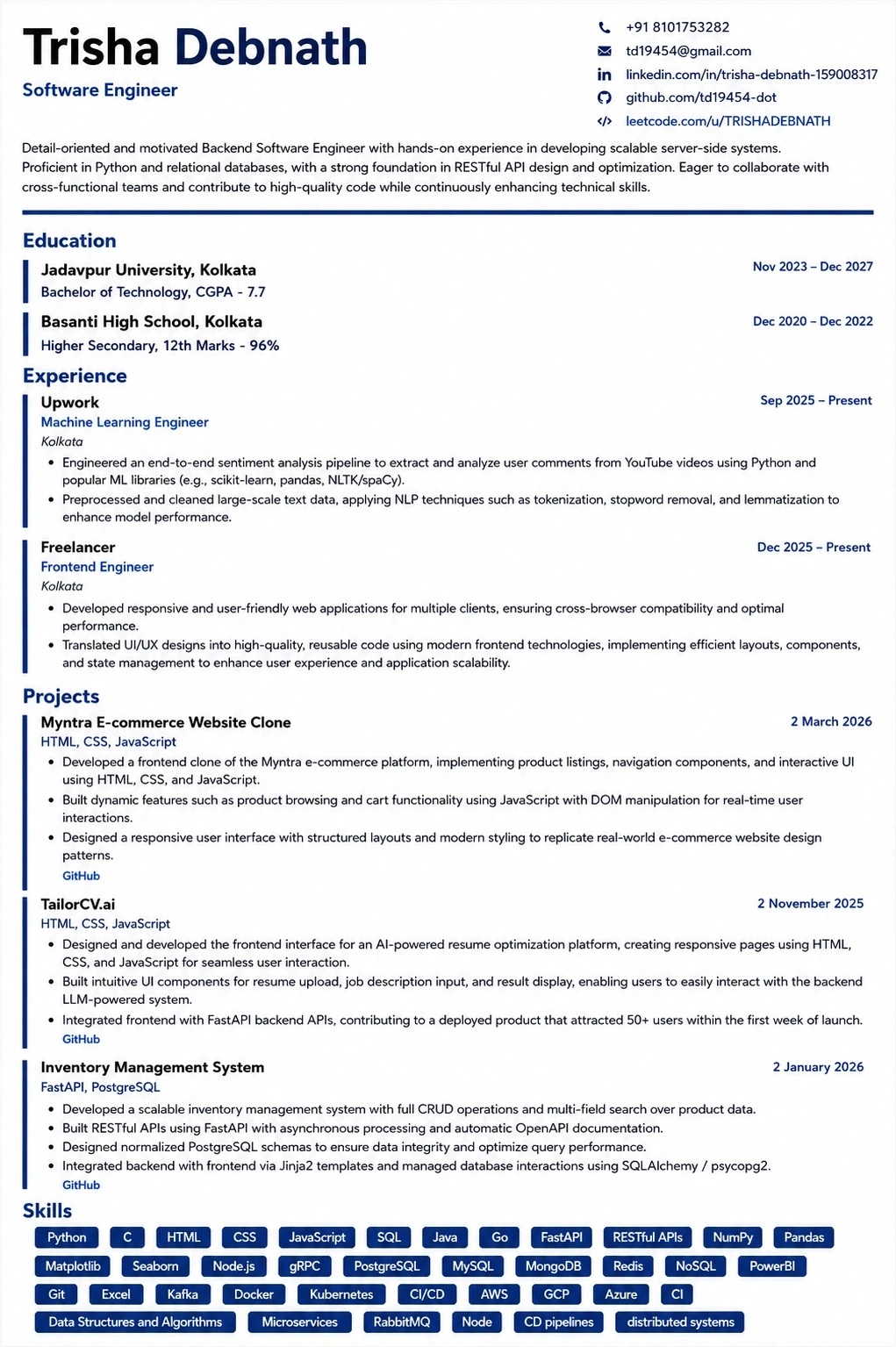
Templates that keep this structure intact
This template is ATS-tested — start from it and the formatting rules in this guide are already handled.
Was this guide useful?
Be the first to rate it.