TD
TD
Key Takeaways
- A teaching portfolio should include a philosophy statement, lesson plans, evidence of student outcomes, classroom management strategies, and professional development certifications.
- Focus on demonstrating student growth through specific examples, detailing the starting point, interventions, and outcomes for each artifact.
- Host your portfolio on a personal website, LinkedIn, or as a printable PDF to ensure accessibility for hiring committees.
- Keep your resume and portfolio aligned in content and messaging to present a cohesive narrative of your teaching experience.
- Avoid common mistakes such as sharing identifiable student information, lacking a clear philosophy statement, and including outdated materials.
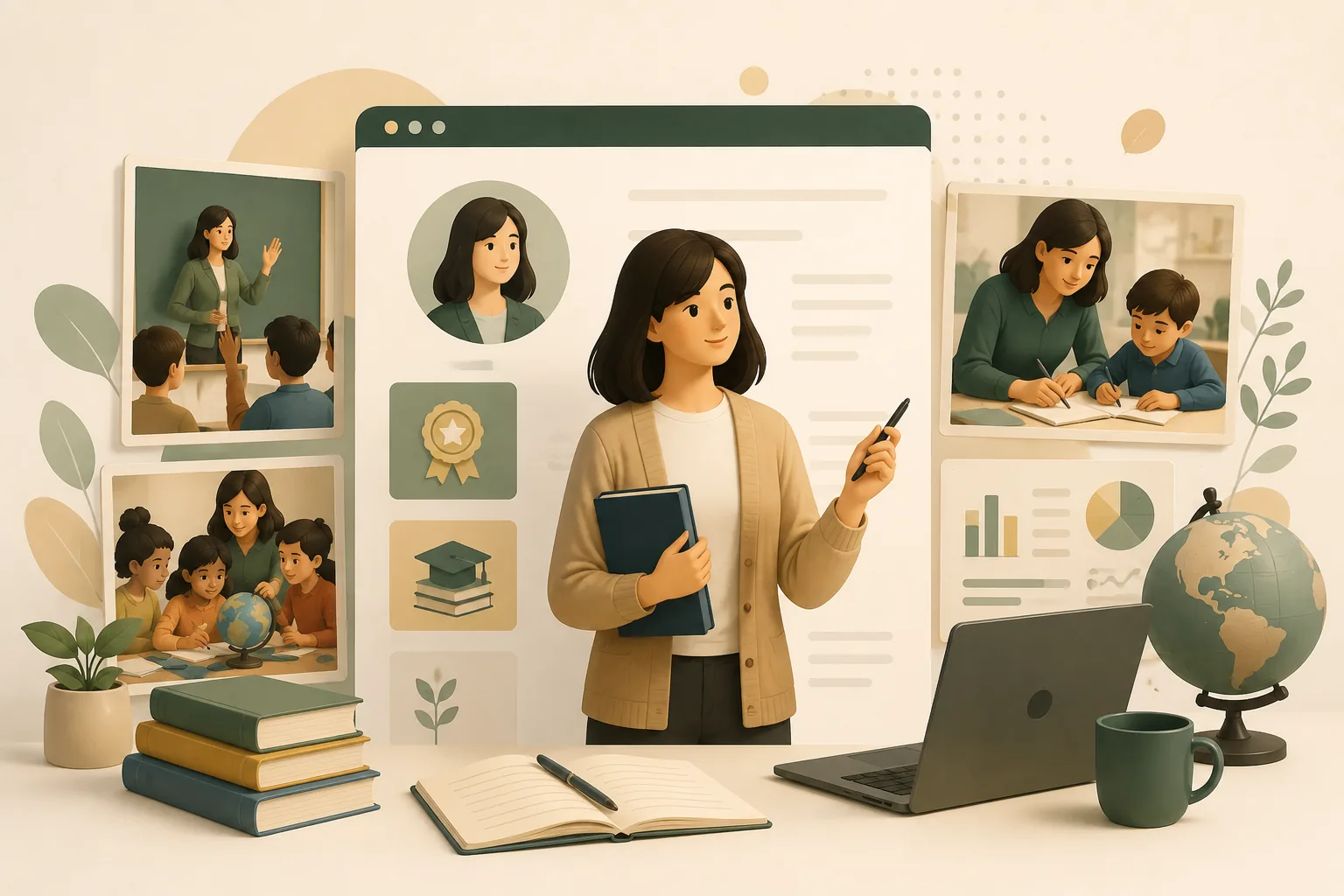
Hiring committees for teaching roles often review dozens of nearly identical resumes. A portfolio is where you show your actual classroom practice - lesson design, student growth, and your teaching philosophy - in a way a resume bullet never can. Pair this with How to Build a Professional Portfolio and Student Portfolio Guide.
What to Include
| What to include | Why |
|---|---|
| A teaching philosophy statement | one page on how you approach learning, differentiation, and classroom culture |
| 2-3 lesson or unit plans | with objectives, materials, and how you adapted for different learners |
| Student outcome evidence | test score growth, reading level improvement, or project examples (with all student names and identifying details removed) |
| Classroom management approach | a brief description of your systems and routines |
| Certifications and professional development | licensure, endorsements, workshops, and any specialized training |
Frame Growth, Not Just Activities
A strong teaching portfolio does not just list what you did - it shows the effect on students. For each artifact:
- The starting point - "60% of students were below grade level in reading comprehension"
- What you did - the intervention, grouping strategy, or curriculum change
- The outcome - "By the spring assessment, 82% were at or above grade level"
Always anonymize student work and data - use initials or "Student A" and never share identifiable records without district permission.
Where to Host It
- A personal site via the TailorCV portfolio builder - simple to keep updated each school year
- LinkedIn Featured section - link your portfolio for administrator and district reviewers
- A printable PDF version for paper application packets some districts still require
Keep Your Resume and Portfolio in Sync
Your resume and portfolio should tell the same story - same grade levels, same subject focus, same headline outcomes - just at different levels of depth. Lock the resume down first with the ATS score checker and an ATS-friendly template, then mirror that positioning in your portfolio. See How to Add Your Portfolio Link to Your Resume for placing the link correctly.
Common Mistakes
- Sharing student names, photos, or grades without parental/district consent
- A portfolio full of activities with no evidence of student growth
- No clear philosophy statement - reviewers want to understand how you think about teaching
- Outdated materials from years-old placements - see Portfolio Checklist Before Applying
Pro Tips
- Include one unit plan that shows differentiation for students at different levels
- Add a short reflection under each artifact explaining what you would change next time
- Generate your portfolio shell from your resume with the portfolio builder and add your lesson plans and philosophy statement
Step-by-Step Guide to Building Your Teacher Portfolio
Creating a teacher portfolio can feel overwhelming, but breaking it down into manageable steps can simplify the process. Follow this step-by-step guide to ensure your portfolio effectively showcases your skills and experiences.
-
Define Your Purpose: Determine the primary purpose of your portfolio. Are you using it for job applications, professional development, or to reflect on your teaching practice?
-
Gather Evidence: Collect examples of your work, including lesson plans, student projects, assessments, and feedback from peers and supervisors. Ensure you have a variety of materials that demonstrate your teaching effectiveness.
-
Choose a Format: Decide whether you want a digital or physical portfolio. Digital portfolios are often easier to share and update. Consider using platforms like TailorCV for a professional look.
-
Organize Your Content: Structure your portfolio into clear sections such as Introduction, Teaching Philosophy, Lesson Plans, Assessments, Professional Development, and Student Feedback. This organization will make it easier for viewers to navigate.
-
Reflect on Your Practice: For each piece of evidence you include, write a brief reflection that explains its significance and what it demonstrates about your teaching. This adds depth to your portfolio.
-
Design for Impact: Pay attention to the layout and design of your portfolio. Use headings, bullet points, and visuals to make it engaging. Tools like TailorCV can help you create a visually appealing portfolio.
-
Seek Feedback: Before finalizing your portfolio, share it with colleagues or mentors for feedback. They can provide insights and suggestions for improvement.
-
Update Regularly: Your portfolio is a living document. Regularly update it with new experiences and reflections to keep it relevant.
Common Mistakes to Avoid
When creating your teacher portfolio, be mindful of these common pitfalls to ensure you present yourself effectively:
-
Overloading with Content: Avoid including too much information. Focus on quality over quantity. Select the best examples that truly represent your teaching.
-
Neglecting Reflection: Failing to include reflections on your work can make your portfolio feel flat. Always accompany your work samples with insights into your teaching practices.
-
Ignoring User Experience: If you opt for a digital portfolio, ensure that it is easy to navigate. Complicated layouts can deter viewers from exploring your content.
-
Not Tailoring to Your Audience: Consider who will be viewing your portfolio and tailor the content accordingly. For example, a portfolio for a teaching job should emphasize relevant skills and experiences.
-
Forgetting to Proofread: Spelling and grammar errors can undermine your professionalism. Always proofread your portfolio or have someone else review it.
Mini Checklist for Your Teacher Portfolio
Use this checklist to ensure your portfolio is comprehensive and well-organized:
Turning a resume into a portfolio site

You upload the resume you already have and the sections fill themselves in - basics, experience, projects, education - so building the site is editing rather than starting from an empty page.
- unchecked: Purpose Defined: Have you clearly defined the purpose of your portfolio?
- unchecked: Evidence Collected: Do you have a variety of work samples and evidence of your teaching?
- unchecked: Sections Organized: Is your content organized into clear and logical sections?
- unchecked: Reflections Included: Have you included reflections for each piece of evidence?
- unchecked: Visual Appeal: Is the design of your portfolio engaging and professional?
- unchecked: Feedback Obtained: Have you sought feedback from peers or mentors?
- unchecked: Regular Updates Planned: Do you have a plan for regularly updating your portfolio?
Scenarios: How to Highlight Your Impact
Consider these scenarios to effectively showcase your impact as an educator within your portfolio:
-
Scenario 1: Implementing Technology: If you integrated technology into your classroom, include a case study of a specific project. Describe the technology used, how it engaged students, and the outcomes achieved. This demonstrates your adaptability and forward-thinking approach.
-
Scenario 2: Differentiated Instruction: Highlight an instance where you differentiated instruction for various learning styles. Include examples of lesson modifications and the positive feedback received from students or parents.
-
Scenario 3: Community Engagement: If you organized a community event or partnership, detail your role and the event's impact on students and the community. Include photos and testimonials to enrich this section.
By using these scenarios, you can illustrate your effectiveness as an educator and the tangible impact you've made on your students and community.
Do's and Don'ts for Your Teacher Portfolio
Do's:
- Do Include a Personal Touch: Share your teaching philosophy and personal anecdotes to make your portfolio relatable.
- Do Use High-Quality Visuals: Include images and graphics that enhance your portfolio and illustrate your teaching methods.
- Do Stay Professional: Maintain a professional tone and appearance throughout your portfolio.
Don'ts:
- Don't Use Jargon: Avoid educational jargon that may confuse those outside the field. Keep your language clear and accessible.
- Don't Include Irrelevant Information: Stick to content that is relevant to your teaching experience and goals.
- Don't Ignore Accessibility: Ensure your digital portfolio is accessible to all users, including those with disabilities.
By following these guidelines and incorporating the suggested elements, your teacher portfolio will effectively showcase your classroom impact and professional growth. For additional insights on crafting a standout portfolio, check out our guide on How to Build a Portfolio With AI - No Coding Required.
Frequently Asked Questions
Can I include real student work?
Only with names, faces, and identifying details removed, and only where your school or district policy allows it. When in doubt, describe the work instead of showing it directly.
I am a new graduate with only student-teaching experience - what do I show?
Your student-teaching unit plans, observation feedback, and a philosophy statement are enough to start. See Portfolio With No Experience.
How do I align my resume?
Match your grade level, subject, and certification language exactly between resume and portfolio - see How to Quantify Resume Achievements for how to phrase outcomes. You can also explore How to Build a Portfolio With AI - No Coding Required for additional tips on creating an effective portfolio.
Build Your Portfolio Now
You do not need to code a site or spend a weekend on a website builder. Turn your existing resume into a live, shareable portfolio in minutes with the TailorCV portfolio builder - choose a theme, upload your CV, let AI pull in your experience, then add your lesson plans and philosophy statement and publish a link for job applications and district portals. Before you apply, run your resume through the free ATS score checker and switch to an ATS-friendly resume template so your portfolio and resume tell one consistent story.
Related Guides
- How to Build a Professional Portfolio
- Student Portfolio Guide
- How to Quantify Resume Achievements
- Portfolio Website for Job Applications
- Portfolio Checklist Before Applying
- Portfolio Mistakes to Avoid
- Portfolio About Me Section
- Portfolio Contact Section
- Portfolio With No Experience
- AI Portfolio Builder: No Code Required
- Private Portfolio Sharing Guide
- Personal Website vs Portfolio
Make This Practical
If this topic connects to your work samples, turn the advice into a live proof page with the TailorCV portfolio builder. After publishing, add the link correctly using How to Add Your Portfolio Link to Your Resume, tighten the page with the Portfolio Checklist Before Applying, and make sure hiring committees can contact you through a clean Portfolio Contact Section.
Your portfolio works best when it supports the resume, not when it replaces it. Run the resume through the free ATS score checker, choose an ATS-friendly resume template, and use Portfolio SEO: Get Found so your name, grade level, and strongest work are easier to discover.
Related Guides to Strengthen This Topic
Use these internal guides to connect this topic with the rest of your job-search workflow:
- How to Build a Professional Portfolio
- Portfolio Website for Job Applications
- Portfolio Checklist Before Applying
- Portfolio Mistakes to Avoid
- How to Write Portfolio Case Study
- Add Portfolio Link to Resume
- Resume Matching With Job Description
- ATS-Friendly Resume Builder
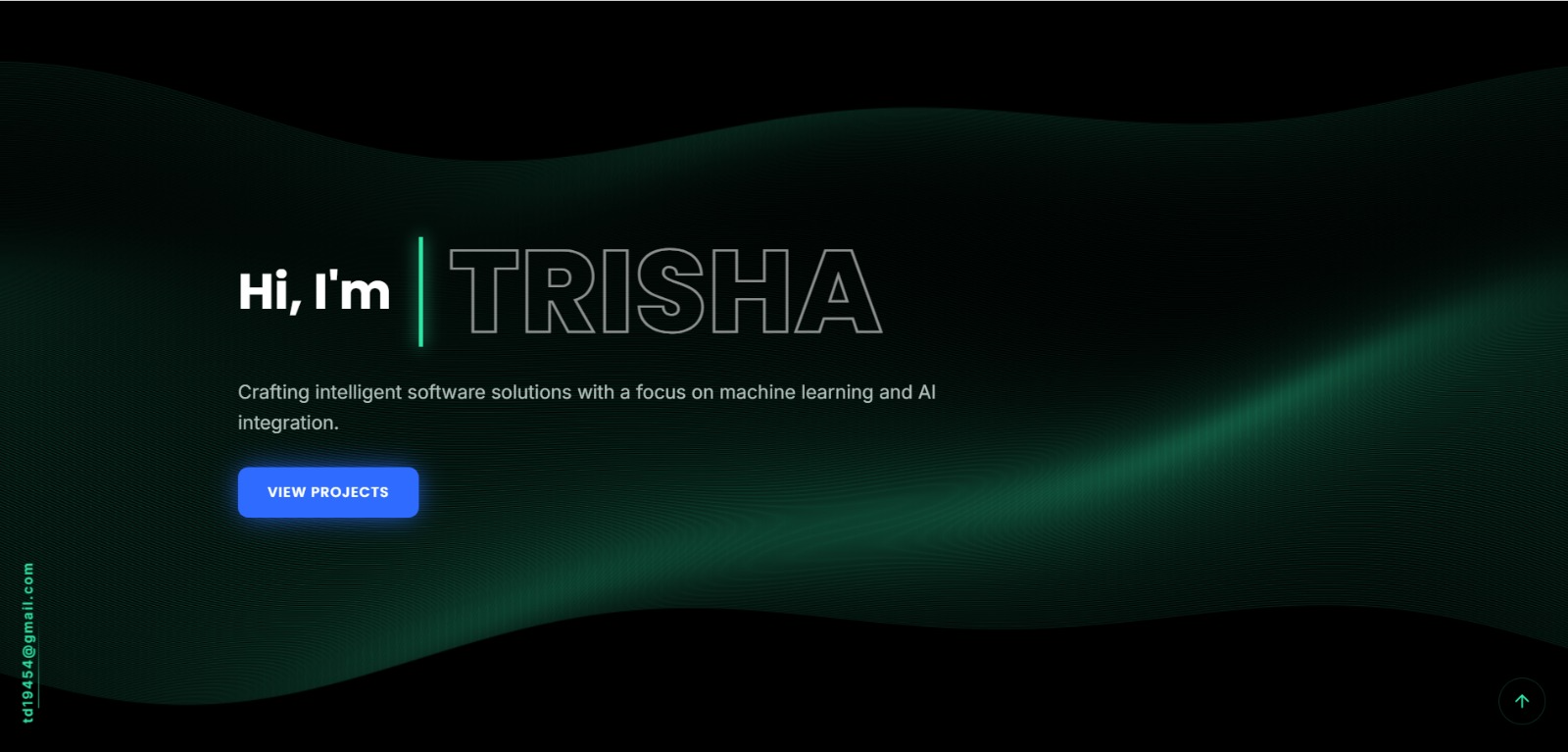
See what your portfolio could look like
This theme is built straight from your resume — pick one and your portfolio is live in minutes.
Was this guide useful?
Be the first to rate it.